Best for Child lock
Roborock S8 + Robot Vacuum
5.0 feature score
Highest scored product for this feature based on supporting review evidence.
Highest scored product for this feature based on supporting review evidence.
Balances feature score, supporting reviews, and overall product strength.
Has the broadest review evidence for this feature.
Strongest overall product among items with scored evidence for this feature.
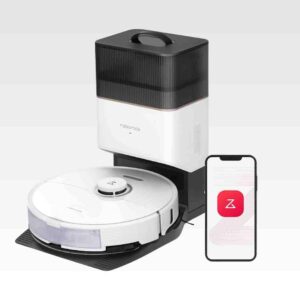
The app-based child lock is a practical family feature that disables the robot's physical controls and prevents accidental starts.
Pros: Tool-change simplicity, Aesthetic design and finish
Cons: Stair Cleaning, Crevice / Groove Pickup (Hard Floors)
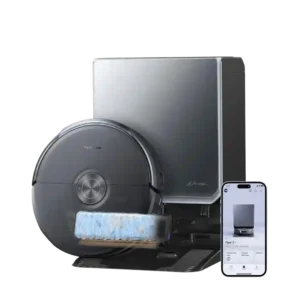
The child lock is a useful safeguard for homes where toddlers might press the robot’s controls and interrupt a run.
Pros: Pet-Ready Features, Accessories and Tools
Cons: Automatic shutoff for obstructions, Crevice / Groove Pickup (Hard Floors)
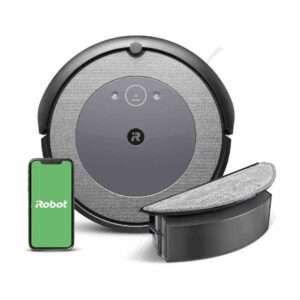
Child and pet lock was positively received as useful for homes with kids or pets bumping buttons.
Pros: Hair‑Wrap / Tangle Resistance, Overall durability/longevity
Cons: Mop lifting system, Cord management
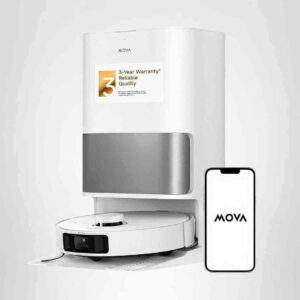
The child lock was valuable for a household with a toddler because it prevented button fiddling during jobs.
Pros: Assembly and Setup, Price and Value
Cons: Dried-On Stain Removal, Overall durability/longevity
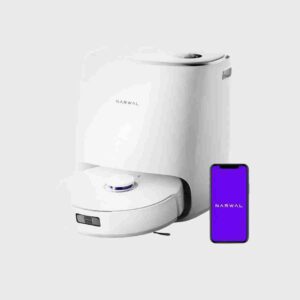
Child lock is a small but useful convenience that reviewers explicitly called nifty or useful.
Pros: Accessories and Tools, Storage footprint and upright-stand stability
Cons: Heating element, Suitability for heavy-duty use
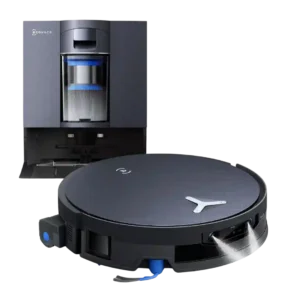
Child lock support is positively described through kid mode that disables top-button access.
Pros: Stuck resistance, Assembly and Setup
Cons: Clogging and debris prevention, Suitability for small spaces
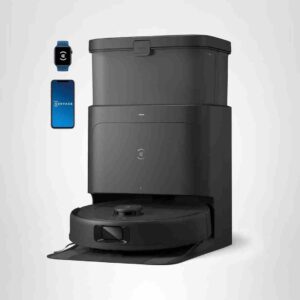
Child lock was initially confusing but easy to undo.
Pros: Pet-Ready Features, Battery and Charging
Cons: Stair Cleaning, Emptying and Mess Control
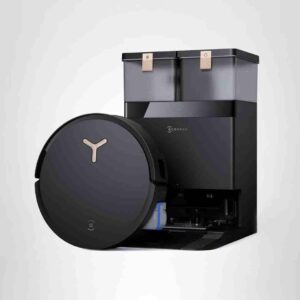
Child-lock evidence was limited but useful, with the app control described as preventing kids from messing with buttons.
Pros: Overall cleaning convenience, Streaking / Residue
Cons: Suitability for small spaces, Dock noise
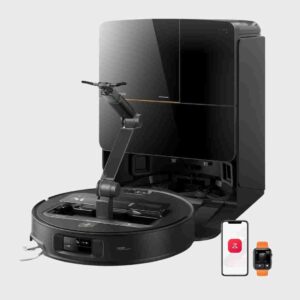
Child lock evidence is limited but positive, with one reviewer confirming the safety control worked when the arm got into trouble.
Pros: Noise level, Maneuverability and Handling
Cons: Clogging and debris prevention, Bin and Bag
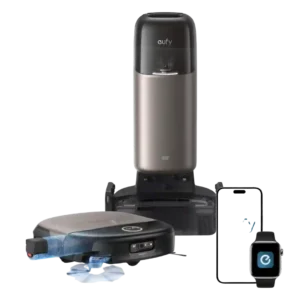
Child lock is useful for preventing accidental dock commands, but it also limits the convenience of the touchscreen. Households with children may rely more heavily on the app.
Pros: Pet-Ready Features, Filtration / Dust Containment
Cons: Ongoing ownership costs (bags, filters