Best overall
Hades II
4.6 overall score
Highest ranked product in this category by consolidated review score.
Highest ranked product in this category by consolidated review score.
Balances a strong score with broader review coverage.
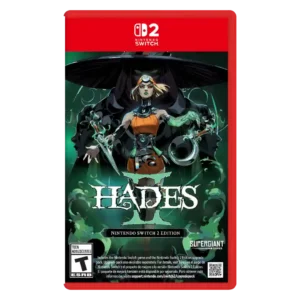
Good if you want fast, tactical roguelite combat with huge progression depth, striking art, and standout music. Skip it if repetition, resource micromanagement, or a less emotionally satisfying sequel story...
Pros: skill tree depth, dialogue quality
Cons: emotional impact, economy and resource balance
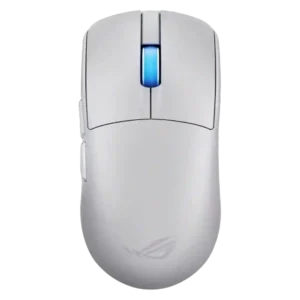
Choose the ROG Harpe II Ace for ultralight FPS play, precise tracking, smooth glide, and web-based tuning. Skip it if you need palm-grip support, MMO buttons, onboard profiles, or long...
Pros: acceleration control, wireless latency
Cons: onboard memory, MMO gaming suitability
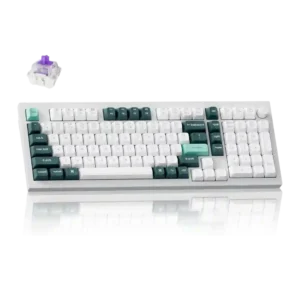
Good if you want a premium 96% Hall Effect keyboard for work and gaming with excellent build, sound, and customization. Skip it if you need cheaper esports-first speed, 8,000Hz polling,...
Pros: cable quality, typing comfort
Cons: portability, switch options

Best for joyful destruction, dense exploration, and a charming DK-Pauline adventure. Skip it if camera quirks, frame-rate dips, easy bosses, or premium Switch 2 pricing are dealbreakers.
Pros: gameplay mechanics, world interactivity
Cons: economy and resource balance, enemy variety
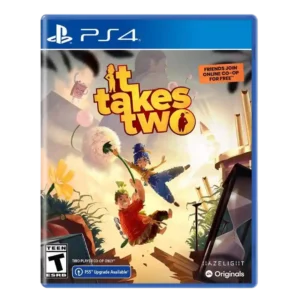
Best for joyful, inventive co-op with a partner, especially on couch. Skip it if divorce themes, uneven story tone, or Switch visual compromises would distract you.
Pros: core gameplay loop, movement feel
Cons: character development, dialogue quality
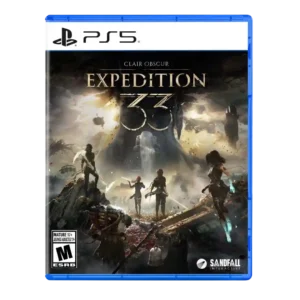
Choose Clair Obscur if you want a story-rich RPG with thrilling timed combat, gorgeous art, and standout music. Skip it if poor maps, tight parry timing, or occasional bugs and...
Pros: monetization fairness, microtransaction impact
Cons: platforming precision, menu usability
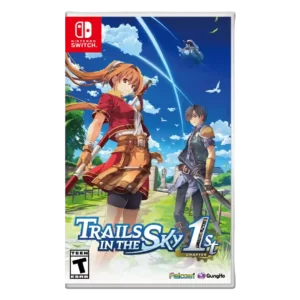
Best for a faithful, modern JRPG remake with rich world-building and strong combat. Skip it if slow-burn pacing, heavy dialogue, or localization rough edges will frustrate you.
Pros: protagonist appeal, art direction
Cons: camera behavior, tutorial quality
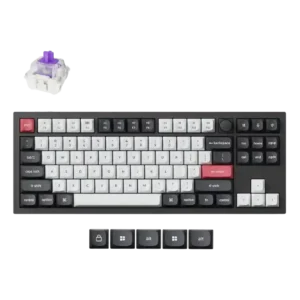
Good if you want a premium, quiet TKL Hall Effect keyboard for typing and gaming. Skip it if price, portability, 8,000Hz polling, or broad switch choice matters most.
Pros: build quality, extra gaming features
Cons: switch options, hot-swappable switches
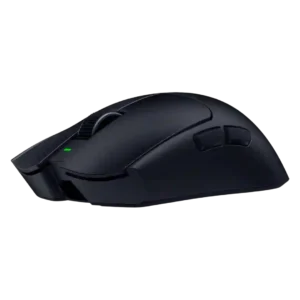
Best for ultra-light, competition-focused speed, precise tracking, stable wireless, and long battery life. Skip it if you need quieter clicks, left-handed support, Bluetooth, more buttons, or better value for casual...
Pros: balance and weight distribution, build quality
Cons: dock compatibility, Bluetooth support
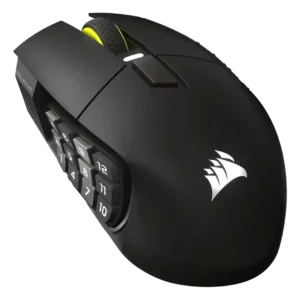
Choose it if you want a premium MMO/productivity mouse with 12 adjustable side buttons, strong battery life, and Stream Deck integration. Skip it if you need an ultralight FPS mouse,...
Pros: click latency, macro support
Cons: firmware reliability, tilt gesture controls
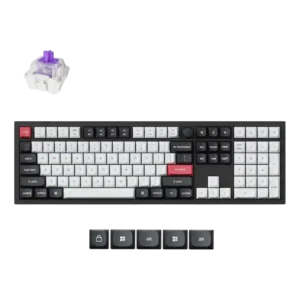
Good if you want a premium full-size Hall Effect keyboard with smooth switches, quiet sound, and deep customization. Skip it if you need a portable, budget-friendly board or broad switch...
Pros: key stability, frame rigidity
Cons: portability, switch options
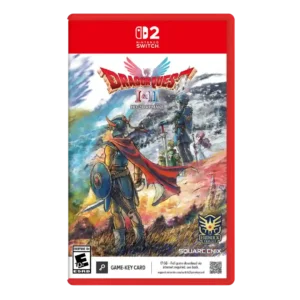
Choose it if you want classic turn-based Dragon Quest modernized with richer stories, gorgeous HD-2D visuals, and helpful quality-of-life options. Skip it if random encounters, grinding, or occasional difficulty spikes...
Pros: visual effects quality, environmental detail
Cons: AI behavior, level design
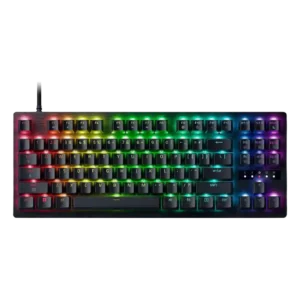
Good if you want esports speed, analog tuning, and deep customization. Skip it if typing comfort, quiet office use, or included extras matter more.
Pros: polling rate, RGB customization
Cons: key stability, typing comfort
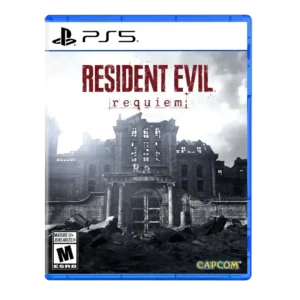
Best for tense Grace-led horror, slick Leon action, and lavish franchise callbacks. Skip it if you want a bolder reinvention, evenly mixed pacing, or substantial post-game modes.
Pros: driving mechanics, protagonist appeal
Cons: platform-specific feature support, checkpoint system
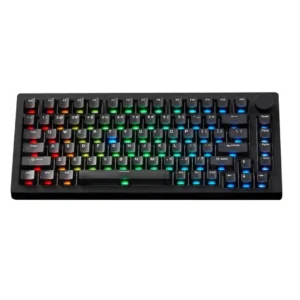
Best for a heavy aluminum 75% board with strong sound, battery life, modding, and gaming features. Skip it if you need travel portability, flawless RGB, or effortless Mac/Windows mode switching.
Pros: switch options, hot-swappable switches
Cons: portability, cable quality
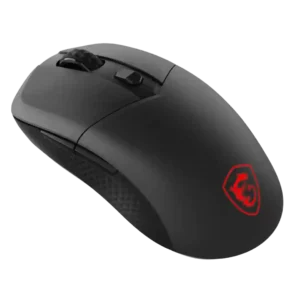
Best for precise wireless tracking, smooth glide, strong battery life, and unusually good 8K value. Skip it if you need polished software, quiet snappy clicks, true left-handed controls, or gentle...
Pros: Accuracy and tracking precision, click latency
Cons: software stability, profile switching

Best for No Return, polished combat, strong extras, and the best-looking version of Part II. Skip it if you only want major story changes, dislike grim violence, or already played...
Pros: core gameplay loop, level design
Cons: family friendliness, puzzle design

Best for stunning open-world exploration, fluid weapon combat, and a strong revenge story. Skip it if familiar Tsushima-style structure, repeated side activities, mature violence, or limited accessibility options are dealbreakers.
Pros: movement feel, environmental detail
Cons: puzzle design, age appropriateness
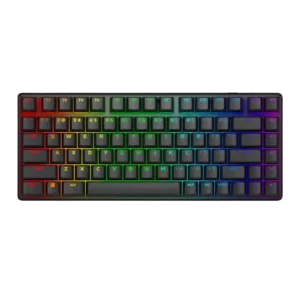
Best for a premium compact wireless keyboard with smooth switches, strong RGB, stable gaming performance and long battery life. Skip it if you need rapid trigger, a quieter board, richer...
Pros: key stability, backlight brightness
Cons: rapid trigger support, wrist rest quality
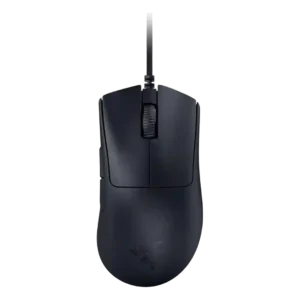
Good if you want an ultralight wired FPS mouse with elite tracking, fast clicks, and large-hand comfort. Skip it if you need wireless freedom, left-handed support, RGB, richer buttons, or...
Pros: Accuracy and tracking precision, sensor performance
Cons: handedness options, tilt gesture controls
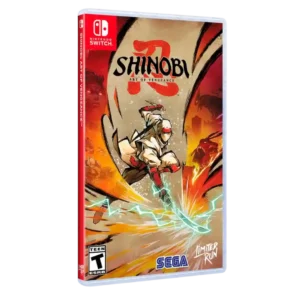
Best for gorgeous 2D art, fluid combat, and rewarding replay. Skip it if you need deep storytelling, flawless platforming, or smooth Switch performance.
Pros: graphics quality, environmental detail
Cons: bug frequency, dialogue quality
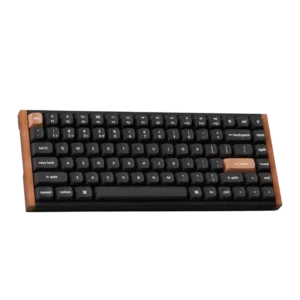
Good if you want a stylish 75% Hall effect keyboard with smooth typing, rapid-trigger gaming, and deep web customization. Skip it if you need tactile switch variety, a numpad, brighter...
Pros: wrist rest quality, onboard memory
Cons: per-key lighting control, switch options
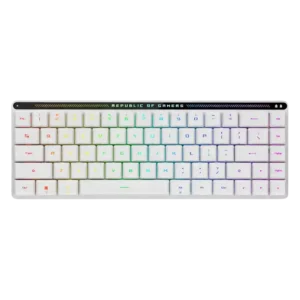
Best for a quiet, premium, compact wireless board with excellent switches. Skip it if you need hot-swappable switches, a full layout, polished software, or the lowest price.
Pros: reliability, typing comfort
Cons: cable quality, wrist rest quality
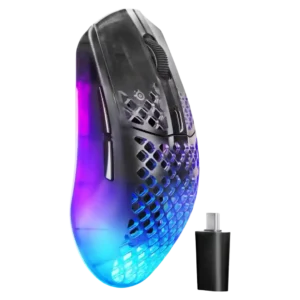
Choose the Aerox 3 Wireless Gen 2 if you want a light, fast wireless FPS mouse with strong software and battery life. Skip it if you dislike honeycomb shells, need...
Pros: click latency, motion consistency
Cons: palm grip comfort, fingertip grip comfort

Best for expressive parry-driven combat, flexible difficulty, and inventive vine traversal. Skip it if unclear tutorials, targeting issues, or a familiar post-apocalyptic story would undermine the experience.
Pros: soundtrack quality, value for money
Cons: onboarding experience, aiming precision
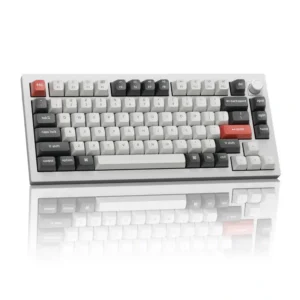
Best for a compact, tank-like 75% board with excellent typing, marathon battery life, and deep customization. Skip it if you need portability, adjustable feet, magnetic-switch features, or cannot risk the...
Pros: legend visibility, RGB customization
Cons: actuation consistency, rapid trigger support
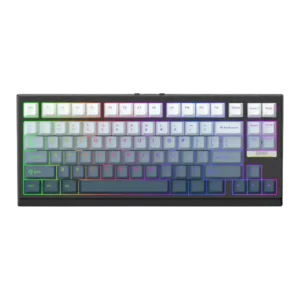
Good if you want a compact Hall Effect keyboard with smooth typing, strong gaming response, bright RGB, and good value. Skip it if you need polished software, quiet heavy presses,...
Pros: desk space efficiency, layout options
Cons: compatibility
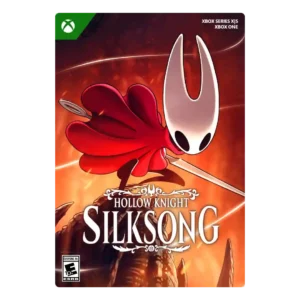
Choose Silksong for a gorgeous, demanding Metroidvania with superb movement, bosses, music, and secrets. Skip it when long runbacks, sparse checkpoints, resource grinding, or limited accessibility options would turn challenge...
Pros: core gameplay loop, world interactivity
Cons: loot system, accessibility options
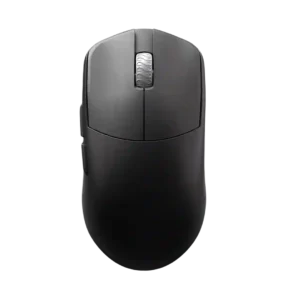
Best for a light, stable, claw-friendly wireless mouse with top-tier skates, clicks and sensor performance. Skip it if you need long 8K battery life, soft side buttons or a flexible...
Pros: DPI range, balance and weight distribution
Cons: charging convenience, click noise
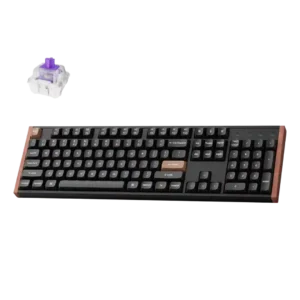
Good if you want a refined full-size Hall Effect board with fast gaming response, creamy sound, and deep customization. Skip it if desk space, portability, offline software, shine-through legends, or...
Pros: wireless performance, key responsiveness
Cons: switch options, desk space efficiency
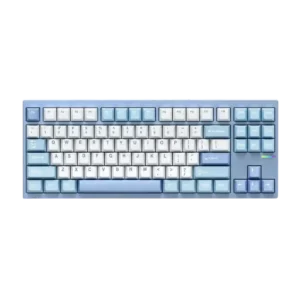
Choose the McHose GX87 if you want a dense aluminum TKL with standout sound, easy modding, and excellent value. Skip it if you need a light travel board, tactile switch...
Pros: value for money, customization options
Cons: cable quality, portability
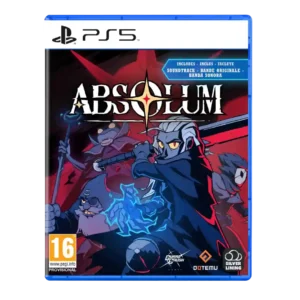
Best for gorgeous beat-em-up combat, standout music, strong co-op, and replayable buildcrafting. Skip it if grind-heavy roguelite progression, repeated routes, or thin endgame content will wear you down.
Pros: mission design, world interactivity
Cons: quest design, endgame content
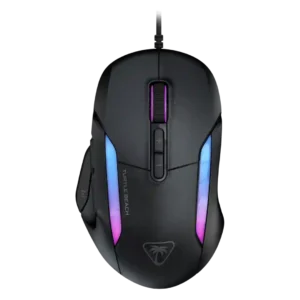
Choose the Kone II if you want a large, ergonomic mouse with deep customization and strong sensor performance. Skip it if you have small hands, need an ambidextrous mouse, or...
Pros: click latency, motion consistency
Cons: handedness options, portability
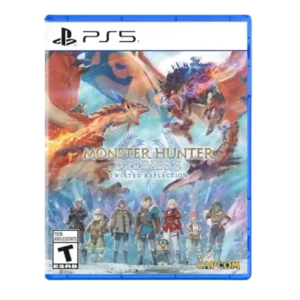
Best for deep tactical battles, rewarding exploration, flexible Monstie builds, and a more mature story. Skip it if slow combat, late-game grind, thin multiplayer/endgame, or uneven Switch 2 performance would...
Pros: puzzle design, level design
Cons: crash stability, multiplayer design
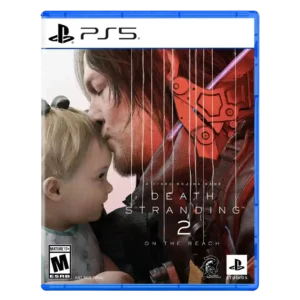
Choose Death Stranding 2 if you want a gorgeous, stranger, more action-friendly delivery epic with powerful performances. Skip it if fetch quests, Kojima exposition, reduced tension, or easier traversal undercut...
Pros: animation quality, facial animations
Cons: quest design, AI behavior
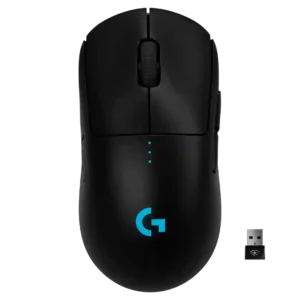
Best for FPS-focused, ambidextrous, cable-free play with excellent tracking and battery life. Skip it if you need MMO buttons, Bluetooth, top-tier value, or worry about long-term double-click issues.
Pros: polling rate, motion consistency
Cons: MOBA gaming suitability, durability over time
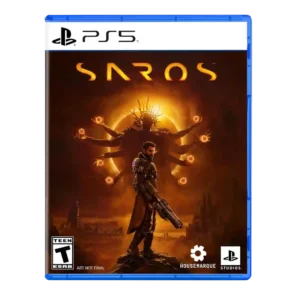
Best for elite bullet-hell shooting, rich PS5 spectacle, and flexible difficulty. Skip it if you need a tightly resolved story, deep buildcrafting, or consistently short boss encounters.
Pros: value for money, fun factor
Cons: map and navigation design, side character depth
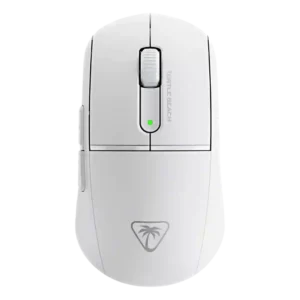
Choose the Burst II Air for an ultra-light, smooth, responsive shooter mouse with strong battery life. Skip it if you want RGB, higher-than-1k polling, a premium shell, or lots of...
Pros: weight, balance and weight distribution
Cons: water and dust resistance, RGB features
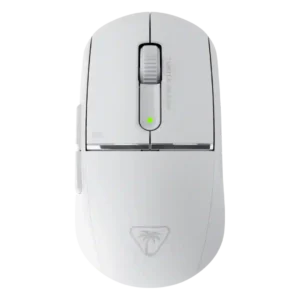
Choose the Burst II Pro for a very light, responsive wireless FPS mouse with strong battery life and deep tuning. Skip it if creaky sides, softer clicks, a polarizing rear...
Pros: wireless latency, surface compatibility
Cons: RGB features, firmware reliability
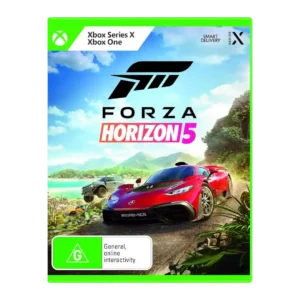
Good if you want a gorgeous, generous open-world racer with superb driving, cars, and exploration. Skip it if you need a focused story, deep competitive structure, smooth online play, or...
Pros: controls responsiveness, movement feel
Cons: tutorial quality, animation quality