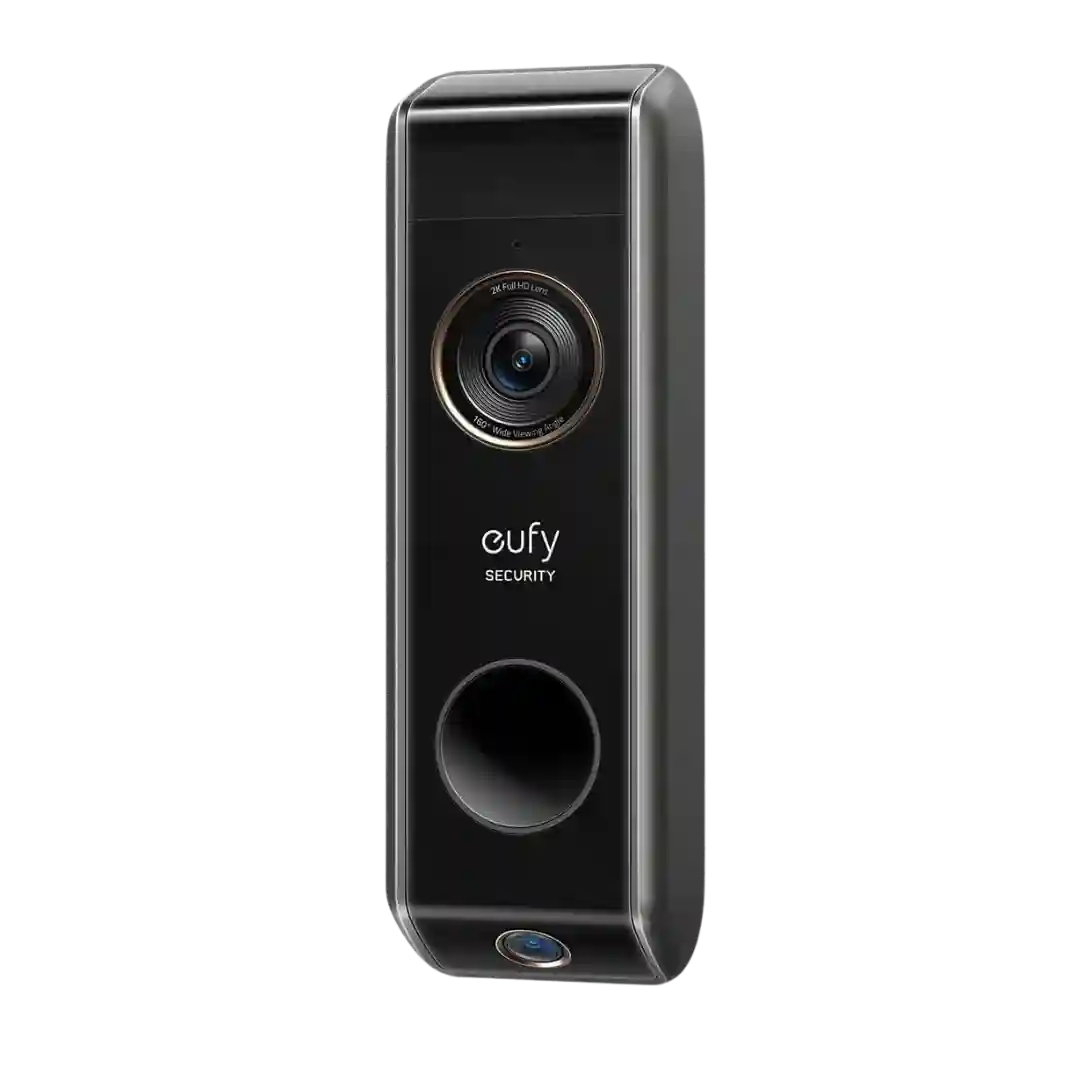
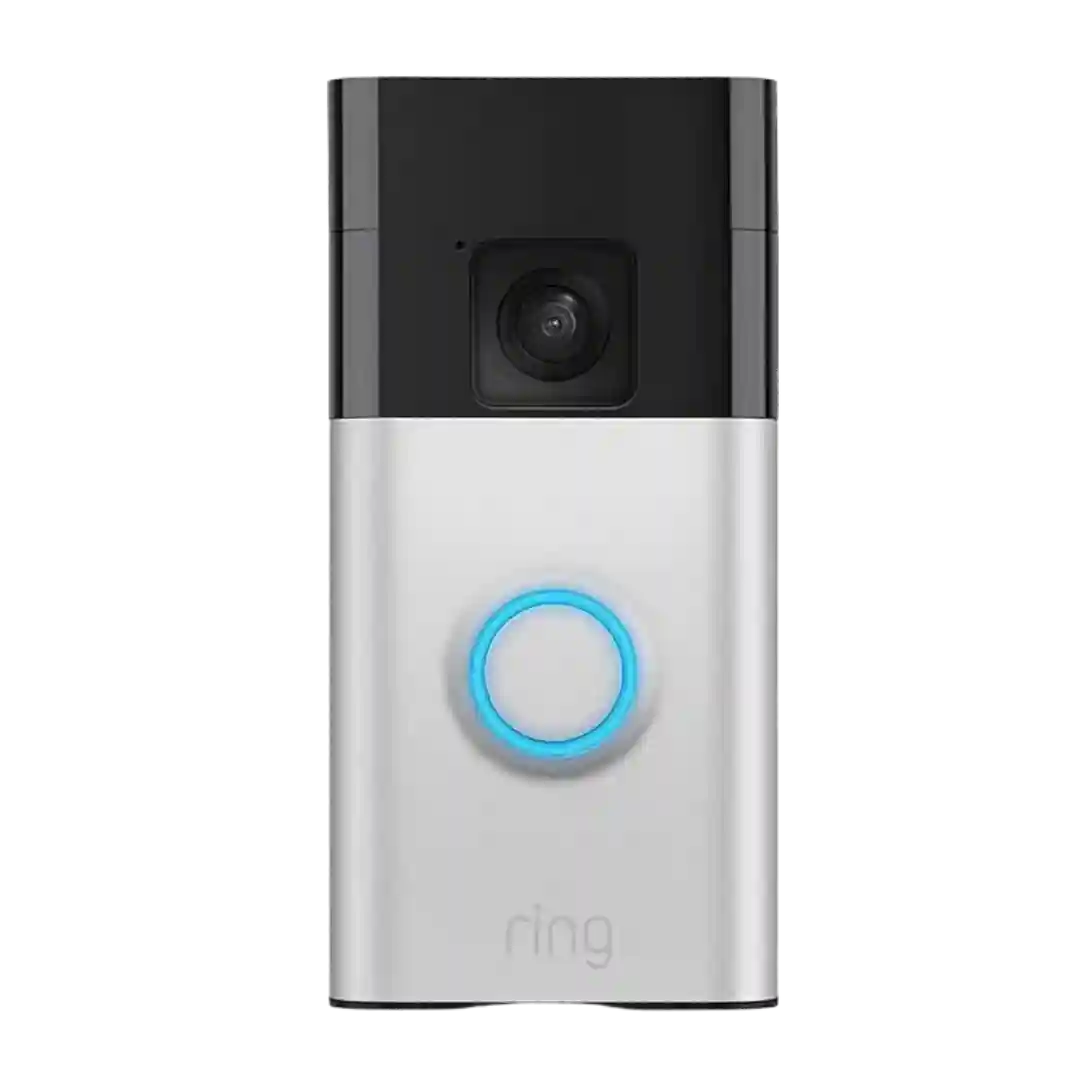
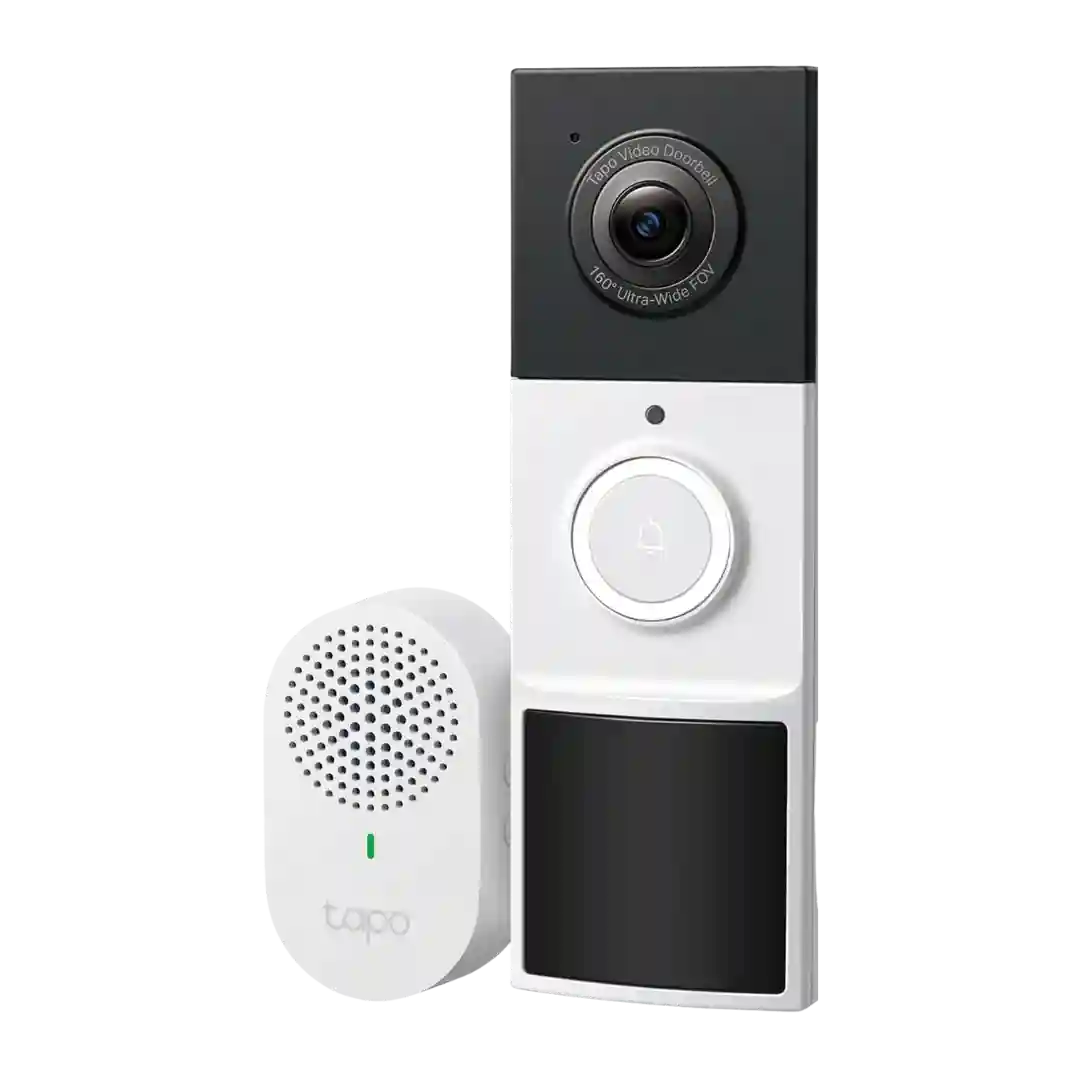
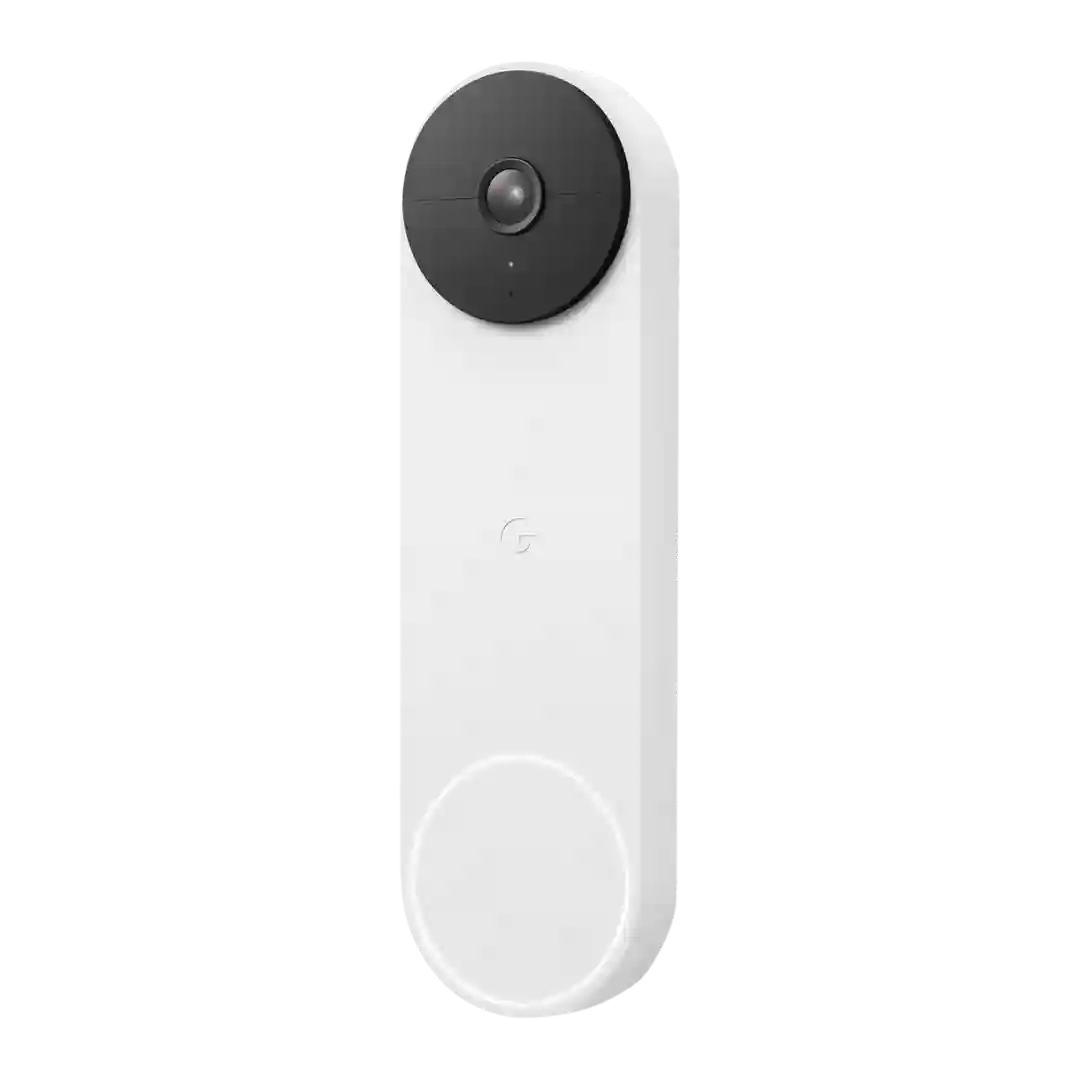
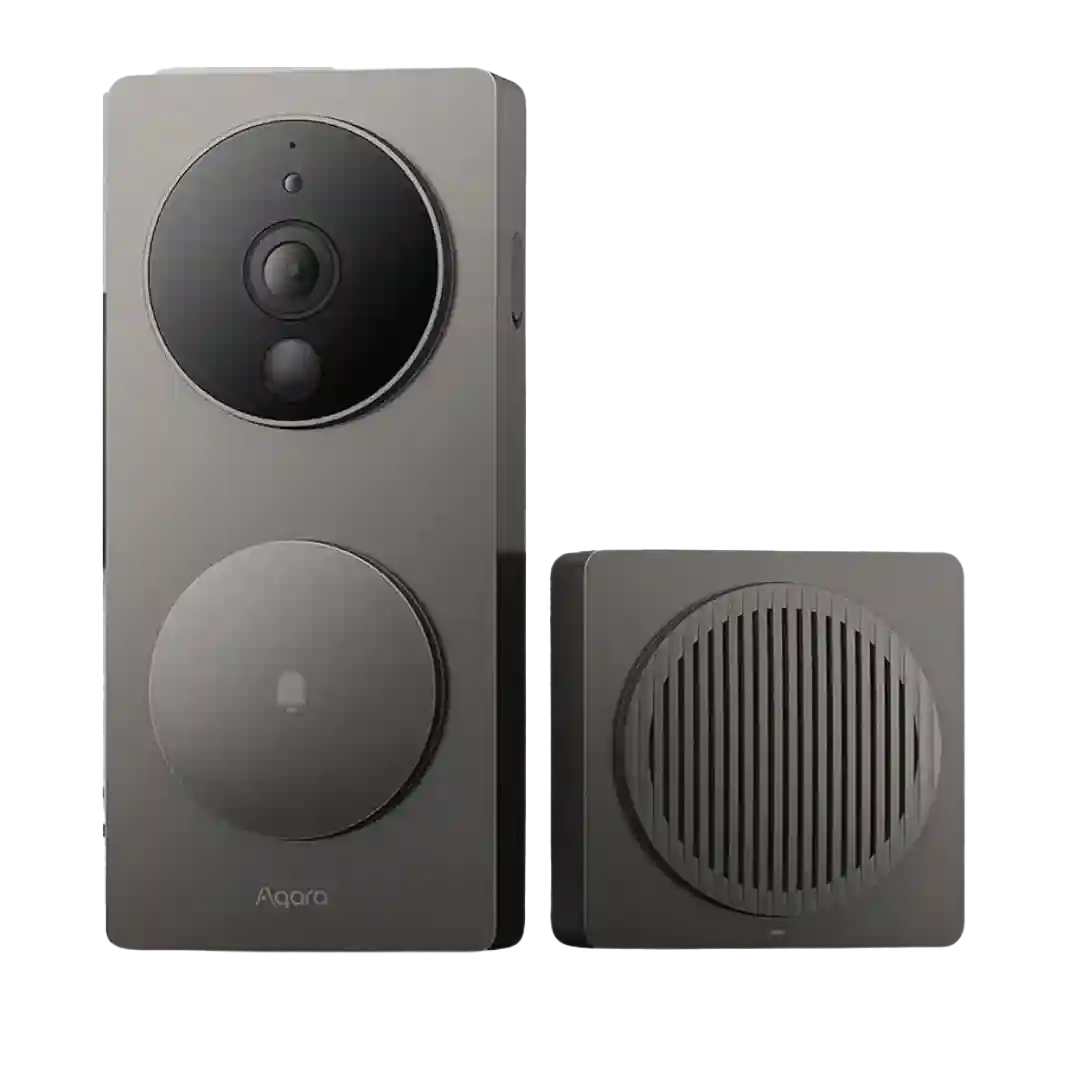
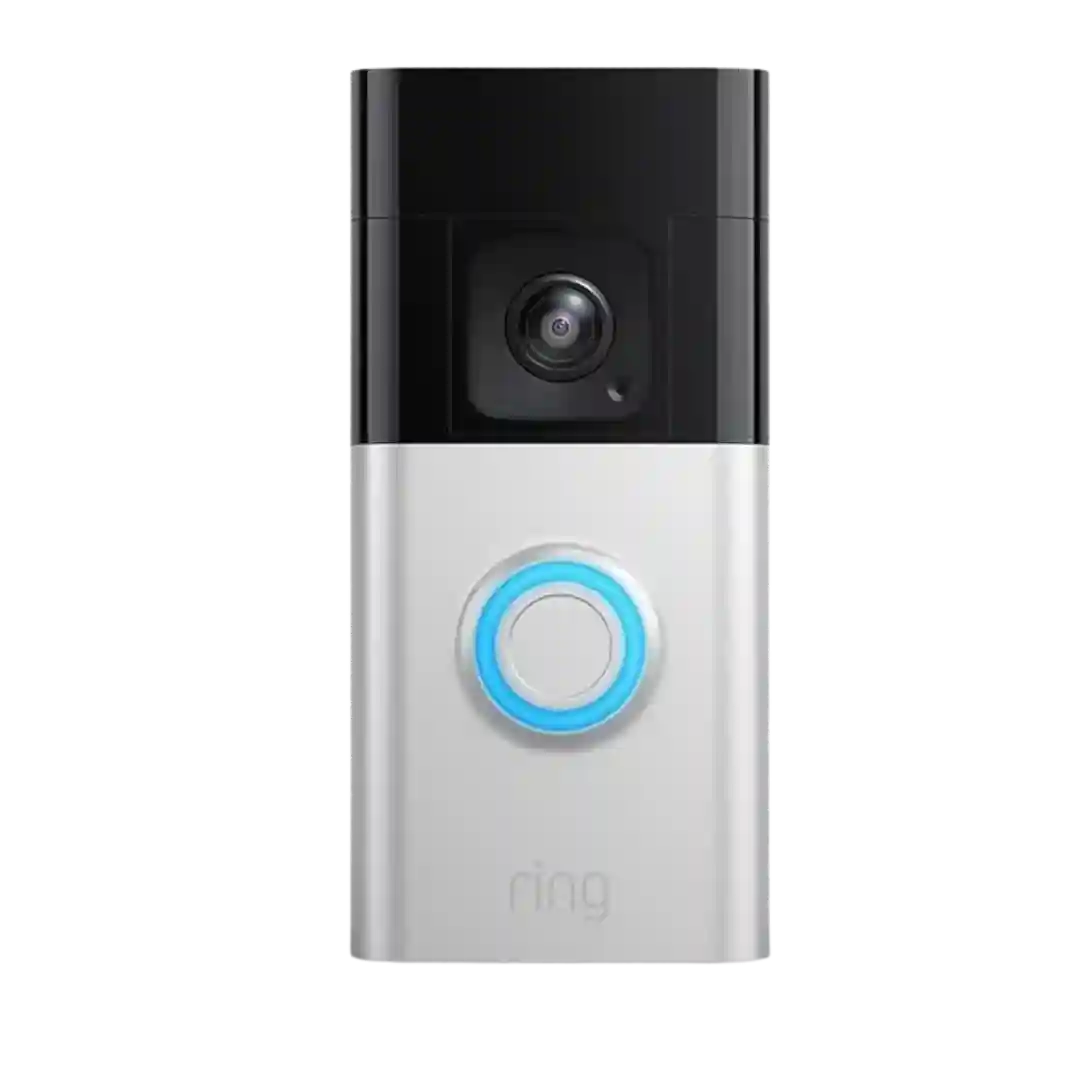
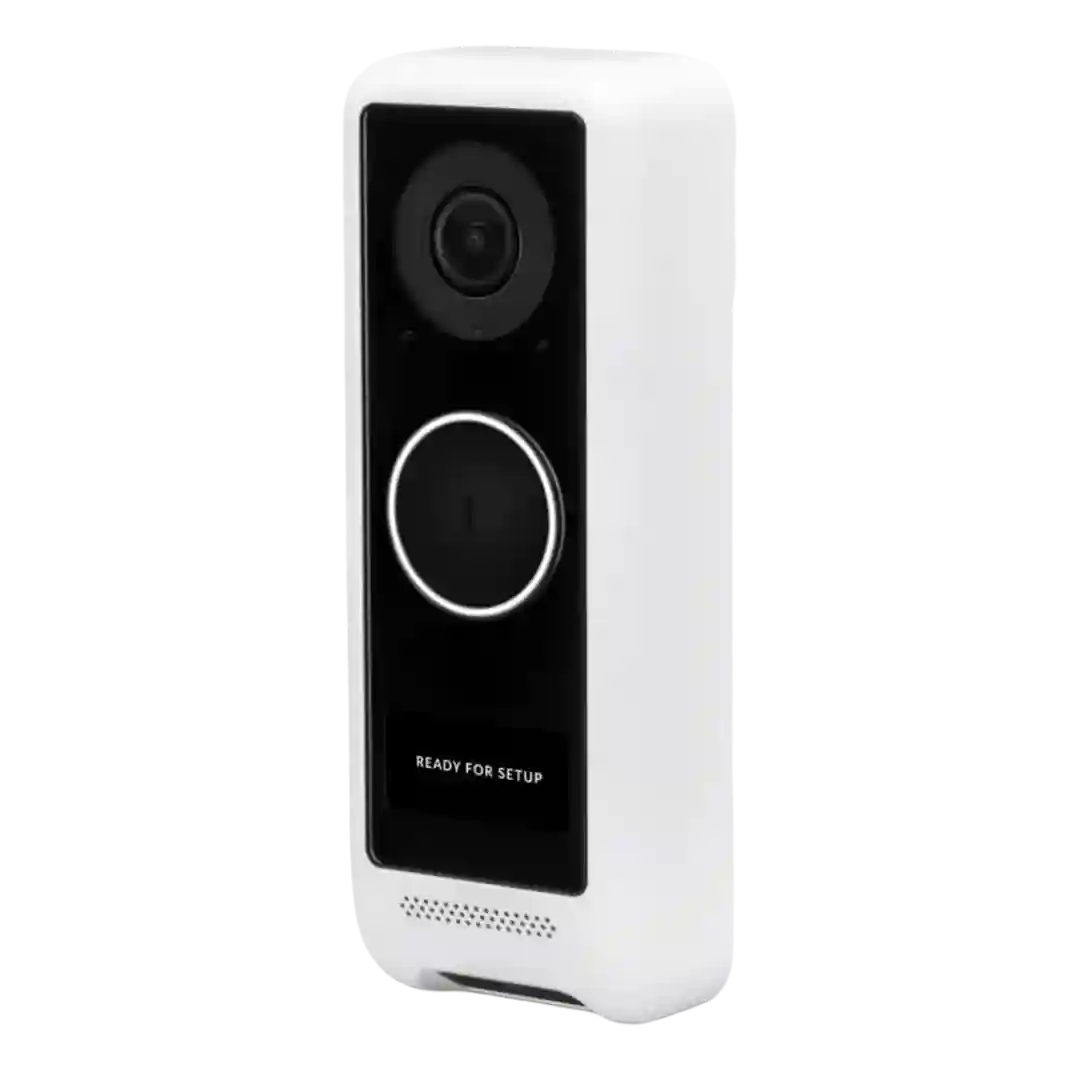
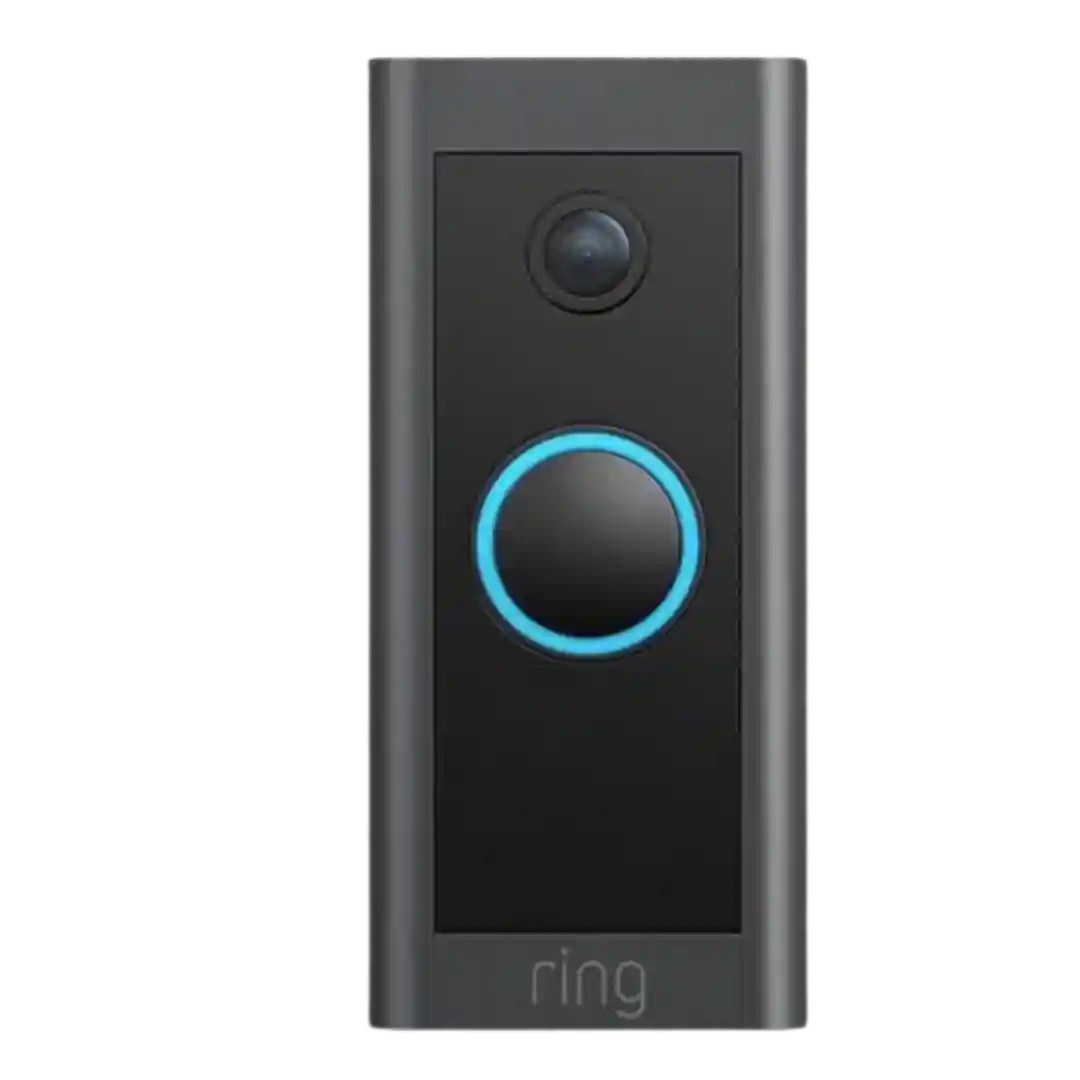
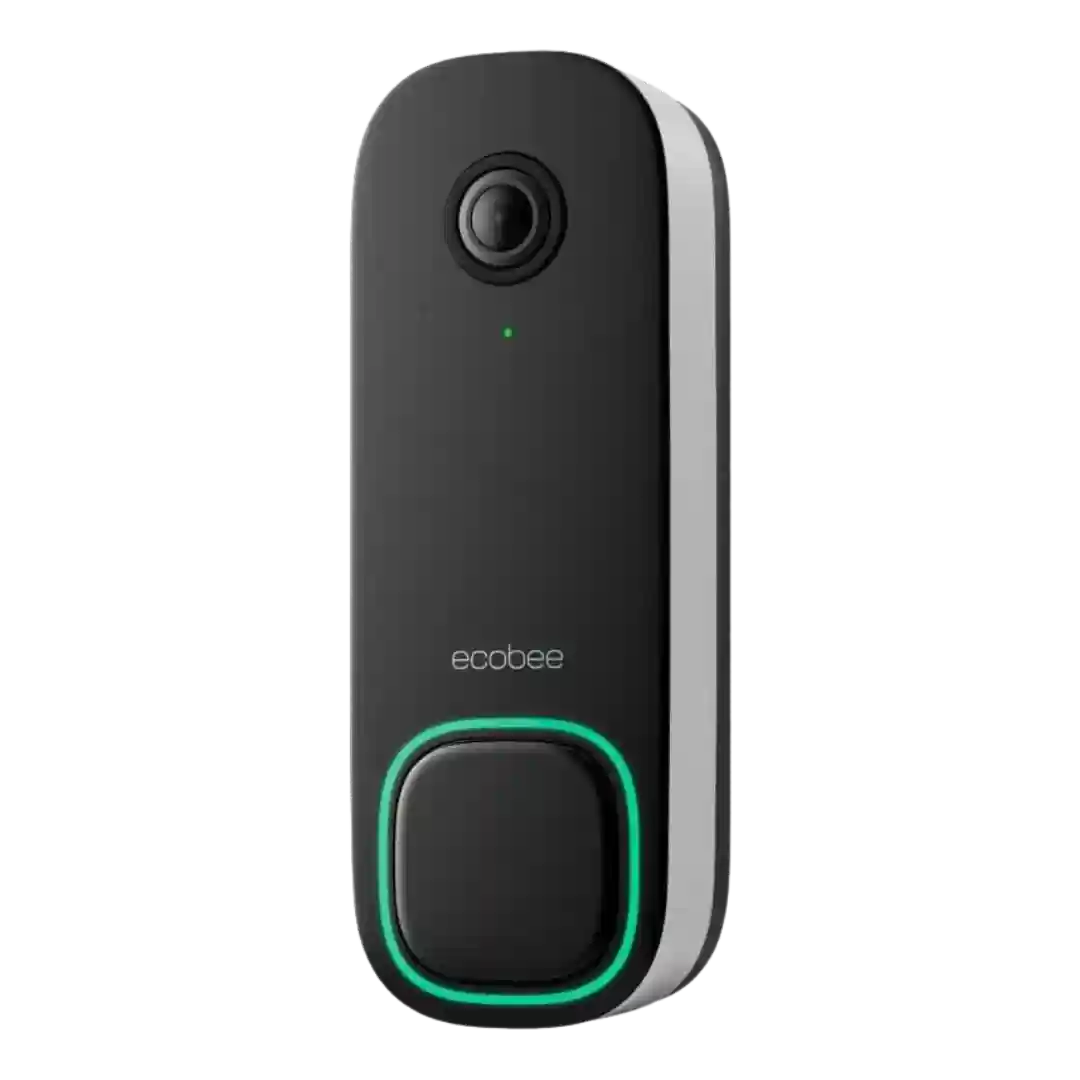
Personalization includes choosing split or picture-in-picture views, custom auto-responses, and per-camera settings, offering more tailoring than many basic doorbells.
Personalization is a strong area, with settings for zones, schedules, modes, notification behavior, quick replies, and privacy masking repeatedly emphasized as easy to configure.
Personalization goes beyond the basics, with support for custom audio responses, LED color choices, display tags, and other interface tweaks. It is not a deeply cosmetic product, but there is enough user control to tailor behavior.
Personalization is strong with adjustable zones, sensitivity, alert types, clip length, and indicator brightness, though custom quick replies are limited.
Personalization is a strength: reviewers and demos mention chime tone/volume options, notification choices, overlays like timestamp/logo, WDR toggles, and night-vision settings.
Personalization options are repeatedly shown: selectable chime tones, volume controls, app alert tones, LED toggles, and custom quick responses, letting users tailor how intrusive the system feels.
Personalization shows up through configurable alert styles, power modes, quick replies (including custom recordings), watermark toggles, orientation changes, and other app-level tweaks. Users can tailor the doorbell to either hands-off or high-control behavior.
Personalization is a standout: custom ringtones, adjustable chime volume, voice-changing modes, and timeline styling features enable a lot of tailoring for households and routines.
Custom messages on the doorbell display and adjustable overlays/picture settings are repeatedly mentioned as useful personalization. However, some reviewers say the screen is small and can be hard to notice, especially in direct sunlight.
Personalization mainly comes from optional faceplates and mounting kits that adjust angle and look, plus software controls like schedules and zones. Reviewers like the flexibility but note it can cost extra.
Personalization is decent for detection tuning, but at least one review notes a key limitation: you cannot adjust the fixed clip length for recorded events, reducing control versus competing cameras.