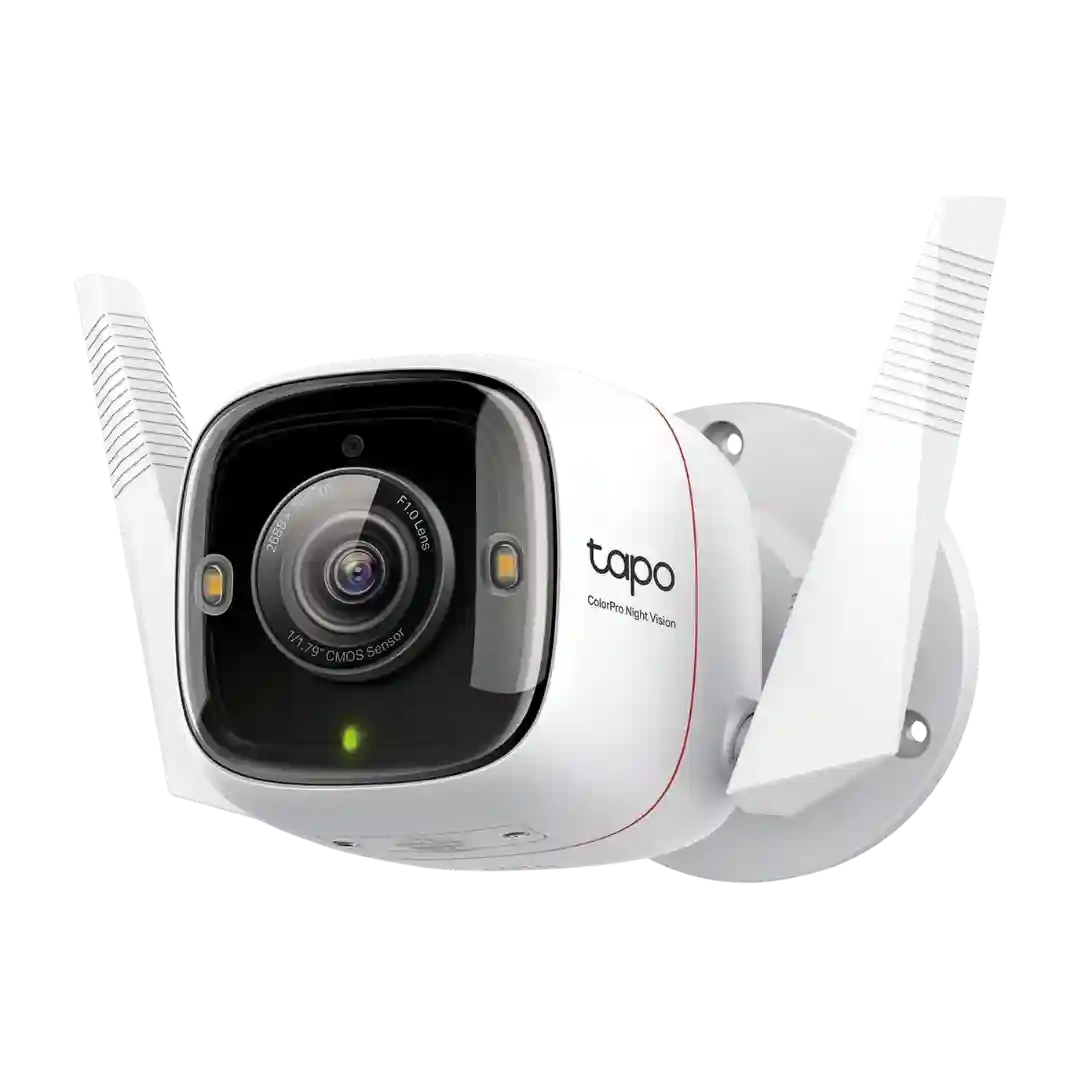
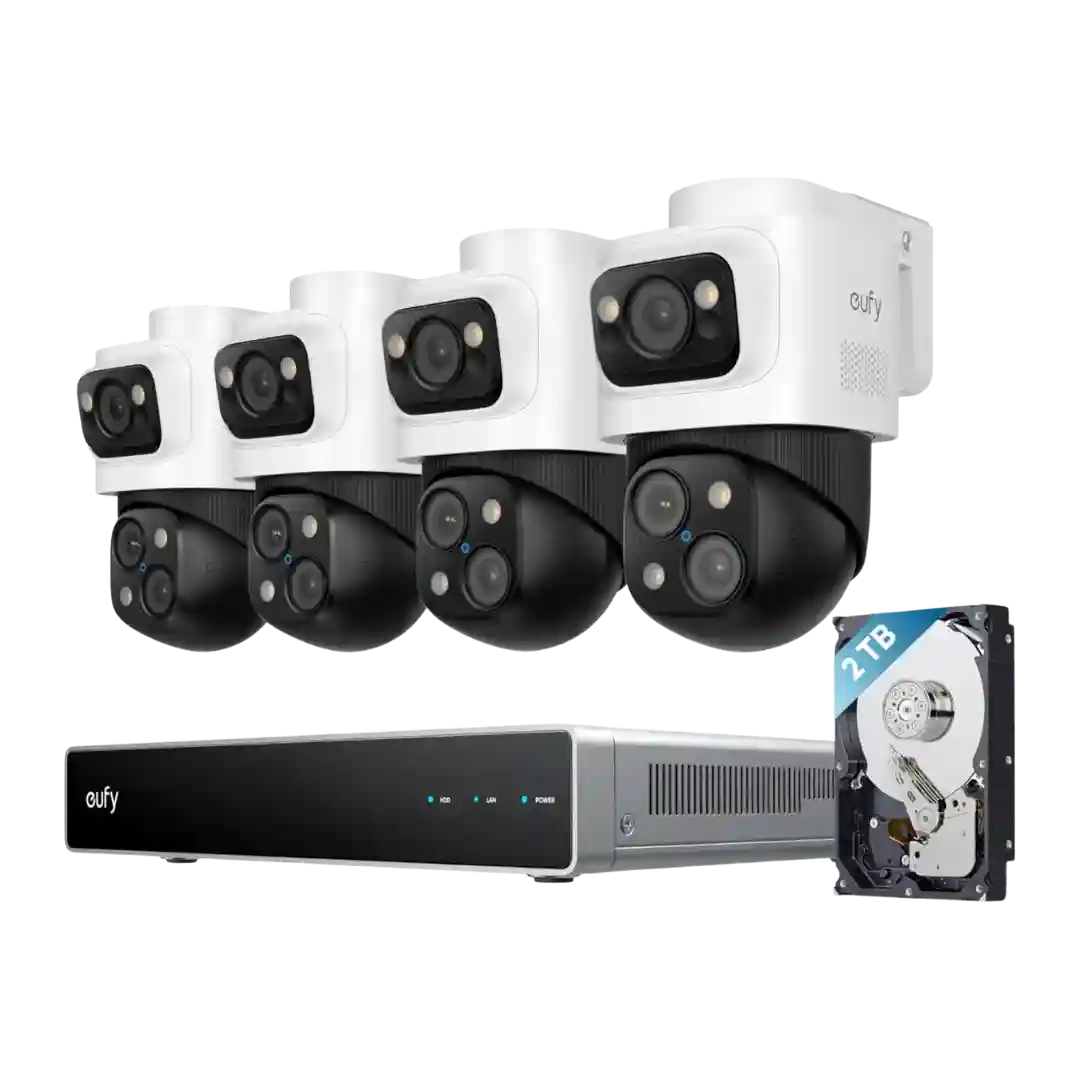
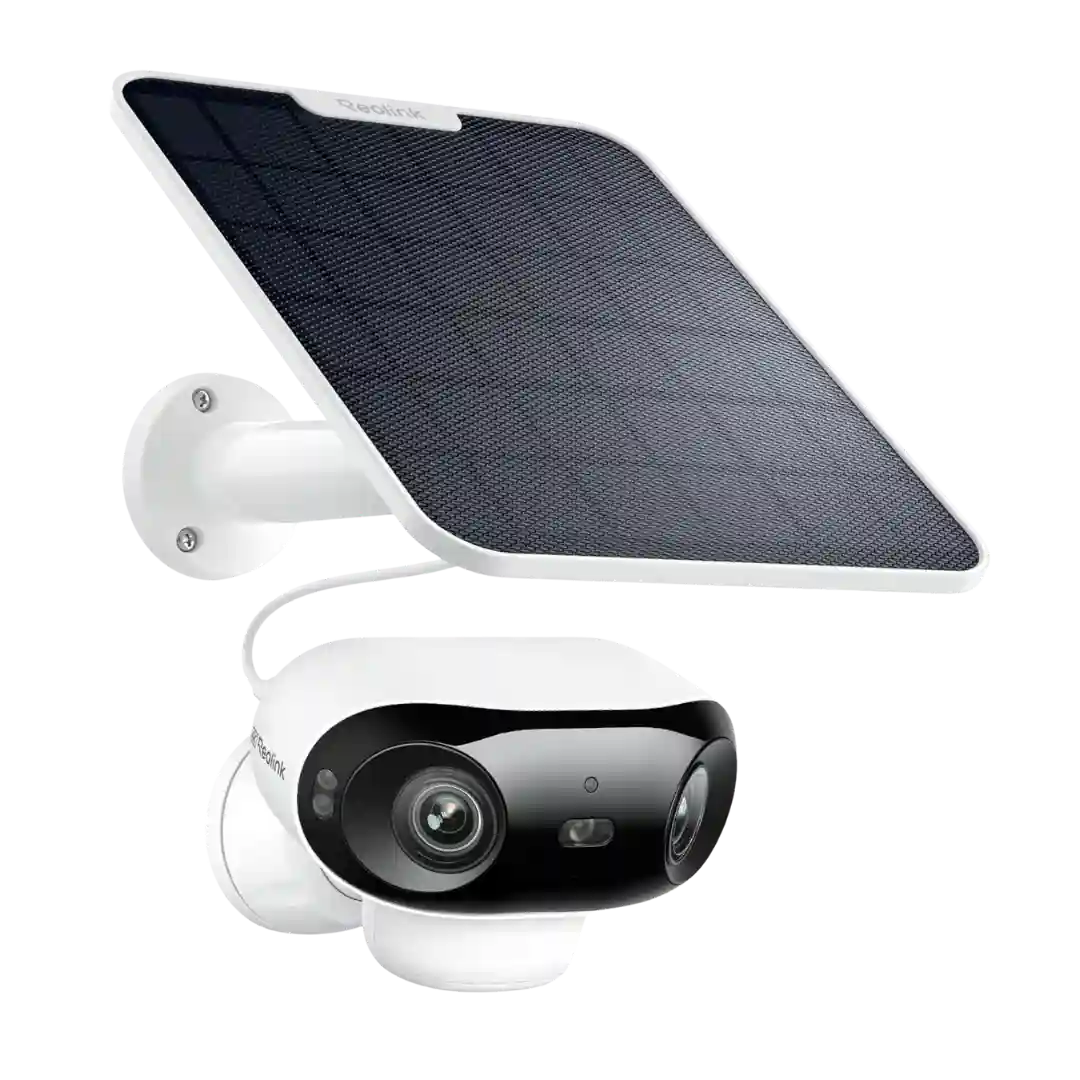
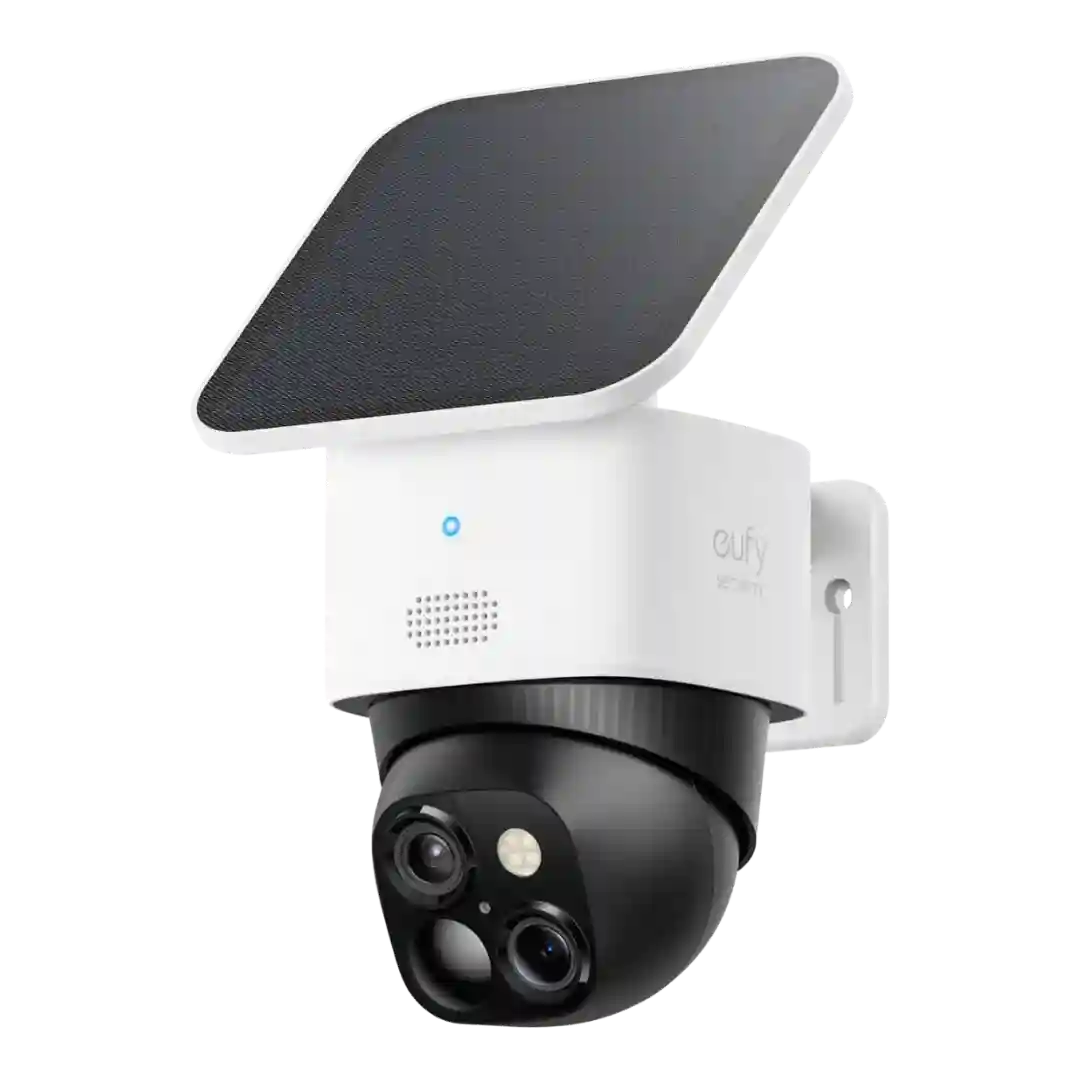
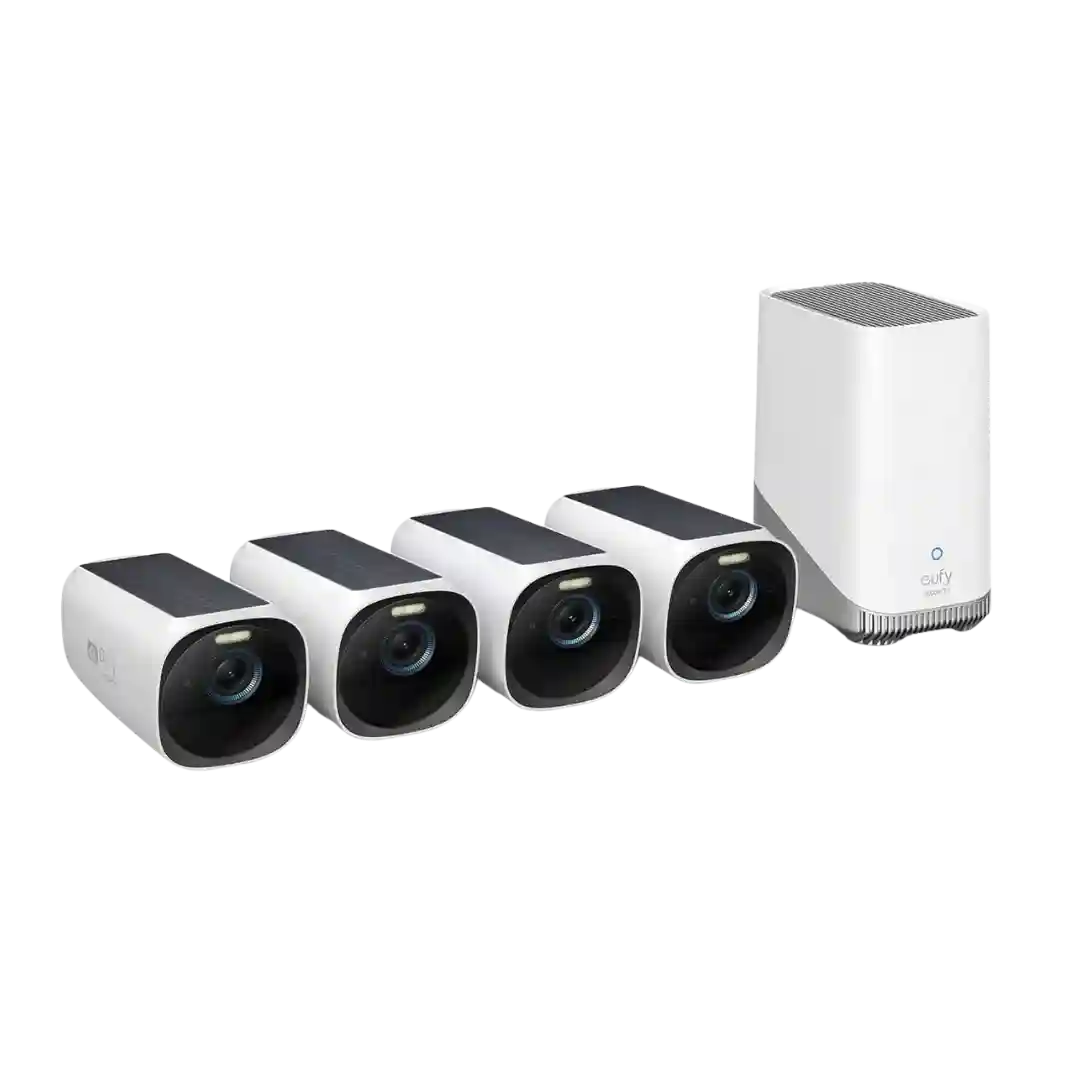
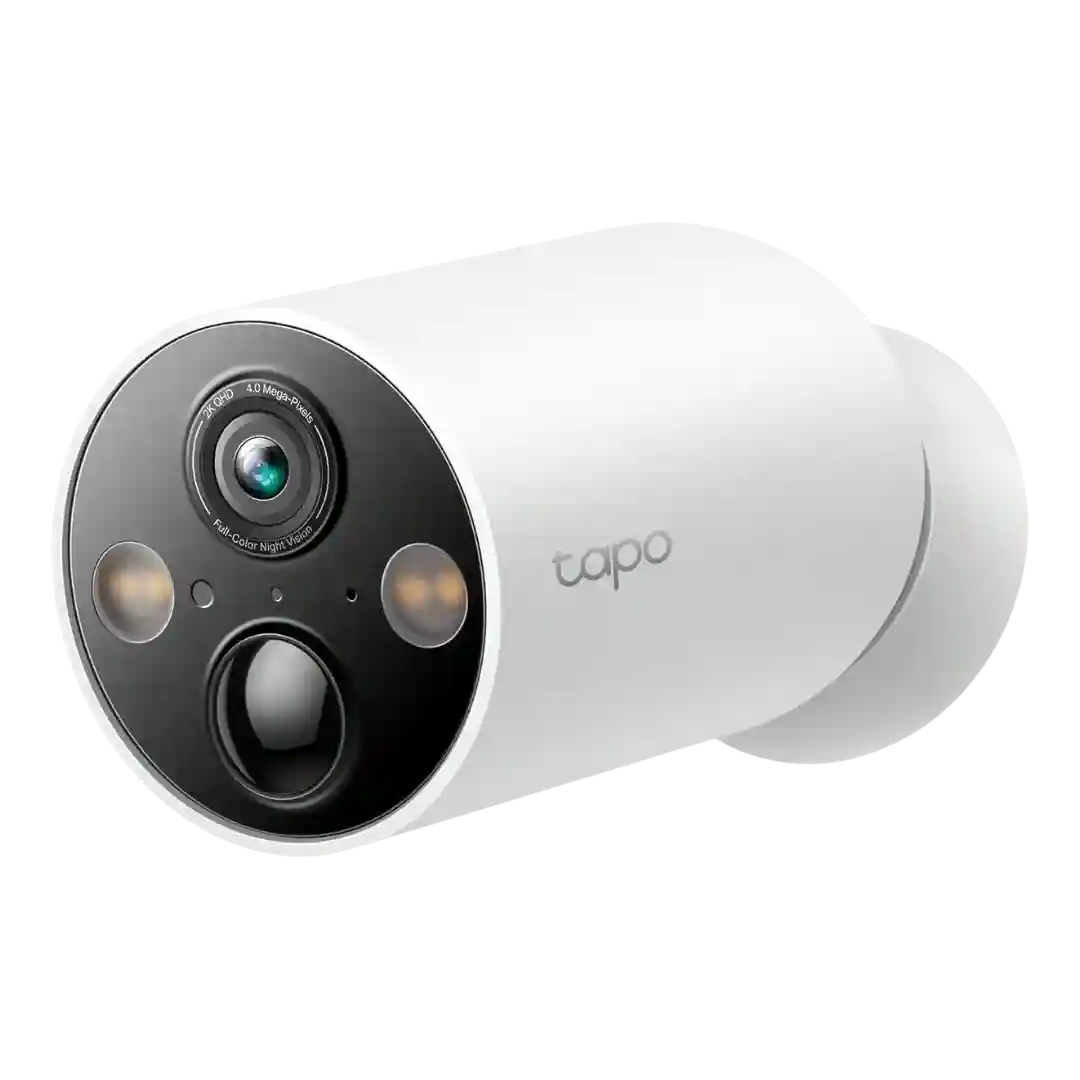
Privacy zones are simple to set up in-app to block sensitive areas like neighbors windows, and they are frequently recommended as part of initial configuration.
Privacy masking and zone tools are present, letting users block sensitive areas and refine what is captured. Reviewers who used these controls found them helpful for tailoring coverage to real properties.
Privacy masks are repeatedly highlighted as a strong feature, letting you block portions of the image for neighbors, pools, or sensitive areas and reducing unwanted alerts in those zones.
Privacy masking and zone controls are available and useful for blocking neighbors, streets, or other sensitive areas. Some reviewers also mention optional file encryption for local recordings, which supports privacy goals.
Privacy masking and privacy zones are commonly mentioned as easy to set up, helping block neighbor windows or public areas while still monitoring key zones.
Privacy masking is available and commonly used to block neighbors’ property or busy streets; it’s effective once found, though some users confuse it with motion zones.
Privacy zones are available and useful for masking neighbors or streets, but usability feedback is mixed. One reviewer found privacy masking clunky and occasionally misaligned with the live view.
Privacy masking support is inconsistent across sources: some reviews say privacy zones are missing while others describe privacy-style controls in-app, so expectations should be set around motion zones first, with masking treated as a maybe.