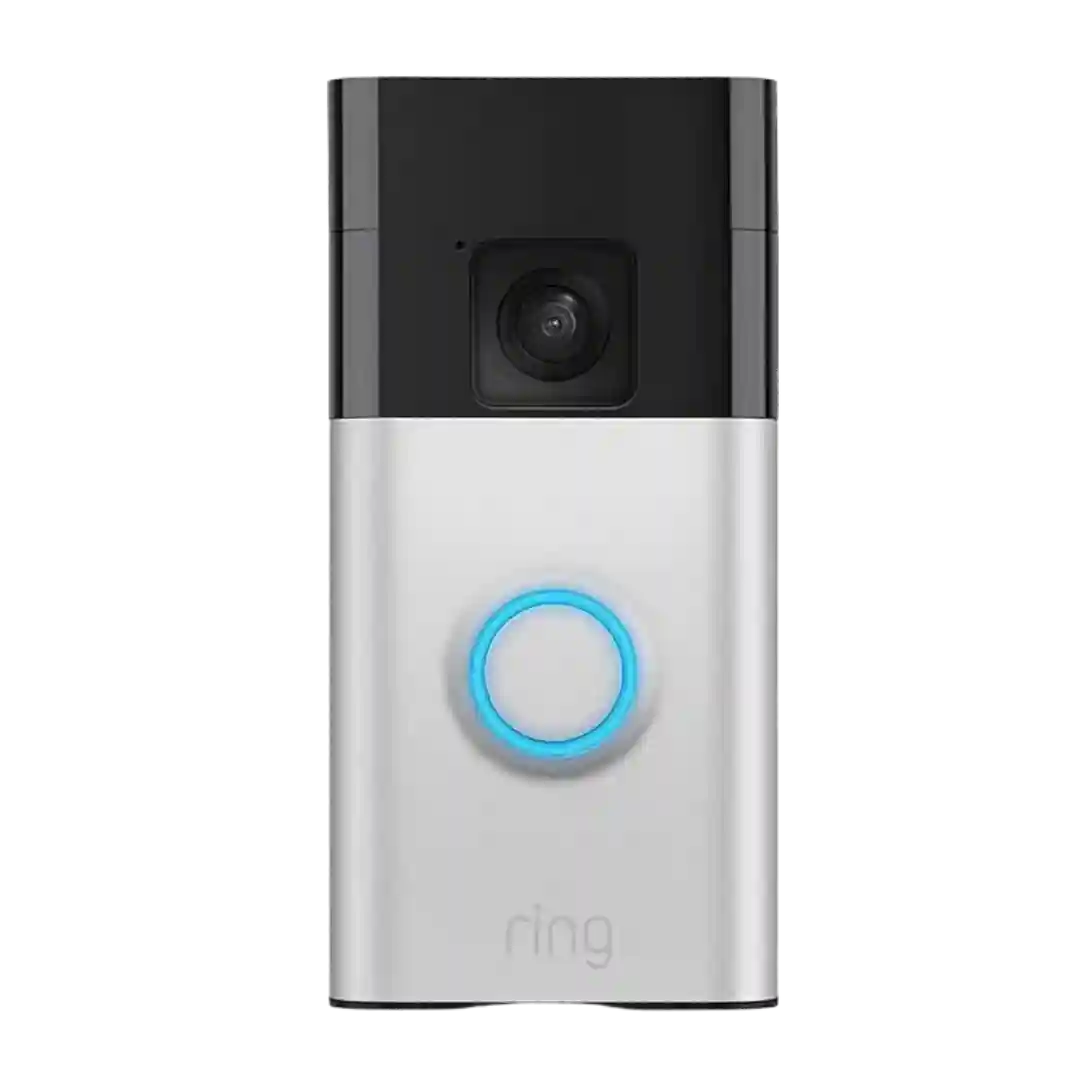
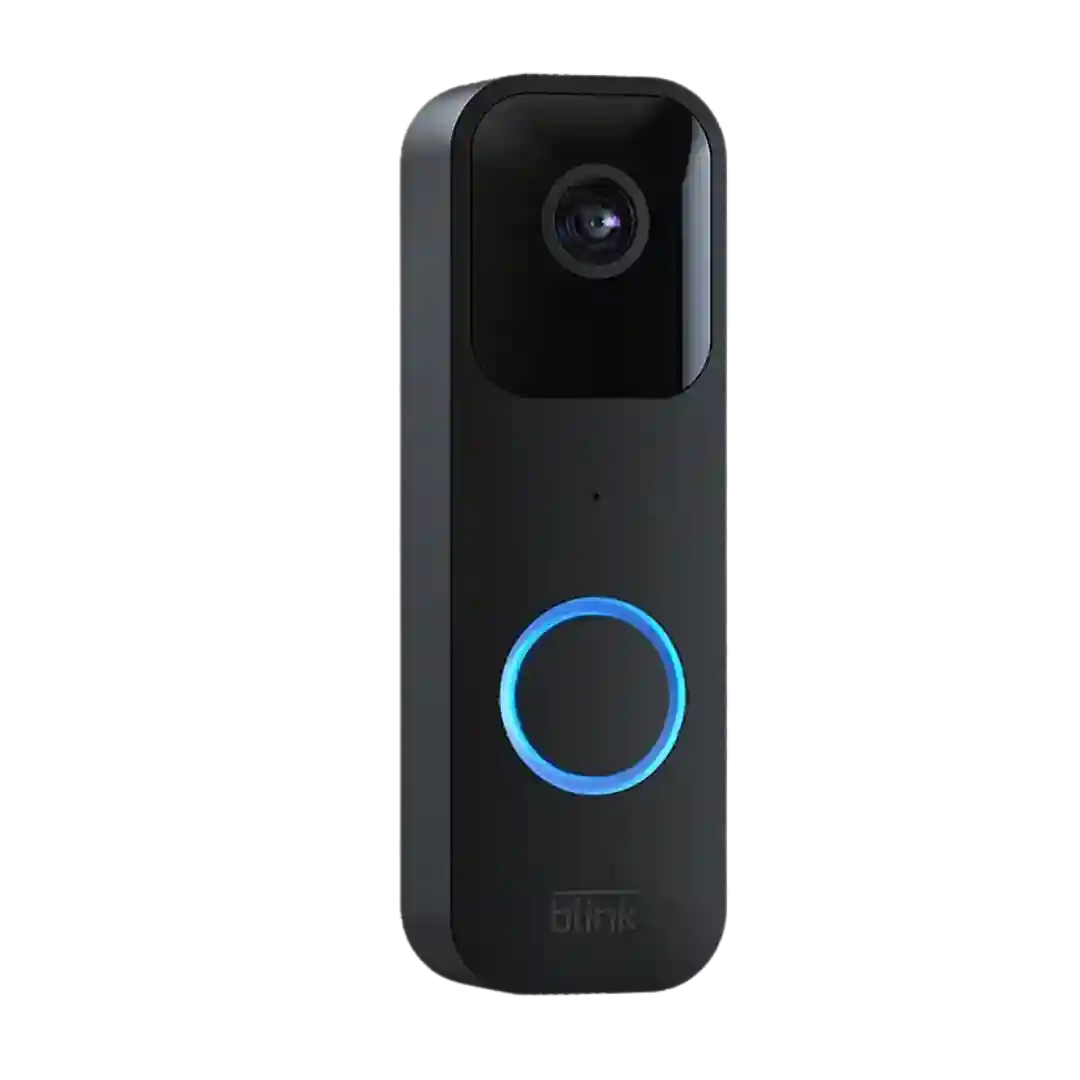
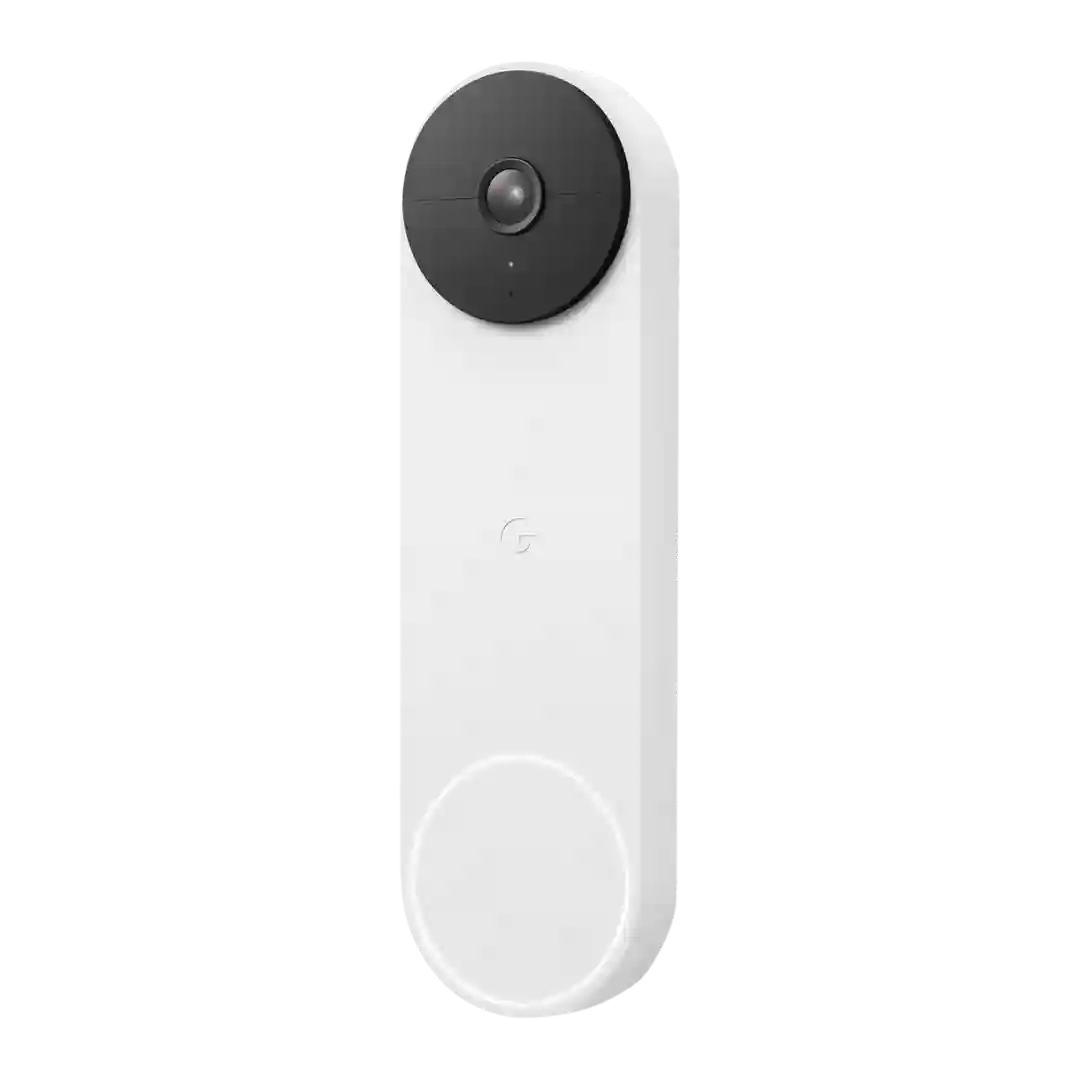
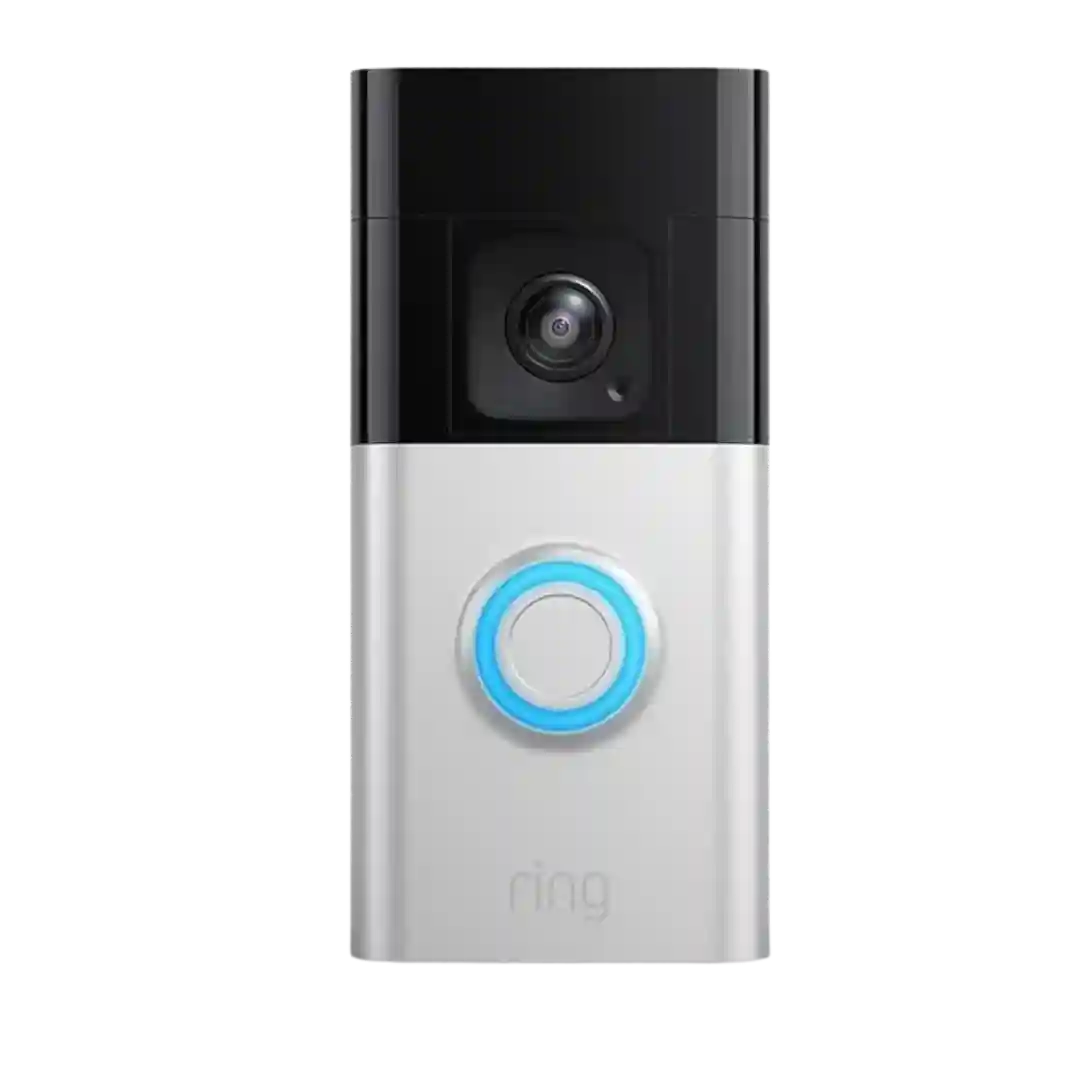
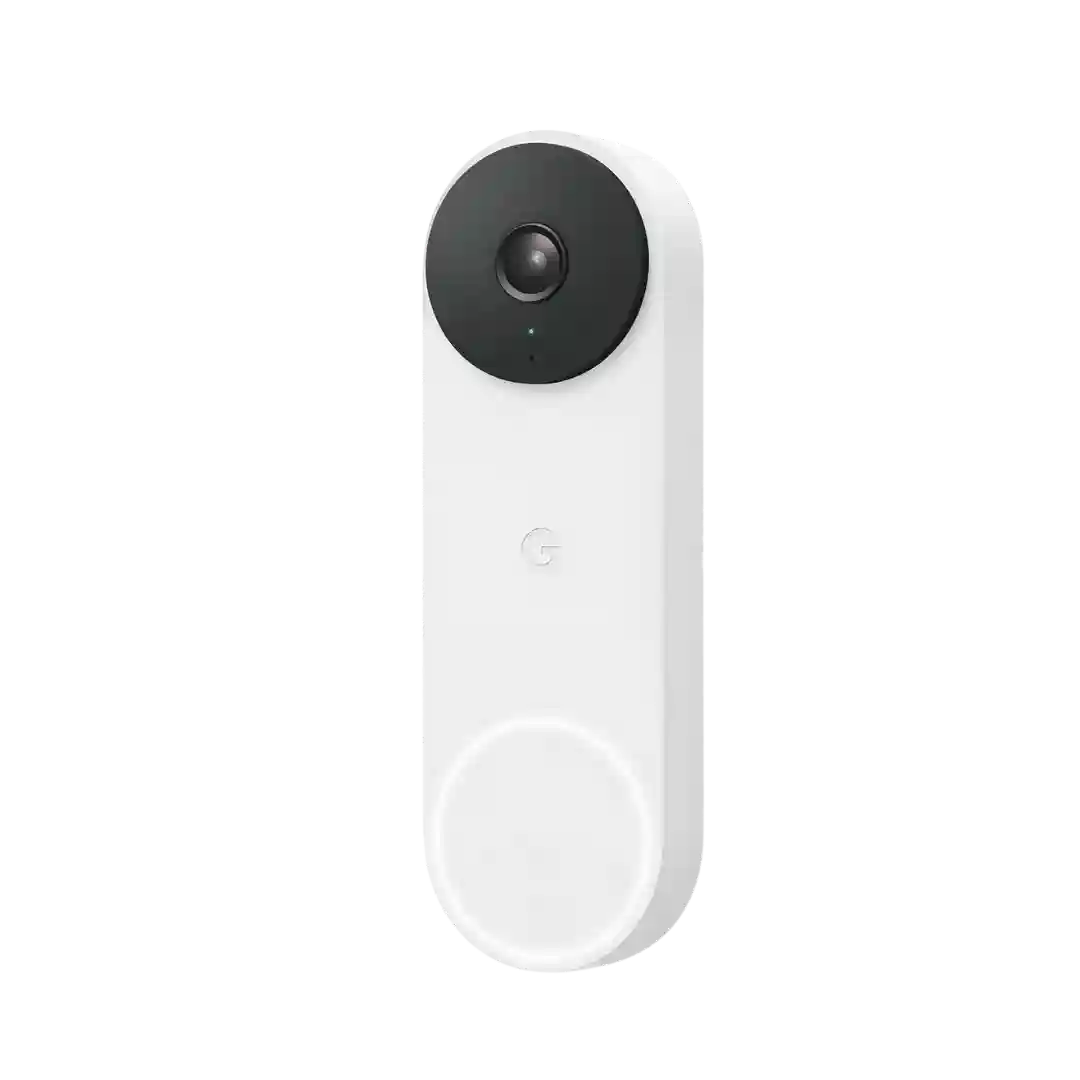
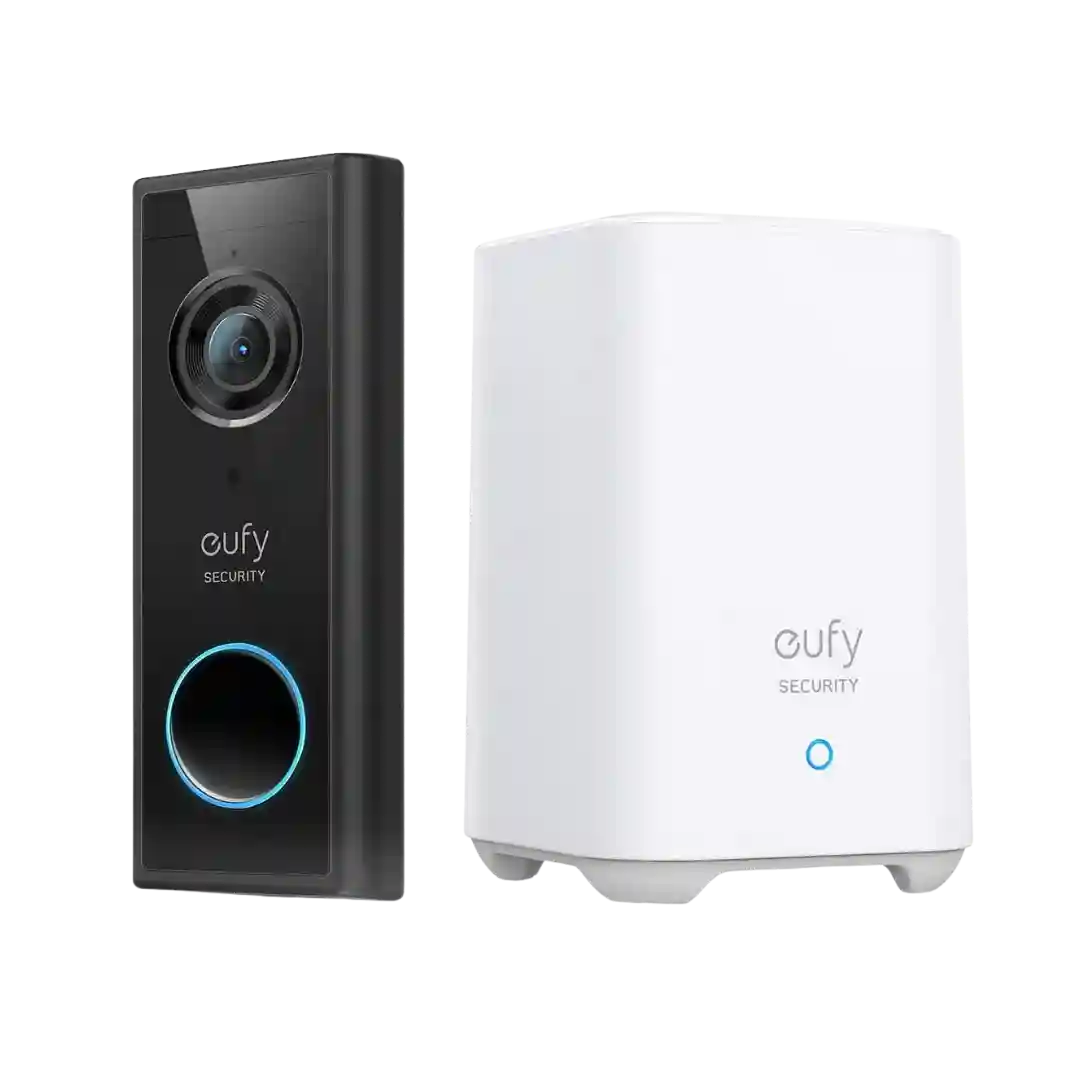
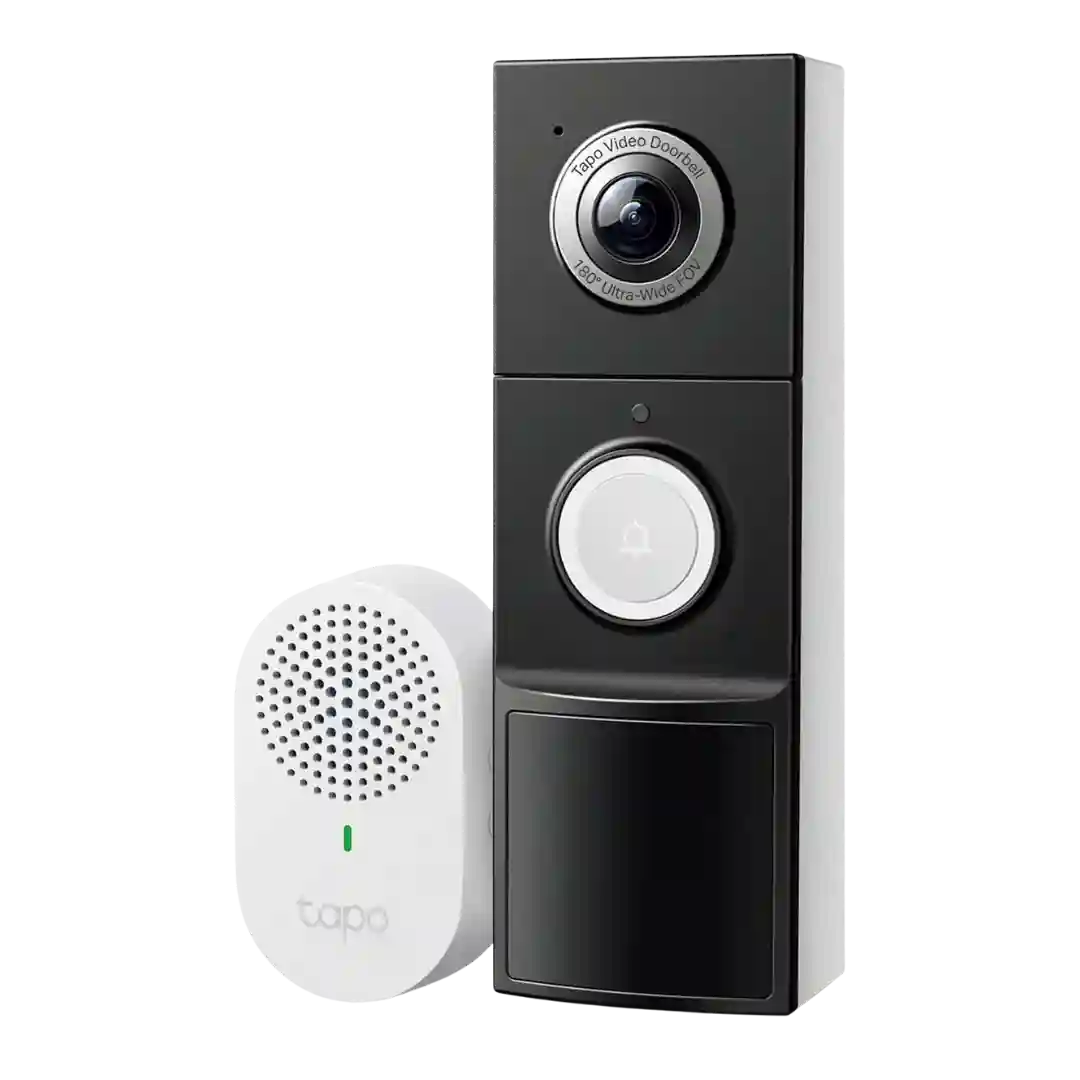
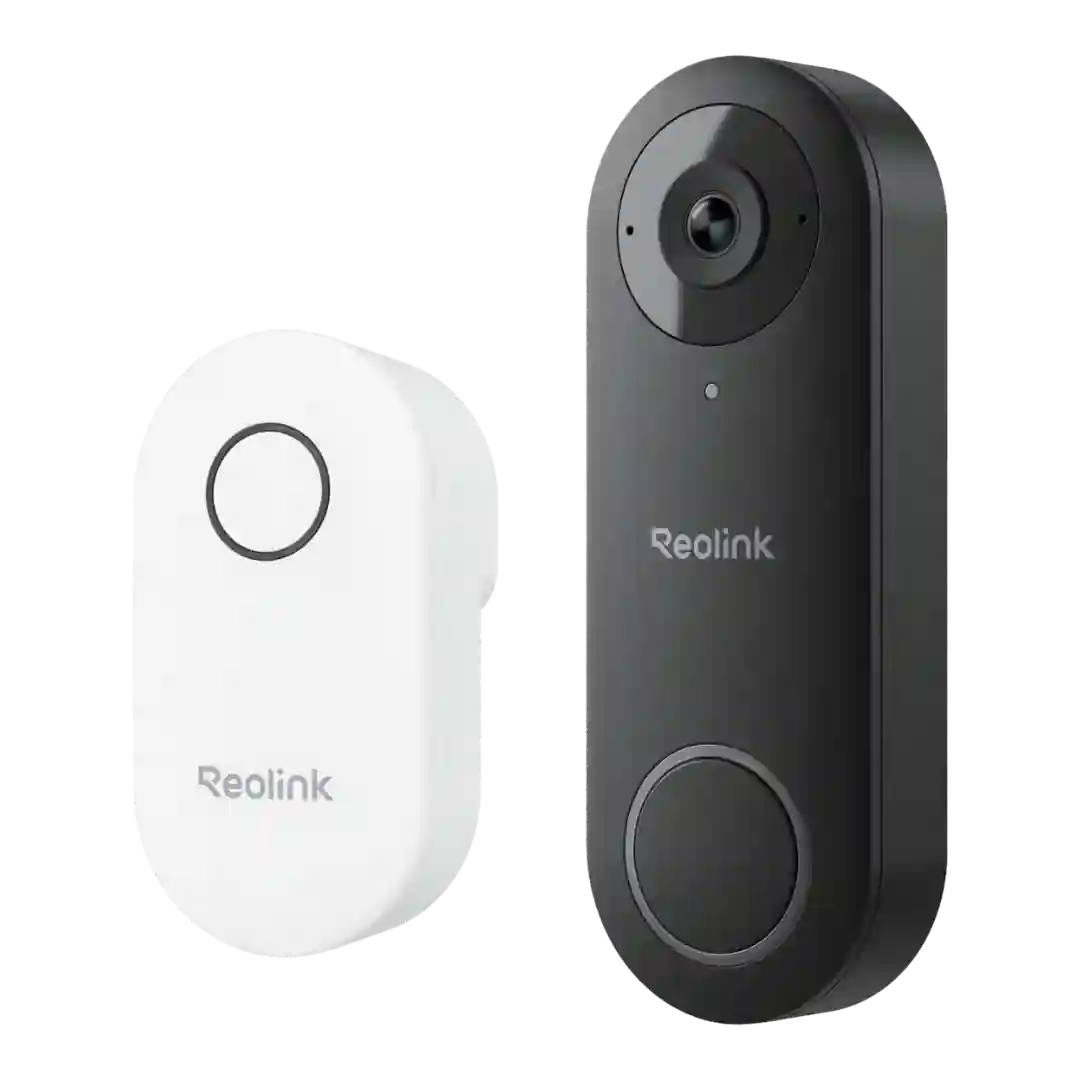
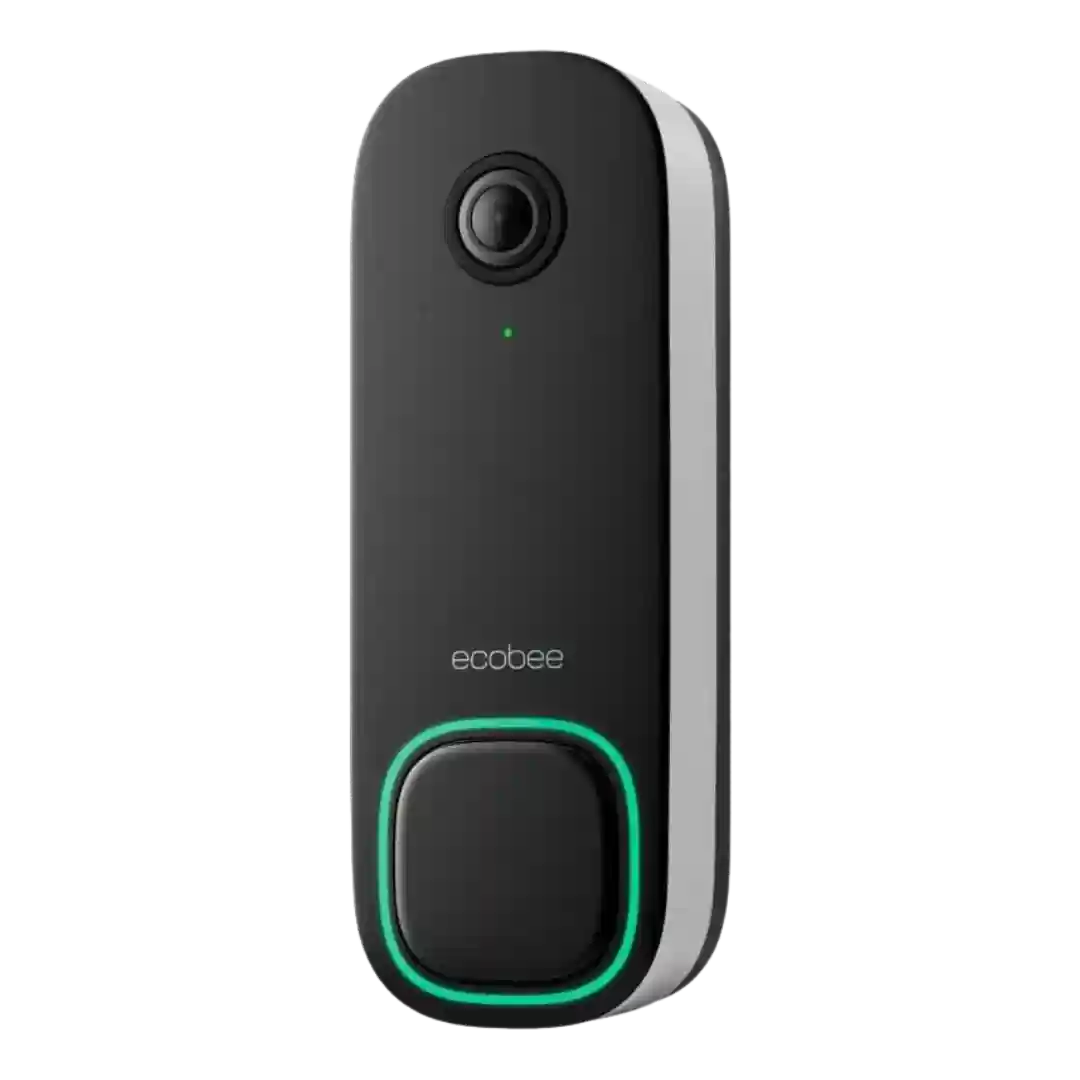
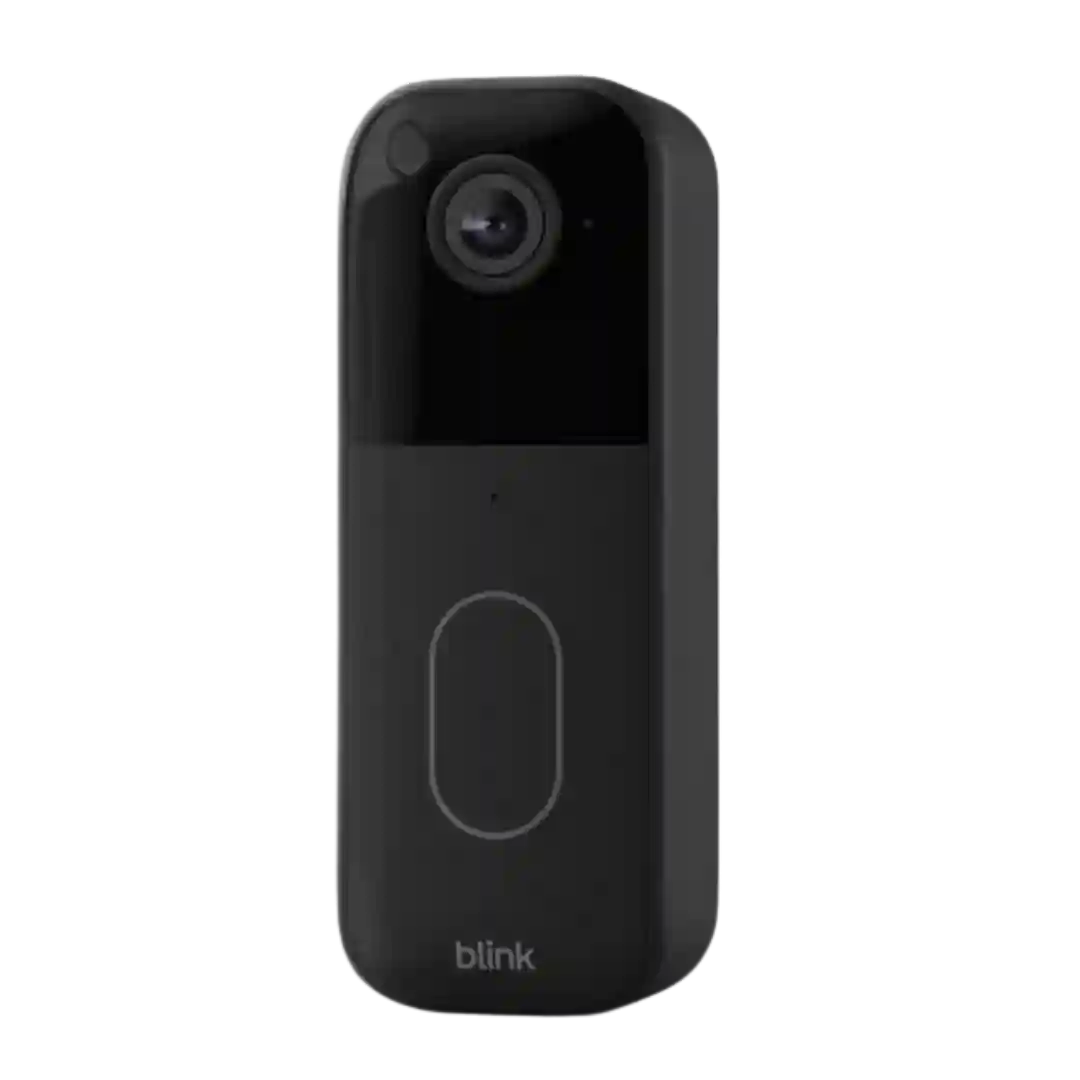
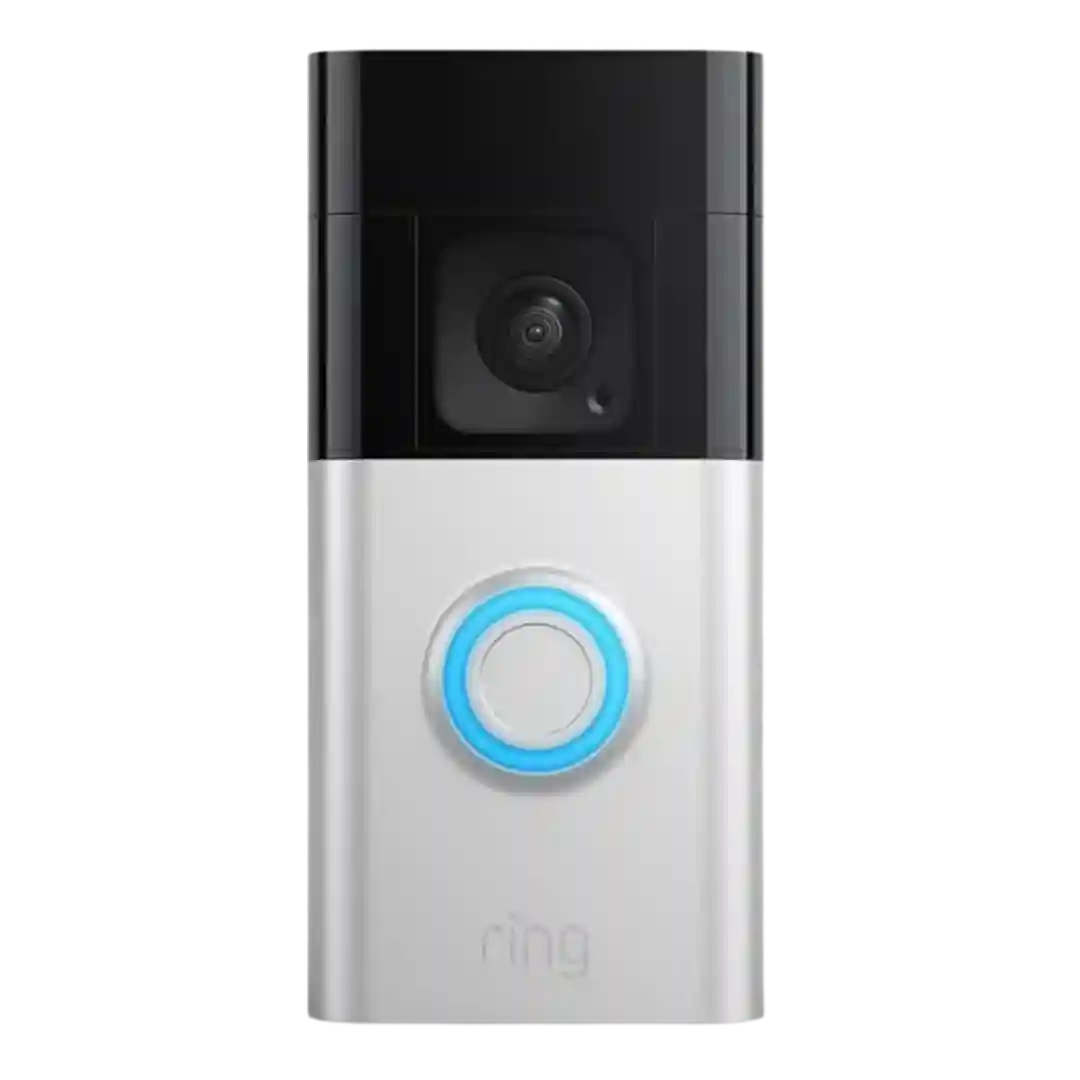
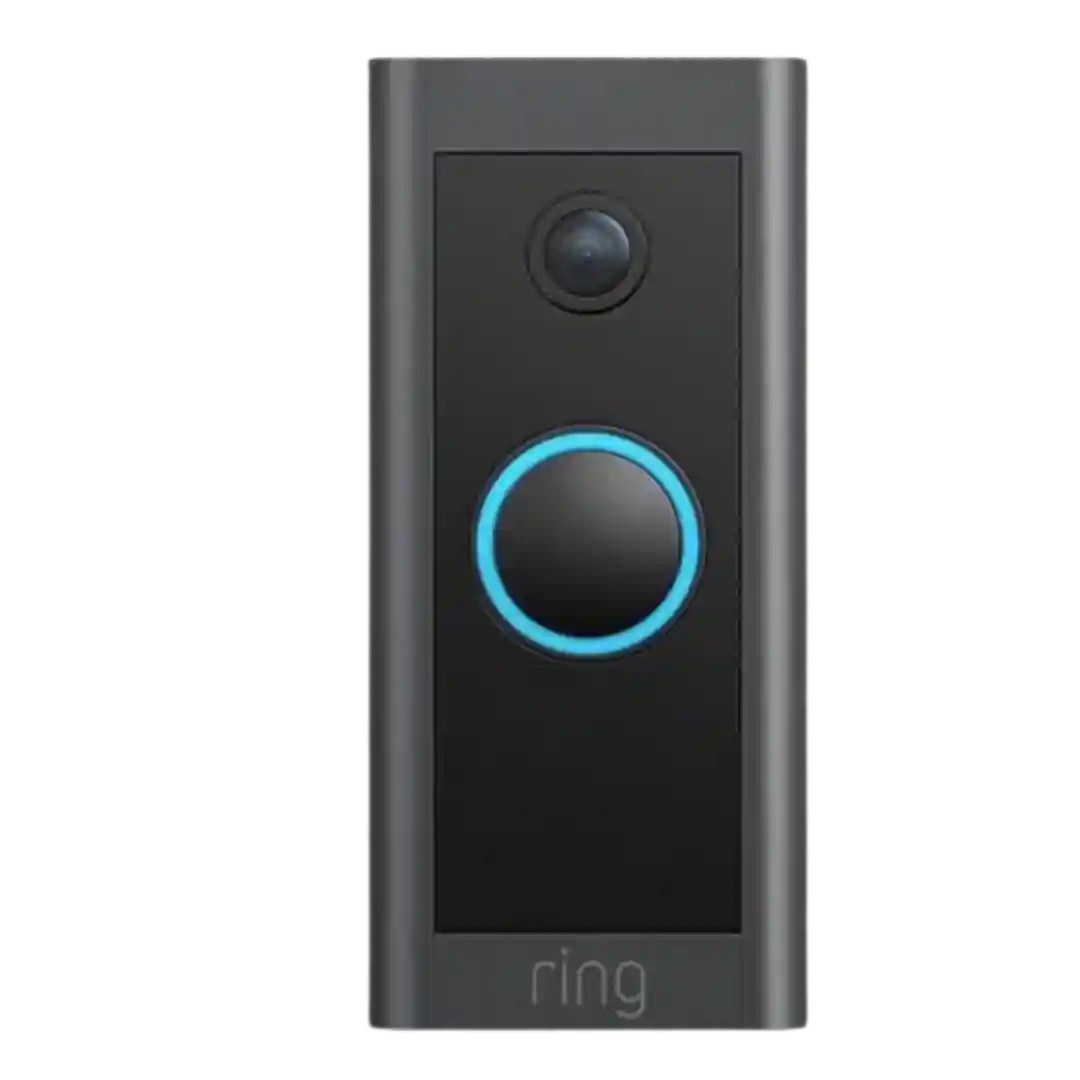
Sharing and downloading clips are described as convenient when you have recorded-event access enabled, but the ability to share meaningful clips is often tied to having a paid plan that unlocks history.
Clips can be saved or shared from the app using the phones sharing tools, which reviewers find useful for exporting important events. This is especially important for managing limited cloud history or local-storage constraints.
Reviewers mention downloading or saving clips from the app as a practical feature, especially when reviewing events inside the limited free history window.
Sharing and exporting clips is mentioned as convenient. Reviewers describe saving recordings to the phone and, in at least one case, backing them up to cloud drives from the phone.
Sharing options generally include downloading/saving clips to a phone and sending them onward, though at least one reviewer reports slow or inconsistent clip downloads compared with other ecosystems.
Sharing and saving clips is usually available when you have cloud recording enabled (often via subscription), and some apps let you download events. Local-storage workflows can be slower and may reduce conveniences like thumbnails depending on setup.
Sharing/downloading clips is convenient in-app and via web dashboards, but at least one reviewer notes exported/downloaded clips can look worse than playback inside the app.
Sharing and exporting is described as functional (including batch download in some software versions), but not always streamlined for doorbell-specific workflows. One reviewer complains about having to combine multiple motion clips to reconstruct a single doorbell interaction.
Video sharing is commonly tied to the subscription experience. Reviewers note you can view live video for free, but saving, sharing, or accessing recorded clips typically requires a paid plan.