Best for ergonomics
Logitech G29
5.0 feature score
Highest scored product for this feature based on supporting review evidence.
Highest scored product for this feature based on supporting review evidence.
Balances feature score, supporting reviews, and overall product strength.
Has the broadest review evidence for this feature.
Strongest overall product among items with scored evidence for this feature.
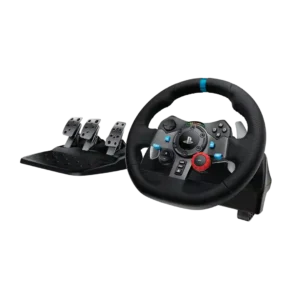
The compact sports-wheel shape keeps buttons and paddles close to the hands. Its layout feels natural for racing, although the small diameter will not suit everyone.
Pros: ergonomics, programmable button support
Cons: hand fatigue over long sessions, wheel noise
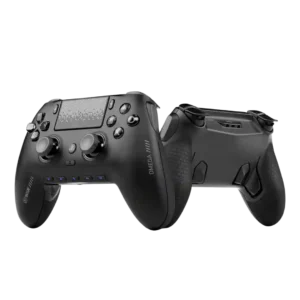
Reviewers generally liked the ergonomic shape, especially the way it sits in the hand during longer sessions. The strongest praise comes from competitive-focused users who value the controller’s secure, natural...
Pros: input lag, consistency across sessions
Cons: charging dock support, 2.4GHz dongle performance
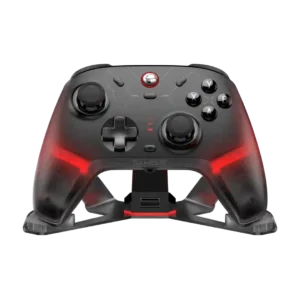
The two written ergonomics mentions were positive, with reviewers calling the shape ergonomic and Xbox-like in a good way.
Pros: hand fatigue over long sessions, macro support
Cons: compatibility with Xbox, compatibility with PlayStation
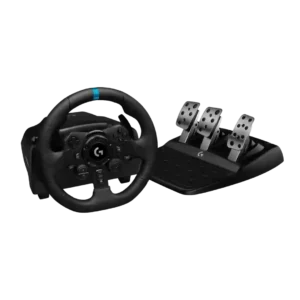
The round rim shape, compact diameter, and accessible controls suit common racing techniques. Button reach is not perfect, but the basic driving position is comfortable and intuitive.
Pros: wired performance, accessibility features
Cons: cable length and quality, shifter and handbrake support
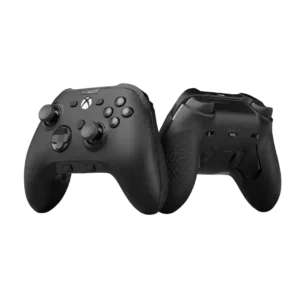
Ergonomics were strongly praised in several reviews, especially hand placement and grip shape, but one reviewer found the compact shape genuinely uncomfortable.
Pros: grip texture, analog stick smoothness
Cons: compatibility with Nintendo Switch, platformer control precision
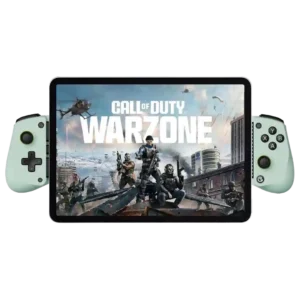
Reviewers discuss ergonomics as part of the X5 Lite’s budget mobile-controller tradeoff. Comments are practical and tied to phone gaming, device fit, or the limits of the Lite design.
Pros: trigger smoothness, connection reliability
Cons: firmware update support, analog trigger precision
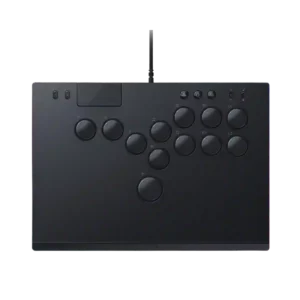
Ergonomics were generally praised for the button layout and low profile, but one reviewer felt Razer missed a chance to push the layout further.
Pros: ease of setup, compatibility with PC
Cons: included accessories, programmable button support