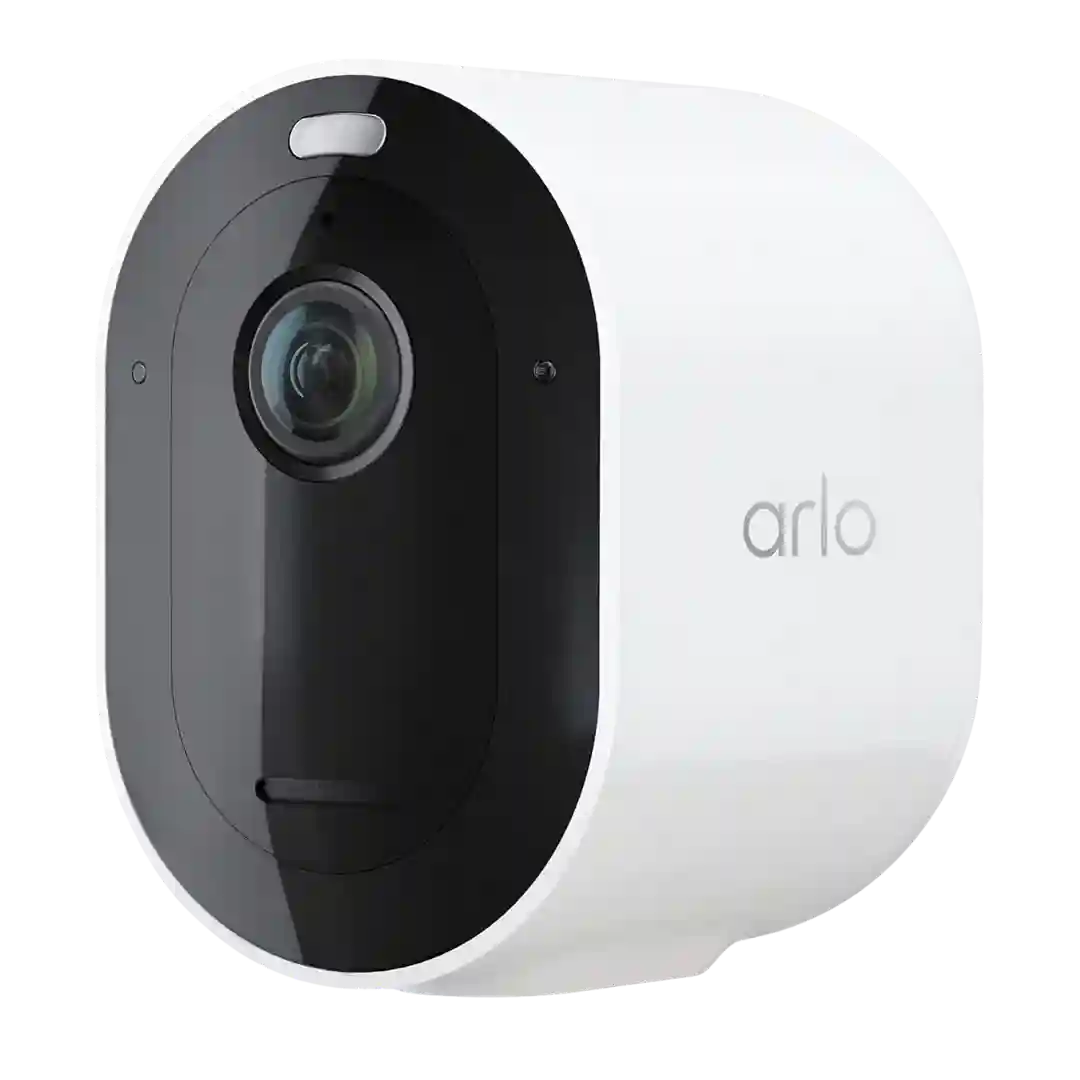
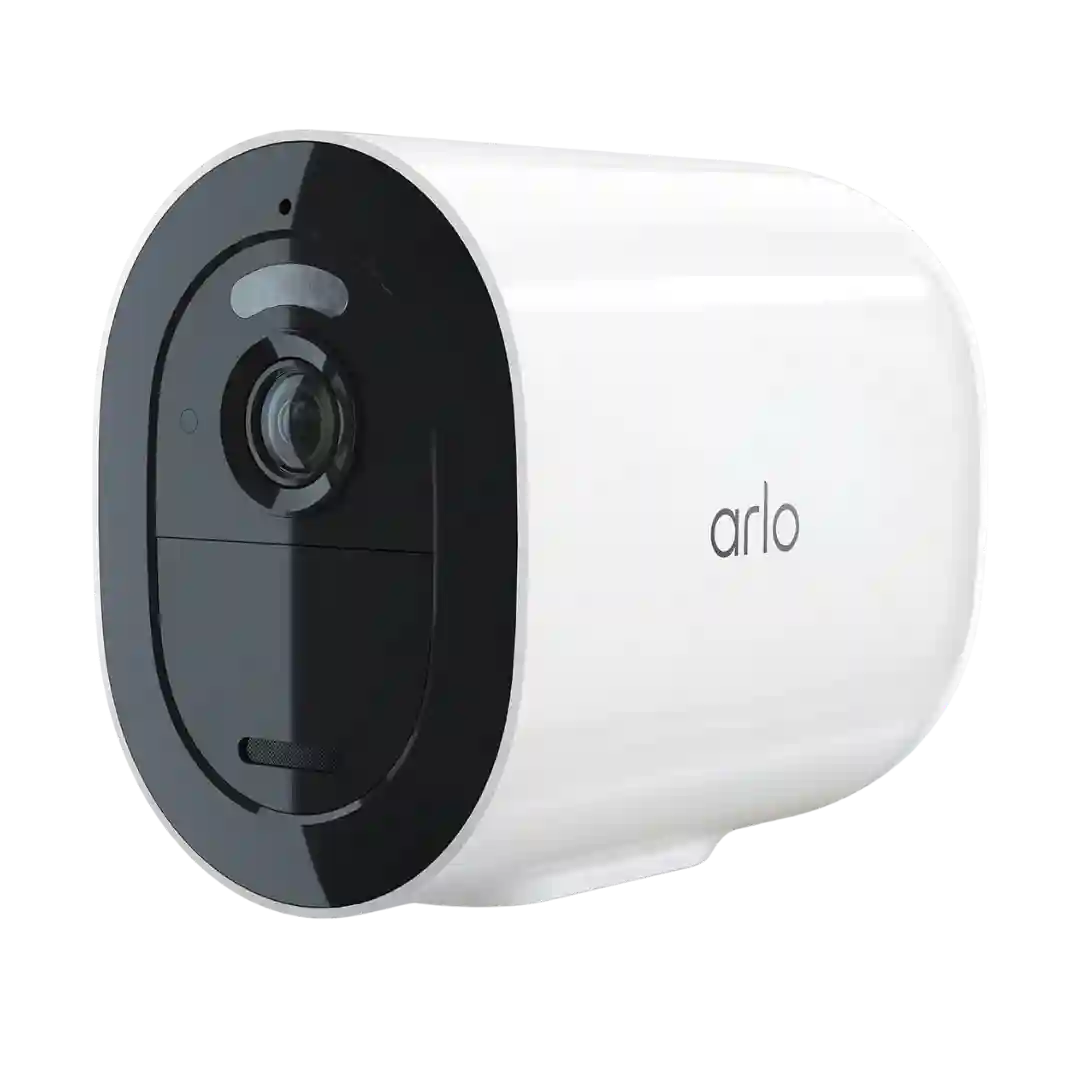
The Arlo Secure app is repeatedly praised for depth and control: modes (home/away/standby), sensitivity sliders, HDR and spotlight tuning, routines, and dashboard customization. A few reviewers note it can take time to learn or was recently revamped, but overall it is considered feature-rich and usable.
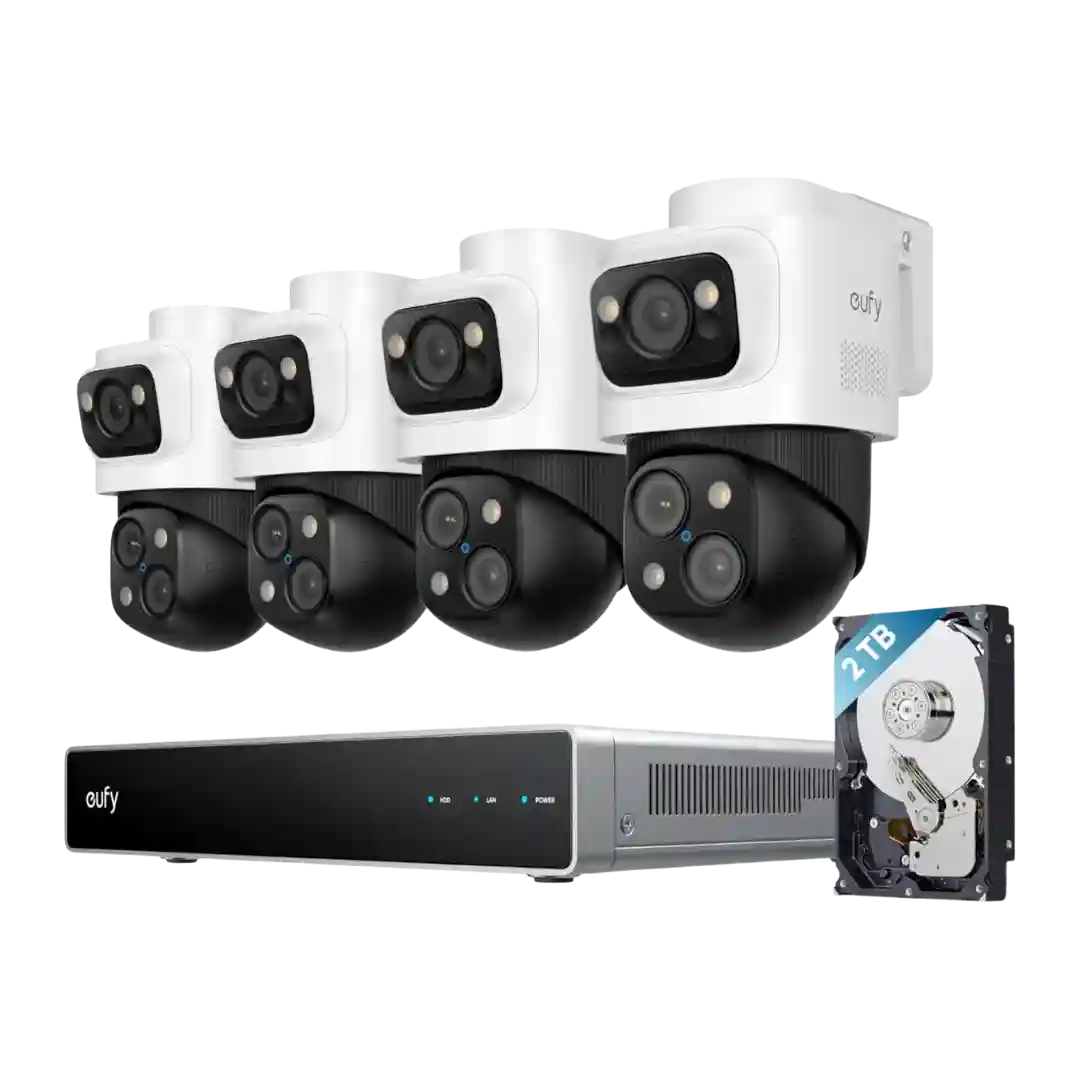
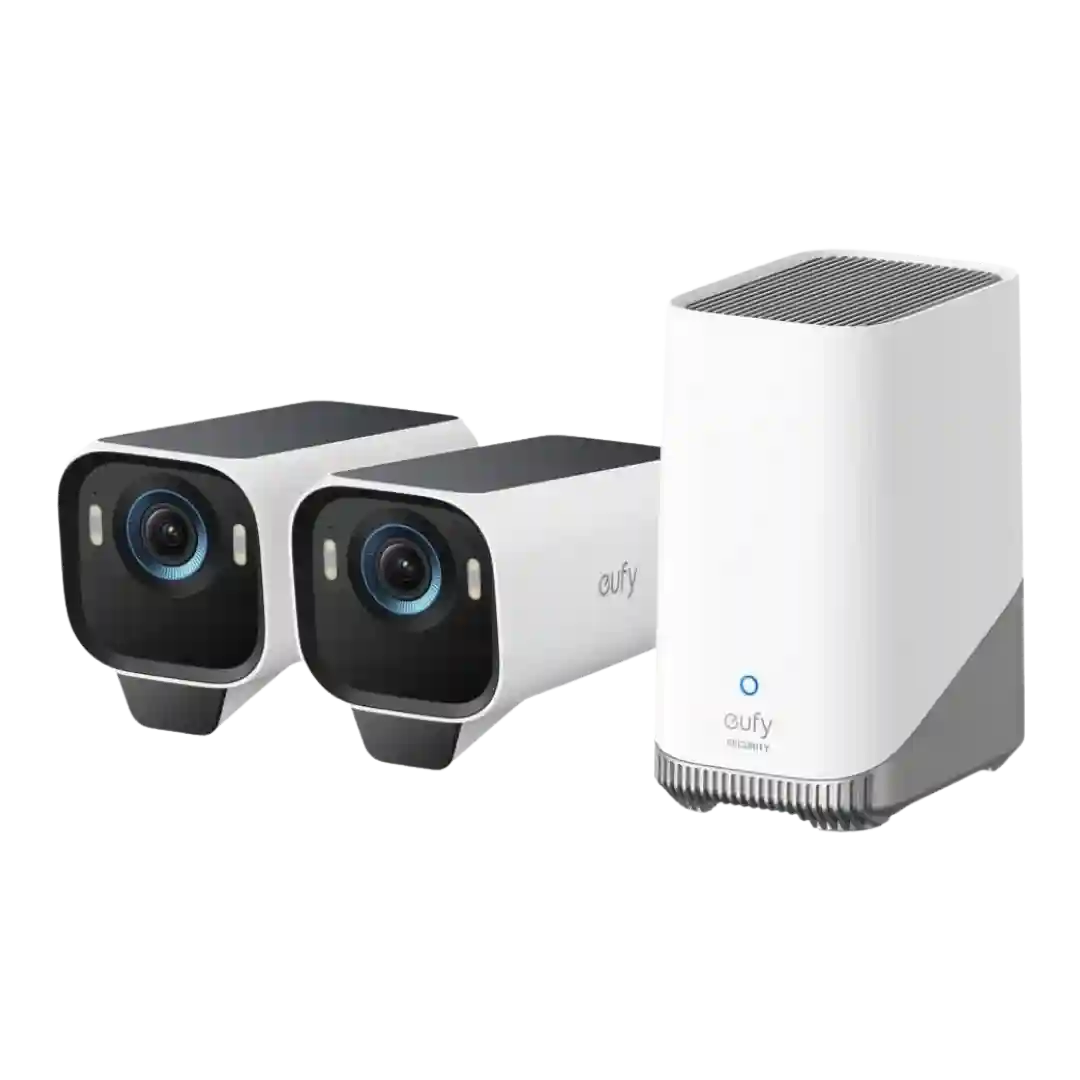
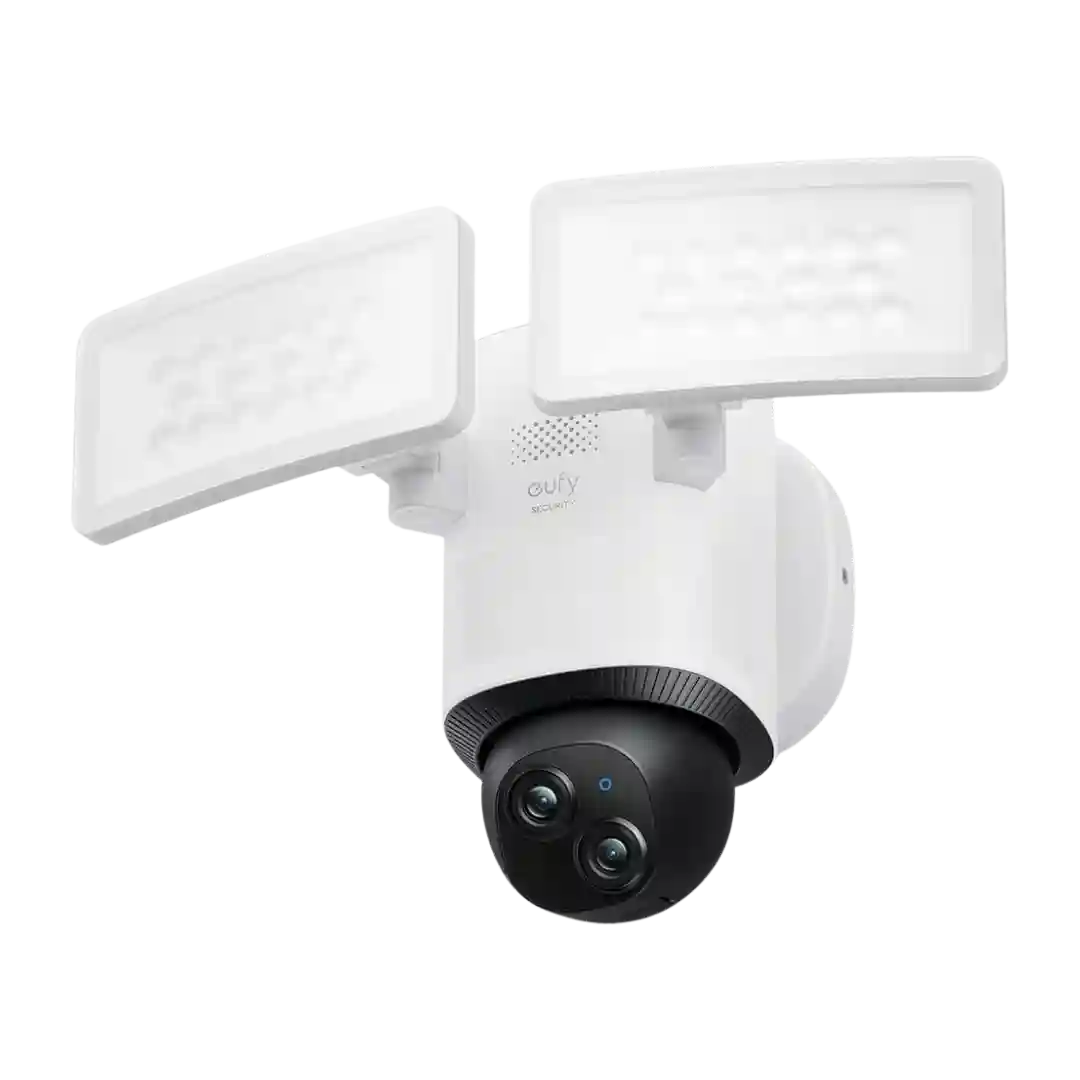
The eufy app and NVR UI offer deep per-camera controls (PTZ, patrols, spotlight behavior, recording mode, and detection tuning). Most reviewers found the interface responsive, though a few called notification setup or clip downloads finicky.
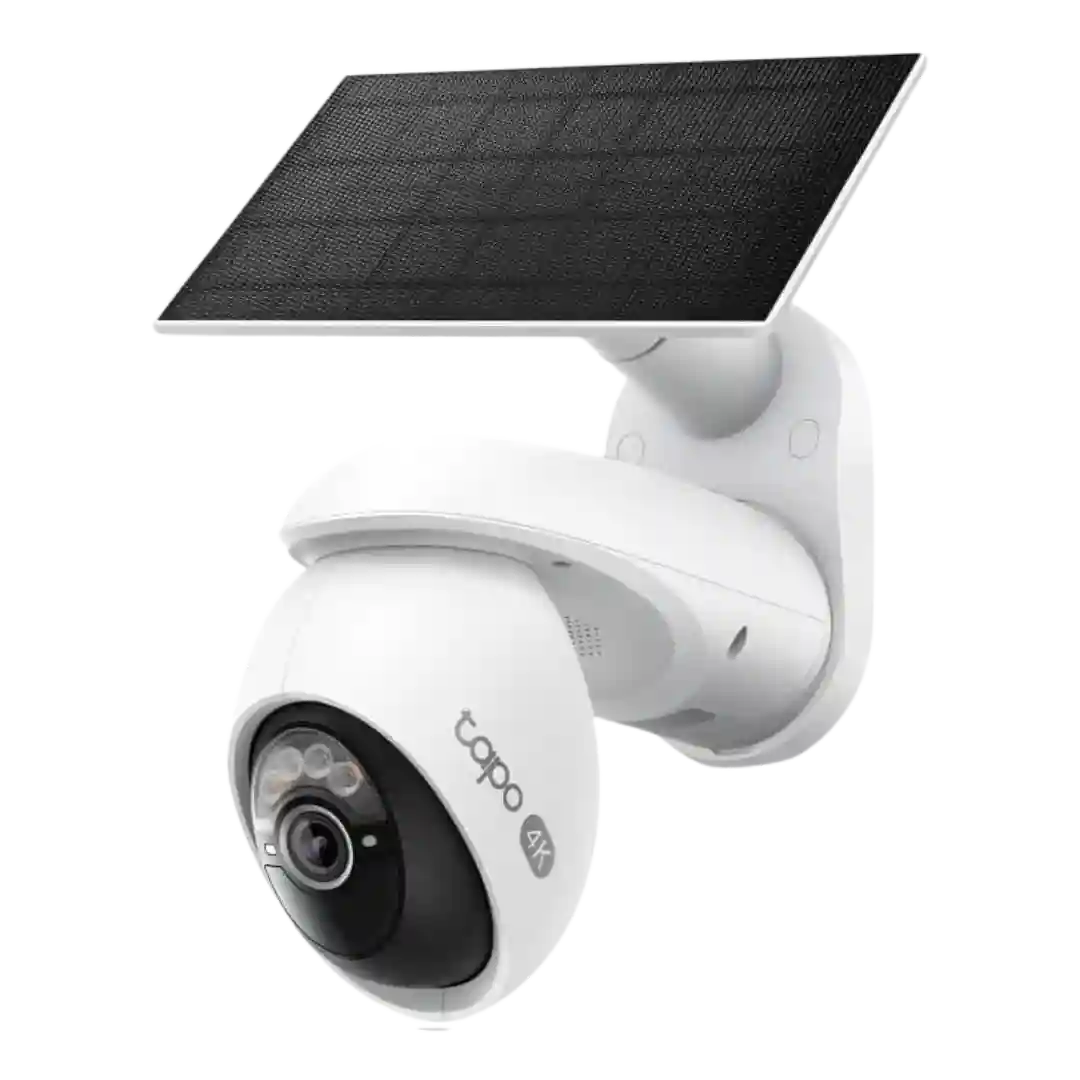
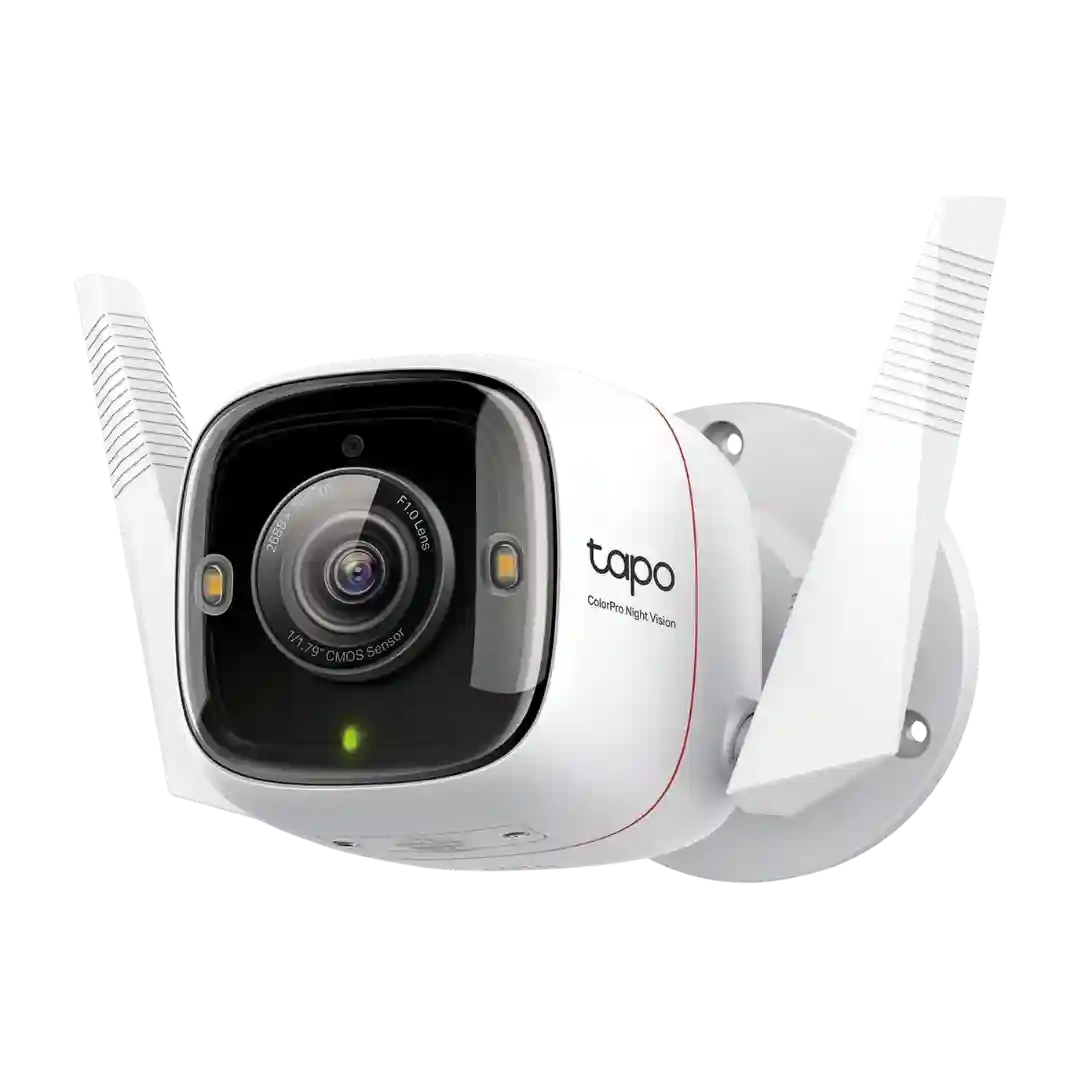
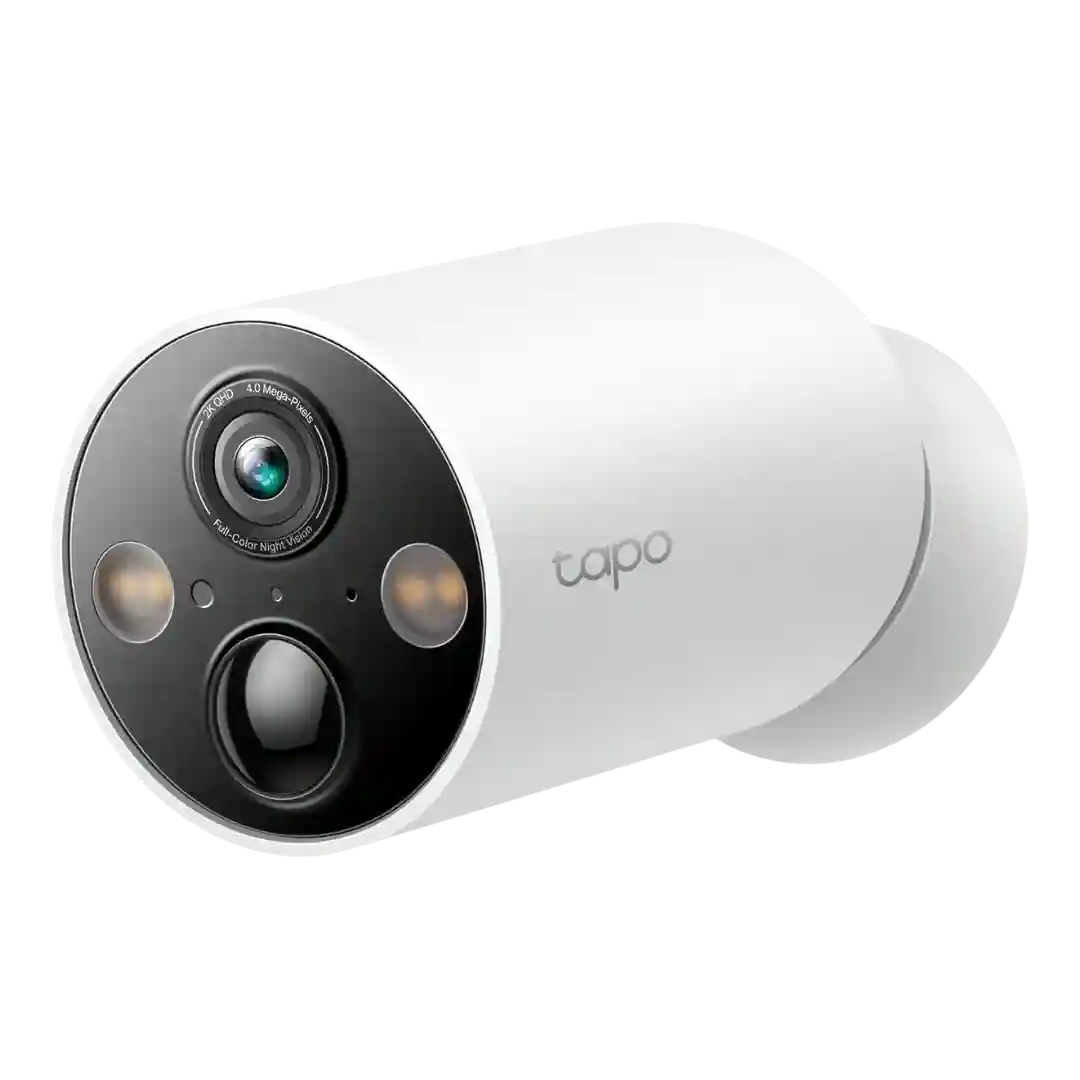
The Tapo app earns consistent praise for deep controls, presets, patrols, privacy options, and easy setup, though a few note confusing power-button steps and occasional preset inaccuracies.
Camera settings in the app cover motion sensitivity, zones, night vision modes, siren and spotlight behavior, and monitoring-related toggles. Most reviewers find controls straightforward and easy to customize.
Deep controls for video quality, HDR, spotlights, alarms, detection types, and schedules, plus privacy and activity zones. A few reviewers disliked the clip-saving workflow or reported initial setup friction, but day-to-day control is generally excellent.
Controls are deep for a budget camera, with settings for resolution, fps, night modes, sensitivity, retrigger timing, privacy, and spotlight behavior. Several reviewers called the feature set surprisingly comprehensive once configured.
Controls and settings are feature-rich: sensitivity, zones, night modes, spotlight behavior, power profiles, snapshots, and automation/security modes; most reviews rate the app experience positively.
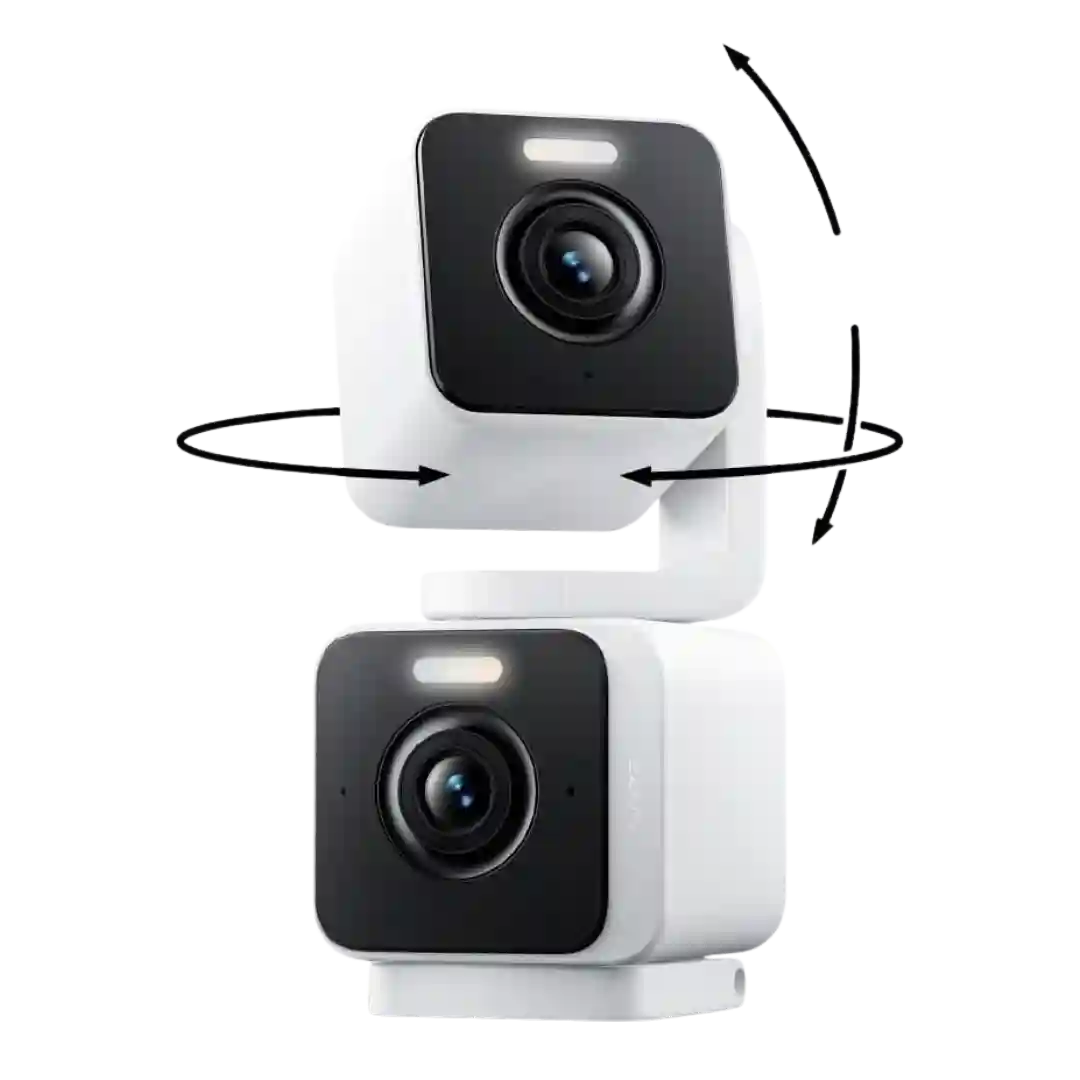
The Wyze app is repeatedly described as the control center, offering dual live views, per-lens settings, waypoints/patrol modes, spotlight controls, and deep customization.
Reviewers describe the app as feature-rich (zones, modes, tracking controls), but note quirks such as buried notification settings and some limitations like feed inversion.
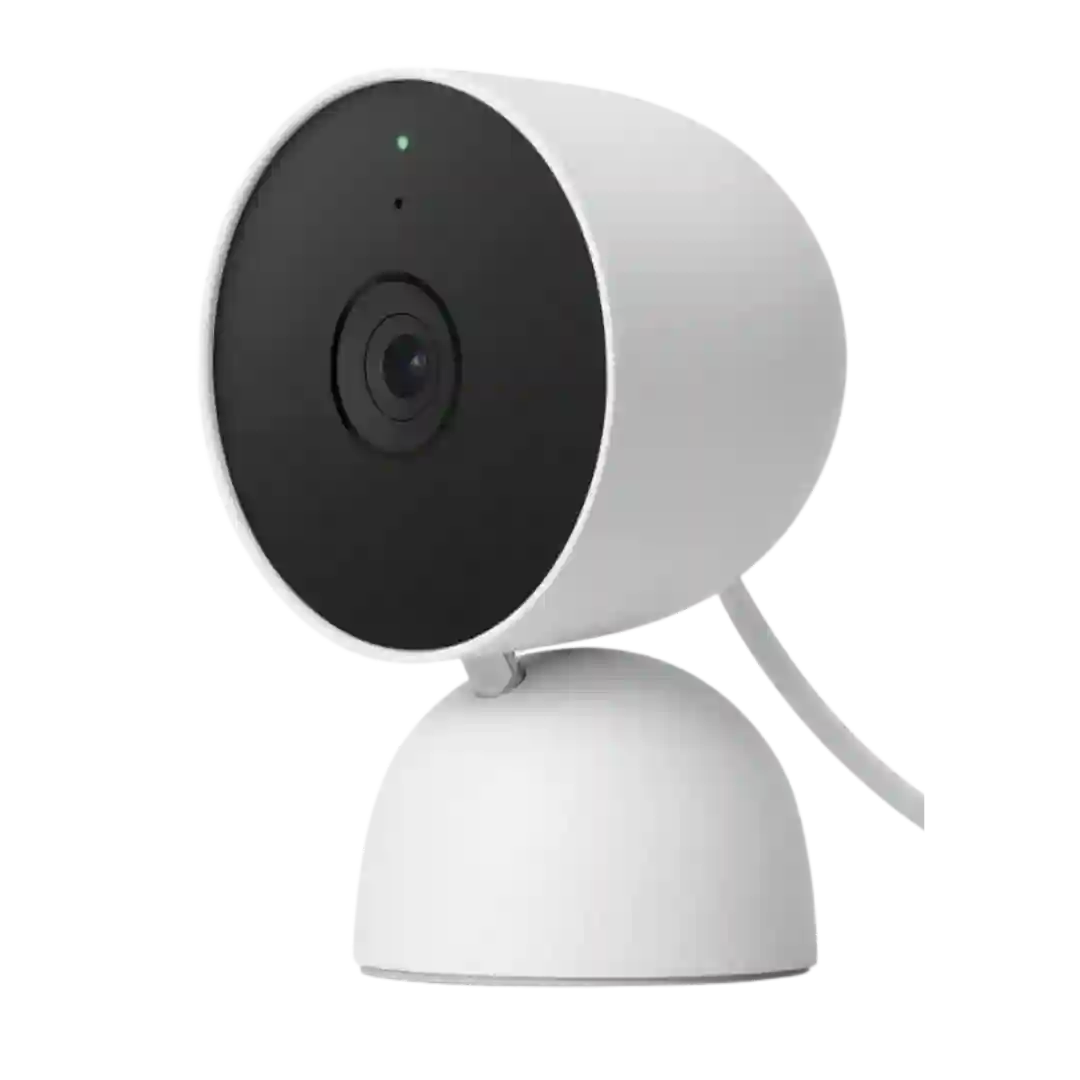
The Google Home app offers deep controls (zones, alert types, sensitivity, LED and audio settings) and is generally easy to navigate, but several reviews call it slower or buggier than the legacy Nest app experience.
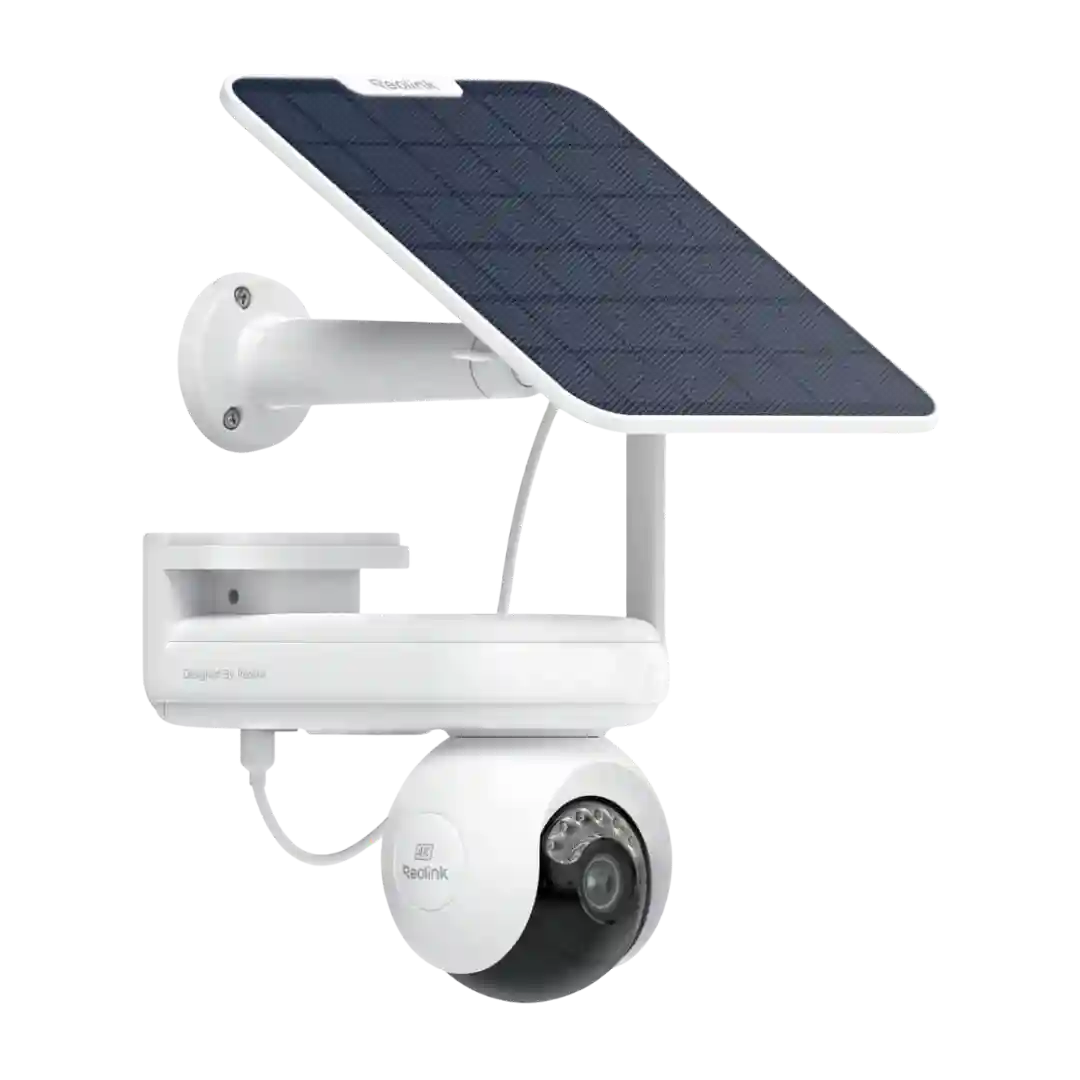
The Reolink app offers extensive controls—video quality, stitching tweaks, brightness, detection types, zones, privacy masks, spotlight/siren, and schedules—making it powerful for tinkerers. Several reviewers also describe the UI as busy or occasionally clunky, especially when reviewing the wide panorama.
The app is broadly seen as feature-rich, with lots of toggles for motion types, power modes, and video settings. Usability nits include hidden settings, lack of multi-camera live view for some, and per-camera configuration overhead.
The app is widely described as feature-rich and stable, with deep controls for lighting, motion, zones, and modes. A few reviews note there are many settings to learn, but overall sentiment is strongly positive.
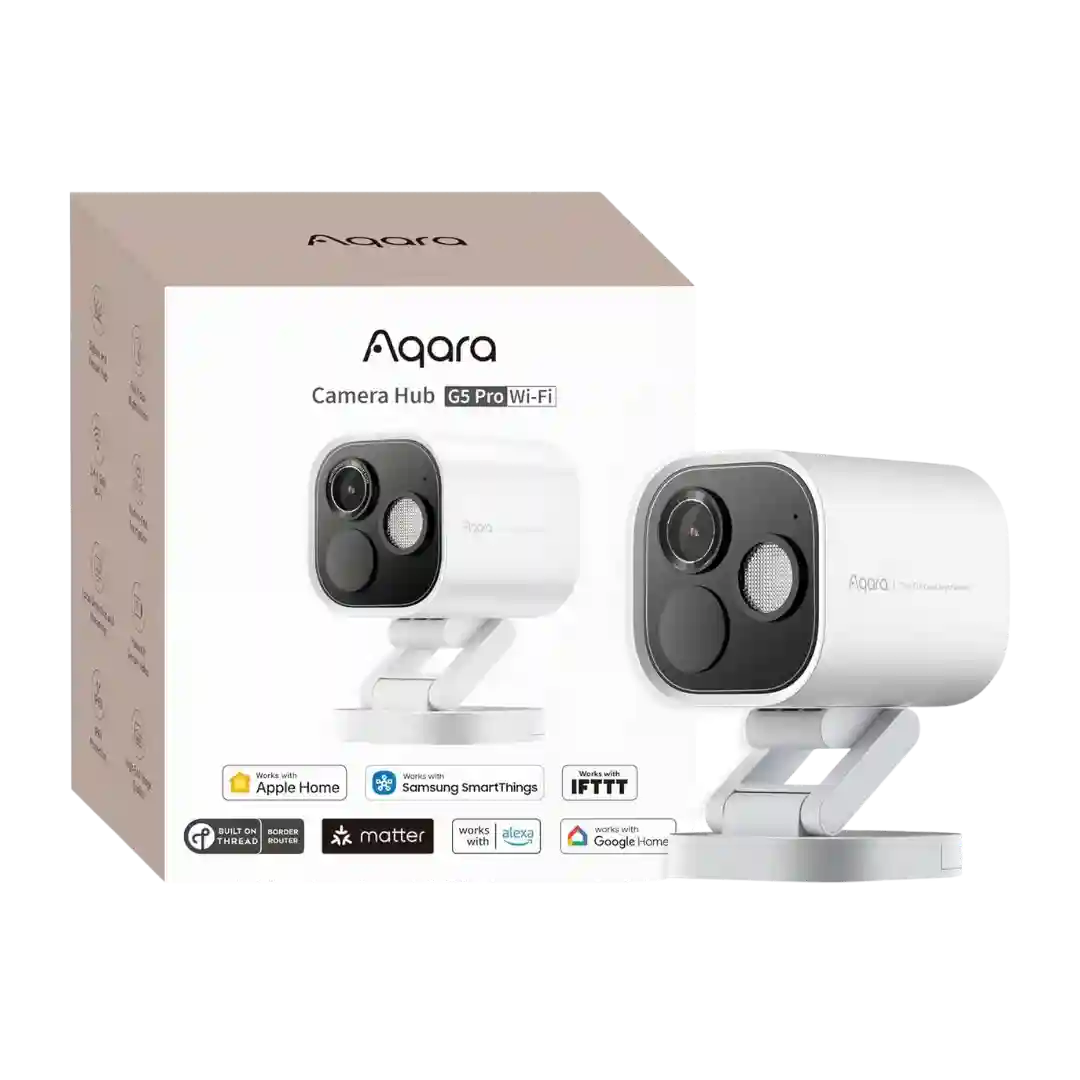
The Aqara app offers deep controls and settings but is often described as busy or over-complicated; common pain points include clip export workflows and per-type zone setup.
The Reolink app is feature-rich and generally reliable, with quick access to live view, playback, PT controls, and many detection/recording settings. The most common criticism is that the UI can feel busy or buried in sub-menus.
Google Home gives deep controls for events, zones, privacy, and device toggles, but several reviewers call the UI dense or unintuitive (some settings feel buried) while others describe it as polished and straightforward once configured.
The app offers deep controls (modes, zones, smart notifications, schedules), and some reviewers call it excellent. Others find key settings buried or unintuitive, especially motion sensitivity and initial setup steps.
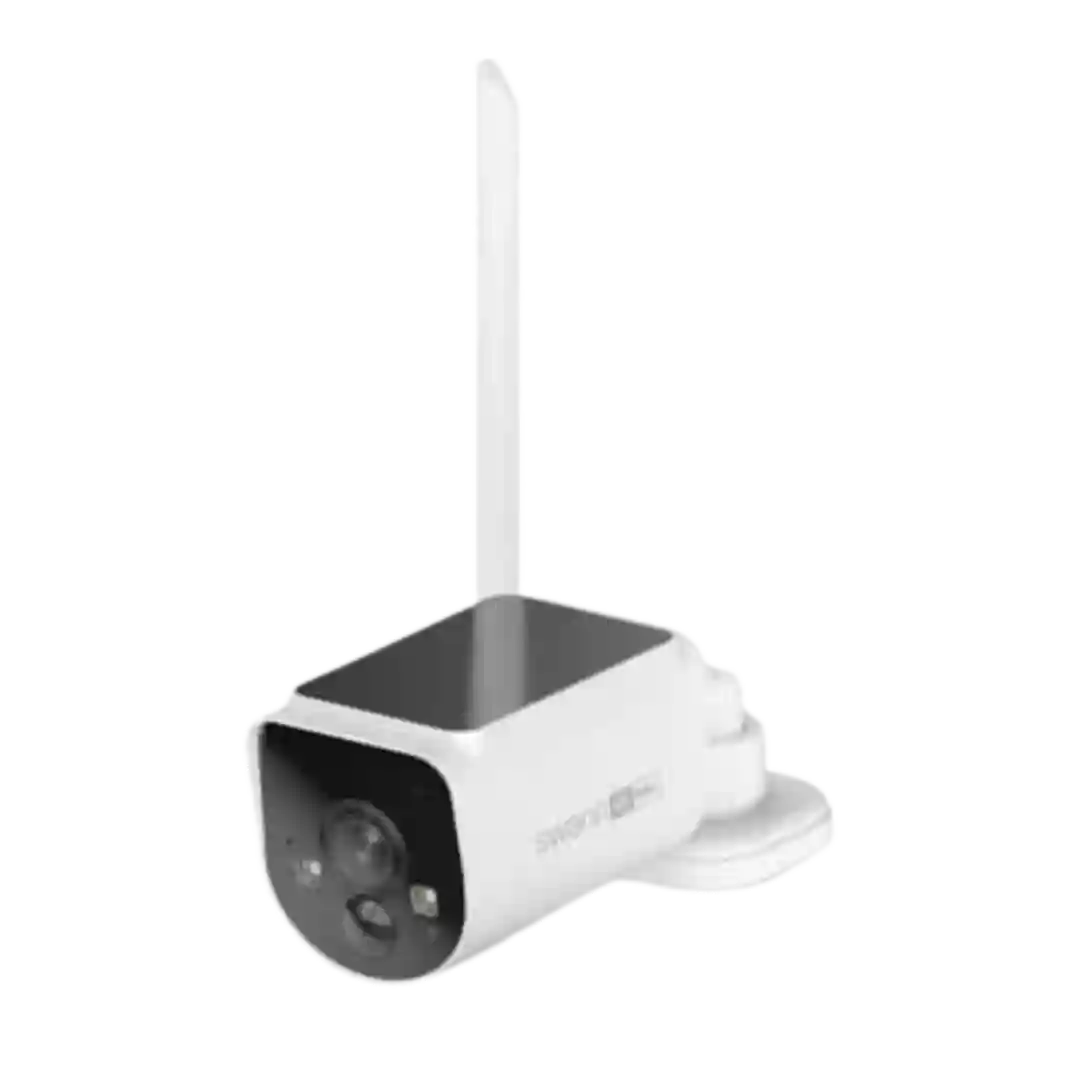
Controls are split between the Swann app and the hub interface. Many reviewers find the basics intuitive, but some report that advanced sensitivity and AI controls are easier or only possible from the hub, creating a learning curve.