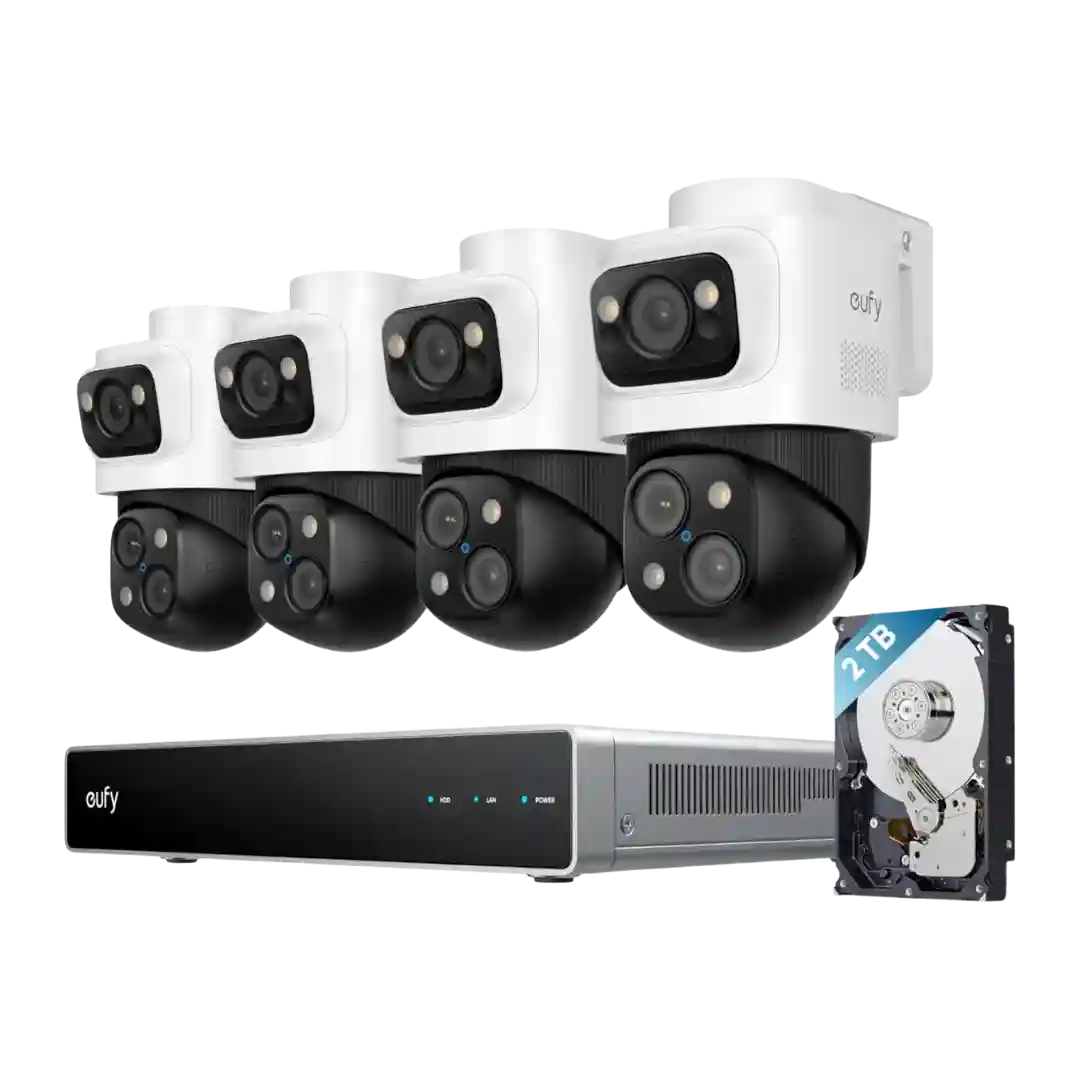
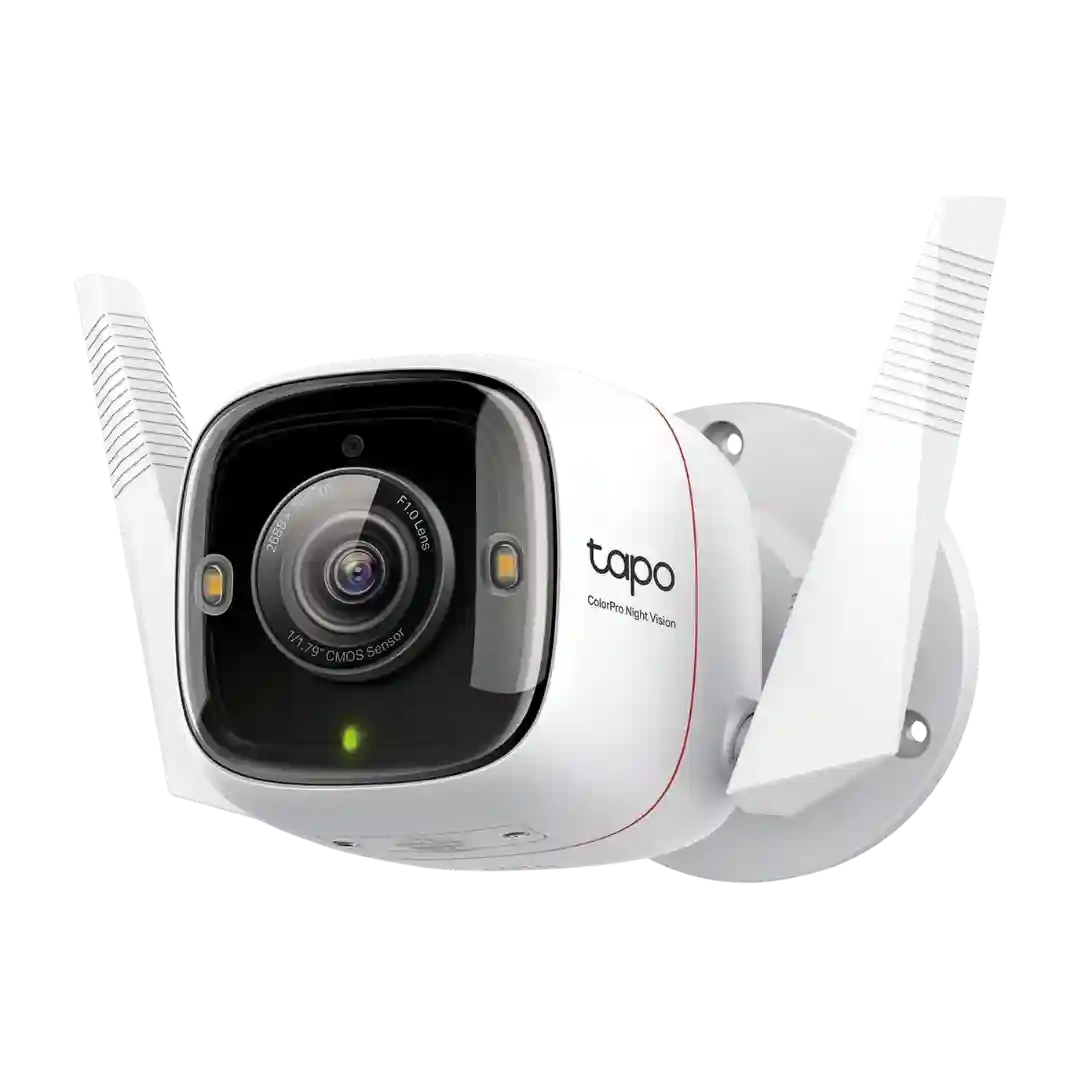
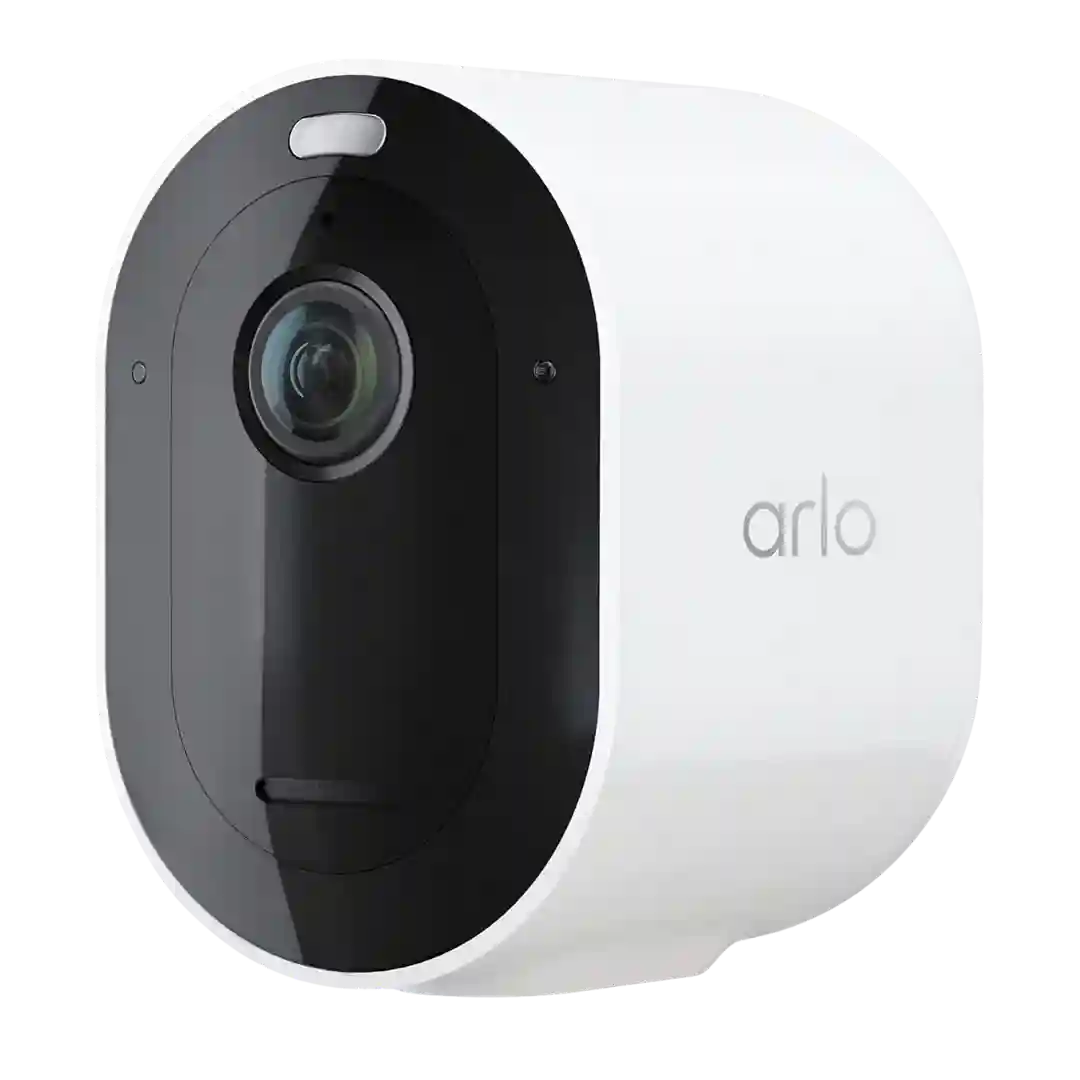
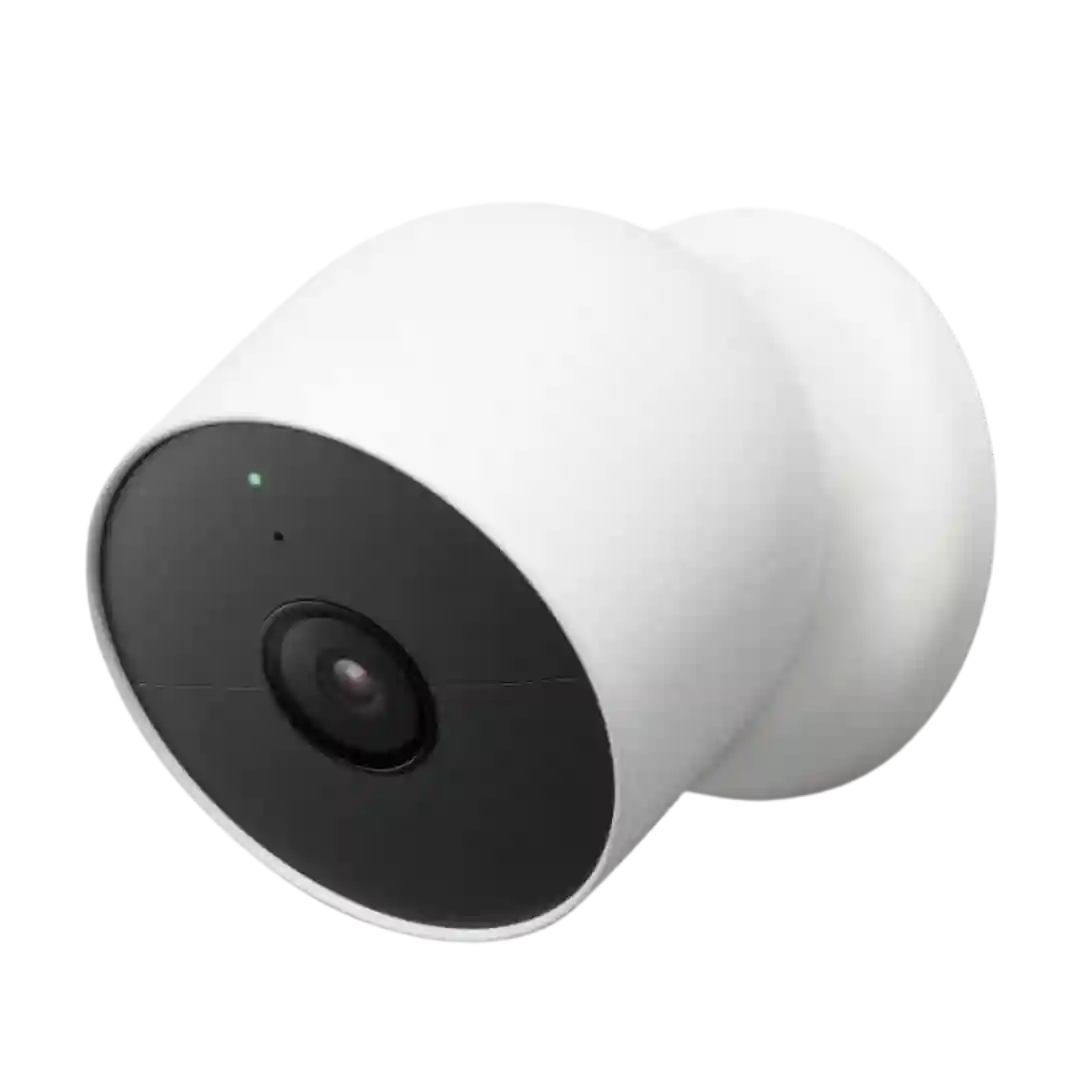
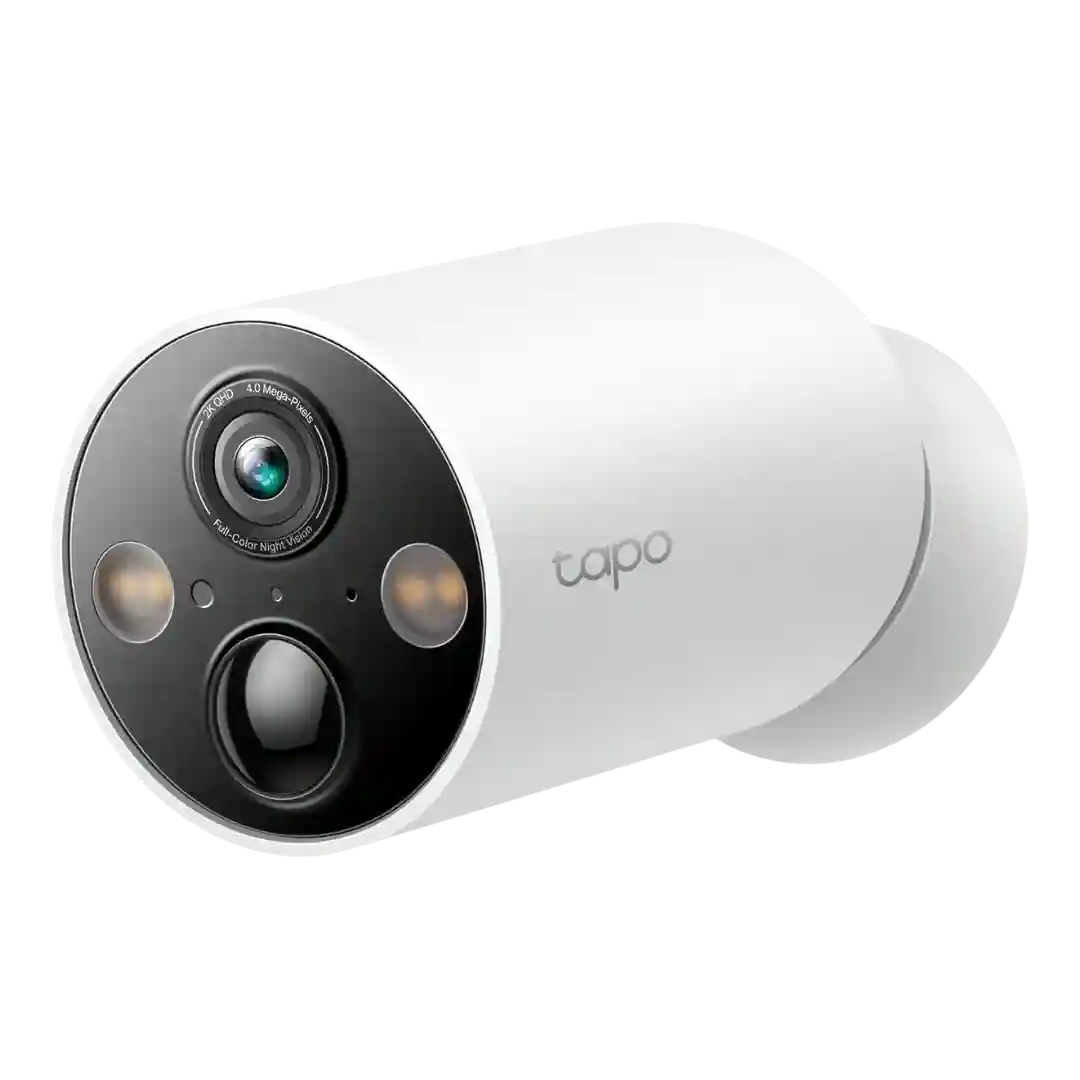
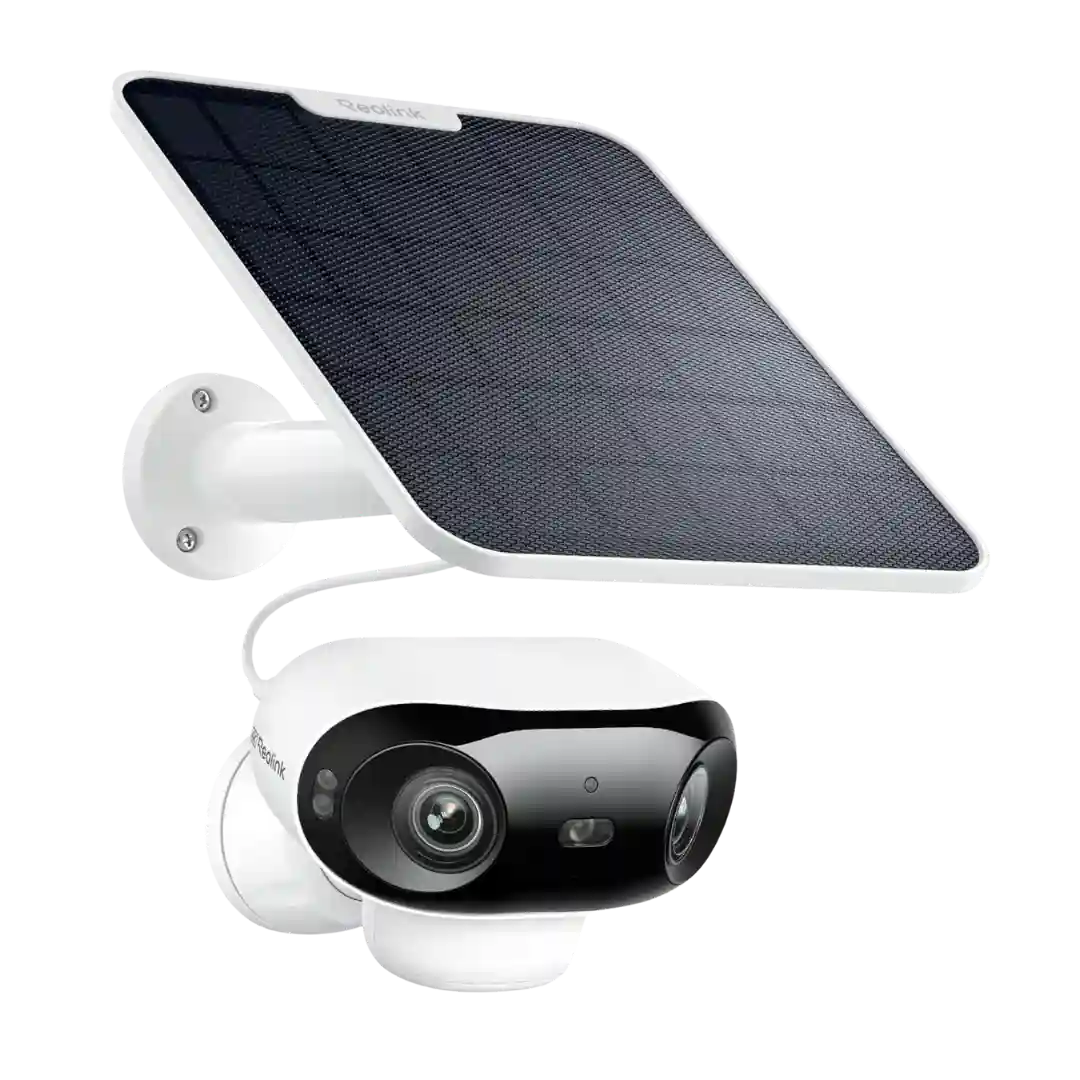
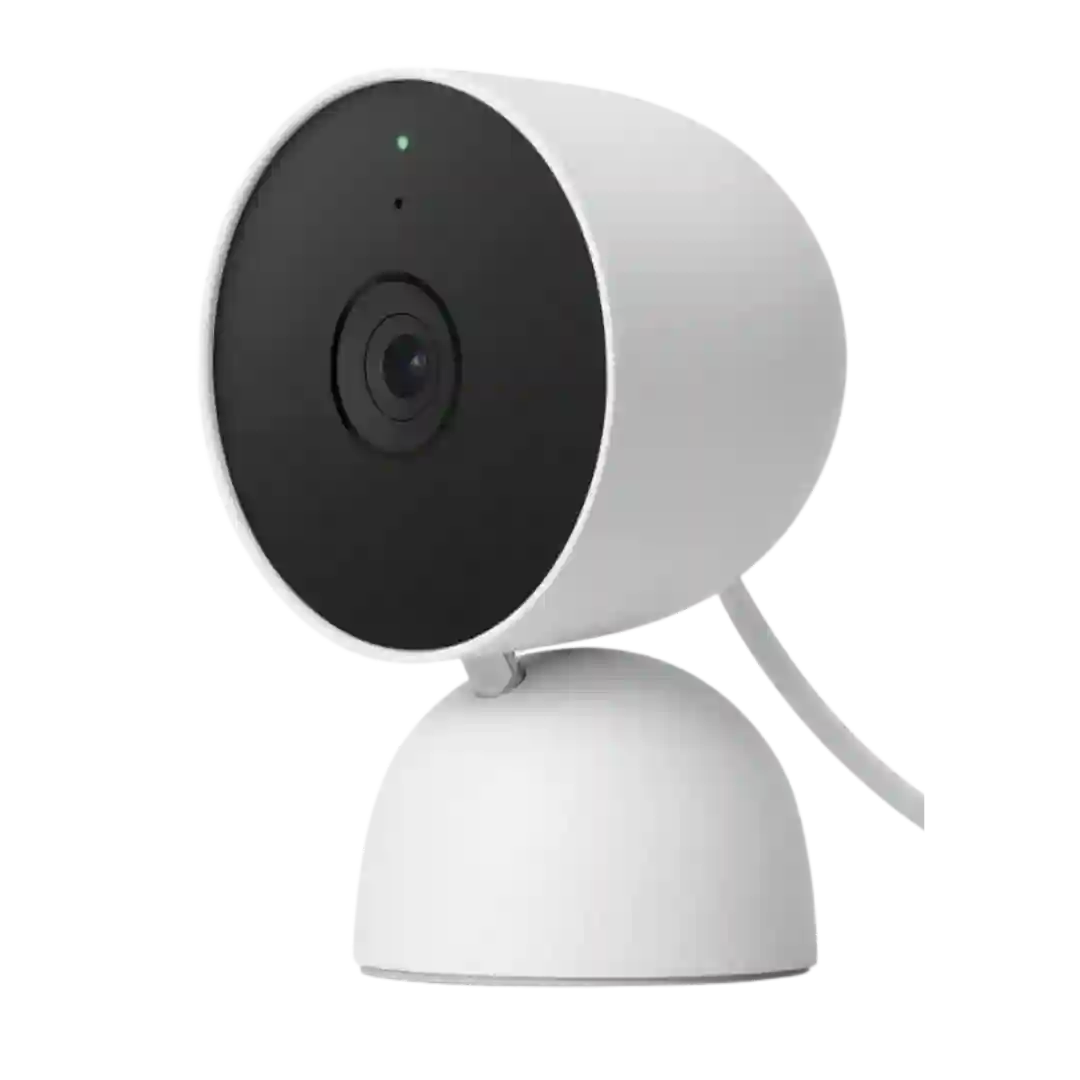
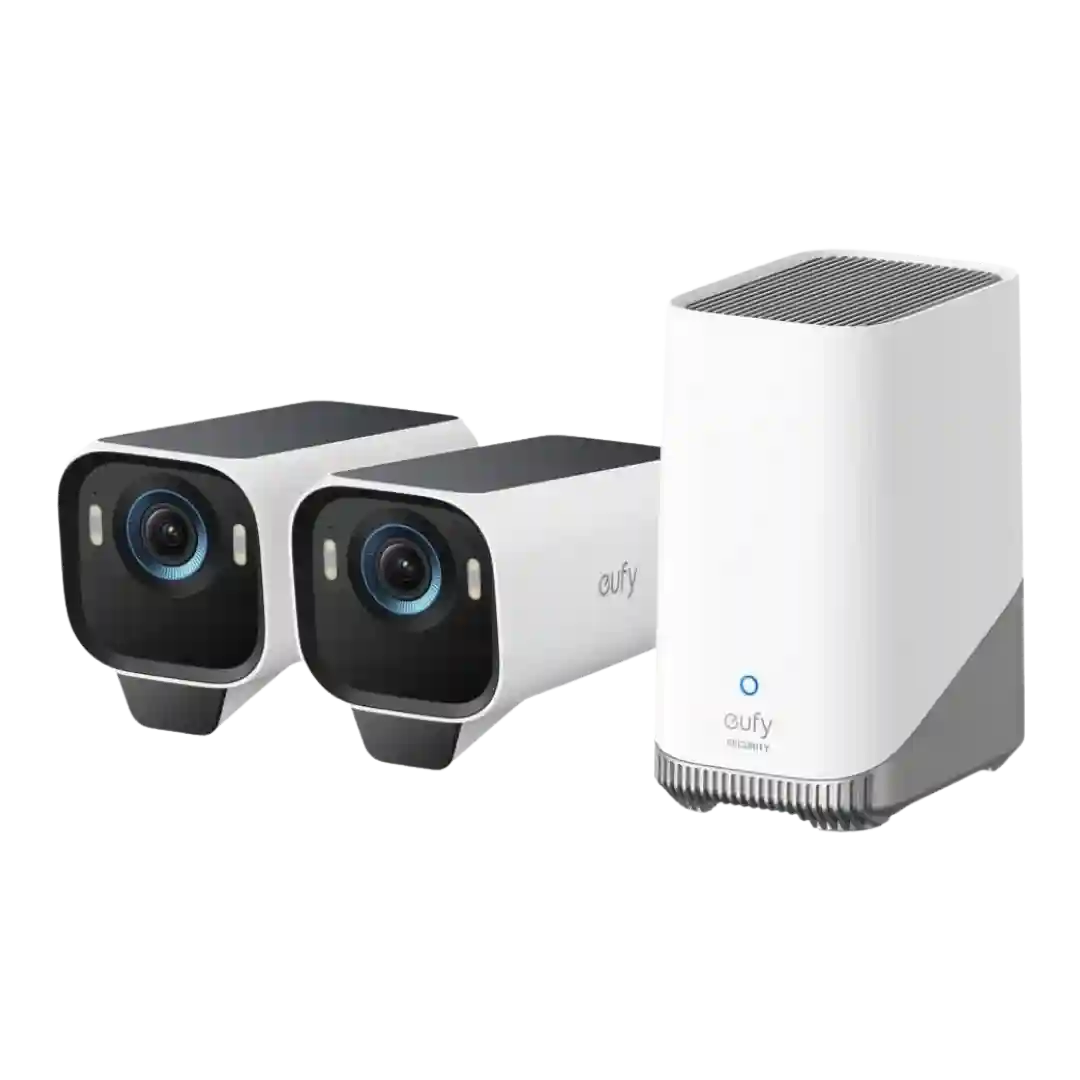
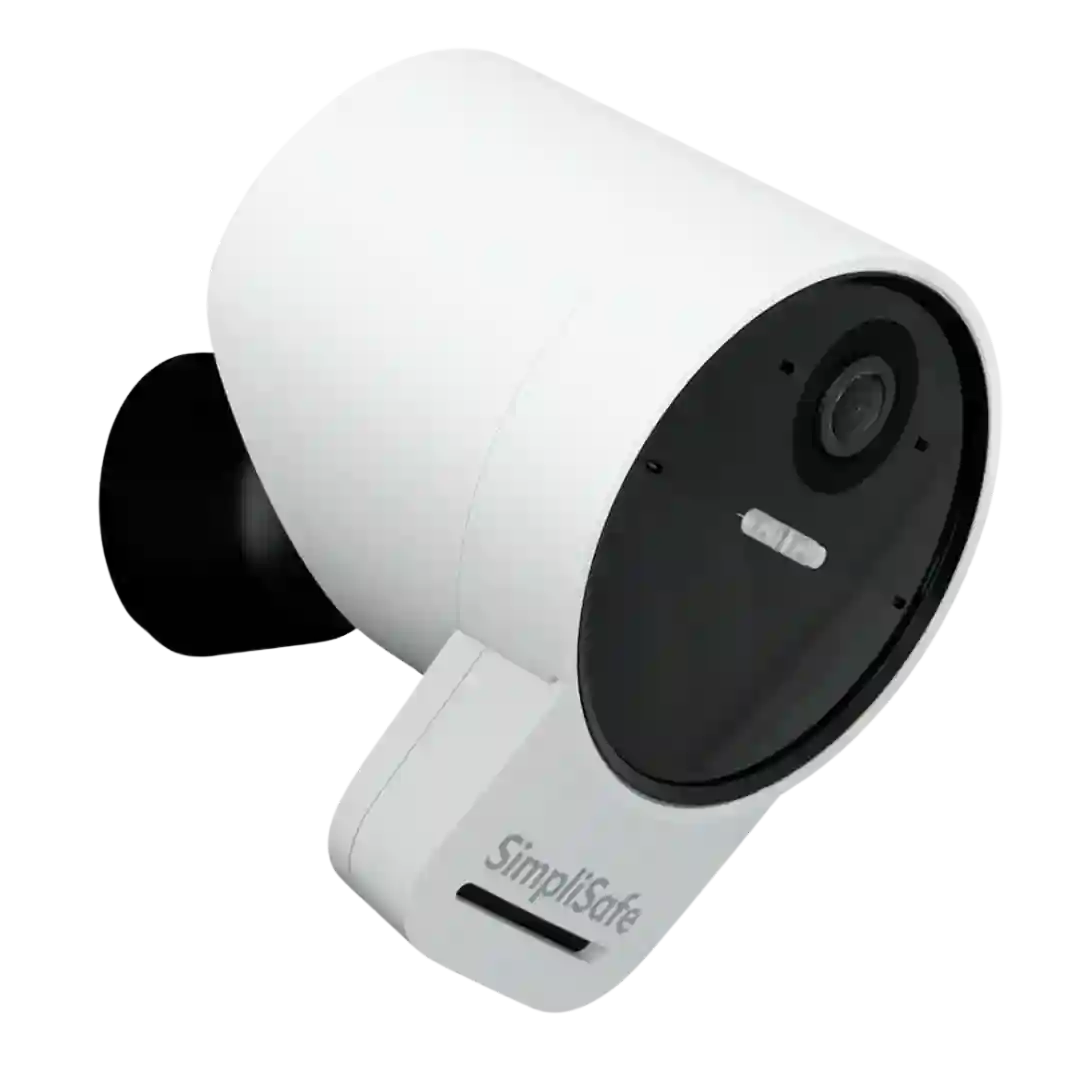
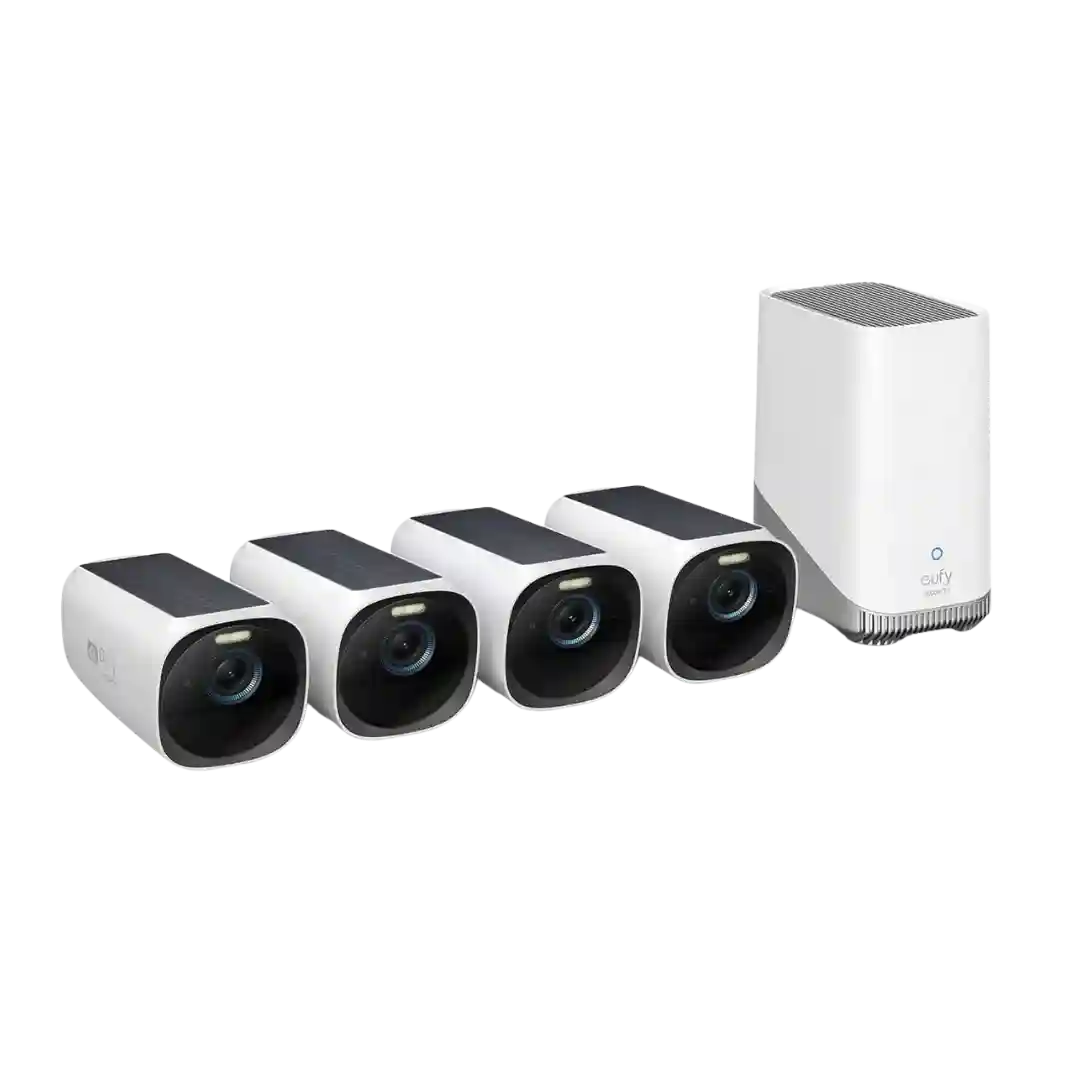
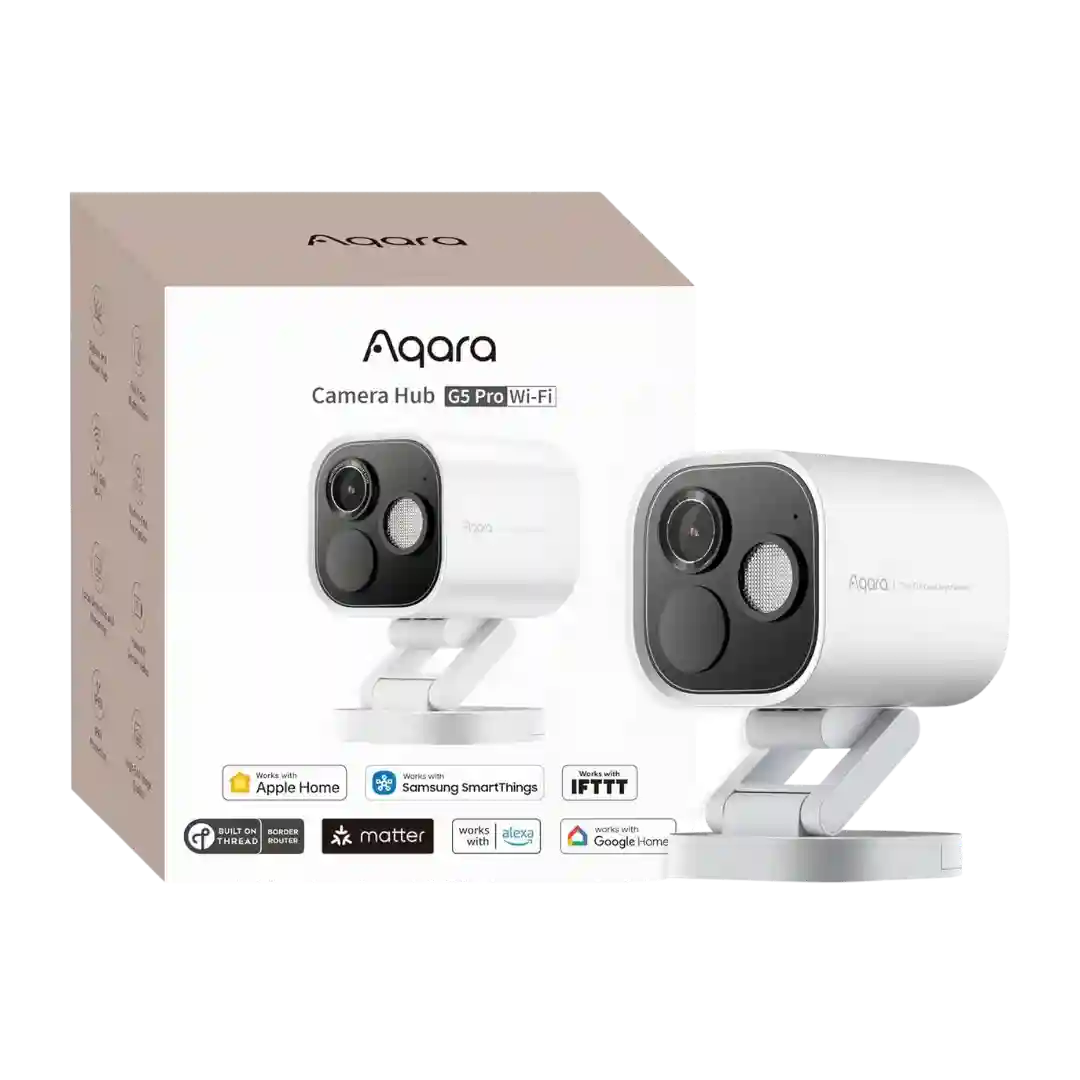
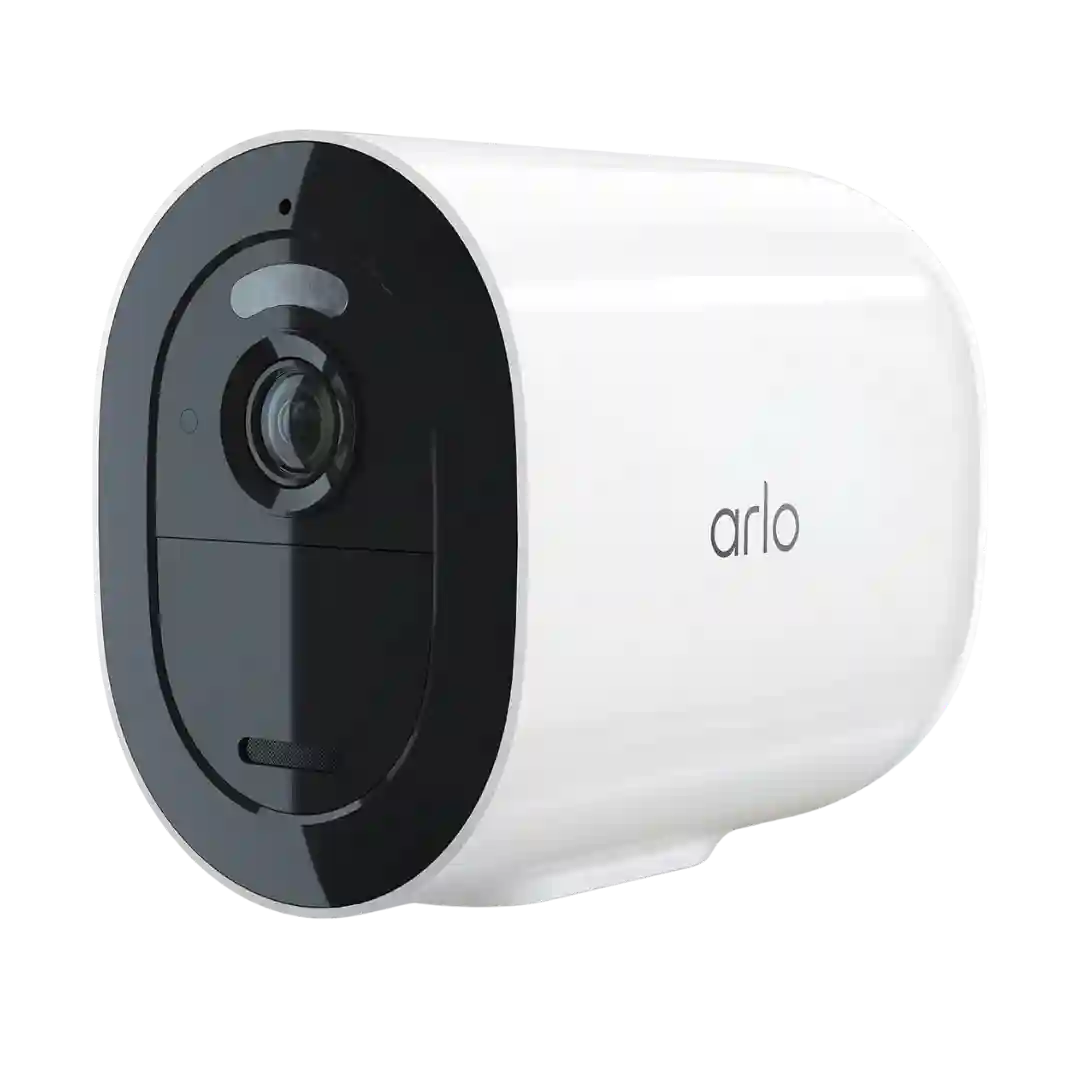
Custom activity zones are frequently used to avoid streets and neighbors and to reduce noise. Reviewers generally found zones effective and essential for dialing in the alert experience.
Activity or motion zones are repeatedly mentioned as useful for trimming out streets, bushes, or neighbors' areas. Several reviews note zones are cloud-based and/or require a subscription tier.
Activity zones and per-zone alert types are highlighted as strong, letting you narrow notifications to specific areas and object categories, including without a subscription in several reviews.
Motion zone tools are robust, including multiple zones and the ability to tune zones by detection type in several reviews. This makes it easier to ignore roads, trees, or neighbors while keeping the areas that matter.
Reviewers consistently praise the depth of tuning: activity/motion zones, sensitivity controls, schedules, and object filters (including size-based filtering in at least one review). These controls help reduce false alerts and tailor detection for people, vehicles, and animals.
Activity/motion zones are flexible and useful (and available without a subscription), helping cut unwanted alerts, but at least one review says the path to create them isn’t obvious in the app.
Motion zones are available and help cut unwanted alerts, but the editing experience varies: some find it flexible and effective, while others describe blocky or scattered settings across app vs hub menus.
The app supports adjustable detection sensitivity and zones (and in some cases per-type tuning for people/vehicles/animals). Reviewers generally find these controls helpful for reducing unwanted alerts and tailoring coverage.
Activity and motion zones are commonly described as flexible and easy to tune. Some reviews highlight precise zone shapes and sensitivity controls that help target driveways, doors, and paths.
Activity or motion zones are a key strength, helping block out roads, sidewalks, and other high-traffic areas. Even with Active Guard constraints, reviewers note zones remain a primary way to tune what gets monitored and alerted.
Activity/motion zones are effective for cutting out roads, windows, and moving foliage; however, some reviewers say the controls can be buried in the app and must be tuned per camera.
Motion/activity zones and per-type detection regions are supported and flexible, though some reviewers find it tedious that zones can be configured separately for different detection types.
Activity or motion zones are a key strength when you have Arlo Secure: reviewers describe them as powerful and effective for focusing alerts. The downside is they may be locked behind the subscription and must be redrawn if you move the camera.
Motion zones are available and can be set per detection type, but multiple reviewers note zones shift when the camera pans, so careful placement and presets matter.