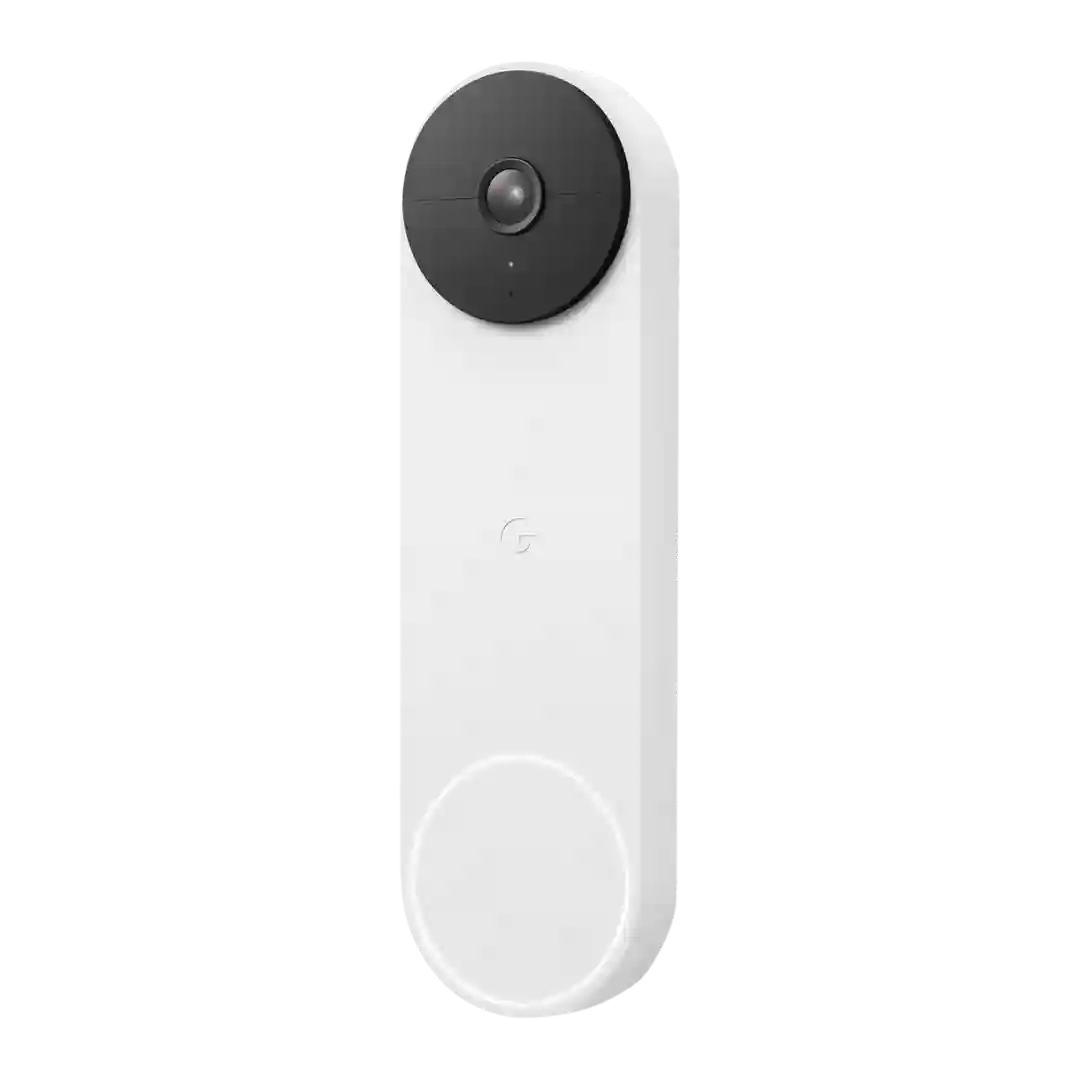
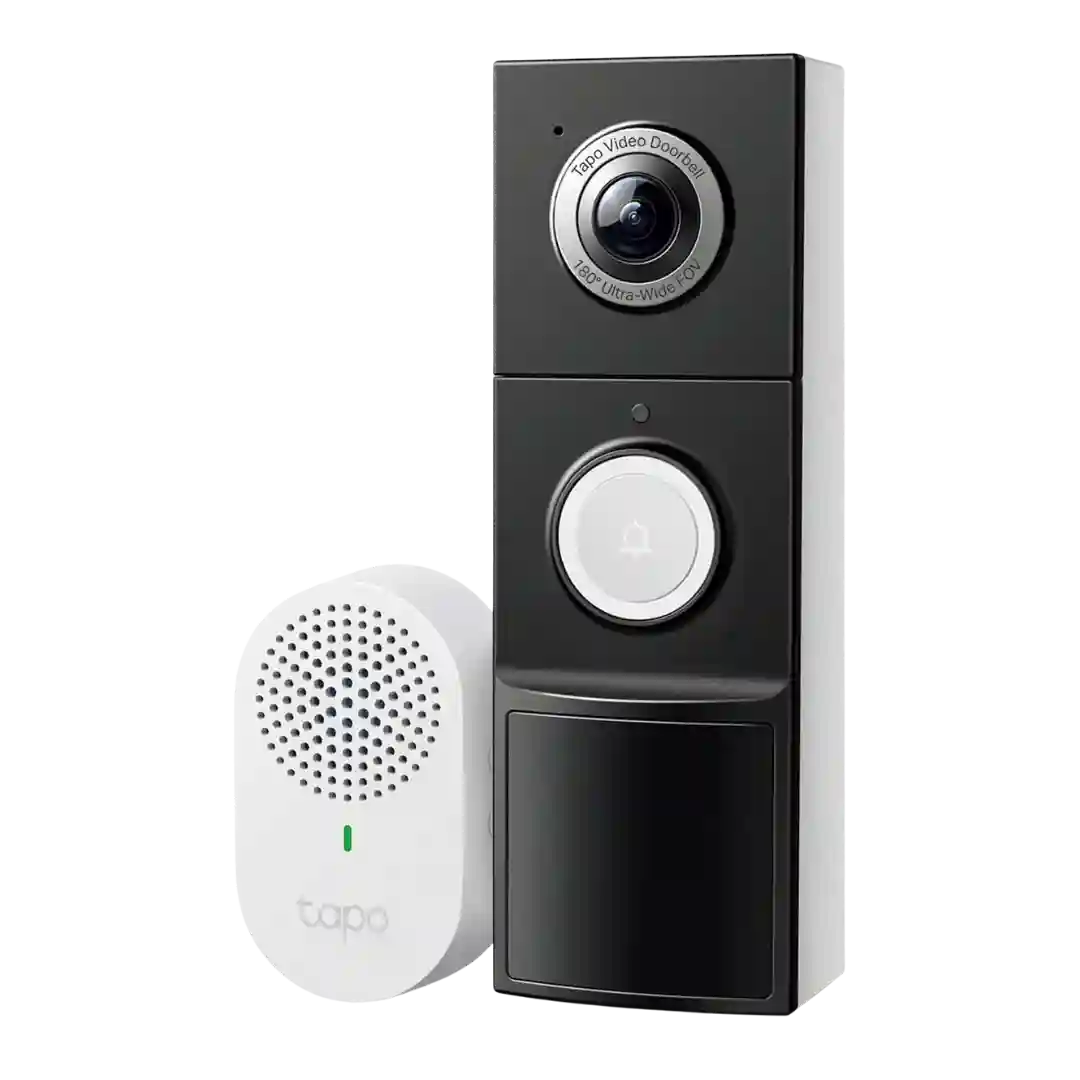
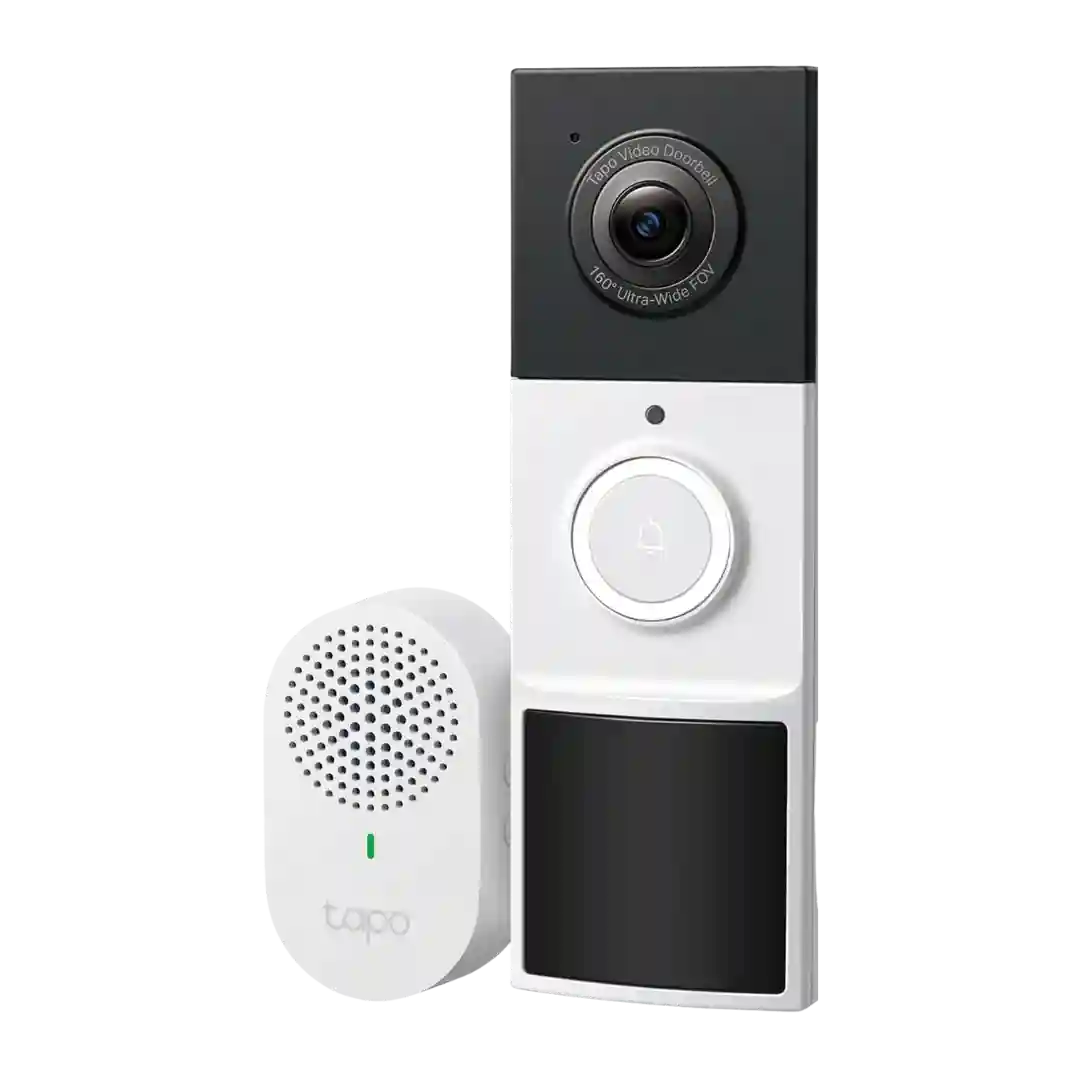
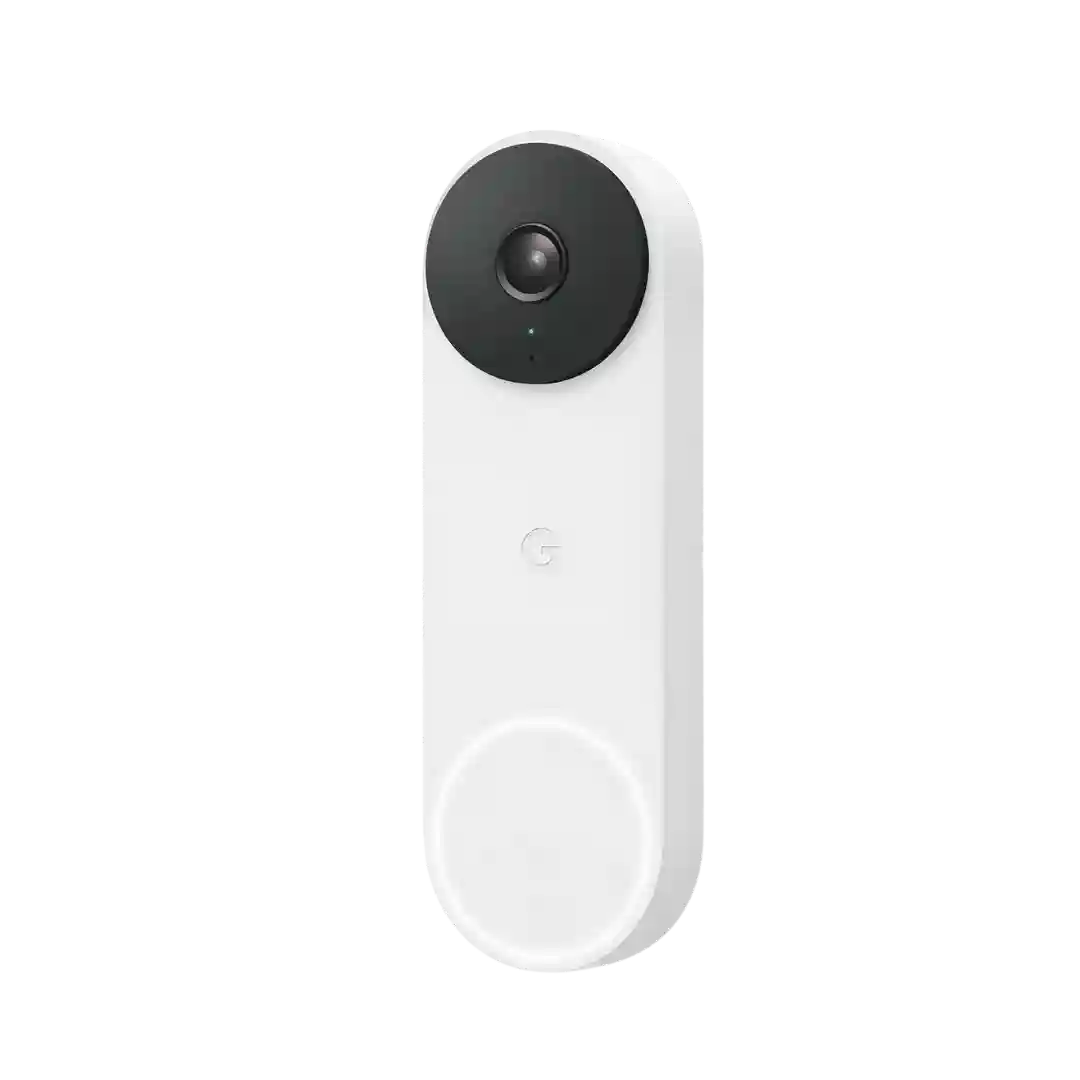
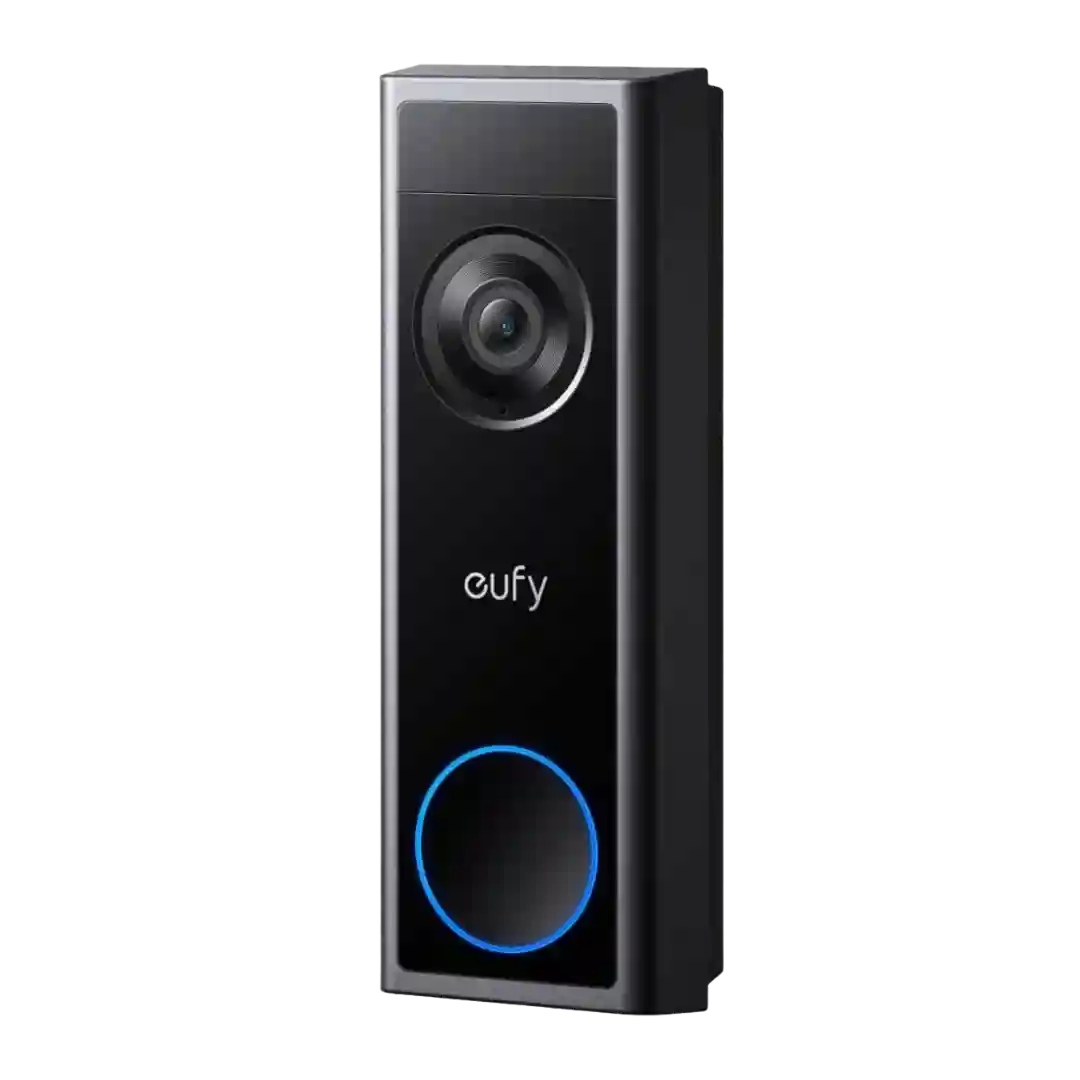
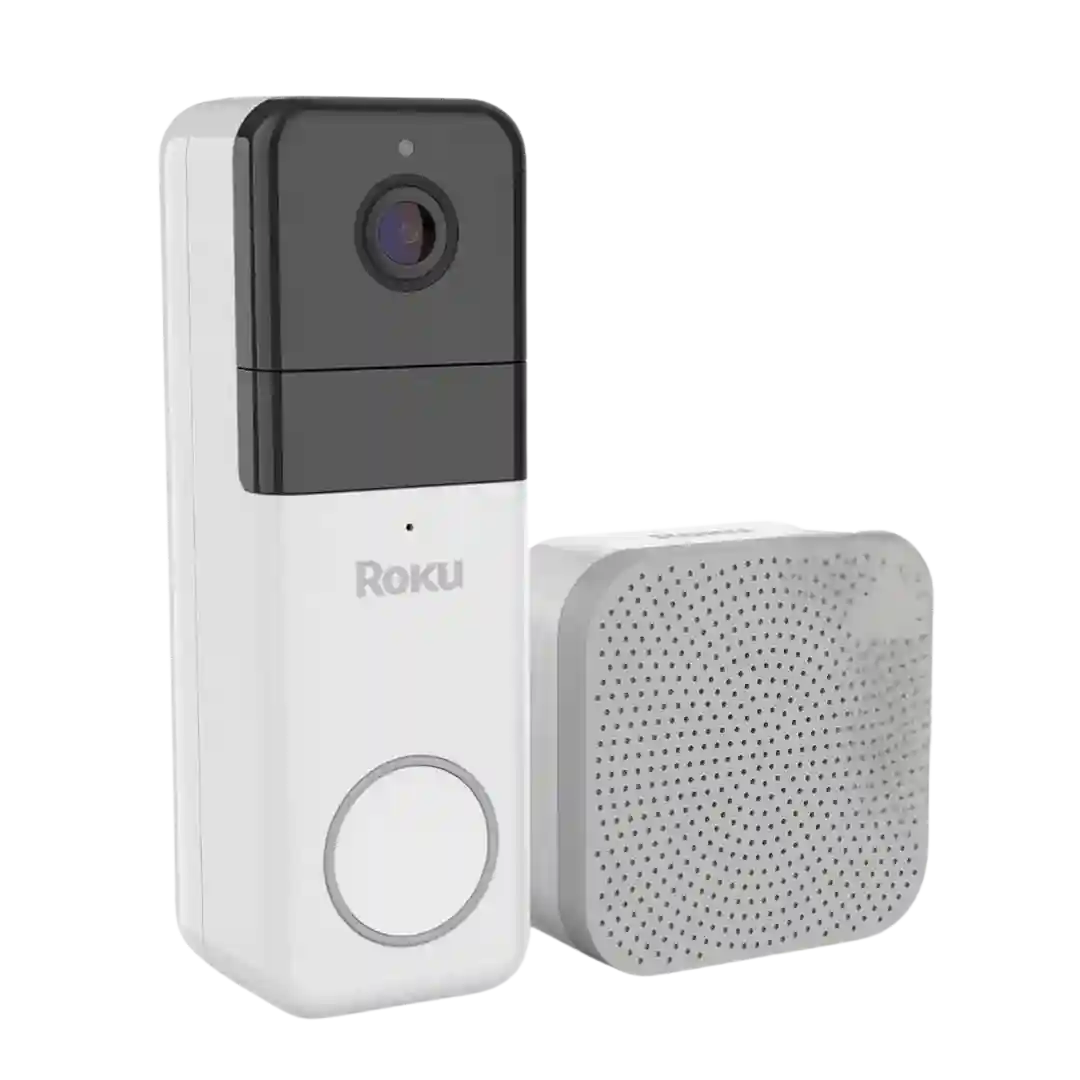
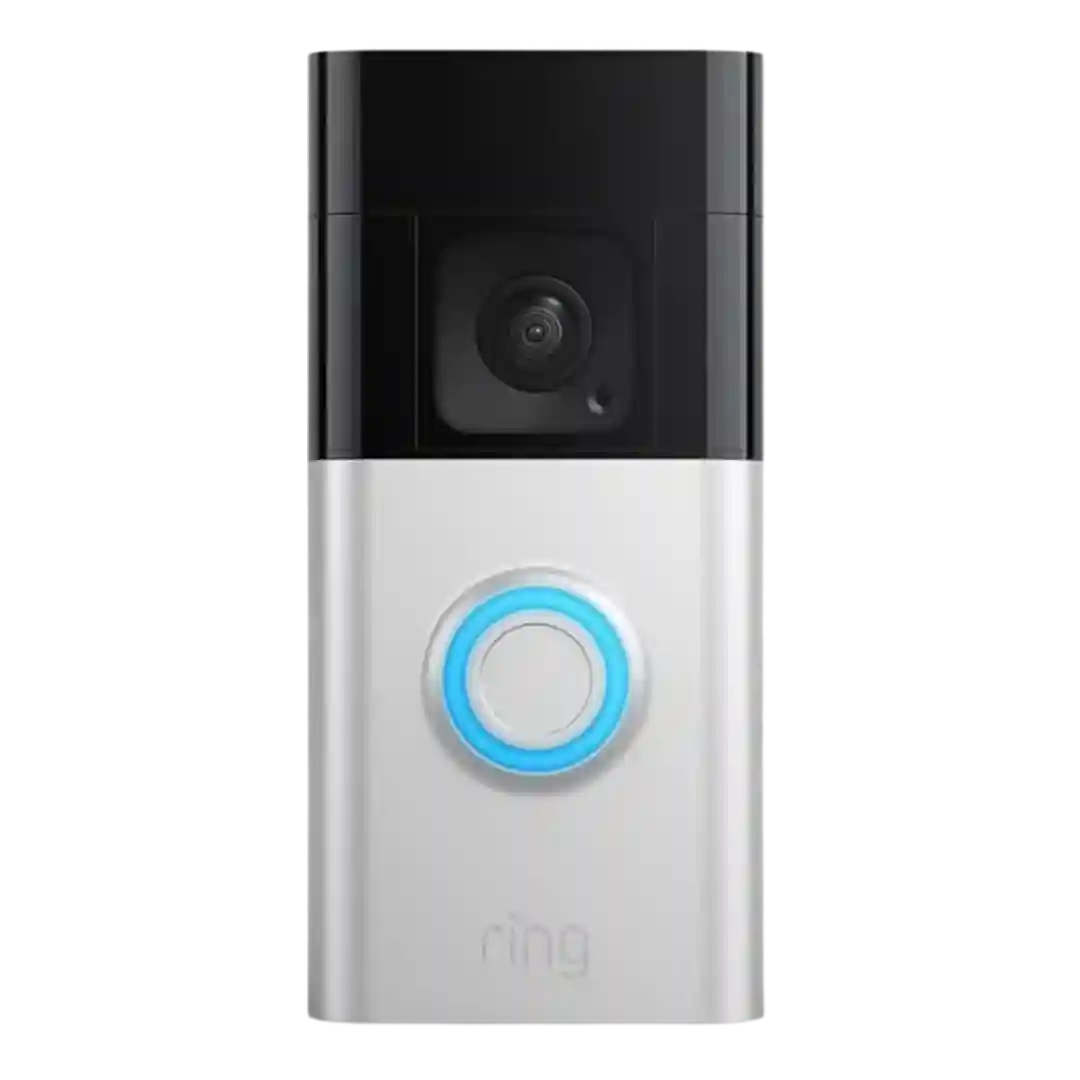
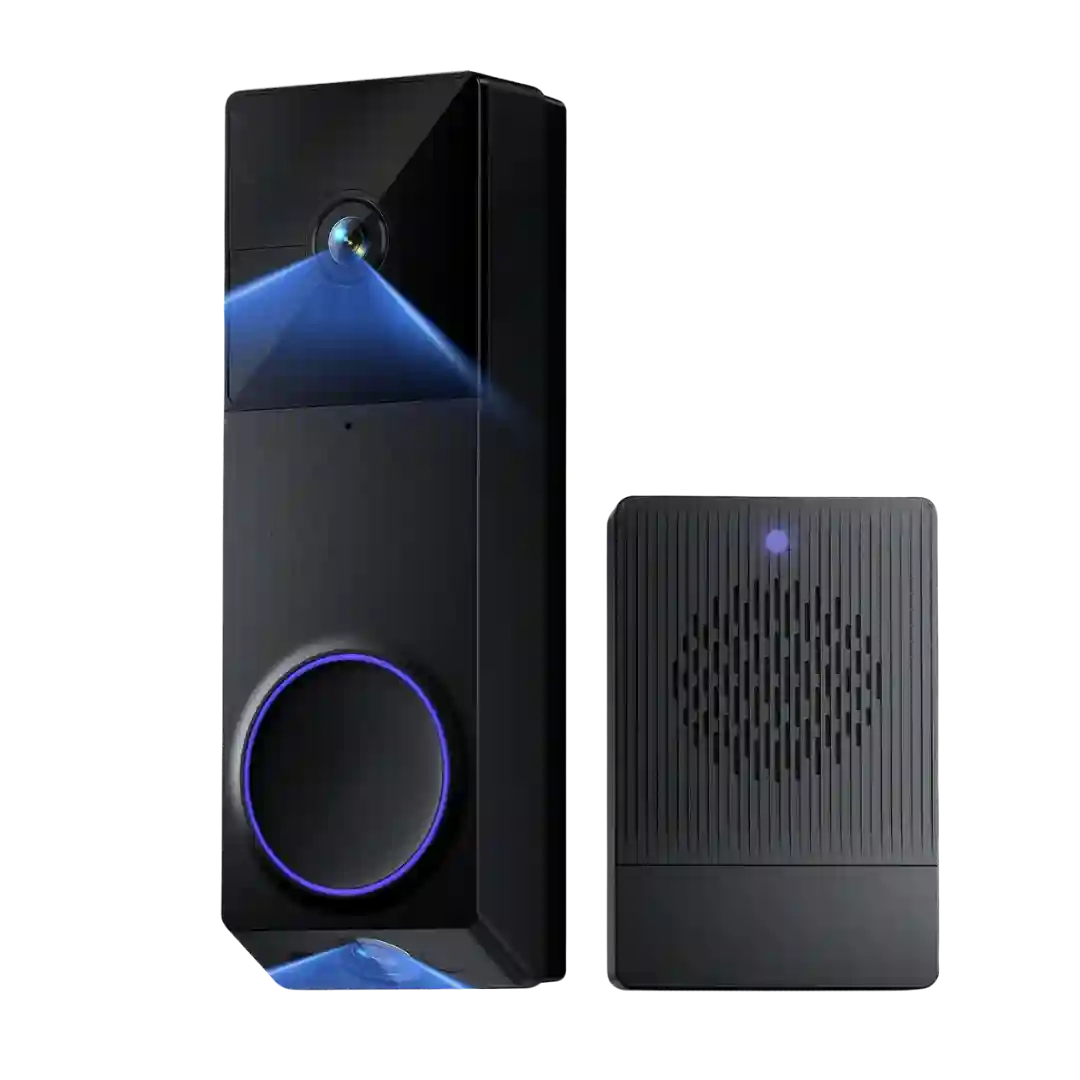
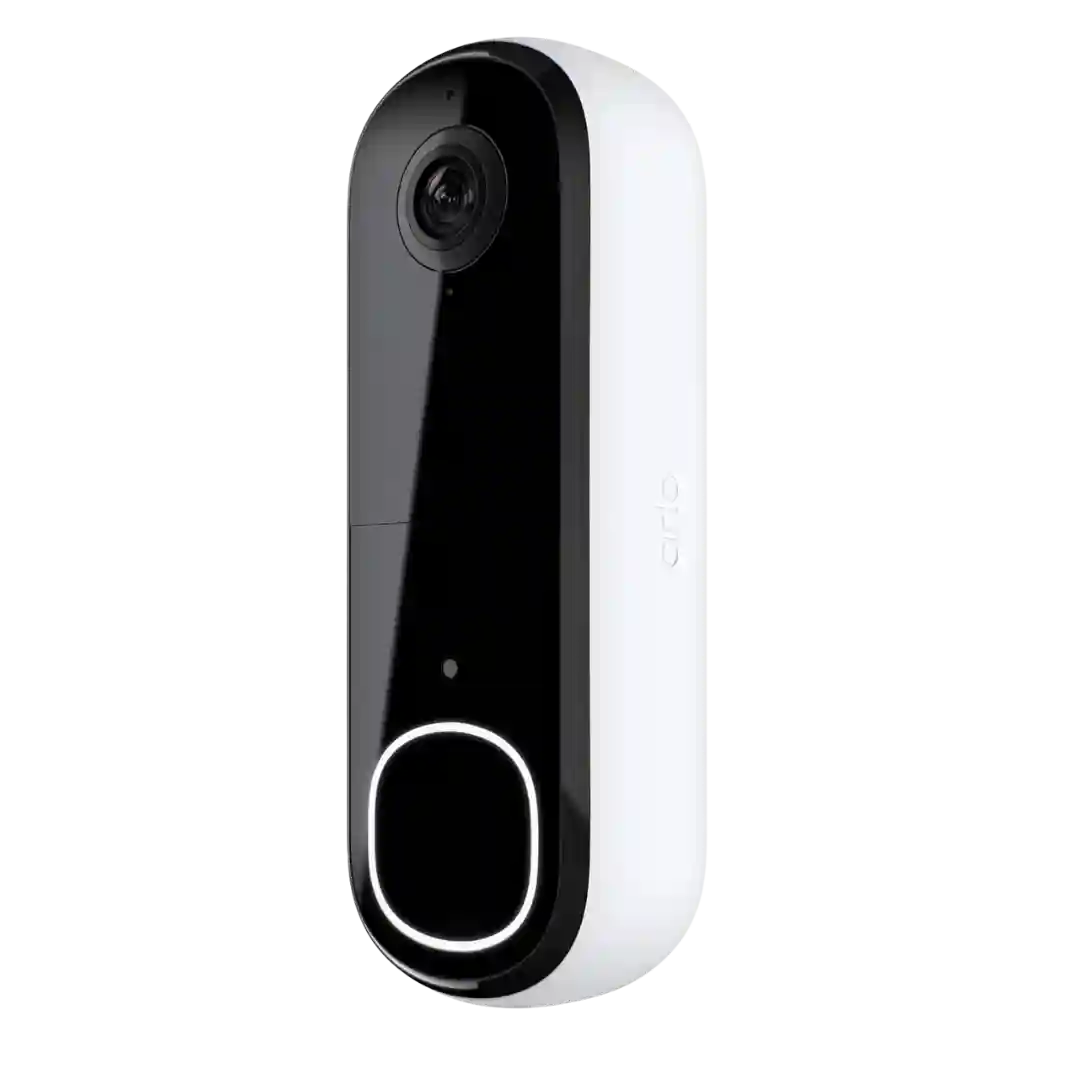
Motion controls are a highlight, with customizable activity zones and event-type filters that let you record broadly while only notifying for the events you care about.
Customization is a core strength. Reviews highlight granular toggles for what gets recorded versus what triggers notifications, allowing users to reduce noise while still capturing important activity.
Customization is frequently highlighted: adjustable sensitivity, activity zones, and alert filtering (people/packages) help reduce noise, especially for street-facing doors. Some reviews mention zone limits (for example, only a couple zones) but still rate controls as better than average.
Motion customization is repeatedly praised, including motion zones, detection timing, and configurable pre/post recording windows. These controls are framed as especially useful for reducing street traffic triggers and focusing on the porch approach.
Motion customization is a standout: polygonal or click-and-drag zones, sensitivity adjustments, and people-only filtering are repeatedly praised for reducing false alerts and tailoring coverage to the porch layout.
Customization options are a highlight: reviewers mention adjusting sensitivity, motion frequency, clip length, and notification efficiency settings to balance responsiveness against battery life and false alerts.
Customization is consistently praised: reviewers mention multiple motion zones, package zones, sensitivity controls, motion frequency, and schedules that help reduce false positives and tailor alerts to your entryway.
Customization is deep, including motion zones, sensitivity sliders, object-size thresholds, alarm delay, and recording/notification schedules; one reviewer finds the zone-painting UI less convenient than simple boxes.
Plenty of tuning options (sensitivity, frequency/cooldown, schedules, smart alerts) allow tailoring, but more settings also mean more initial setup time.
Customization is a strong point, with control over sensitivity, loitering thresholds, radar sensing, and per-camera activity zones, even if tuning cannot fully eliminate latency.
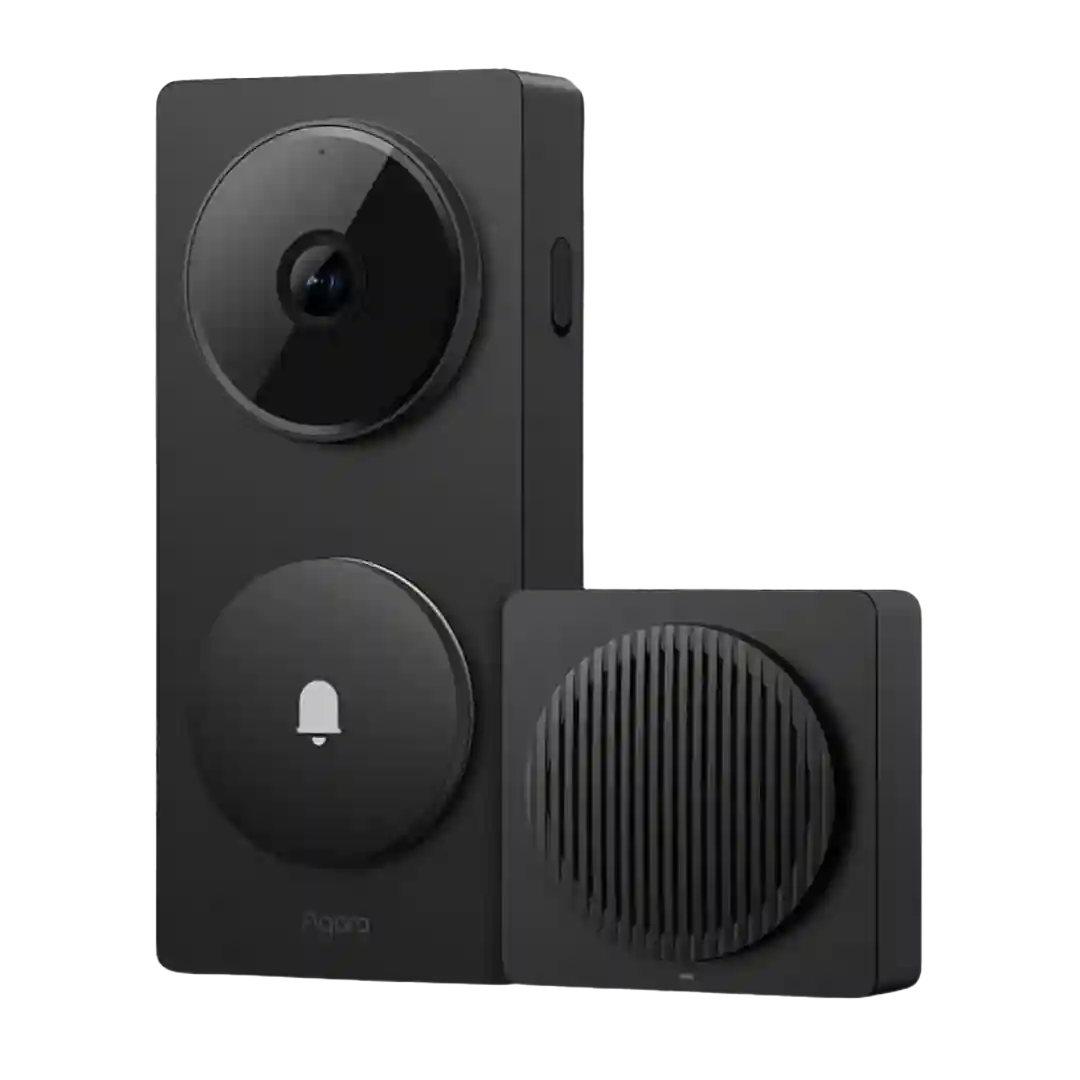
Customization is a common strength: reviewers like adjustable detection range, sensitivity, and event types (including lingerer-style logic in Aqara). Some still want finer controls, such as easier unit-based tuning, height filtering, or clearer mapping between presence sensing and platform motion zones.
Reviewers demonstrate activity zones, human-only toggles, sensitivity control, and re-trigger/cool-off timing. The ability to tune notification style (efficient vs thumbnail) is repeatedly cited as a key customization that changes perceived speed.
Customization is a recurring plus: activity zones and adjustable detection range are repeatedly mentioned as useful tools to reduce unwanted alerts and tune coverage.
Customization is a strong point: sensitivity, motion zones, privacy zones, retrigger/cooldown timing, and sometimes smart filters (person/vehicle) are available. Proper tuning is repeatedly recommended to avoid excessive false alerts and preserve battery.
Across reviews, the app offers sensitivity controls and selectable detection modes (human-focused, and broader modes when supported), giving users room to tune alerts. Reviewers repeatedly show or mention customization depth rather than a fixed one-size setup.
Customization options include sensitivity levels, choosing all motion vs smart detection categories, recording cooldown behavior, and maximum clip-length controls.
Reviewers highlight deep control over motion behavior (sensitivity, frequency, schedules, smart alerts), letting you trade battery life for responsiveness and reduce unwanted triggers. Most find the controls effective, though dialing them in takes some tweaking.
Motion controls are a strong point, with adjustable sensitivity, re-trigger timing, clip length, and granular activity zones. Tuning is important to reduce false alerts in high-traffic areas.
Motion settings offer strong zone drawing and the ability to filter by people/animals/vehicles, but some reviewers want finer controls like sensitivity sliders, better package handling, and fewer false alerts.
Motion settings include sensitivity controls and a grid-based zone tool; reviewers like the customization but still report occasional nuisance triggers (e.g., passing cars).
Customization is a strong point when it is fully available, including activity zones and loitering-style options, but some reviewers report missing or limited motion-zone controls in certain app states or firmware combinations.
Customization includes sensitivity tuning and (with subscription) activity zones; some reviewers want deeper control and note limitations in disabling or reshaping detection behavior.