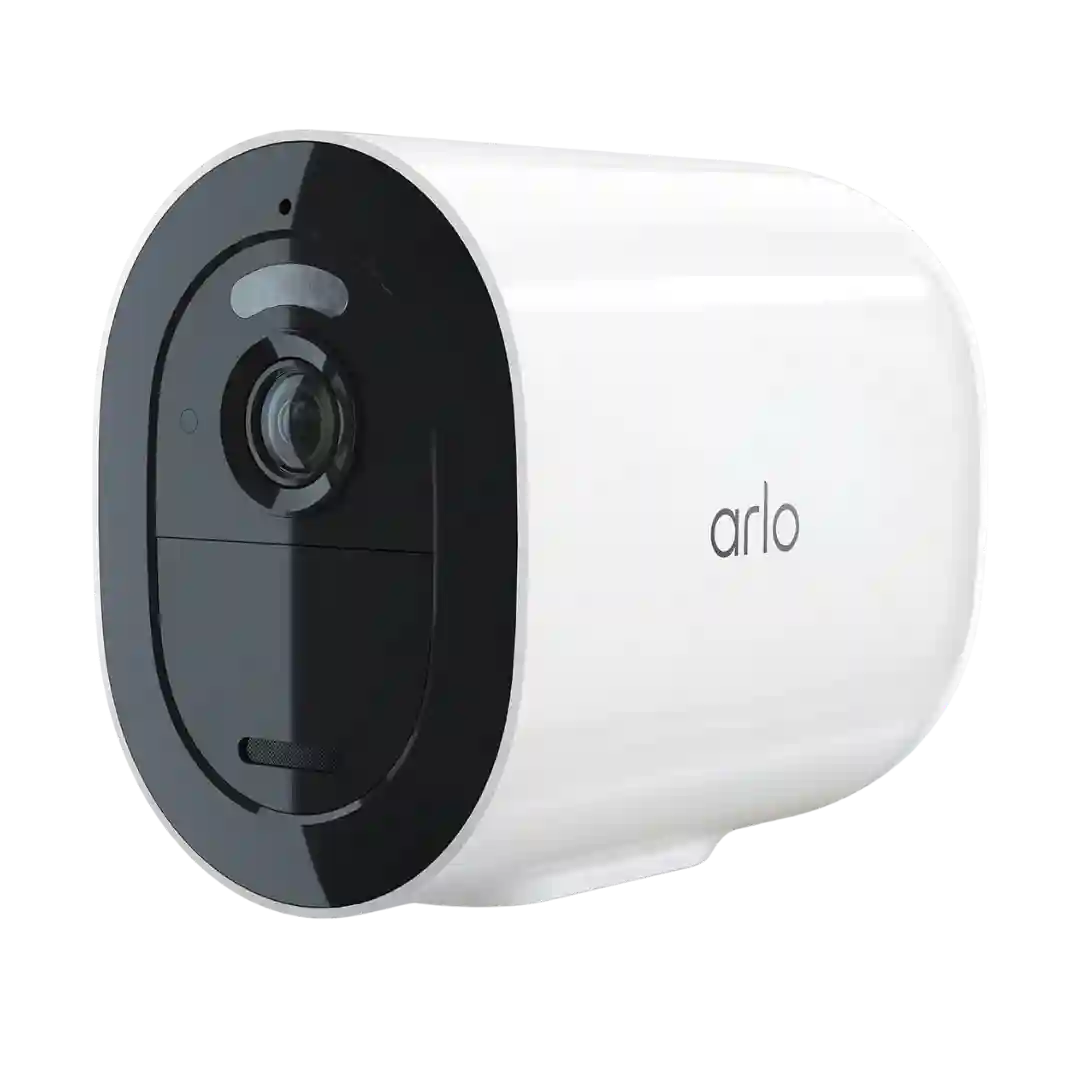
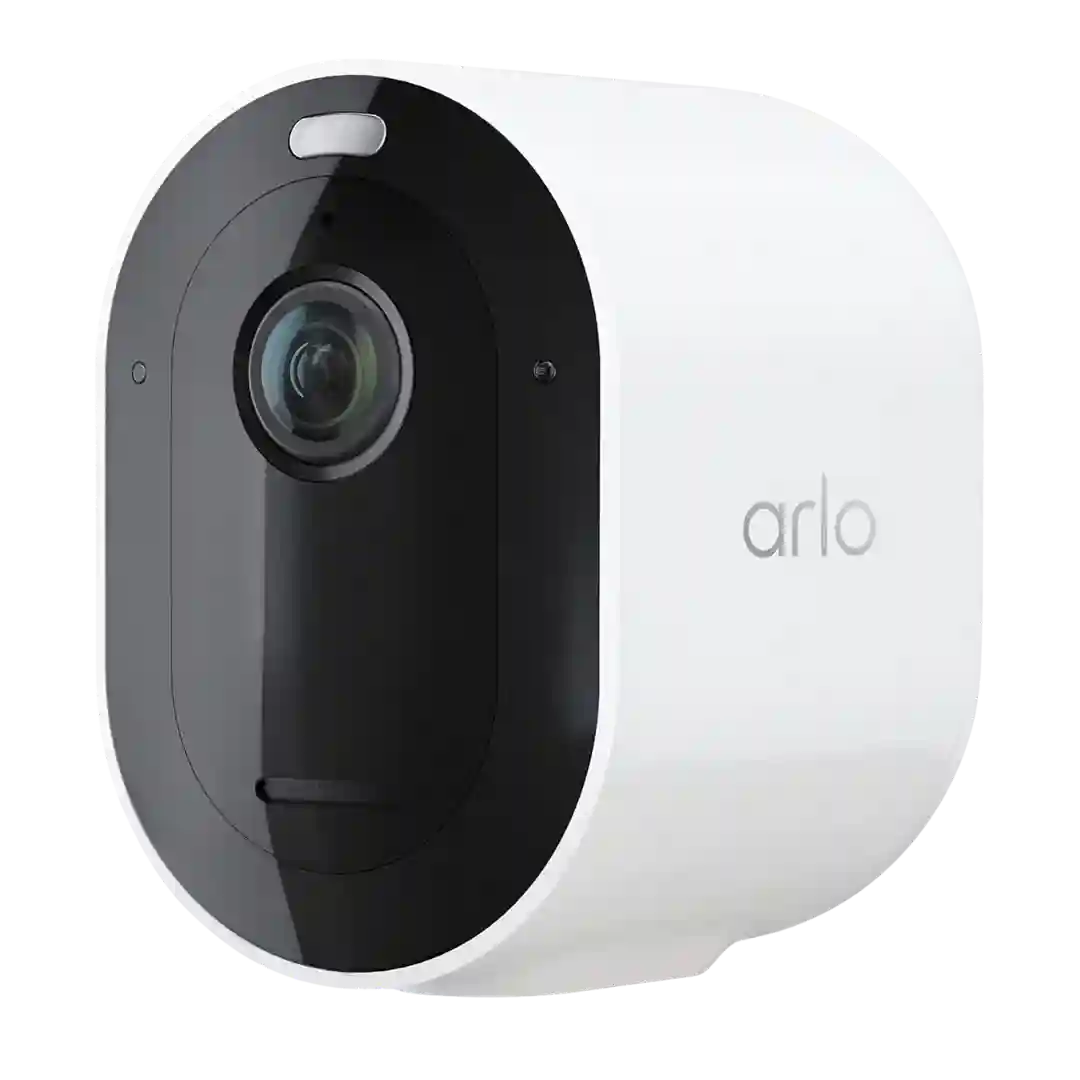
Modes, schedules, and geofencing are frequently praised, letting you control when the camera records and how it notifies you. This is one of the stronger differentiators in the Arlo app experience.
Notification controls are a major strength: multiple security modes, scheduling and geofencing in some reviews, and the ability to tailor what gets recorded vs what triggers alerts. Rich notifications and the best filtering typically require a subscription.
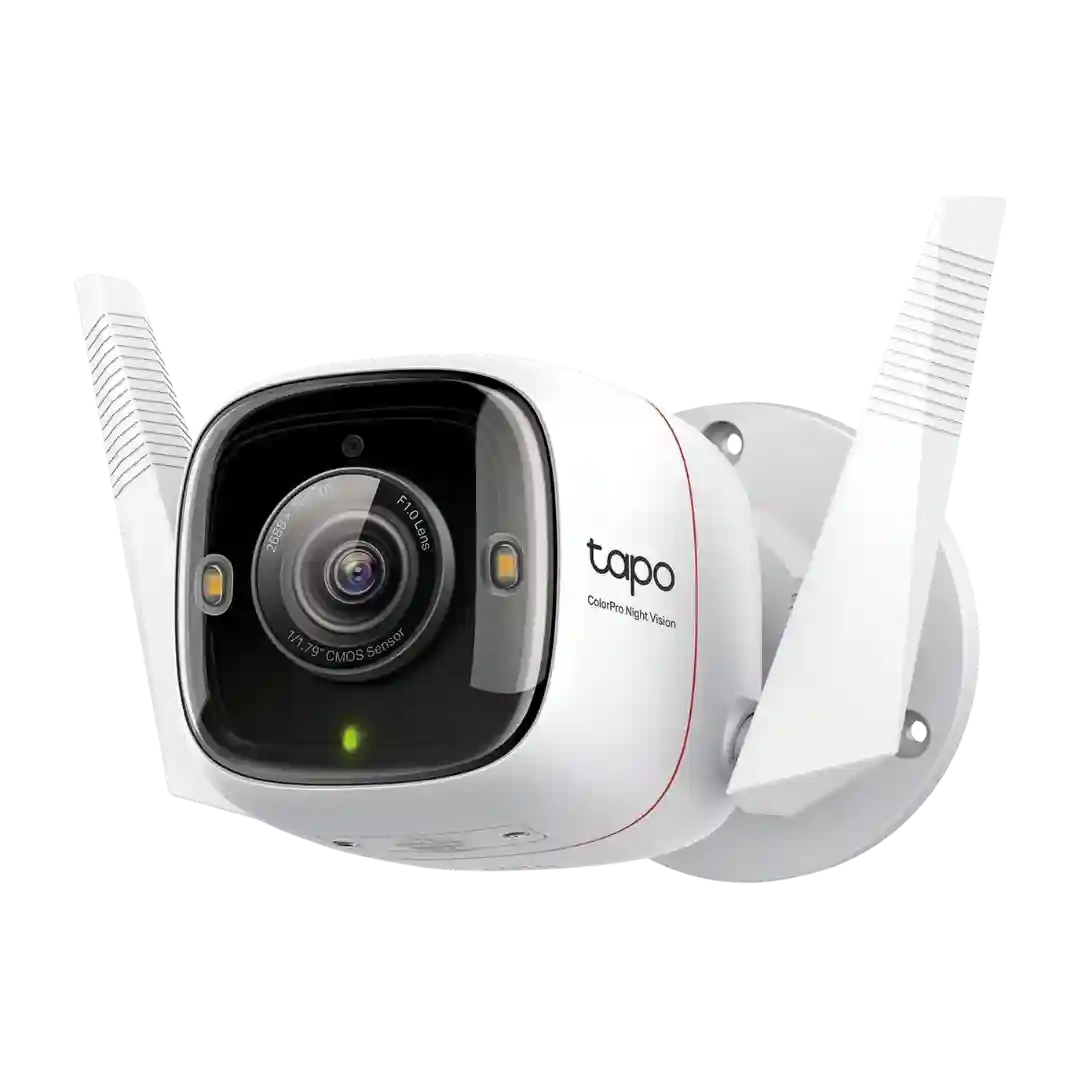
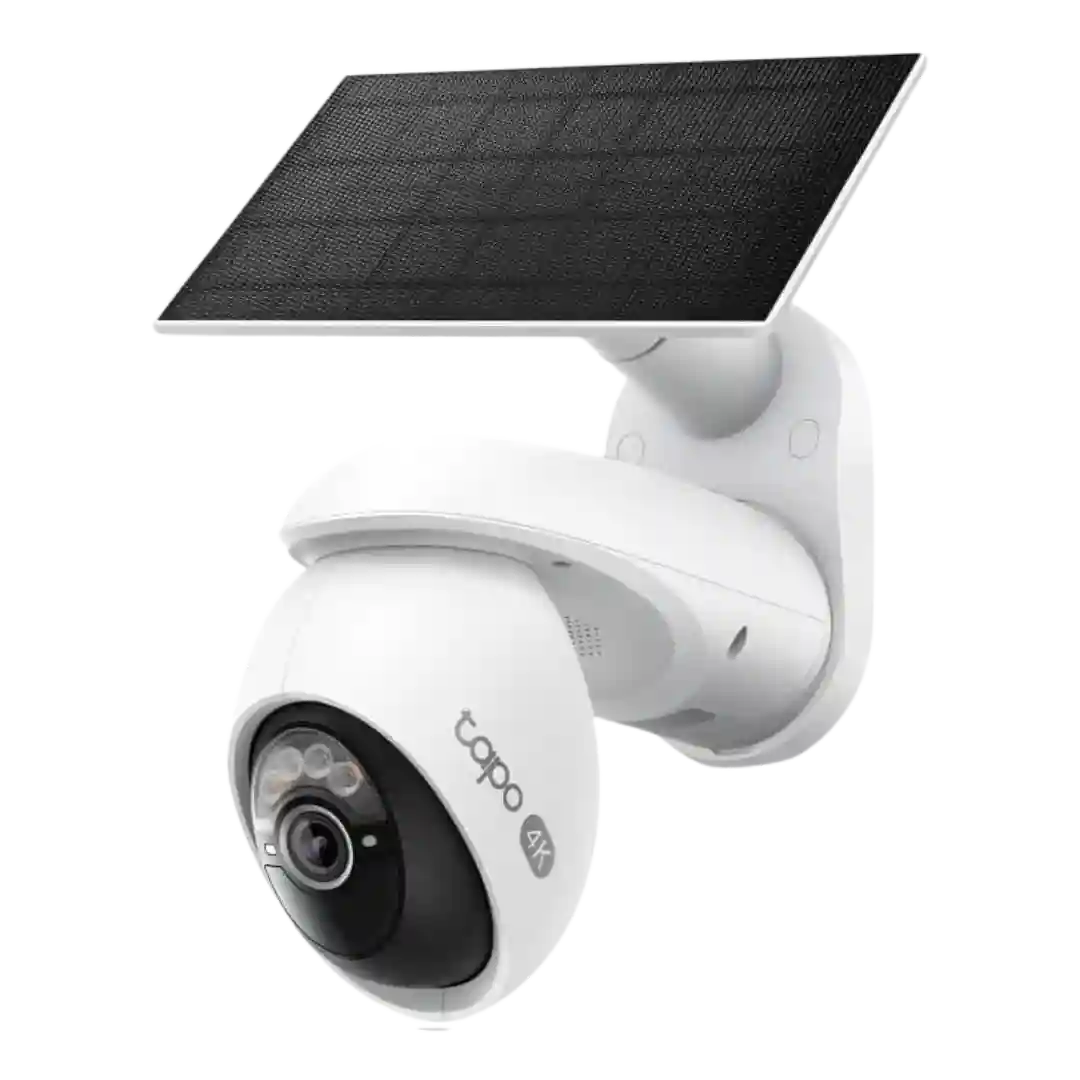
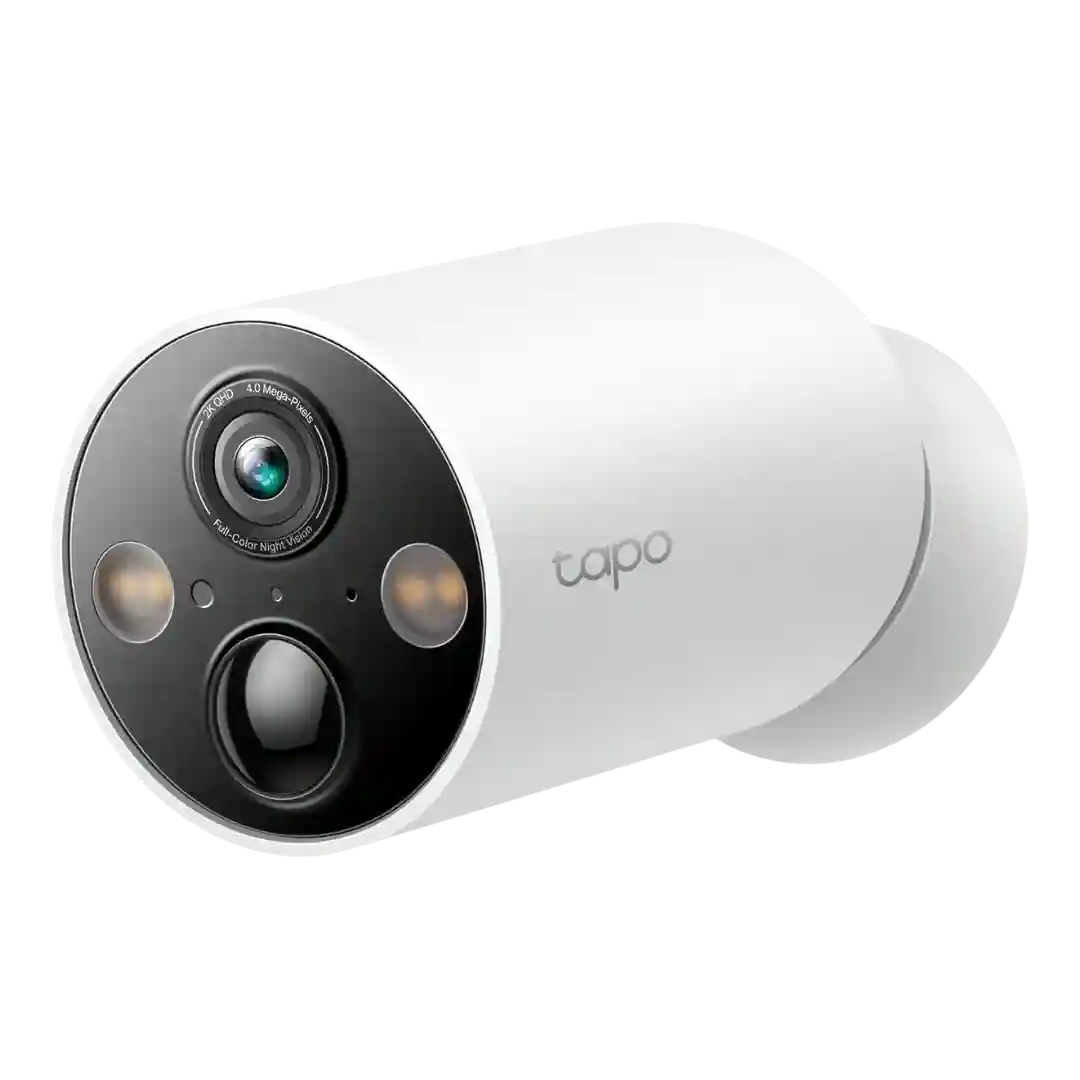
You can schedule alerts, filter by detection type, and (with Tapo Care) add snapshot-rich notifications; overall the management options are considered robust for the price.
Notification controls are flexible, letting users toggle alerts by mode, mute during gatherings, and tune what generates notifications. This helps prevent alert fatigue in busy areas.
Notification controls and categorization (human/pet/vehicle/package/face) are generally helpful, and some reviews highlight richer summaries and grouped events.
Notification options are extensive (per-type toggles, lingering/obstruction, etc.), though some advanced notification types (like SMS/email) may require subscriptions.
Notification controls are robust (filter by object type, zones, and home/away routines), but some reviewers note occasional delays when the camera wakes from battery-saving idle modes.
Notification management includes modes and schedules that are easy to use for most people; deeper customization is sometimes limited, and some settings live in the hub interface rather than the app.
Notification controls are flexible, letting users pick event types, schedules, and cooldown behavior; rich notifications with thumbnails are typically tied to the cloud plan.
There are strong tools for schedules, muting, and per-camera alert types, but getting the exact behavior you want can take trial and error. Some reviewers experienced a barrage of alerts until zones and filters were tuned.
Notification controls (filters, modes, and snooze options) are a highlight, letting users cut down on spam and focus on people/vehicles; initial tuning effort is often required.
Notification controls are generally described as comprehensive, including filtering by subject type and using schedules or modes. Many reviewers recommend tuning settings to avoid alert fatigue.
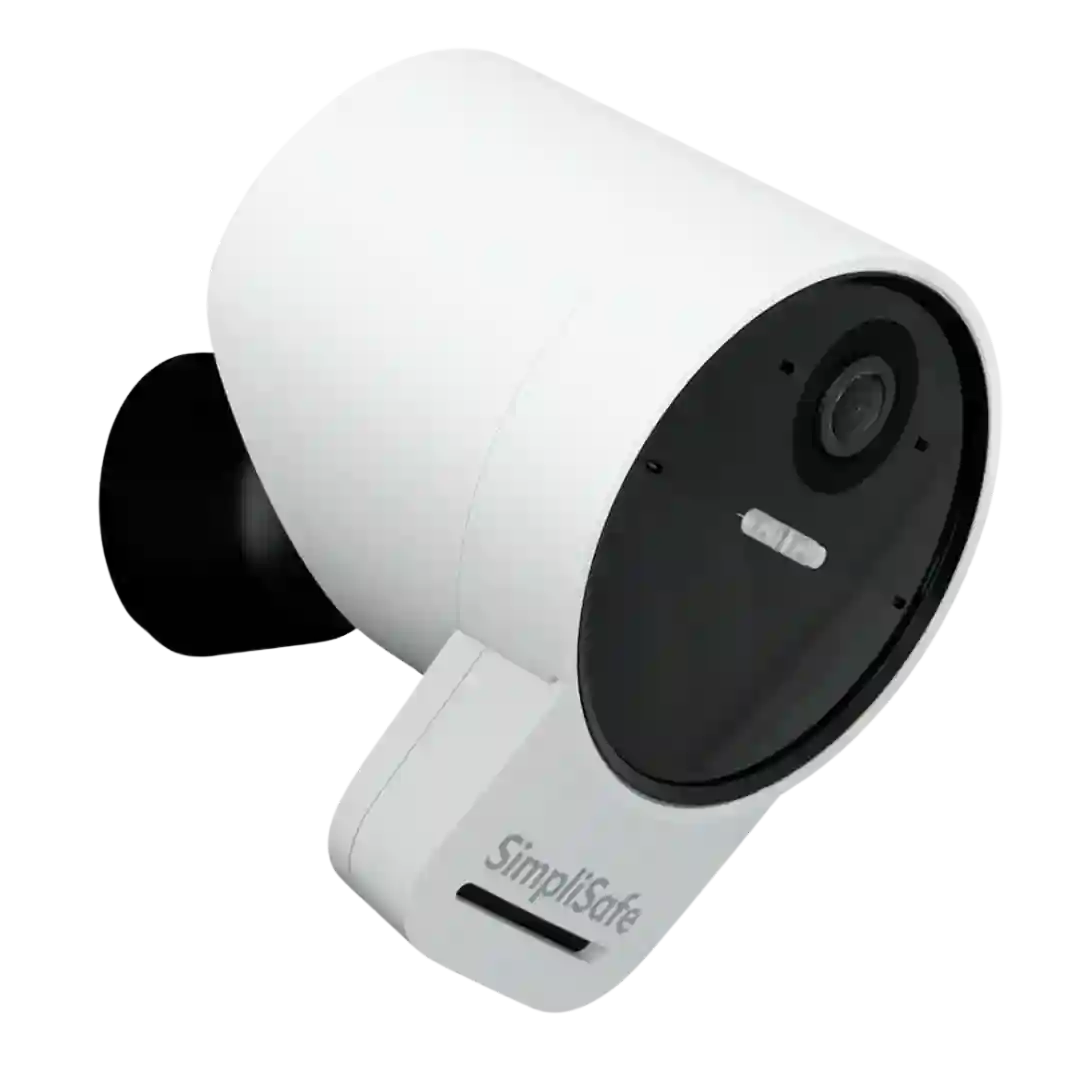
Notification scheduling and tuning options are available, and users can adjust how often alerts arrive. Advanced behaviors like geofencing are noted as missing by at least one reviewer.
Notification controls are broad (push, and sometimes email/FTP options), and many settings are available for filtering by detection type. Some reviewers still note missing rich previews by default and the need to tune settings to balance noise vs. coverage.
The app offers robust filtering (people/vehicle/animal), schedules, and sensitivity controls to manage alert volume. Some reviewers want quality-of-life features like snooze or geofencing that aren’t consistently available.
Common complaints center on fine-grained notification control (especially vehicle notifications) and some buried toggles, though modes, zones, and snooze options help.
One reviewer highlights a notification cooldown behavior without a subscription, which can reduce how often alerts are pushed even if continuous recording is enabled locally.