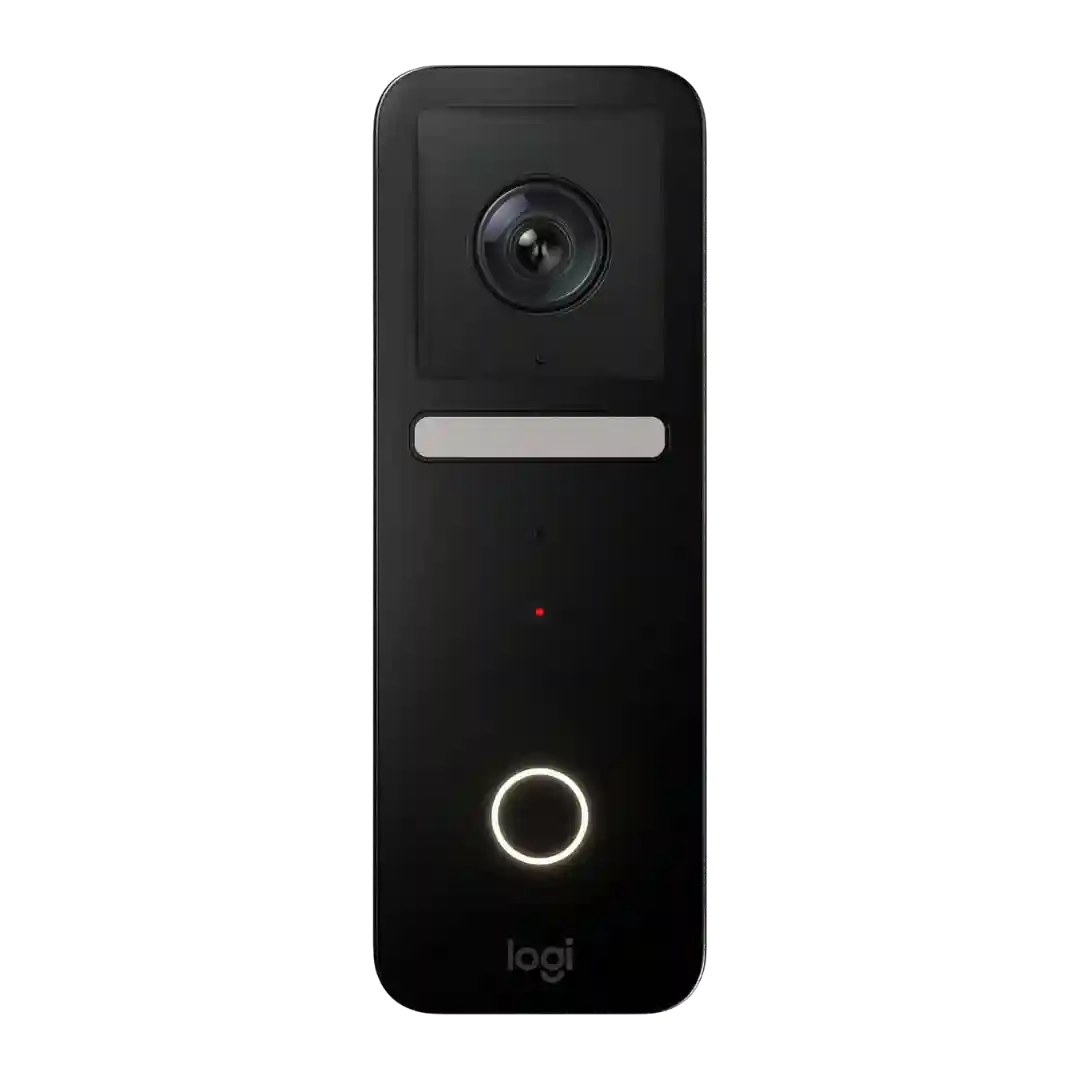
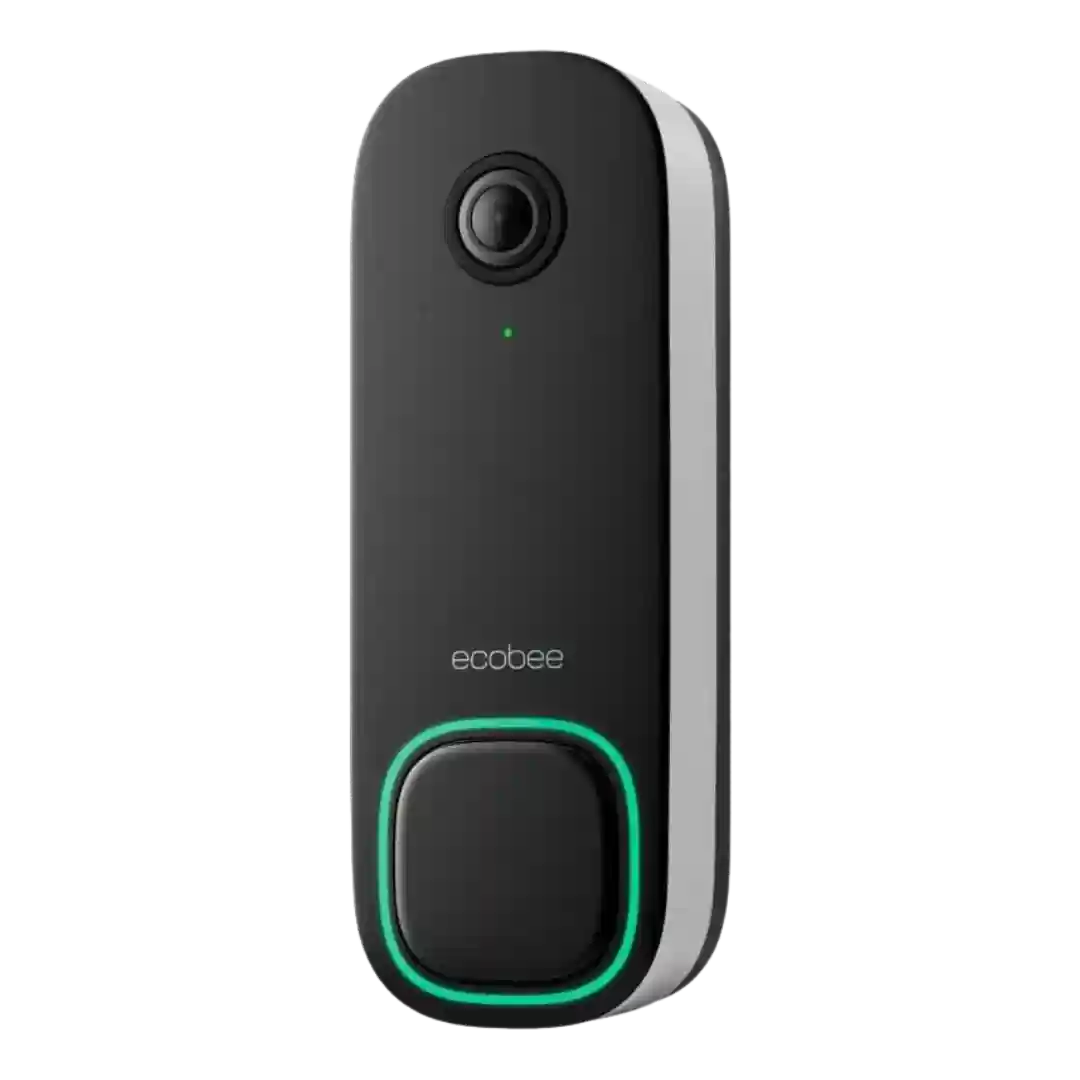
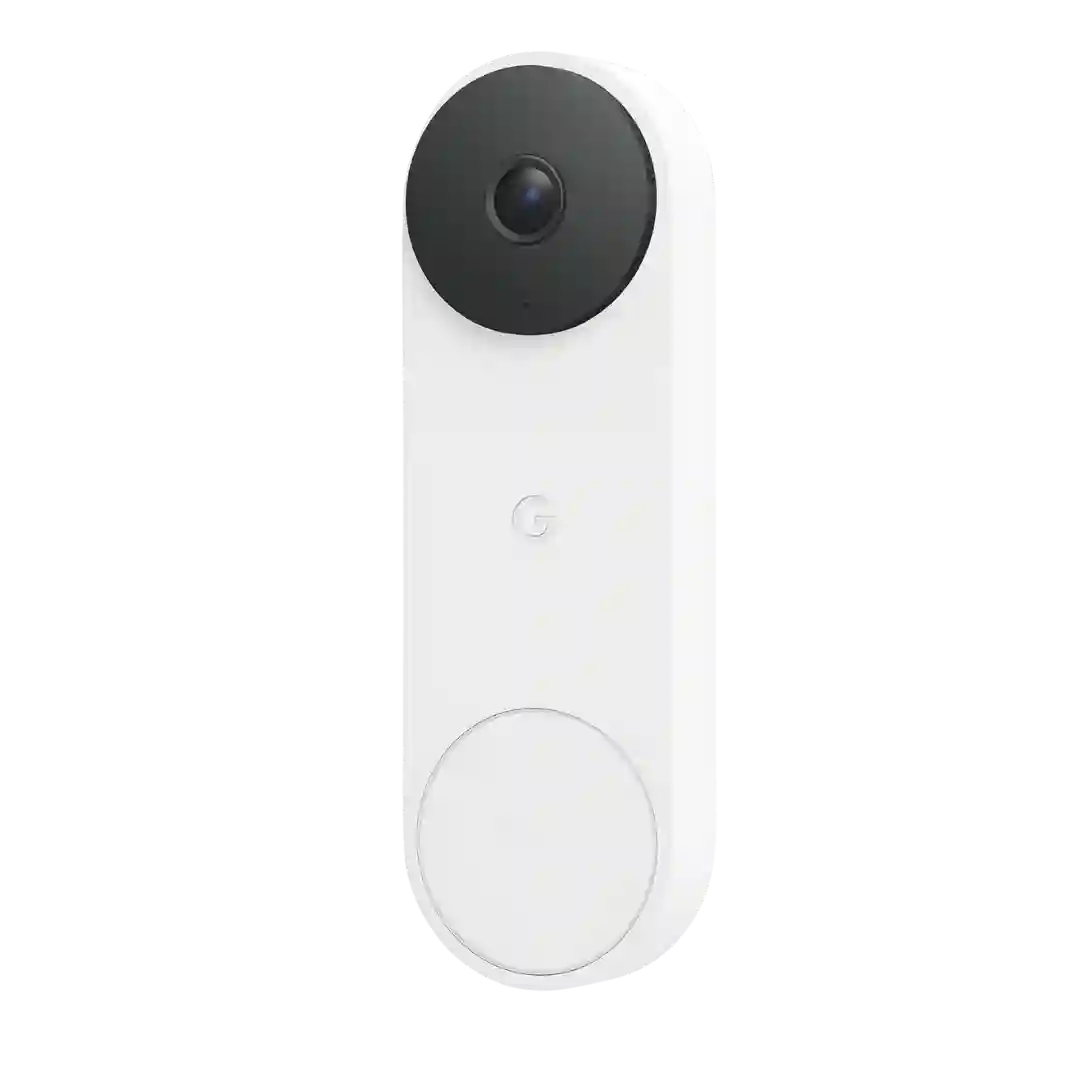
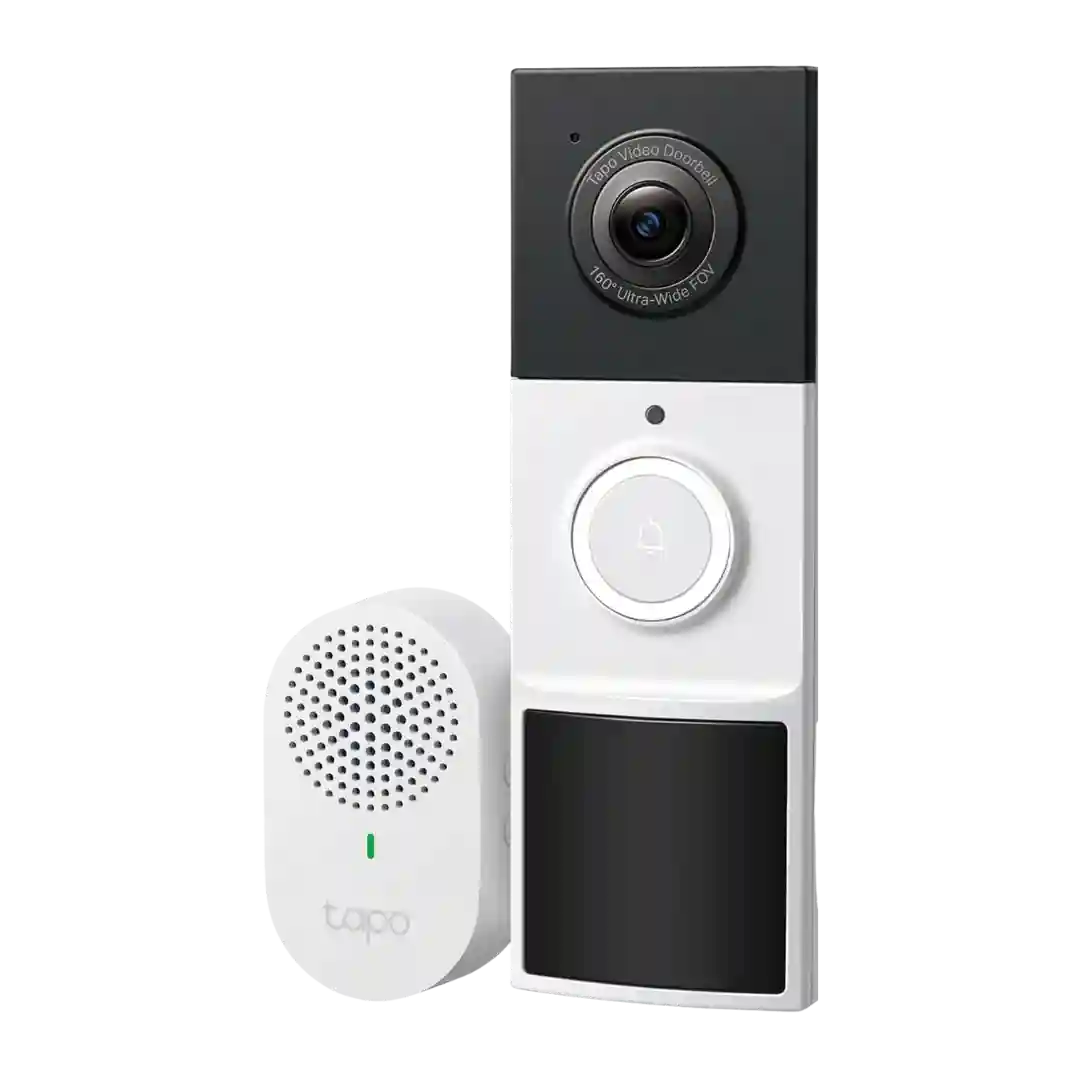
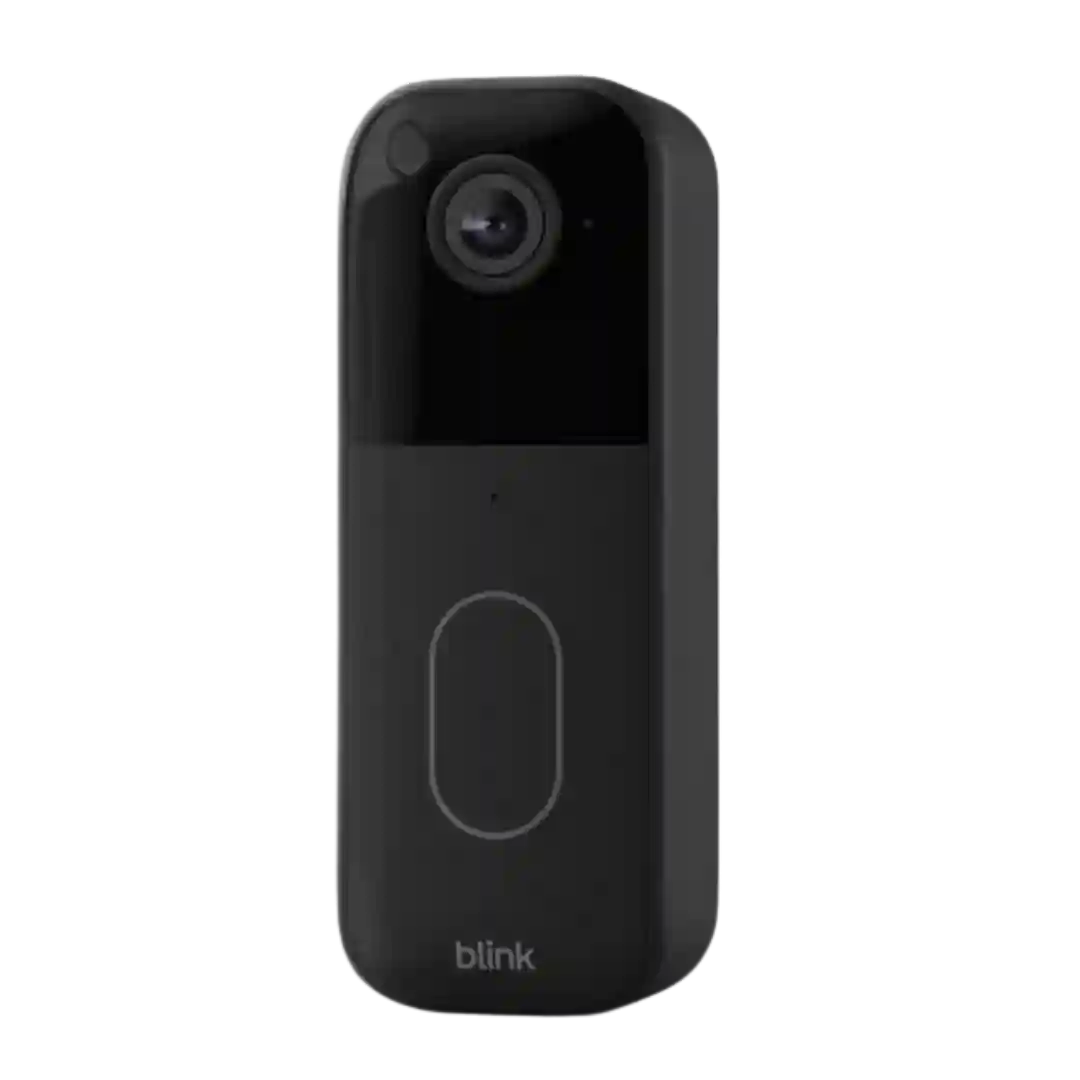
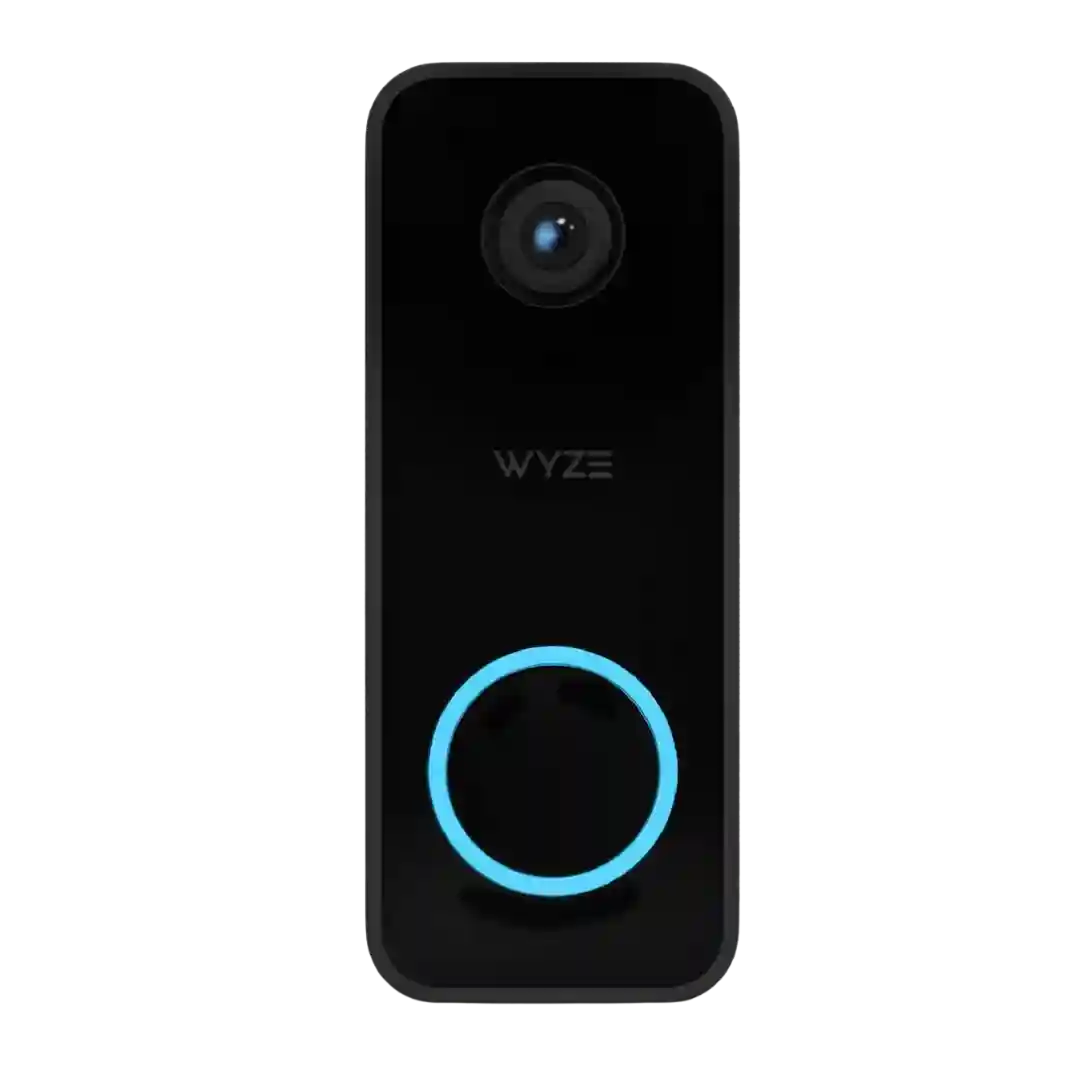
Privacy is a major selling point in the reviews, with HomeKit Secure Video emphasizing local processing and end-to-end encryption before clips are stored in iCloud.
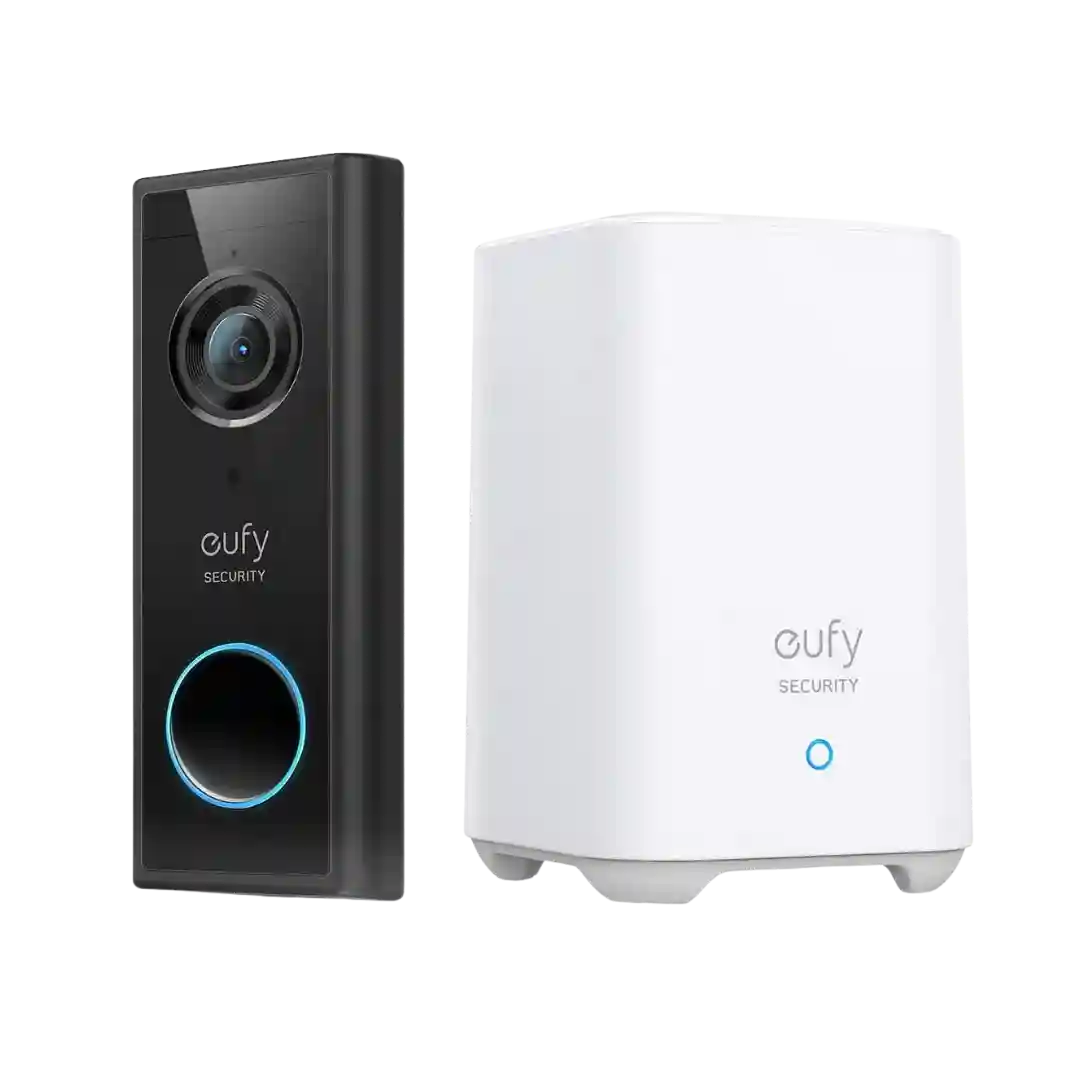
Privacy is frequently cited as a benefit of local, at-home storage. Reviewers like that footage can stay on the HomeBase rather than being required to live in the cloud.
Reviewers repeatedly like the local-storage approach and call out encryption, expressing comfort that footage is not inherently cloud-dependent and can remain in-home on microSD or a hub.
Privacy is frequently cited as a core advantage because recordings remain local rather than being stored in a third-party cloud. Privacy zones are also mentioned as a way to block out sensitive areas, though some users still want stronger local-only account behavior during service outages.
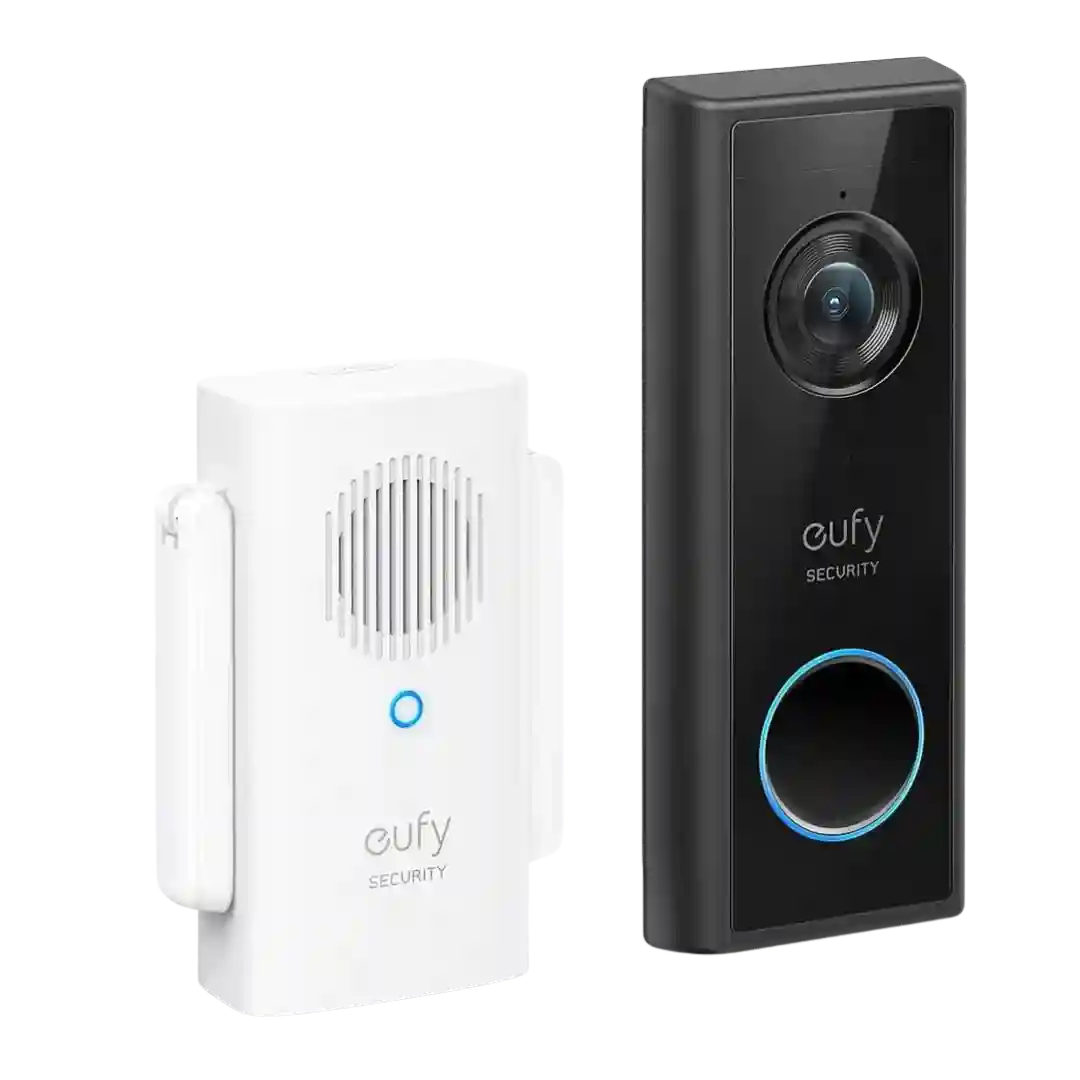
Privacy gets strong marks thanks to on-device processing, privacy masking options, and secure ecosystems like HomeKit Secure Video. Reviewers also like that local storage sits indoors in the chime, though they note that cloud features and platform choices can change what data is stored where.
Privacy is frequently framed as a strength because footage can stay local and encrypted, reducing dependence on cloud accounts while still allowing optional cloud backup.
Privacy controls are robust when used with HomeKit Secure Video, including encryption and household access permissions, plus occlusion masks. Some reviews note optional cloud upload settings and edge-case bugs when blocking internet access.
Privacy controls are discussed in terms of being able to disable the camera or recordings and the presence of indicator lights. Some reviews note audio recording is off by default and can be enabled if desired.
Privacy-related controls appear via privacy zones (blacked-out areas) and mention of secured local clips that are accessed through the app rather than easily read off a card. Sharing controls are also discussed as part of managing who can view footage.
Privacy tools like privacy zones/masks and encryption options are commonly mentioned; reviewers appreciate the controls but note that using cloud recording means accepting ongoing online storage unless you have specific Ring edge setups.
Privacy controls are frequently highlighted: two-factor authentication, privacy zones, and account controls are viewed as meaningful improvements. Some reviews also discuss broader ecosystem controversies, so comfort level may vary.
Privacy zones can block parts of the image and exclude them from motion detection and recordings. Reviewers generally see this as a practical privacy control for neighbors windows or sensitive areas.
Privacy mode is available to disable recording and streaming, and some reviews discuss local-only storage when using microSD and optional account protections.
Privacy discussion includes support for two-factor authentication and claims around on-device processing and encryption. One review notes the marketing language can feel generic, but acknowledges security features exist in the platform.
Privacy features are better than average for a budget doorbell, with reviewers noting privacy mode, privacy zones, and the option to rely on local storage instead of cloud recording. That gives users more control over what is captured and where it is stored.
Privacy zones are widely available and easy to set, helping block neighbors’ property from recording. At the same time, many reviewers note that cloud storage and subscription features mean you should be comfortable with Blink’s account and data handling.
Privacy controls such as privacy zones and audio options are called out as useful, but multiple reviews also emphasize that recordings are cloud-based and subscription-linked, which may be a concern for privacy-focused buyers.
Privacy controls (two-factor authentication, privacy zones, disabling audio recording and access management) are frequently praised as strong and easy to use. Separately, broader Ring privacy concerns are raised by some reviewers, especially around surveillance implications.
Privacy is mixed: reviewers note video streaming uses HTTPS rather than end-to-end encryption, but the app offers privacy masks/non-detection zones and angled mounting to avoid capturing neighbors.
Privacy sentiment is nuanced: reviewers appreciate privacy zones/squares and optional security controls (such as 2FA), but several reference past security controversies around the brand. One practical criticism is that privacy masking can sometimes obscure a visitors face depending on how it layers on the scene.
Privacy gets mixed notes: on-device processing and privacy zones help, but cloud storage, limited encryption options, and broader data concerns are cited as drawbacks by some reviewers.