Quiet time or do-not-disturb style controls are repeatedly mentioned as useful for sleeping babies, pets, or reducing disruptive chime behavior at specific times.
Do-not-disturb style controls are well represented via motion snooze, schedules, and notification management, helping reduce annoyance during predictable busy times or when you are outside.
Do-not-disturb style controls are valued. Reviewers mention snoozing alerts or using silent modes so the doorbell does not ring or notify during naps or quiet hours.
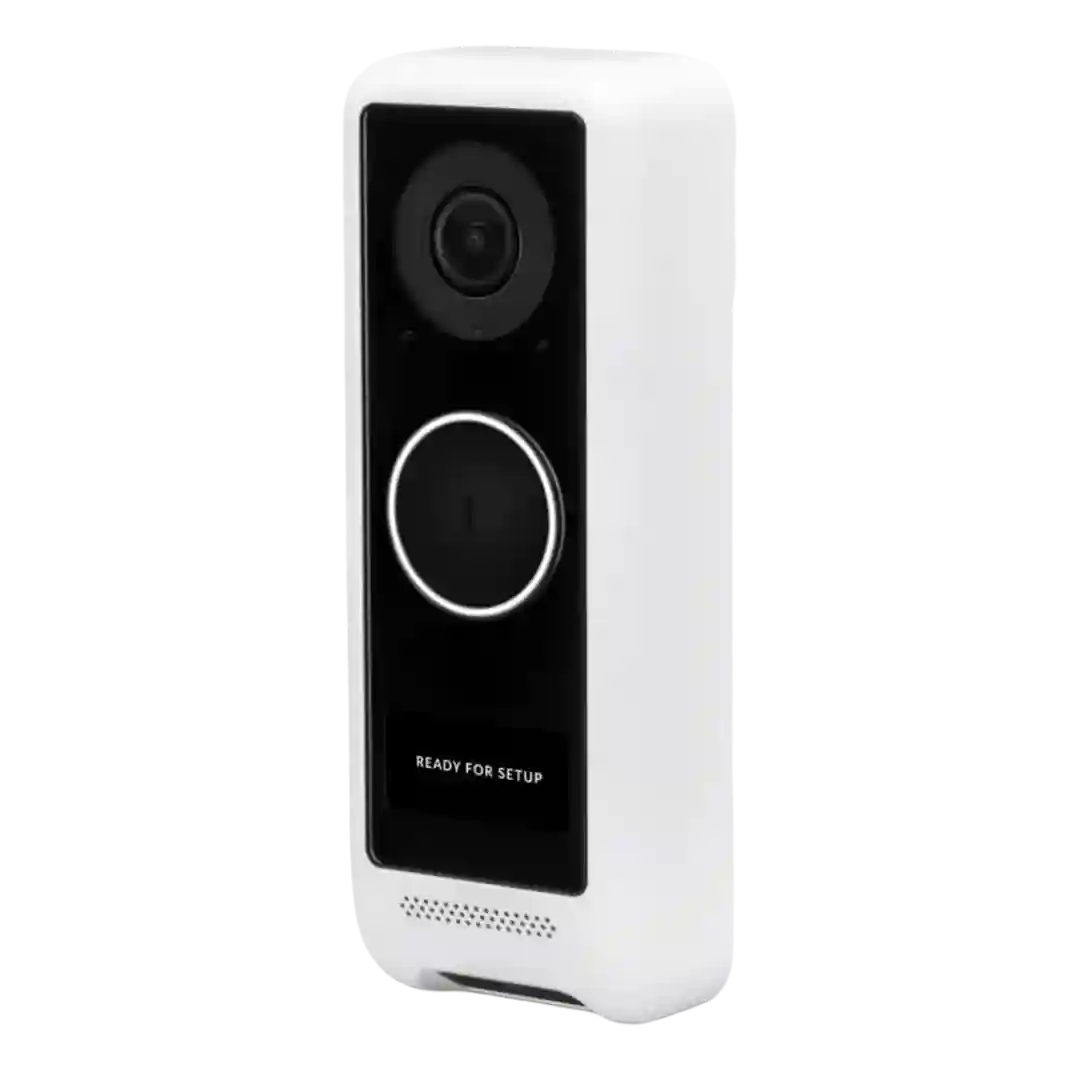
Reviews highlight that alert delivery can be scheduled, allowing quiet hours or office-hour patterns. This scheduling flexibility is mentioned as part of the broader Protect notifications configuration.
Notification scheduling and critical-alert behavior are available, enabling quiet hours or do-not-disturb style control without fully disabling the doorbell.
Snooze or temporary mute controls are highlighted as practical, letting users suppress motion or chime alerts for set periods (for example during yard work or installing decorations).
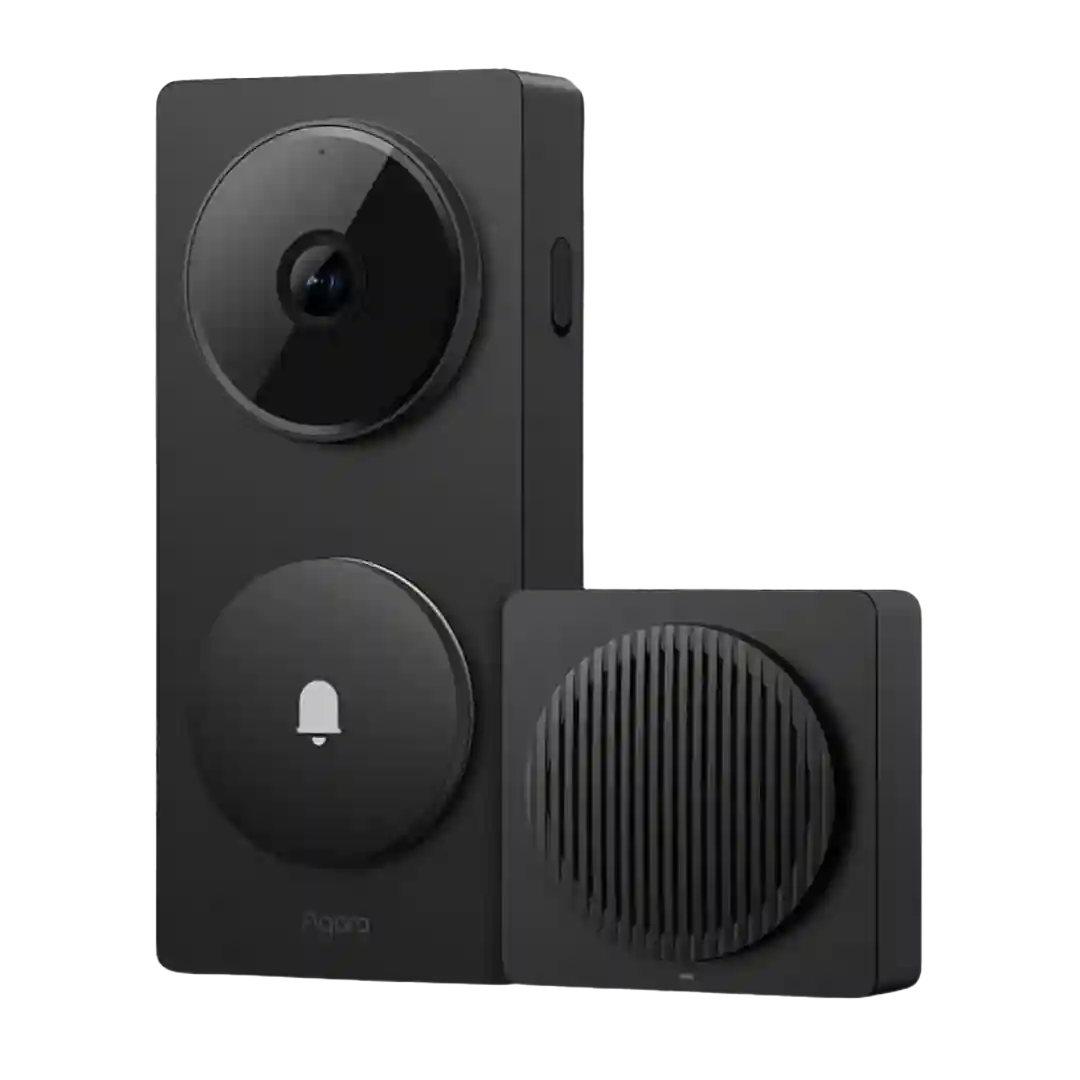
Do-not-disturb style controls and schedules are available, and reviewers appreciate being able to limit when doorbell press and event notifications fire. These controls are most flexible inside the Aqara app versus third-party platforms.
Review evidence shows the D210 supports quiet-time style scheduling for the chime or effective ringing windows. It is not the headline feature, but it does add useful household control.
Motion/alert snoozing and scheduling are repeatedly mentioned as practical ways to reduce notification overload during busy periods or specific times of day.
Quiet-time/scheduling is described as available, allowing alerts to be limited to specific hours or behaviors to change overnight. This sits within a broader set of app customization features that can take time to explore.