Best for Quiet-time / do-not-disturb scheduling
Ring Video Doorbell Battery
4.5 feature score
Highest scored product for this feature based on supporting review evidence.
Highest scored product for this feature based on supporting review evidence.
Balances feature score, supporting reviews, and overall product strength.
Has the broadest review evidence for this feature.
Strongest overall product among items with scored evidence for this feature.
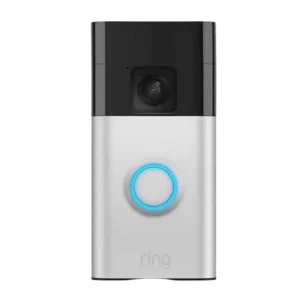
Do-not-disturb style controls are well represented via motion snooze, schedules, and notification management, helping reduce annoyance during predictable busy times or when you are outside.
Pros: Quiet-time / do-not-disturb scheduling, Personalization options
Cons: Bird's eye view feature utility, Face recognition
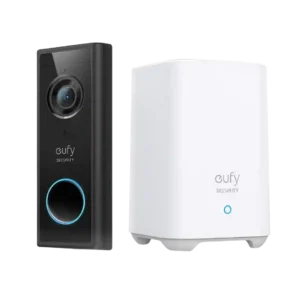
Do-not-disturb style controls are valued. Reviewers mention snoozing alerts or using silent modes so the doorbell does not ring or notify during naps or quiet hours.
Pros: Subscription, Chime
Cons: Theft &, Tamper
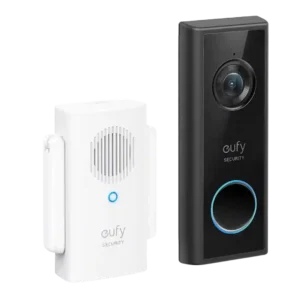
Snooze and alert-muting controls are useful for temporary quiet periods.
Pros: Subscription, Storage
Cons: Power Options and Compatibility
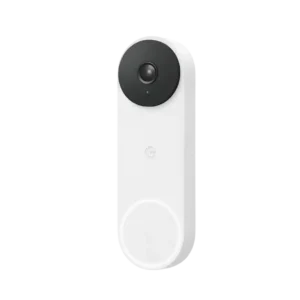
Quiet time and chime-silencing controls are practical for homes with sleeping children, pets, or times when the chime should be muted.
Pros: Delivery package monitoring, Zones and activity areas
Cons: Upgrade value vs previous model, Storage
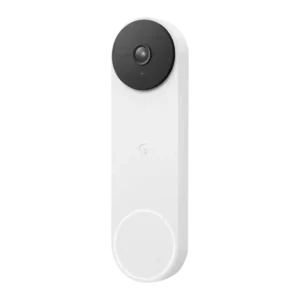
Quiet-time and do-not-disturb controls help manage announcements and reduce noise, especially when using Nest speakers/displays as the indoor ringer.
Pros: Snapshot capture, Notifications
Cons: Pre-roll buffer, Law enforcement policy transparency
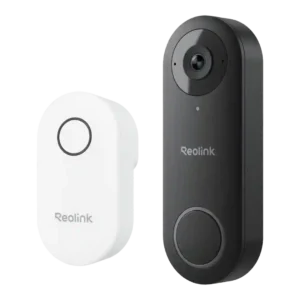
Notification scheduling and critical-alert behavior are available, enabling quiet hours or do-not-disturb style control without fully disabling the doorbell.
Pros: Complete kit in box, RTSP stream availability
Cons: Battery &, Charging
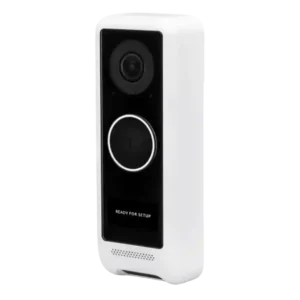
Reviews highlight that alert delivery can be scheduled, allowing quiet hours or office-hour patterns. This scheduling flexibility is mentioned as part of the broader Protect notifications configuration.
Pros: Subscription, Complete kit in box
Cons: Battery &, Charging
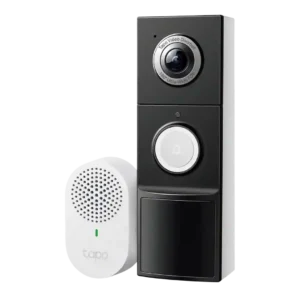
Quiet-time scheduling is mentioned through options to set notification or chime active periods so the doorbell is less disruptive at certain times.
Pros: Complete kit in box, Phone call integration
Cons: Face recognition, RTSP stream availability
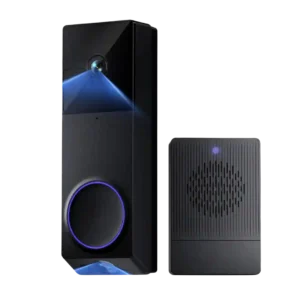
Quiet-time and scheduling options (especially for the chime and motion warnings) are highlighted as a practical quality-of-life feature.
Pros: Delivery package monitoring, Ongoing ownership costs
Cons: Lens distortion handling, lag)
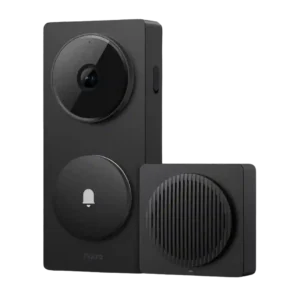
Do-not-disturb style controls and schedules are available, and reviewers appreciate being able to limit when doorbell press and event notifications fire. These controls are most flexible inside the Aqara app...
Pros: Base / Hub integration, Complete kit in box
Cons: Weather &, temperature tolerance
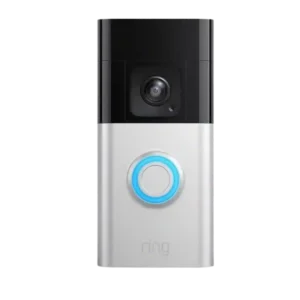
Motion schedules and snooze controls help reduce notification fatigue, though some interfaces lack granular custom timers.
Pros: Field of view &, framing
Cons: Storage, Subscription
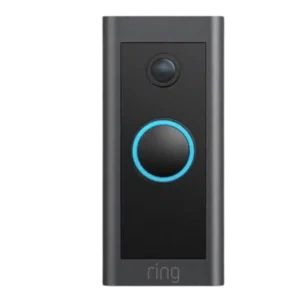
Reviewers mention motion schedules, snooze, or quieting tools that let you temporarily silence alerts and better fit the doorbell into daily routines.
Pros: Size &, form factor
Cons: Face recognition, Chime
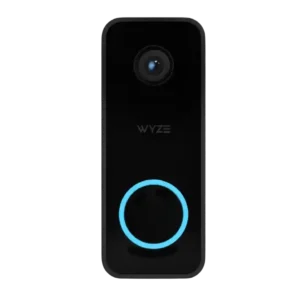
Do-not-disturb/quiet time options are available to silence chime behavior while still receiving phone notifications.
Pros: Price &, value
Cons: Security policy history, Privacy
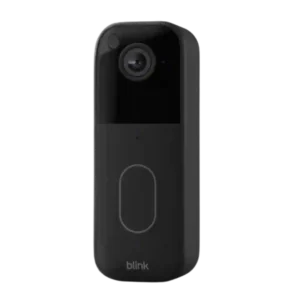
Some plans and app options allow temporarily snoozing notifications, which can help during parties, yard work, or heavy traffic periods.
Pros: Automation flexibility, Field of view &
Cons: Pre-roll buffer, Chime
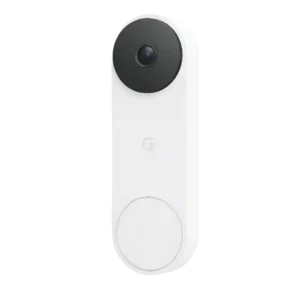
Quiet time was clearly supported, letting users mute doorbell chimes for short set intervals.
Pros: Complete kit in box, Design aesthetics
Cons: Security ecosystem integration, Ongoing ownership costs
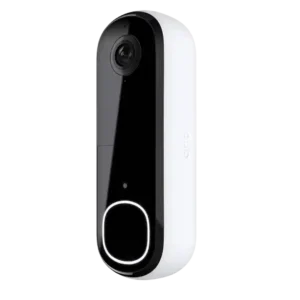
A Silent Mode/quiet setting can disable calls and chimes, making it easier to reduce interruptions while keeping the camera available.
Pros: Field of view &, framing
Cons: Ongoing ownership costs, Subscription
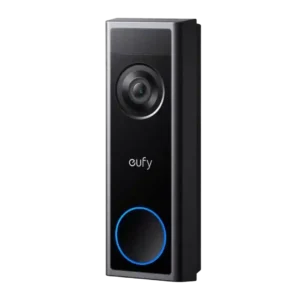
Quiet-time/scheduling is described as available, allowing alerts to be limited to specific hours or behaviors to change overnight. This sits within a broader set of app customization features that can...
Pros: Subscription, Design aesthetics
Cons: Delivery package monitoring
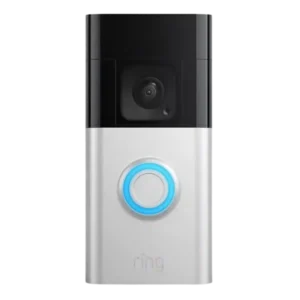
Motion/alert snoozing and scheduling are repeatedly mentioned as practical ways to reduce notification overload during busy periods or specific times of day.
Pros: Theft &, Tamper
Cons: Bird's eye view feature utility, Law enforcement policy transparency
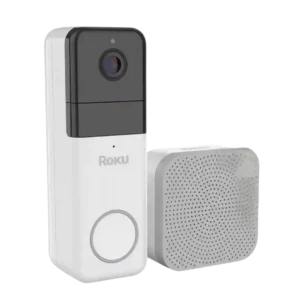
Best for easy setup, sharp 1440p video, and handy Roku TV alerts. Skip it if you want local storage or dislike subscription-locked smart alerts.
Pros: Weather &, temperature tolerance
Cons: Storage, Automation flexibility
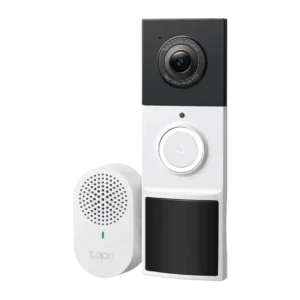
Review evidence shows the D210 supports quiet-time style scheduling for the chime or effective ringing windows. It is not the headline feature, but it does add useful household control.
Pros: Ongoing ownership costs, Price and value
Cons: Pre-roll buffer, Power Options and Compatibility