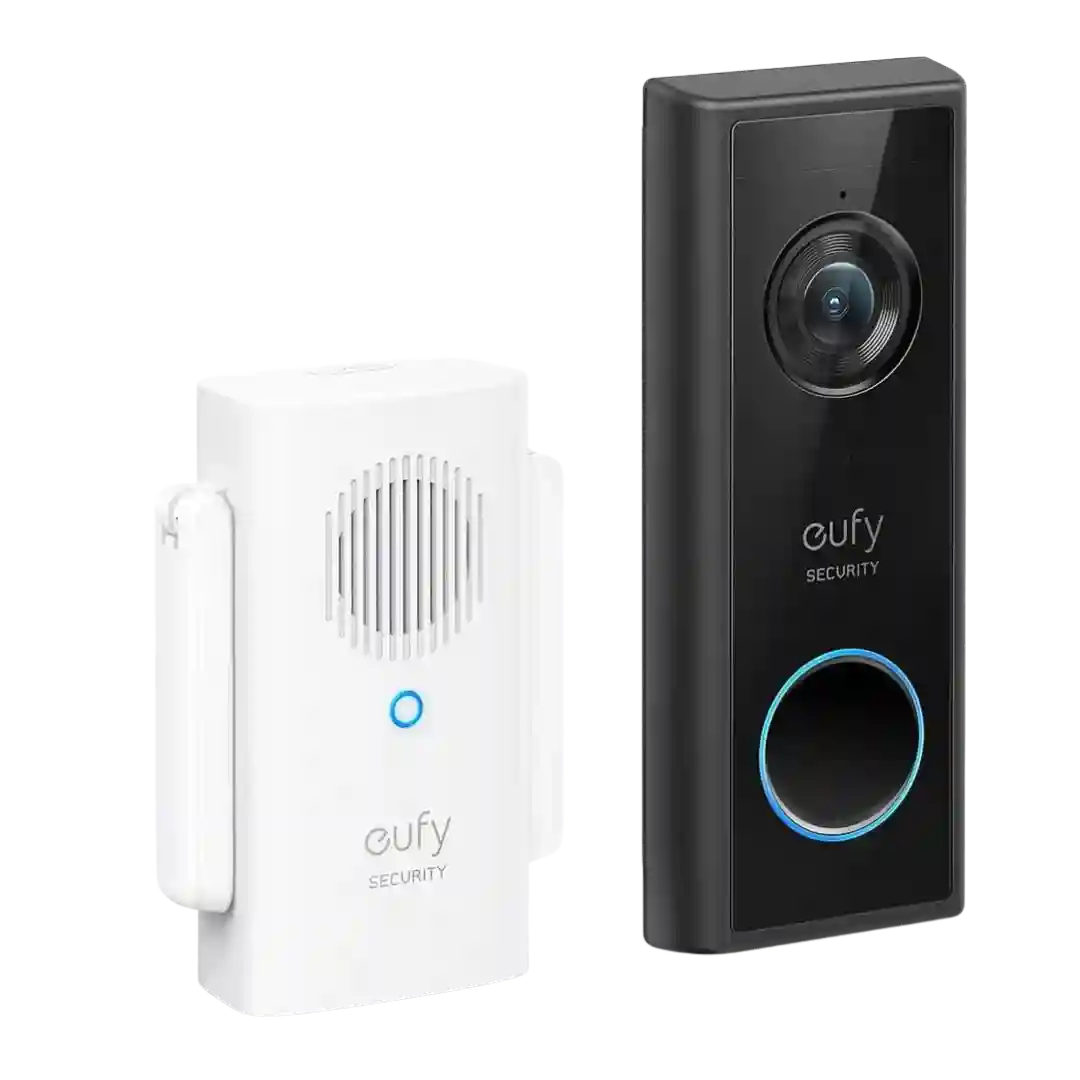
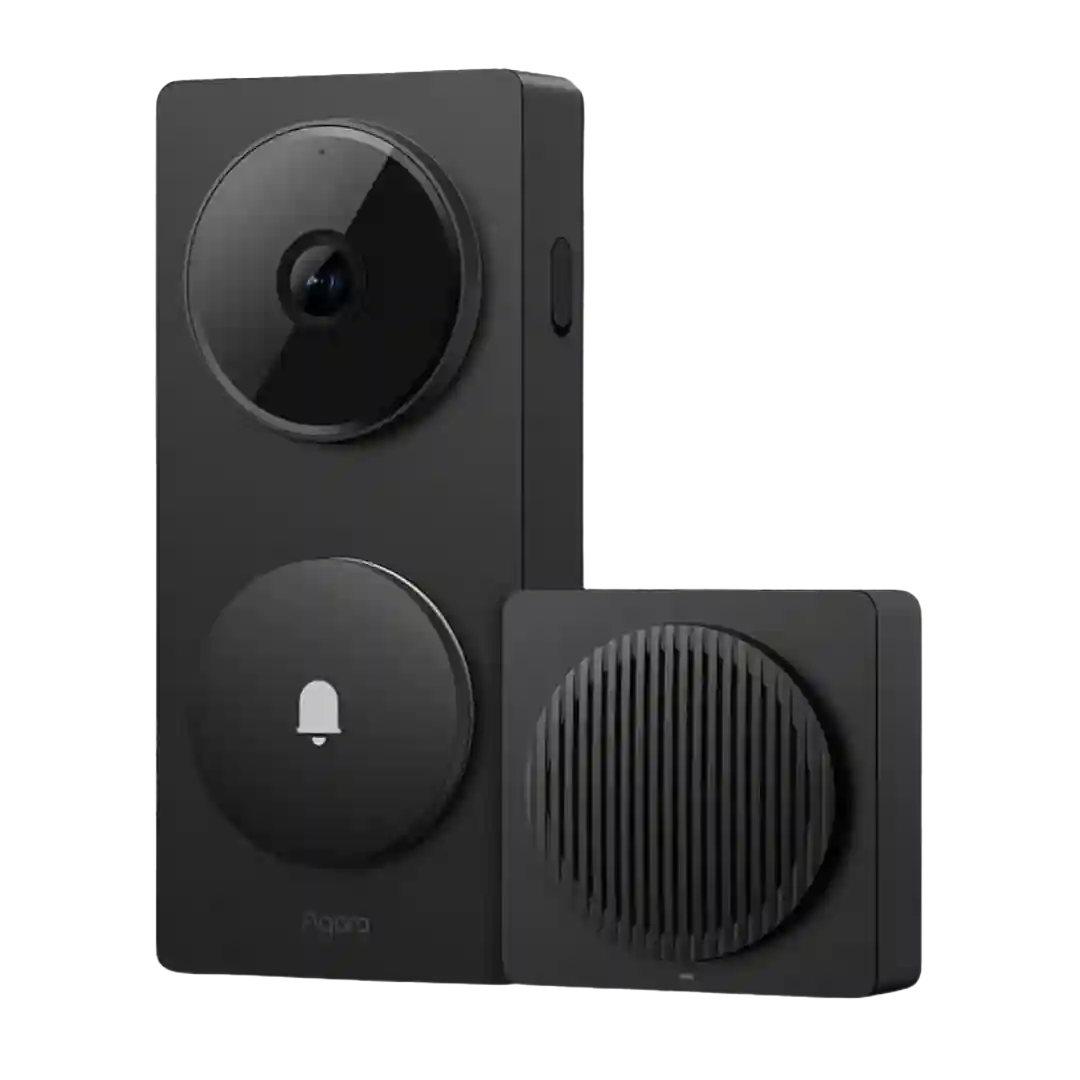
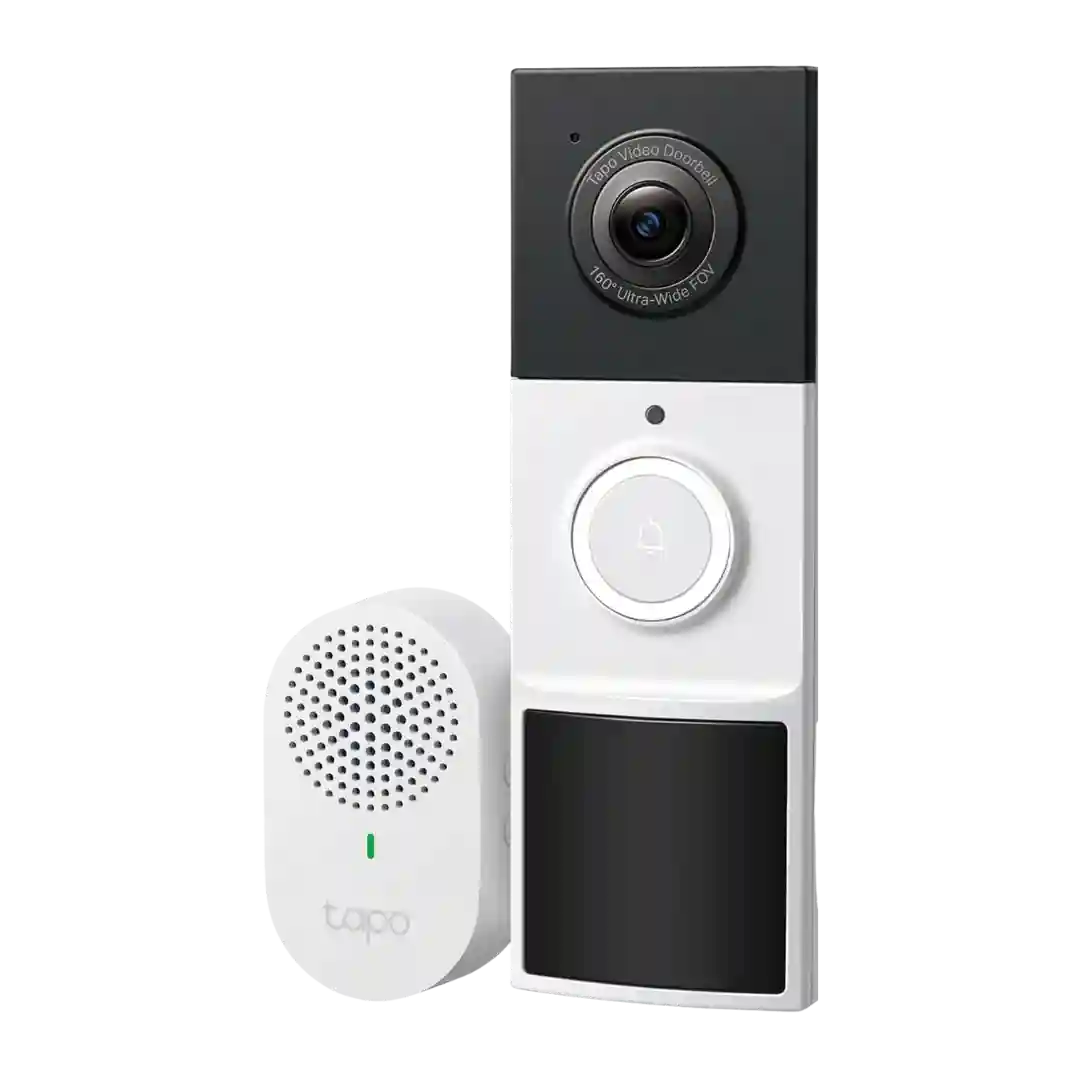
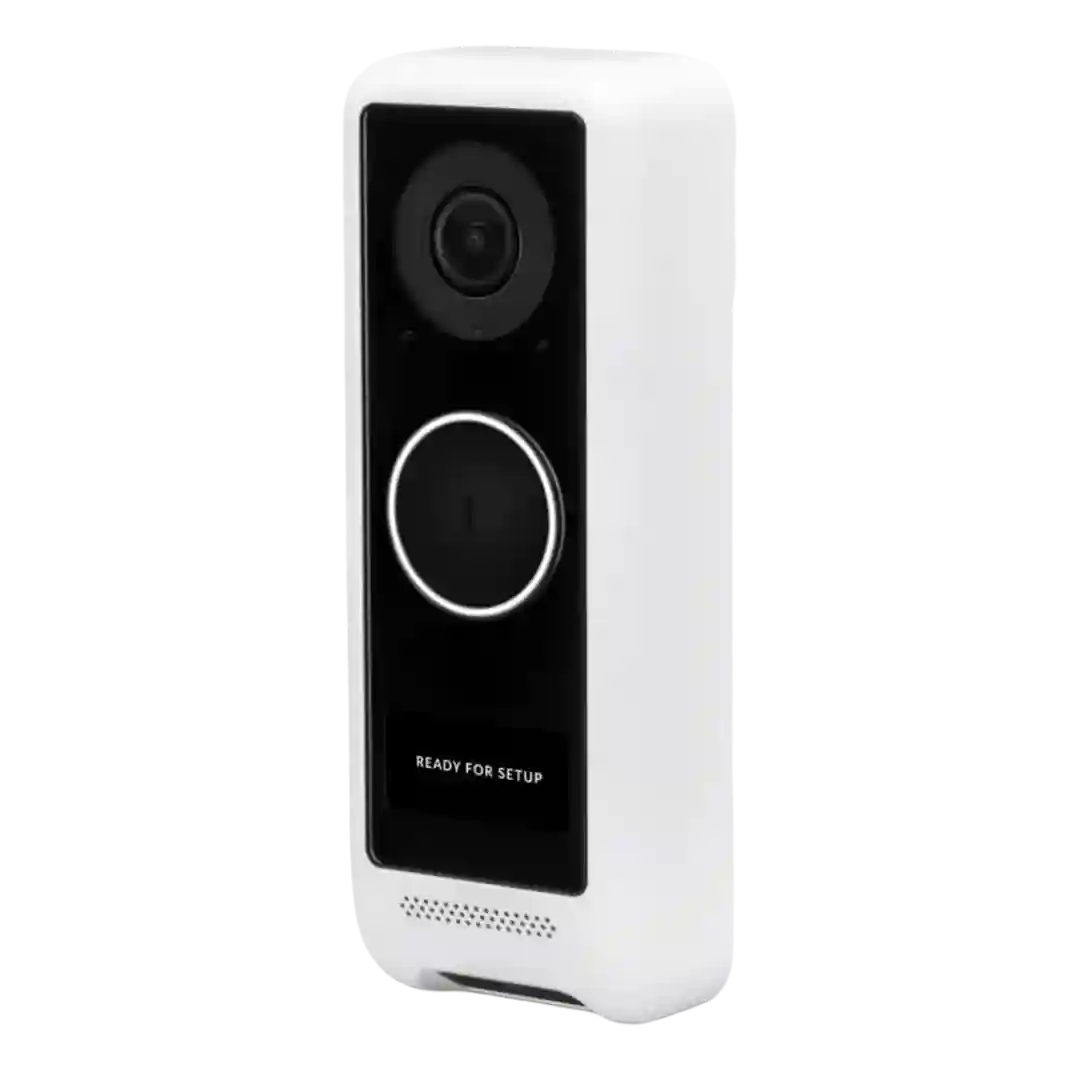
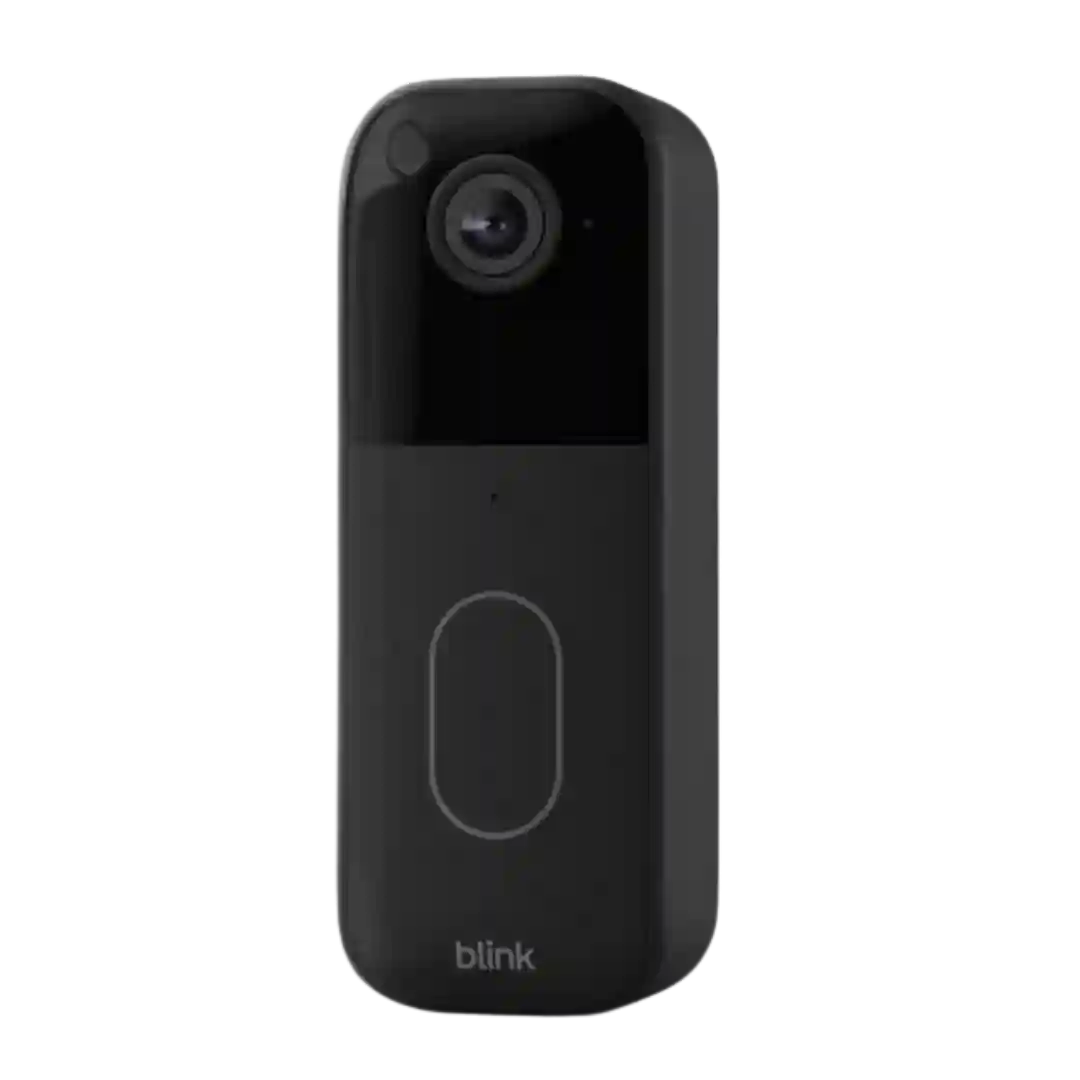
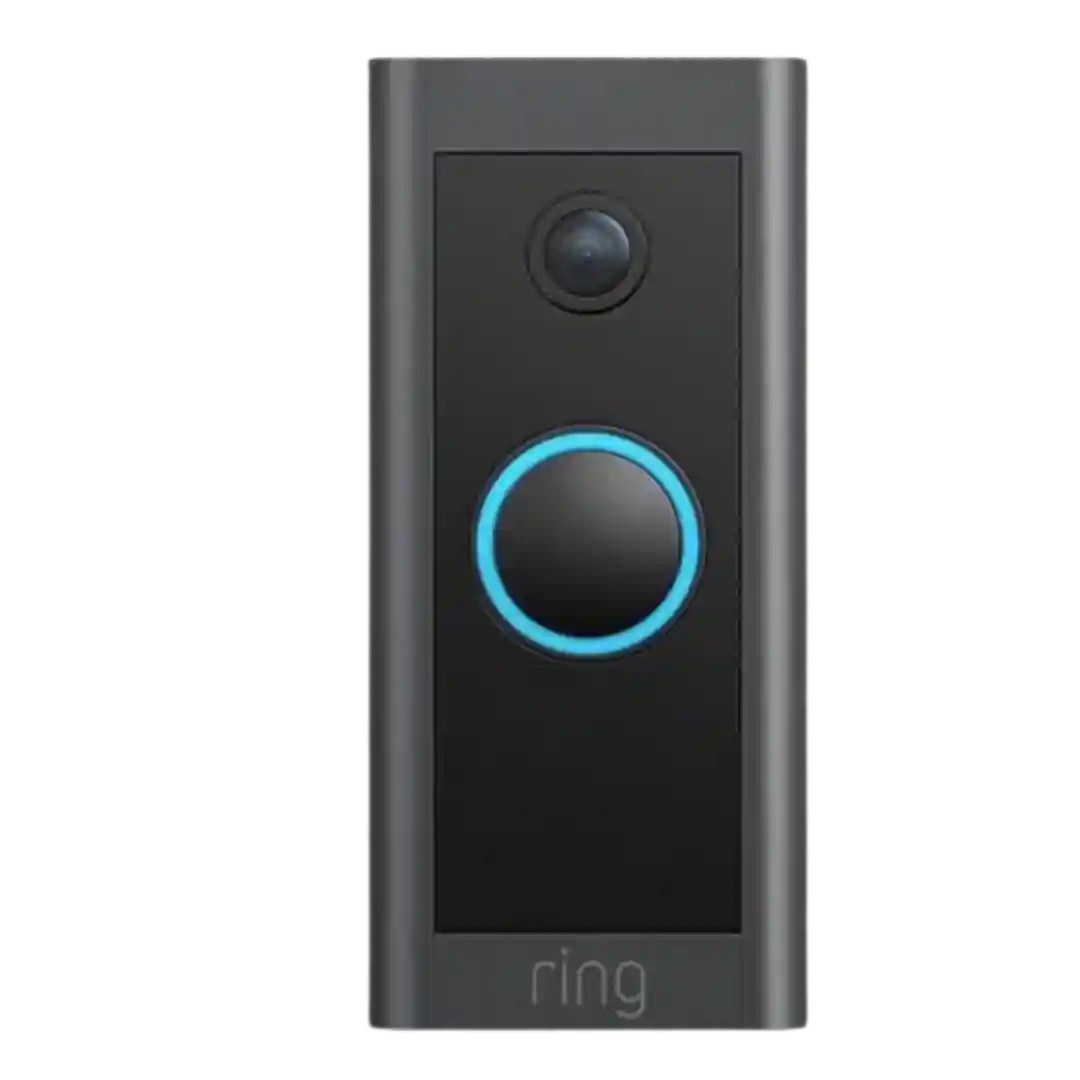
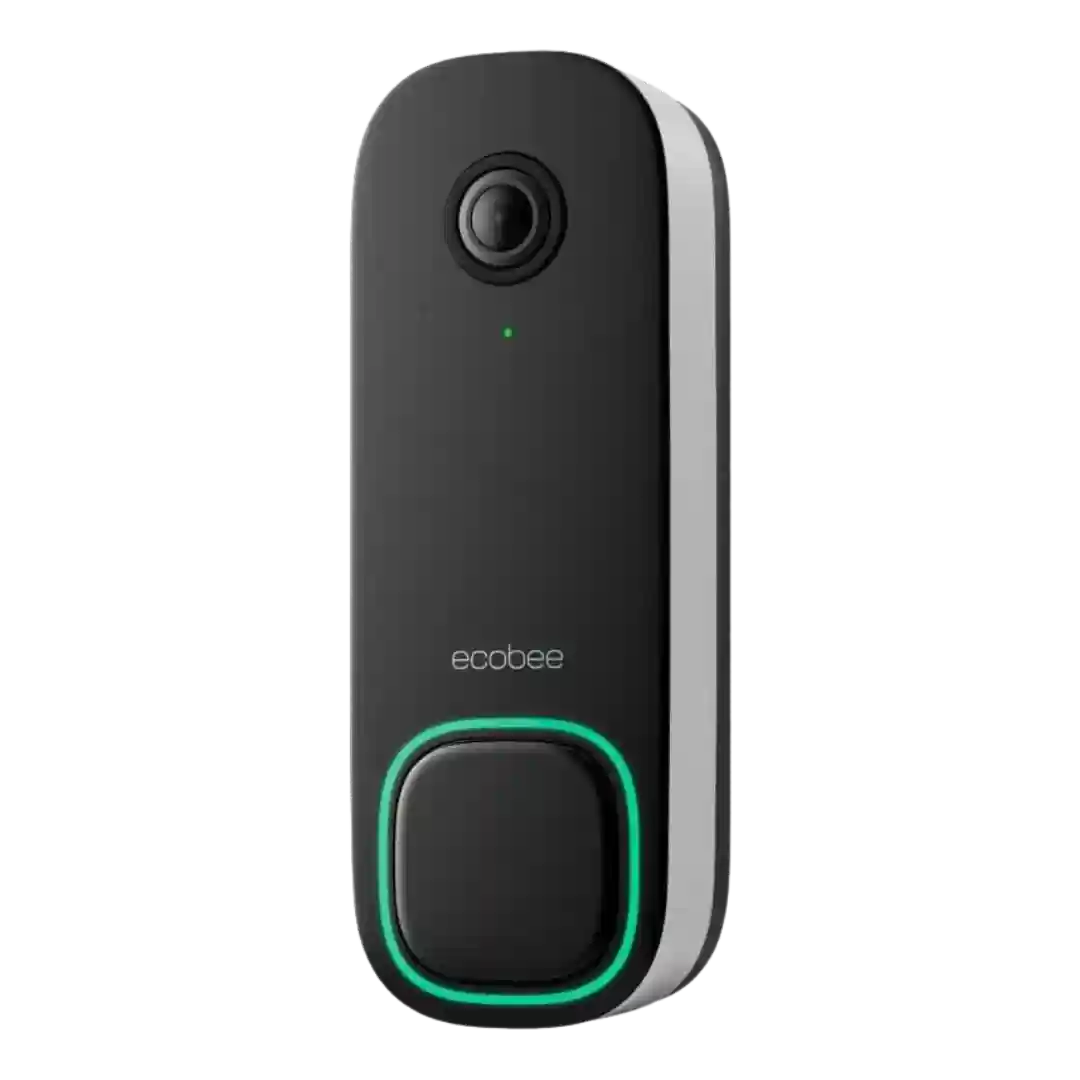
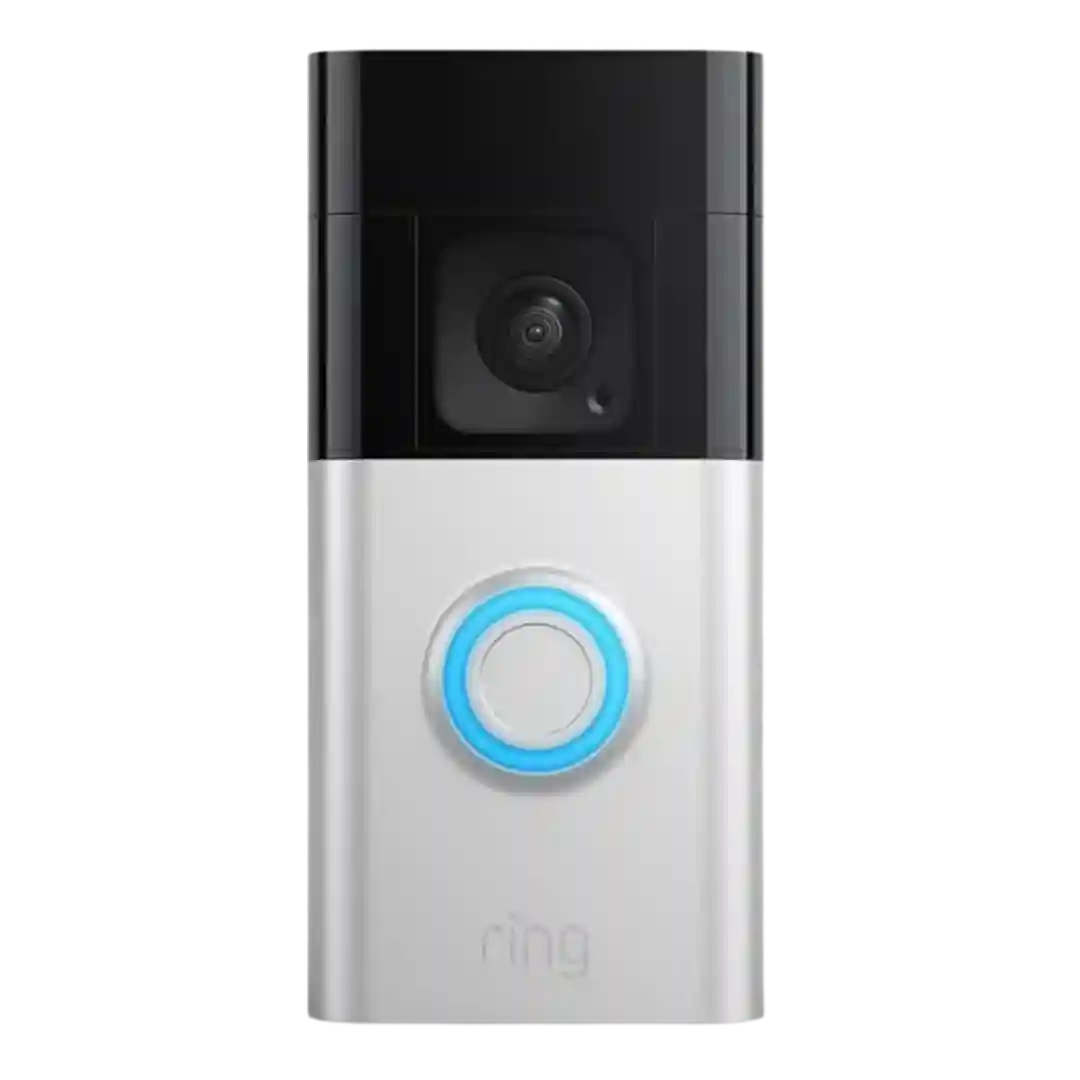
Local storage is consistently described as a core advantage, typically via microSD in the indoor chime (or a HomeBase-style hub on other variants). Reviewers repeatedly stress that no SD card means no event history, so supplying one is important.
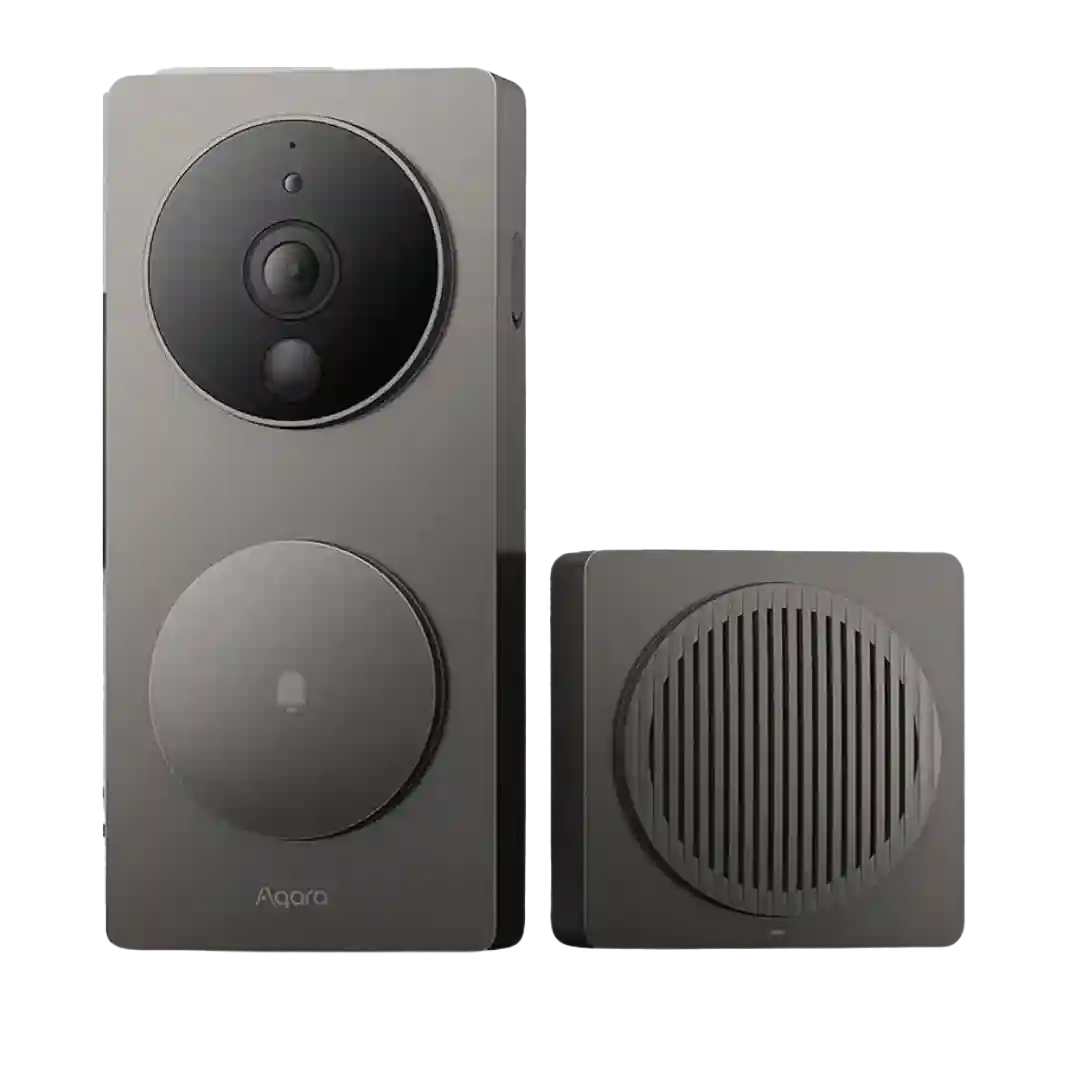
Storage flexibility is repeatedly praised: microSD in the chime, NAS options, HomeKit Secure Video, and Aqara cloud all appear across reviews. Several reviewers stress that continuous 24/7 recording and some advanced streaming options require hardwired power.
Storage is one of the D210's strongest features thanks to local microSD recording up to 512GB plus optional cloud backup. Reviewers like having meaningful storage flexibility without being forced into a subscription.
Storage is described as local on UniFi Protect hardware, with continuous recording and easy clip review. One reviewer reports a major responsiveness boost when switching to SSD storage, improving timeline loading and scrubbing speed.
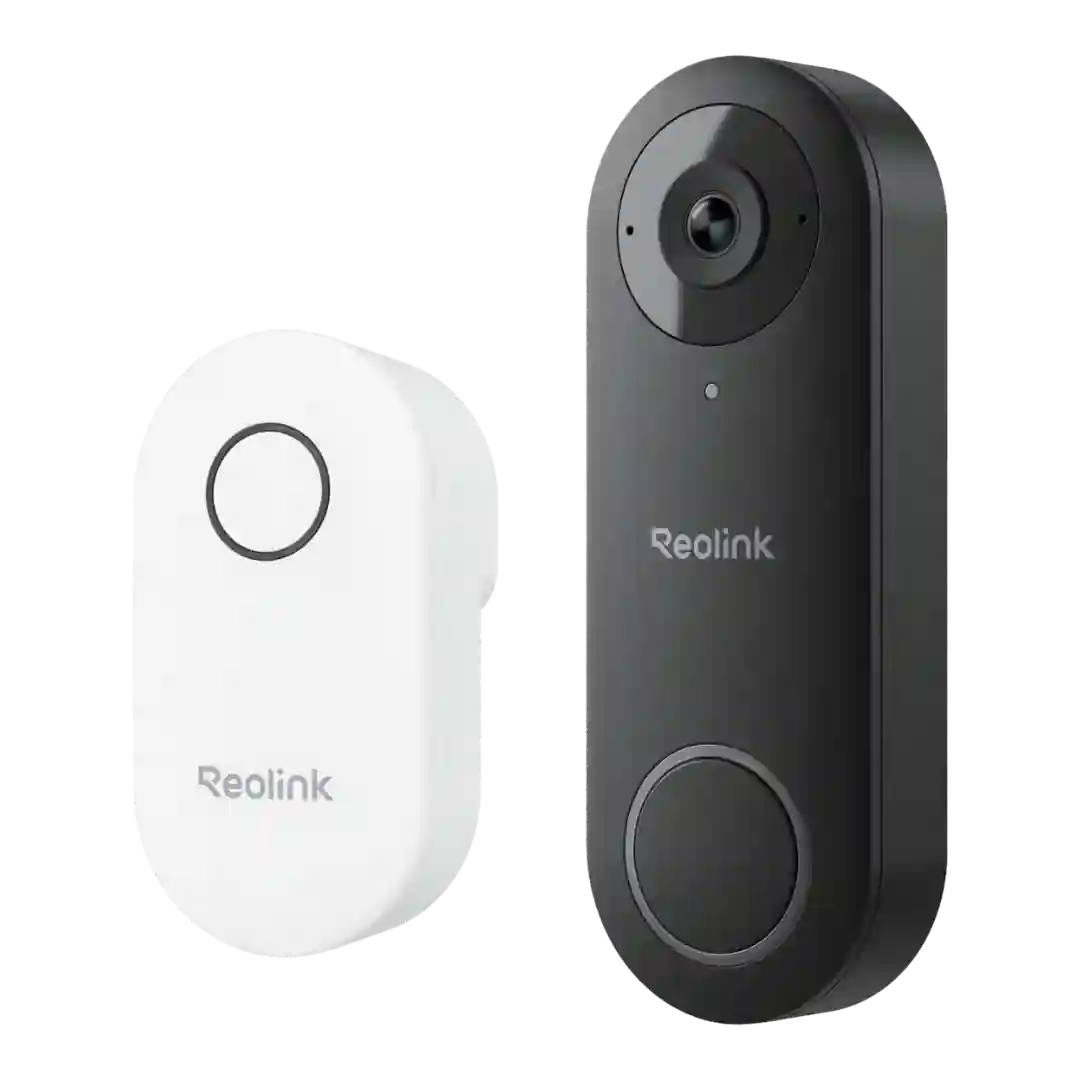
Storage flexibility is a major highlight: microSD up to 256GB plus Reolink NVR and optional cloud plans; some caution that a card in the doorbell itself can be harder to access/seat and may be less tamper-resistant than hub-based storage.
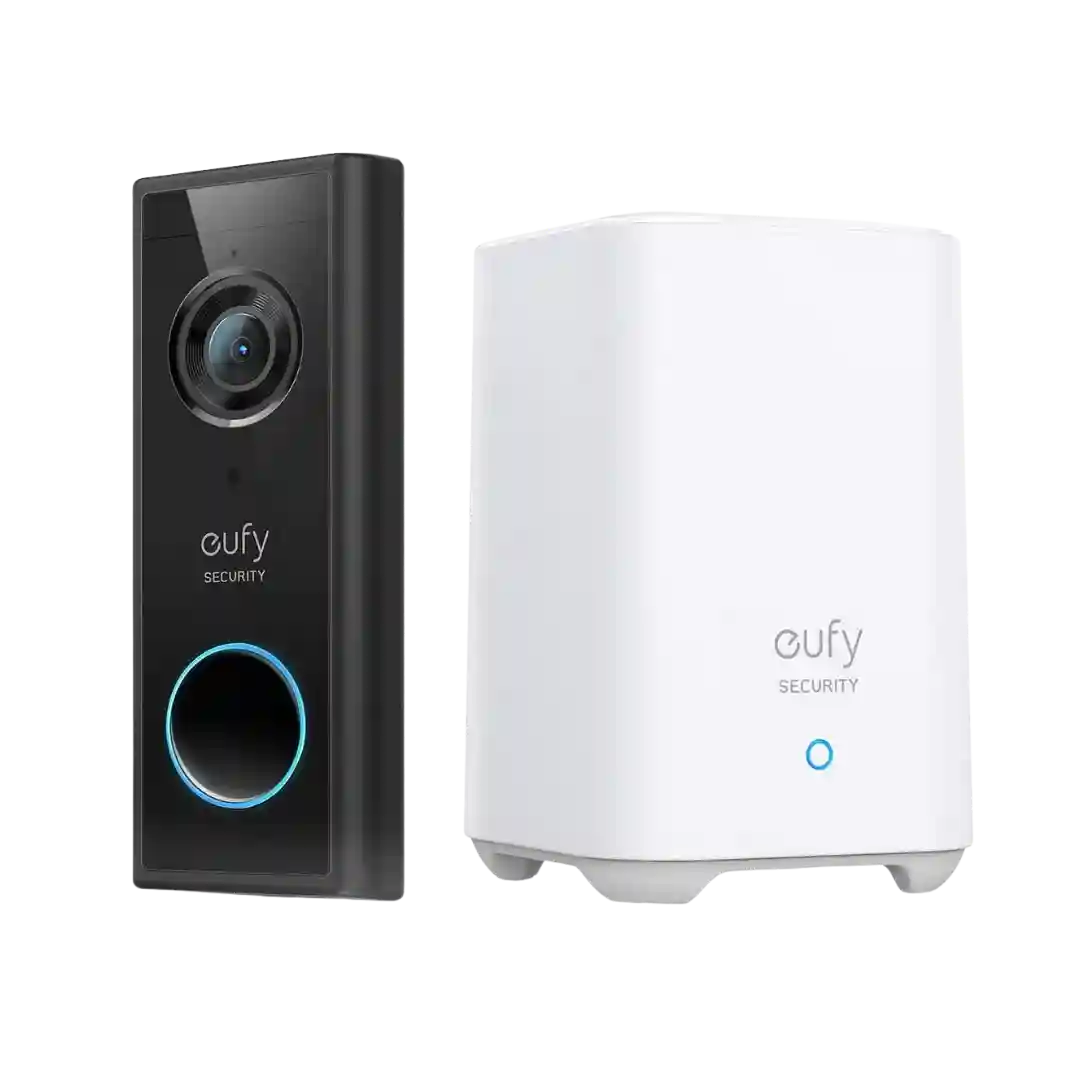
Local storage is a major selling point. Reviewers highlight the built-in 16 GB HomeBase storage, with some stating it can hold months of clips but may require periodic management or automatic overwriting depending on settings and activity.
Local storage via microSD up to 512GB is a key differentiator, with optional cloud storage available; SD cards are not included and can be lost if the unit is stolen.
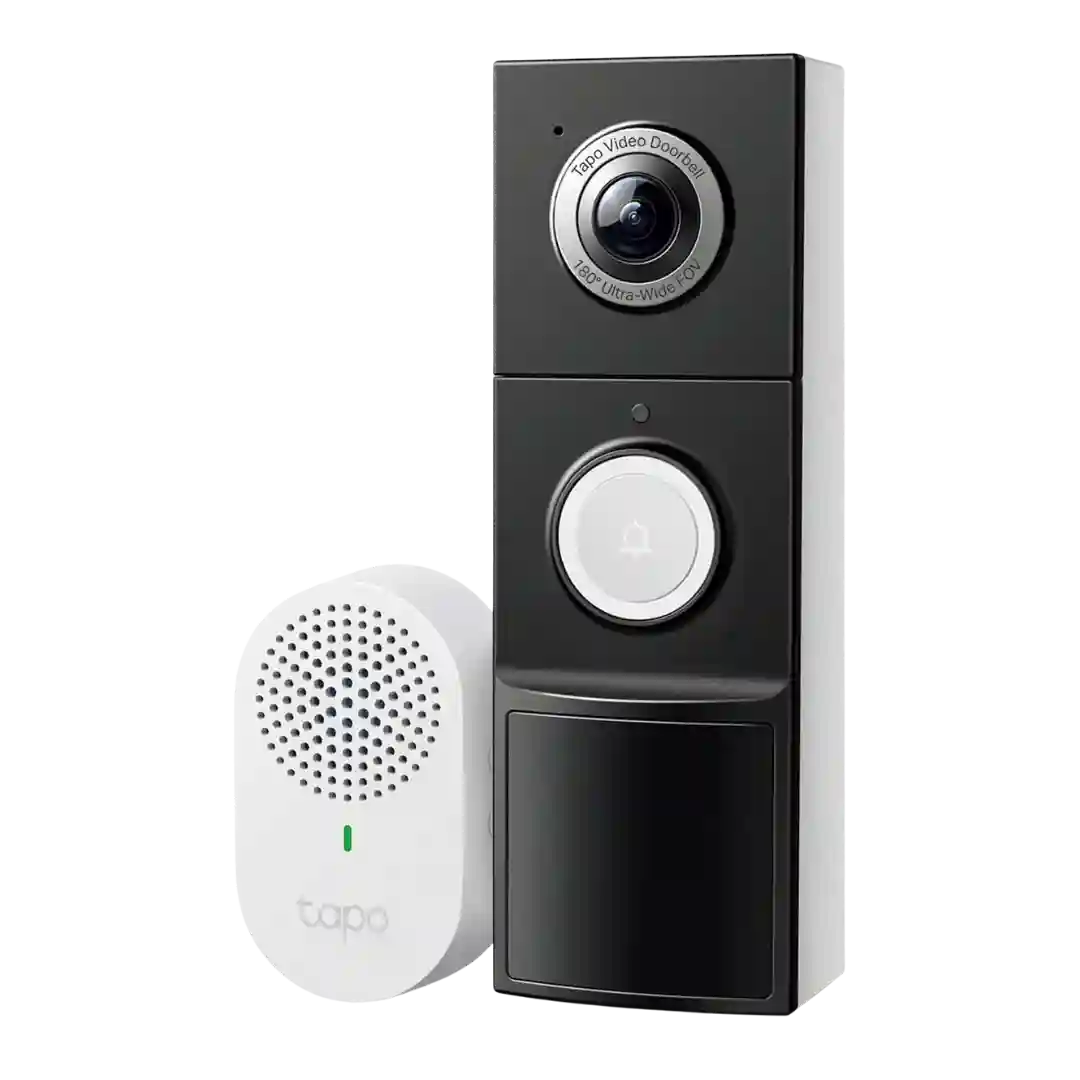
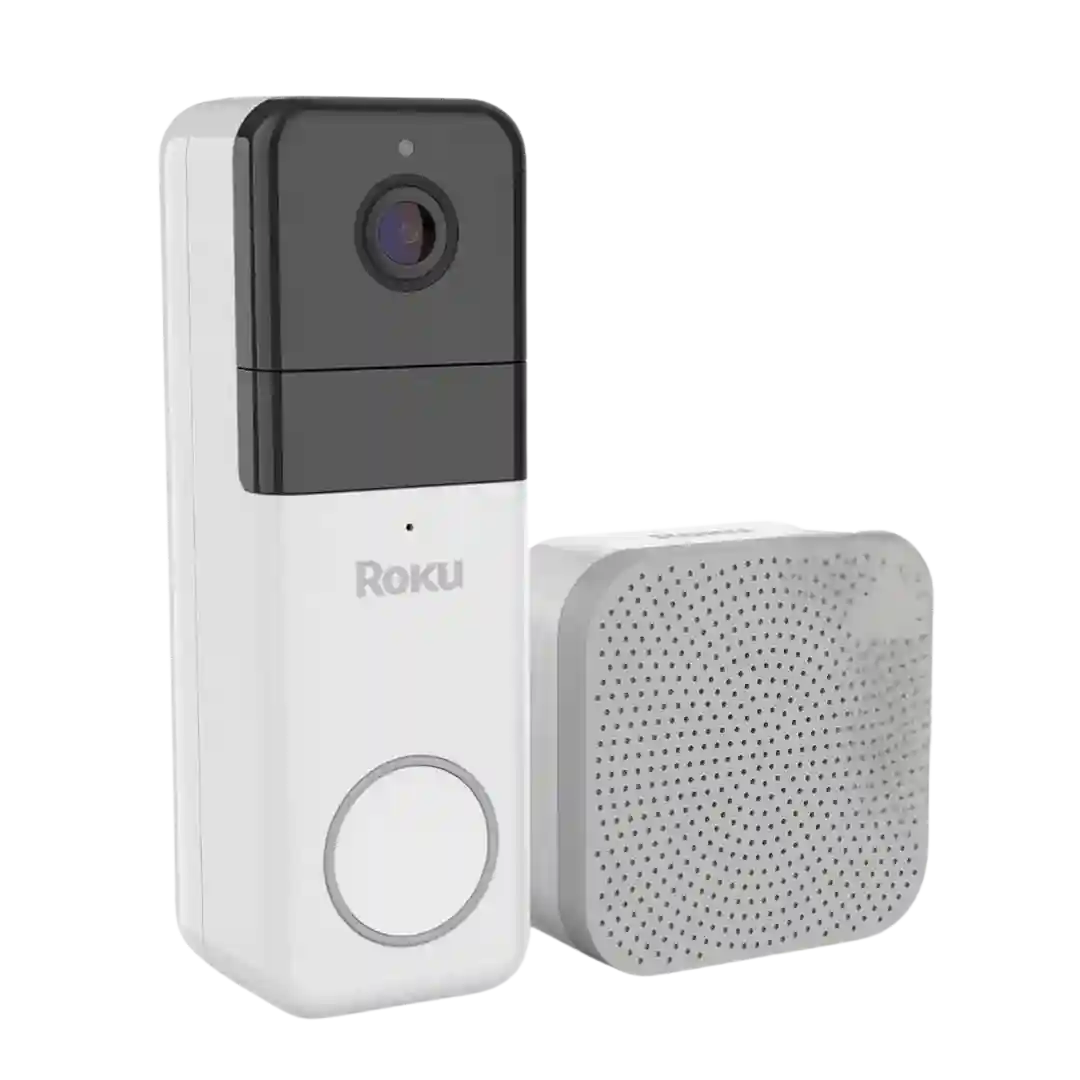
Local storage is a major advantage because the microSD card sits in the indoor chime hub, reducing theft risk and enabling easy file access. Capacity support is commonly cited up to 512GB.
Local storage is a core advantage: 8GB onboard is repeatedly mentioned, with optional expansion via HomeBase or cloud plans. The common complaint is the lack of a simple microSD slot, making expansion either an extra purchase (HomeBase) or a paid cloud option.
Storage flexibility is a major theme: multiple reviews cite microSD (commonly up to 128GB) plus the option to use HomeBase 3 for centralized storage. Some bundles are shown including a 32GB microSD card, reinforcing the no-fee local-storage angle.
Local storage is a core strength: most kits use HomeBase with 16GB that can hold months of clips and overwrite old footage; some wired variants store on the doorbell itself, which is convenient but riskier if the unit is stolen.
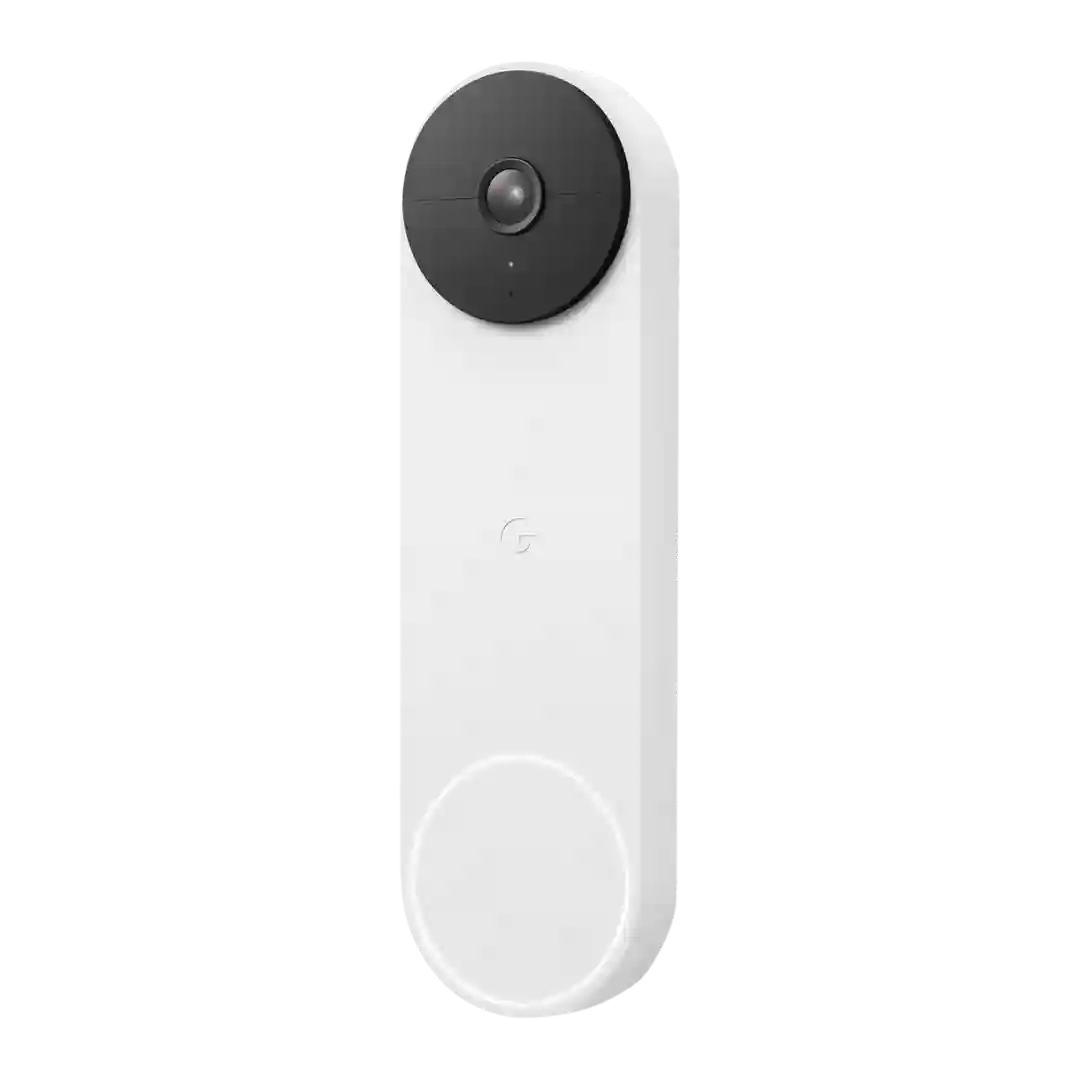
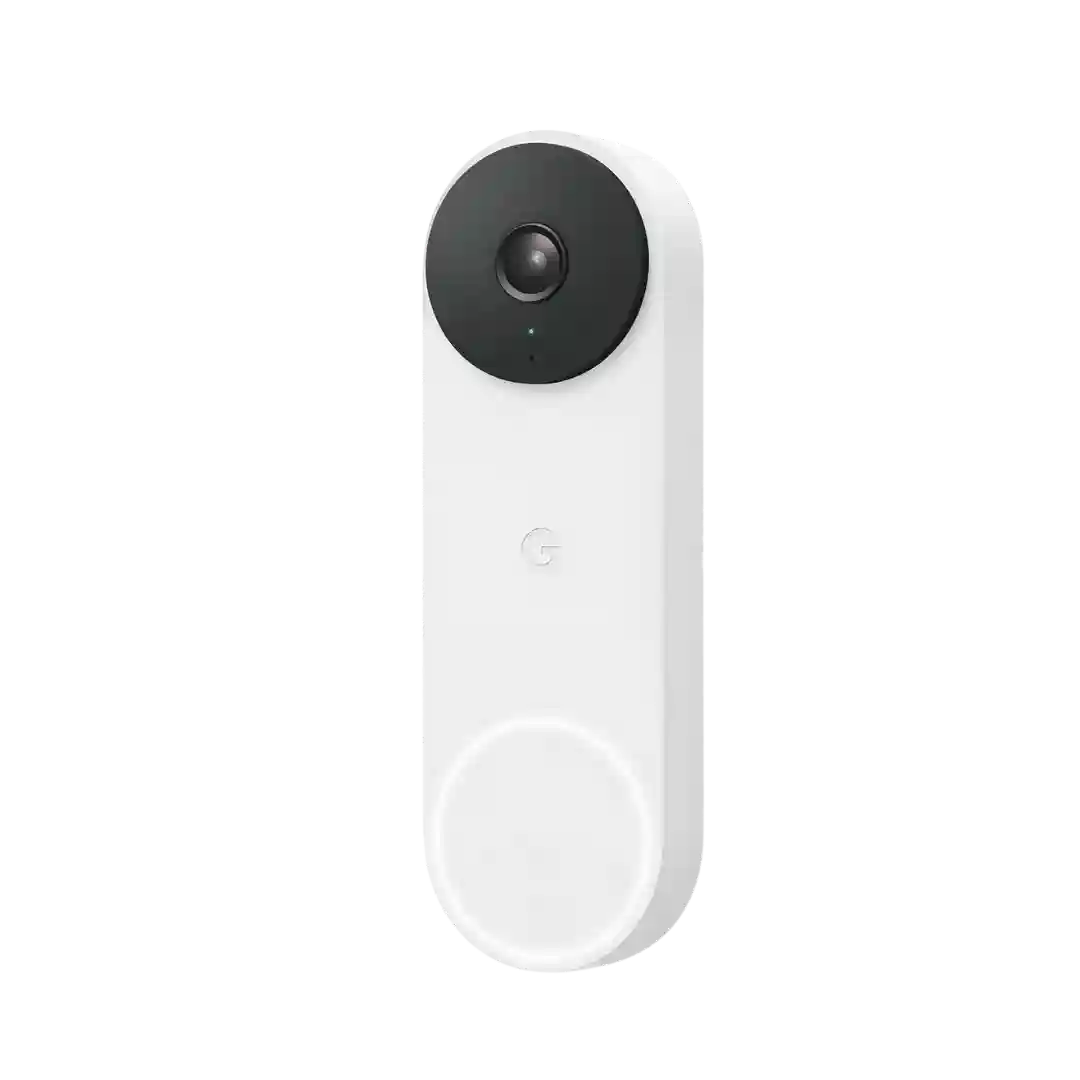
Recorded clips are stored in iCloud via HomeKit Secure Video with a rolling history (often cited as 10 days), and playback is simple though not always as organized as dedicated platforms.
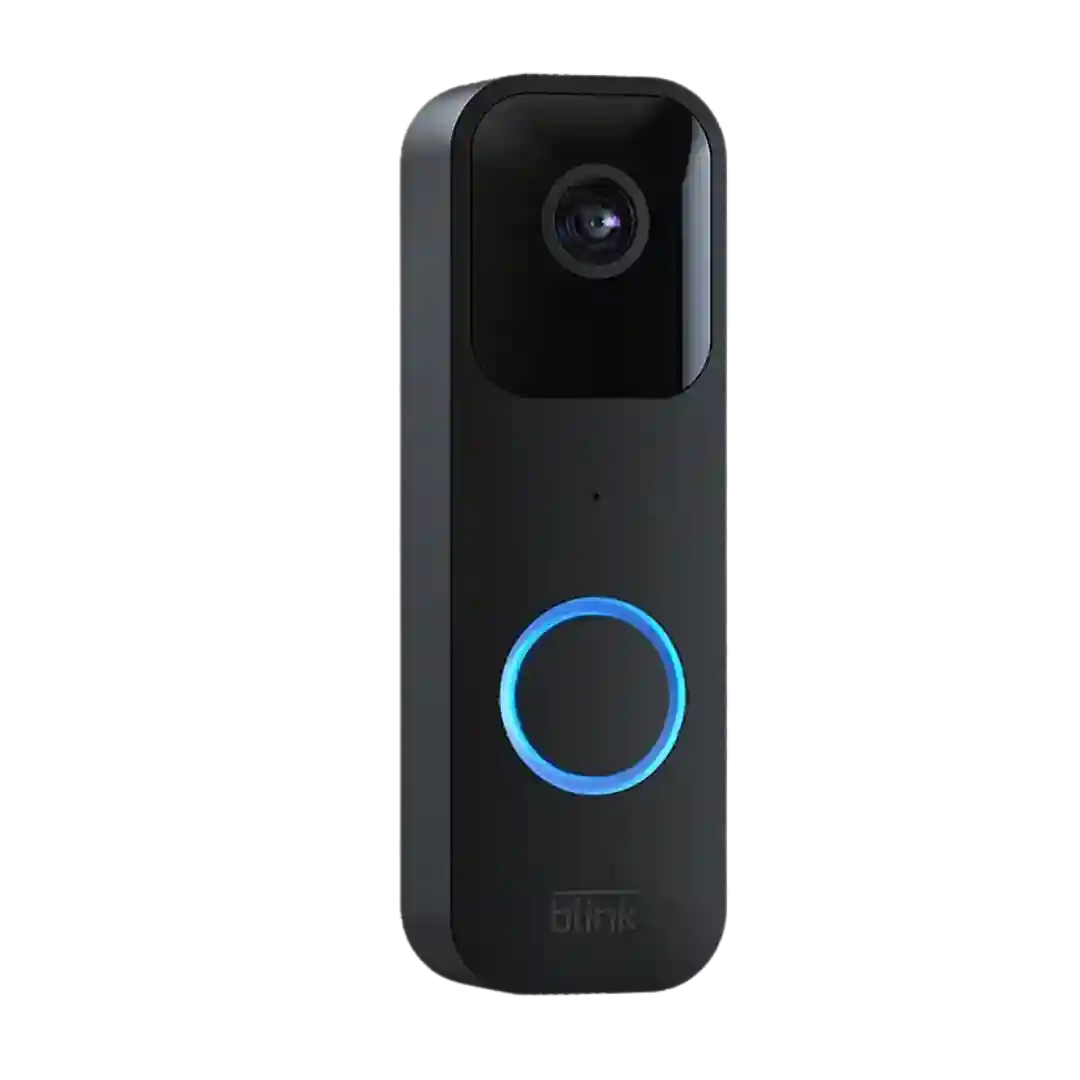
Storage options are flexible: cloud clips with a subscription, limited free cloud for some legacy users, and local USB storage via Sync Module 2. Local storage can require manual management, and some implementations do not automatically overwrite the oldest clips.
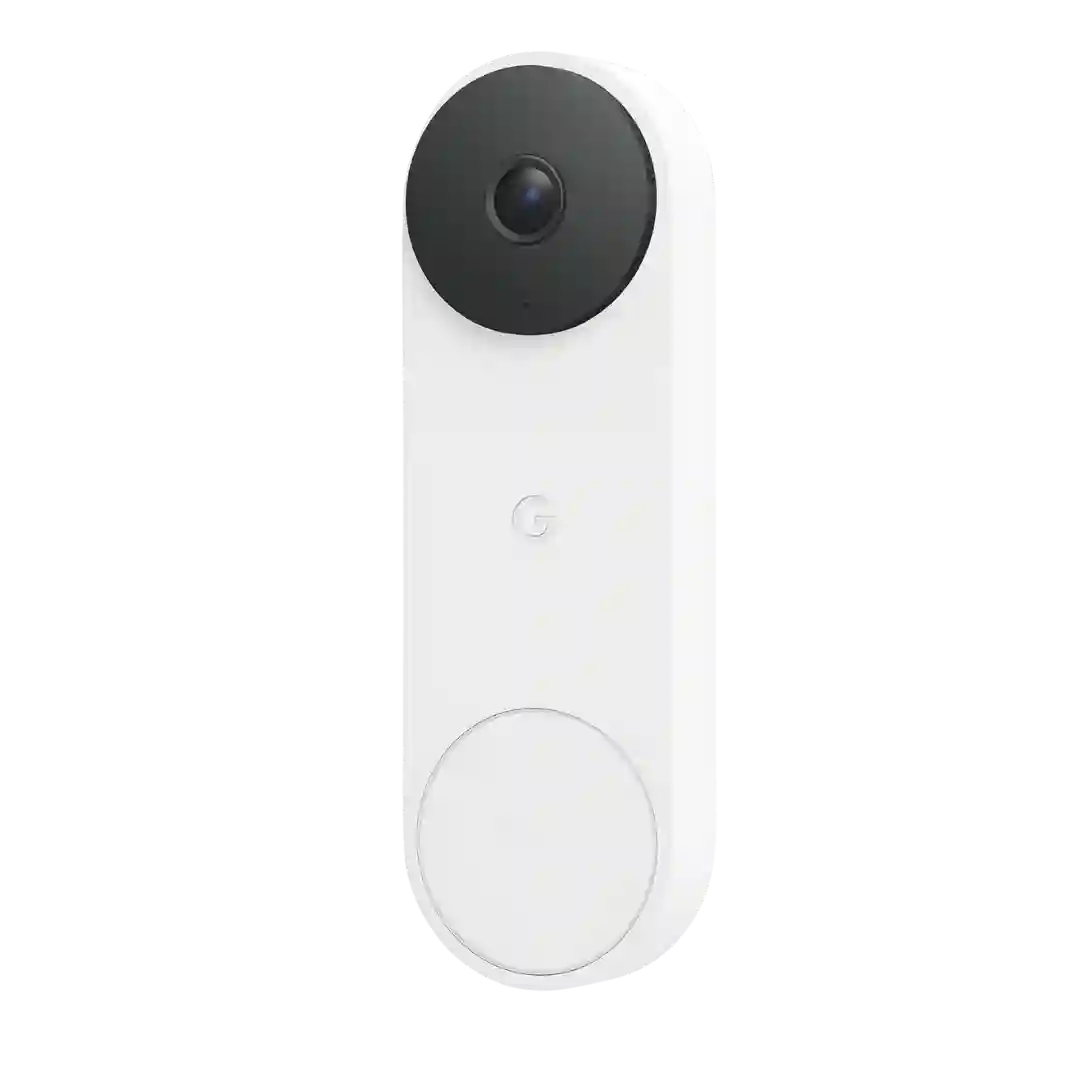
You get a short free window of saved clips, plus limited local backup during outages; longer retention and some advanced features require a subscription.
Storage is a recurring tradeoff: reviewers repeatedly cite limited free cloud history and no local expandable storage. Some note a short resilience buffer for brief connectivity issues, but meaningful retention requires cloud plans.
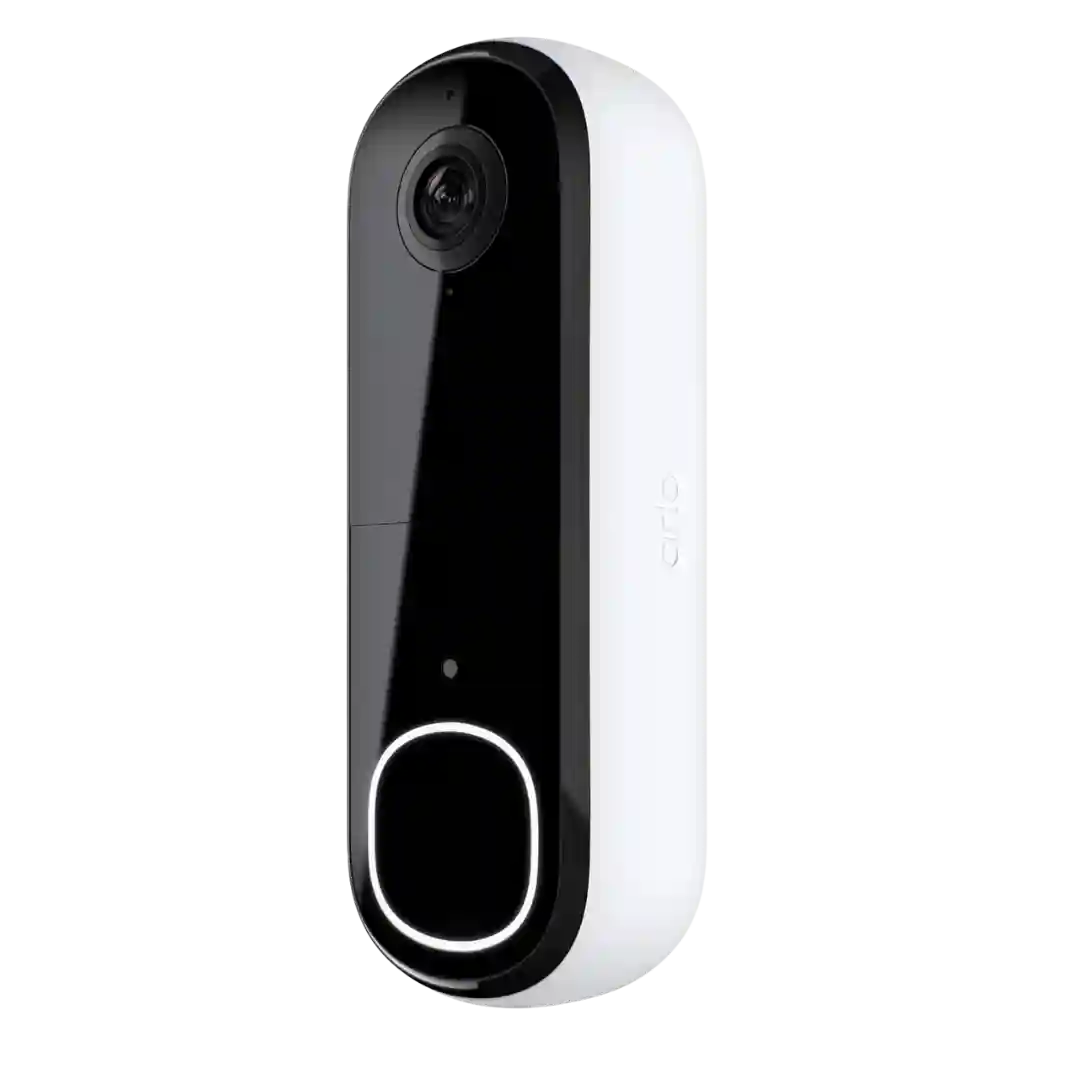
Recording storage is primarily cloud-based and commonly tied to the subscription; local storage is not standard and is only mentioned via optional Arlo hubs/base stations.
Storage is the biggest catch: cloud recording is the default, and local recording generally requires pairing with a storage-capable Sync module (USB or microSD). The Sync Module Core bundle is often called out as not supporting local storage.
Storage is primarily cloud-based and generally tied to a paid plan for meaningful history and clip access. Reviewers do not describe local storage as an option, so budget accordingly.
Storage is described as cloud-centric with no local storage option. Without a subscription, storage is commonly limited to snapshots; with a plan, cloud clips and richer history are available.
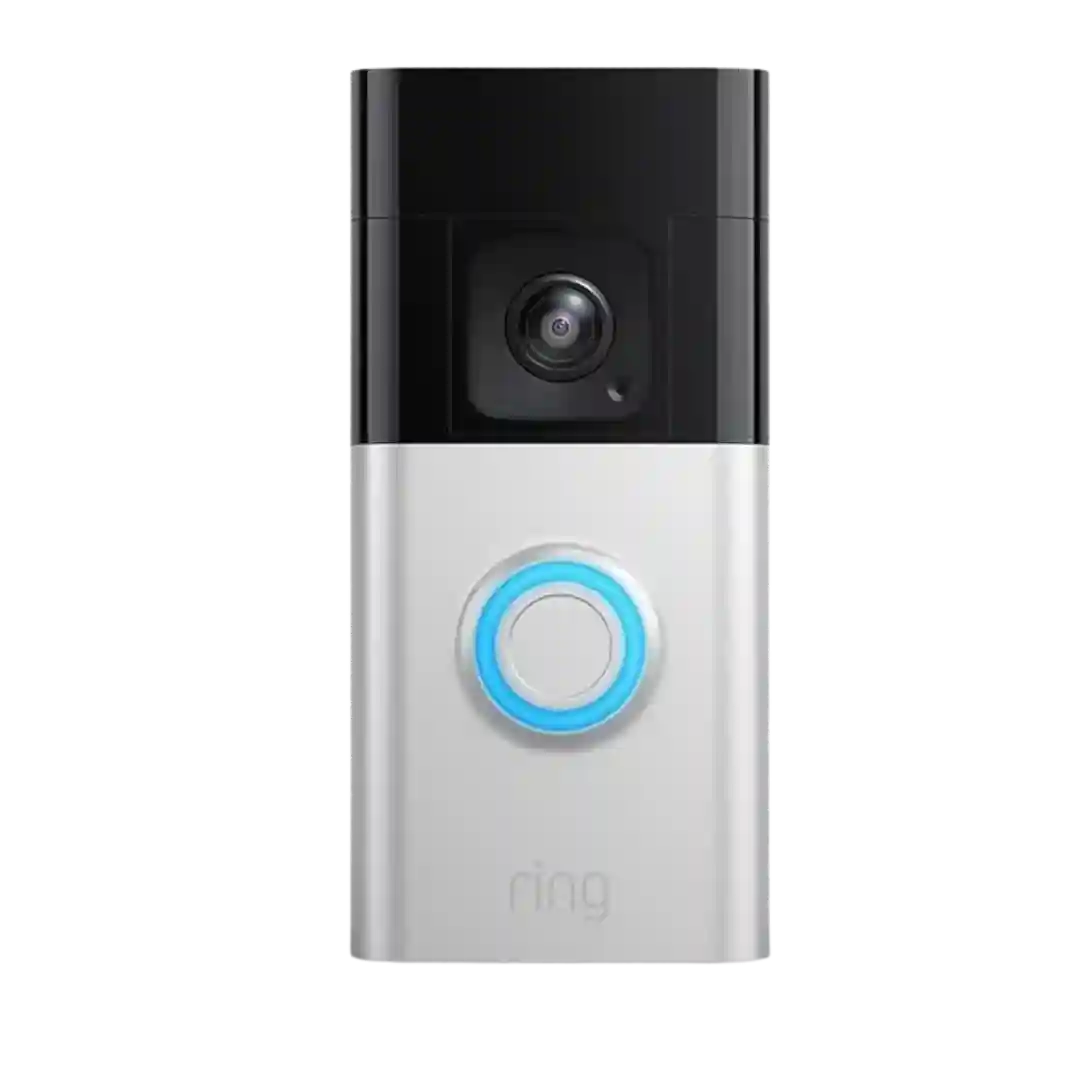
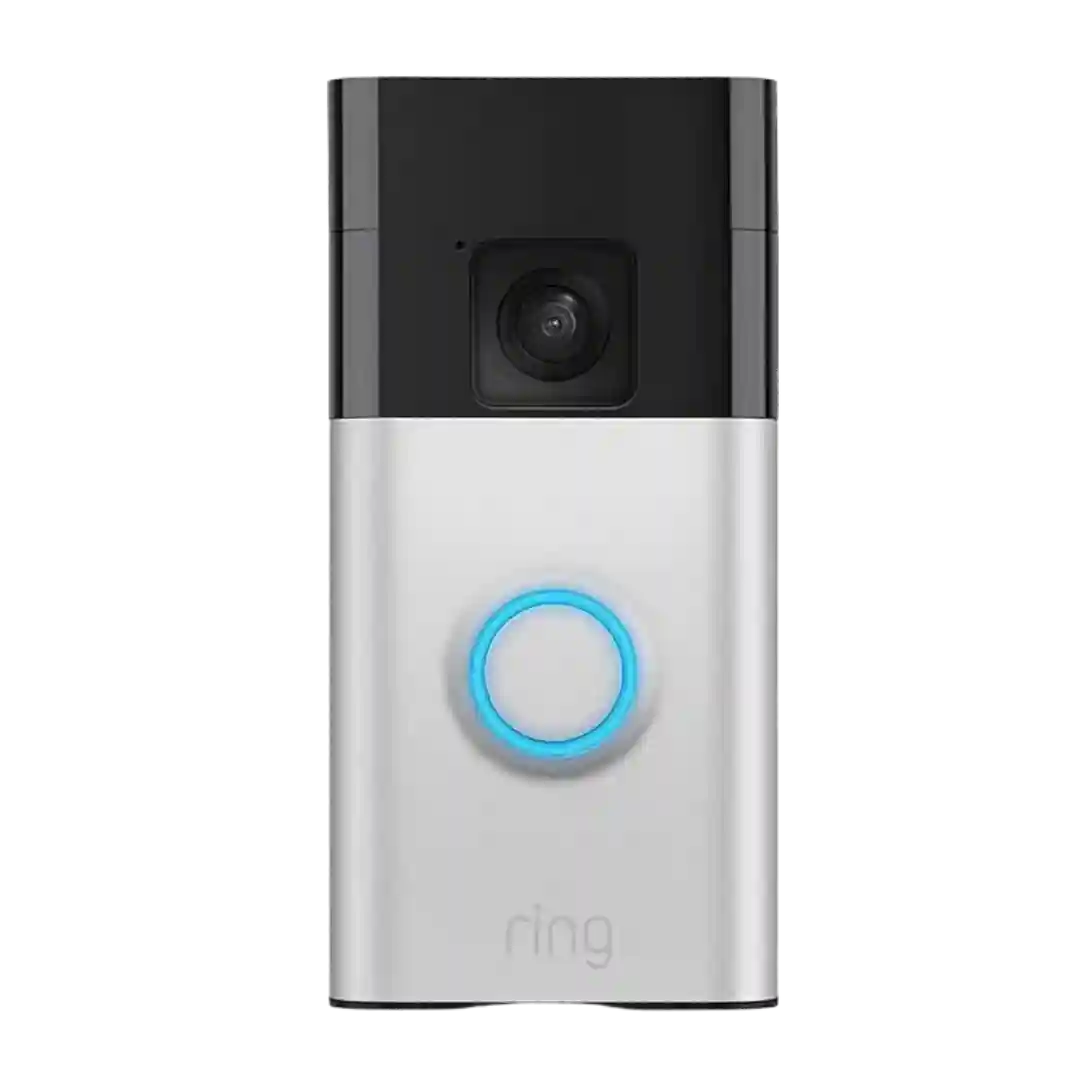
Storage is cloud-based; without a plan you mainly get live view and alerts, while recordings/history require Ring Protect. Lack of local storage is a common knock compared with competitors.
Local storage is consistently described as unavailable; event recordings live in the cloud with stated retention windows and manual downloading as the only way to keep long-term backups.
Storage is cloud-based and repeatedly criticized for being paywalled for meaningful playback. Several reviews contrast it with alternatives that offer easier access to saved clips or local storage options.