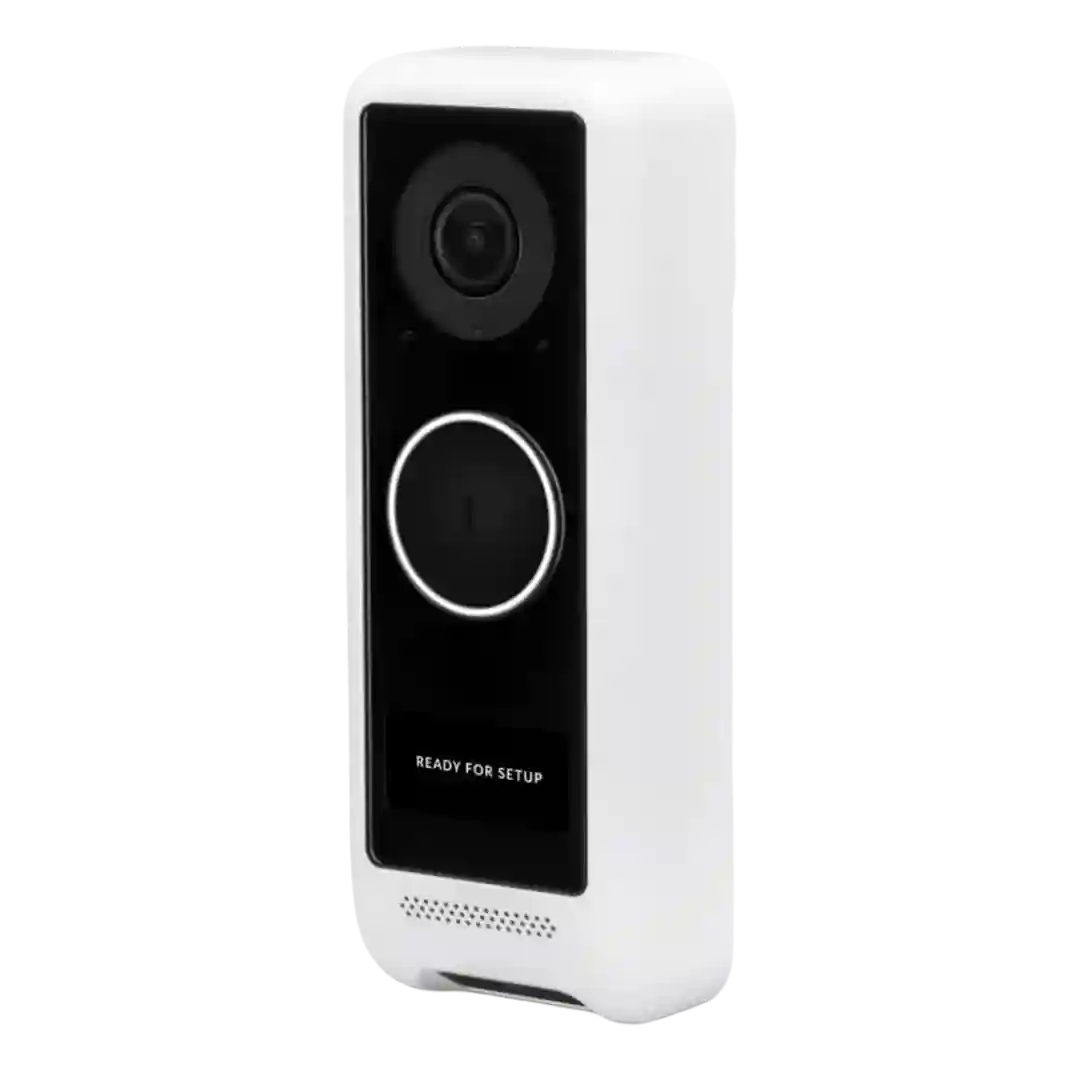
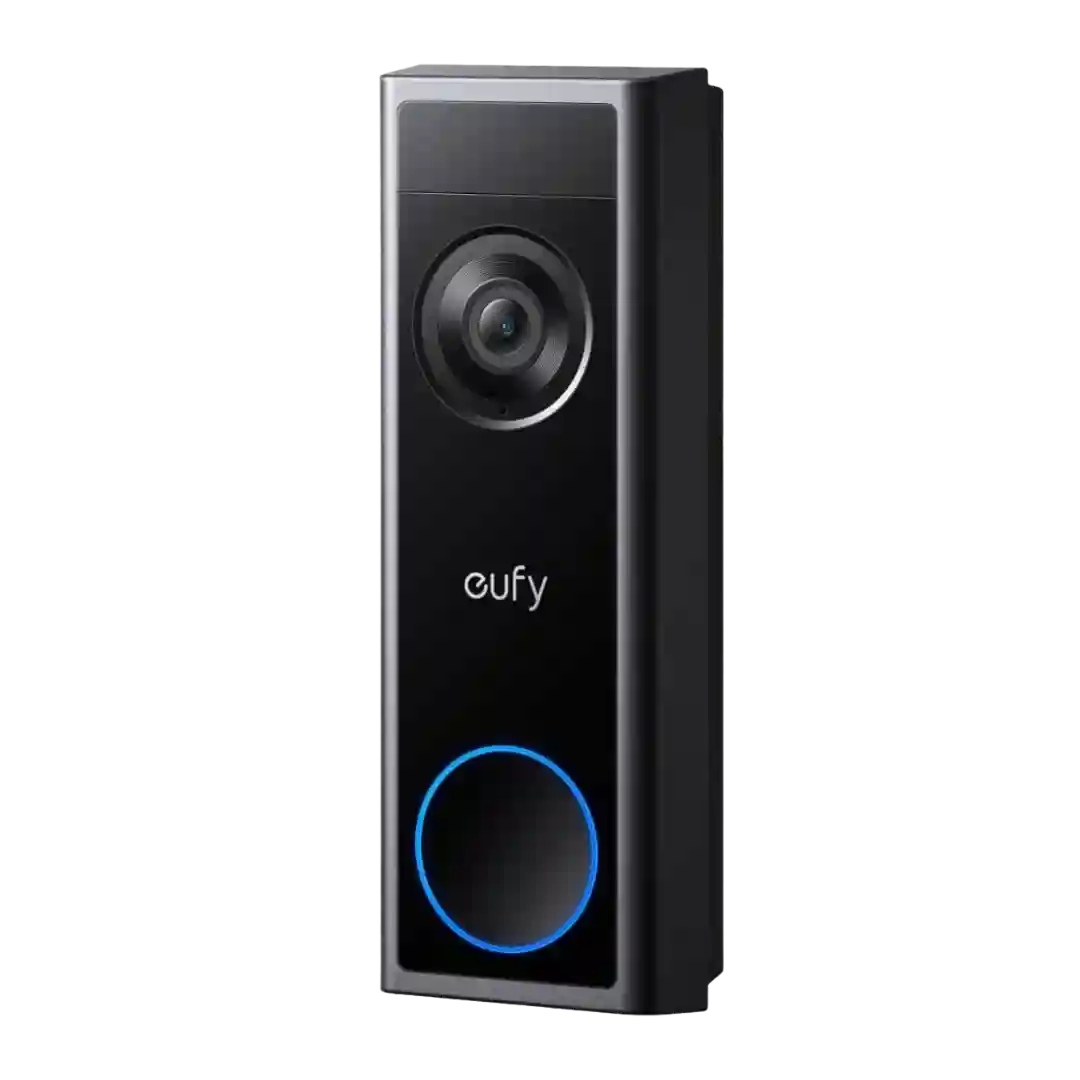
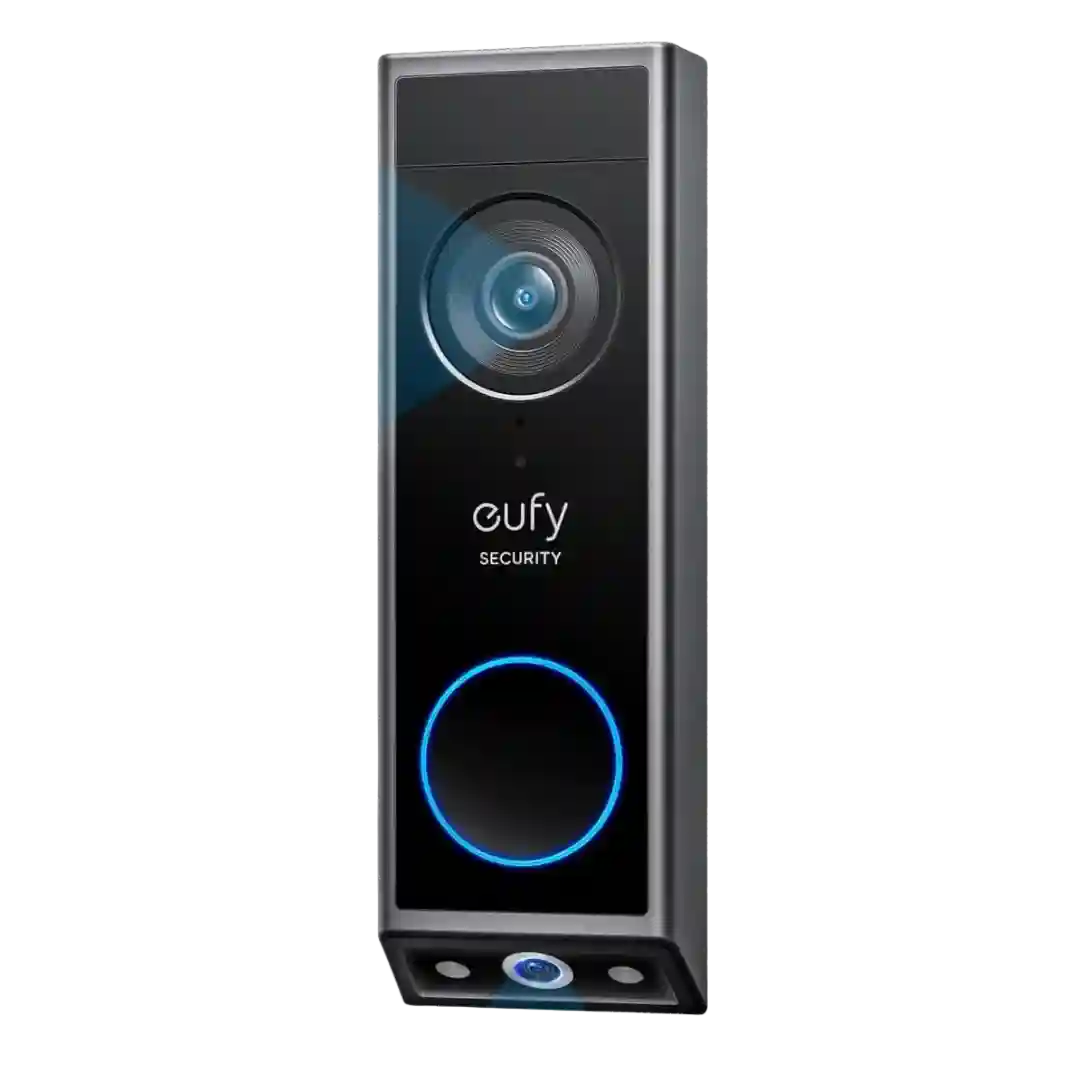
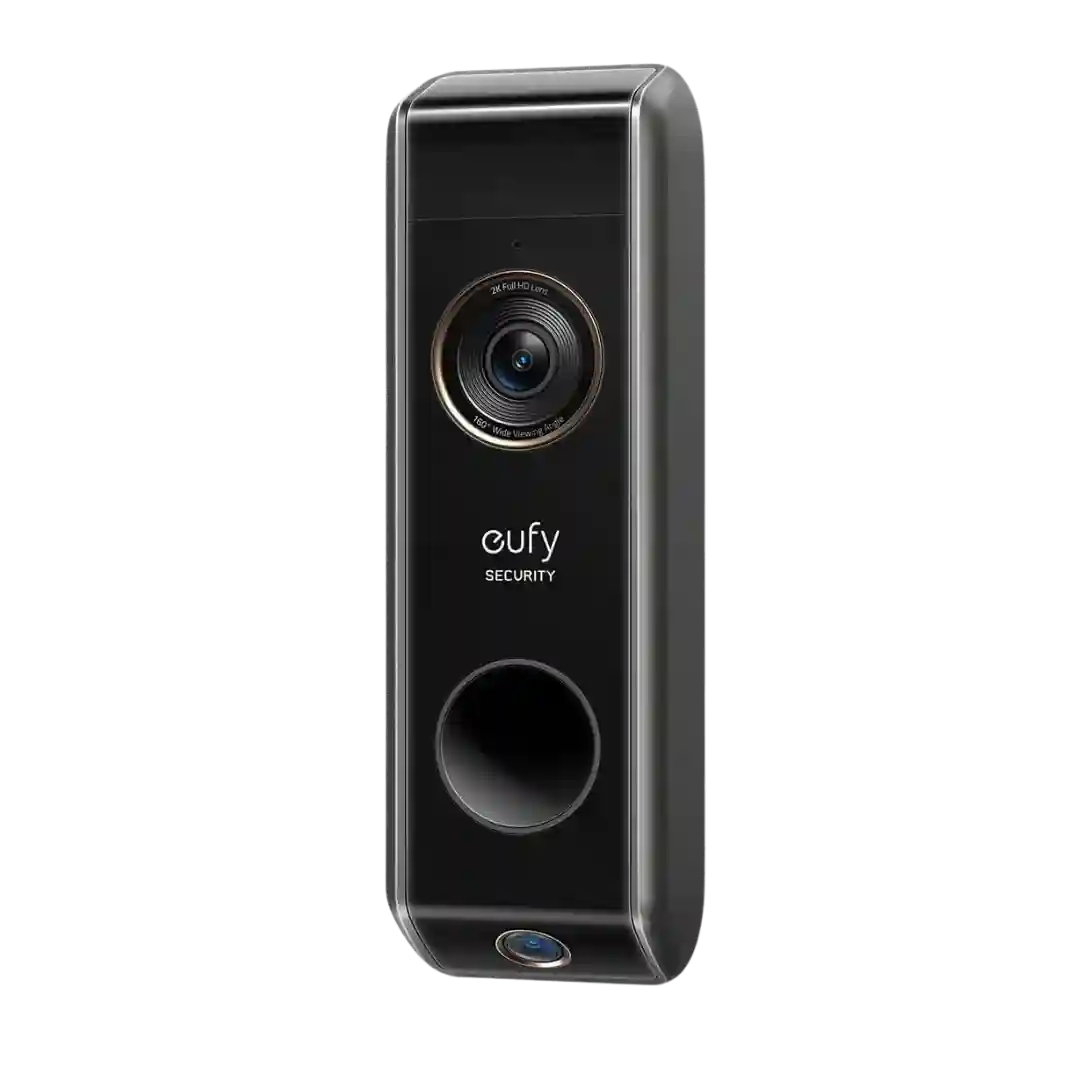
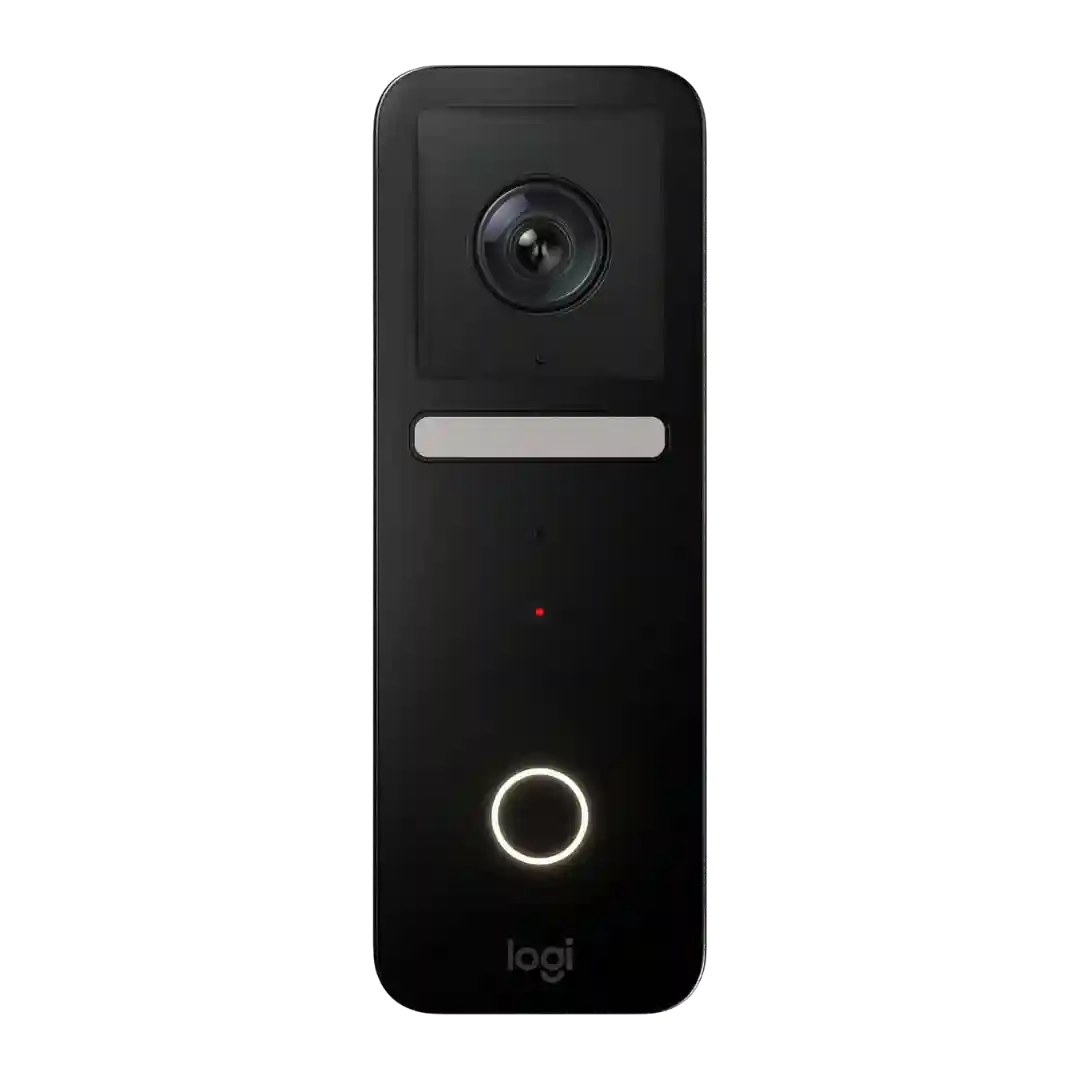
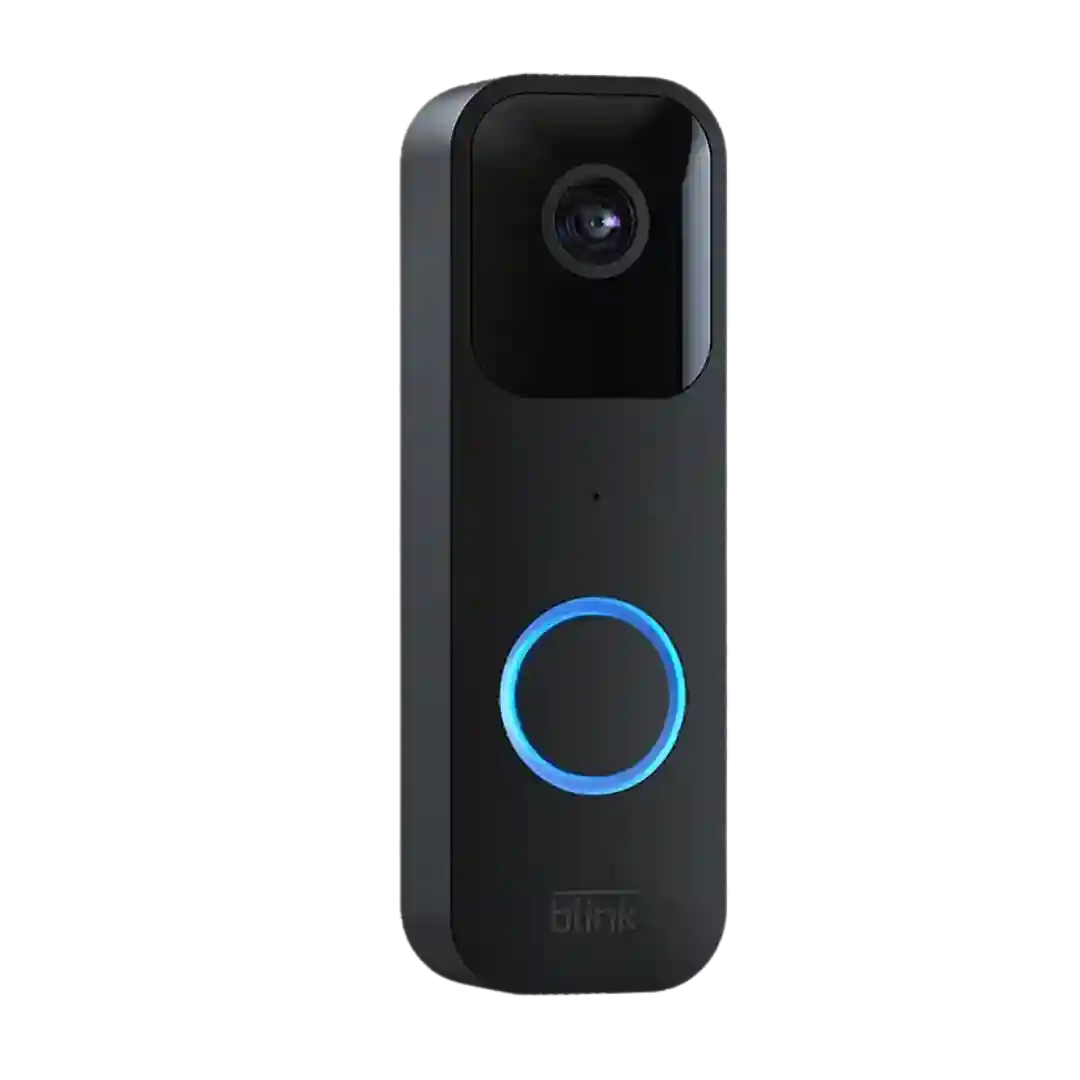
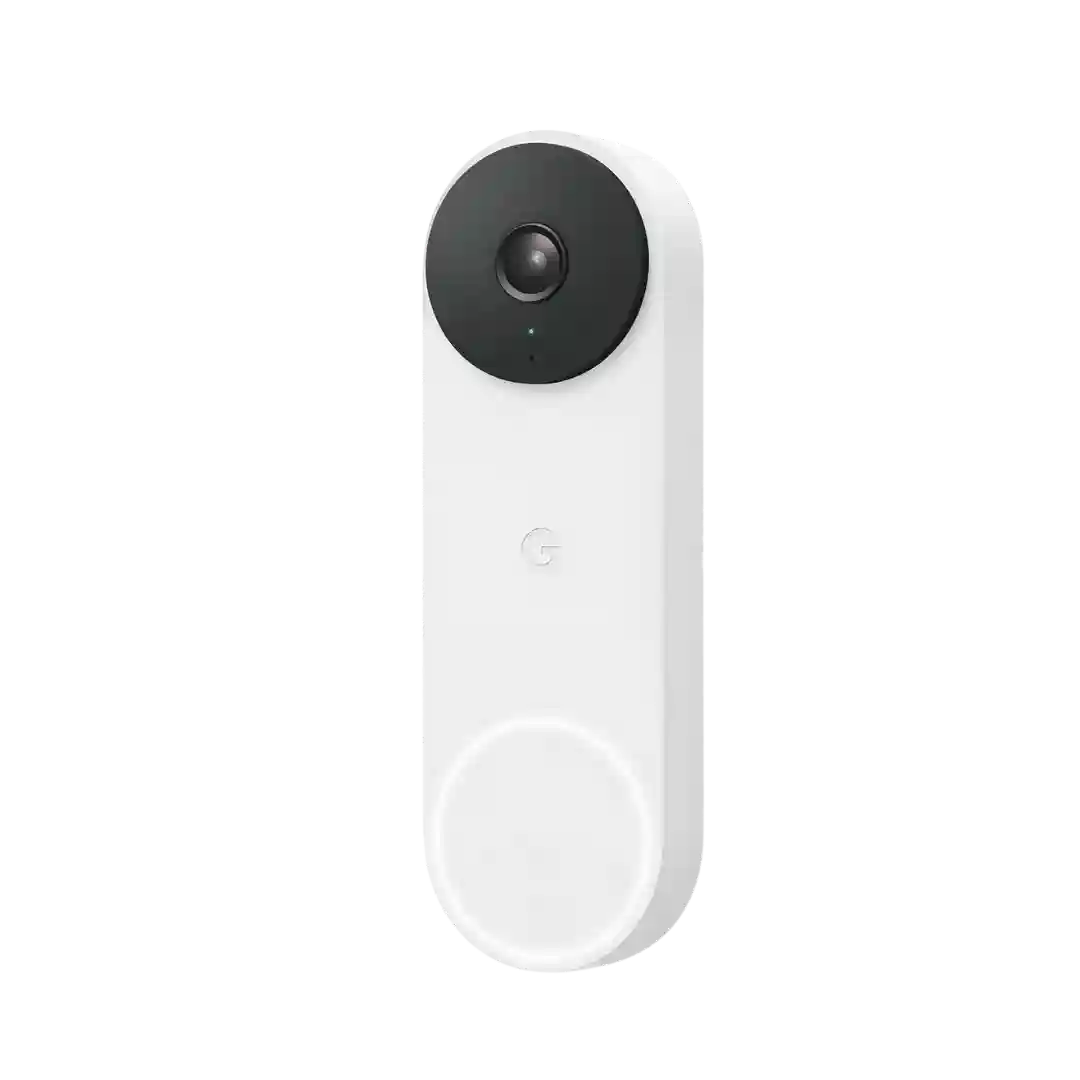
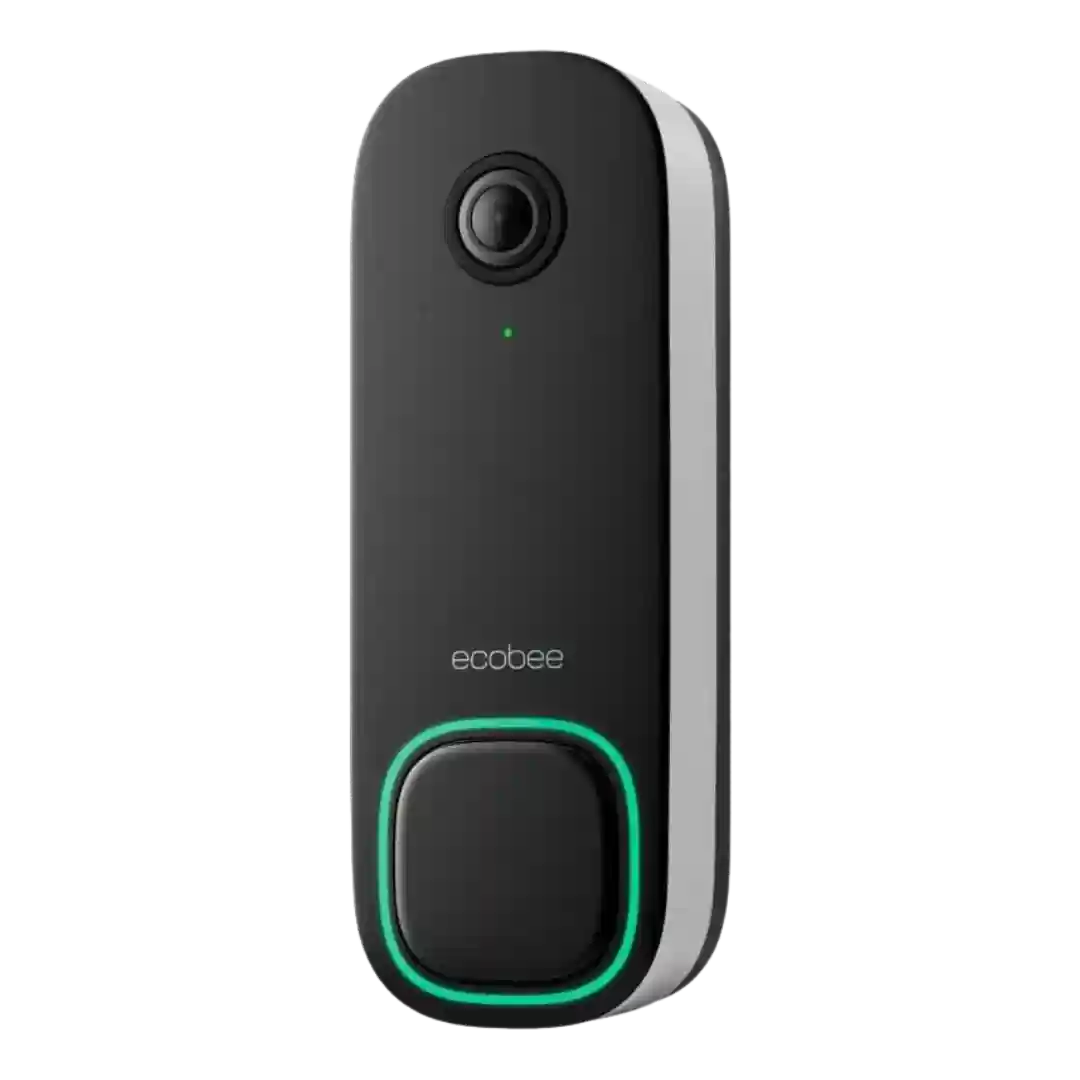
Across reviews, the lack of a mandatory subscription is a central selling point. Local storage on UniFi Protect hardware is emphasized as the reason ongoing fees are avoided.
No monthly fees is one of the most repeated selling points across reviews, especially compared to subscription-driven competitors. Cloud storage is mentioned as optional in at least one review, but local storage is the core story.
Reviewers consistently highlight that no subscription is required for local recording and smart alerts, which differentiates the E340 from many competitors. Cloud subscriptions exist as an optional add-on for longer history or off-device backups, but they are not presented as mandatory for basic use.
Most reviewers highlight that the key features work without a required monthly plan, with optional cloud backup available for those who want an off-site copy.
Ownership costs are often framed as a win: multiple reviewers emphasize no required subscription. One source mentions optional cloud storage plans, while others focus on staying fully local without recurring fees.
No-monthly-fee usage is repeatedly celebrated, with reviewers framing subscriptions as optional rather than required. This is contrasted with competitors where key features often sit behind a paywall.
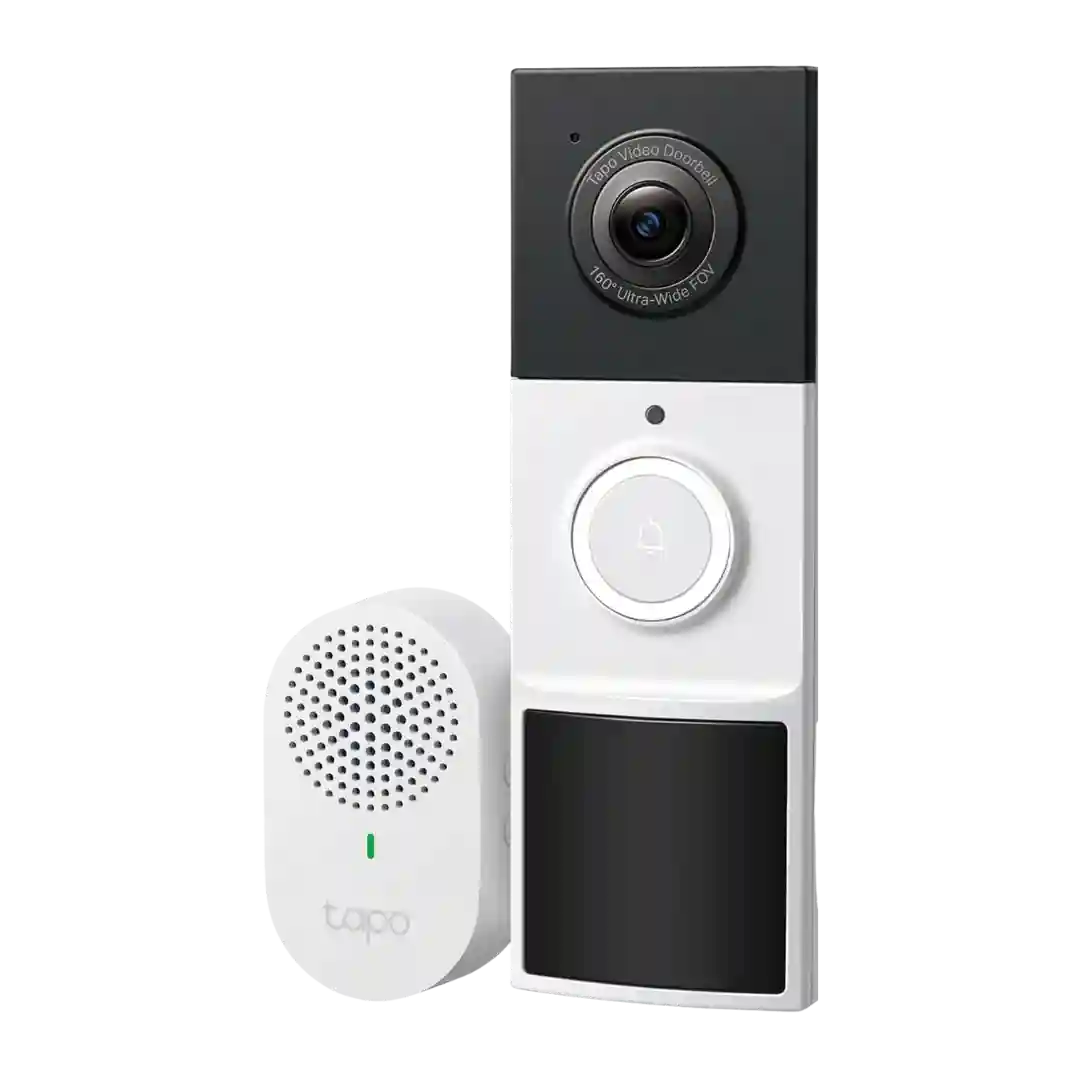
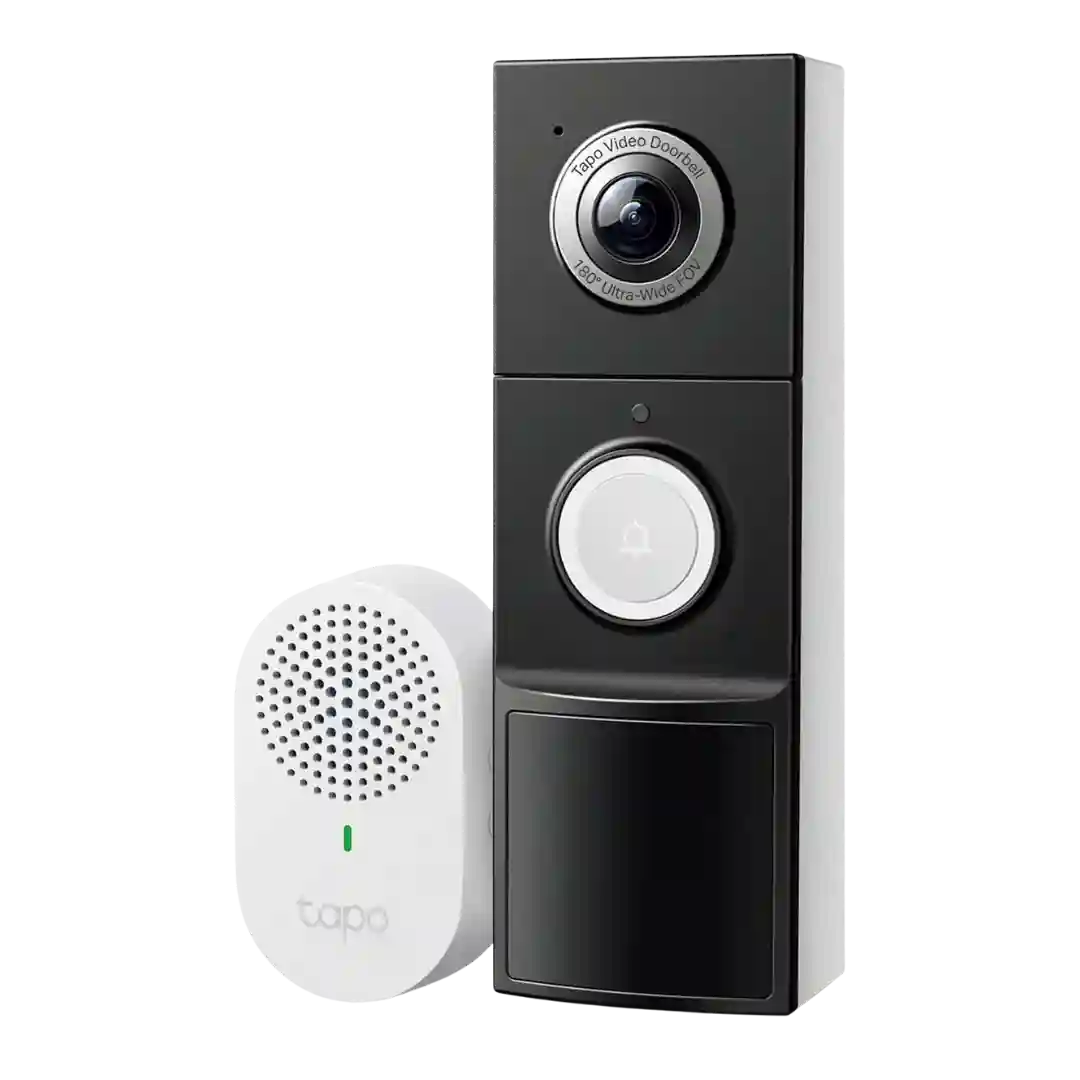
Subscription pressure is unusually low here: reviewers repeatedly say the D210 keeps core detection and local recording available for free. Tapo Care exists for cloud storage and richer notifications, but it is framed as optional rather than necessary.
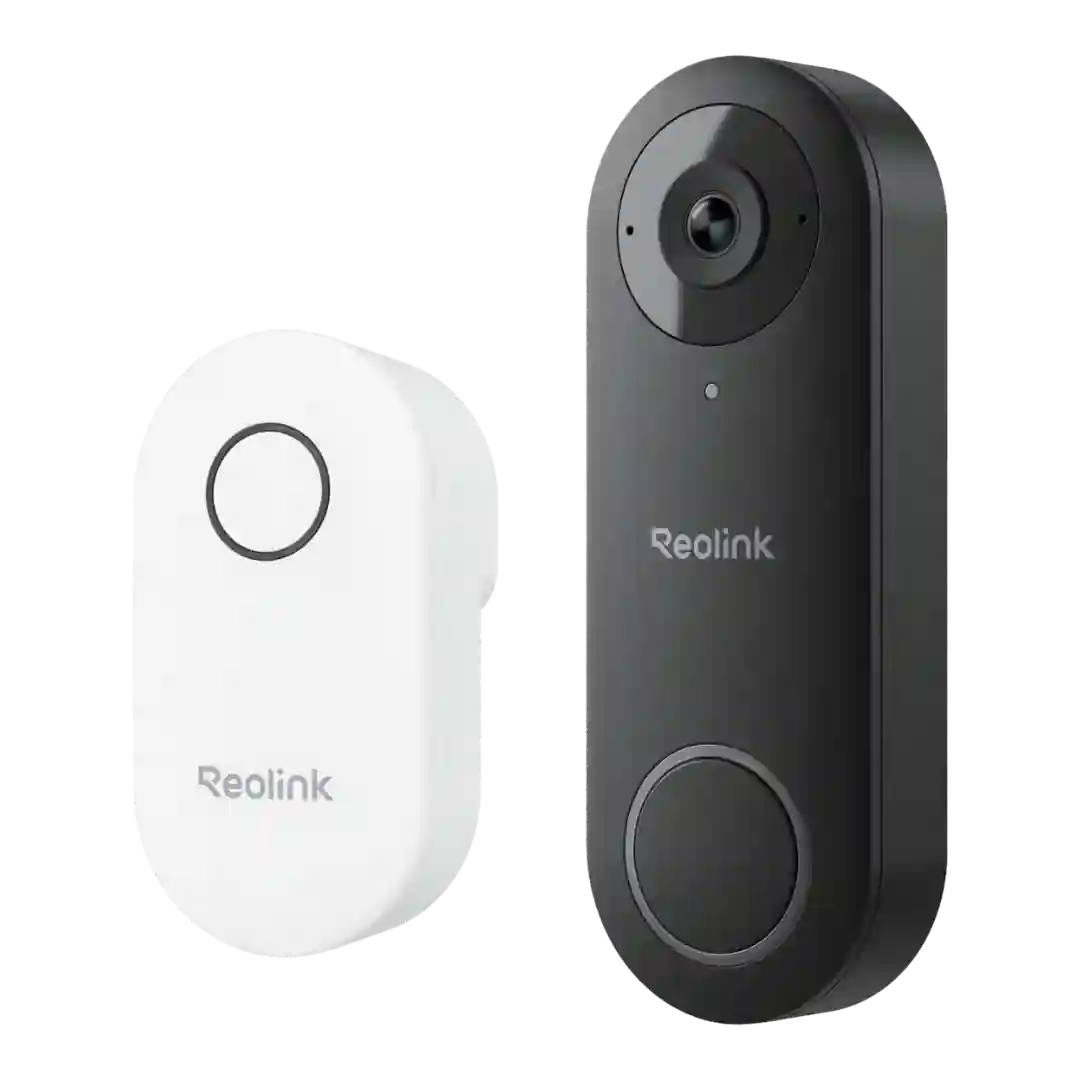
Local recording works without a subscription, while Reolink's optional cloud plans add longer history and features like rich notifications; several reviews prefer staying local unless they want thumbnails or offsite backup.
Subscriptions are optional and mainly add cloud history and rich notifications, while core detection and local recording features are often available without paying monthly.
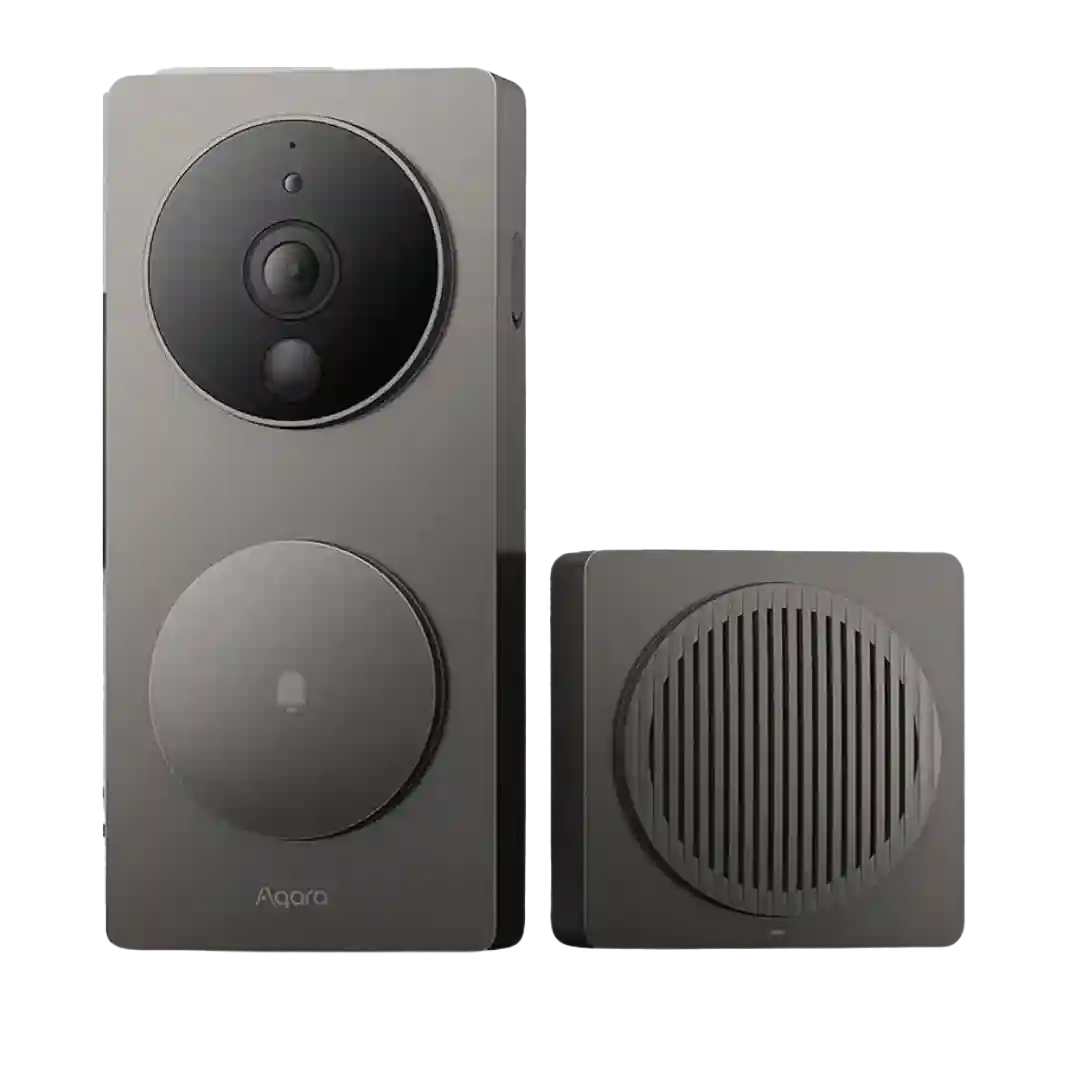
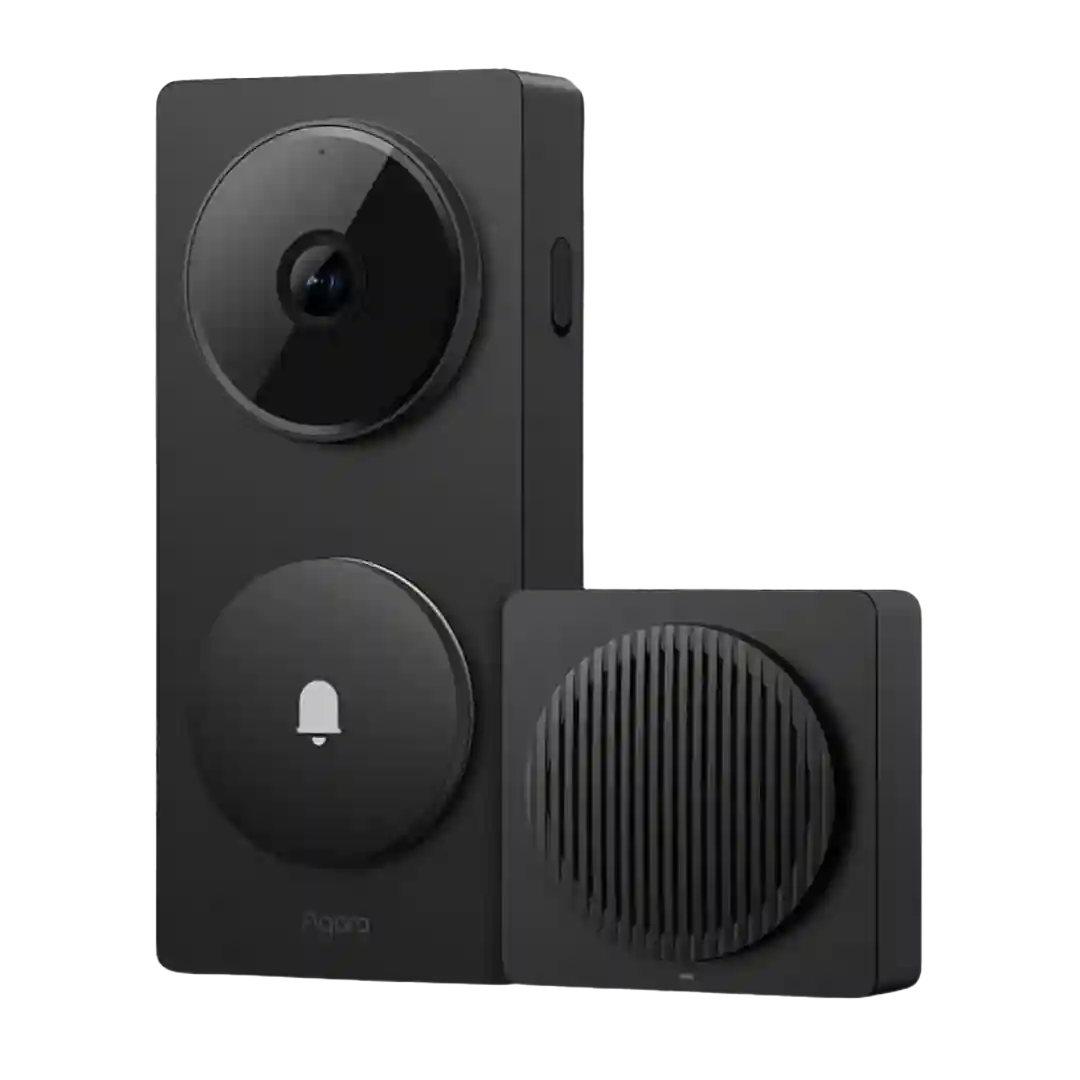
There is no mandatory Aqara subscription for core use, and some sources mention limited free cloud recording. HomeKit Secure Video depends on an Apple iCloud+ plan and a home hub, which effectively becomes the subscription path for Apple-heavy setups.
Cam Plus is framed as affordable compared with competitors, but several reviews note that you may feel pushed into subscribing to unlock the best detection experience.
Subscriptions are framed as optional for core use, with local storage and HomeKit Secure Video providing alternatives. Reviewers call out that some advanced Aqara features and longer cloud retention sit behind HomeGuardian, and several note that free cloud retention is more limited than what some buyers expect.
To unlock full HomeKit Secure Video recording and smart alerts, most reviewers note you need an eligible iCloud plan, which turns this into a recurring-cost device for many homes.
Subscriptions add conveniences like longer cloud history, faster access, and live-view recording, but they are not strictly required if you use Sync Module 2 with USB storage. Reviewers disagree mainly on how much functionality you lose without paying.
Subscriptions are framed as optional for core smart alerts, but strongly recommended if you want longer event history, familiar face features, or 24/7 cloud recording and timeline scrubbing.
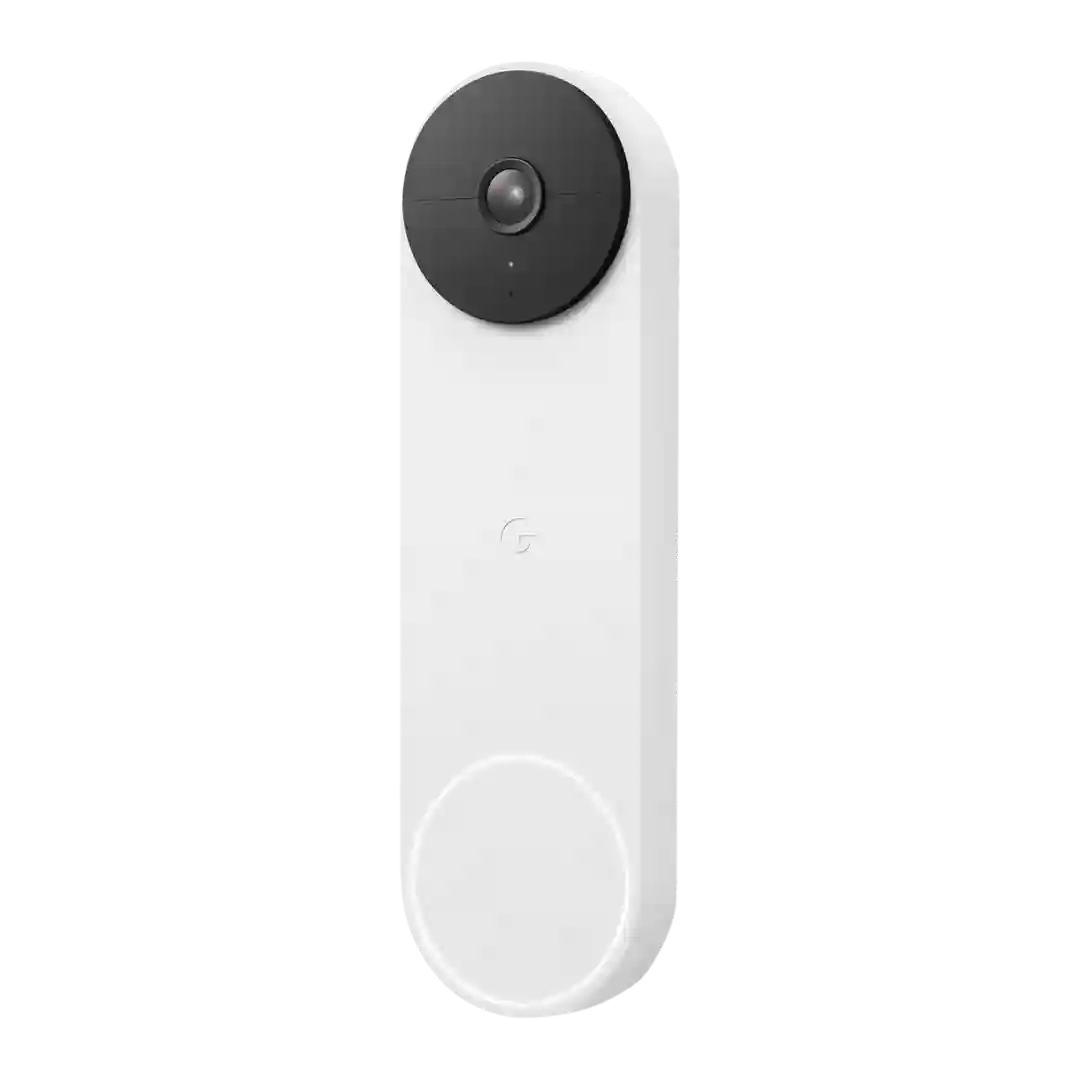
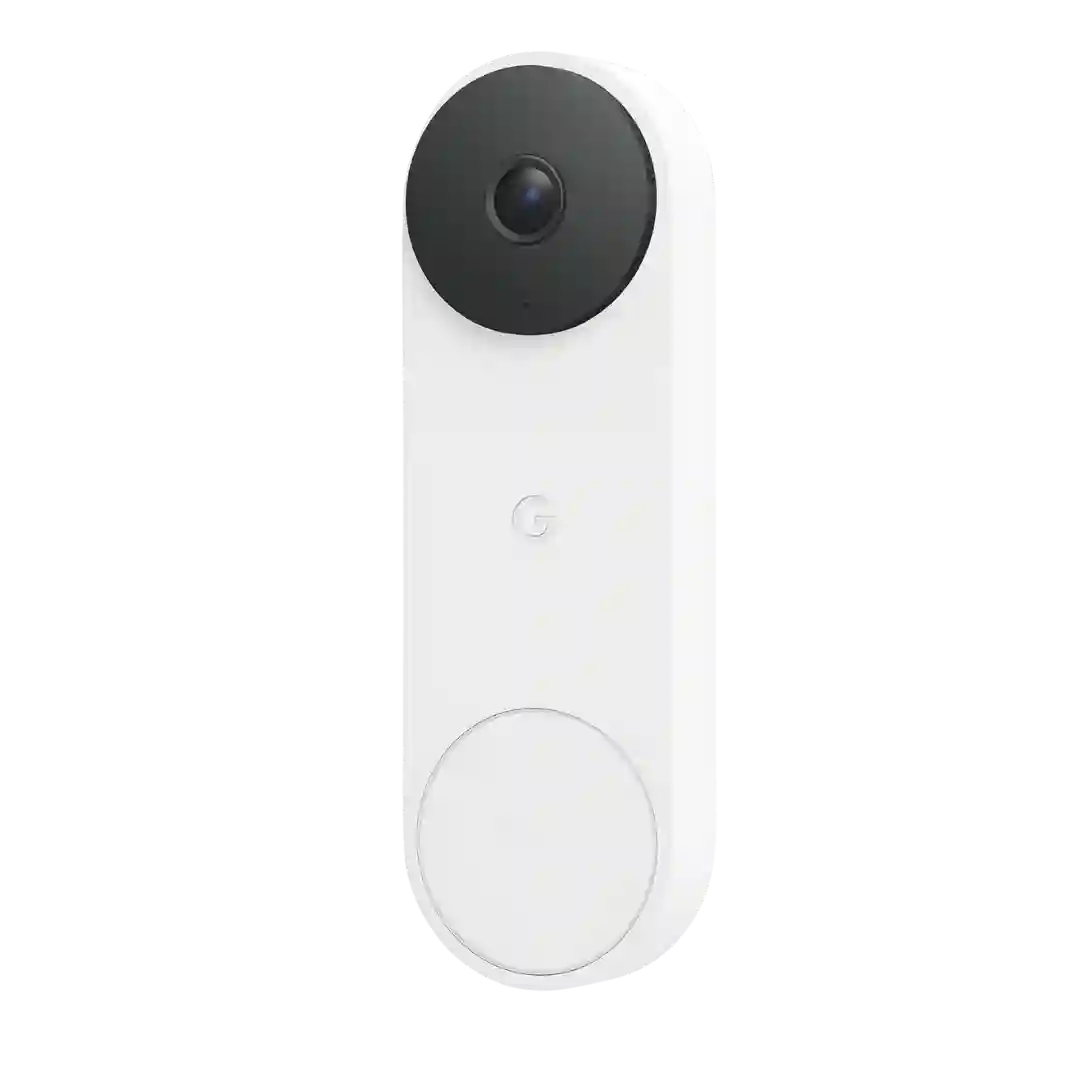
Subscription plans unlock recordings and smarter alerts; reviewers cite pricing around $5 for single-camera storage and higher tiers for monitoring/unlimited devices, but some consider costs higher than rivals or dislike paywalls for basics.
Nest Aware expands event history and adds familiar faces and other extras; it is often described as pricier than some competitors but can cover multiple Nest cameras.
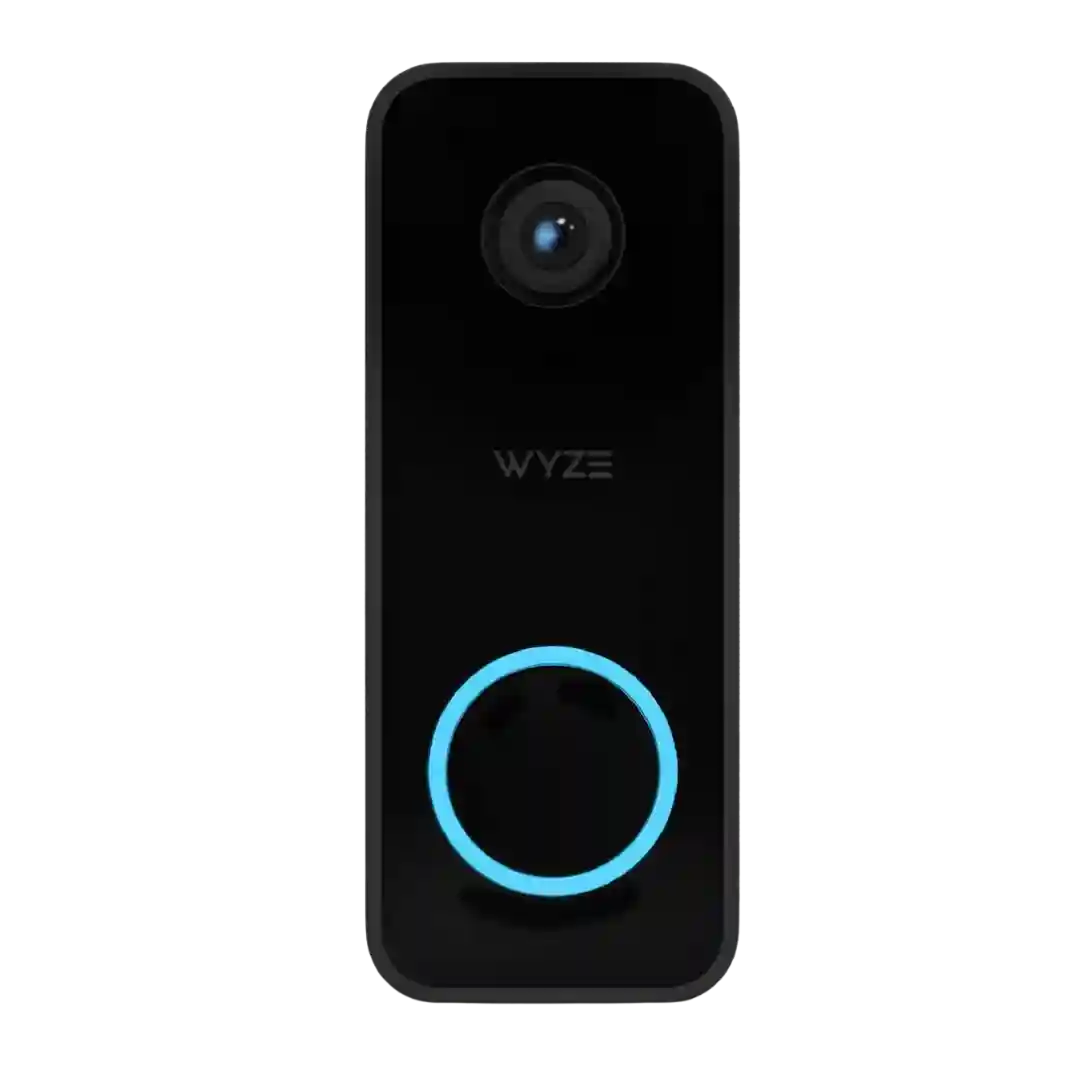
Cam Plus unlocks key features (AI labels, cloud event video, and reduced cooldowns). Several reviewers dislike the paywall, though pricing is often described as inexpensive.
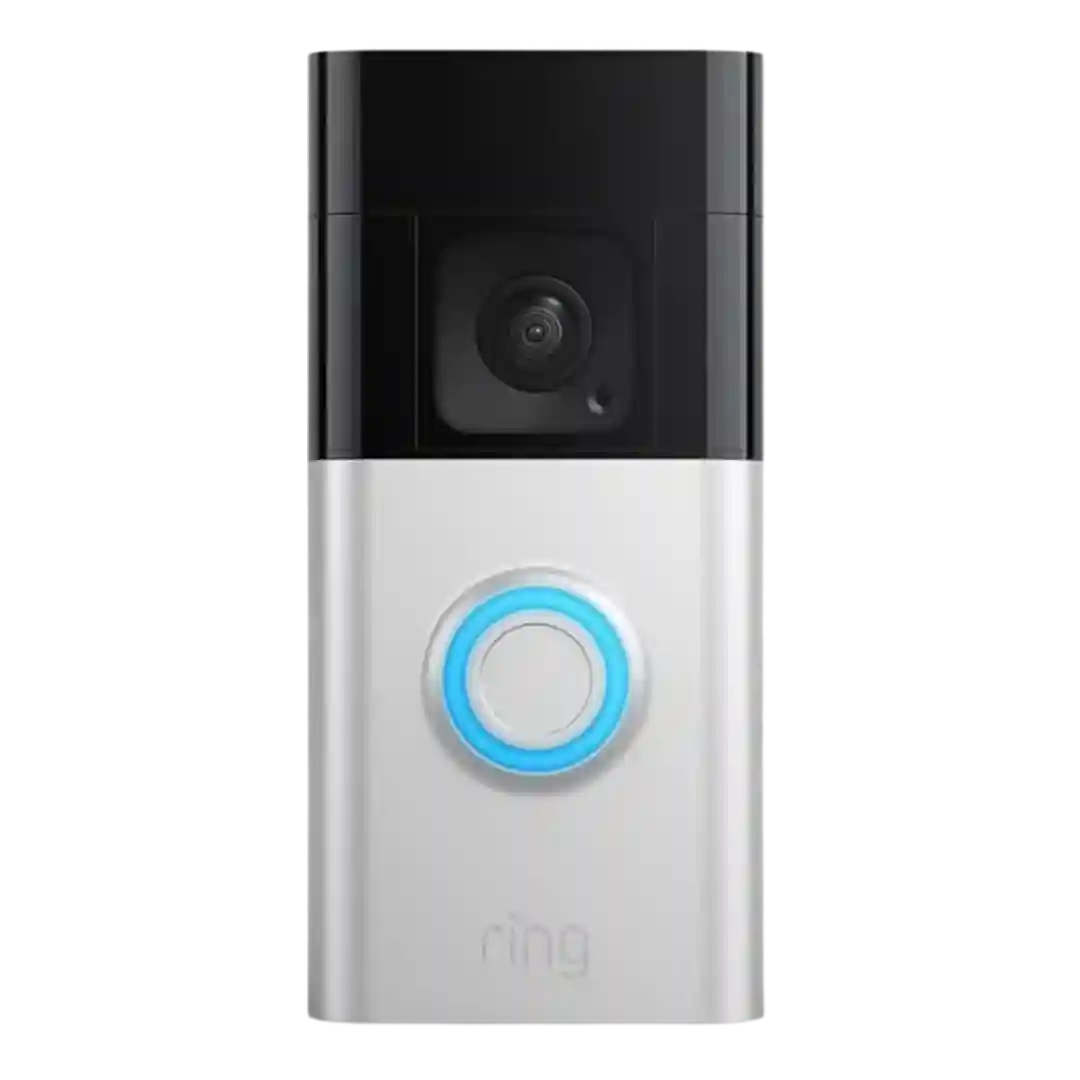
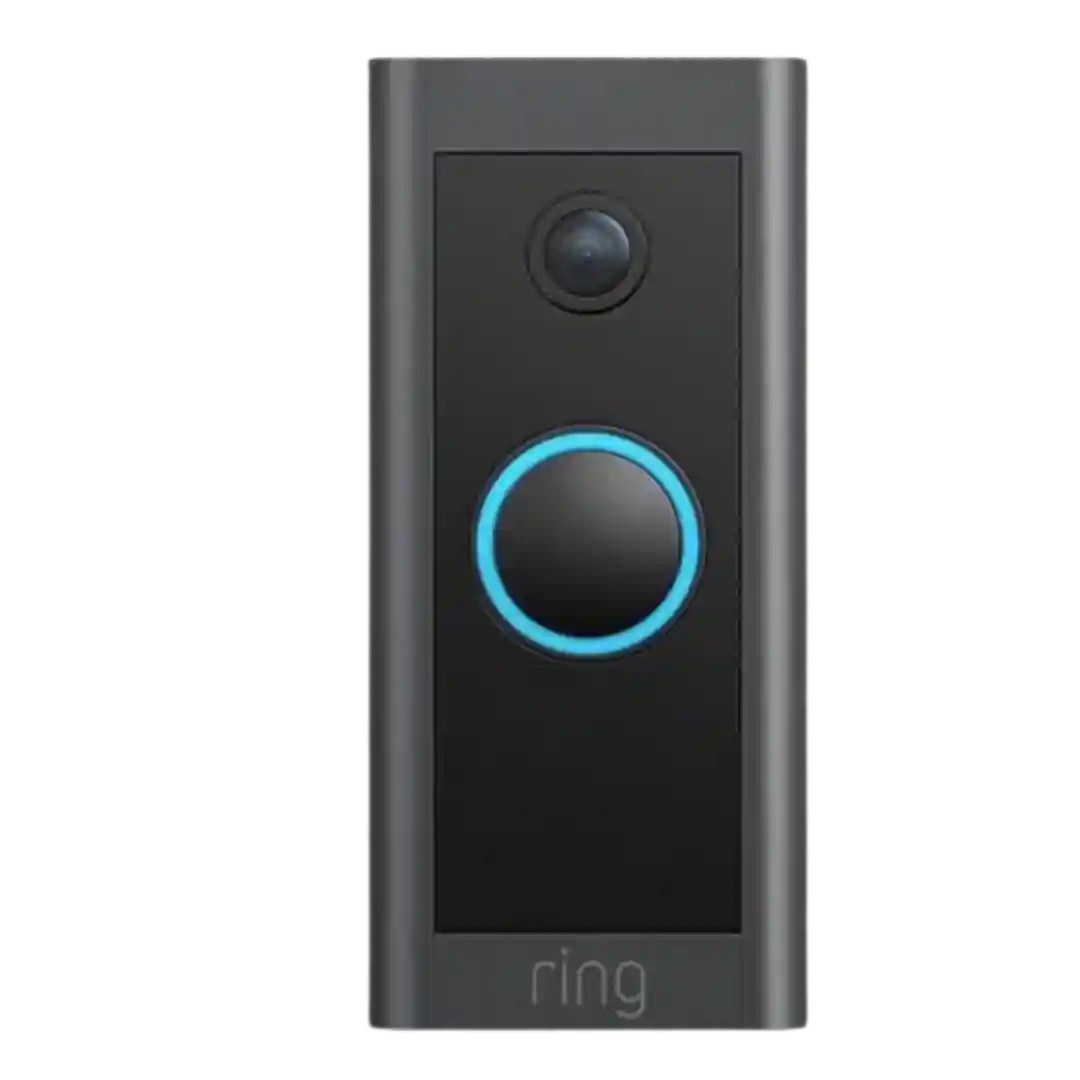
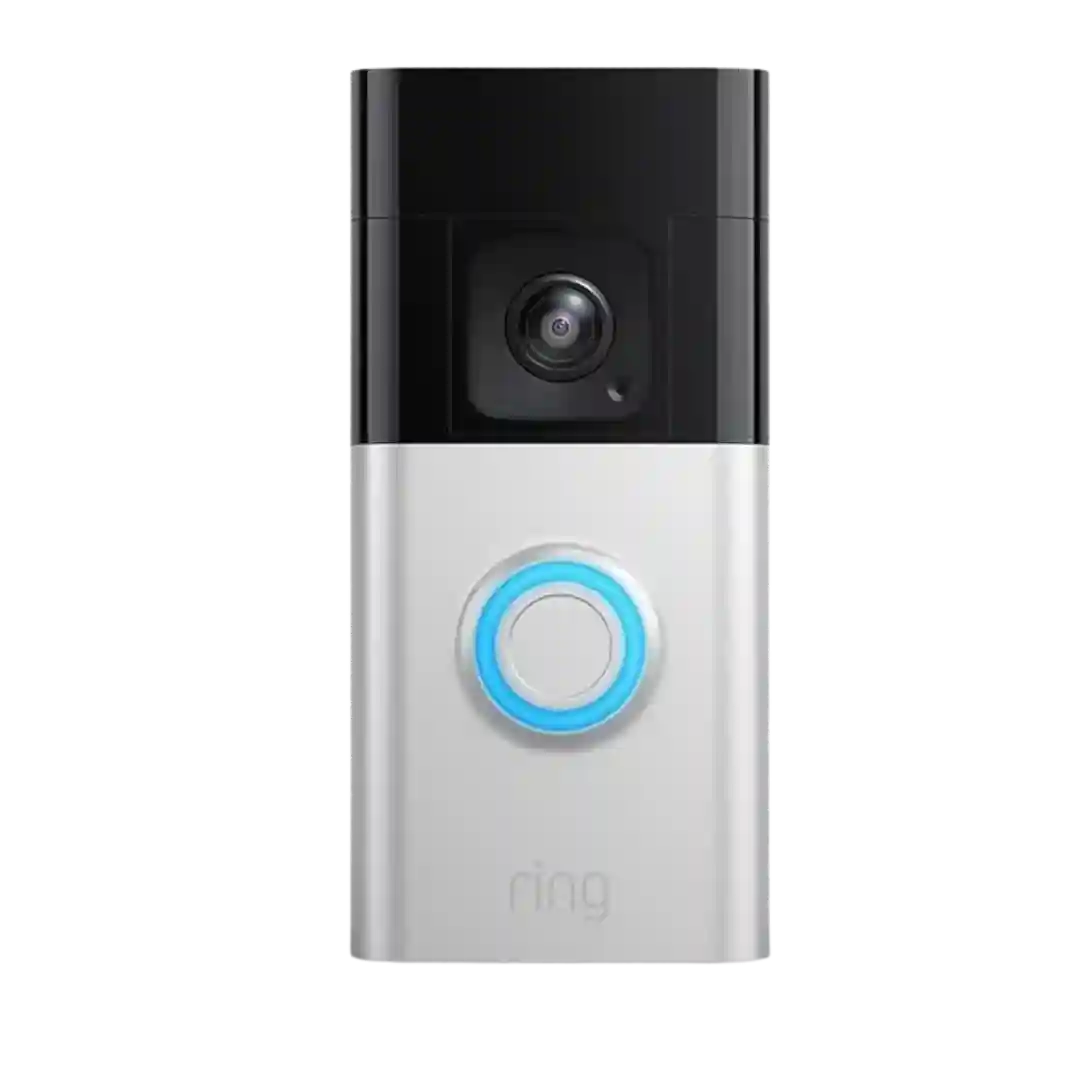
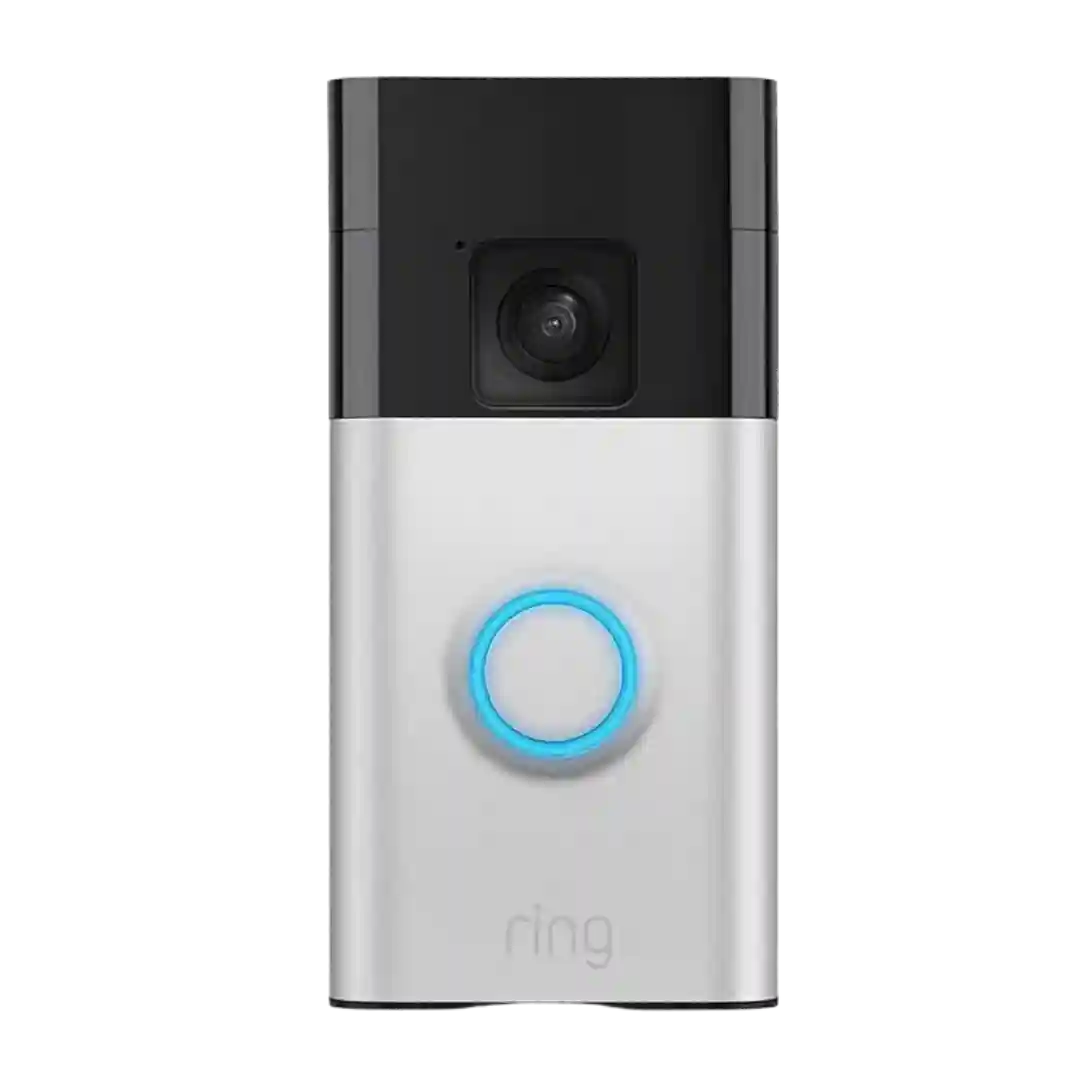
Ring Protect is repeatedly described as effectively required for the full experience (recordings, rich notifications, person/package alerts, longer history), which turns the doorbell into a recurring-cost product for many buyers.
A Ring Protect subscription is repeatedly described as necessary to unlock core conveniences like recorded clips, sharing, snapshots, and some smart filtering. Reviewers call it reasonably priced, but still a recurring cost to plan for.
Subscriptions are commonly required for recorded video access on cloud-only setups and to unlock features like person detection, Moments, photo capture, and longer live view. Pricing is often framed as relatively low compared with some competitors, but still a recurring fee.
A subscription is repeatedly described as necessary to unlock cloud recording and smart alerts/detections, with free trials included but a real paywall once trials end.
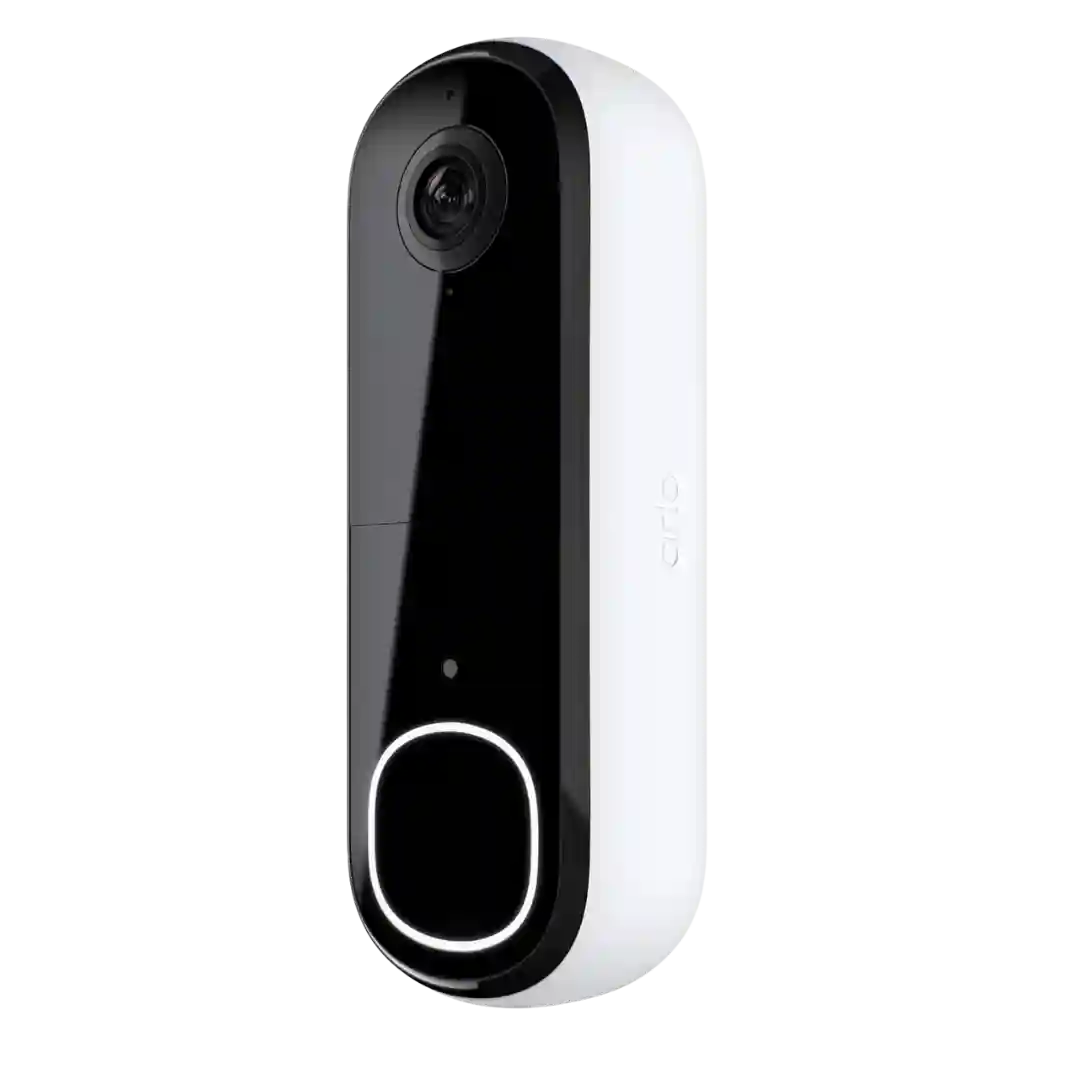
Arlo Secure is repeatedly described as close to required for recordings, previews, activity zones, and smart detection; without it, functionality is much more basic.
Subscription requirements are the most consistent negative across reviews: recorded history and many smart features require ongoing payment, and plan tiering can affect which conveniences (like phone-call rings and rich alerts) you actually get.