#1
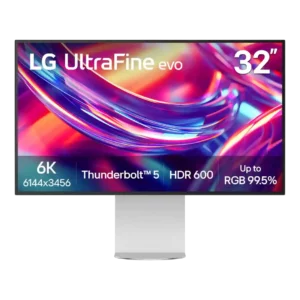
The built-in KVM is a standout productivity feature, with reviewers describing switching between connected systems as seamless or superb. It helps the monitor serve as a multi-computer workstation hub.
Pros: screen size, PC gaming compatibility
Cons: ghosting control, competitive gaming suitability
#2
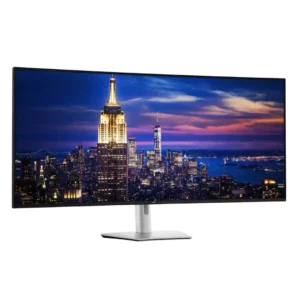
The integrated KVM is a major advantage for multi-computer desks, especially when paired with picture-by-picture and Ethernet switching. Hardware and network switching can be excellent, but one detailed test found...
Pros: input lag, backlight bleed control
Cons: overdrive tuning, ghosting control
#3
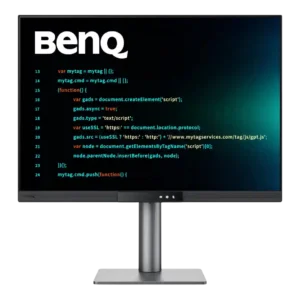
The KVM is genuinely useful for sharing peripherals between two computers and works better than many monitor-integrated implementations. Wake behavior and control quirks keep it from feeling flawless.
Pros: VESA mount compatibility, productivity versatility
Cons: HDR performance, local dimming performance
#4
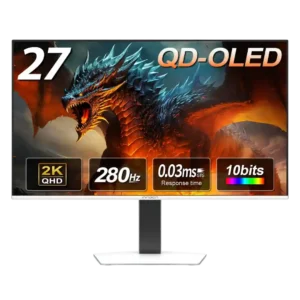
There is no KVM switch, reinforcing that this is primarily a gaming display rather than a multi-device productivity hub.
Pros: screen size, panel type
Cons: KVM switch performance, USB hub functionality