If you want better USB hub functionality
Choose MSI MPG 322URX QD-OLED. It scores 4.5 vs 1.7 for USB hub functionality, with a 4.1 overall score.
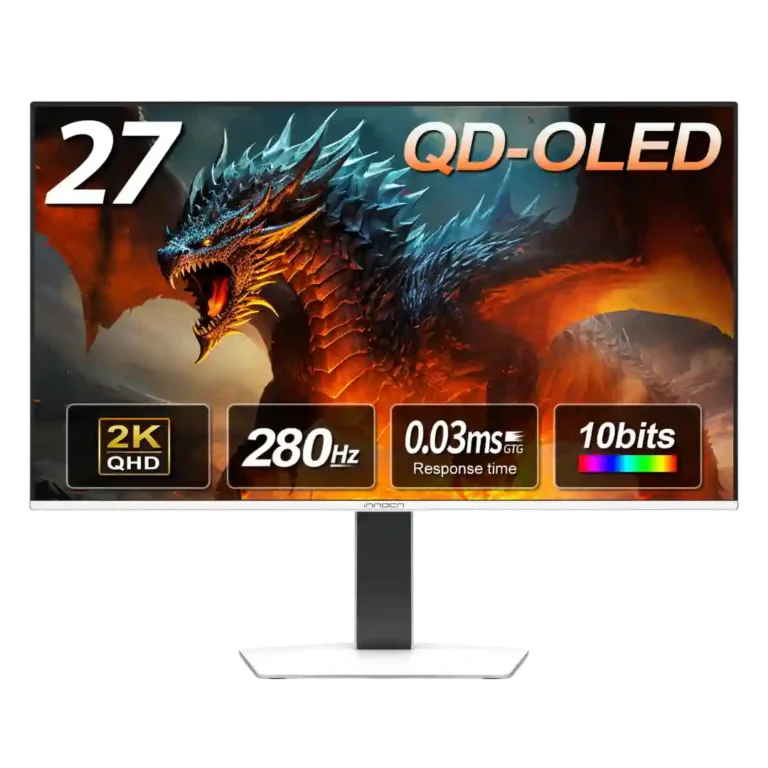
Choose it for fast 1440p OLED gaming, deep blacks, and a flexible stand at a bargain sale price. Skip it for bright rooms, USB-C/KVM productivity, or the reassurance of a three-year warranty.
Best for PC and console gamers who want fast 1440p OLED motion, deep blacks, vivid color, and a white design without paying flagship prices. It also suits creatives working in controlled lighting.
Skip it for a bright office, heavy text-focused productivity, or a one-cable laptop setup. Buyers who prioritize a three-year OLED warranty, USB-C, a USB hub, or a KVM should look elsewhere.
The GA27S1Q delivers the qualities buyers usually want from a fast QD-OLED: true blacks, vivid color, near-instant response, clean 280Hz motion, and a fully adjustable stand. Most reviewers consider it a standout value when discounted around $380 to $450, and its dual HDMI 2.1 and dual DisplayPort inputs suit both PC and console gaming. The tradeoffs are meaningful. Brightness is modest in strong ambient light, HDR often looks dim without tuning, text clarity can show OLED fringing, and there is no USB hub, USB-C, or KVM. The one-year warranty is also much shorter than common three-year OLED coverage. For buyers prioritizing gaming image quality over productivity extras and warranty length, the performance-to-price ratio is highly persuasive.
Compared with other Monitors, this product is above average in competitive gaming suitability, software support, value for money, near average in overall satisfaction, reflection handling, below average in KVM switch performance, USB hub functionality, warranty and support service.
| Attribute | This product | Category average | Difference |
|---|---|---|---|
| KVM switch performance | 1.0 | 4.5 | -3.5 |
| USB hub functionality | 1.7 | 4.2 | -2.6 |
| warranty and support service | 2.0 | 3.8 | -1.8 |
| competitive gaming suitability | 5.0 | 3.4 | +1.6 |
| software support | 5.0 | 3.3 | +1.7 |
| value for money | 4.6 | 3.5 | +1.1 |
| heat management | 5.0 | 3.8 | +1.3 |
| cable management | 2.5 | 3.7 | -1.2 |
Choose MSI MPG 322URX QD-OLED. It scores 4.5 vs 1.7 for USB hub functionality, with a 4.1 overall score.
Choose Alienware 27 4K Gaming Monitor AW2725Q. It scores 4.3 vs 2.5 for cable management, with a 4.3 overall score.
Choose Dell UltraSharp 52 Thunderbolt Hub Monitor, U5226KW. It scores 4.4 vs 1.0 for KVM switch performance, with a 4.3 overall score.
Choose Gigabyte MO27U2 Gaming Monitor. It scores 4.3 vs 2.0 for warranty and support service, with a 4.1 overall score.
Products reviewers directly compared with this model, grouped into quick takeaways.
Yes. Reviewers consistently praise the 280Hz refresh rate, near-instant response, clean motion, and lack of visible ghosting.
HDR benefits from OLED blacks and strong contrast, but several reviewers found it too dim or restricted out of the box. GPU-side tuning can improve the result.
Yes. It supports 1440p at up to 120Hz with VRR and low-latency modes, though some settings may need to be enabled or toggled manually.
No. The monitor focuses on dual HDMI and dual DisplayPort inputs, without the productivity connectivity extras.
Most reviewers describe them as basic backup speakers that are fine at close range but not immersive. One walkthrough reported no built-in speakers, so the source descriptions conflict.
The OLED-care menu is unusually extensive, but the warranty is only one year, which reviewers repeatedly contrast with common three-year OLED coverage.
These are a few of the reviews included in our analysis.

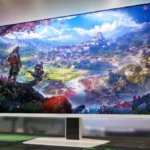
With everything in technology these days getting more expensive, it's harder than ever to find affordable products, especially computer...
The InnoCN GA27S1Q OLED is a low-cost but high-specification OLED monitor that has a foot in both the gaming and business sectors.
Gamers who are constantly on the lookout for a new screen will notice when a model comes up that provides excellent visuals at a reasonable...
INNOCN 27″ QD-OLED Monitor: High-Performance Gaming Display Review Written By: Ada Codewell – AI Specialist & Software Engineer at Gray...
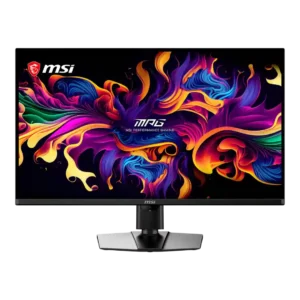
Best for exceptional 4K HDR, accurate color, fast 240Hz gaming, and strong work connectivity. Skip it if you need built-in speakers, ultrawide immersion, television-level HDR brightness, or a budget-friendly upgrade.
Pros: panel type, response time
Cons: built-in speakers, curved screen immersion
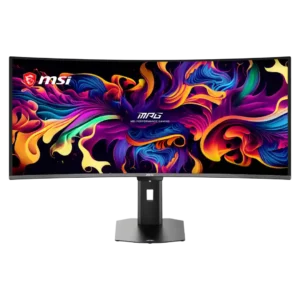
Best for class-leading 360Hz ultrawide motion, spectacular HDR, deep blacks, and unusually strong work-and-play connectivity. Skip it if you want 4K-like text sharpness, a matte screen, or the best value...
Pros: screen size, panel type
Cons: Resolution, cable management
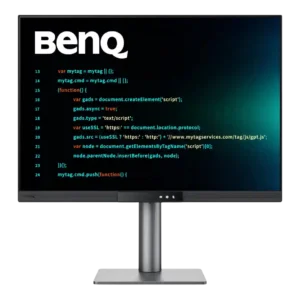
Choose the RD280UG for coding, trading, writing, or creative work that benefits from a tall, sharp 3:2 screen and strong eye-care features. Skip it for serious HDR, color-critical creation, esports,...
Pros: VESA mount compatibility, productivity versatility
Cons: HDR performance, local dimming performance
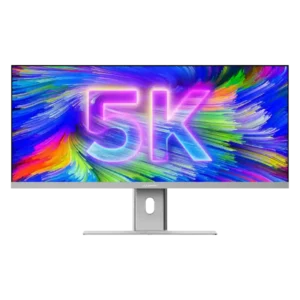
Best for a single, expansive Mac-friendly workspace with excellent color, sharp 5K2K detail, and one-cable docking. Skip it if you need strong HDR, competitive-gaming response, powerful speakers, or a stand...
Pros: productivity versatility, aspect ratio
Cons: HDR performance, HDMI 2.1 support