Best for sleep and wake behavior
Dell UltraSharp 52 Thunderbolt Hub Monitor, U5226KW
5.0 feature score
Highest scored product for this feature based on supporting review evidence.
Highest scored product for this feature based on supporting review evidence.
Balances feature score, supporting reviews, and overall product strength.
Has the broadest review evidence for this feature.
Strongest overall product among items with scored evidence for this feature.
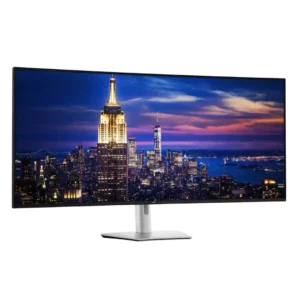
Sleep mode drops power use to only a few watts, while Power Sync can start a closed-lid compatible laptop from the monitor's power button. Both behaviors were viewed as convenient...
Pros: input lag, backlight bleed control
Cons: overdrive tuning, ghosting control
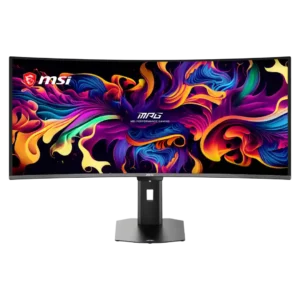
Presence sensing can dim, lock, sleep, and wake the display automatically, reducing wear and protecting privacy. Some units wake slowly or adjust brightness too aggressively until settings are tuned.
Pros: screen size, panel type
Cons: Resolution, cable management
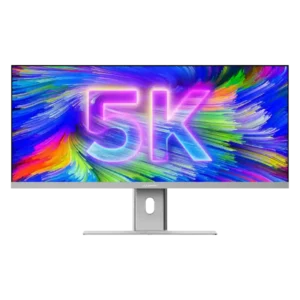
A bright pulsing status light while the monitor sleeps can be distracting, especially in a bedroom or dark workspace.
Pros: productivity versatility, aspect ratio
Cons: HDR performance, HDMI 2.1 support

Sleep and wake behavior can be frustrating in a two-computer KVM setup. When both connected systems sleep, the monitor may not wake on the intended input without extra effort.
Pros: VESA mount compatibility, productivity versatility
Cons: HDR performance, local dimming performance
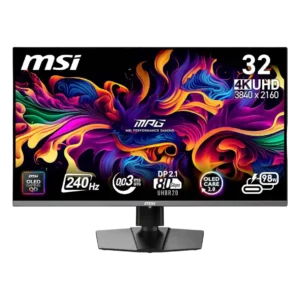
Several owners reported slow wake-up, repeated input searching, or failure to restore a signal after sleep or source switching. Power cycling or reopening a laptop was sometimes required.
Pros: response time, motion clarity
Cons: warranty and support service, sleep and wake behavior