Best for Quiet-time / do-not-disturb scheduling
Wyze Video Doorbell v2
5.0 feature score
Highest scored product for this feature based on supporting review evidence.
Highest scored product for this feature based on supporting review evidence.
Balances feature score, supporting reviews, and overall product strength.
Has the broadest review evidence for this feature.
Strongest overall product among items with scored evidence for this feature.
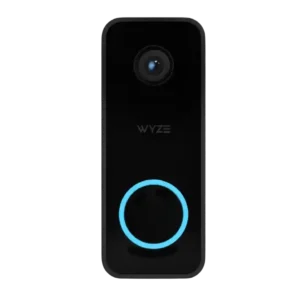
Do-not-disturb mode was specifically appreciated because it can silence the indoor chime while preserving phone notifications.
Pros: Quiet-time / do-not-disturb scheduling, Personalization options
Cons: Privacy, Security policy history
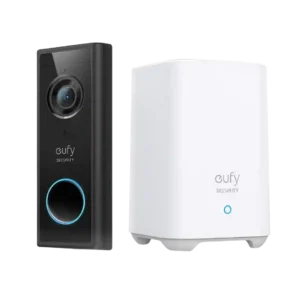
Quiet-time controls are useful for naps or temporary silence because reviewers appreciated snoozing alerts and having them resume later.
Pros: Ongoing ownership costs, Privacy
Cons: Controls and indicators, Smart-home integration (Alexa
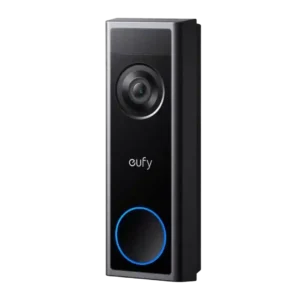
Scheduling flexibility was praised as part of the broad software controls, including limiting when alerts activate.
Pros: Wi-Fi range and stability, Ongoing ownership costs
Cons: Smart-home integration (Alexa, Google
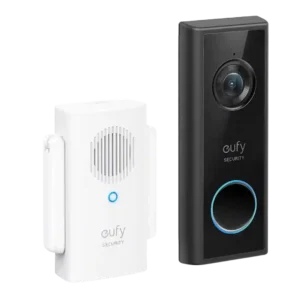
Snooze/quiet-time controls were appreciated for temporarily muting alerts during activities near the door.
Pros: Ongoing ownership costs, Subscription
Cons: Wi-Fi range and stability, Chime
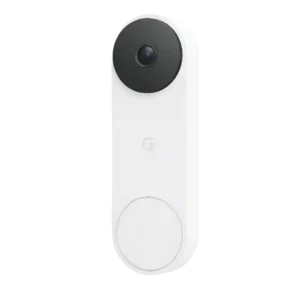
Quiet time was treated as a useful convenience, especially for muting rings during naps or other interruptions.
Pros: Complete kit in box, Automation flexibility
Cons: Security ecosystem integration, Ongoing ownership costs
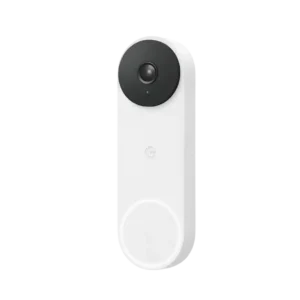
Quiet-time controls were viewed as useful for preventing the indoor chime from ringing when silence is needed.
Pros: Motion detection, Object and person detection
Cons: Storage, Field of view and framing
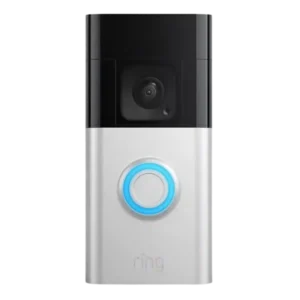
Quiet-time tools were useful because reviewers could pause or schedule alerts during busy periods to reduce notification fatigue.
Pros: Upgrade value vs previous model, Peace of mind
Cons: Law enforcement policy transparency, Community feature usefulness
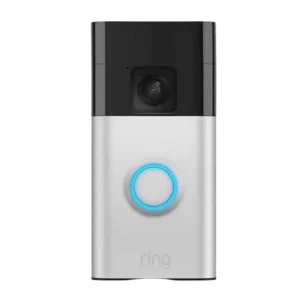
Do-not-disturb/snooze controls were useful, with options extending up to 12 hours.
Pros: Quick-reply / pre-recorded message usefulness, lag)
Cons: Lens distortion handling, Storage
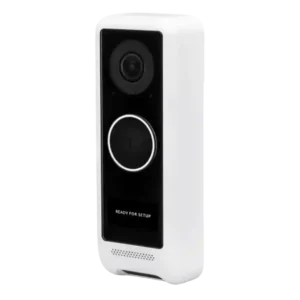
Quiet-time scheduling was positively described because custom alert schedules can suppress notifications during chosen hours.
Pros: Field of view and framing, Object and person detection
Cons: Face recognition, Wi-Fi range and stability
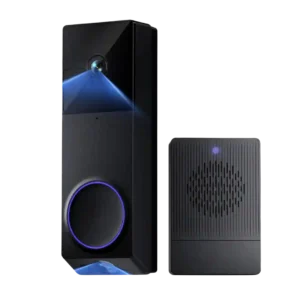
Chime scheduling was praised as useful for controlling when indoor alerts should or should not play.
Pros: Weather and temperature tolerance, lag)
Cons: Quick-reply / pre-recorded message usefulness, Theft and Tamper
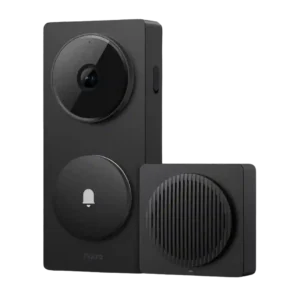
Quiet-time scheduling had narrow evidence, but Do Not Disturb was called handy in the Aqara app.
Pros: Multi-user sharing ease, Ongoing ownership costs
Cons: Phone call integration, Weather and temperature tolerance
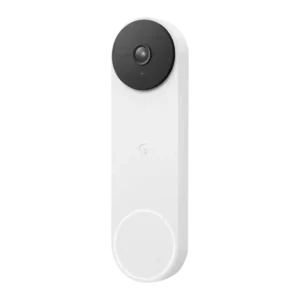
Quiet-time handling was discussed positively as a workable way to manage nighttime speaker and display alerts.
Pros: Object and person detection, lag)
Cons: Law enforcement policy transparency, Privacy
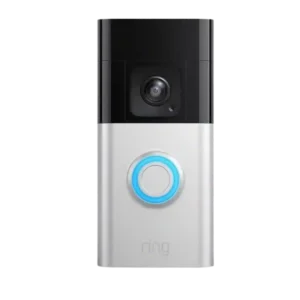
Quiet-time and snooze scheduling is seen as useful for temporary high-traffic situations.
Pros: Wi-Fi range and stability, lag)
Cons: Subscription, Storage
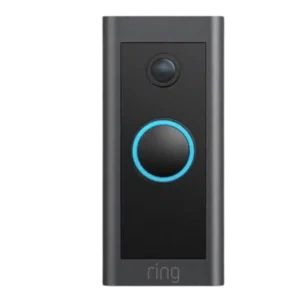
Scheduling was praised as part of the alert-control toolkit that can reduce unwanted motion notifications.
Pros: Battery and Charging, Security ecosystem integration
Cons: Face recognition, Video sharing options