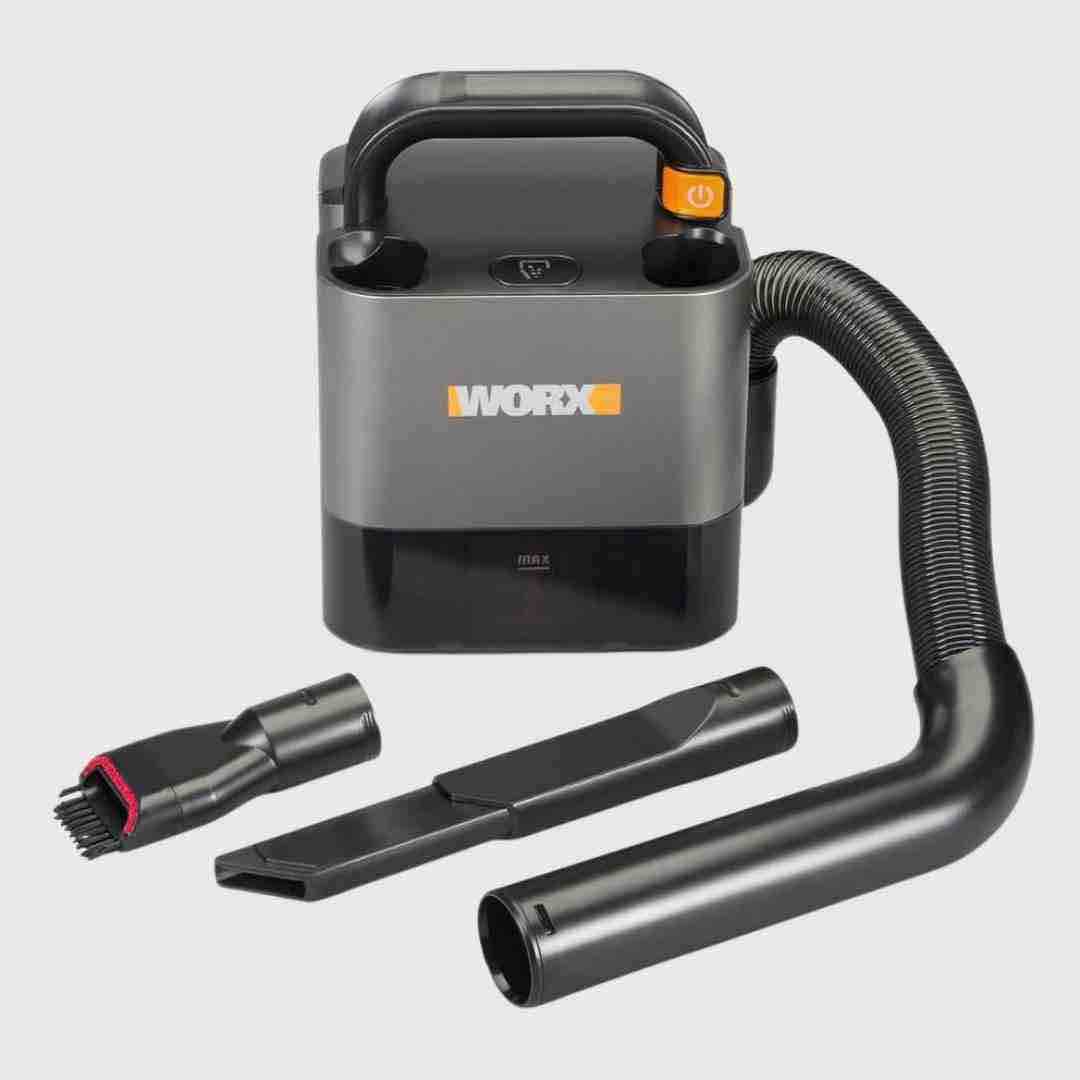
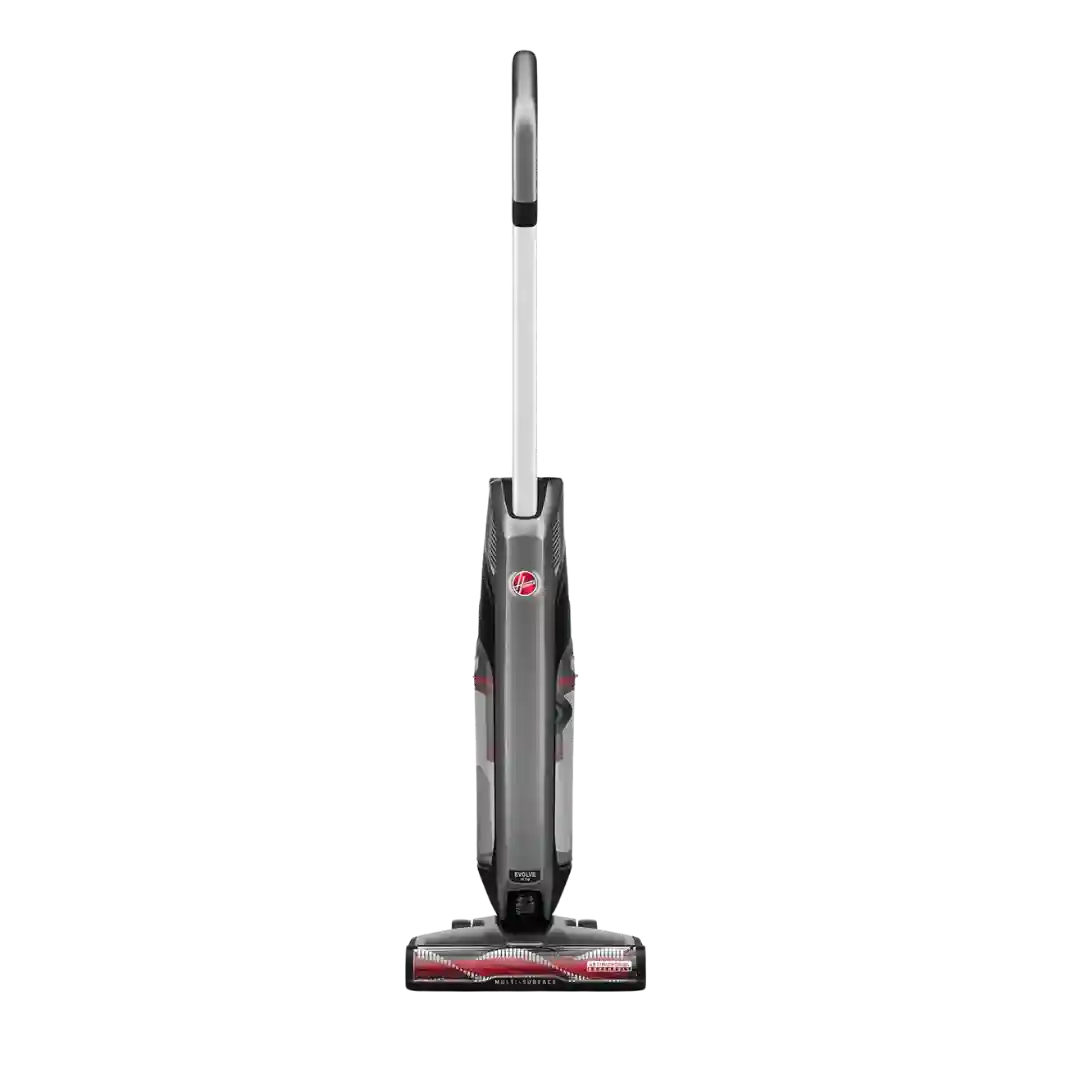
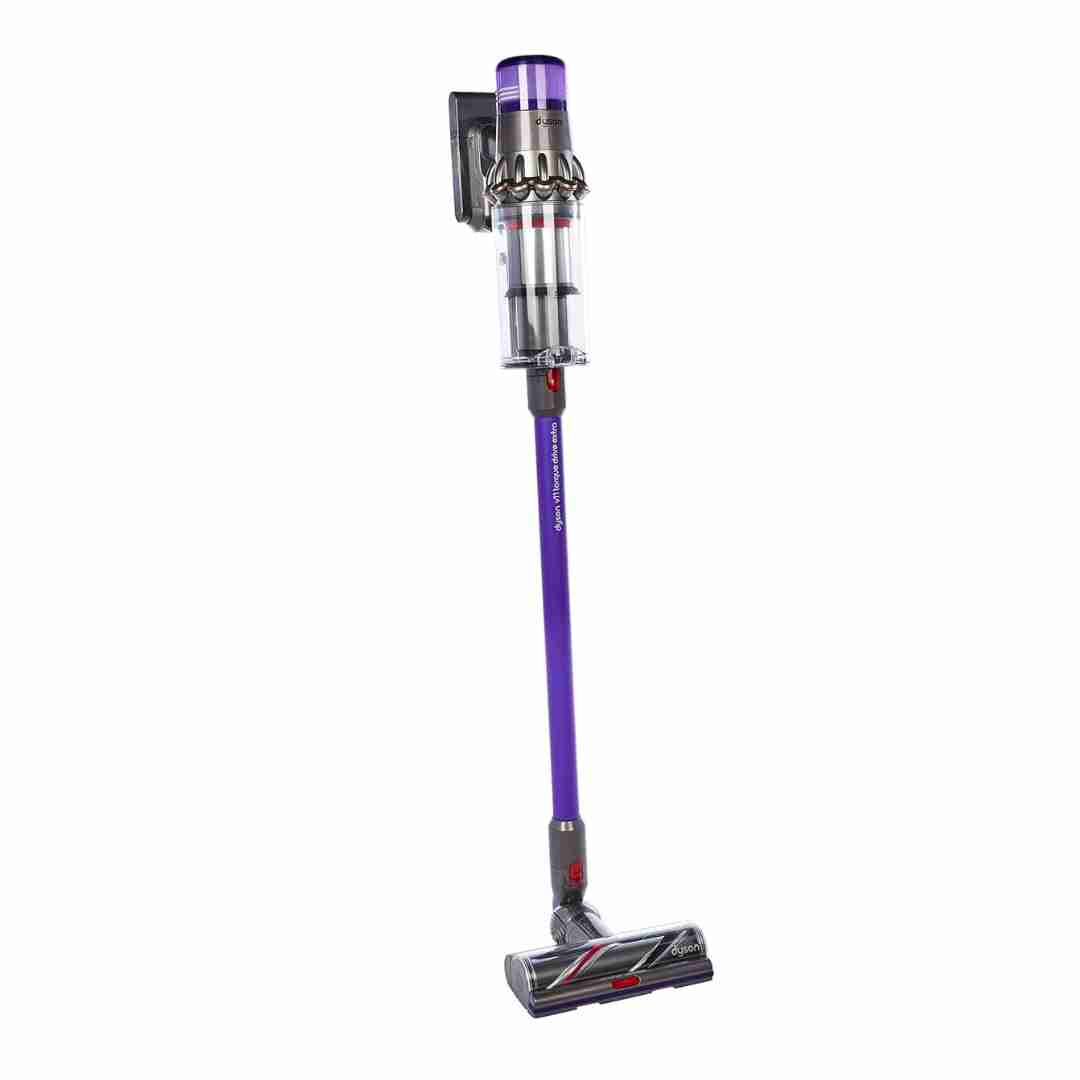
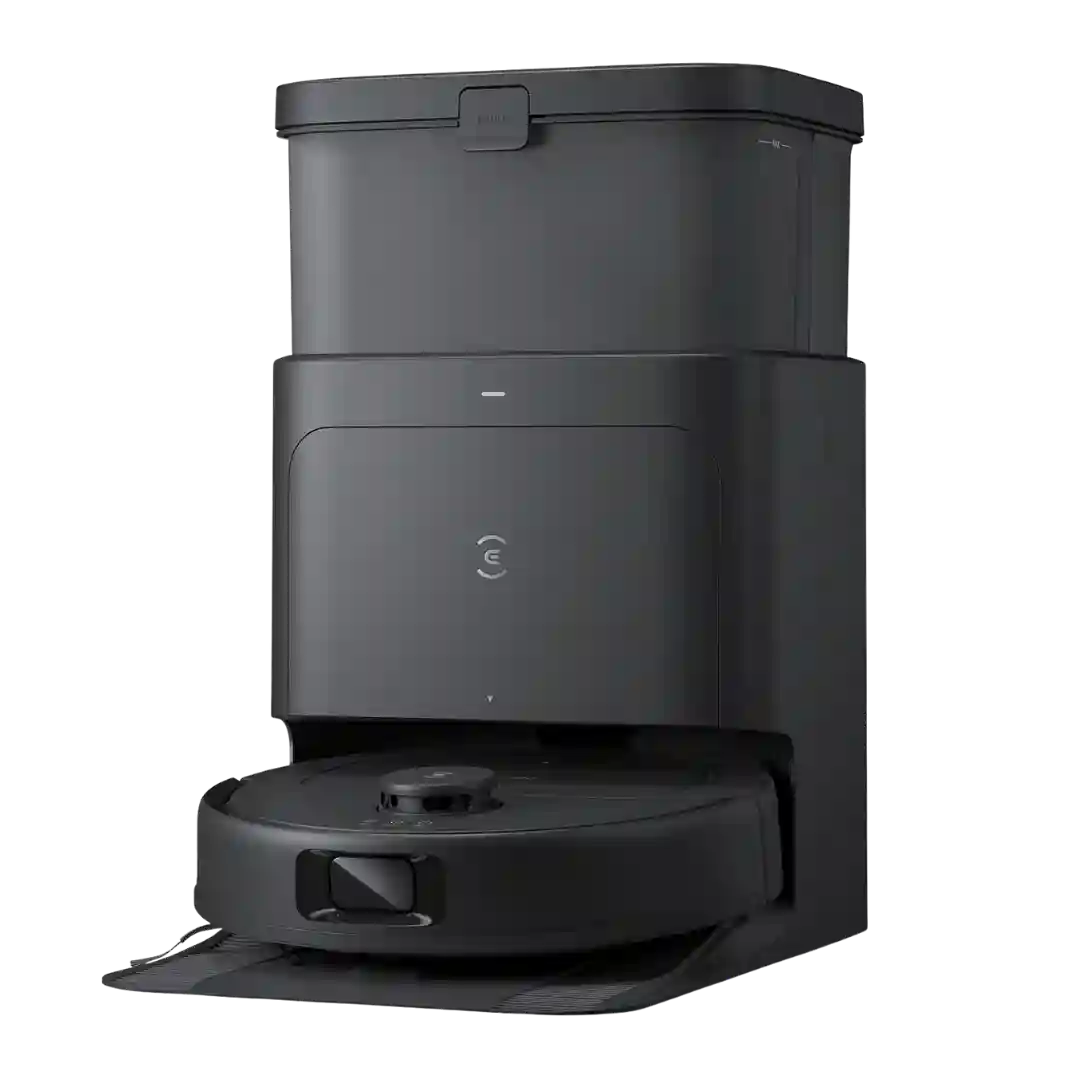
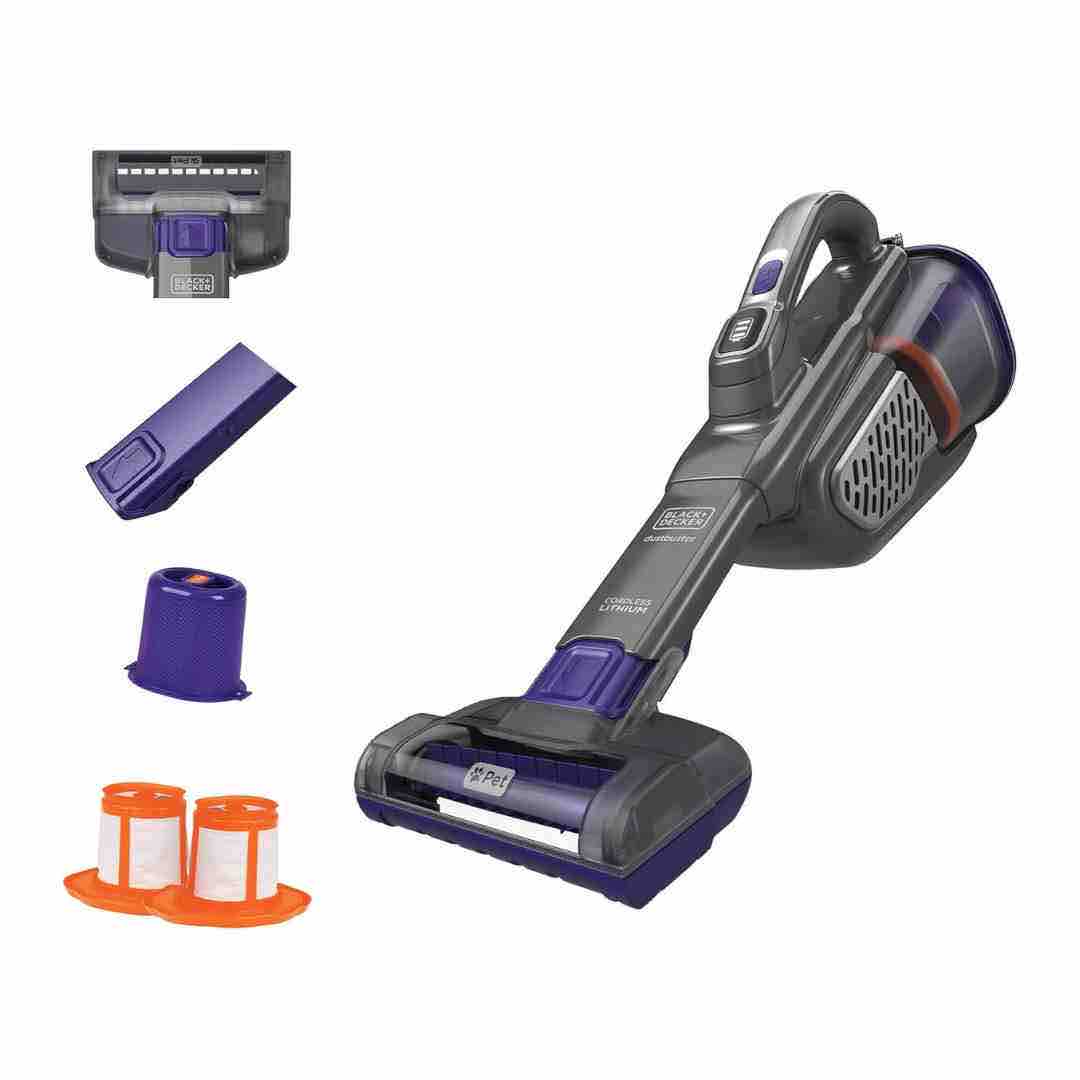
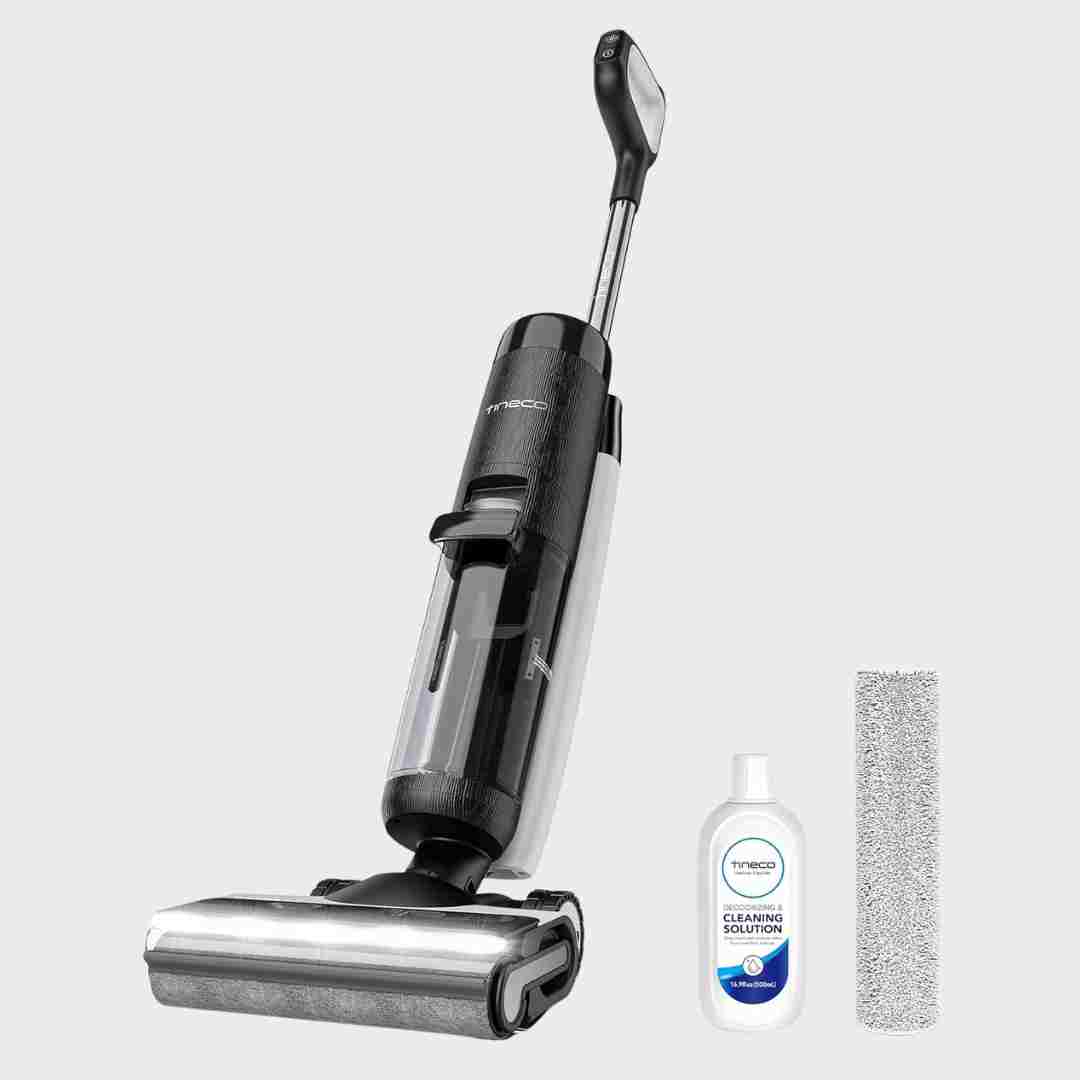
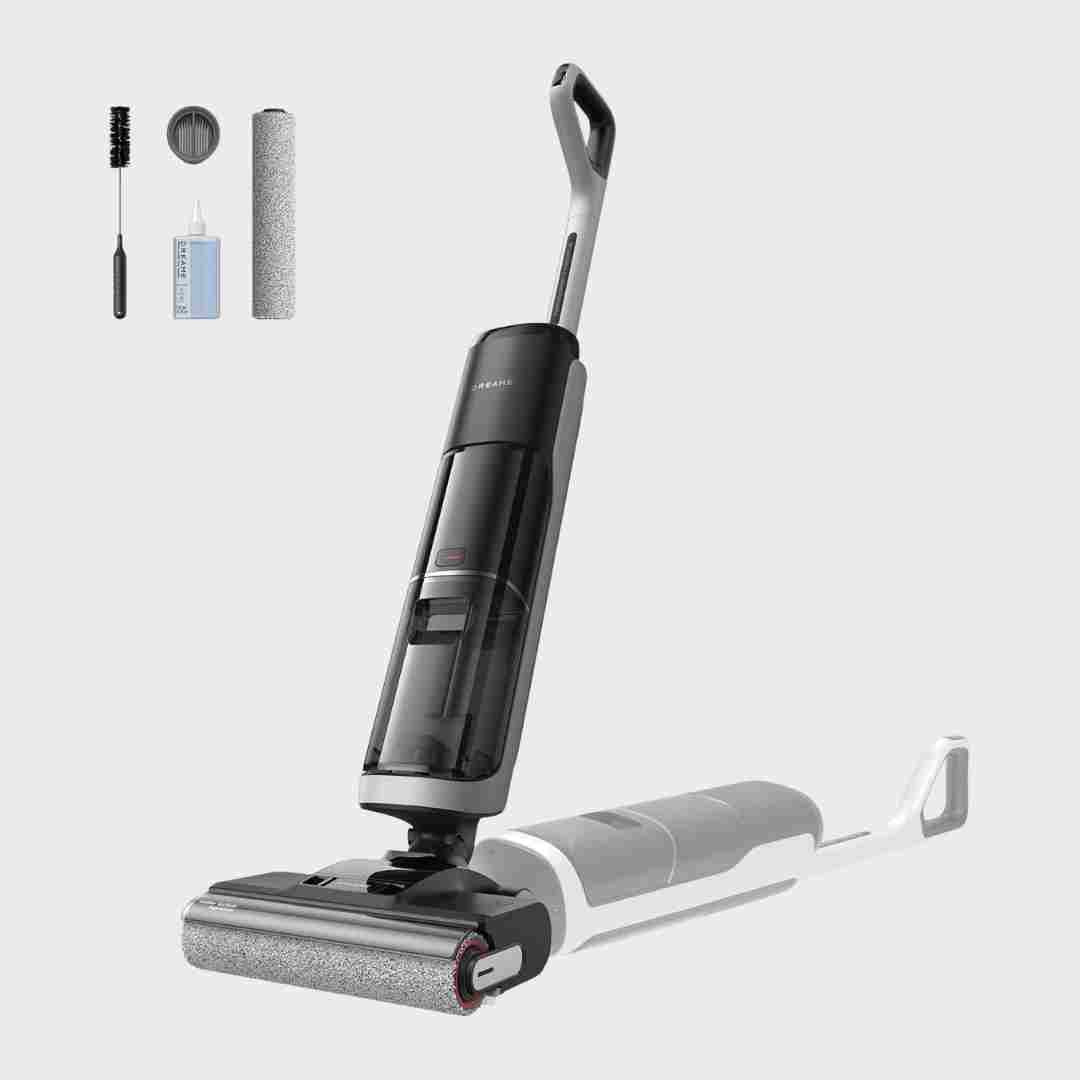
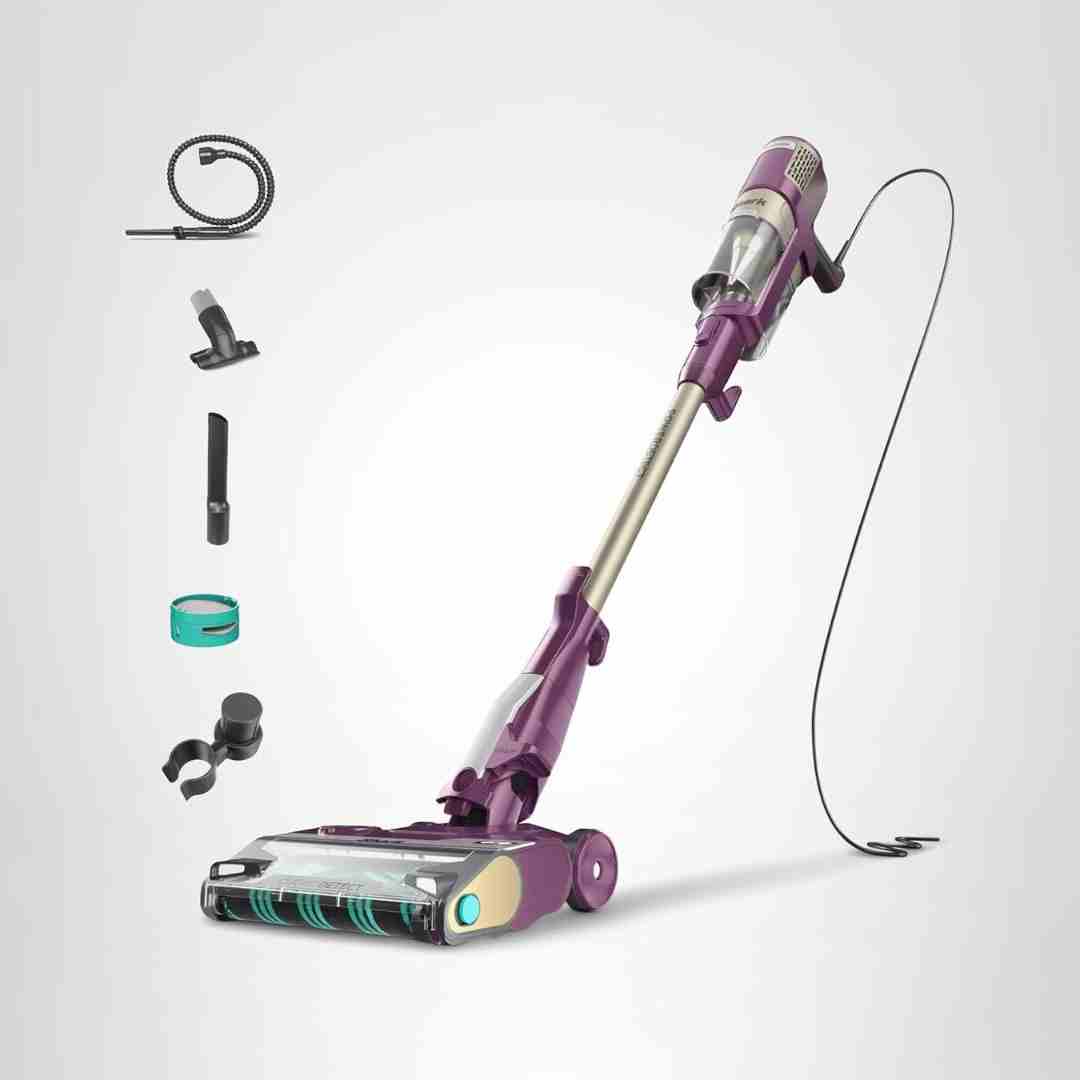
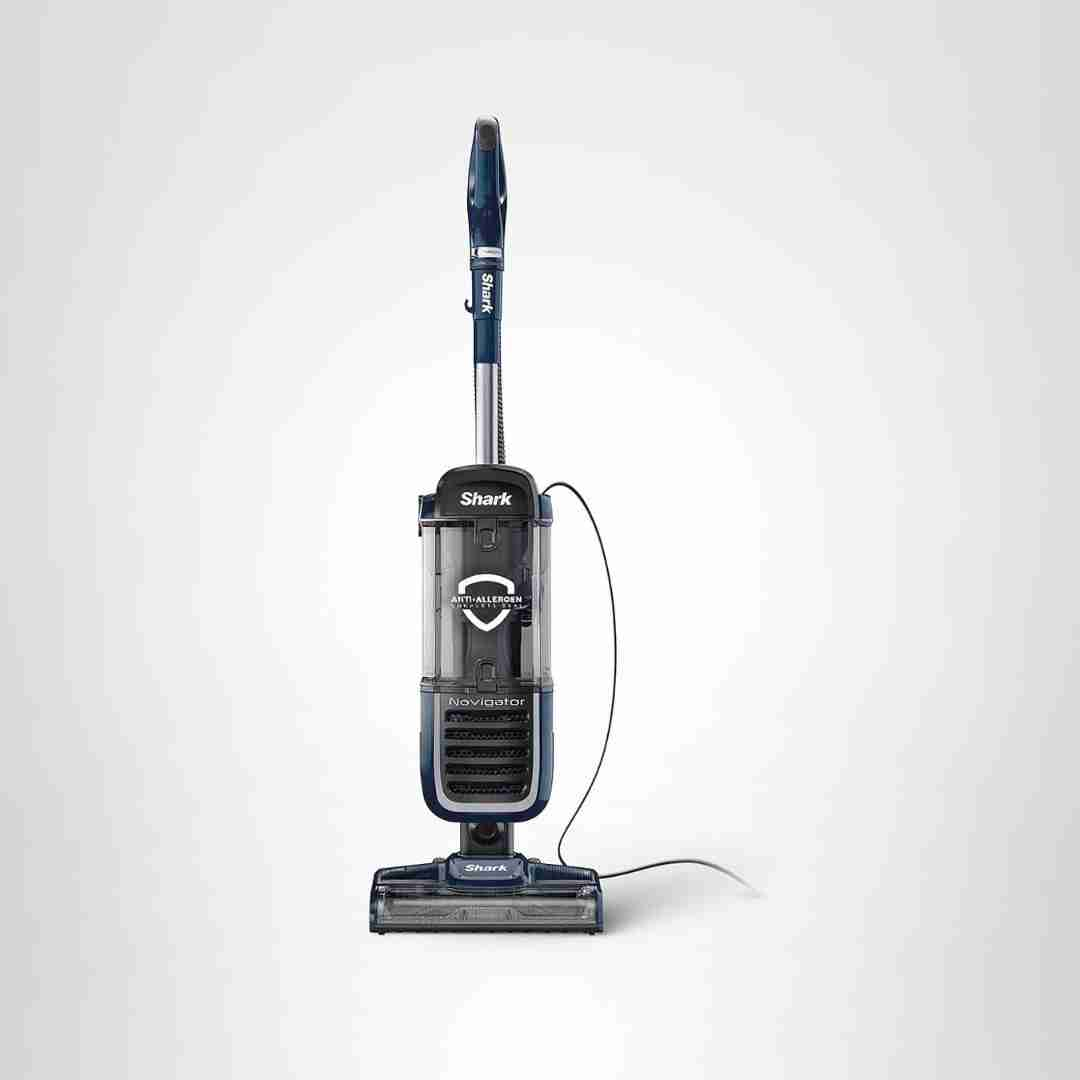
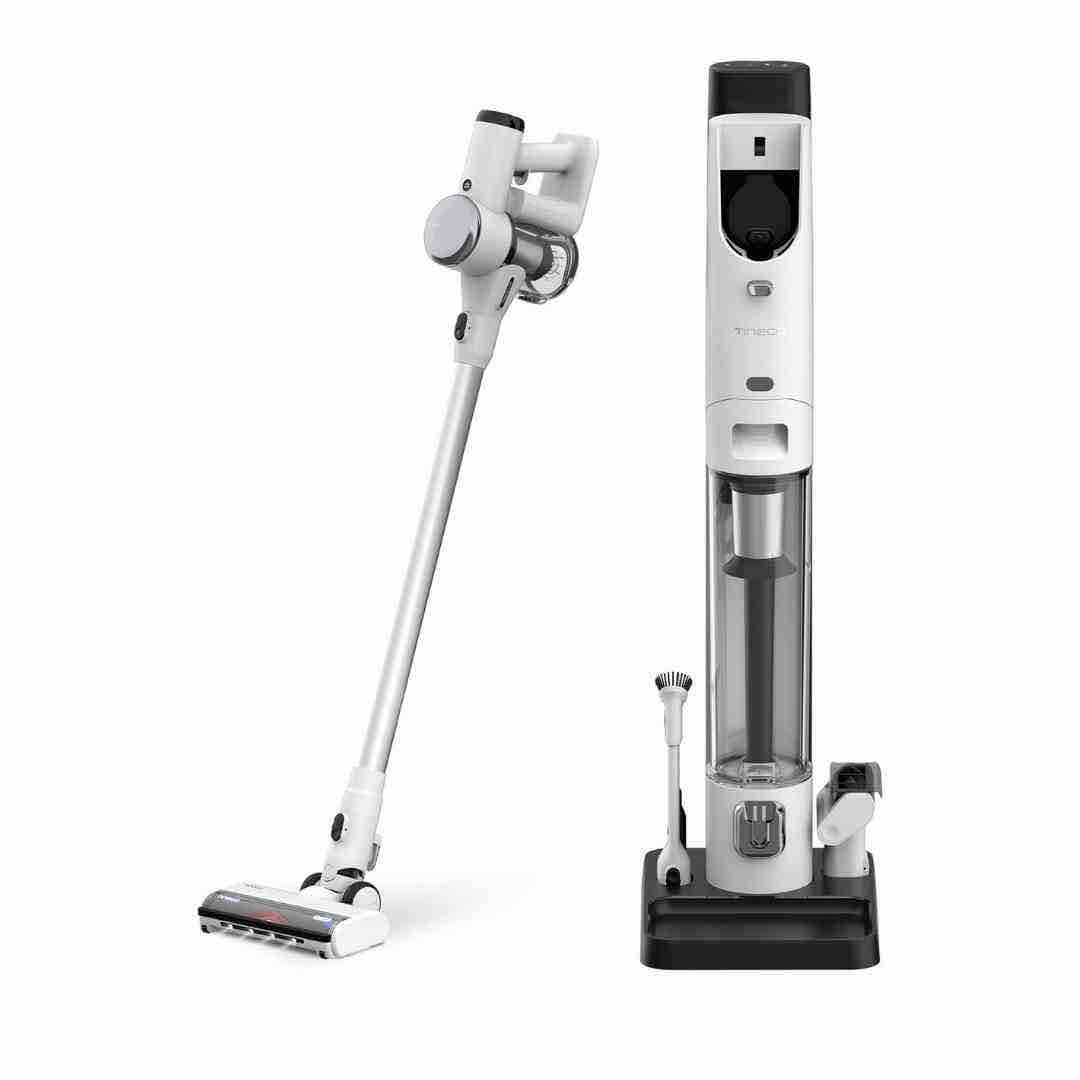
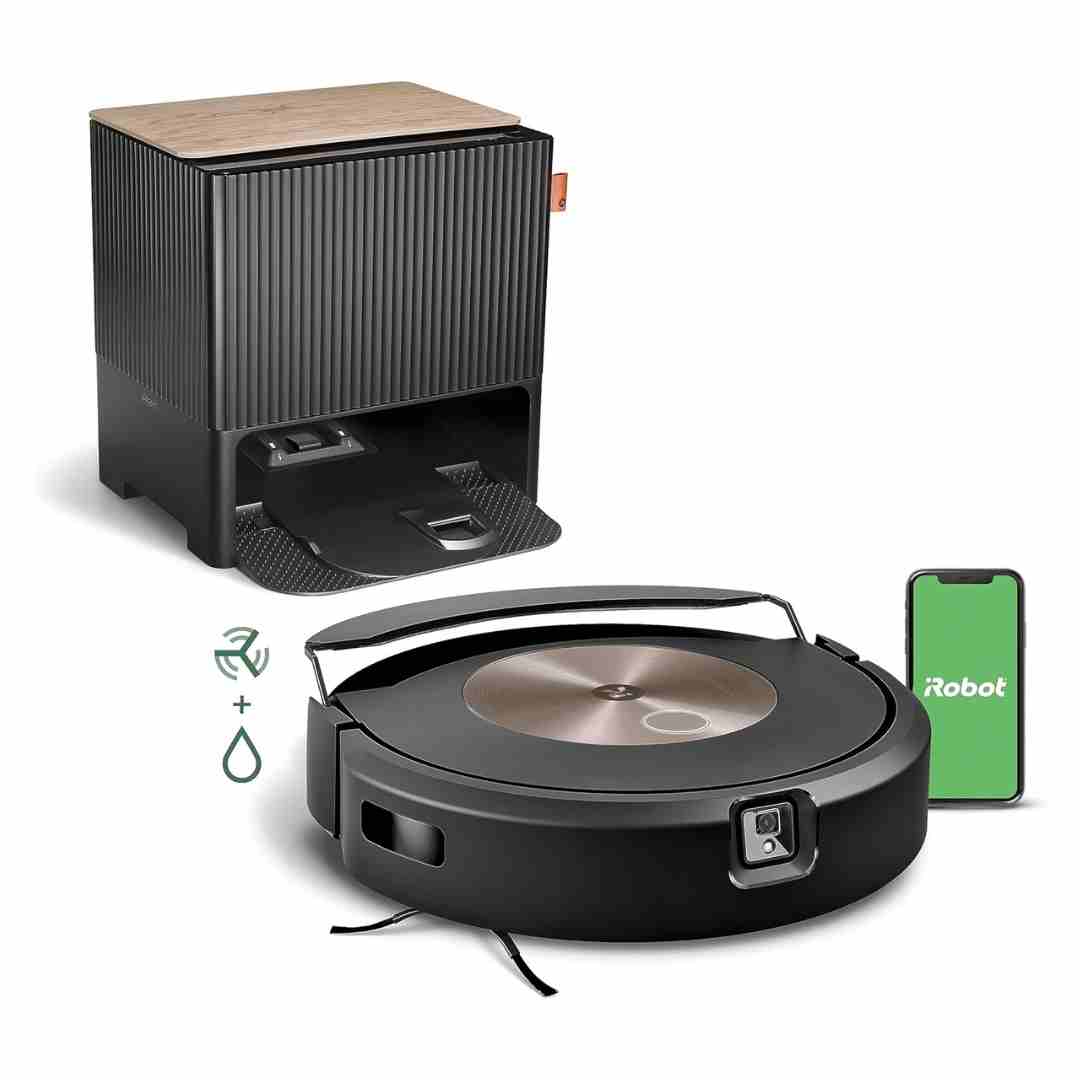
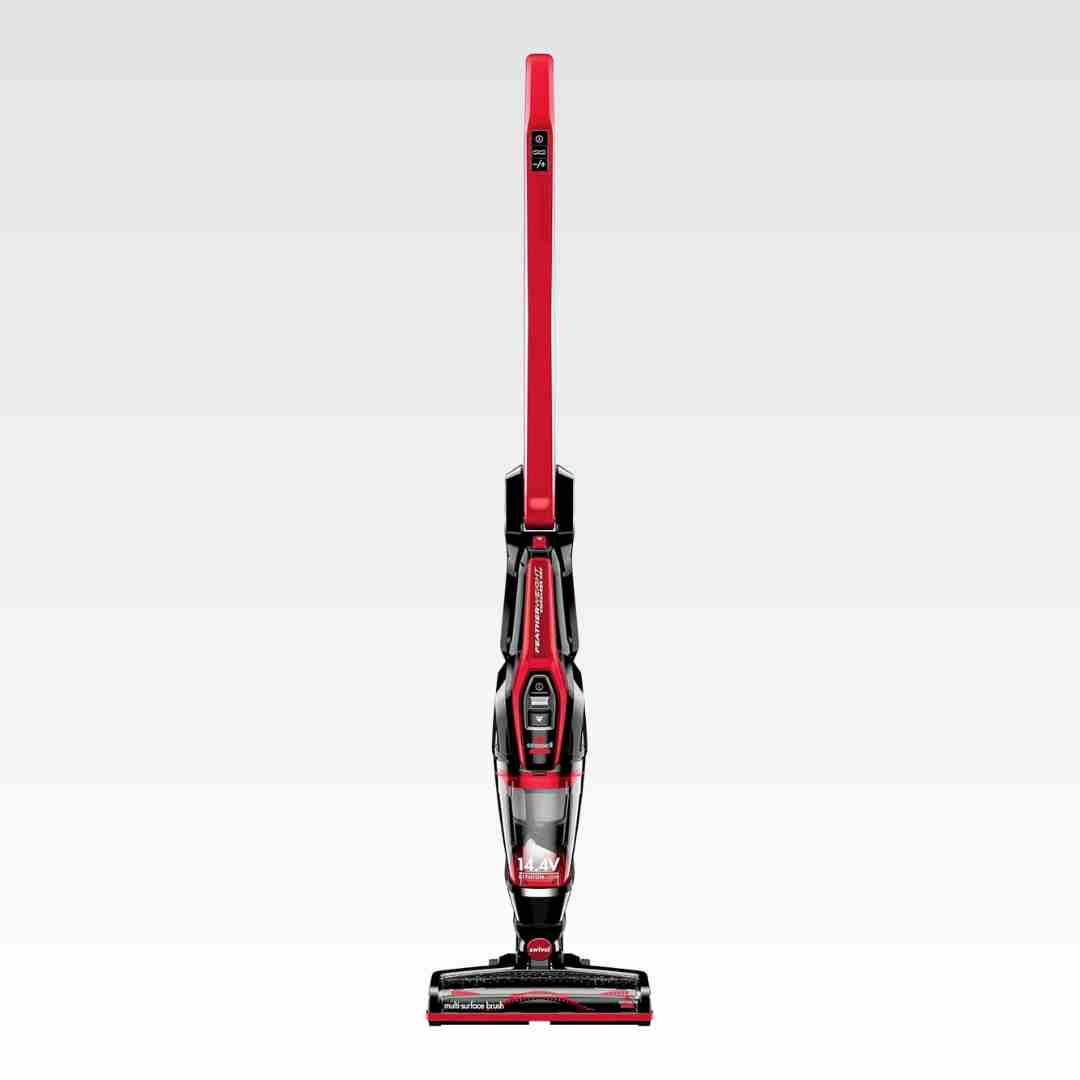
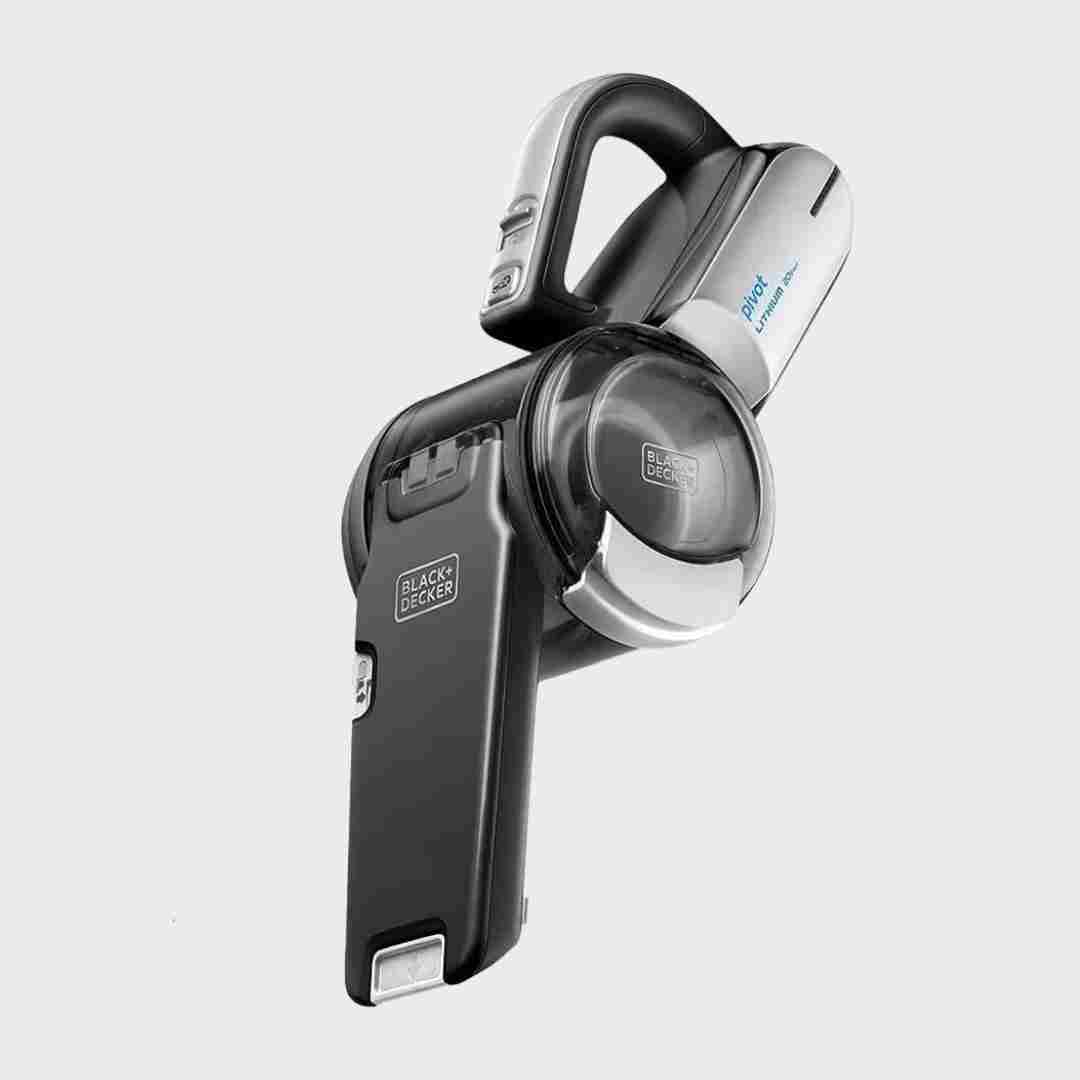
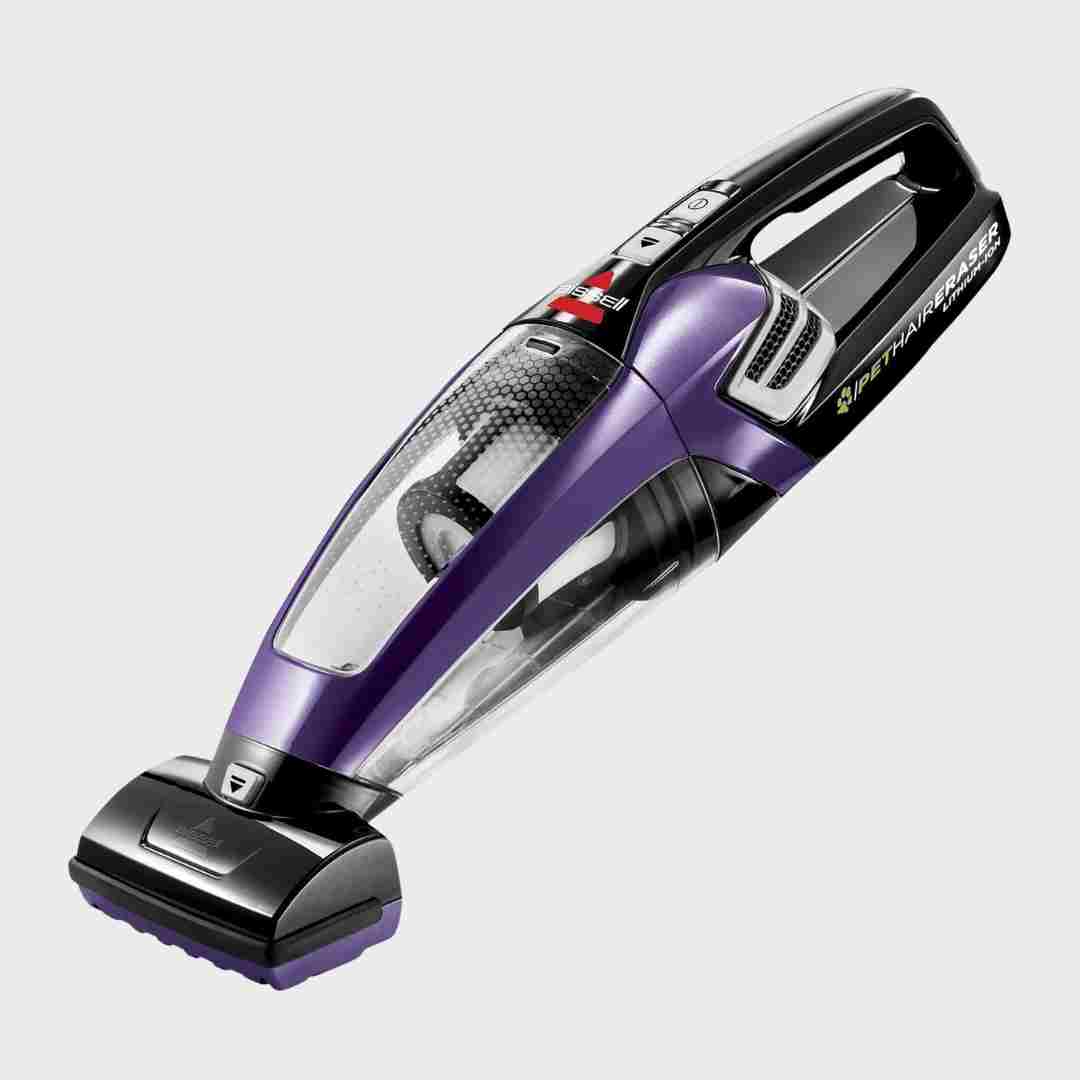
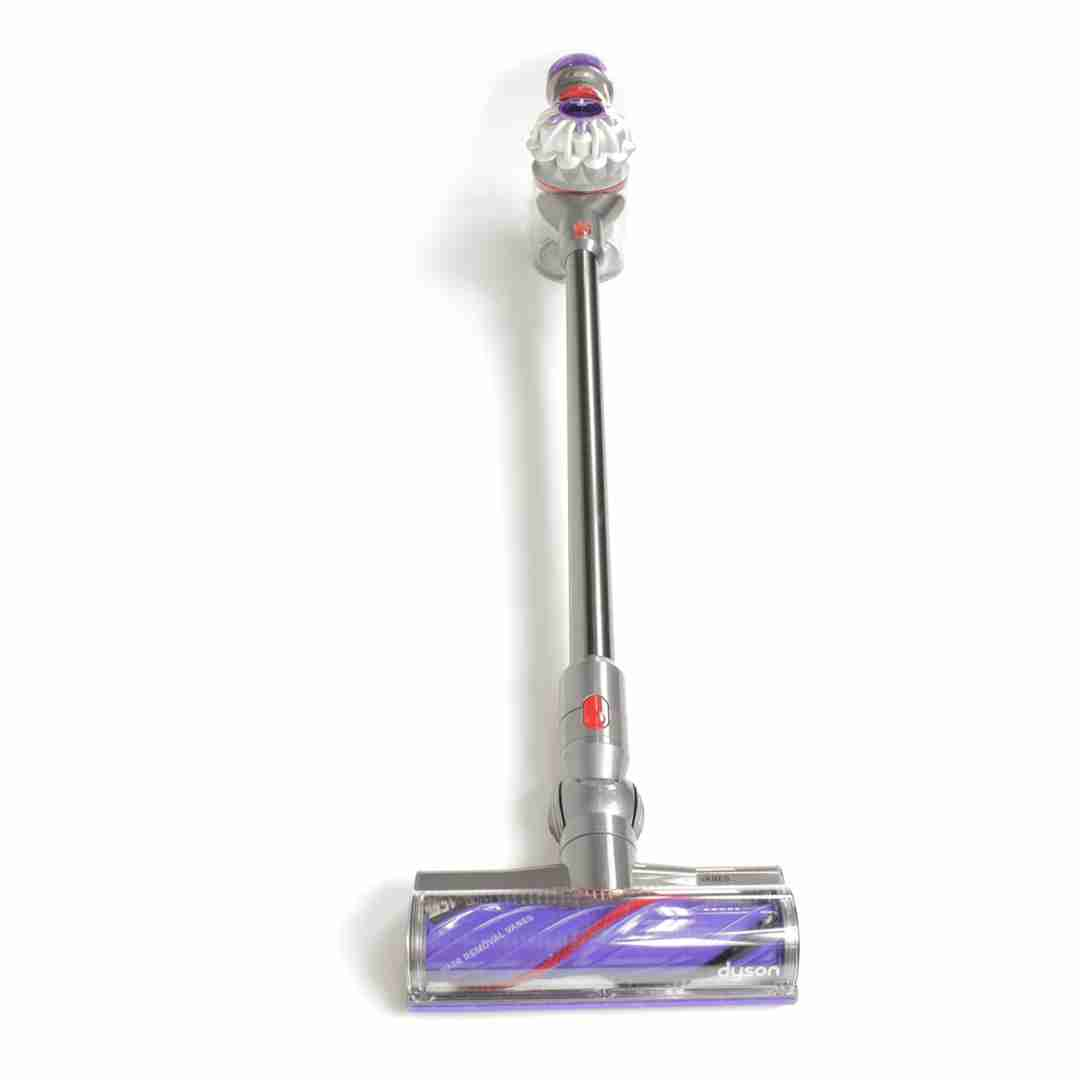
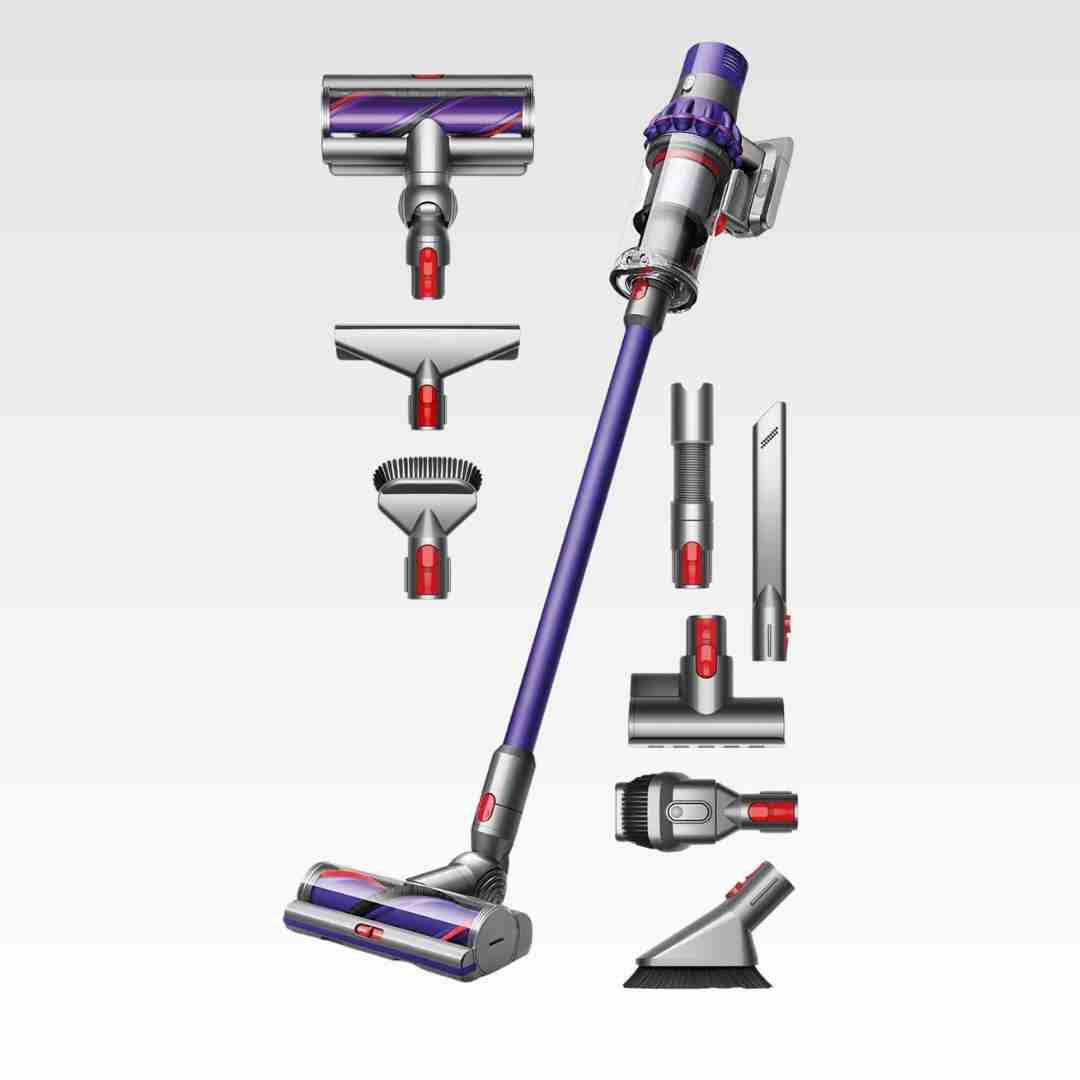
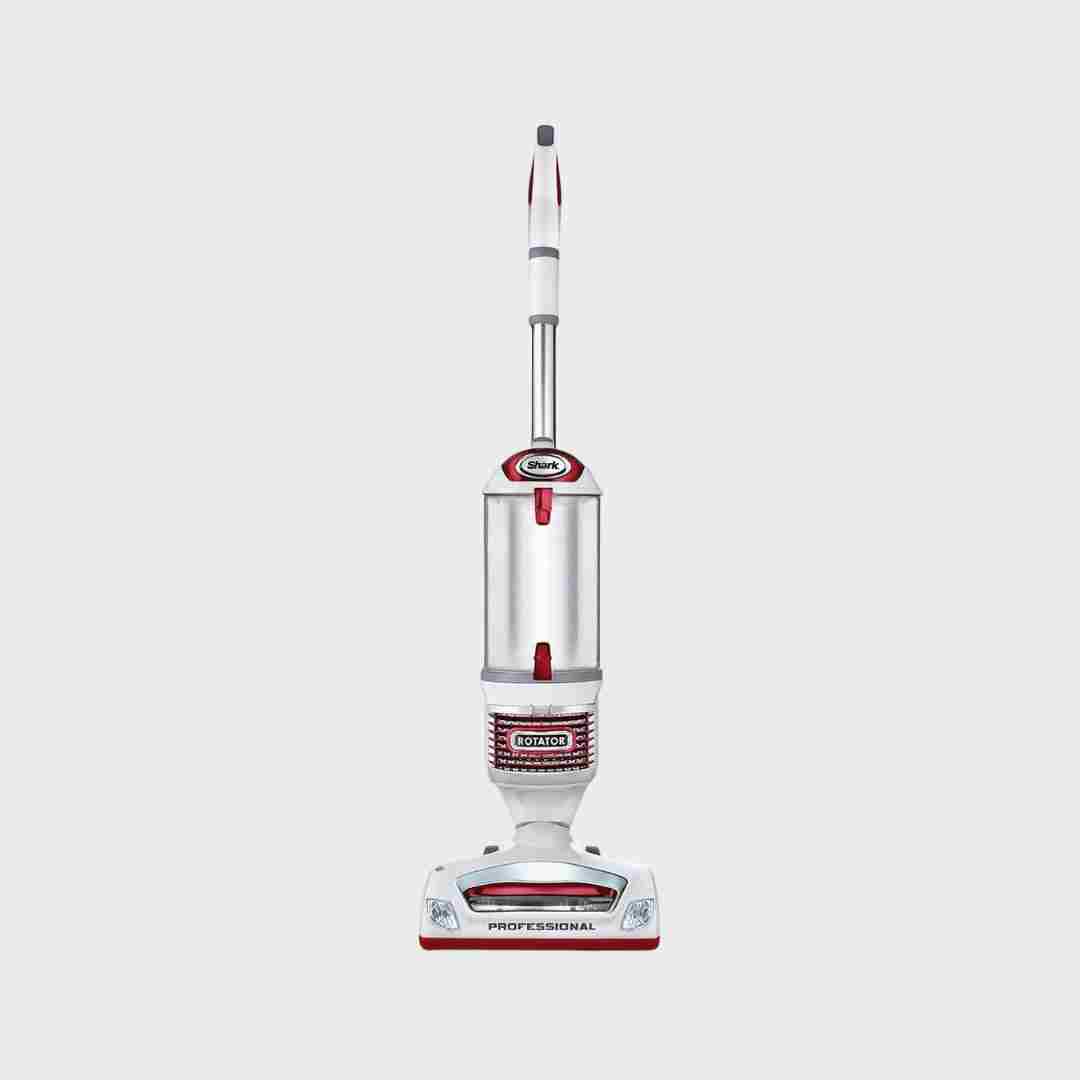
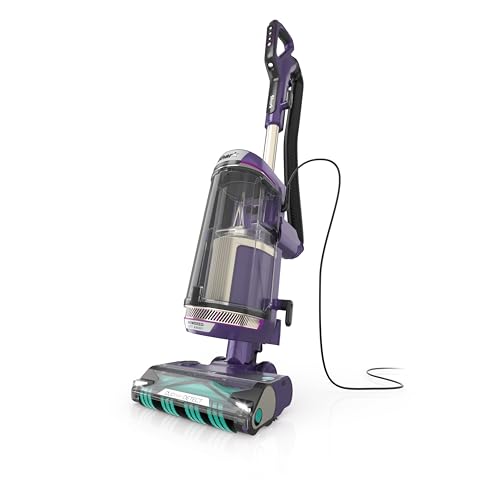
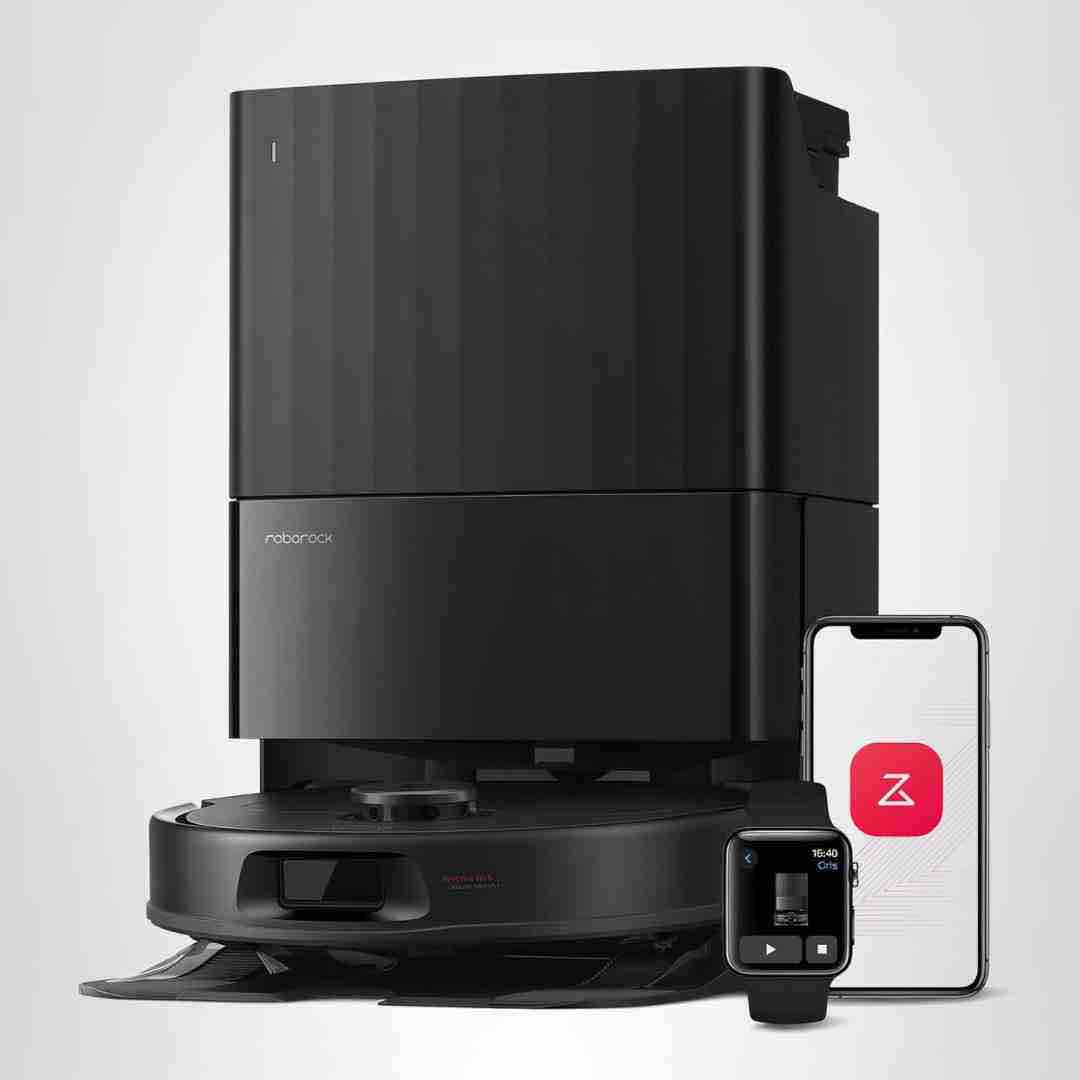
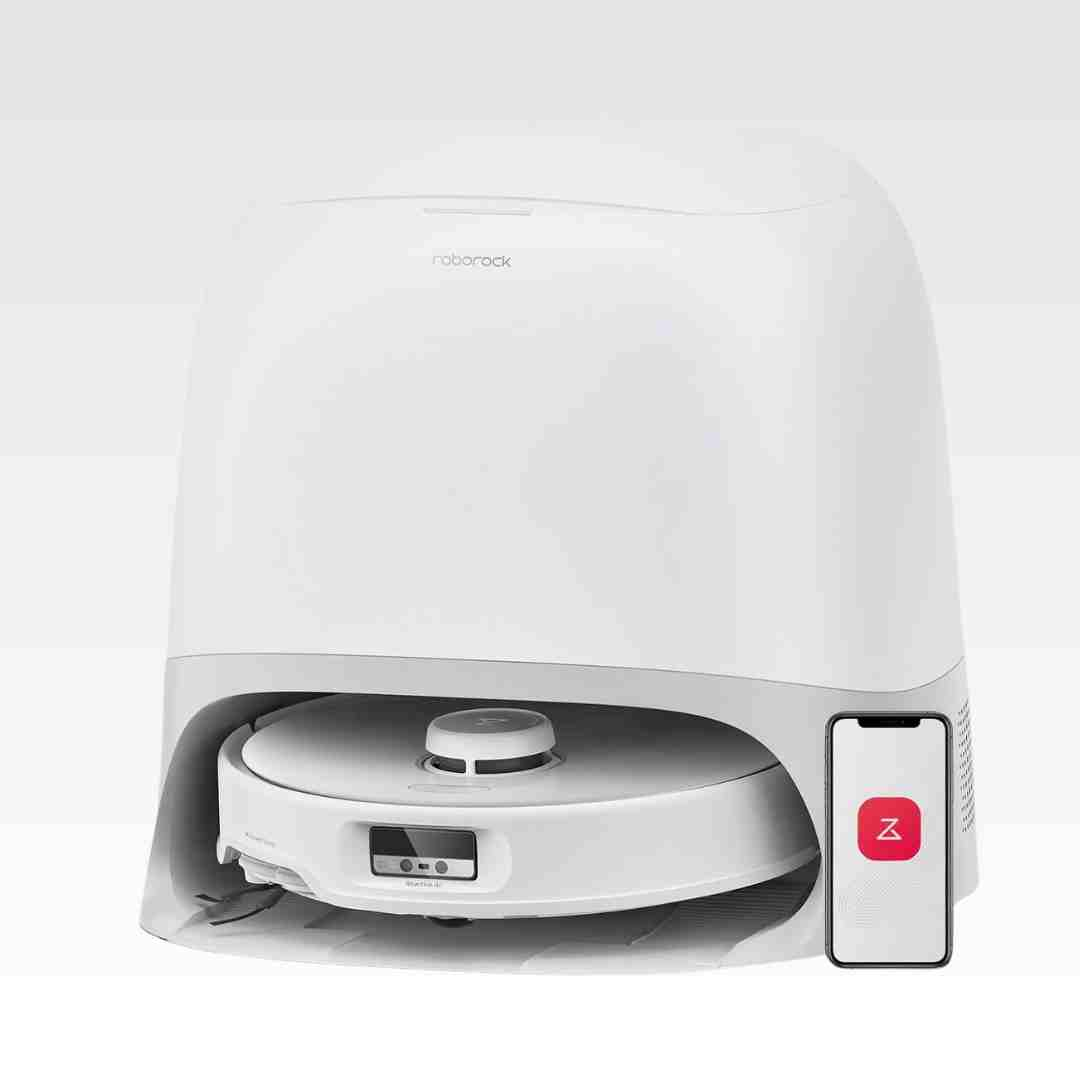
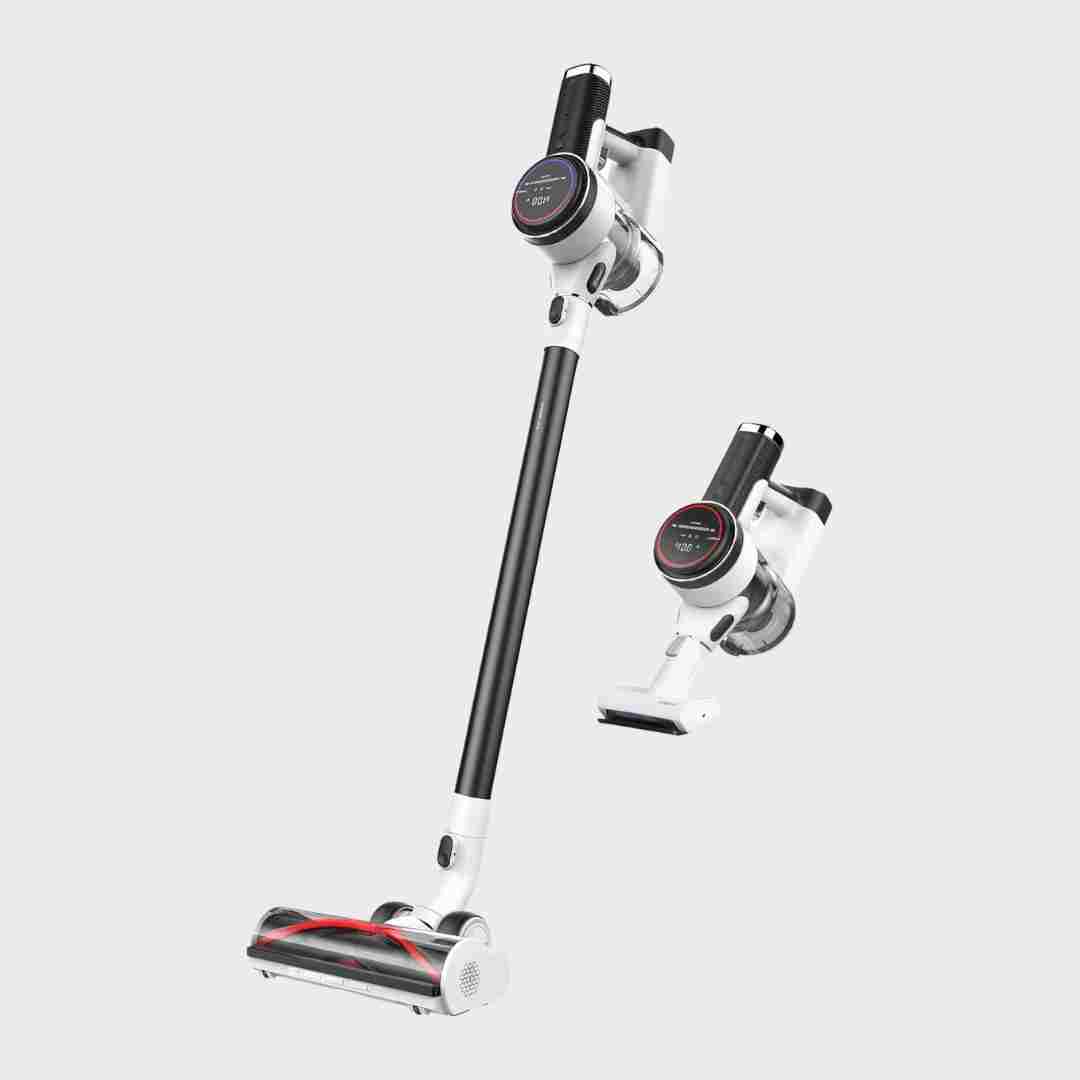
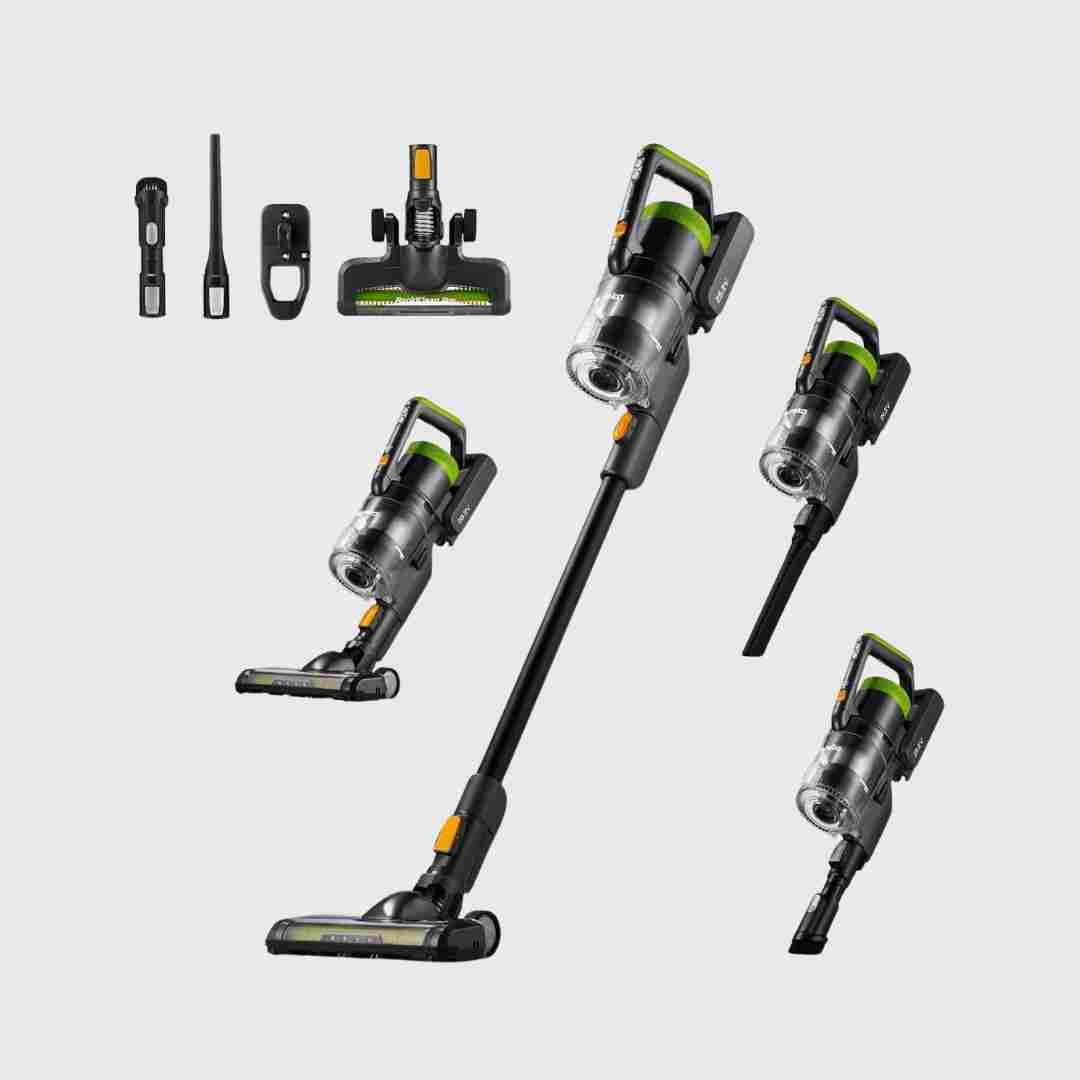
Setup is minimal: reviewers describe snapping parts together in seconds, charging, and starting to clean with little to no assembly hassle. Packaging and organization of parts are also praised in some write-ups.
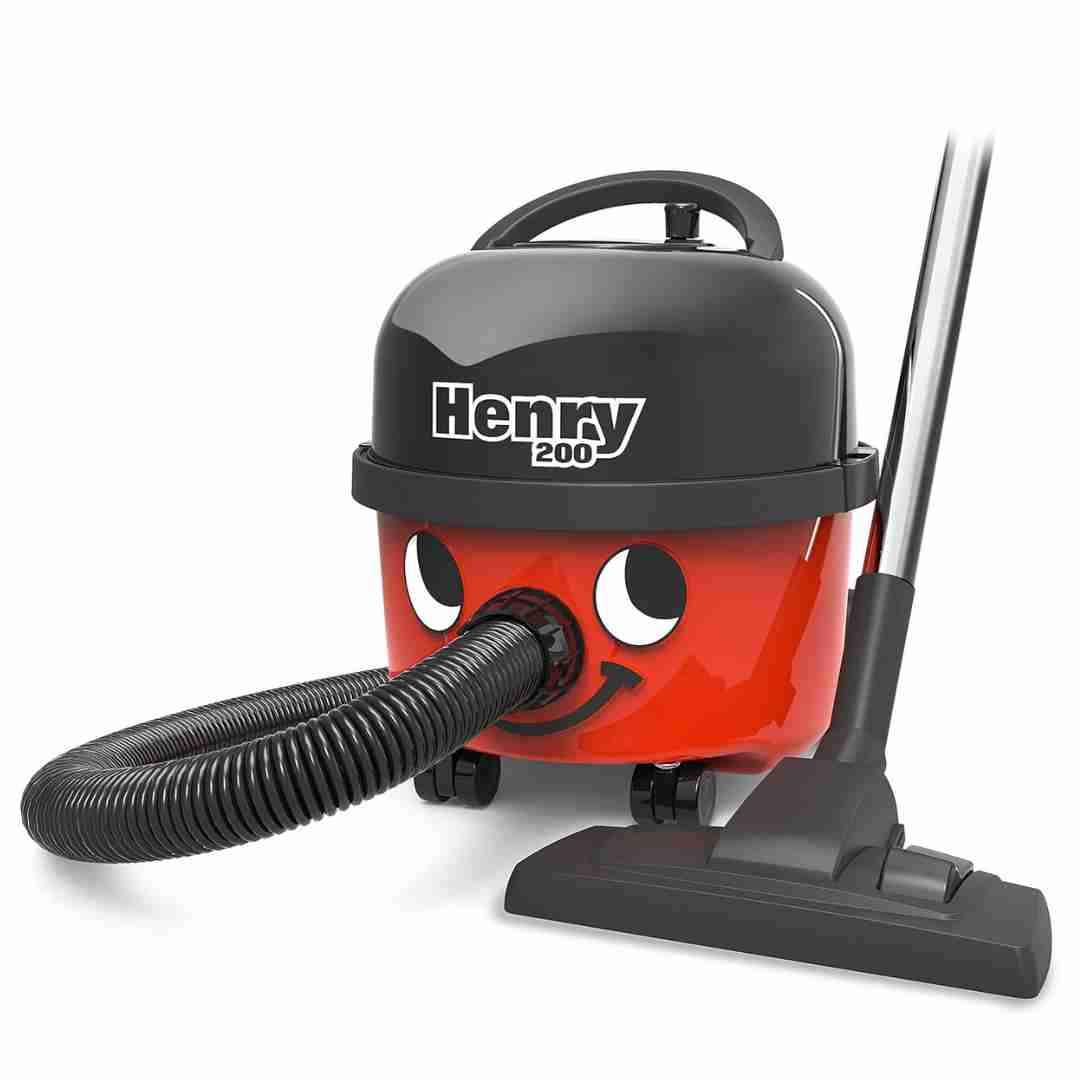
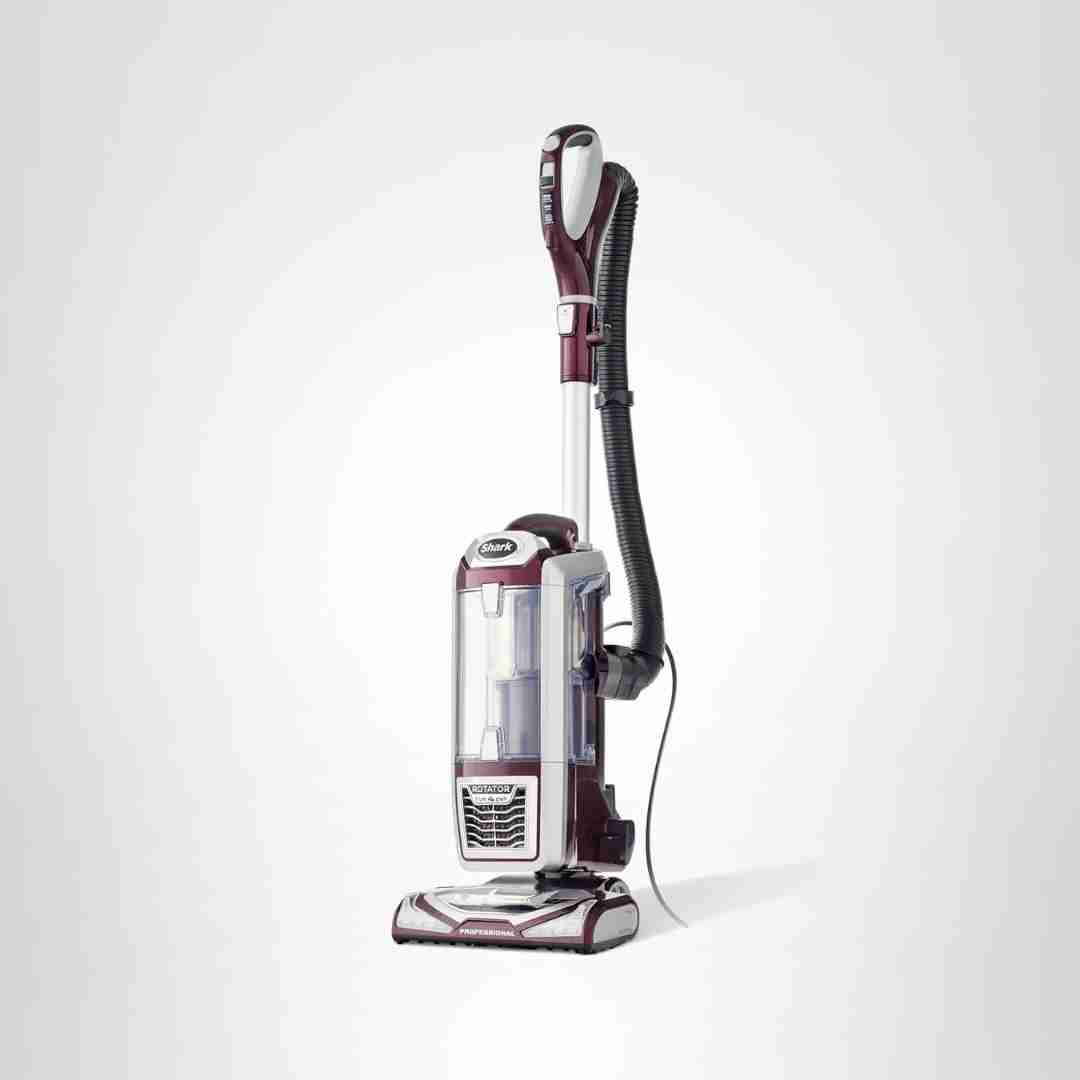
Assembly is consistently described as simple: hose, wand, and floorhead click together intuitively, and several reviewers say they did not need the manual to start vacuuming.
Setup is consistently described as simple and quick (handle insertion, base setup, fill tank), with most reviewers reporting the unit arrives nearly assembled and is easy to get running.
Assembly is consistently described as quick and easy (handle clicks in, dock plugs in). Initial setup is generally low-friction with clear in-box guidance.
Assembly is repeatedly described as fast and straightforward, typically involving snapping a few parts together. Multiple reviewers say they were cleaning within minutes of opening the box.
Assembly is consistently described as fast and tool-free, with components clicking into place in minutes. This is one of the most universally positive aspects across reviews.
Assembly and initial setup are repeatedly described as quick and simple, with the station snapping together without tools and the system being easy to get running.
Setup is typically quick and well-guided through the app, with packaging and quick-start materials helping. Initial mapping can take multiple runs, and a few users report early hiccups aligning the robot on the dock or connecting to Wi-Fi.
Setup is generally described as minimal: unbox and place on the charging base; initial charging guidance varies by source, but day-to-day operation is straightforward.
Setup is generally plug-in-and-go with little to assemble beyond charging and choosing an attachment. Most guidance centers on letting it fully charge before first use.
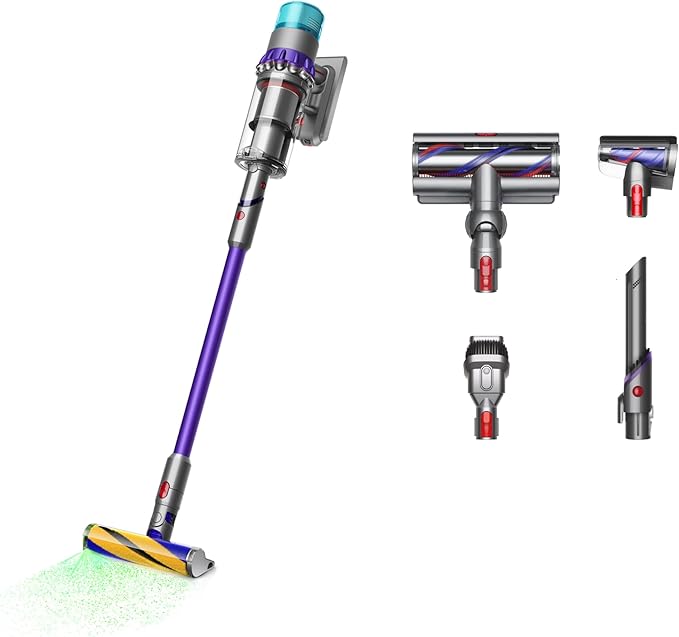
Setup is widely described as minimal: snap the parts together, charge, and start cleaning. Mounting the wall dock takes a few screws but is still considered straightforward.
Setup is generally described as straightforward (app pairing, Wi-Fi, mapping), though some users wanted clearer instructions and find map editing takes practice.
Assembly and setup are generally described as straightforward, with minimal physical assembly and simple app pairing, though some users spend time refining room splits and map edits to their liking.
Assembly is portrayed as quick and low-friction, with picture-based guides helping users get running fast. Installing the wall bracket is sometimes cited as the most time-consuming part of setup.
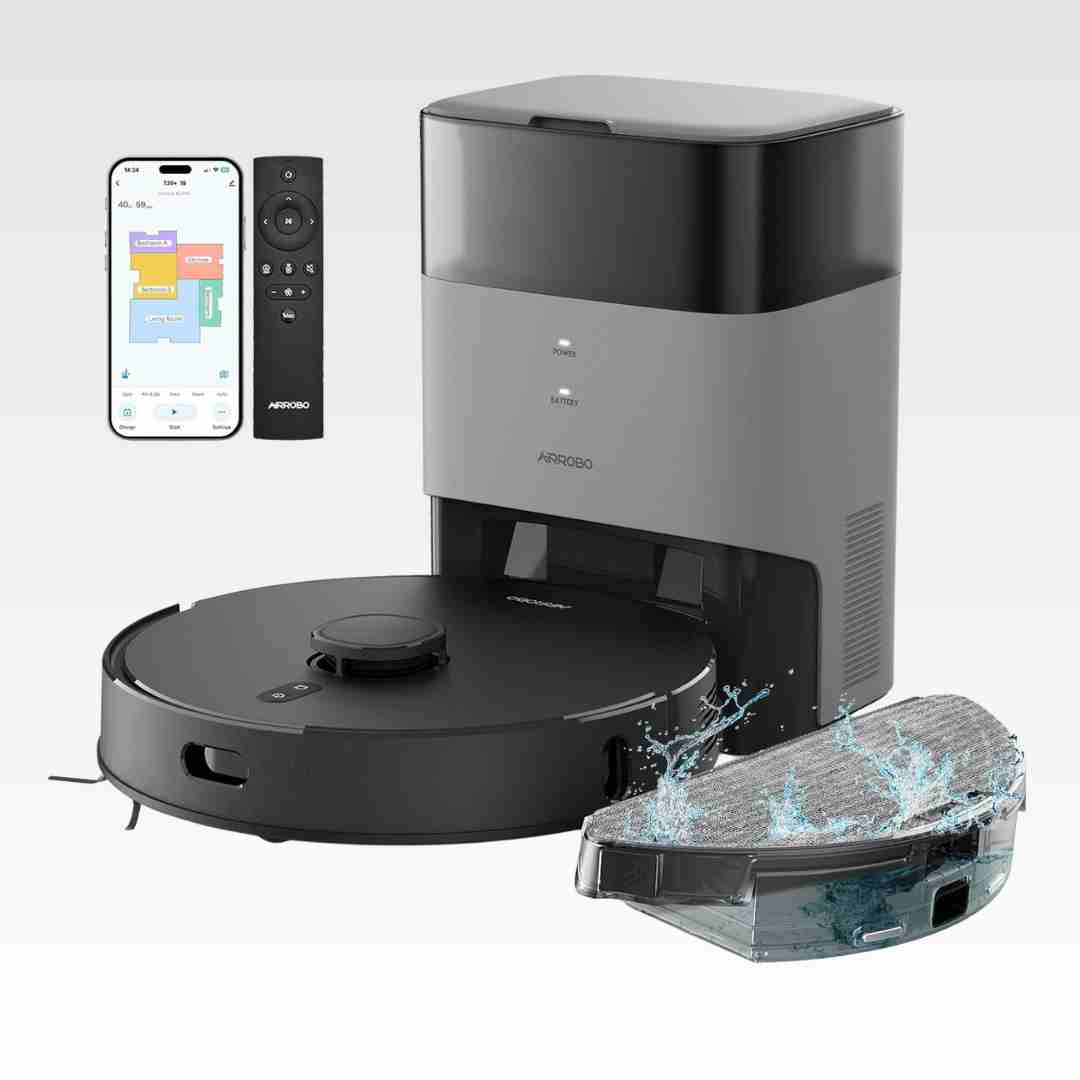
Setup is consistently described as quick and simple—plug in the dock, attach side brushes, insert remote batteries, and start—especially since there’s no app pairing process.
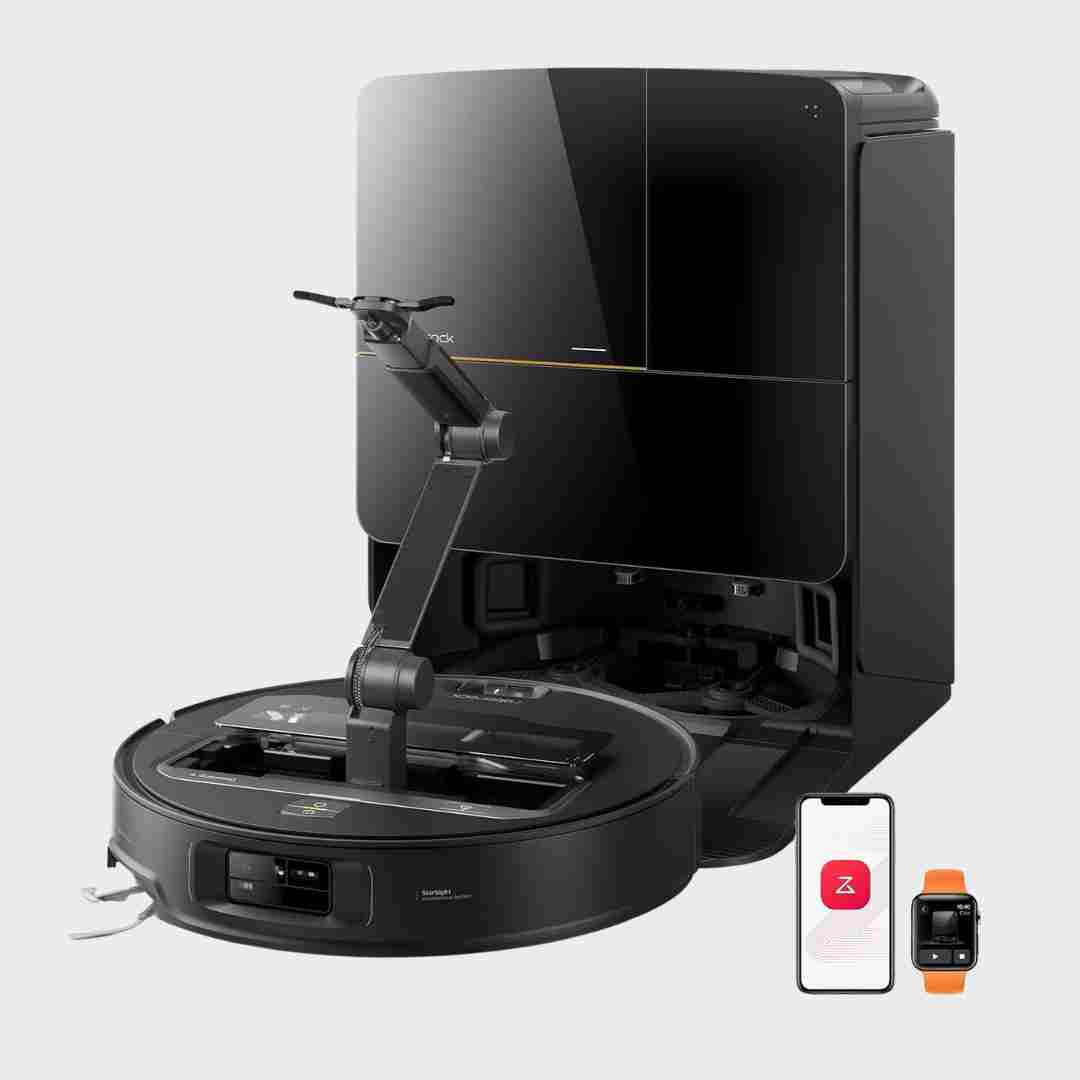
Setup is described as straightforward: attach the ramp, plug in the dock, charge, pair to Wi‑Fi, and fill the clean water tank. Most reviewers report quick, hassle-free first run and mapping.
Setup is typically straightforward, with most reviewers reporting a quick unboxing/assembly and fast app pairing. Initial mapping can be quick, though a few users needed a second mapping run to capture all rooms.
Setup is widely described as straightforward and fast (often ~20 minutes), with app pairing generally smooth—though occasional Wi‑Fi retries or timeouts were mentioned.
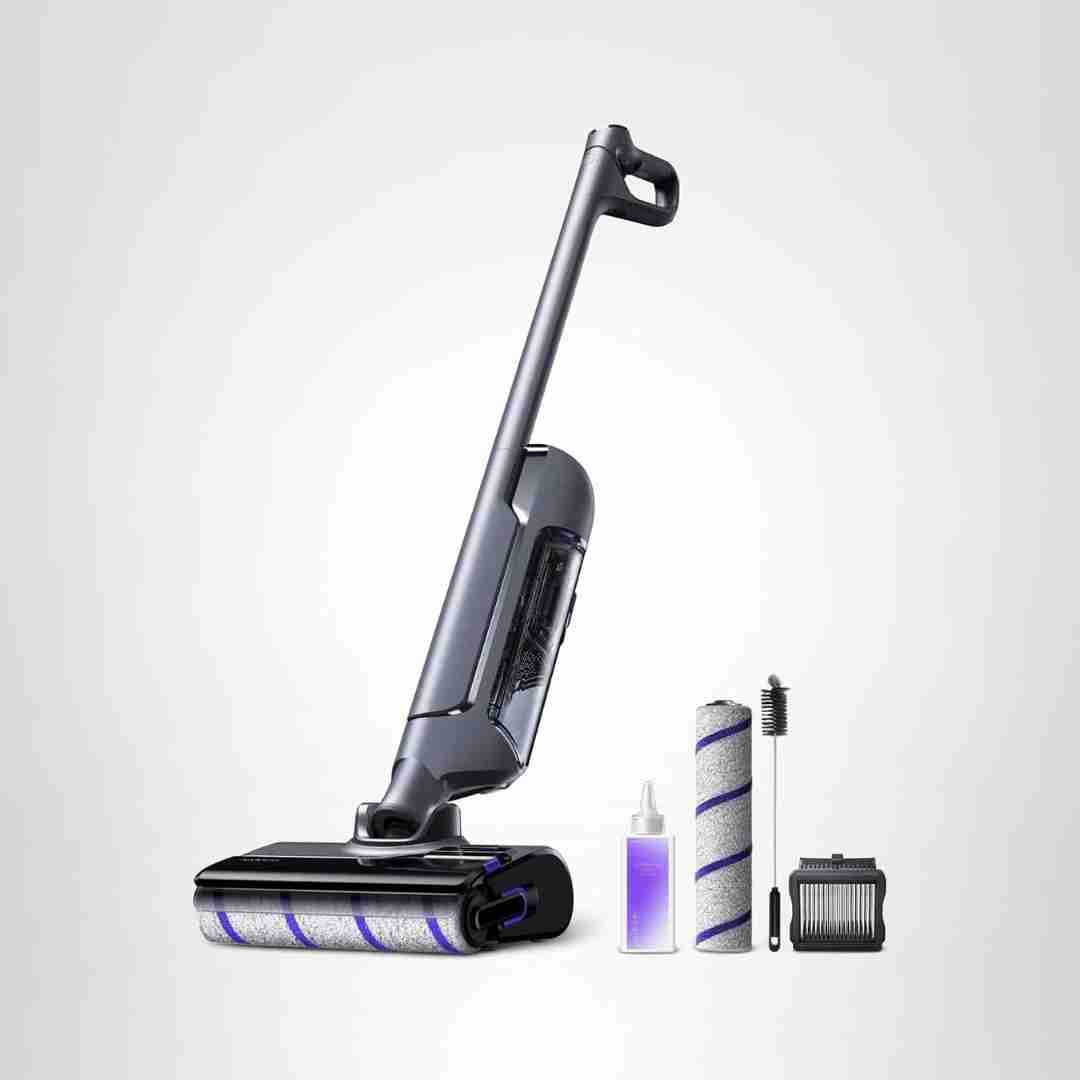
Setup is repeatedly described as quick and beginner-friendly, typically involving snapping the handle in place and filling the clean-water/solution tank.
Assembly and setup are repeatedly described as fast and painless, typically taking only a few minutes. Most reviewers felt it was ready to use almost immediately.
Setup is described as simple: attach the dock base/ramp, fill tanks, scan the QR code, and run quick mapping. A common note is that the robot prefers 2.4 GHz Wi-Fi and docking alignment can take a bit of care.
Setup is described as straightforward: the dock is largely ready out of the box, pairing/mapping is quick, and most complexity comes from exploring app settings rather than assembly.
Setup is repeatedly described as simple and quick, with basic clips and a straightforward bag-and-filter layout. Several reviewers call it one of the easiest vacuums to assemble and start using.
Setup is typically described as easy because the robot and dock come assembled; Wi-Fi/app onboarding is straightforward, though initial mapping can be slow on some units or settings.
Setup is consistently described as quick, typically involving attaching the handle, charging, and filling the clean tank and solution reservoir. Several reviewers note it feels close to pre-assembled out of the box.
Across reviews, setup is described as fast and straightforward (often taking only a minute or a few minutes), with clearly fitting parts and flexible charging options via direct plug-in or the included wall dock for charging and storage.
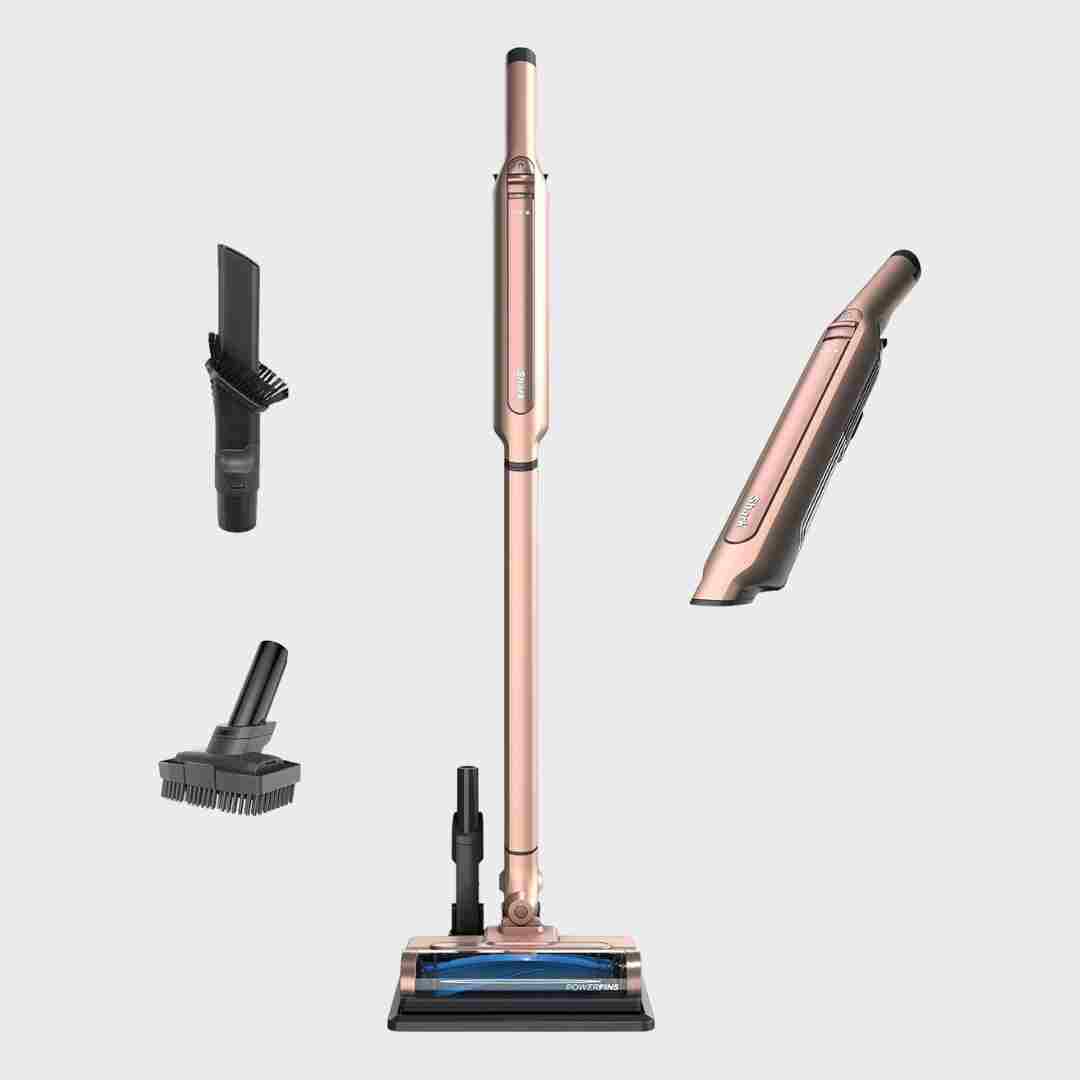
Setup is quick, with reviewers describing it as essentially click-together and ready to use in about a minute, plus easy mounting of the charging base if desired.
Setup is described as straightforward with quick first-time mapping; reviewers generally move from unboxing to usable maps and scheduled runs without much friction.
Assembly is widely described as fast and straightforward, with parts clicking into place cleanly. Unboxing-style reviews often highlight that setup can be done in minutes without special tools.
Assembly and setup are generally described as simple and intuitive, often taking just minutes with parts clicking into place, even when users skip reading directions.
Assembly and first-use setup are generally quick, though a few note the initial filter removal/reinsertion can require extra force before it loosens up with use.
Assembly/setup is typically quick: components click together and initial use is straightforward. The main setup friction is installing or positioning the wall dock near a suitable outlet.