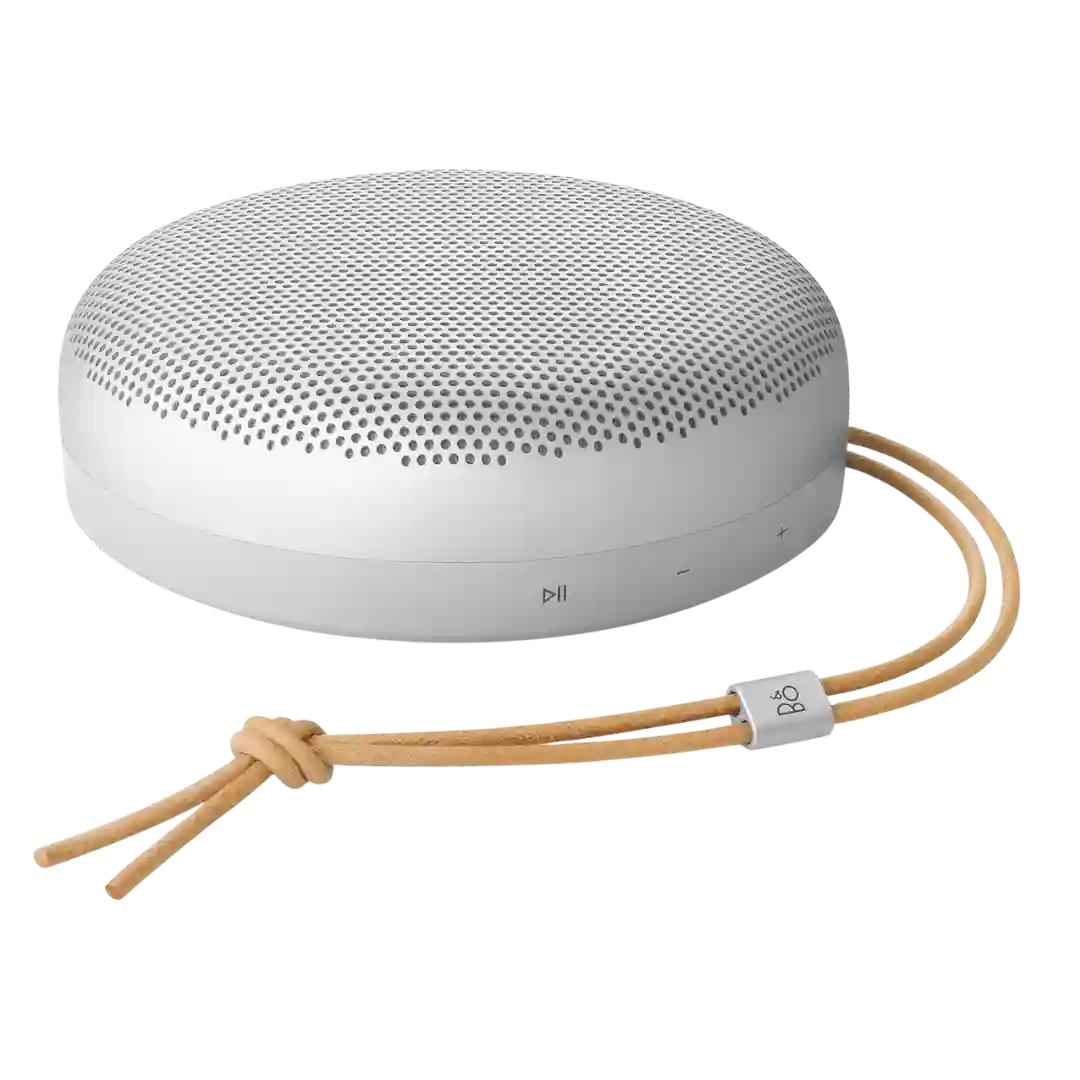
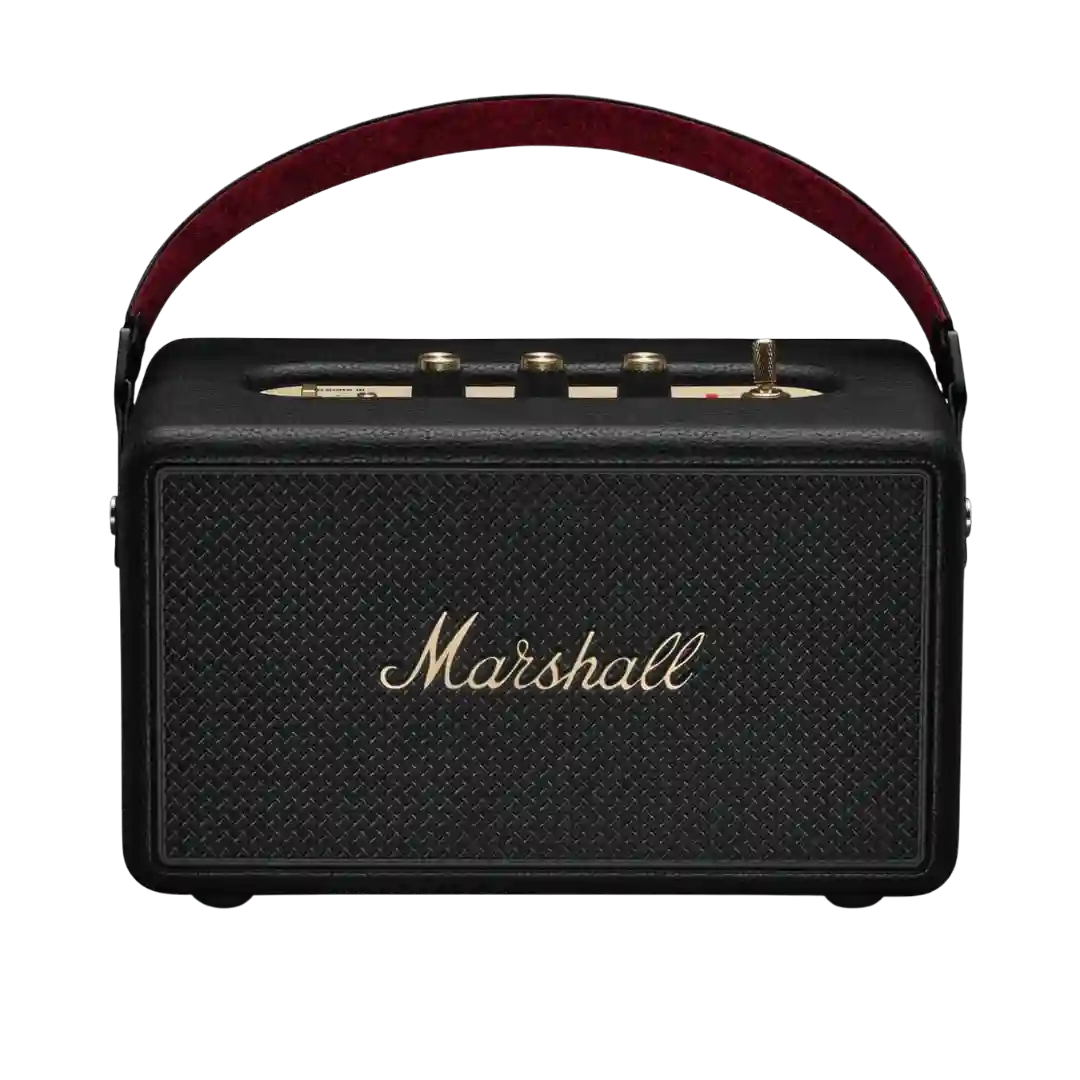
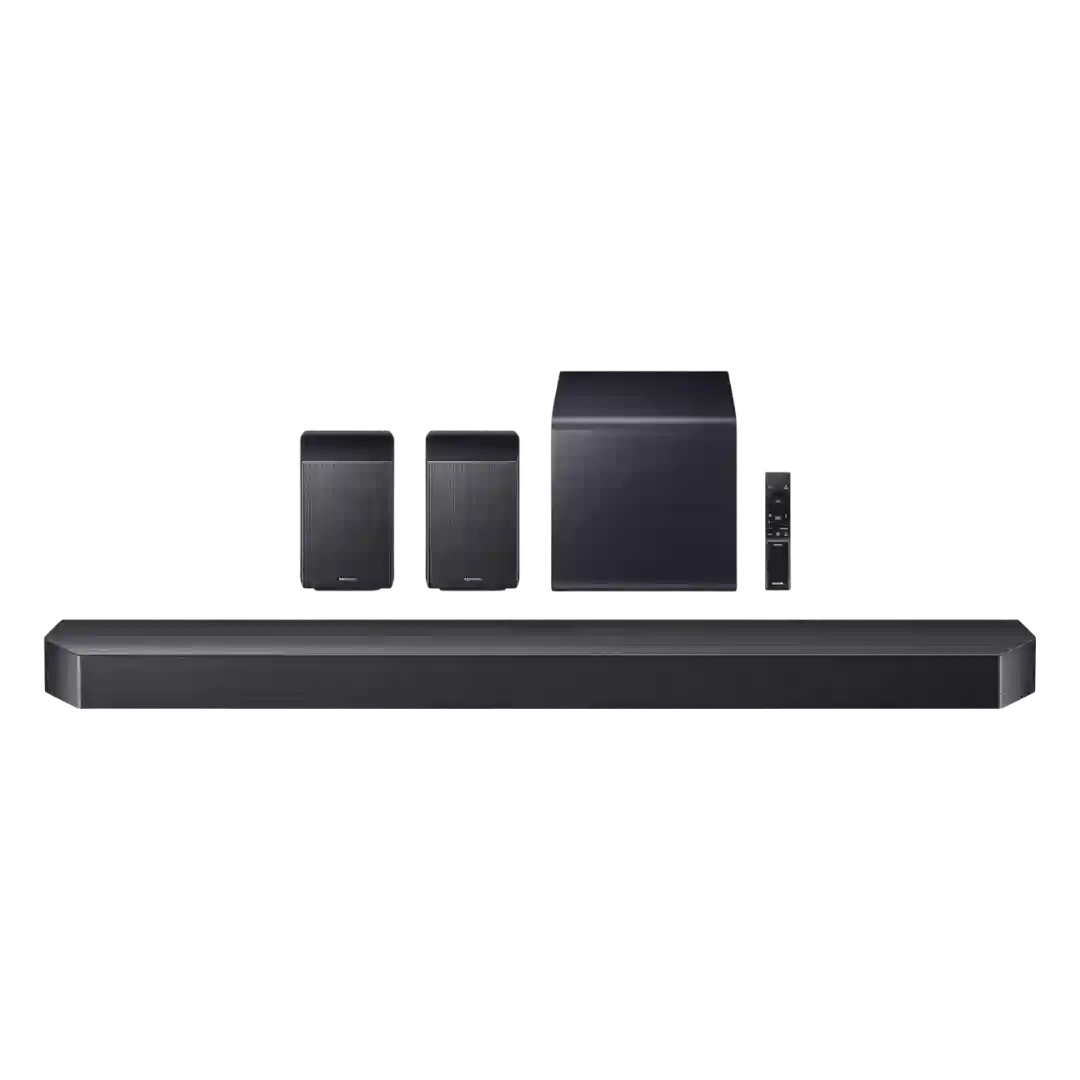
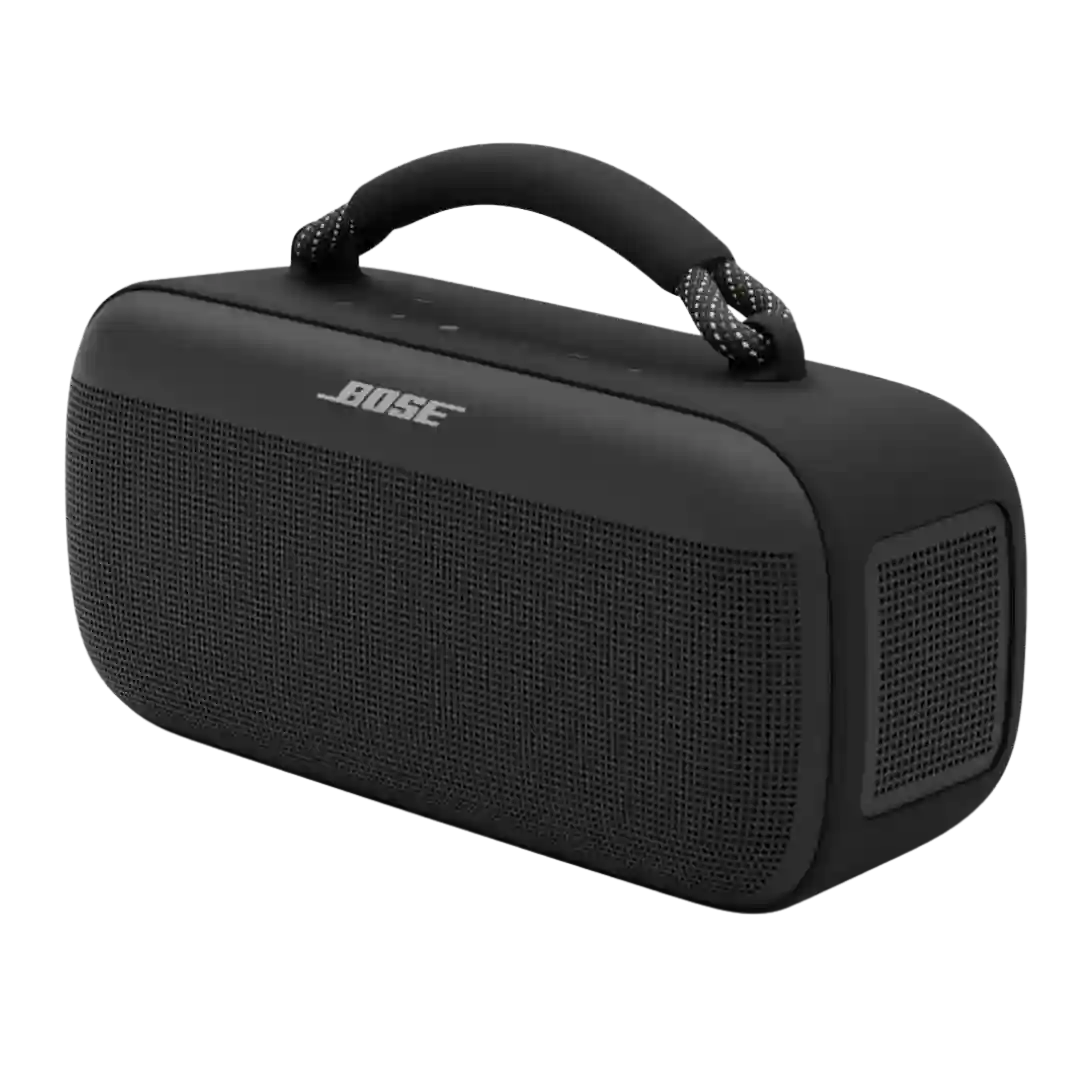
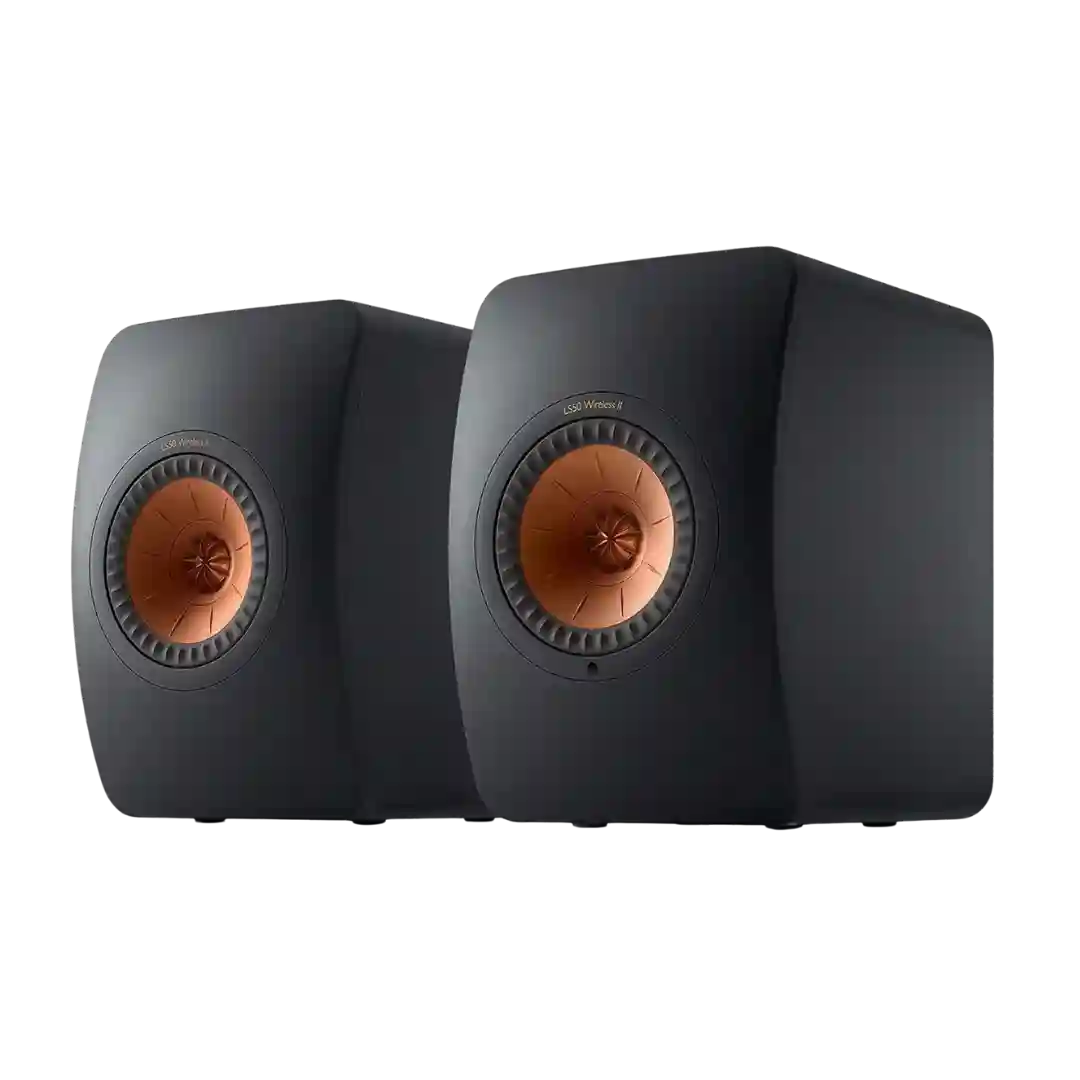
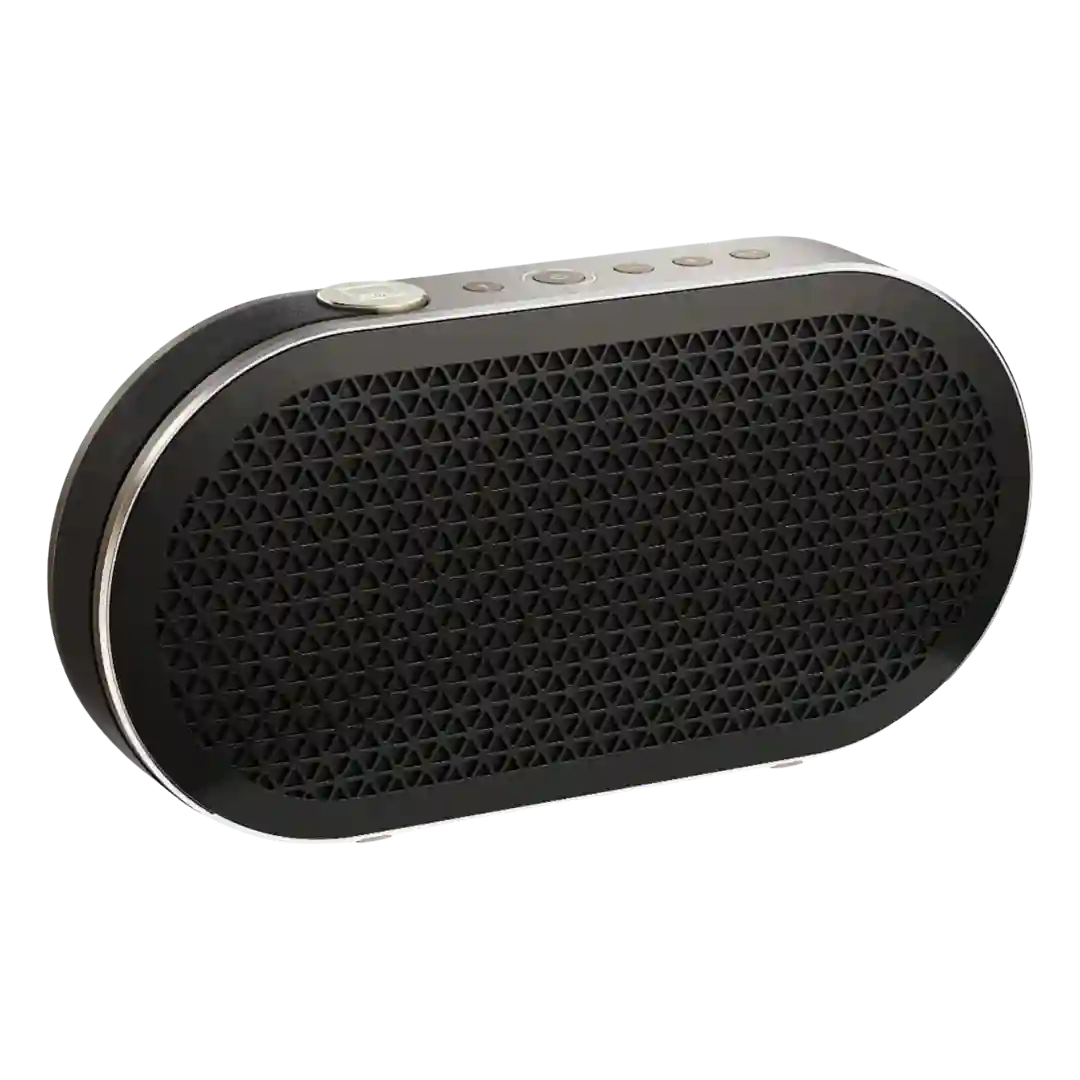
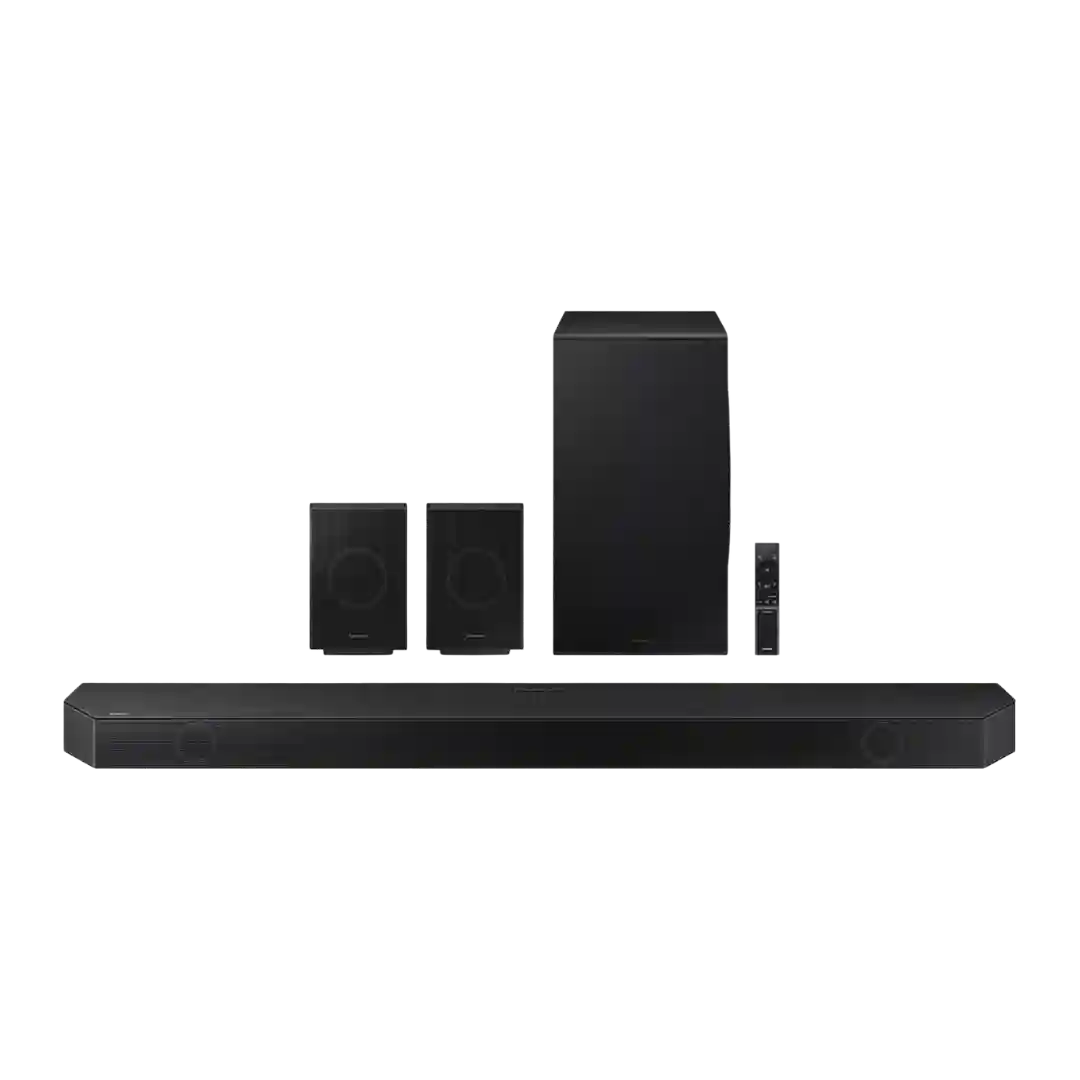
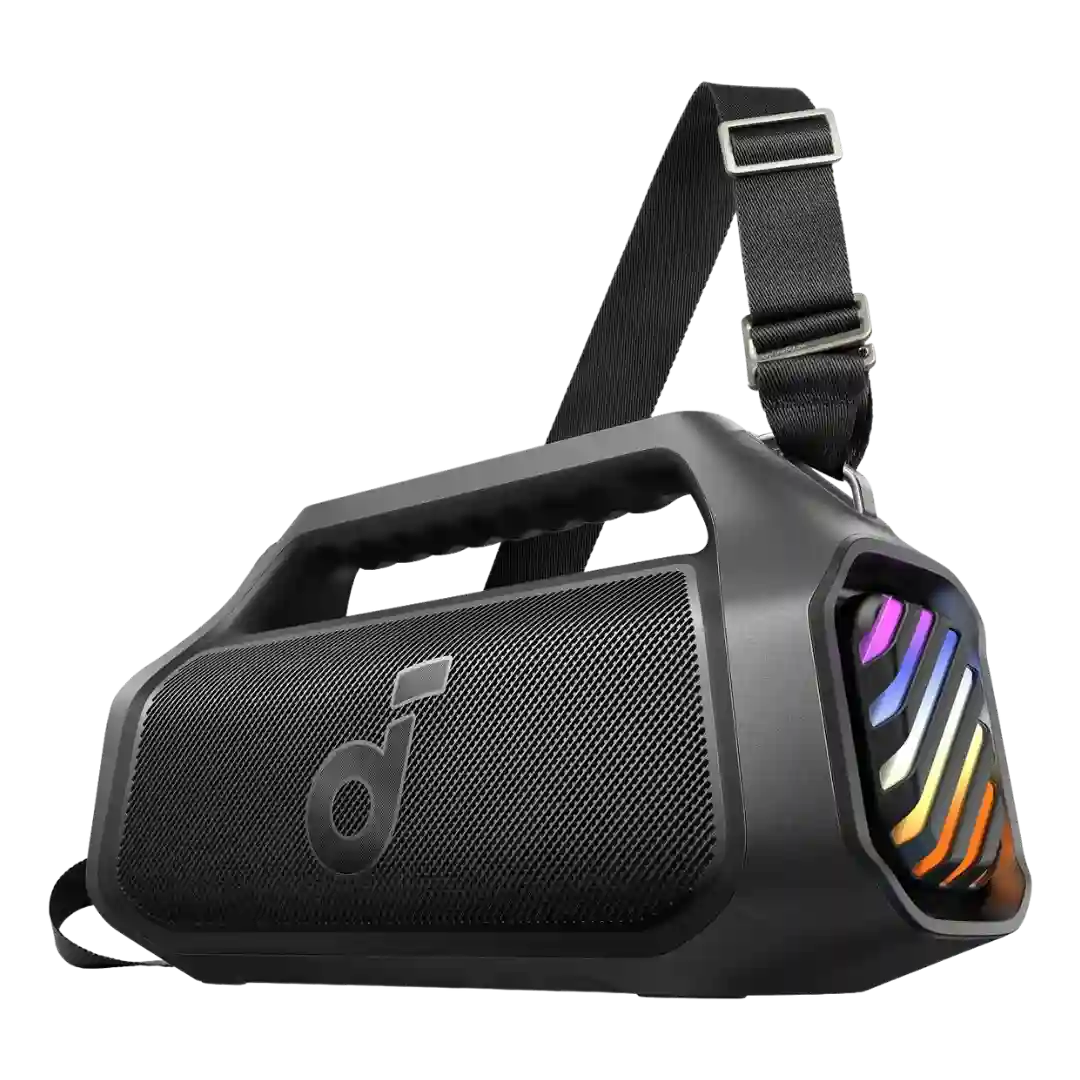
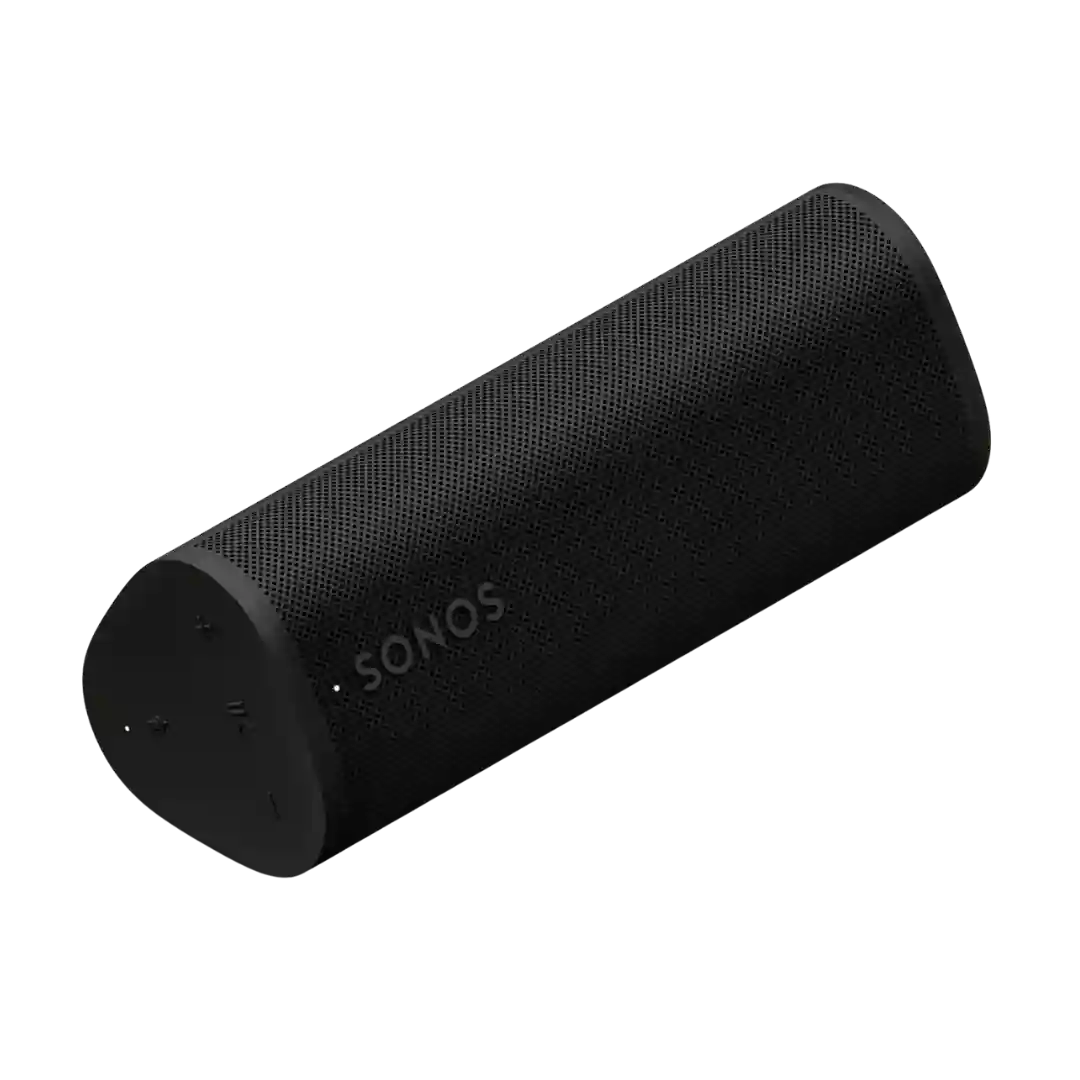
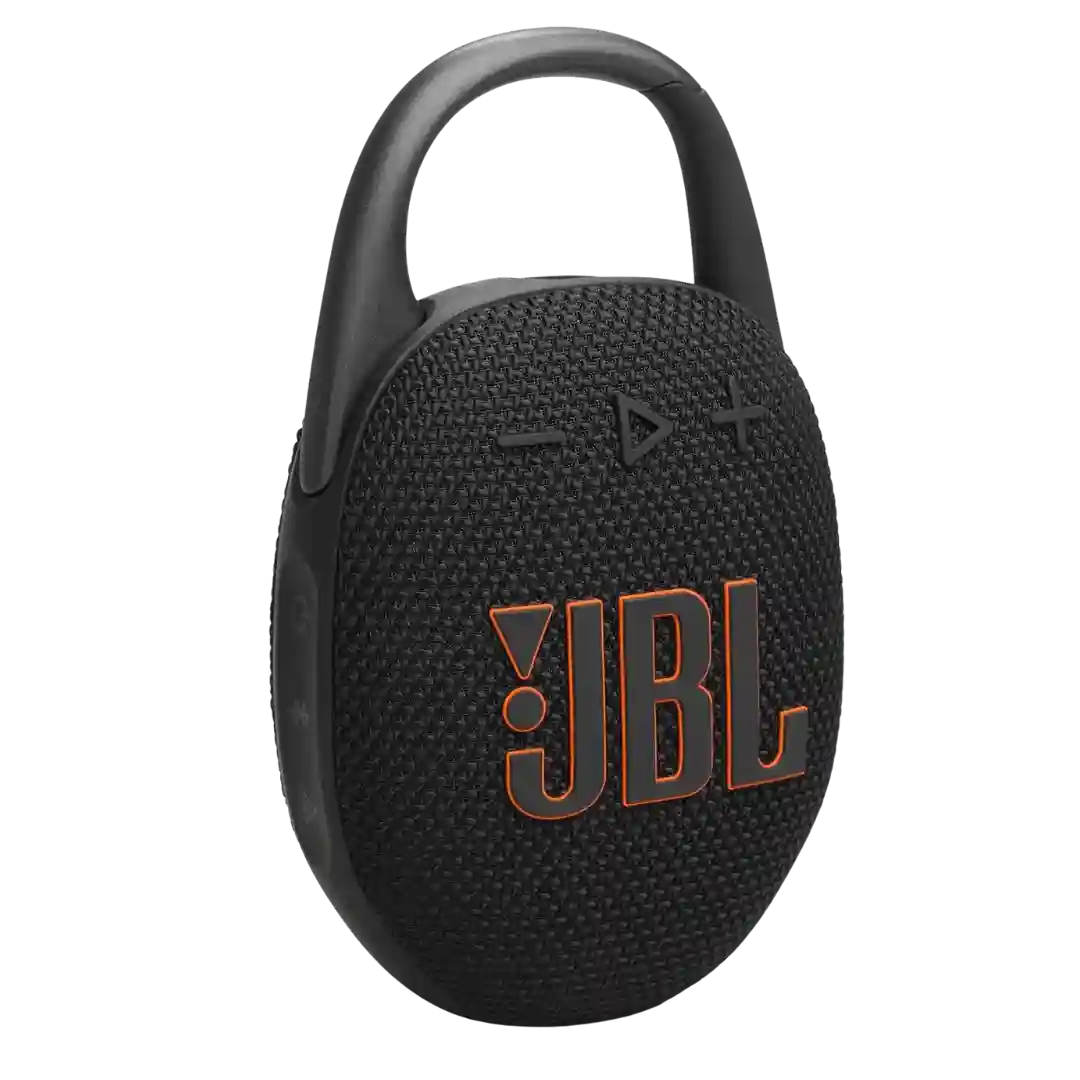
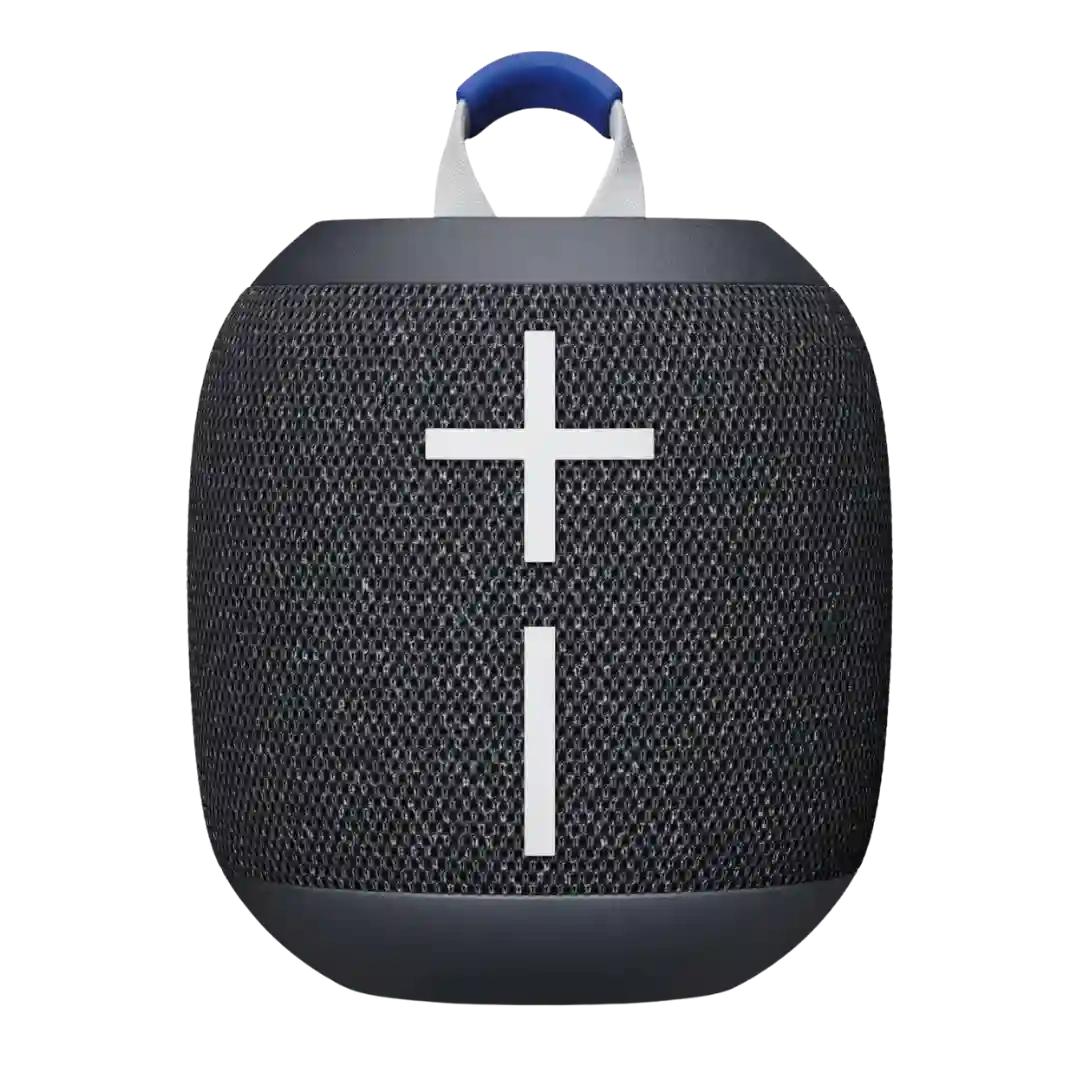
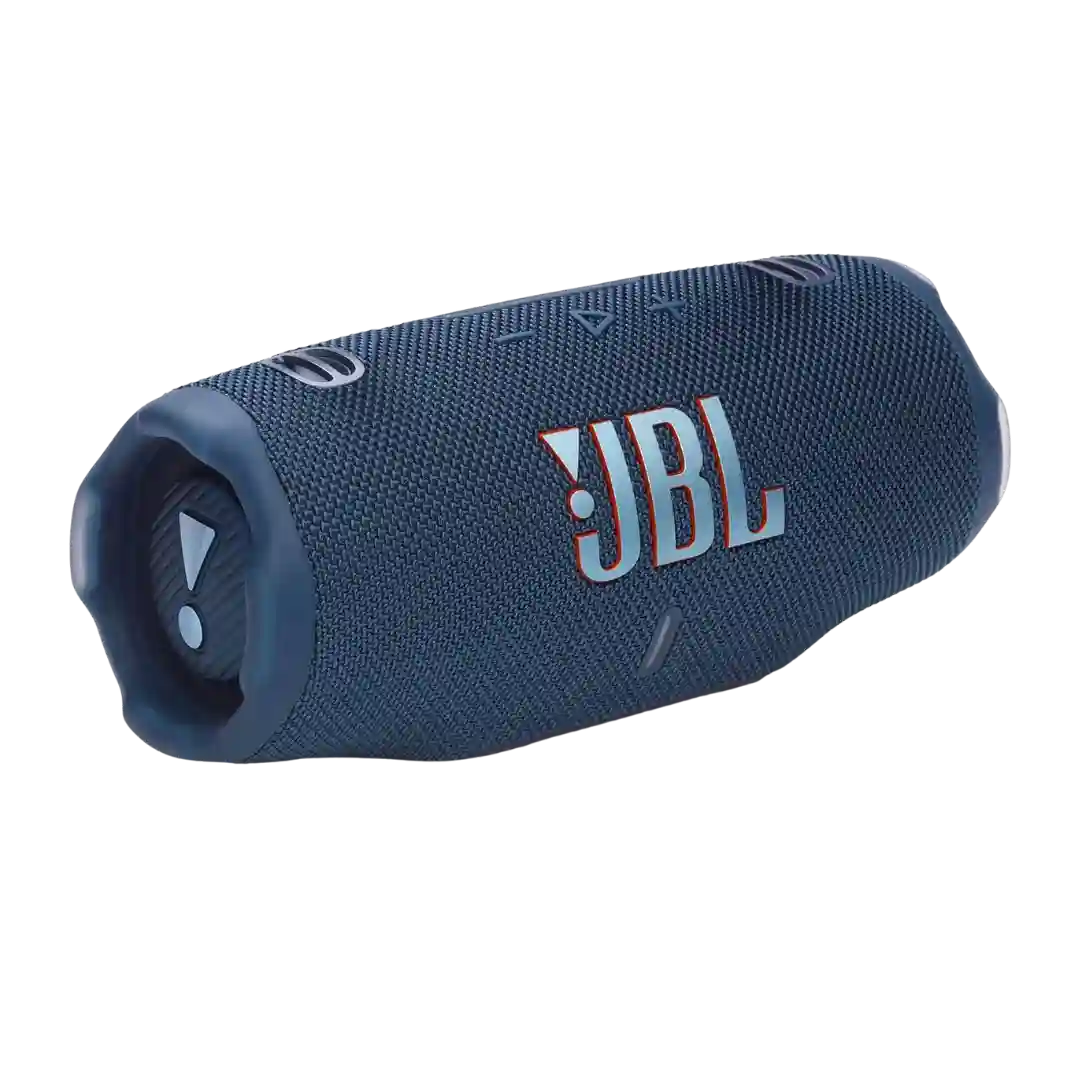
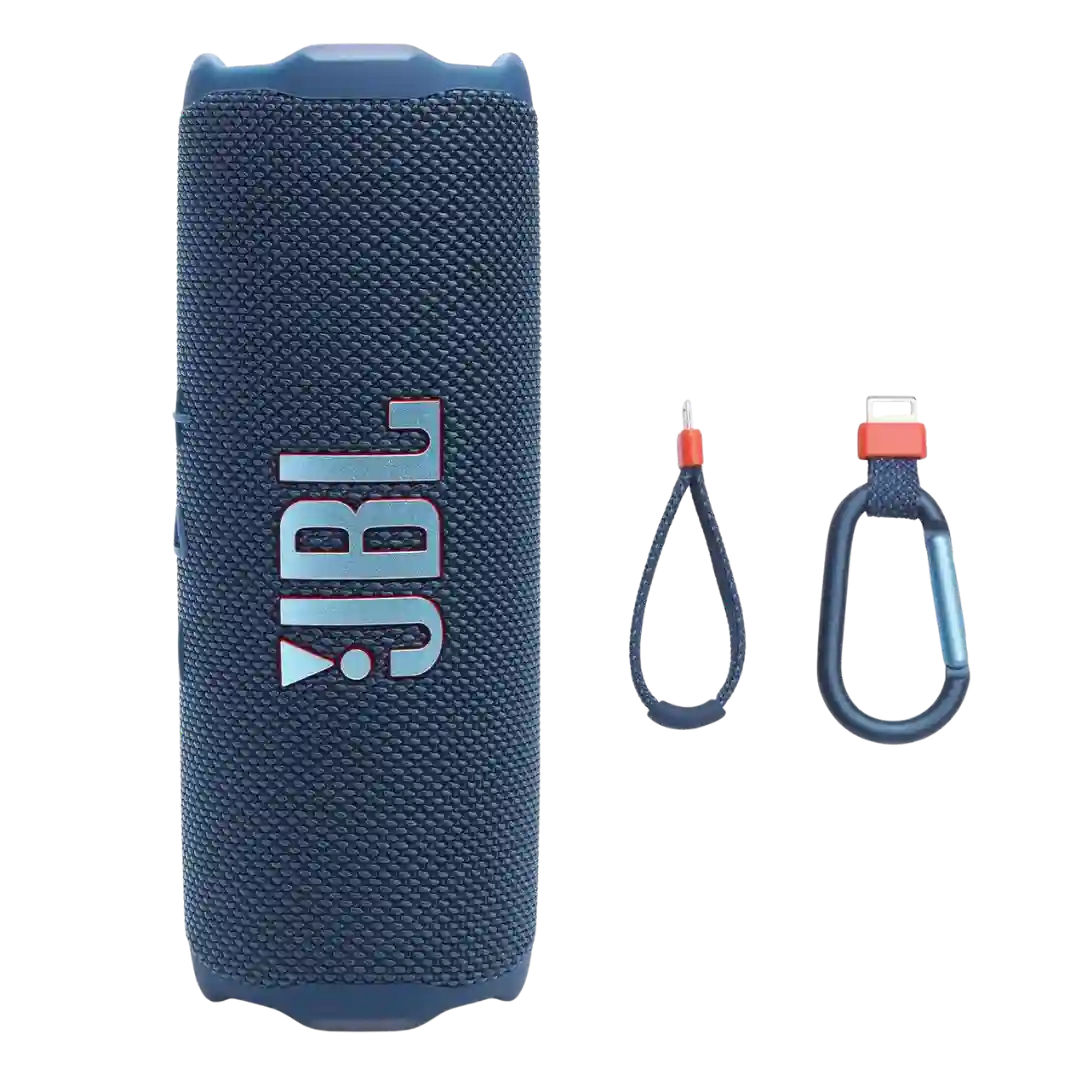
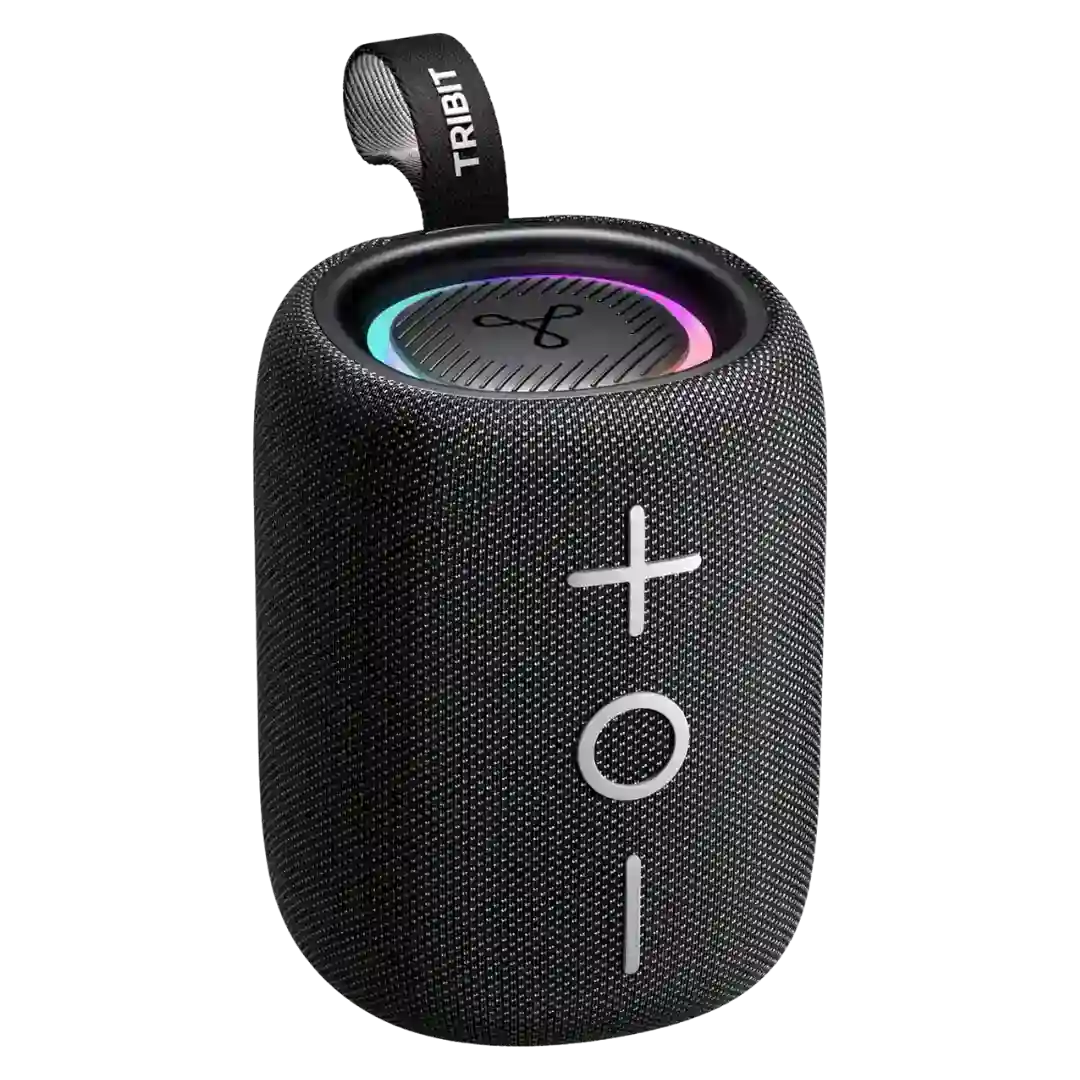
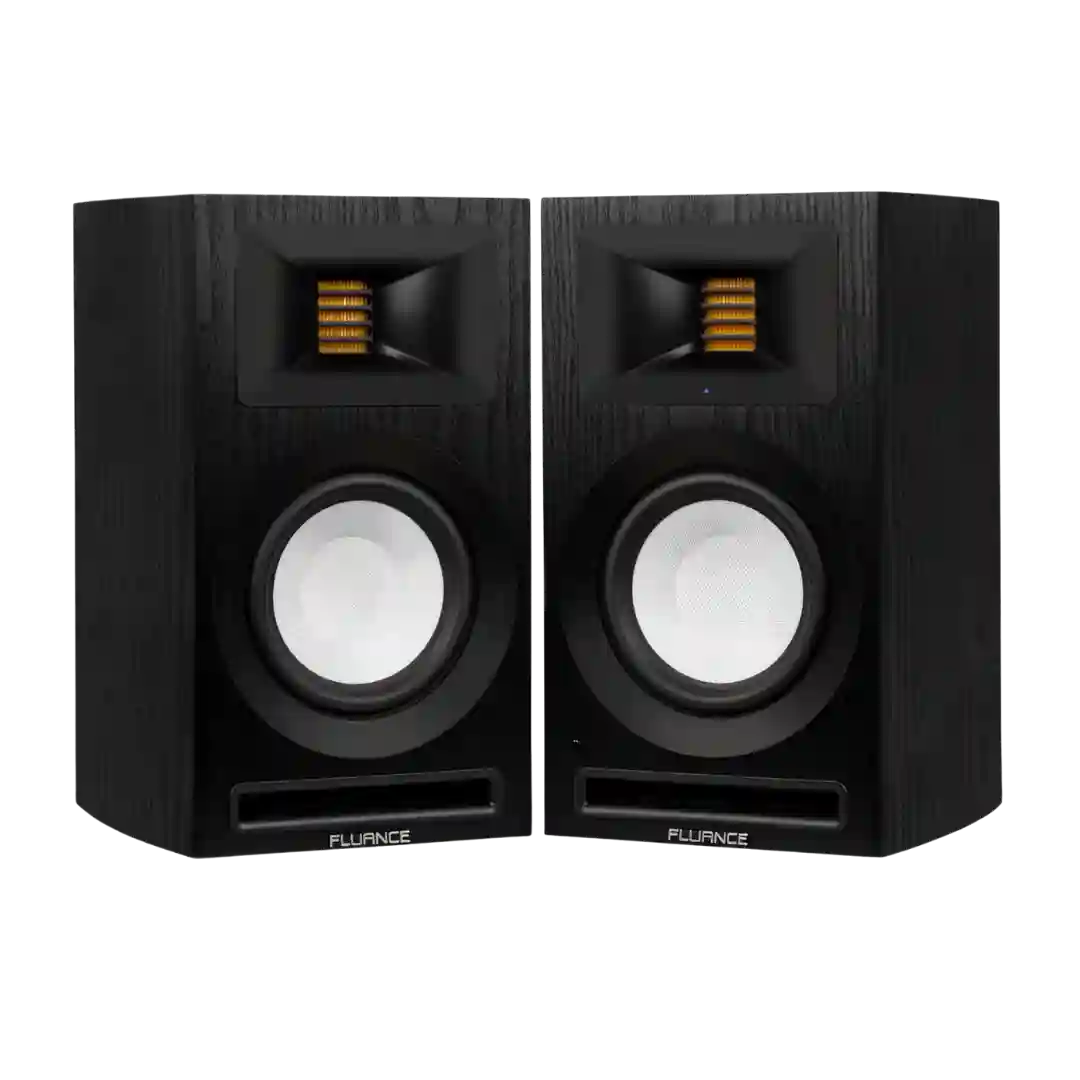
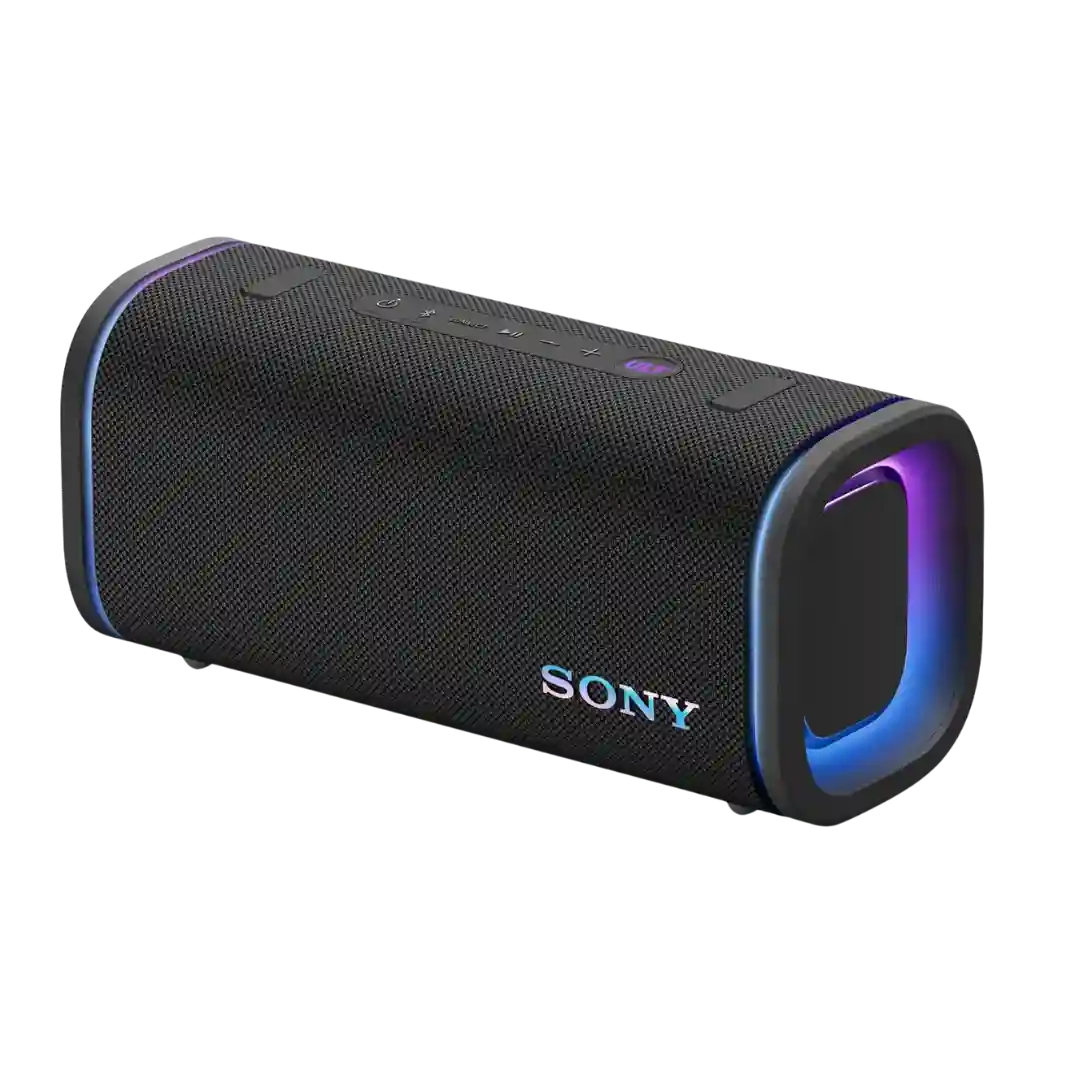
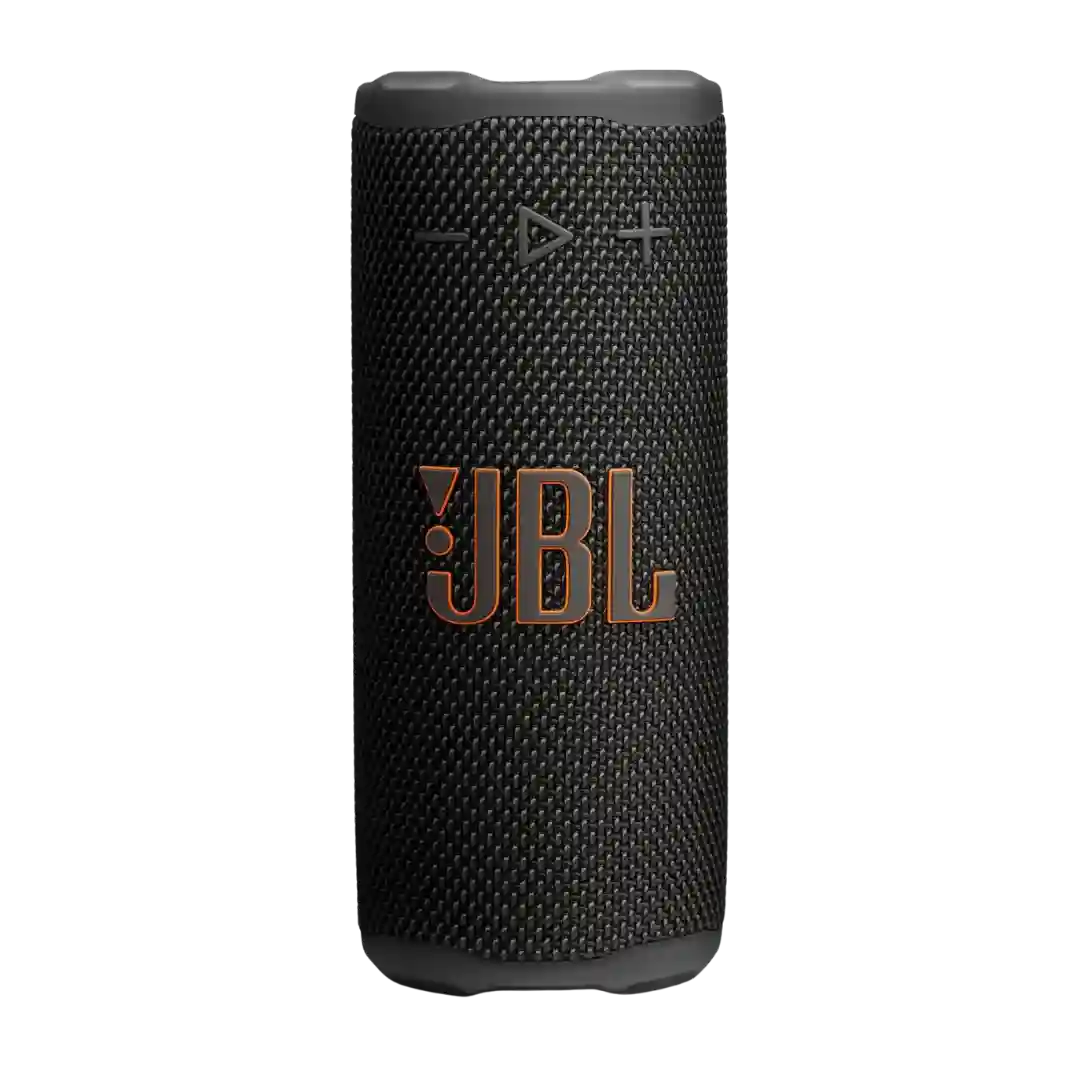
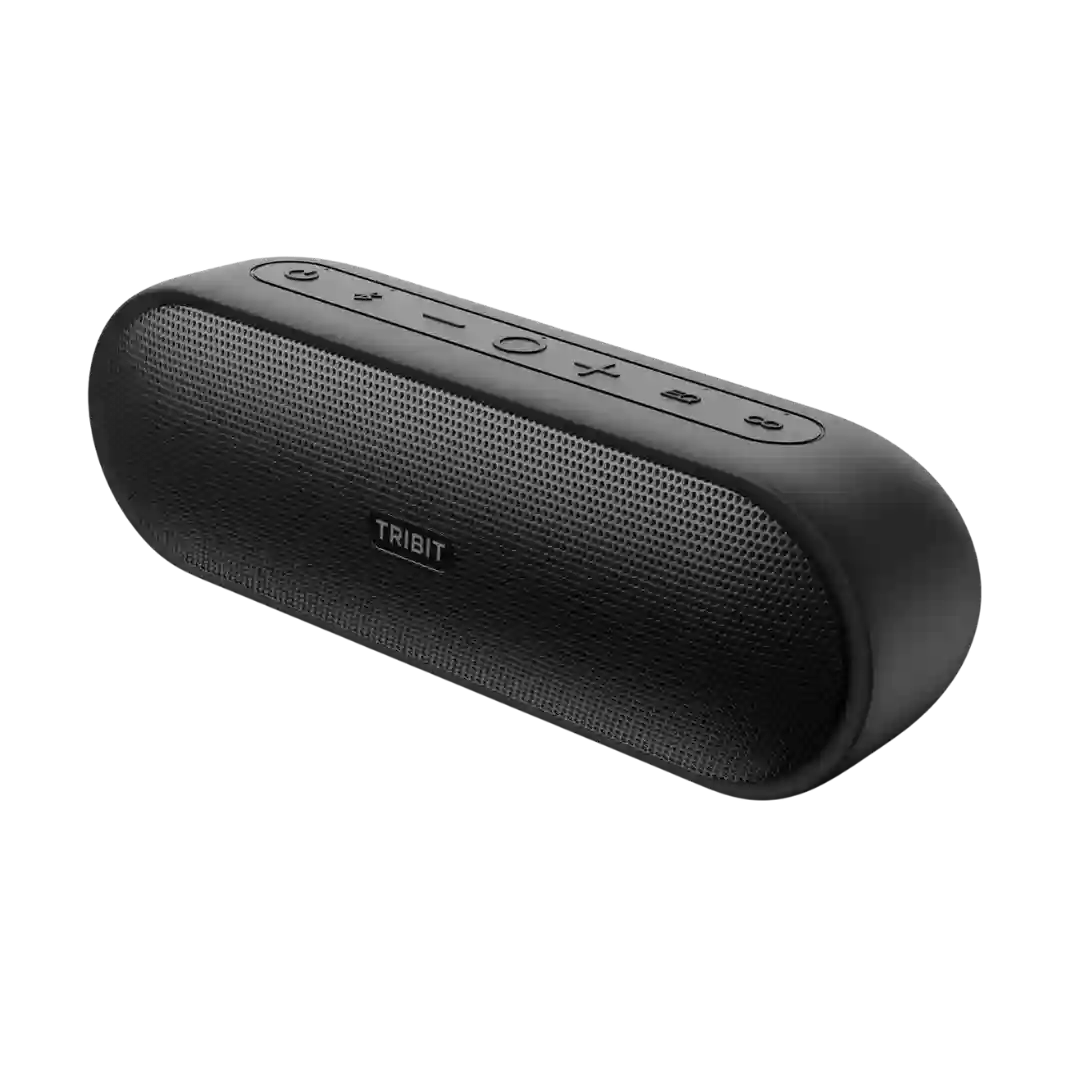
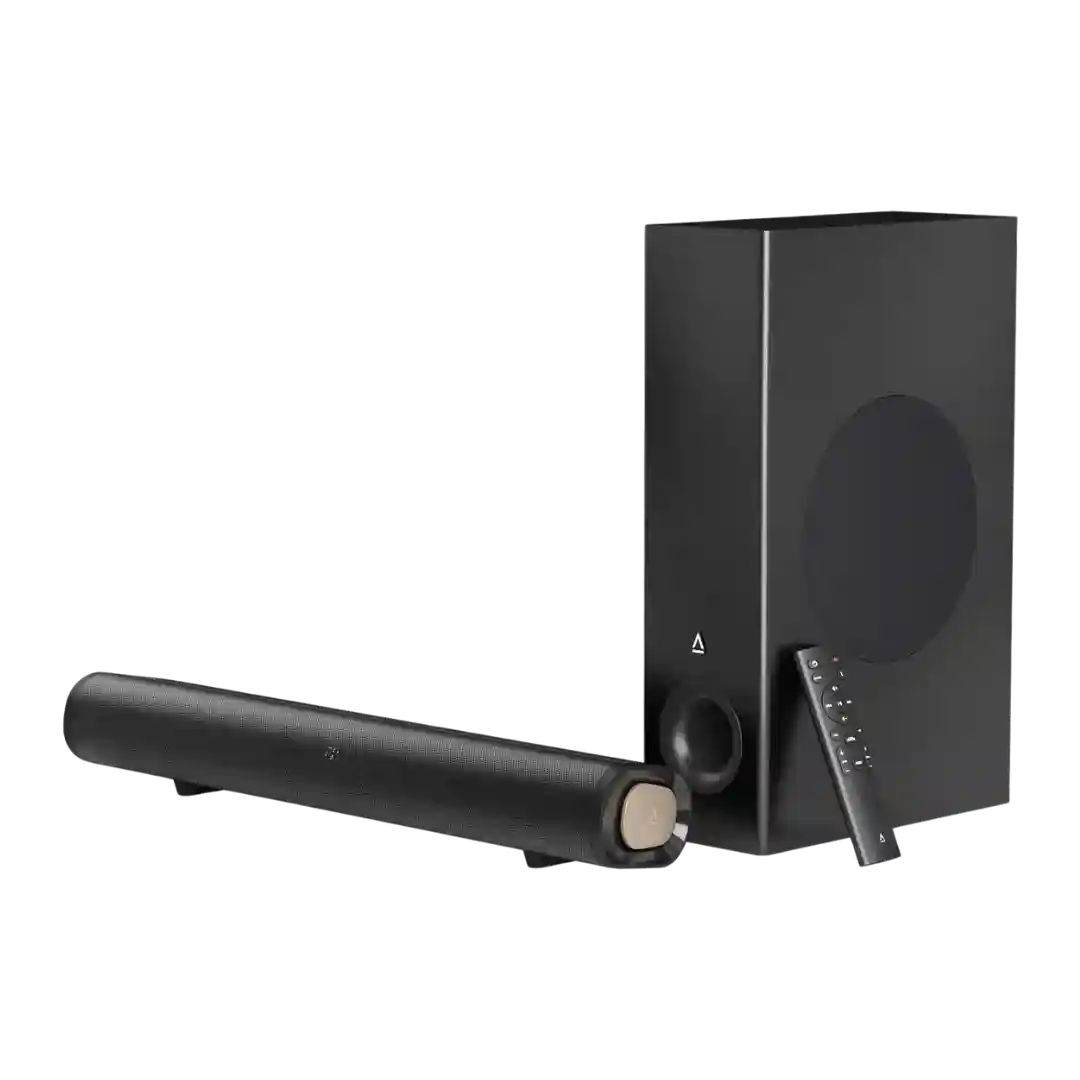
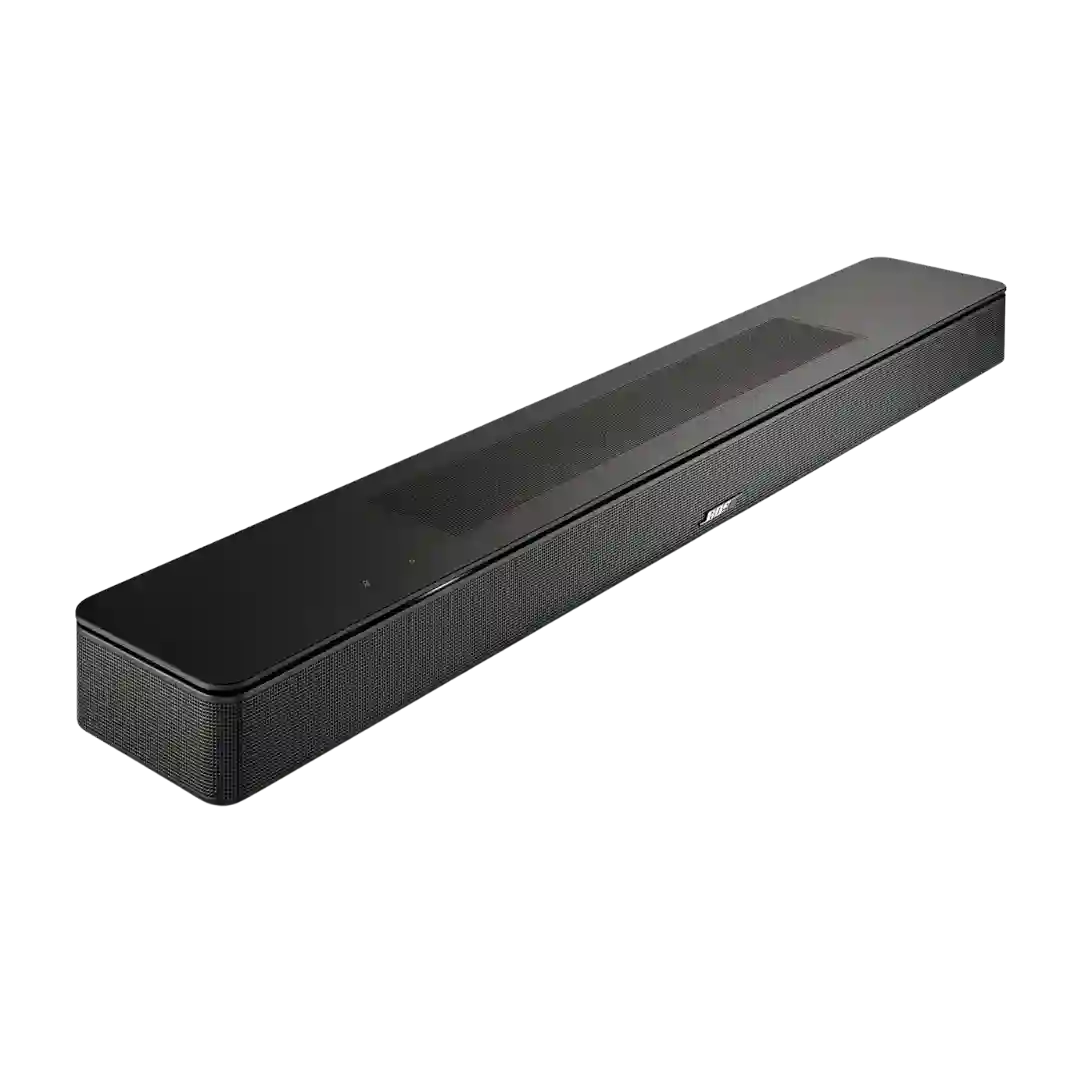
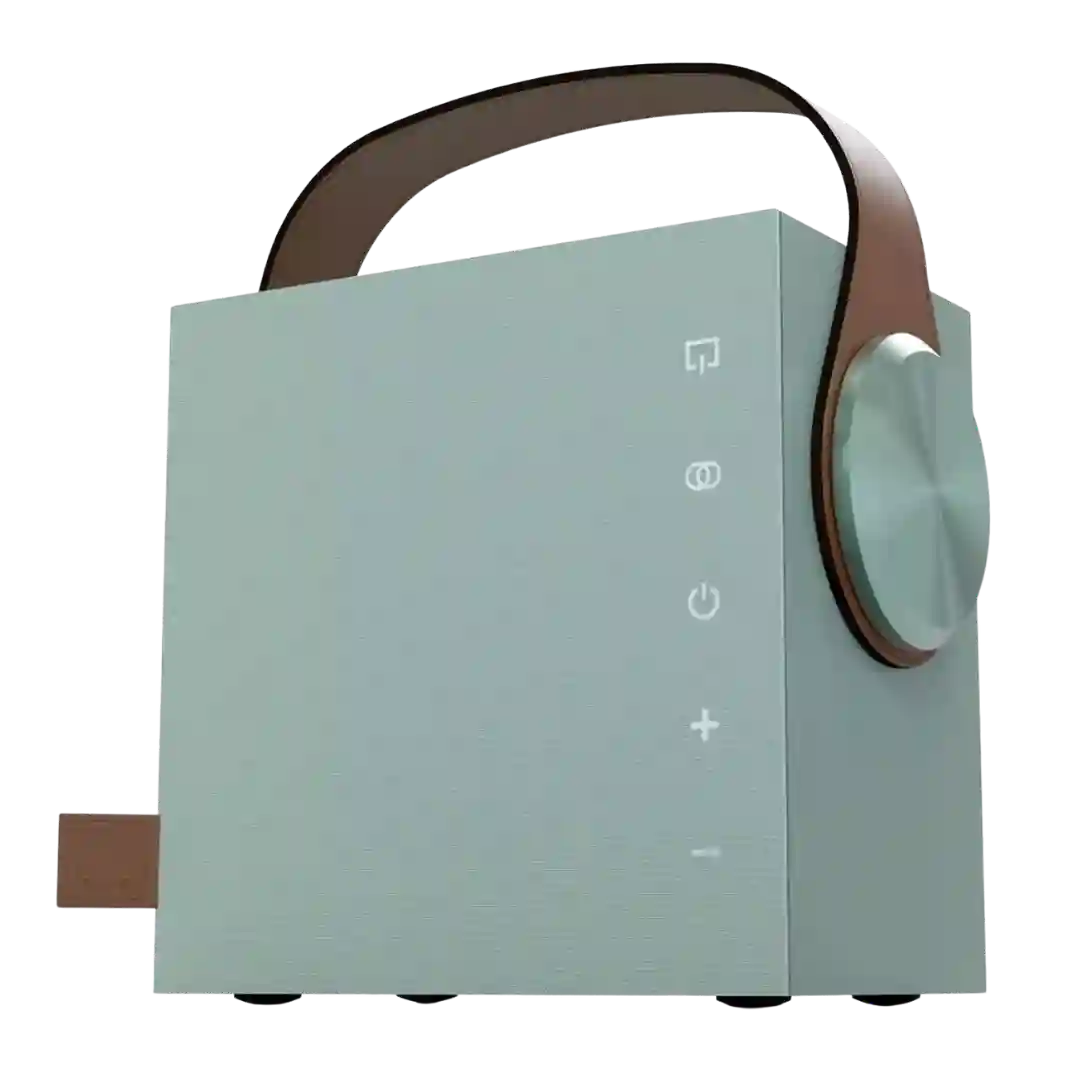
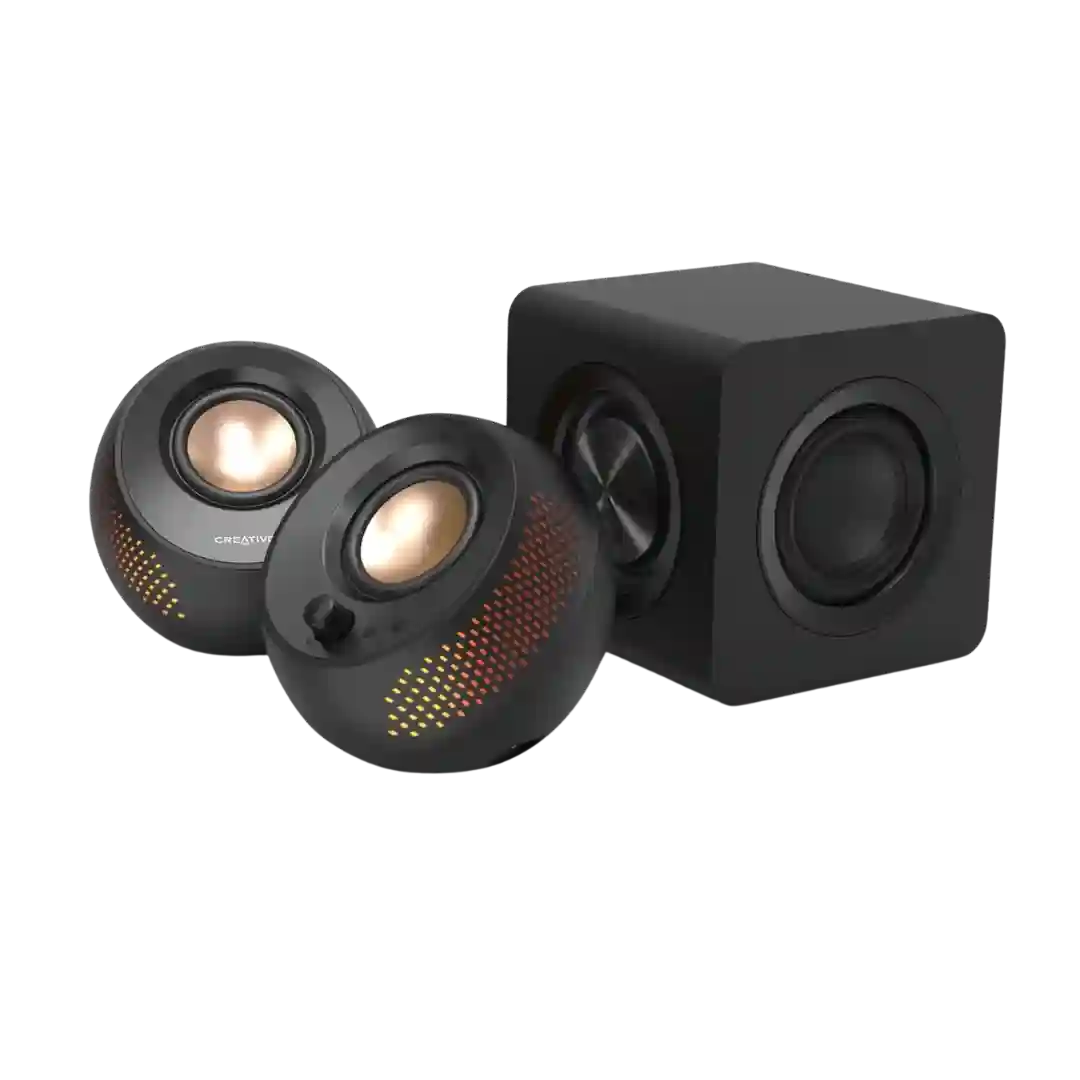
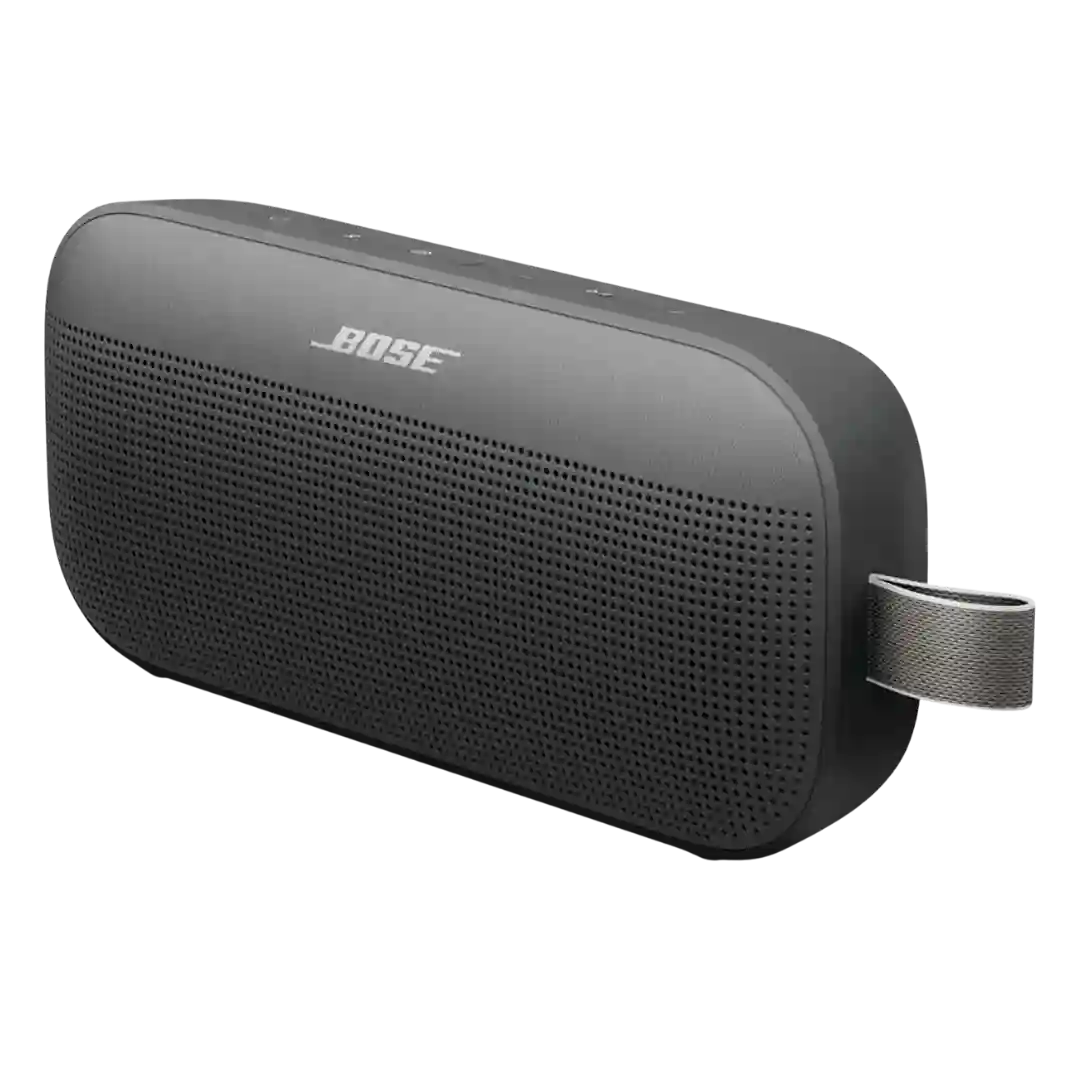
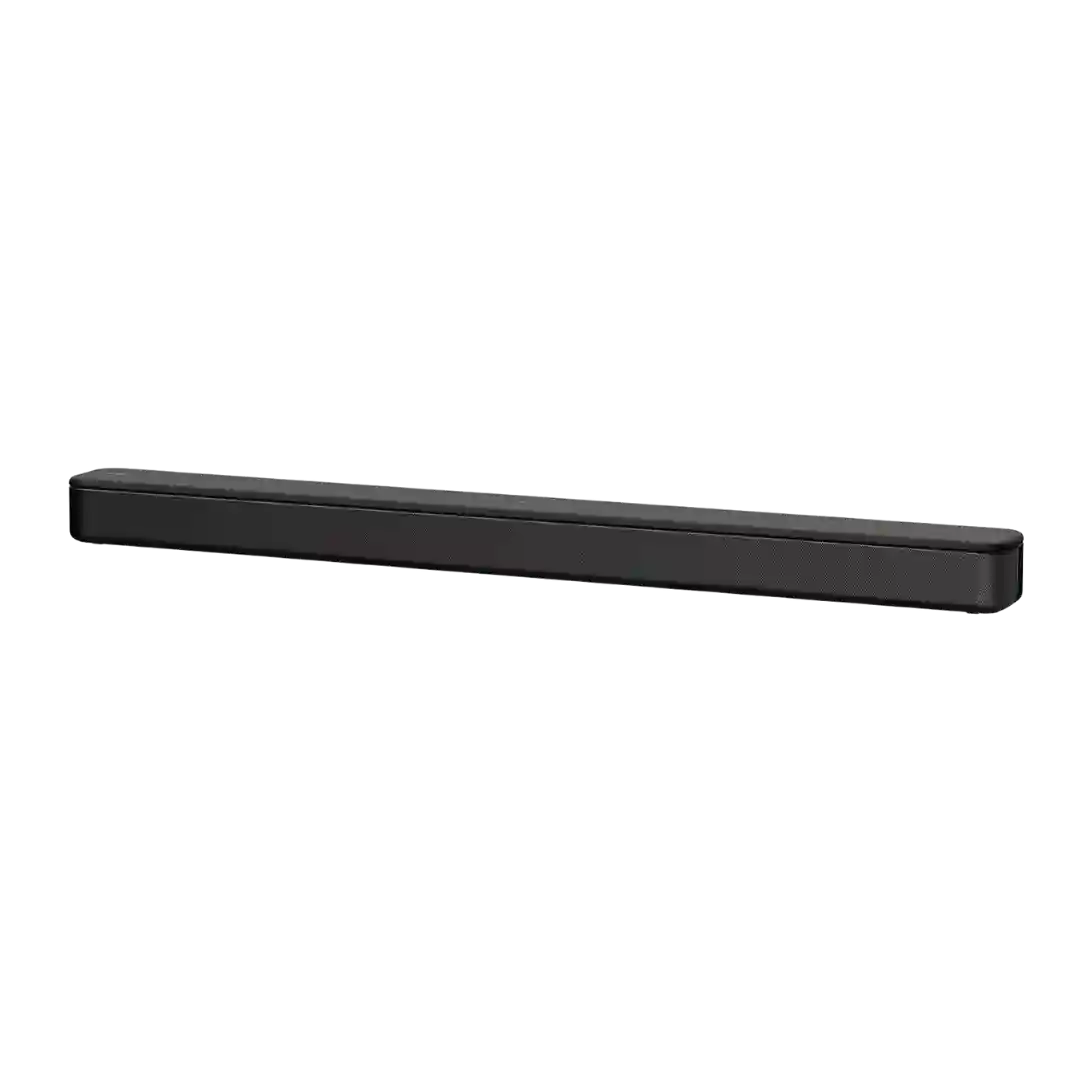
Button and control responsiveness is consistently described as satisfying and tactile, with several reviews calling out the premium feel of toggles, knobs, and playback controls.
Physical buttons are widely described as tactile and responsive, with quick power behavior and satisfying press feedback. A minor recurring gripe is visibility in the dark due to limited backlighting.
Physical buttons are generally easy to find and use, including with wet hands, and the dedicated Bluetooth button is a meaningful usability upgrade versus the original.
Physical button controls are repeatedly described as simple and easy to use, with a layout that reduces accidental presses and supports quick playback and volume adjustments.
Buttons are generally described as clicky, tactile, and easy to press. One recurring drawback is that the large front buttons may not be illuminated, making them harder to use in the dark compared with backlit controls.
The remote buttons and main controls usually register cleanly, though a few reviewers found the endlessly rotating tone and volume controls less intuitive than ideal.
Button responsiveness is mostly good (including single-press power), but a couple of reviews mention needing the app to fully power down or that rapid repeated presses feel less satisfying.
Button placement and day-to-day responsiveness are mostly praised, but opinions on tactile quality are mixed, especially around the stepped volume knob behavior.