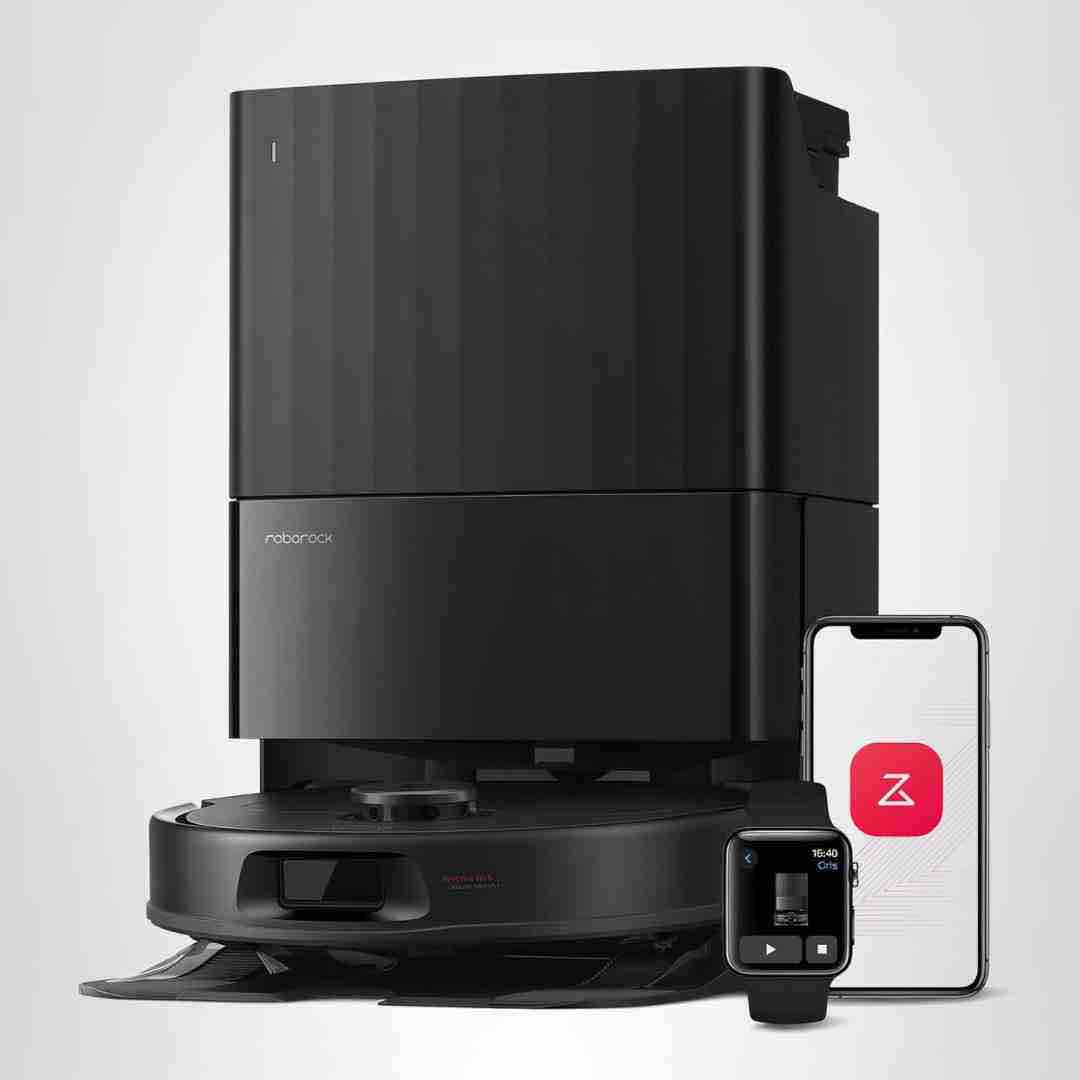
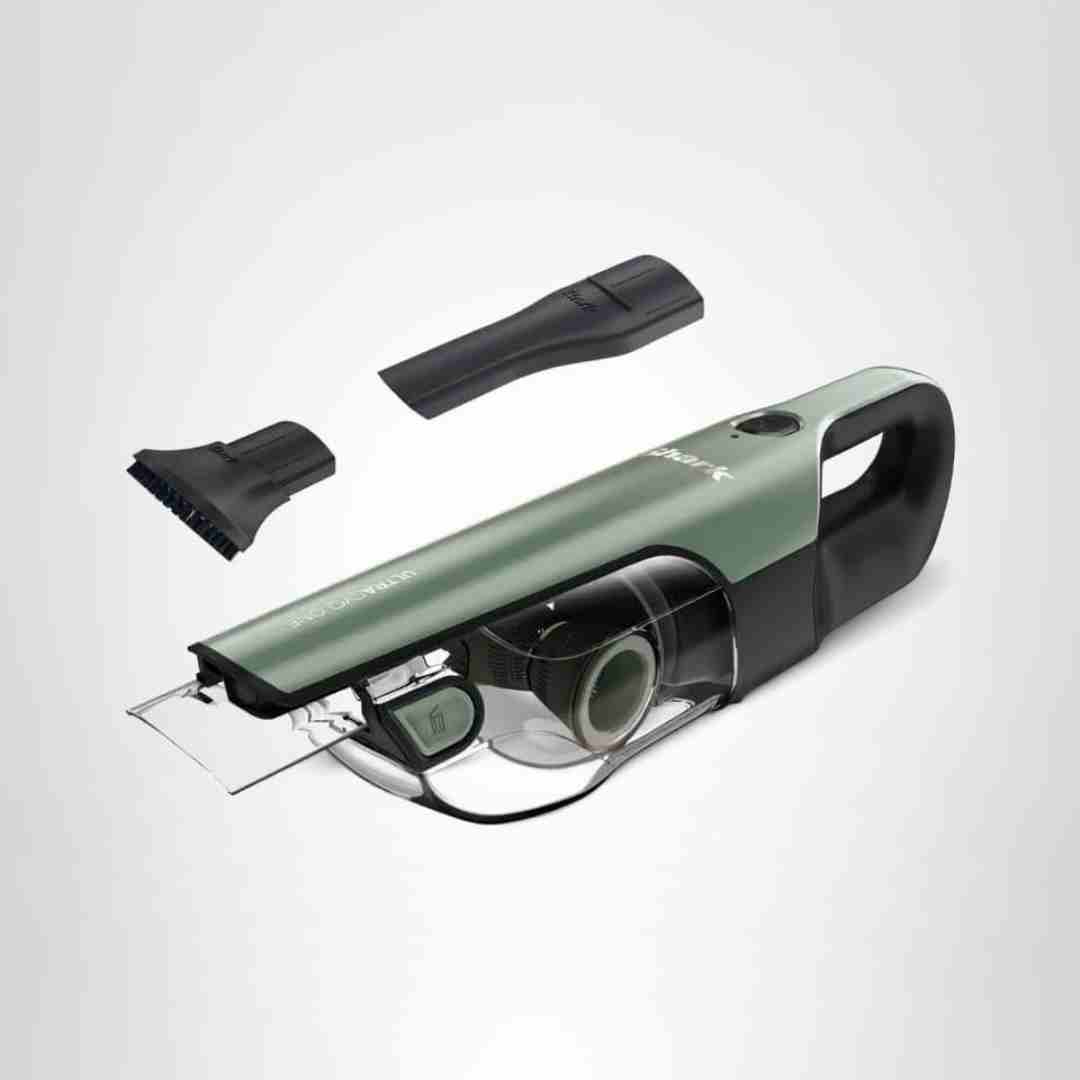
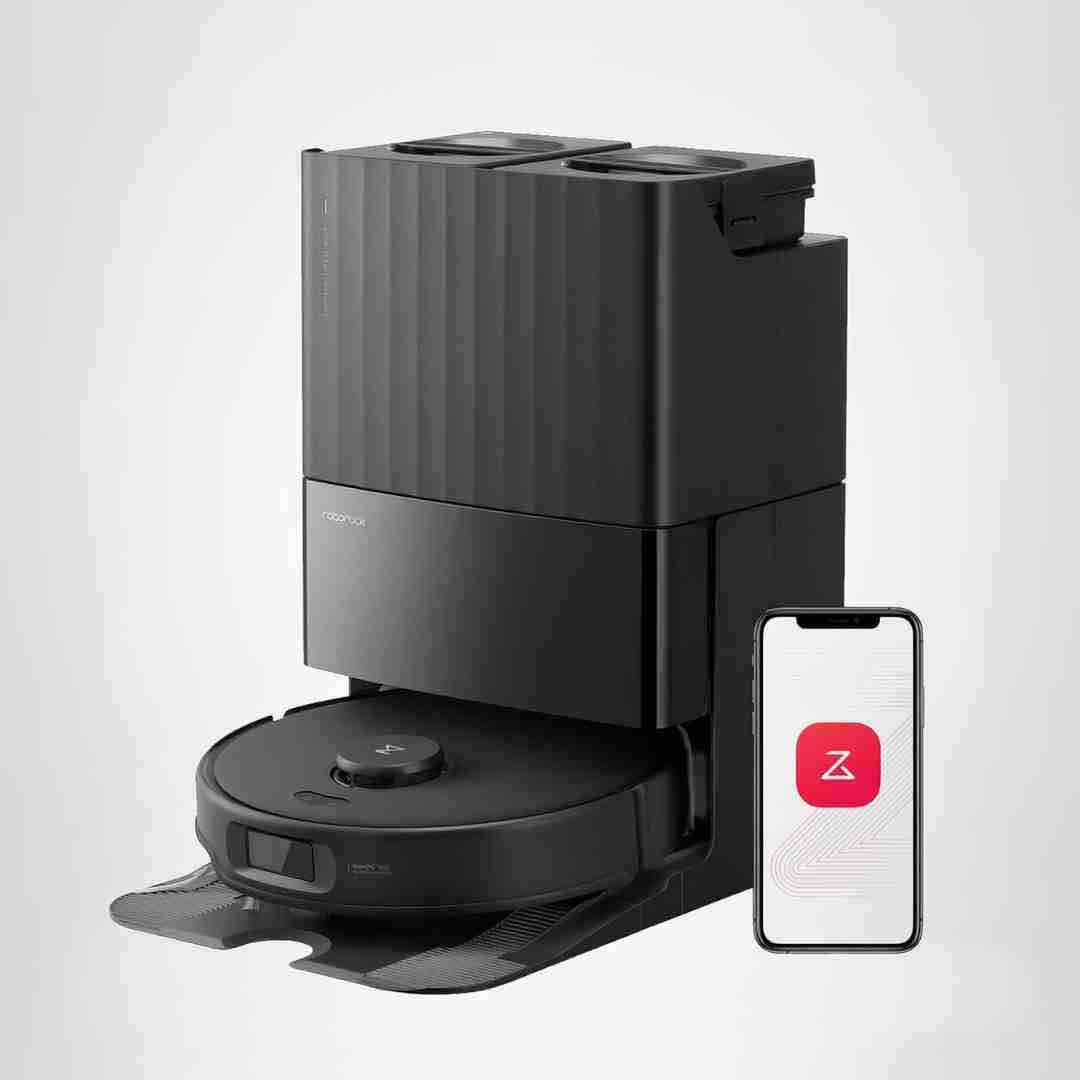
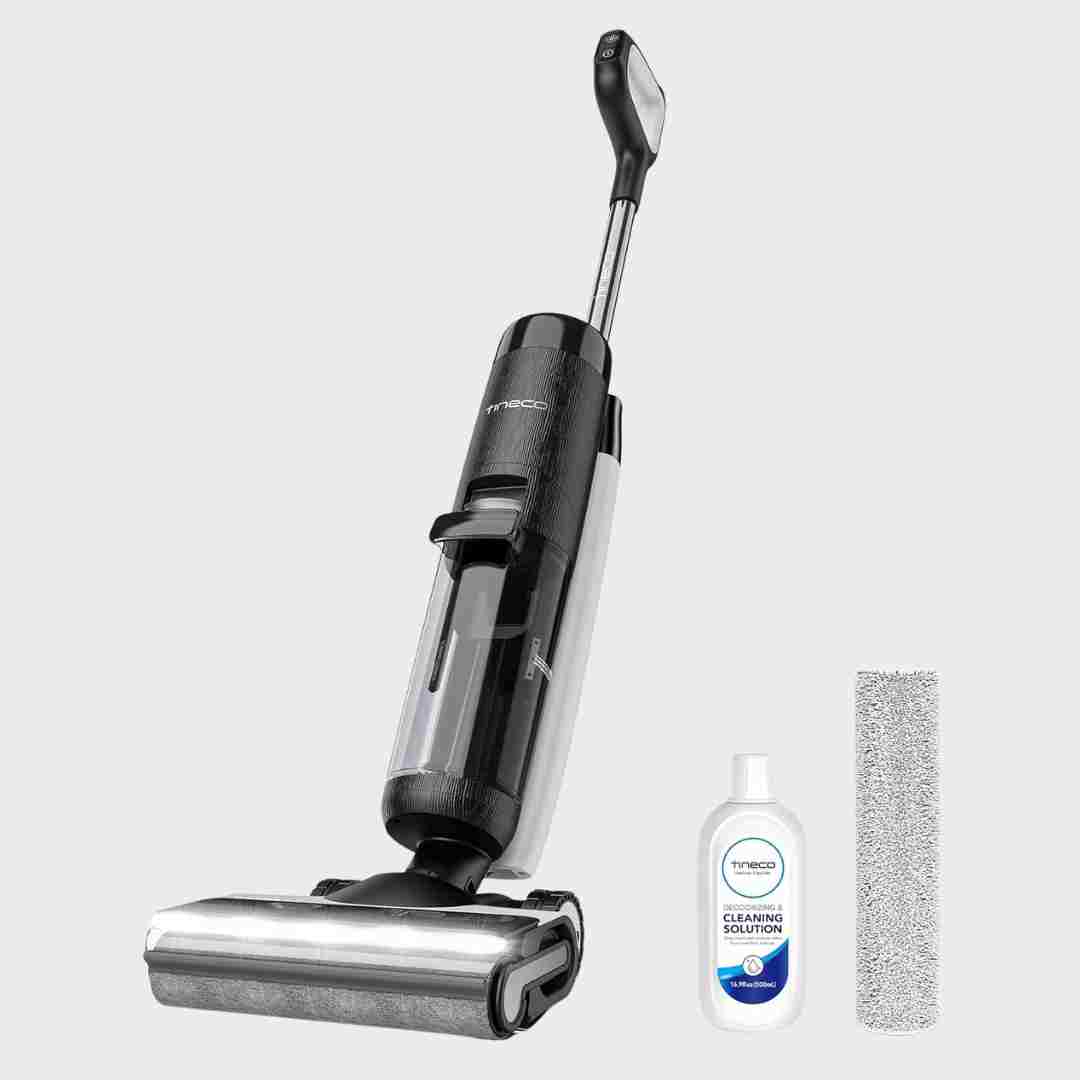
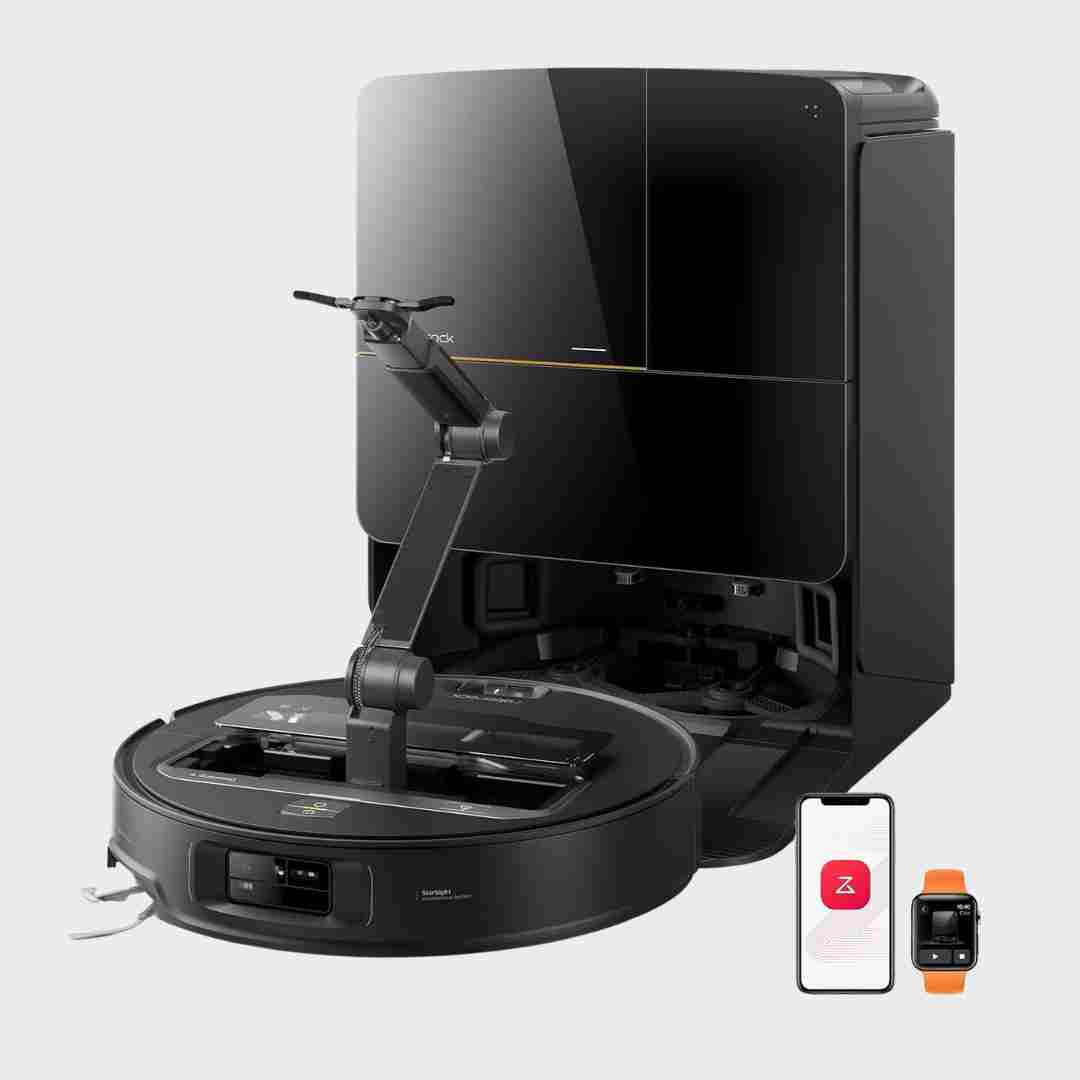
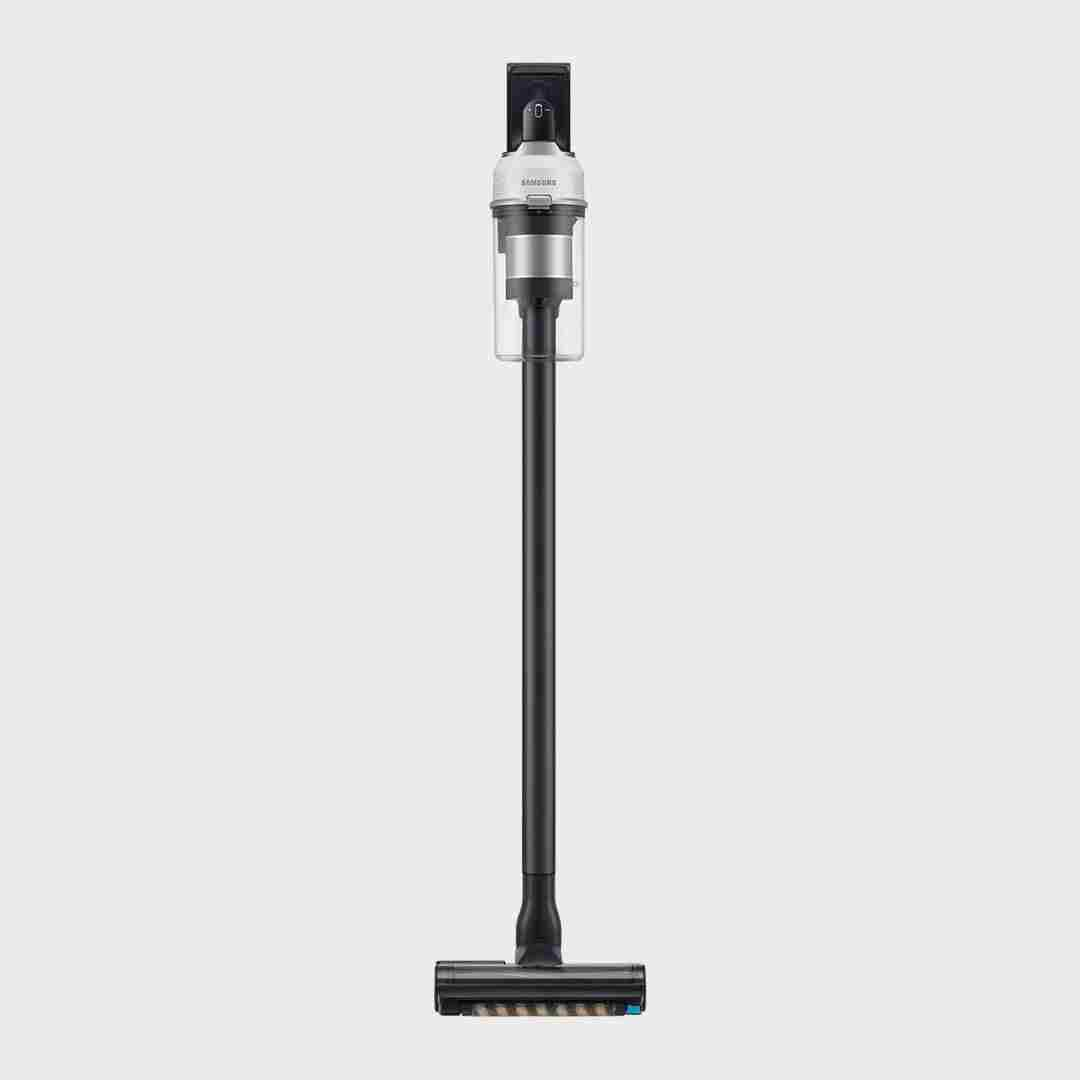
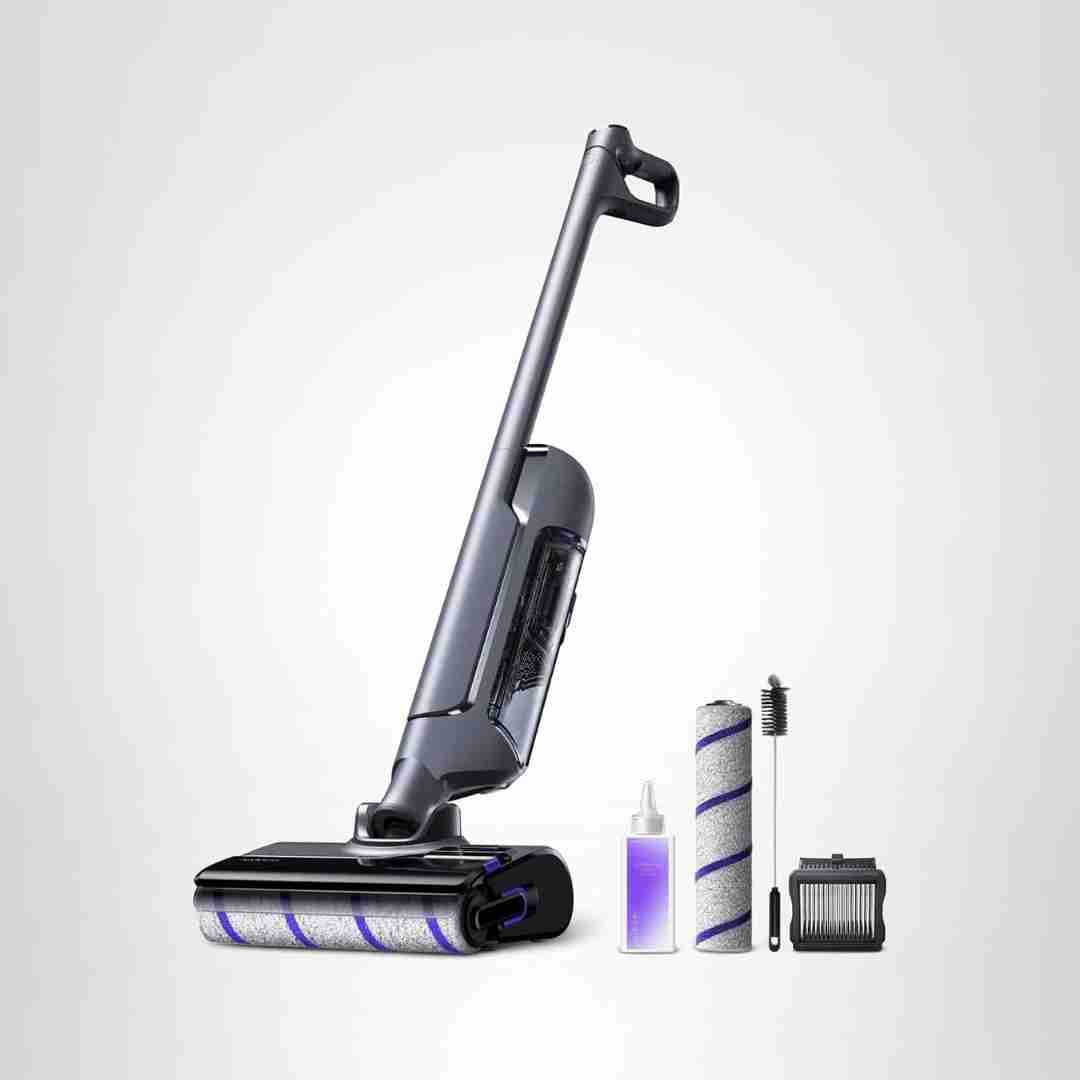
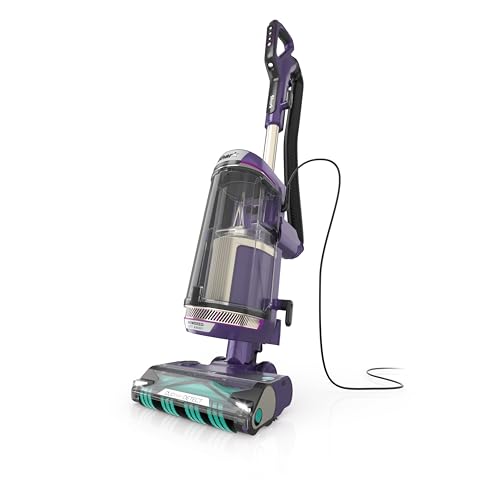
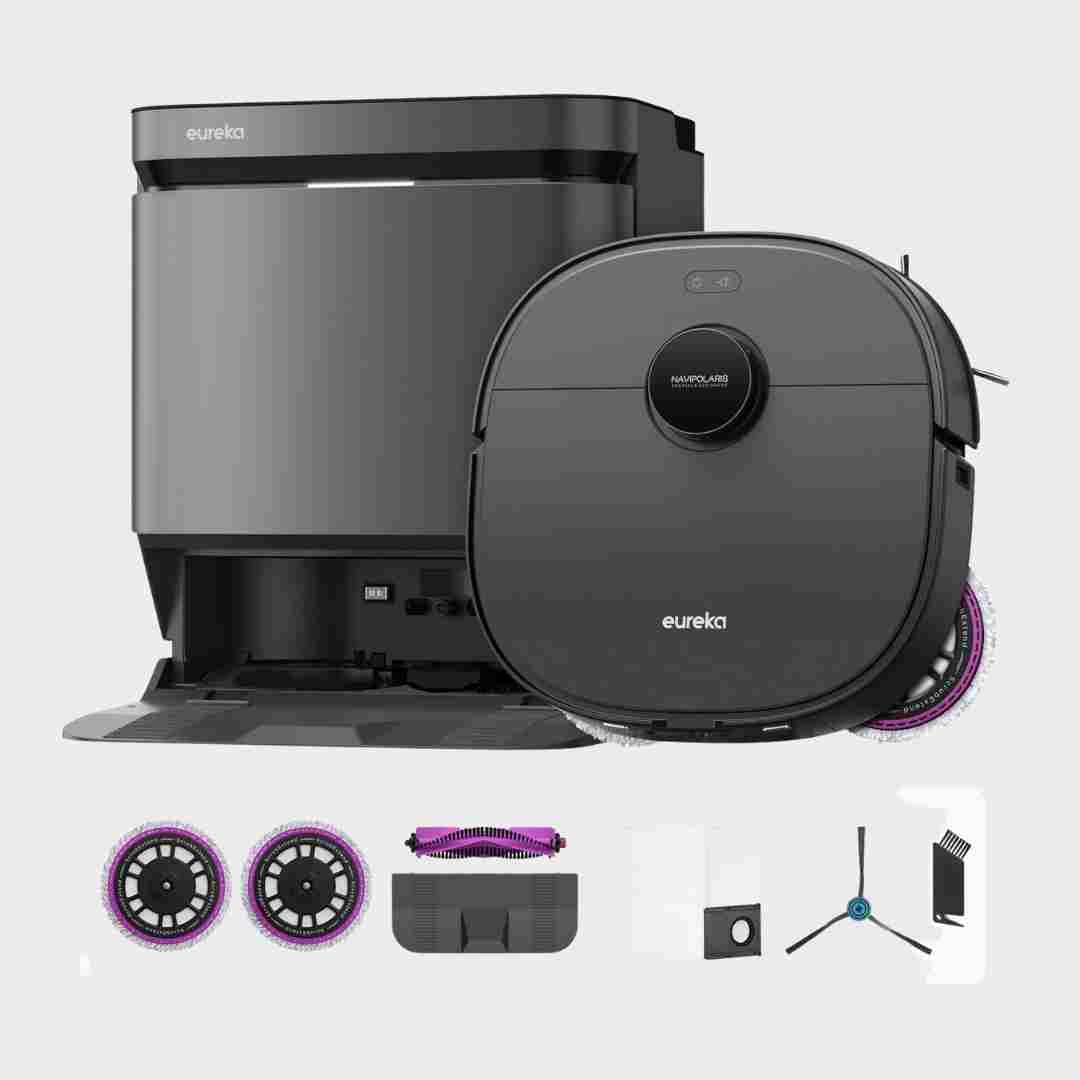
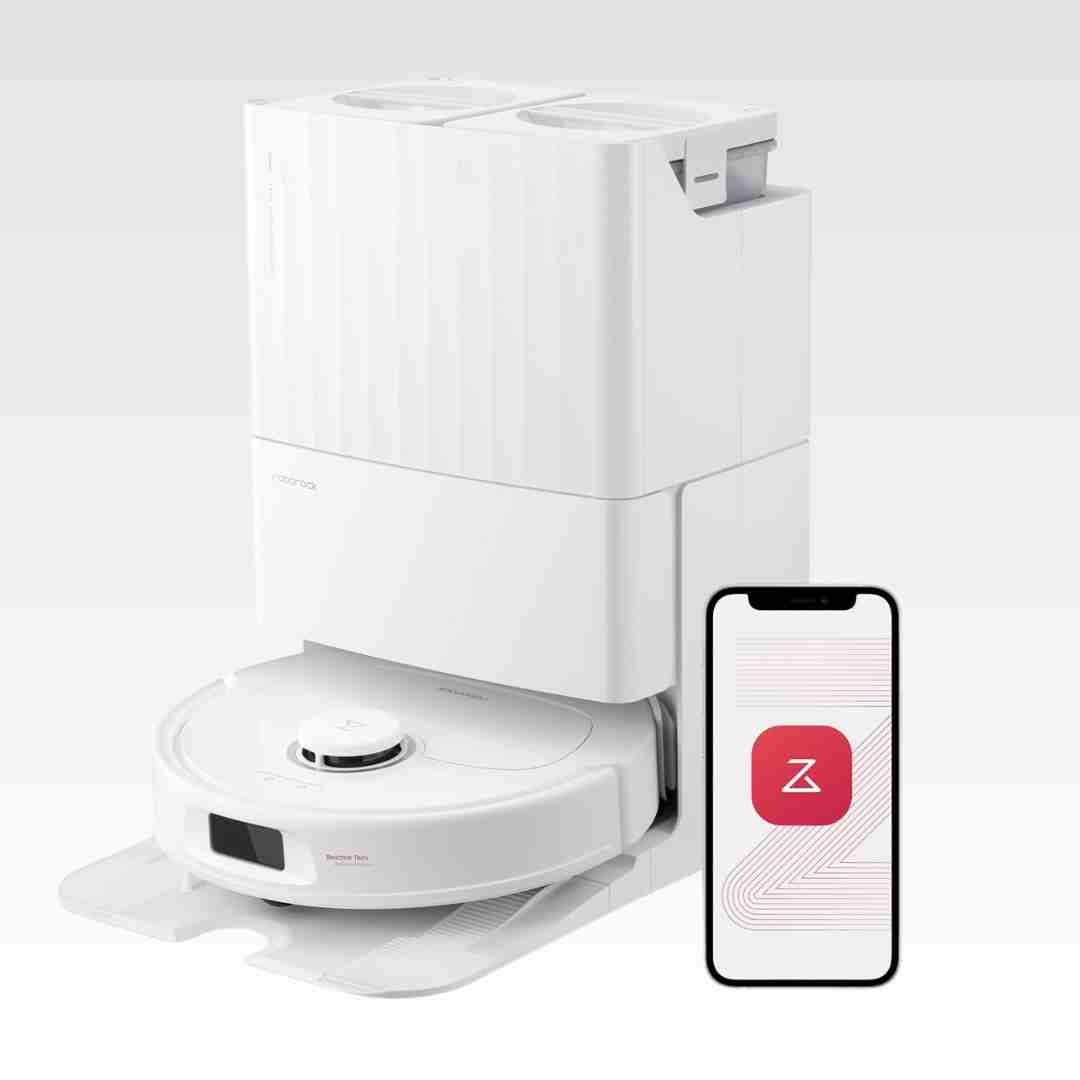
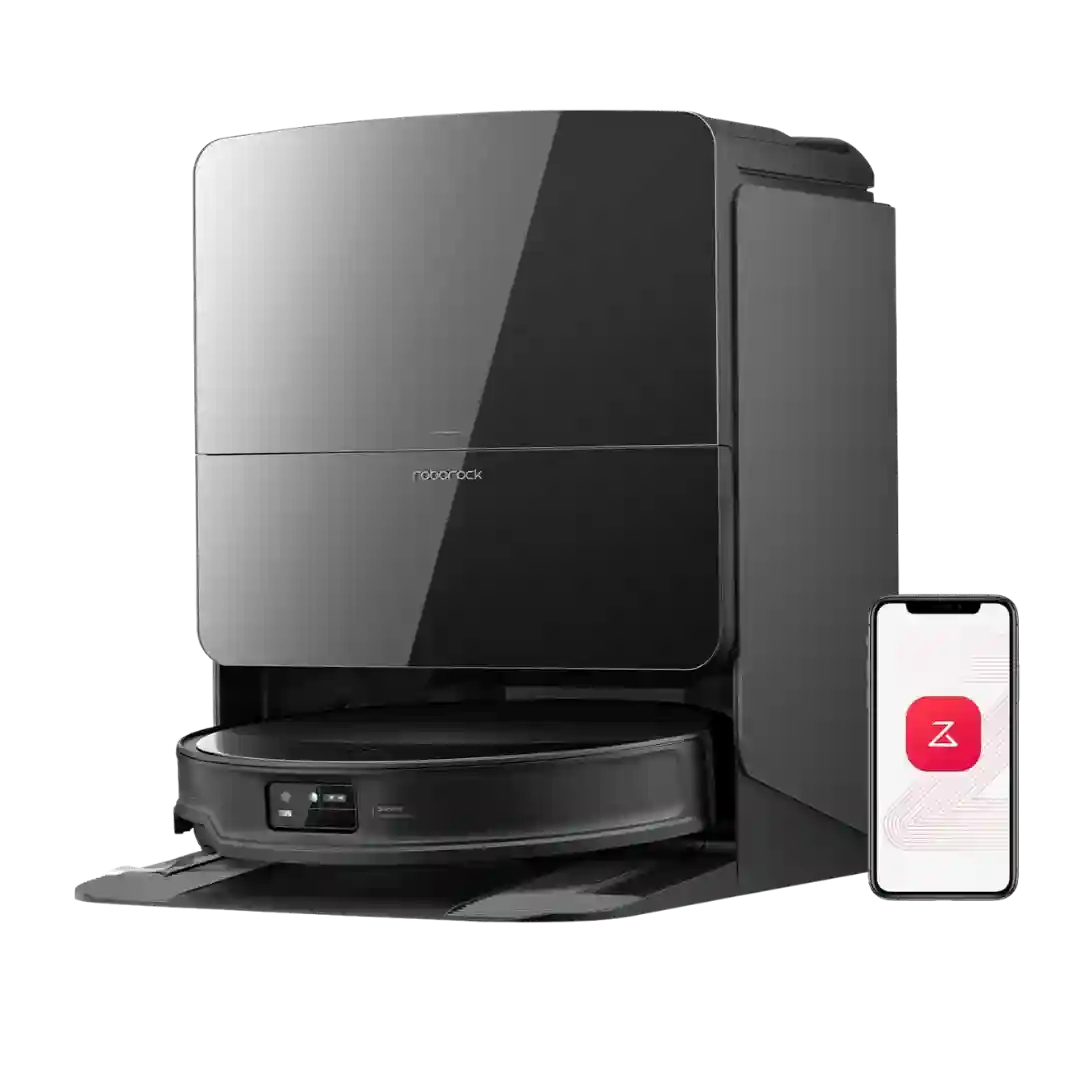
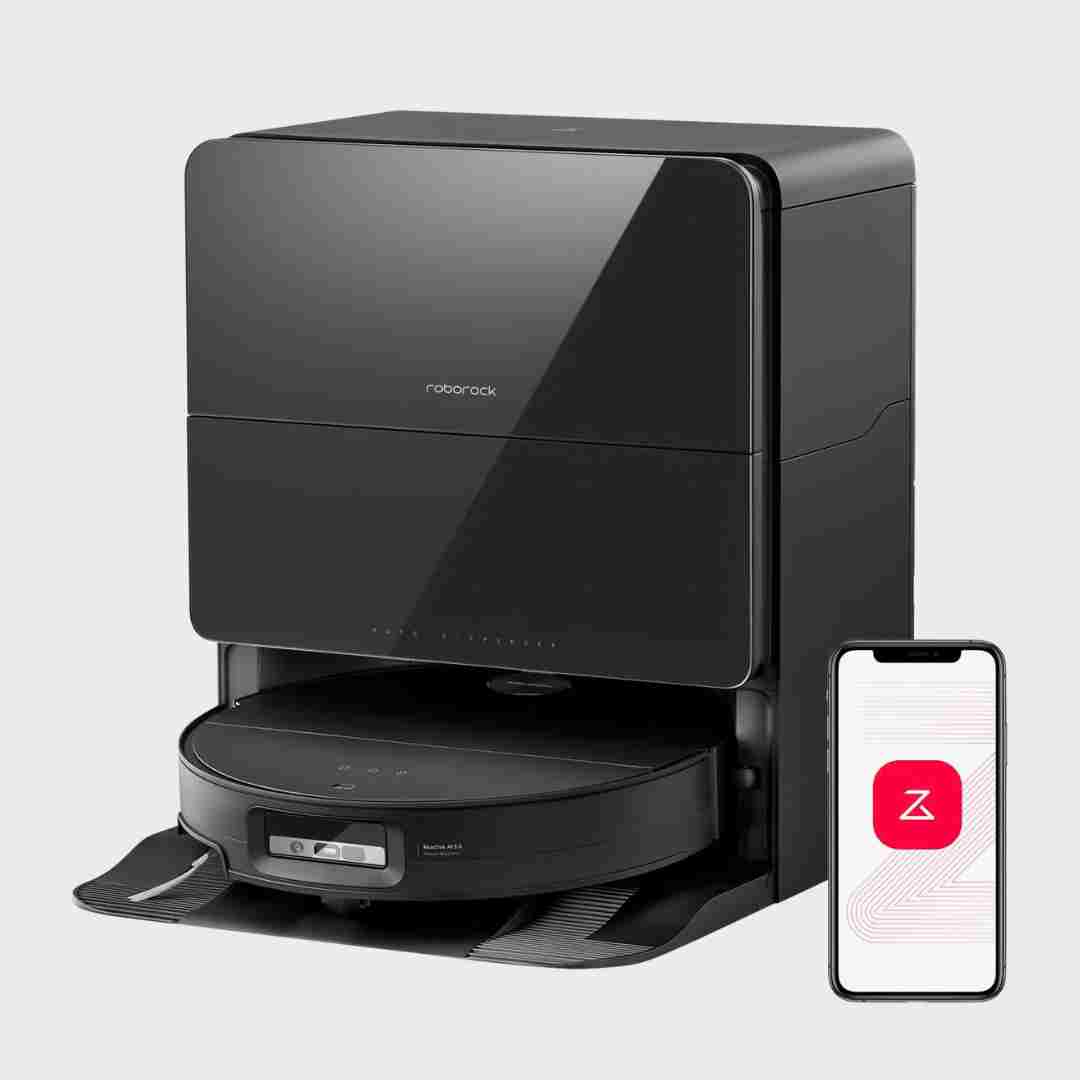
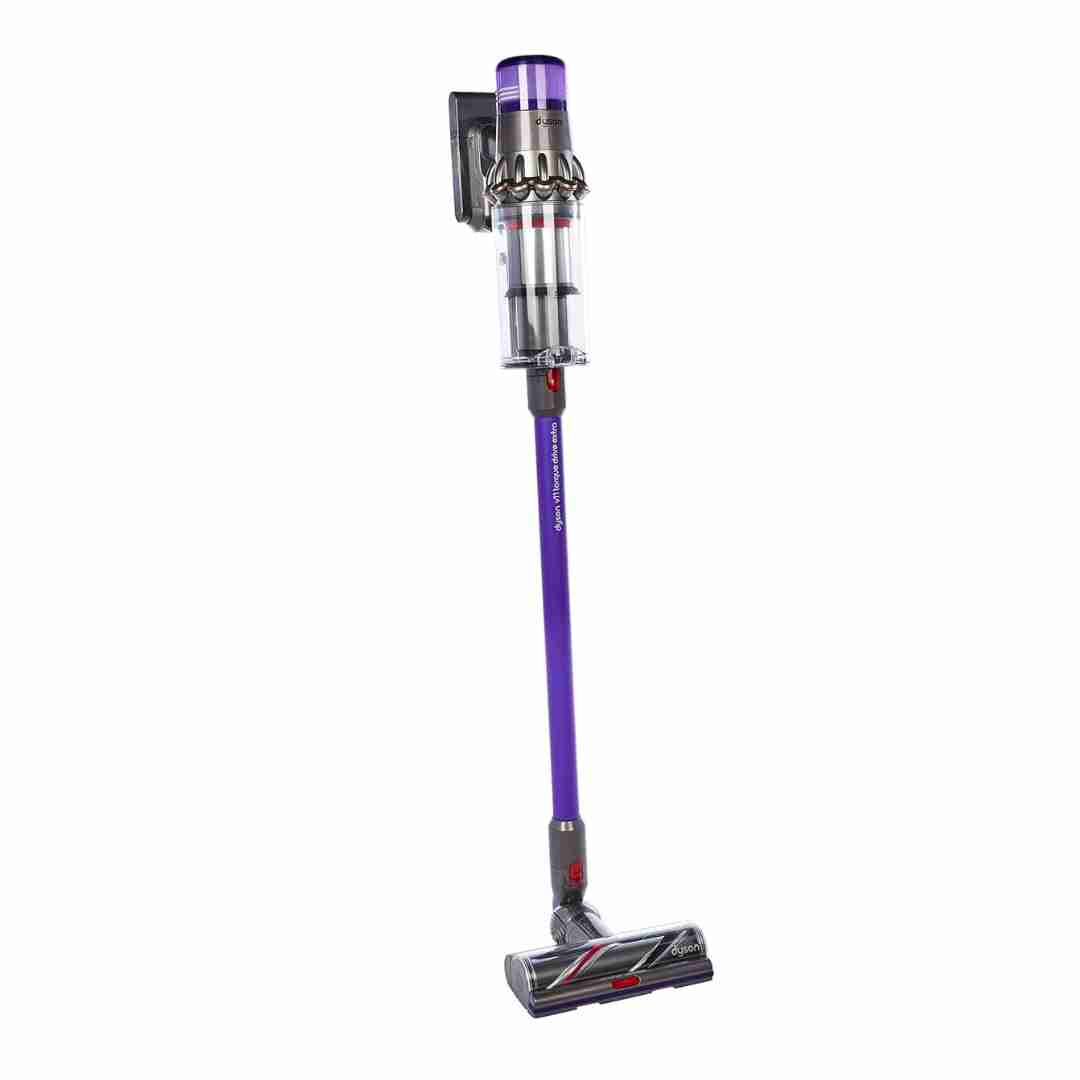
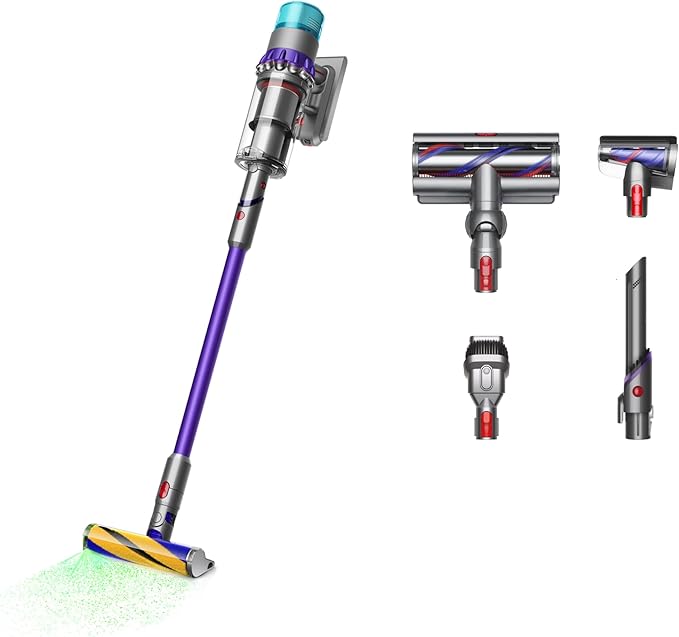
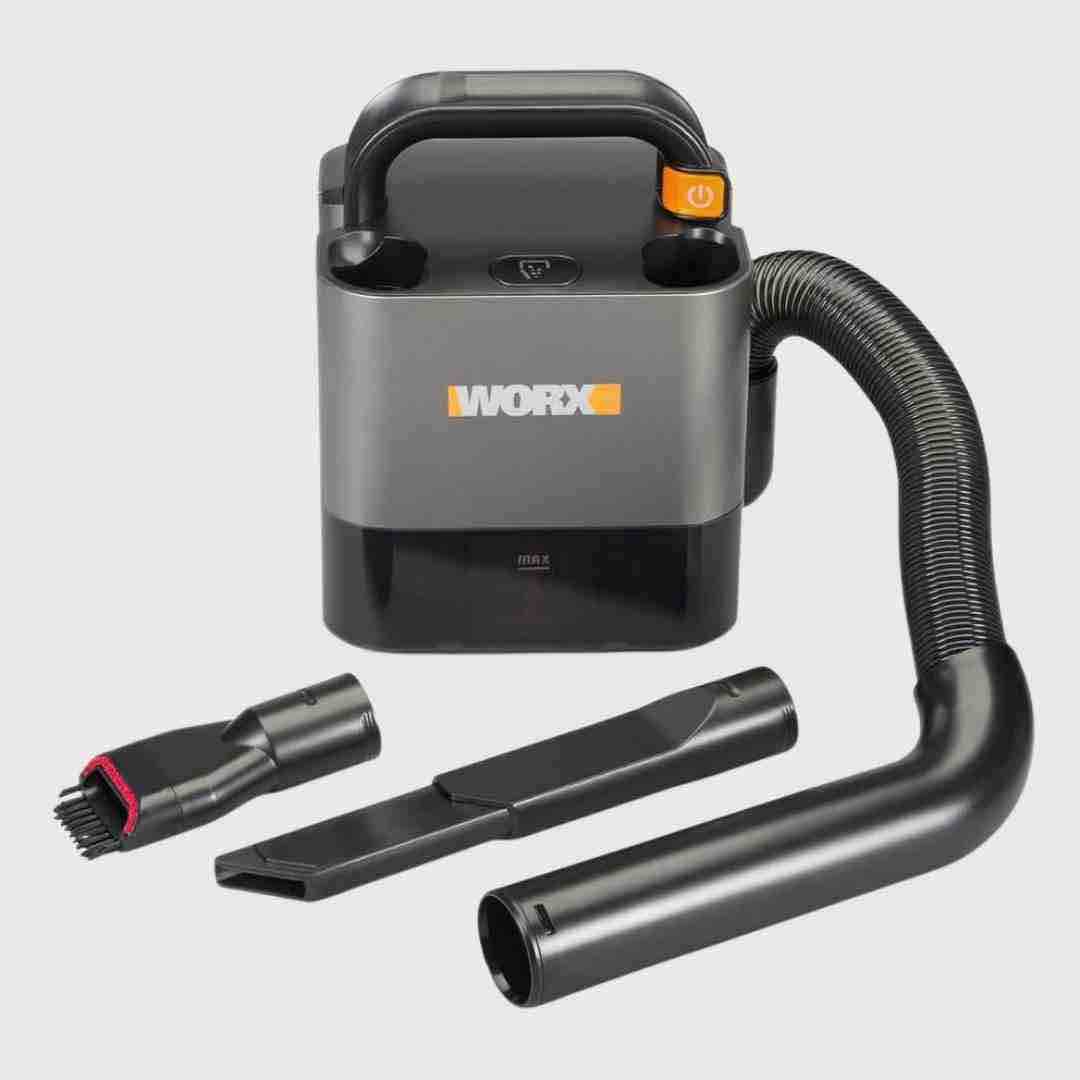
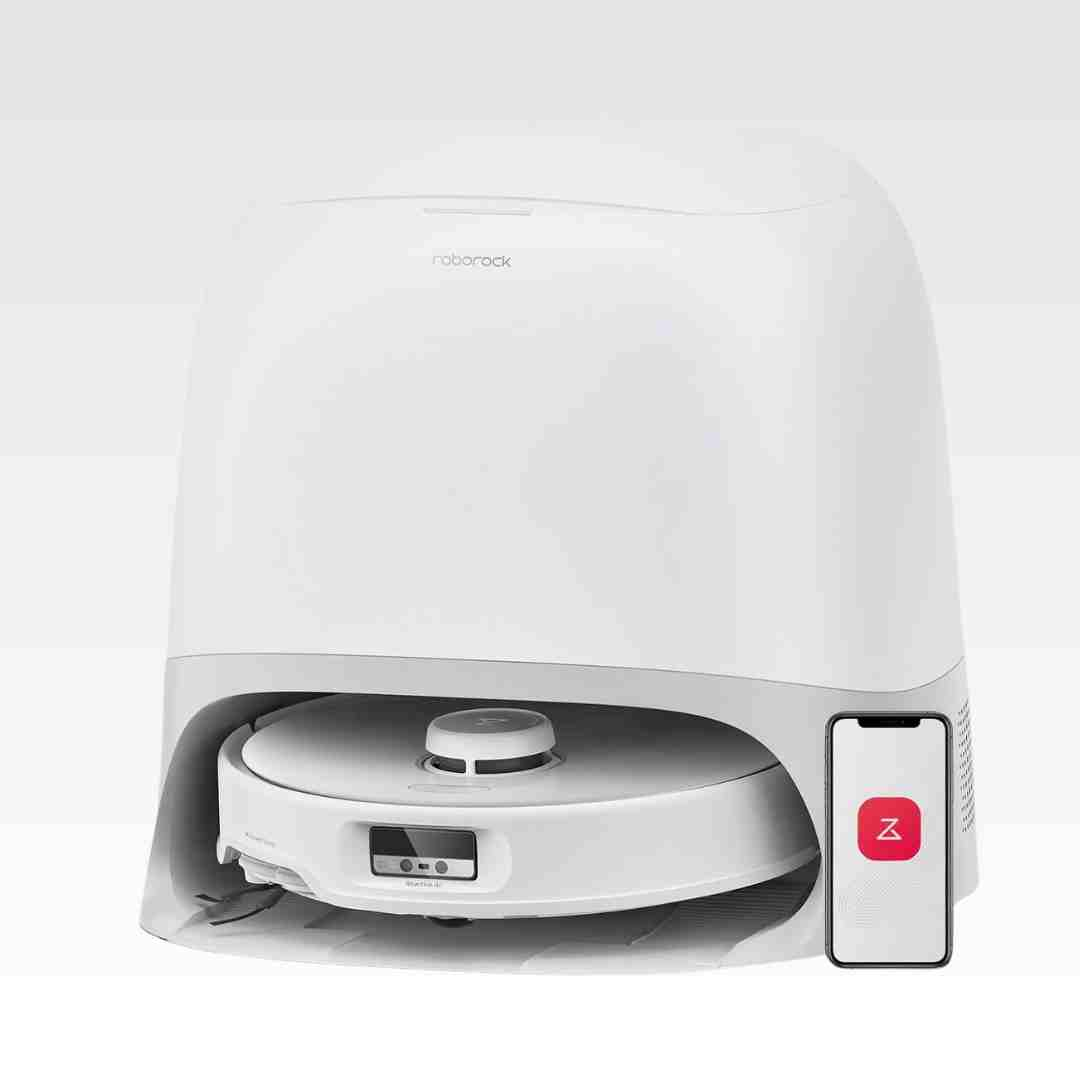
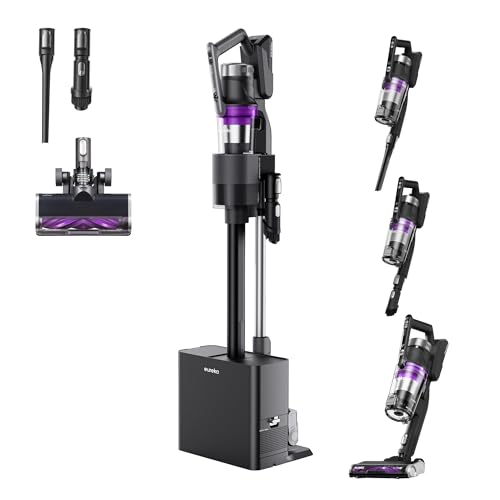
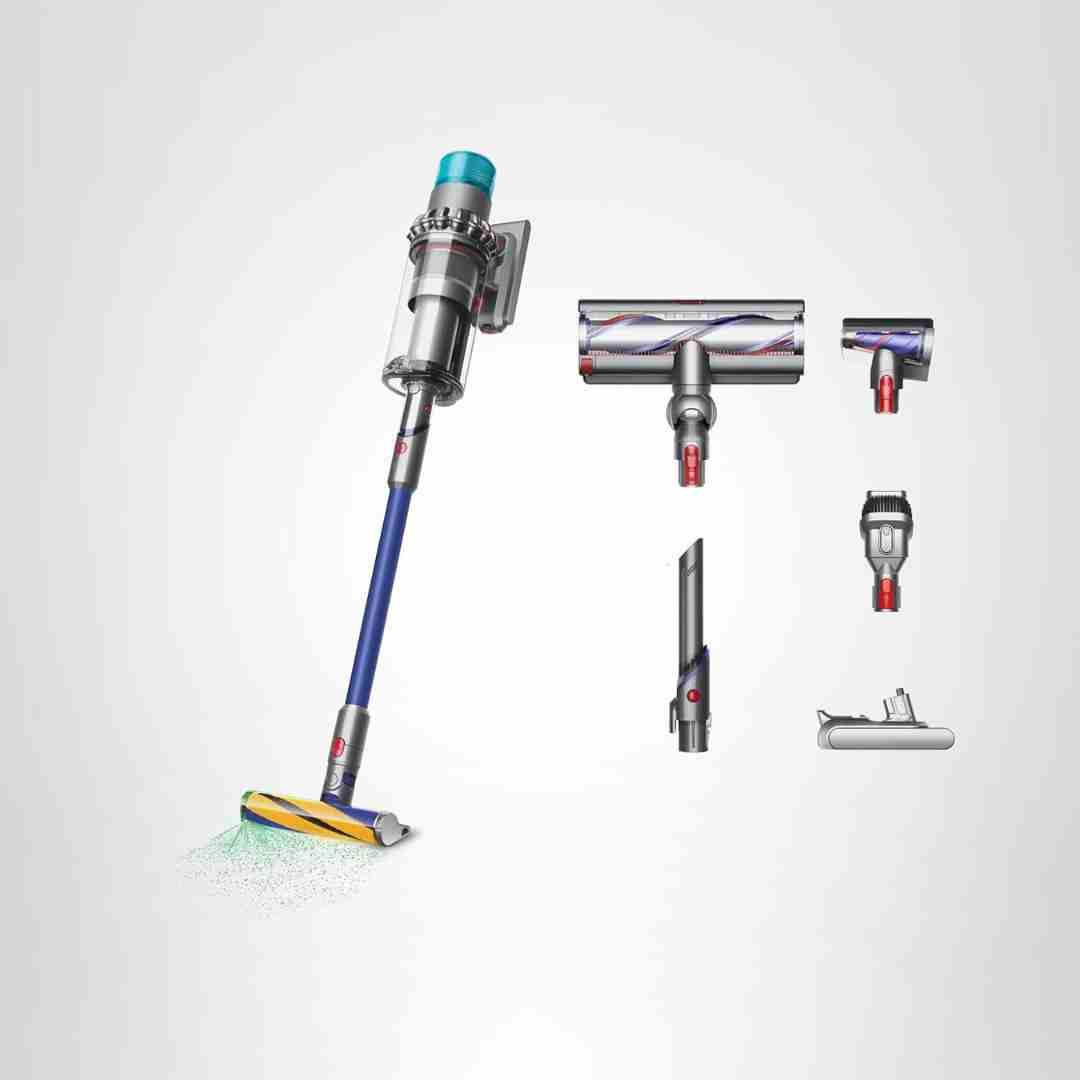
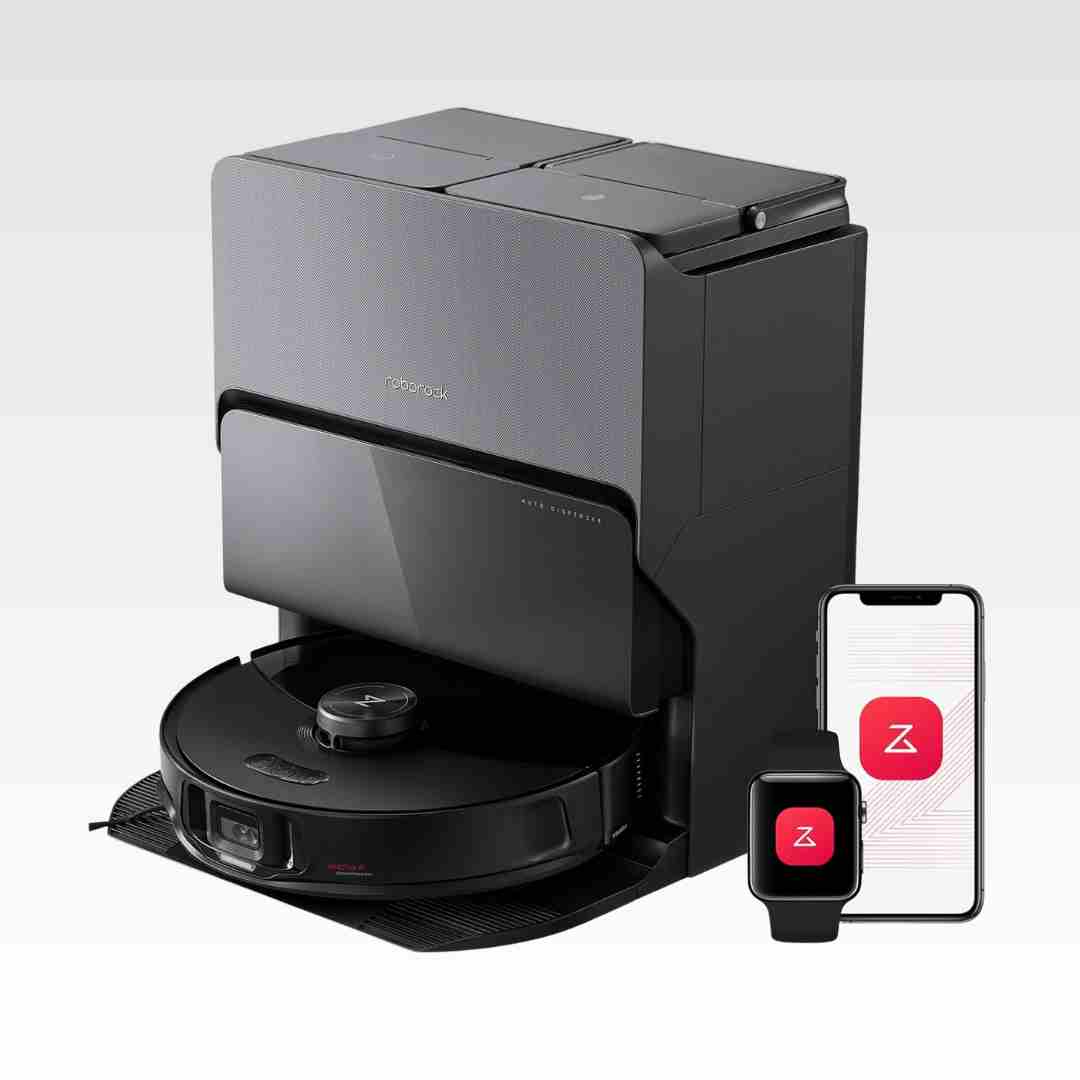
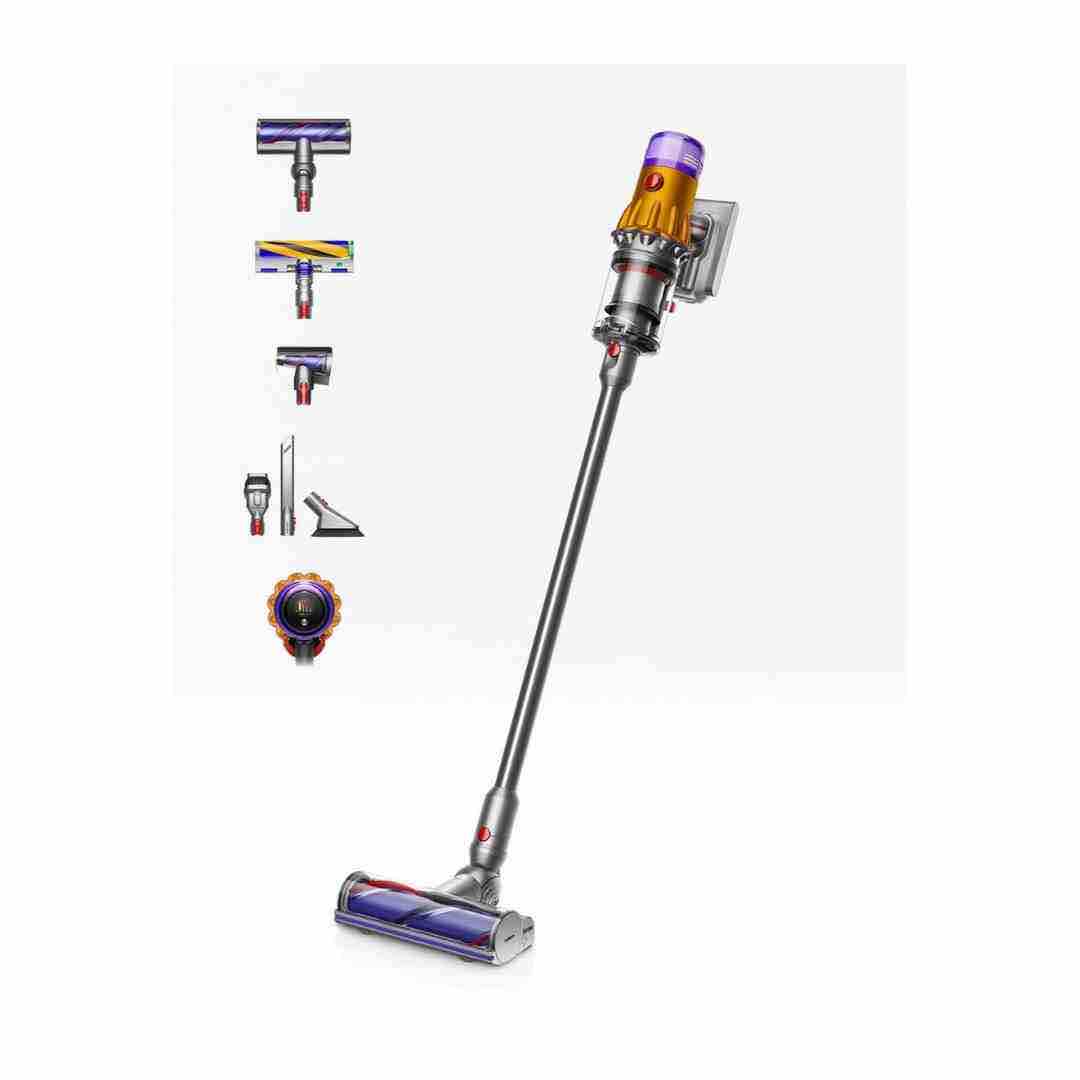
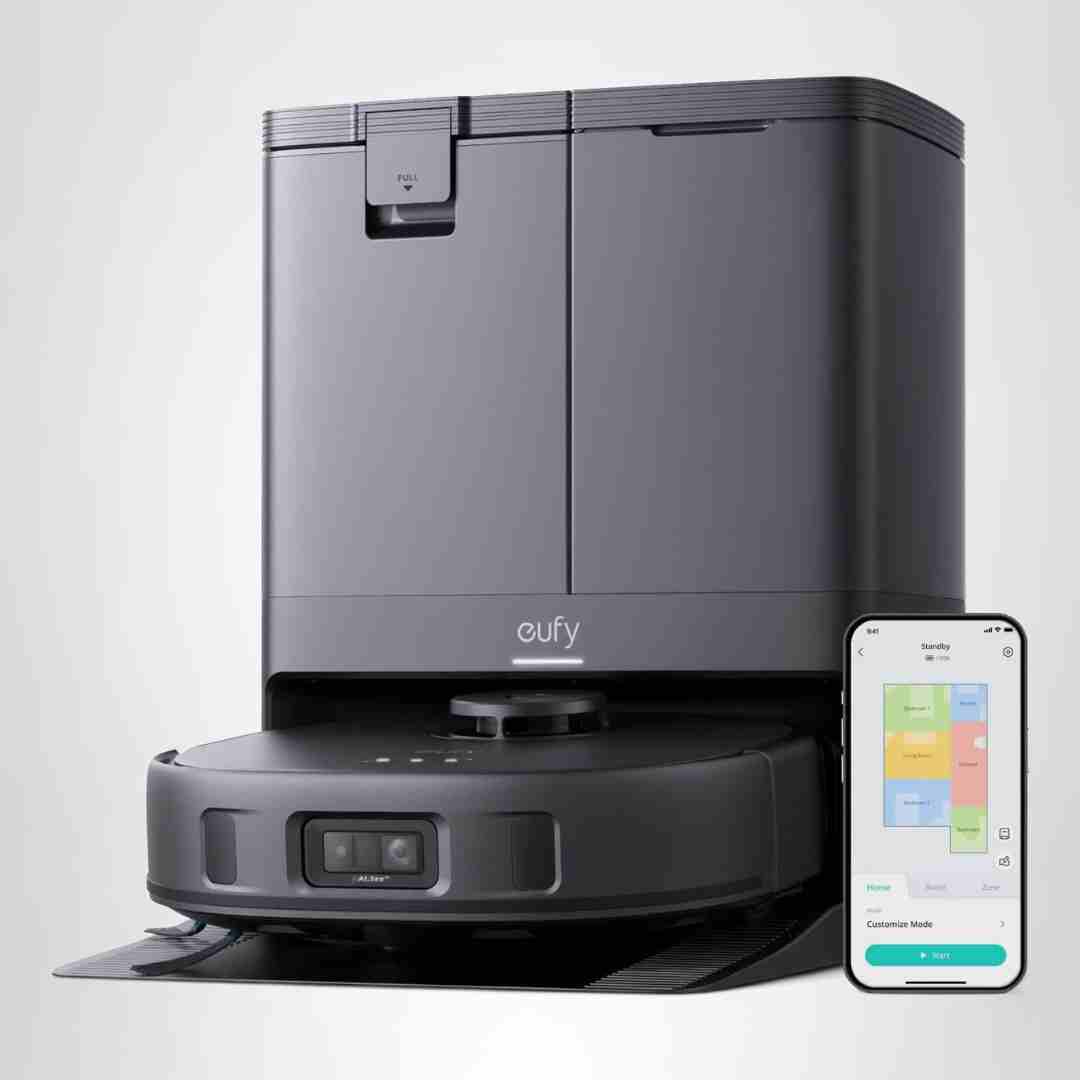
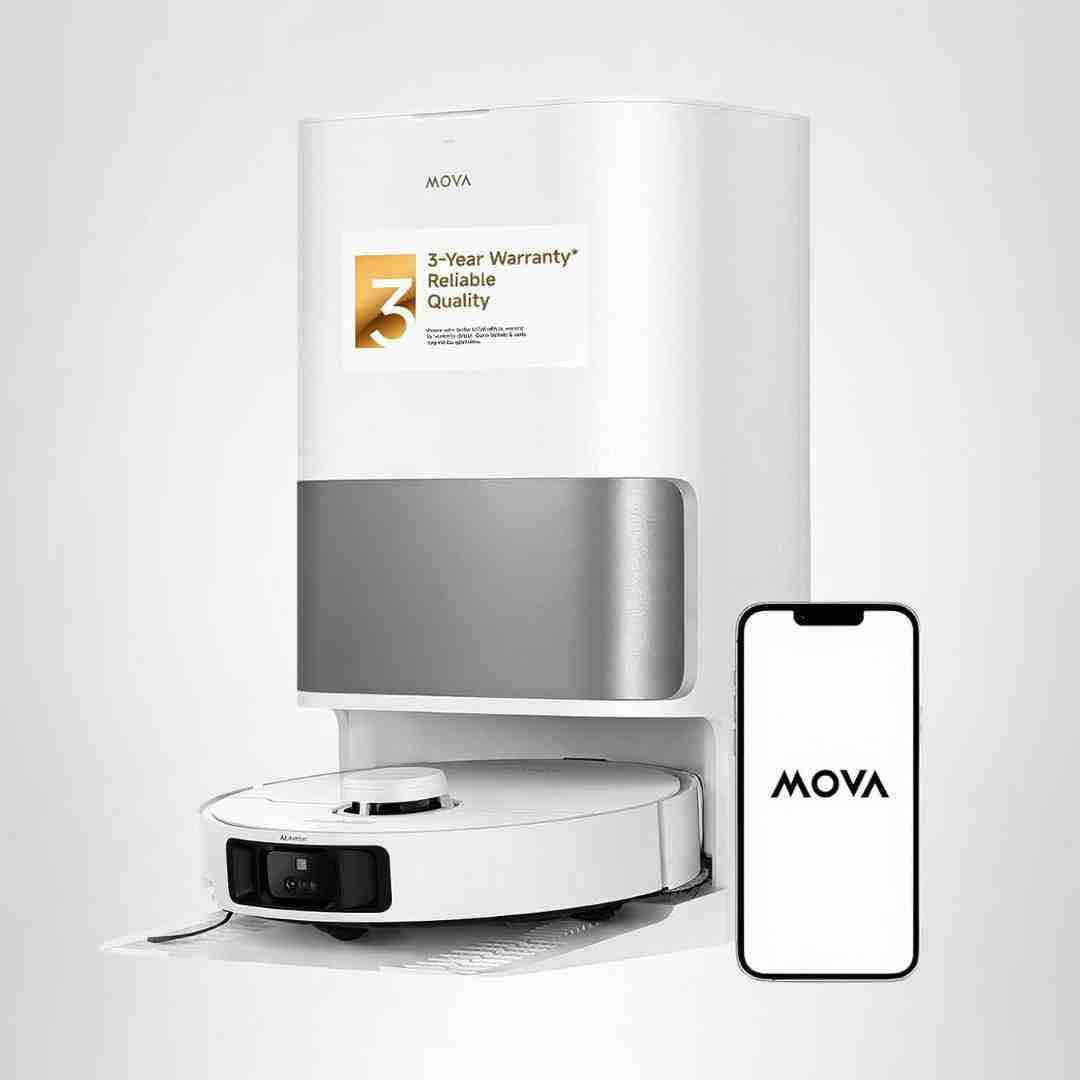
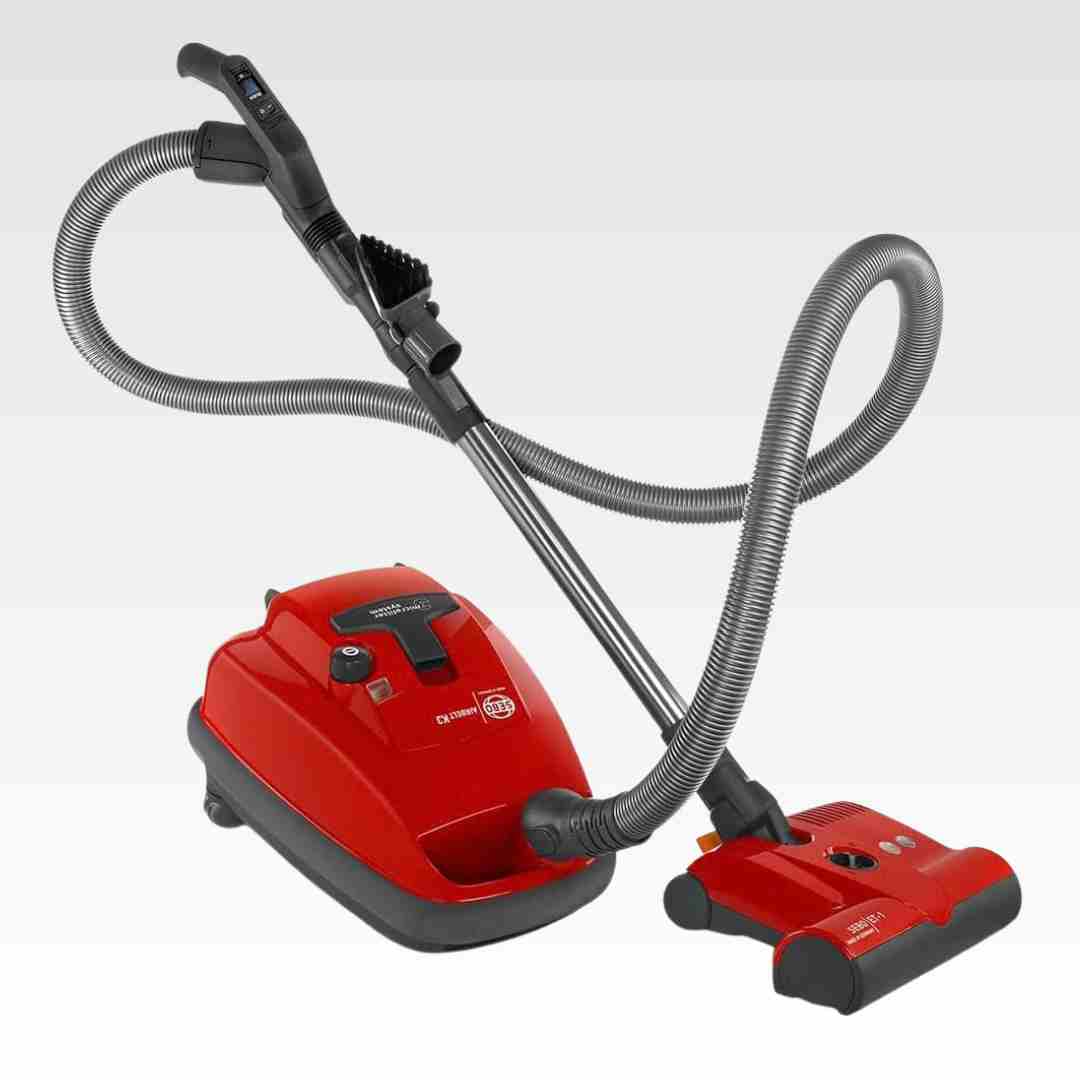
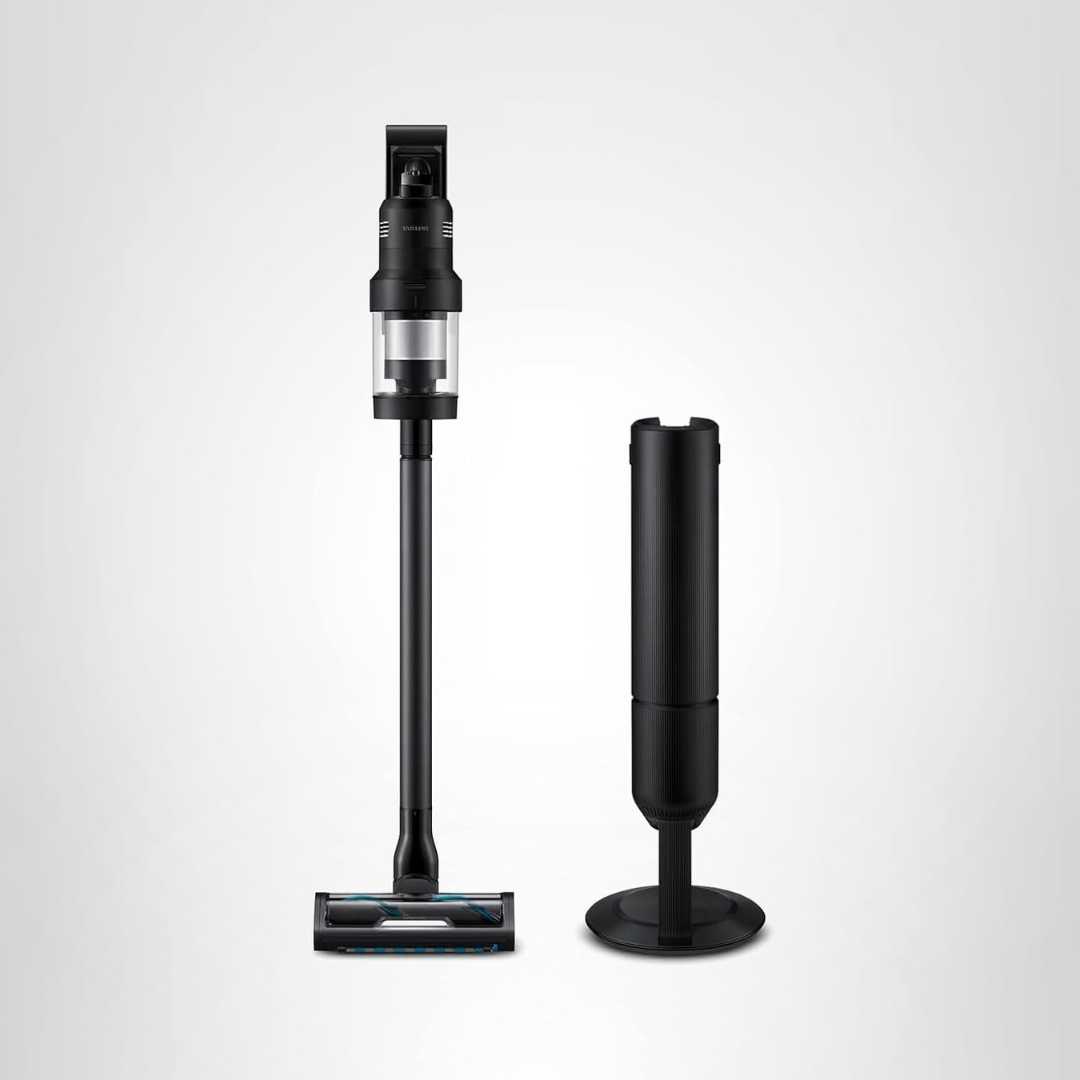
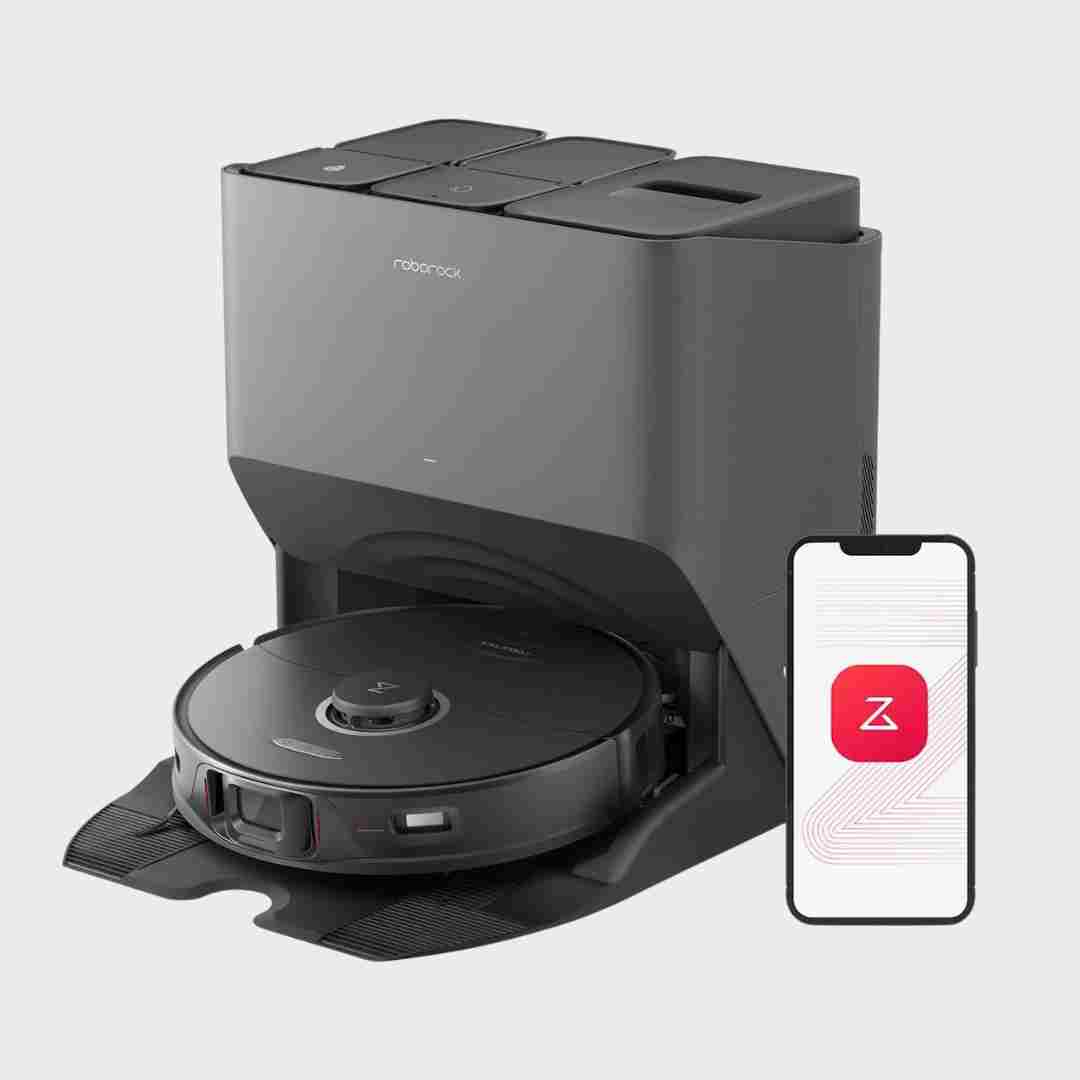
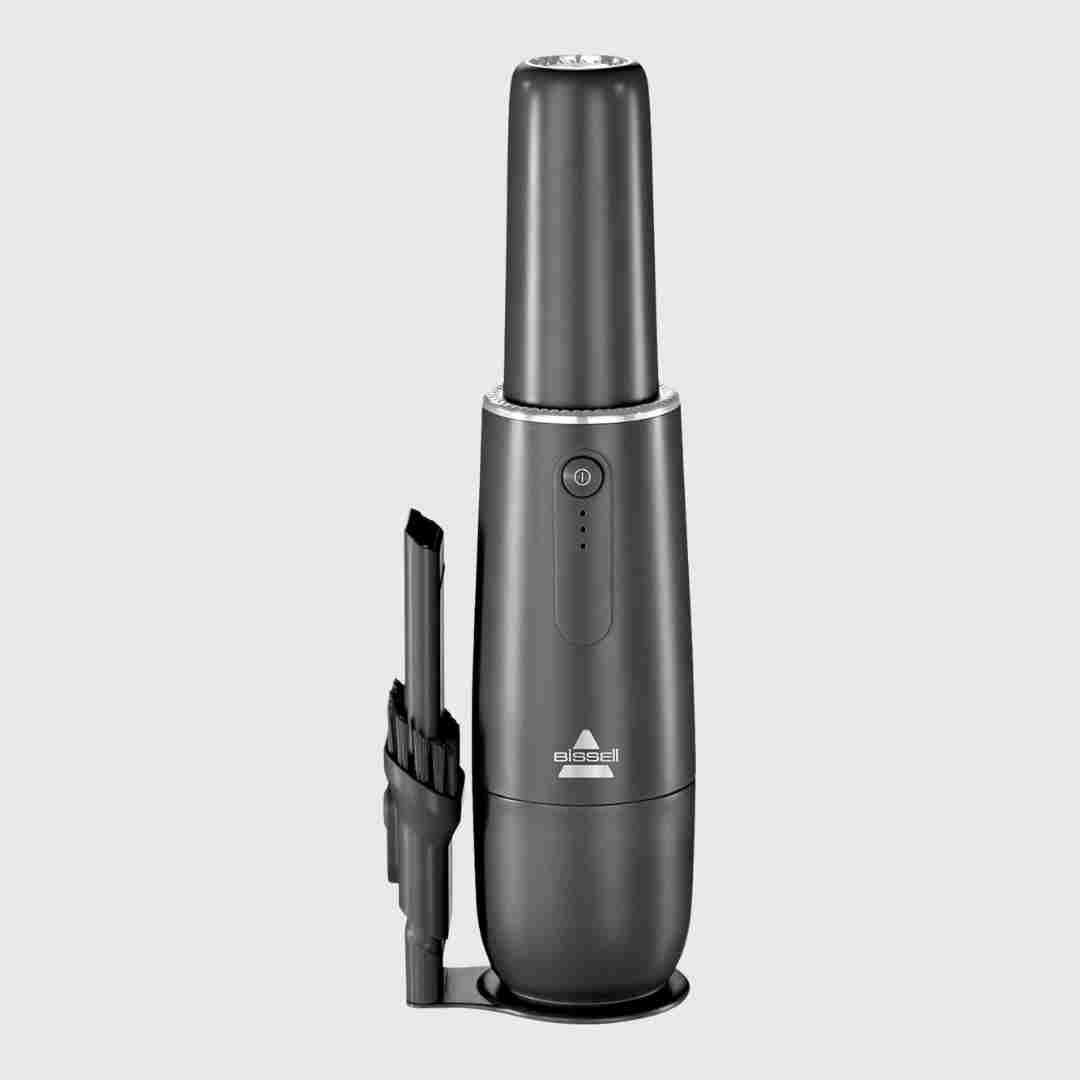
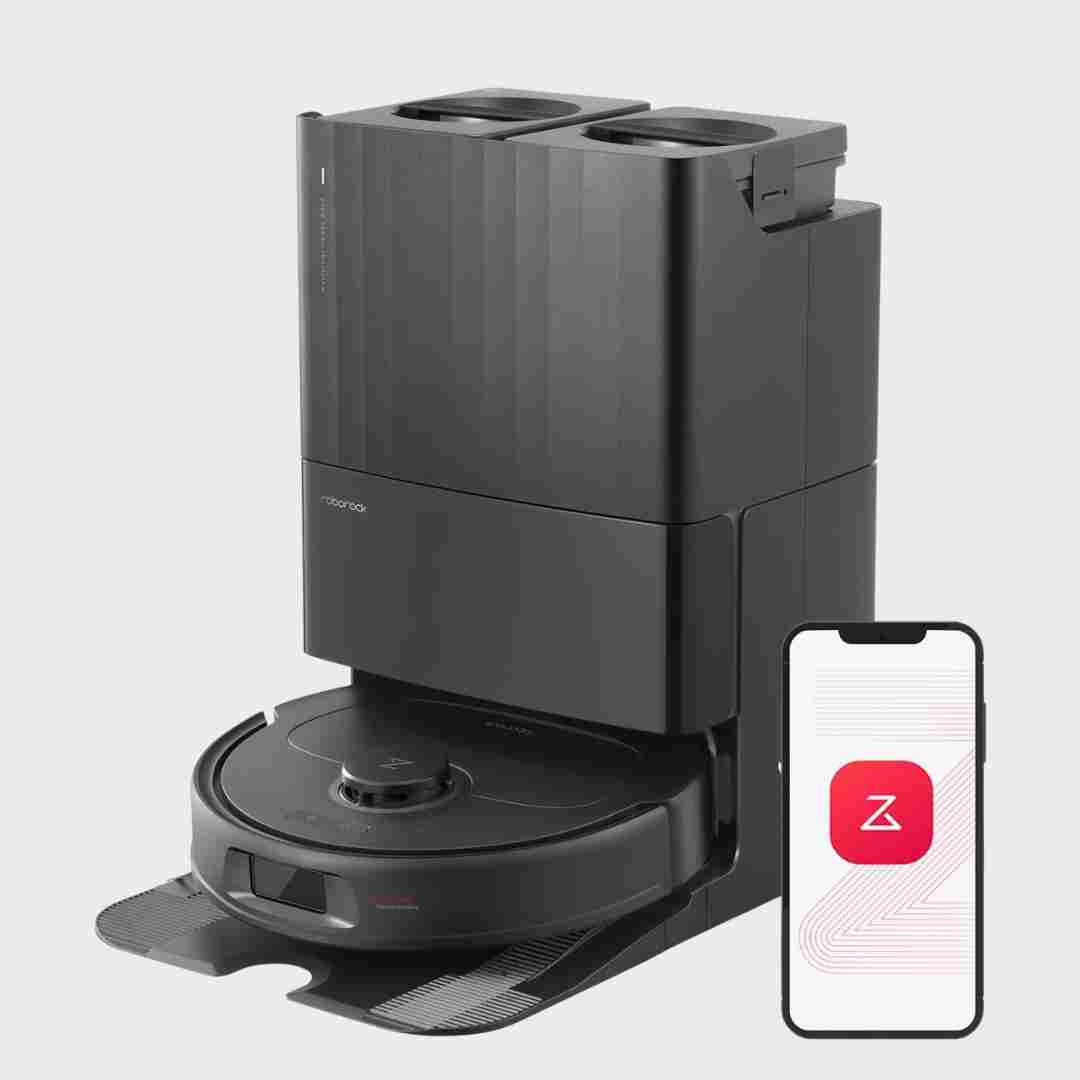
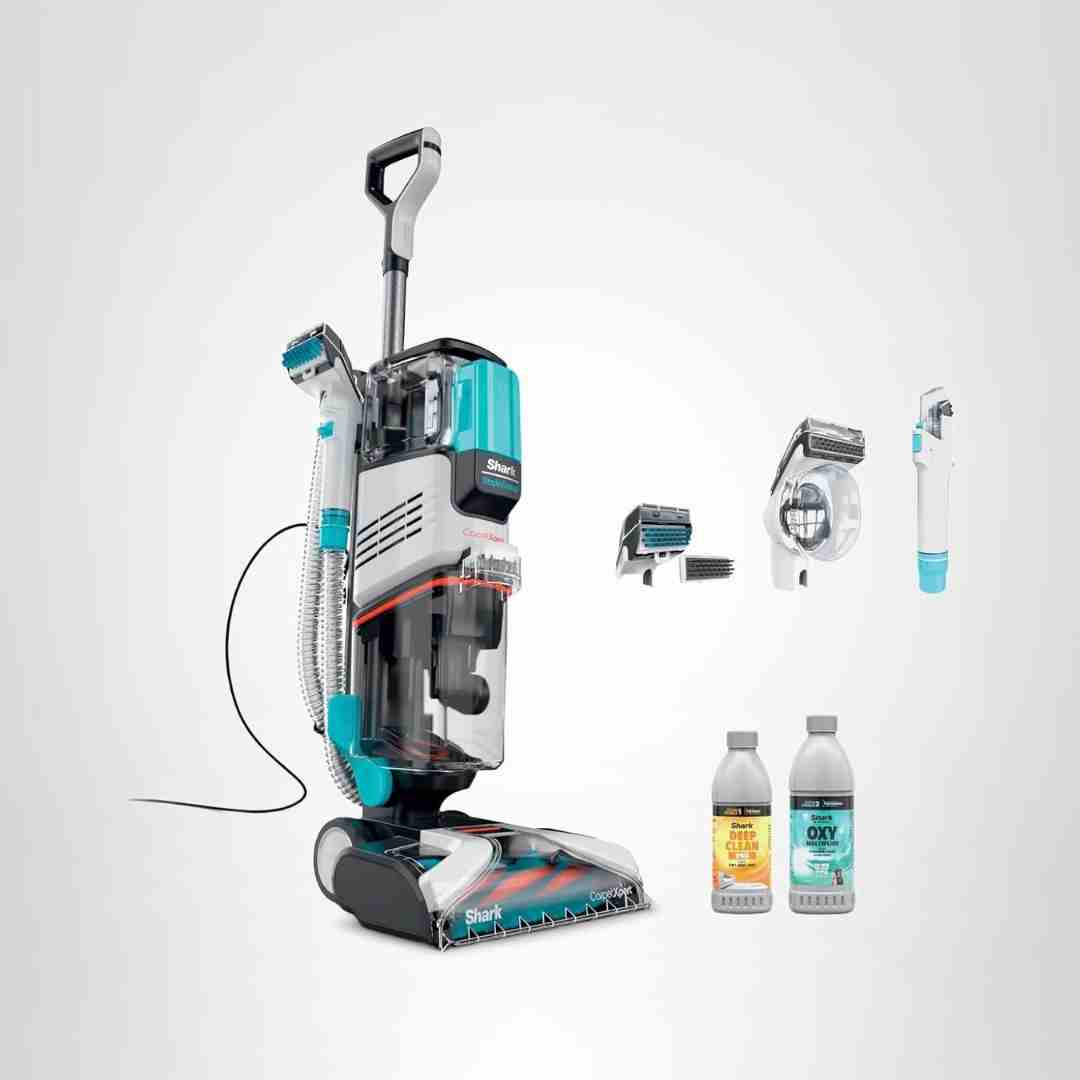
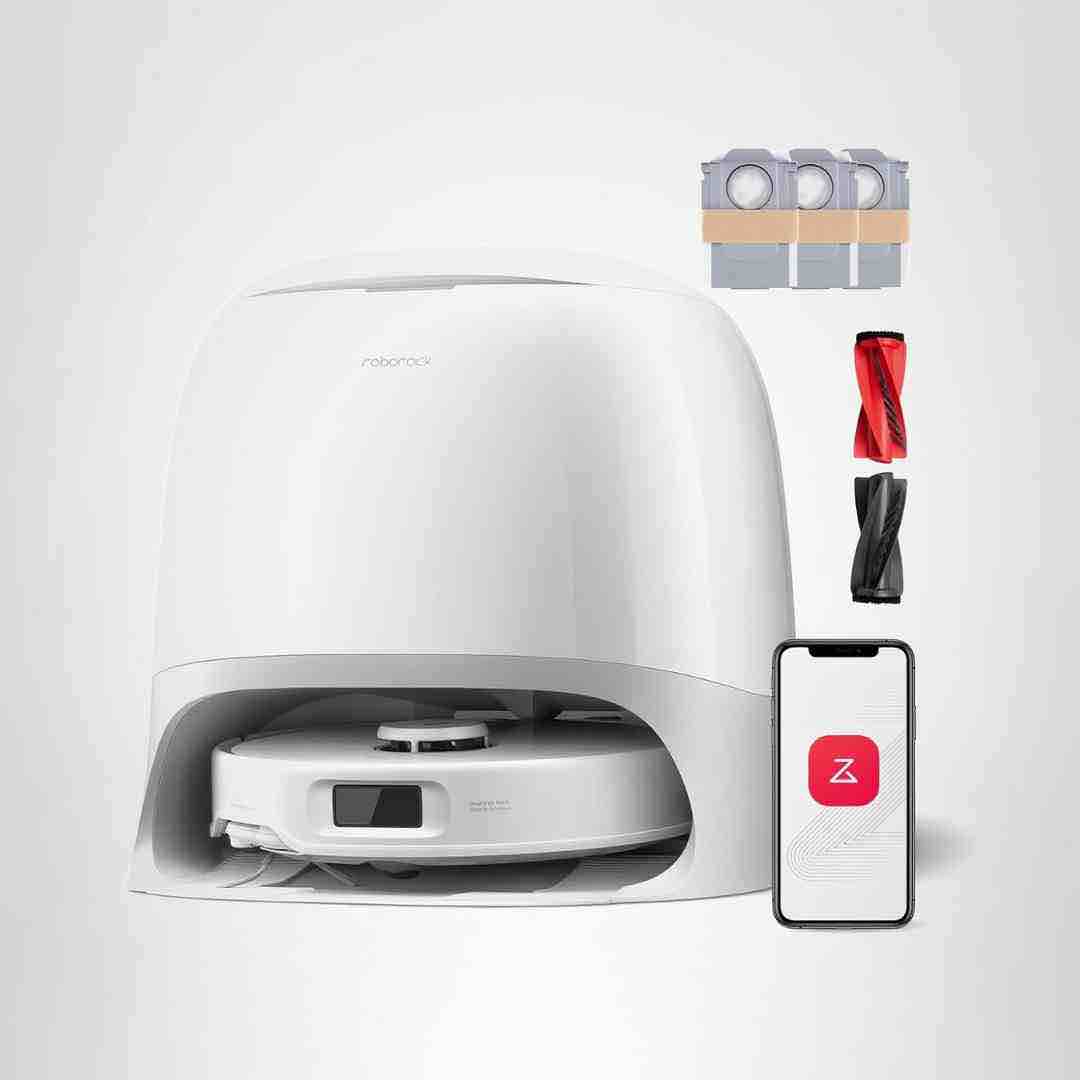
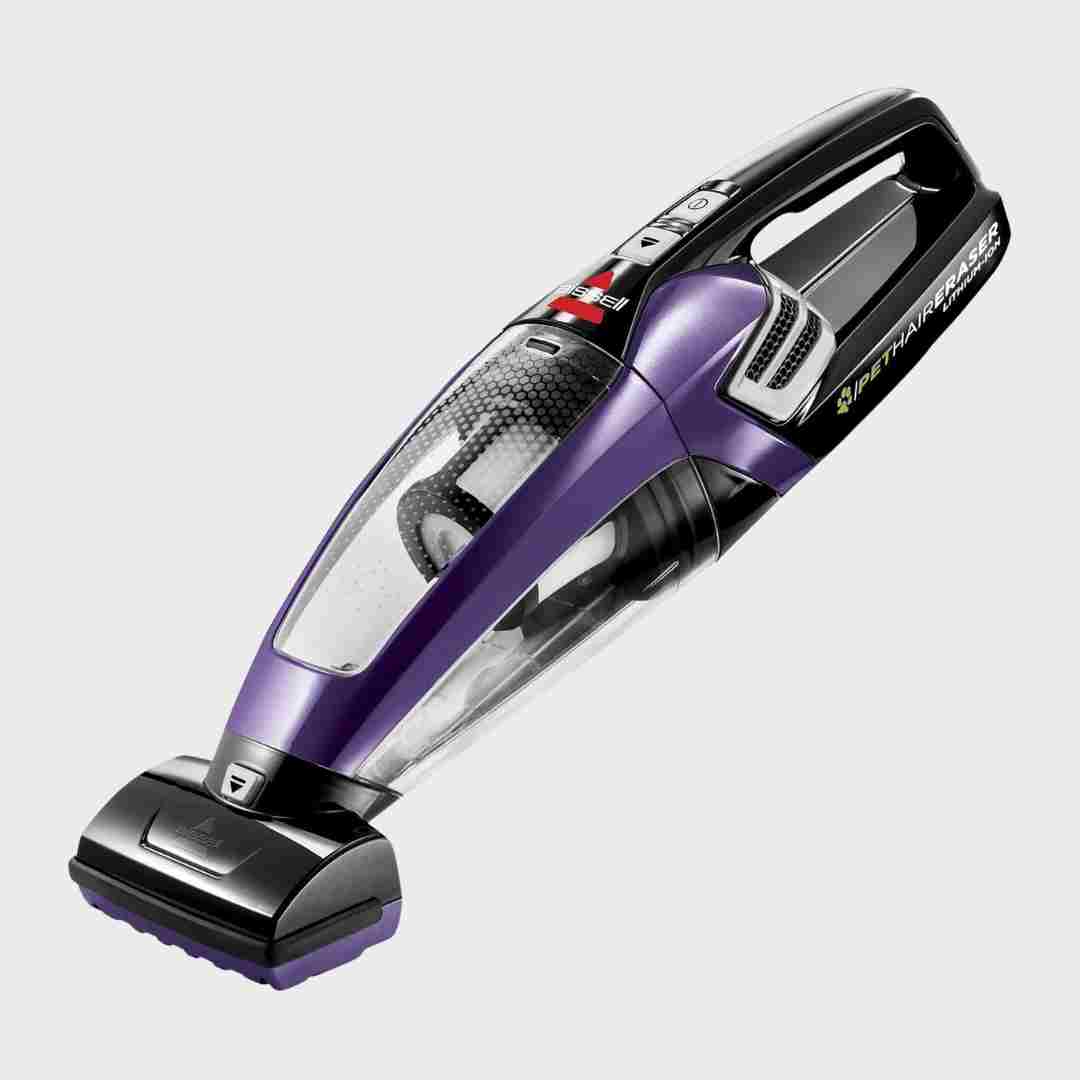
Controls are straightforward with physical power/home buttons plus a feature-rich app for room selection, routines, and dock controls. Reviewers also mention adjustable robot voice volume/language and remote-control style driving modes.
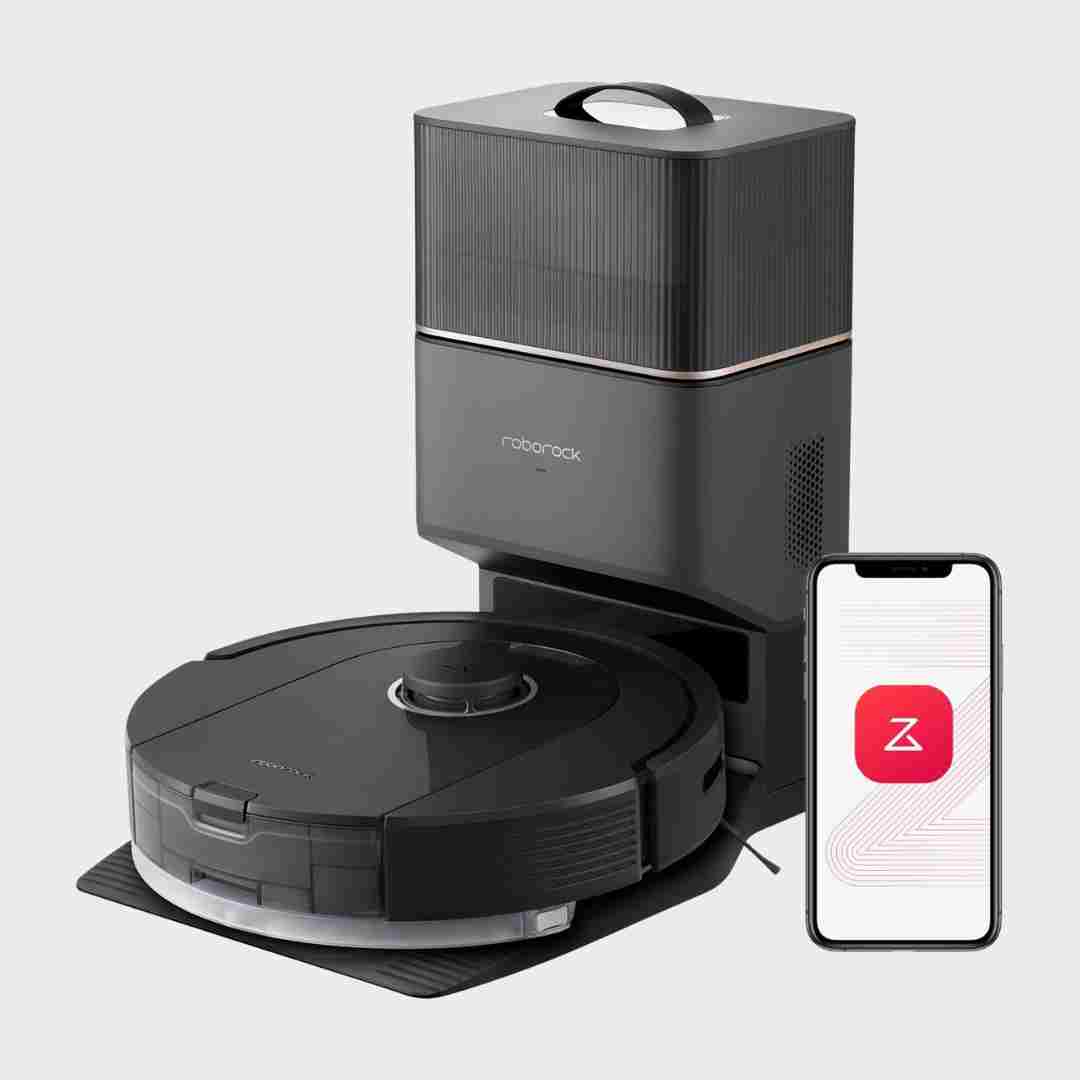
The Roborock app and controls are repeatedly called intuitive and customizable, with clear UI for maps, routines, suction, and water levels. Live video-style viewing is not available on this model, but core control is polished.
Controls and the big on-device display are repeatedly called intuitive and informative, with prompts/tutorial guidance that reduces learning curve. Some mention occasional button placement quirks, but overall usability is strong.
Controls and UI, especially in-app controls, are generally praised for clarity and quick access to core features like suction levels, scheduling, and map editing.
Handle-mounted controls (floor-type slider and main buttons) are generally described as intuitive and easy to reach. A few comments mention needing firm presses or a learning curve with releases.
The LCD display and button layout are repeatedly described as clear and intuitive, showing battery and modes plus maintenance and cleaning information.
Controls are primarily app-driven and widely described as intuitive, with useful remote-control options; occasional quirks show up when interacting with the arm or fine-tuning maps.
Controls are simple and readable, with an LCD that helps track mode and remaining time; navigation through multiple power levels is easy though some find many modes unnecessary.
The on-handle LCD and voice prompts are widely praised for clarity, showing mode, battery, alerts, and sometimes detergent status or timers. Some note the screen is small, but still informative and easy to follow during cleaning and self-clean cycles.
Controls are described as straightforward, with clear mode buttons and helpful Detect-mode indicators that show when floors are clean/dirty. The cordless variant’s battery indicator is described as basic, but day-to-day operation is still simple.
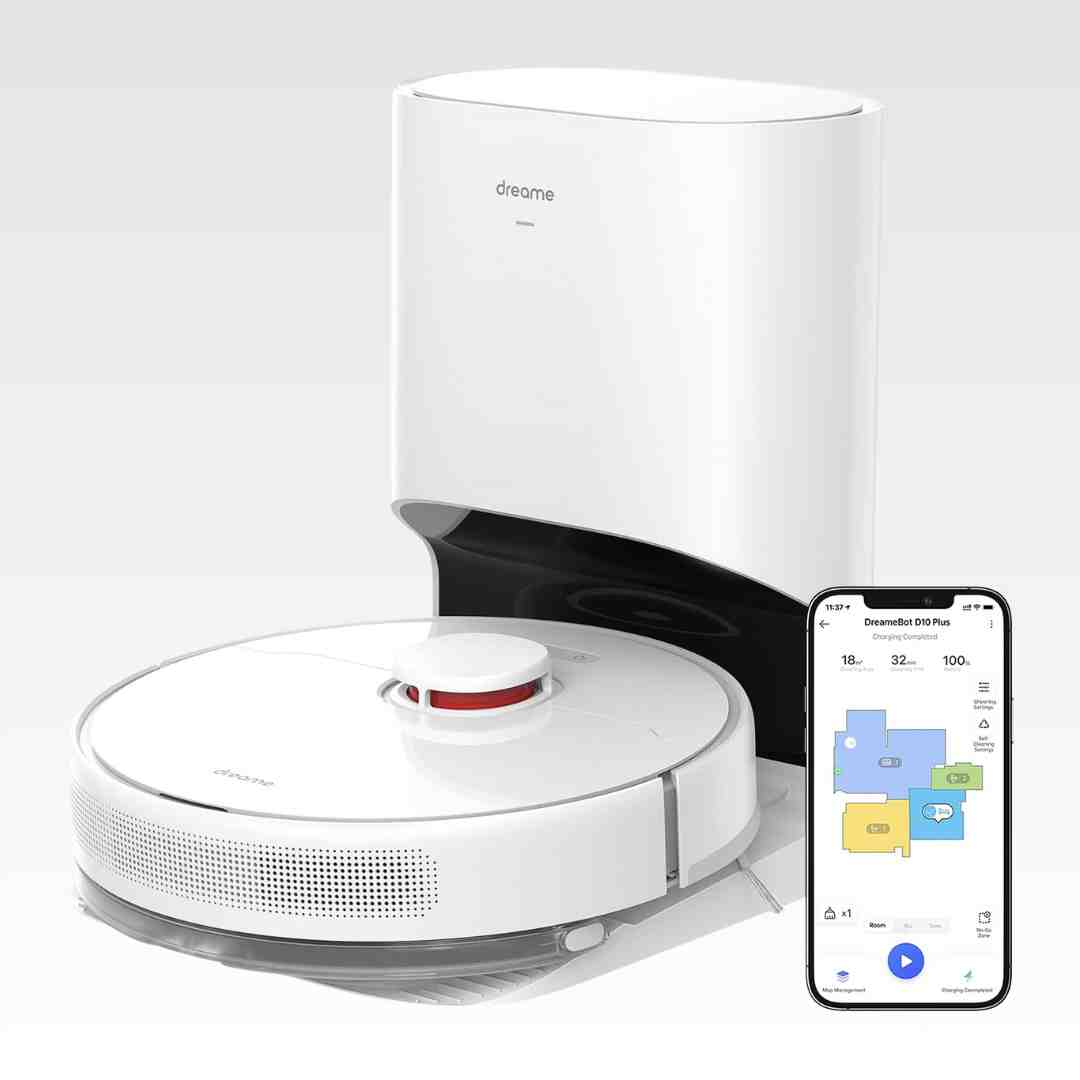
The app and controls are repeatedly praised for being easy to navigate, with settings not hidden behind too many menus. Core controls like map editing, room naming, and virtual boundaries are highlighted as straightforward.
Controls and UI are described as straightforward, with both onboard buttons and deep in-app controls. Reviewers emphasize clarity of map management and cleaning settings access.
The UI experience is widely praised through the Roborock app, which centralizes maps, settings, and cleaning plans in a clear way. Reviewers also mention useful visualizations like obstacle markers and stuck-location suggestions.
Controls are widely praised for the LCD readout and mode selection, including a runtime countdown and alerts; the main ergonomic complaint is the trigger that must be held during cleaning.
Controls and feedback are a highlight: an on/off button replaces Dyson’s older trigger, and the LCD provides battery countdowns, mode info, and real-time particulate/dirty-floor feedback; multiple sources also mention on-screen maintenance prompts as part of the experience.
Controls are repeatedly described as simple and convenient: a single button on the handle cycles low/high/off, letting users change power while holding the unit.
Controls are generally praised: reviewers cite an intuitive app, useful remote-control features (e.g., pin-and-go), and broad customization. Some note competitor apps can feel more confusing, making Roborock’s UI a relative bright spot.
Controls are repeatedly described as simple: a power button (no trigger hold) plus a mode button with light-color indicators for low/medium/high; reviewers find it easy to understand and operate.
Controls and readouts are generally considered excellent: an on/off button (no trigger hold), mode switching, and an LCD that shows time remaining and alerts. The particle-count display is often viewed as novelty, but real-time runtime and troubleshooting info are valued.
Physical controls are straightforward and the in-app controls are robust; the built-in voice assistant can be handy but tends to require exact phrasing.
The single power button eliminates trigger fatigue and the LCD shows mode, remaining time, particle data, and alerts. A few users still prefer triggers for one-handed on/off control.
Controls are mostly app-driven and reviewers describe the UI as easy to navigate with lots of toggles and modes, though one consistent caveat is occasional lag/bugginess depending on the reviewer.
The UI/app experience is generally called intuitive and polished for a newer brand, with lots of controls and clear workflows. A few reviewers note occasional app lag or a learning curve due to the depth of options.
Controls are widely praised for convenience (handle-based suction control and power controls), though some variants place certain toggles on the head which a reviewer found less ergonomic.
The on-handle display and mode controls are widely praised for clarity (battery %, remaining runtime, alerts). Some dislike fast on-screen onboarding prompts or view call/message mirroring as a gimmick rather than a core benefit.
Controls are simple and intuitive (single-button cycling or two-speed operation), and multiple reviews mention a clear battery indicator. There are no complicated settings, which supports quick, grab-and-go use.
Controls are simple on-device (basic buttons) with most functionality handled through the app. Users generally find UI straightforward and feature-rich once configured.
Physical buttons are simple for start, home, and spot cleaning, backed by app controls. Several reviewers mention helpful (if sometimes unnecessary) voice prompts.
Controls are commonly praised: a clear display, trigger lock/continuous power option, and a touch slider make it easy to adjust suction. Some wish the display emphasized time remaining rather than percentage.
Controls are typically foot-friendly (on/off, suction steps, rewind), while higher-end variants add handle-mounted controls and indicator lights. A few notes mention small buttons or icons that aren’t fully explained in quick-start materials, but overall control flexibility is strong.
Controls on the handle and a three-surface selector are frequently praised as convenient and intuitive. The most common control-related complaints are the lack of fine-grained suction/height adjustment and, in a few cases, a power button that feels finicky or hard to press.
Controls and UI are broadly viewed as feature-rich and usable. The app supports fine-grained control (zones, rooms, power/scrub settings, dock behavior), though a few reviewers describe some menus or map edits as finicky.
Controls are straightforward: simple on/off and mode selection, plus indicator lights on some versions. Many reviewers like the vacuum-like push forward to dispense and pull back to extract, avoiding a separate trigger.
Controls are intentionally minimal, typically a power button plus a mode switch for hard floor vs carpet with a simple indicator display. Reviewers generally liked the simplicity and clear mode feedback.
Controls are straightforward, with handle/quick-access buttons for switching modes; reviewers prefer the Elite’s handle controls and small mode display versus older layouts.
Controls are generally described as simple and intuitive, with an easy toggle between Detect, hard floor and carpet modes plus a visible floor-type display. A few people would prefer additional options such as a reduced-suction setting for delicate rugs.
Controls are centered on the Roborock app, with reviewers highlighting live map views, room-by-room customization, water-flow levels, and the ability to add a targeted cleanup area. Some note that smart-speaker/voice integrations can be more complicated than basic in-app control, and model naming can be confusing.
Controls are simple (single power button), and some reviews mention helpful status LEDs/indicators (charging state or low-battery warning). Overall UI is minimal but clear.