Best for Hub requirement
TP-Link Tapo ColorPro C325WB Outdoor Camera
5.0 feature score
Highest scored product for this feature based on supporting review evidence.
Highest scored product for this feature based on supporting review evidence.
Balances feature score, supporting reviews, and overall product strength.
Has the broadest review evidence for this feature.
Strongest overall product among items with scored evidence for this feature.
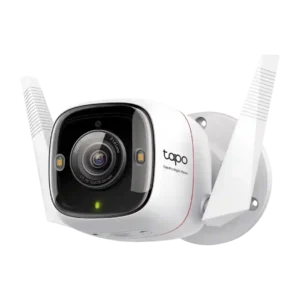
Hub requirement was a strength because reviewers noted it does not require a hub or security base.
Pros: Detection range, On-device features
Cons: HomeKit integration, PoE
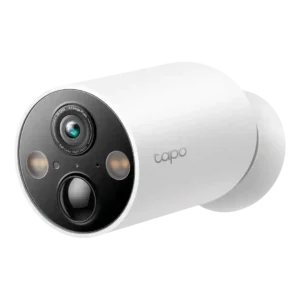
The lack of a hub requirement was praised for simplifying installation and use.
Pros: Power options (solar panel), On-device features
Cons: PTZ (pan/tilt/zoom) control responsiveness, Continuous recording capability
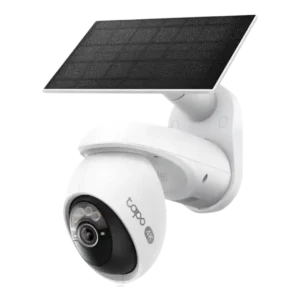
No base station requirement was praised because the camera connects directly to Wi-Fi.
Pros: On-device processing (AI), Installation and Mounting
Cons: ONVIF/RTSP support, HomeKit integration
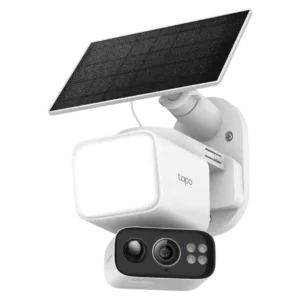
A hub was not required, which reviewers treated as a positive even when they liked the optional hub for centralized storage.
Pros: Speaker volume, Lens distortion correction
Cons: Field of view, Detection range
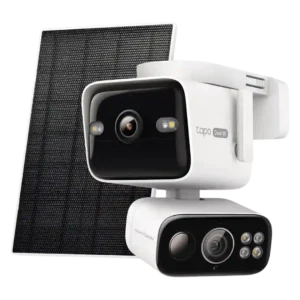
A hub was not treated as required; the camera could be used on its own with local recording.
Pros: Low-light performance, Floodlight brightness
Cons: HomeKit integration, Echo/noise cancellation
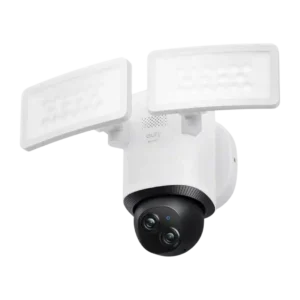
The hub is optional for core use, but reviewers noted HomeBase adds valuable storage and AI while raising initial cost.
Pros: Cloud storage plan value, Dual-band (2.4/5GHz) performance
Cons: HomeKit integration, ONVIF/RTSP support
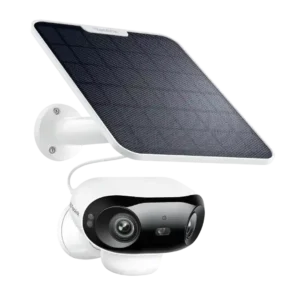
The hub was optional rather than required, and reviewers liked that it could add storage or RTSP-style functionality without forcing a base station.
Pros: Connectivity options, Detection range
Cons: HomeKit integration, Continuous recording capability
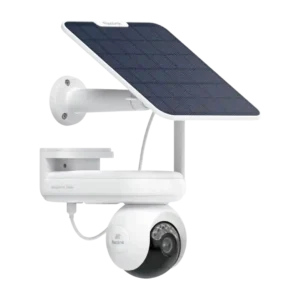
The hub was treated as optional rather than mandatory, with one reviewer choosing it for centralized encrypted storage.
Pros: Recording start-time lag, Smart home accessory compatibility
Cons: Optical zoom performance, HomeKit integration
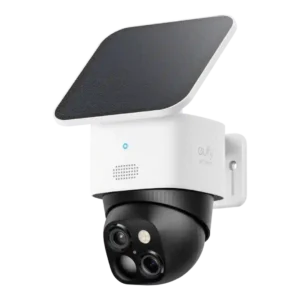
The hub is optional for basic use but can be costly; reviewers value the added AI and storage when HomeBase is used.
Pros: Cloud storage plan value, Power options (solar panel)
Cons: HomeKit integration, IFTTT/automation compatibility
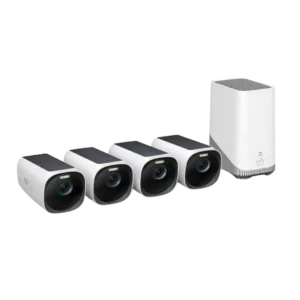
The hub is a tradeoff: it enables local storage and AI, but some reviewers dislike the required hub, Ethernet, or storage upgrade.
Pros: Cloud storage plan value, Weather resistance rating (IP code)
Cons: Recording start-time lag, Pre-event recording length
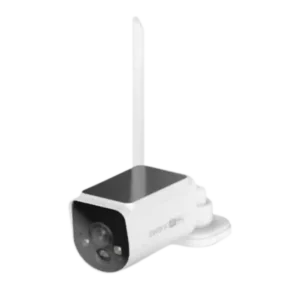
The hub was useful for storage and backup but also created placement and Ethernet-dependency pain points.
Pros: Digital zoom clarity, Floodlight brightness
Cons: Frame rate, Smart-home integration (Alexa
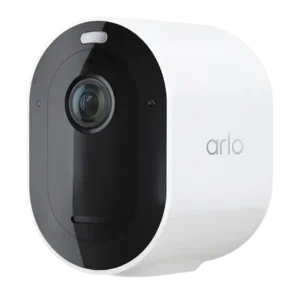
The hub requirement is context-dependent: reviewers like that a hub is not needed for basic use, but criticize needing one for local storage or HomeKit.
Pros: Notification speed, Event recording reliability
Cons: Mesh network compatibility, Customer support responsiveness
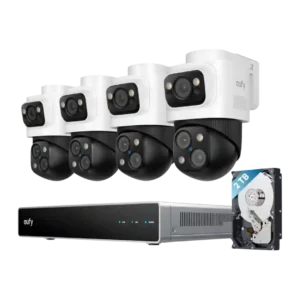
The required NVR/hub created placement limits because it must remain within cabling distance of cameras.
Pros: Detection range, Recording start-time lag
Cons: ONVIF/RTSP support, HomeKit integration
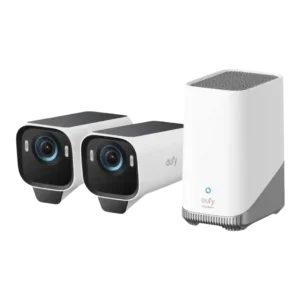
The HomeBase requirement was mixed to negative because it enables local storage and AI but adds required hardware and sometimes caused setup/network friction.
Pros: Low-light performance, Color accuracy
Cons: Speaker volume, Frame rate
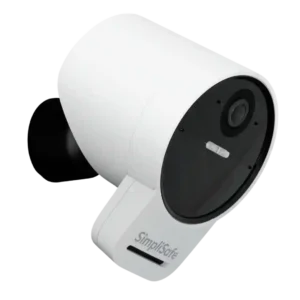
PCMag treated the base-station/security-system requirement as a limitation versus standalone outdoor cameras.
Pros: Weather resistance rating (IP code), System scalability
Cons: Pre-event recording length, HomeKit integration
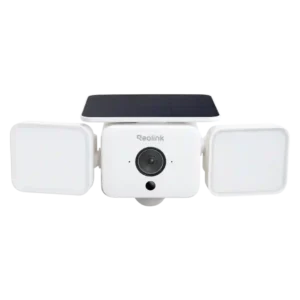
A hub is optional for basic use but may be required for Home Assistant or centralized storage, adding cost and sometimes reducing range.
Pros: Field of view, Customizable motion zones
Cons: Continuous recording capability, ONVIF/RTSP support