Best for Snapshot capture
Nest Doorbell Battery
4.7 feature score
Highest scored product for this feature based on supporting review evidence.
Highest scored product for this feature based on supporting review evidence.
Balances feature score, supporting reviews, and overall product strength.
Has the broadest review evidence for this feature.
Strongest overall product among items with scored evidence for this feature.
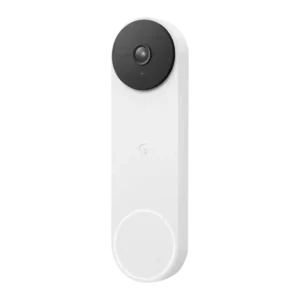
Rich notifications are a standout in multiple reviews, often providing an animated preview or short clip so you can triage without opening the full timeline.
Pros: Snapshot capture, Notifications
Cons: Pre-roll buffer, Law enforcement policy transparency
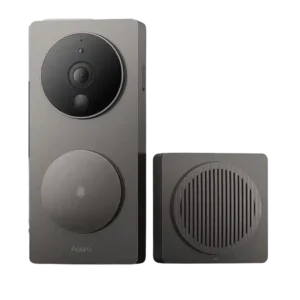
Rich notification previews are praised in Apple Home, letting users glance at a snapshot or snippet and decide whether to open the full live feed or clip.
Pros: Controls &, indicators
Cons: RTSP stream availability, Reliability (general)
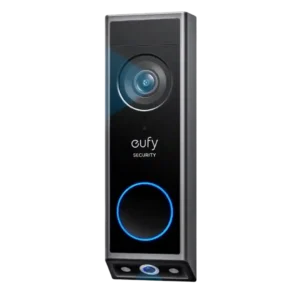
Snapshot-style previews (thumbnails/rich notifications) are frequently cited as improving usability because you can triage alerts without opening the app. Several reviews treat this as a key quality-of-life feature versus plans...
Pros: Ongoing ownership costs, Subscription
Cons: Automation flexibility, Pre-roll buffer
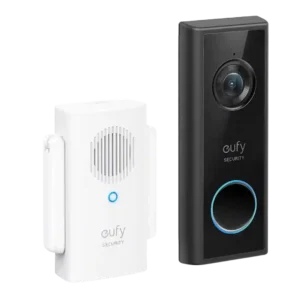
Snapshot and thumbnail notifications are useful, but reviewers also note they can add notification delay compared with efficient alerts.
Pros: Subscription, Storage
Cons: Power Options and Compatibility
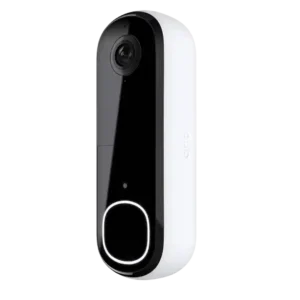
Snapshots and animated/rich previews are highlighted as convenient for triage, though previews are often among the features locked behind the subscription.
Pros: Field of view &, framing
Cons: Ongoing ownership costs, Subscription
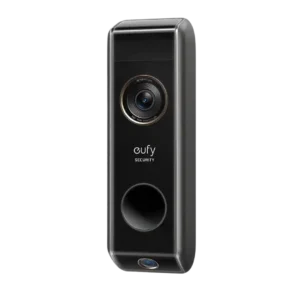
Snapshots and thumbnail-rich alerts are supported, but some users prefer text-only notifications for speed.
Pros: Subscription, Ongoing ownership costs
Cons: Light adjustability, Wi-Fi range & stability
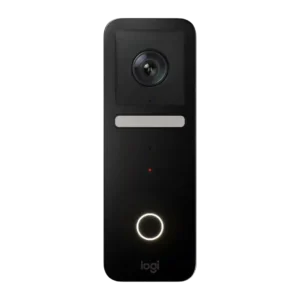
Snapshot-style notifications are available and helpful for quick triage, but watch and preview limitations can make it harder to identify small or distant subjects at a glance.
Pros: Privacy, Size &
Cons: Pre-roll buffer, Warranty &
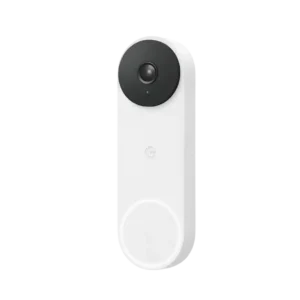
Snapshot notifications are supported in at least one review, letting the user quickly preview an event from the phone alert.
Pros: Delivery package monitoring, Zones and activity areas
Cons: Upgrade value vs previous model, Storage
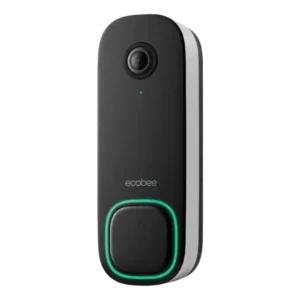
Snapshot capture is mentioned both as a manual action in the app and as a fallback history mode without a subscription. This helps basic visibility even when full recordings are...
Pros: Base / Hub integration, Complete kit in box
Cons: Battery &, Charging
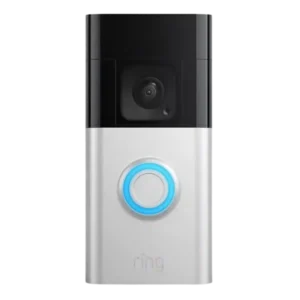
Snapshot capture is repeatedly mentioned as useful for filling in gaps between motion events, with adjustable intervals (hourly to more frequent). More frequent snapshots are consistently framed as a battery...
Pros: Theft &, Tamper
Cons: Bird's eye view feature utility, Law enforcement policy transparency
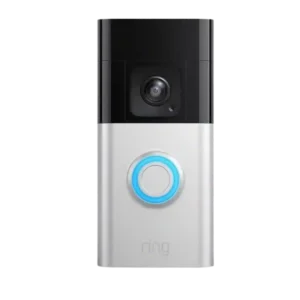
Snapshot Capture can fill gaps between motion events but uses more battery and may be subscription-limited in usefulness.
Pros: Field of view &, framing
Cons: Storage, Subscription
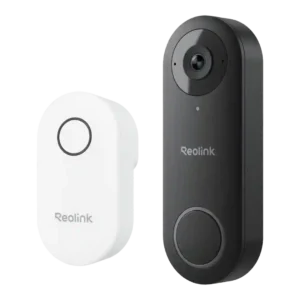
Snapshot tools are built into the app, and rich notification thumbnails are available via cloud services; some users also rely on Home Assistant for thumbnail-style previews.
Pros: Complete kit in box, RTSP stream availability
Cons: Battery &, Charging
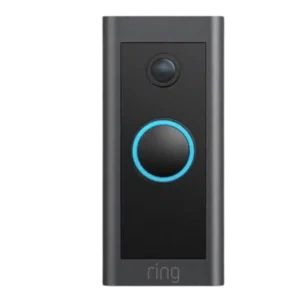
Snapshot capture is a valued add-on, letting the doorbell take periodic stills that fill gaps between motion events. Reviewers like the adjustable intervals, but generally note it is tied to...
Pros: Size &, form factor
Cons: Face recognition, Chime
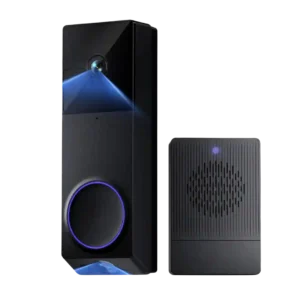
Snapshots and event thumbnails are used throughout the app experience, helping quick triage of motion events before opening full clips.
Pros: Delivery package monitoring, Ongoing ownership costs
Cons: Lens distortion handling, lag)
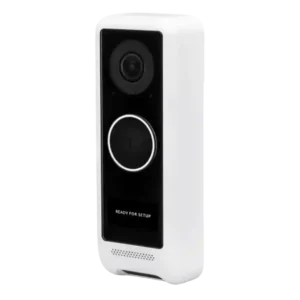
Snapshot capabilities show up in two ways: some reviewers praise rich notifications with snapshots out of the box, while others specifically wish the platform added a thumbnail to push notifications...
Pros: Subscription, Complete kit in box
Cons: Battery &, Charging
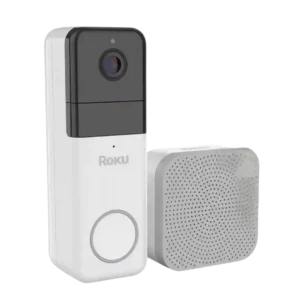
Snapshot behavior shows up in two ways: written coverage notes snapshots-only without a subscription, and TV alerts/demos show a quick image preview accompanying doorbell notifications.
Pros: Weather &, temperature tolerance
Cons: Storage, Automation flexibility
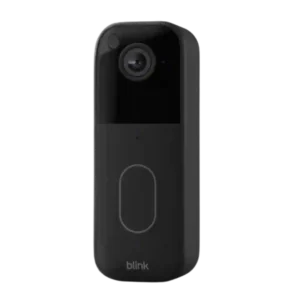
Snapshot and photo-capture style features are typically subscription-tied, but can provide periodic images between motion events.
Pros: Automation flexibility, Field of view &
Cons: Pre-roll buffer, Chime
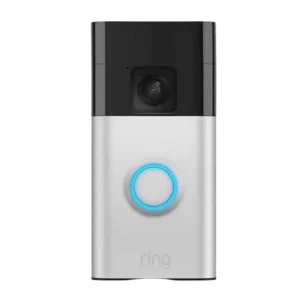
Snapshot features are discussed as useful for timeline thumbnails and quick checks, but they are repeatedly described as subscription-linked rather than universally available for free.
Pros: Quiet-time / do-not-disturb scheduling, Personalization options
Cons: Bird's eye view feature utility, Face recognition
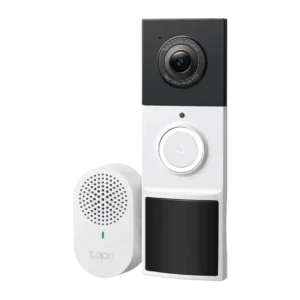
The doorbell can capture snapshots and use them in some workflows, but reviewers often point out that rich snapshot notifications are part of the optional cloud offering. Snapshot support exists,...
Pros: Ongoing ownership costs, Price and value
Cons: Pre-roll buffer, Power Options and Compatibility
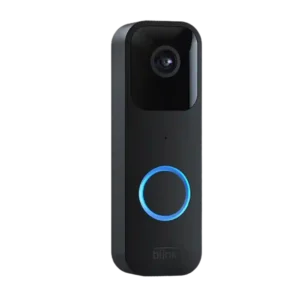
Snapshot or photo capture is available in some modes, often tied to subscription features such as hourly photos or faster clip access. Without a plan, the thumbnail and snapshot behavior...
Pros: Complete kit in box, Video sharing options
Cons: AI features, Object &
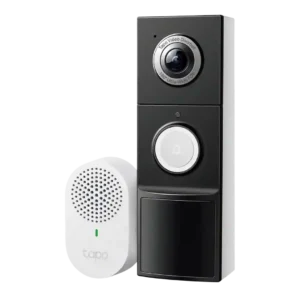
Snapshot-rich notifications are commonly tied to the Tapo Care subscription; without it, reviewers note the app can still load video quickly.
Pros: Complete kit in box, Phone call integration
Cons: Face recognition, RTSP stream availability
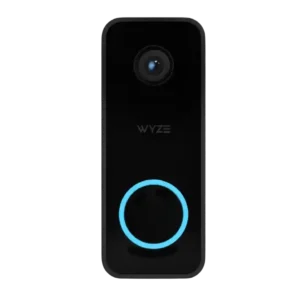
On the free experience, motion activity may present as snapshots rather than full cloud clips, which some reviewers found limiting or confusing.
Pros: Price &, value
Cons: Security policy history, Privacy