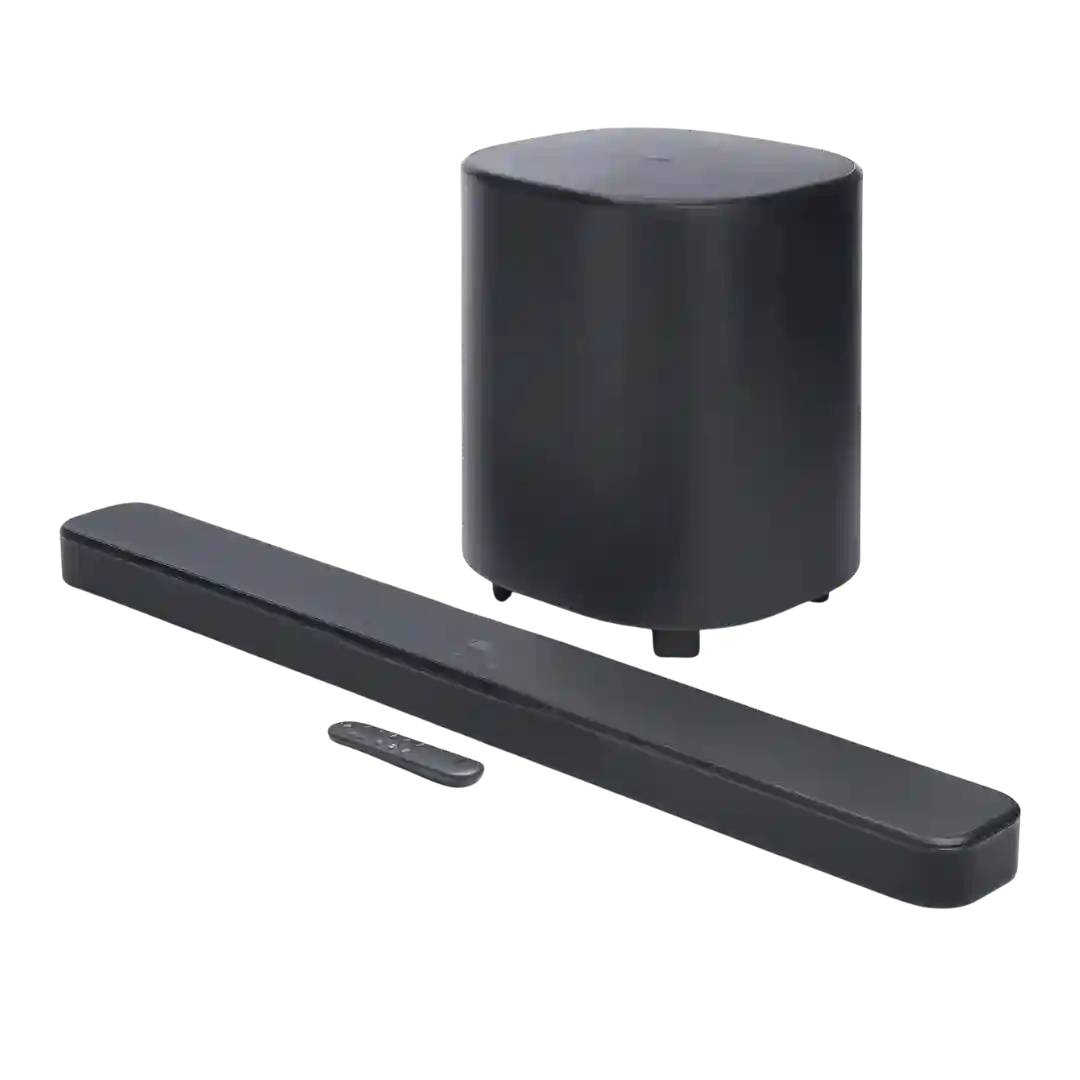
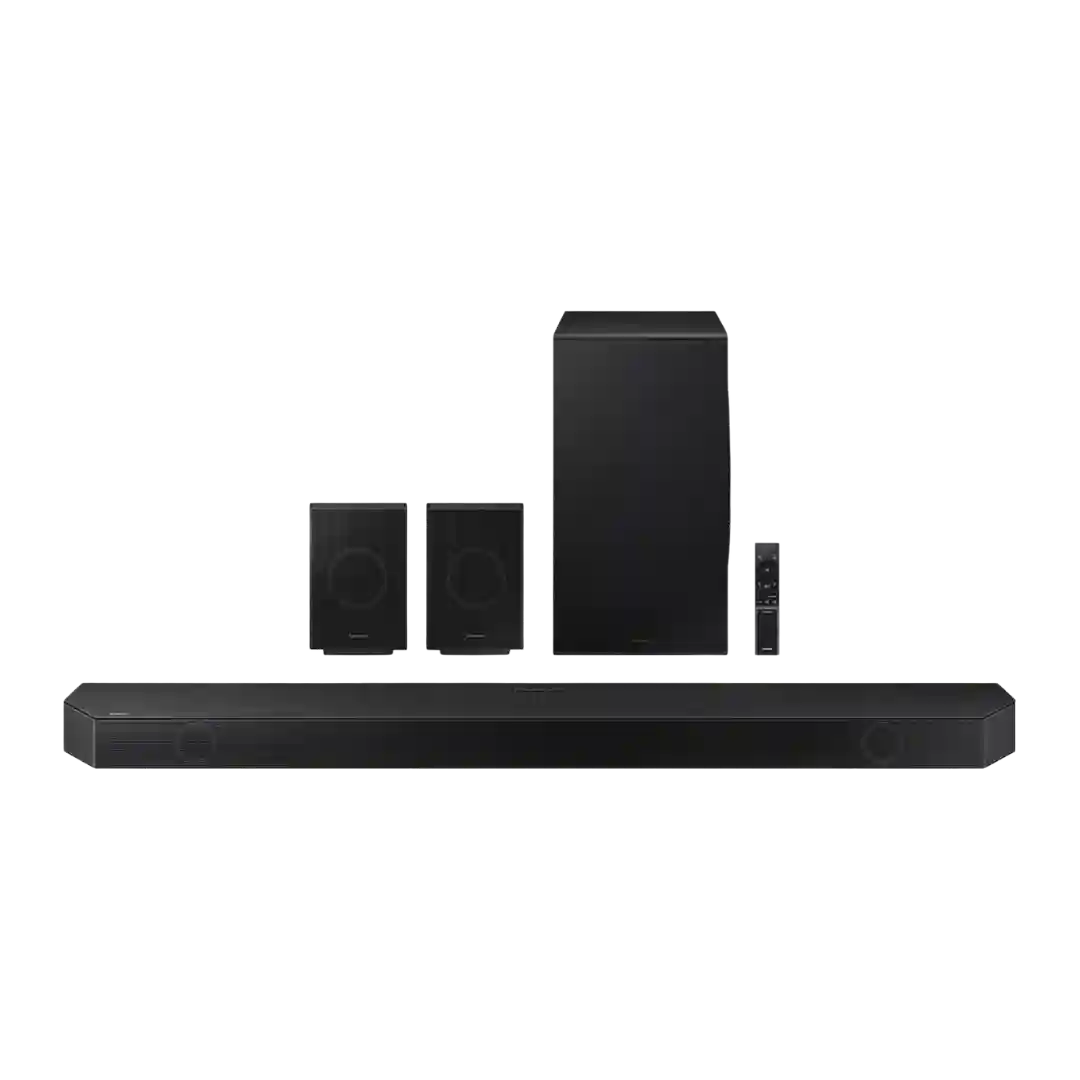
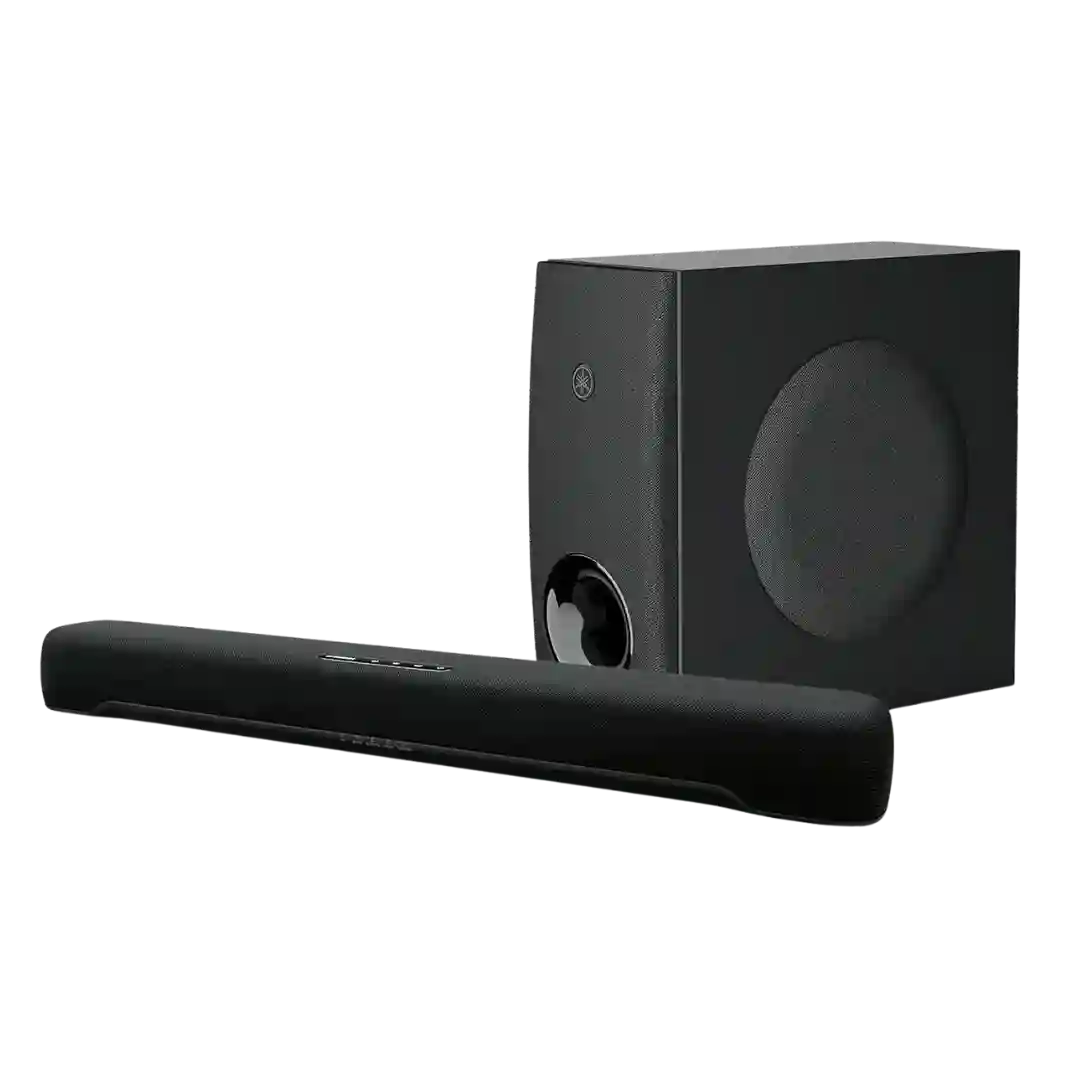
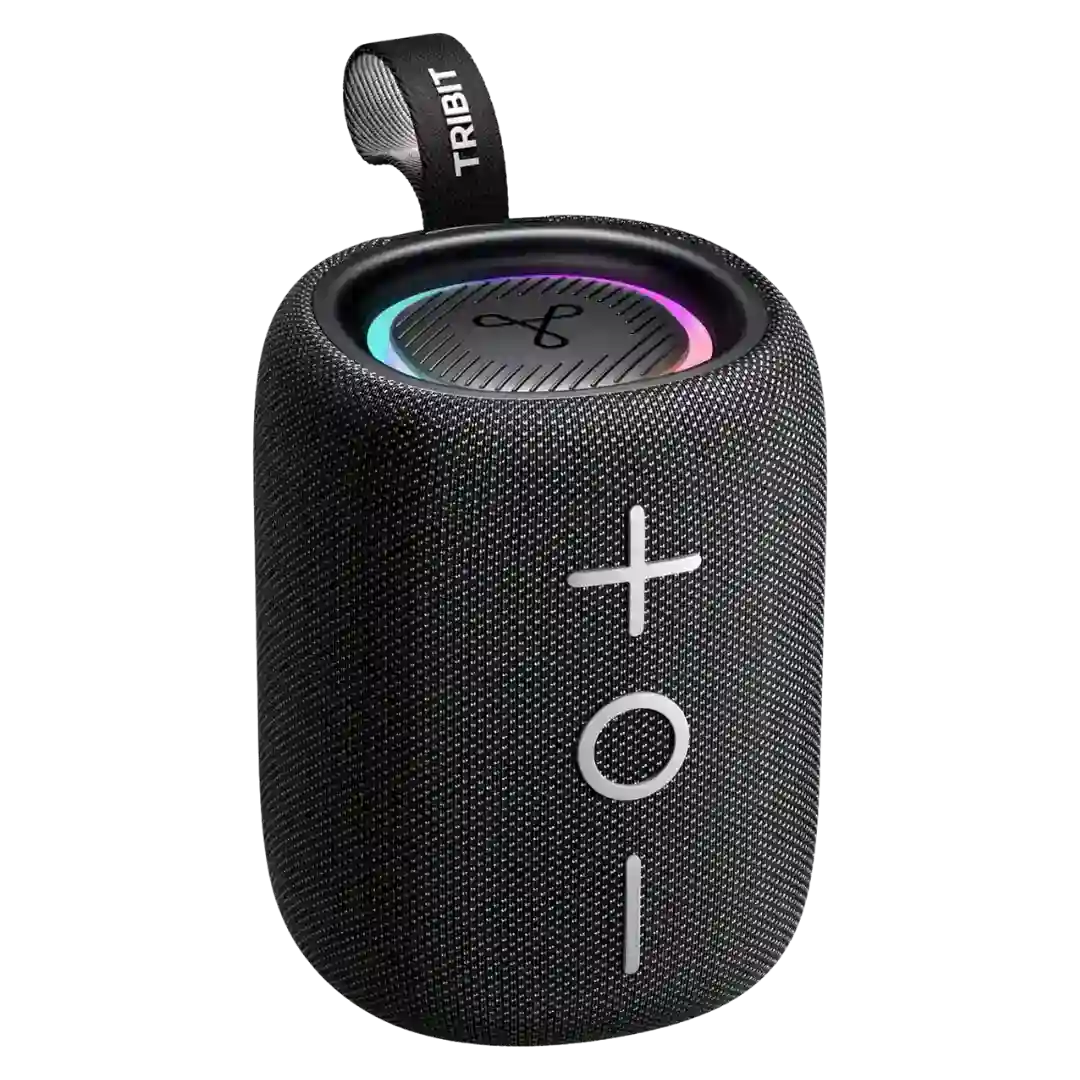
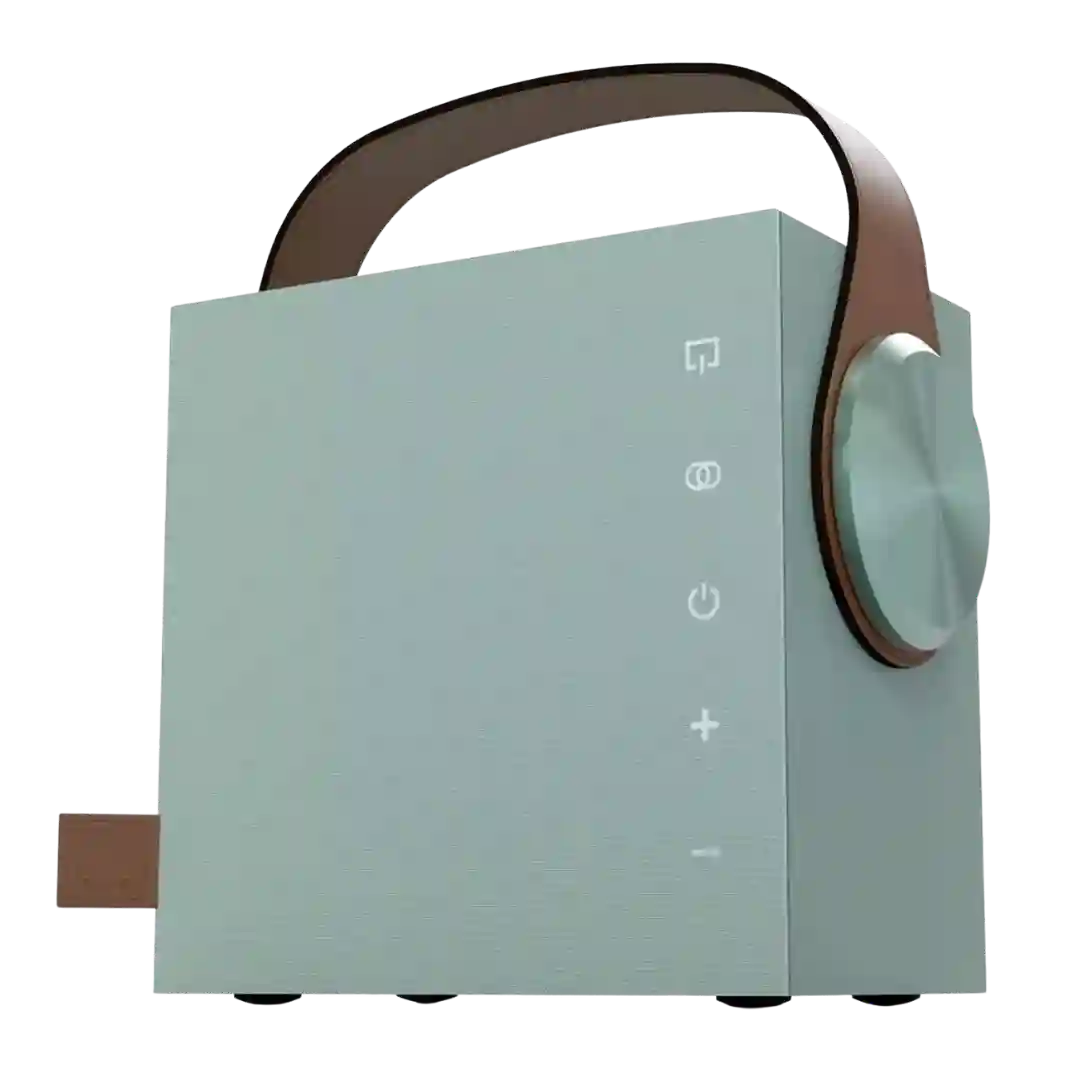
A readable front display/LED feedback is highlighted as a usability win, including clear indications of input/volume and plain-English status messaging compared with ambiguous light codes on some competitors.
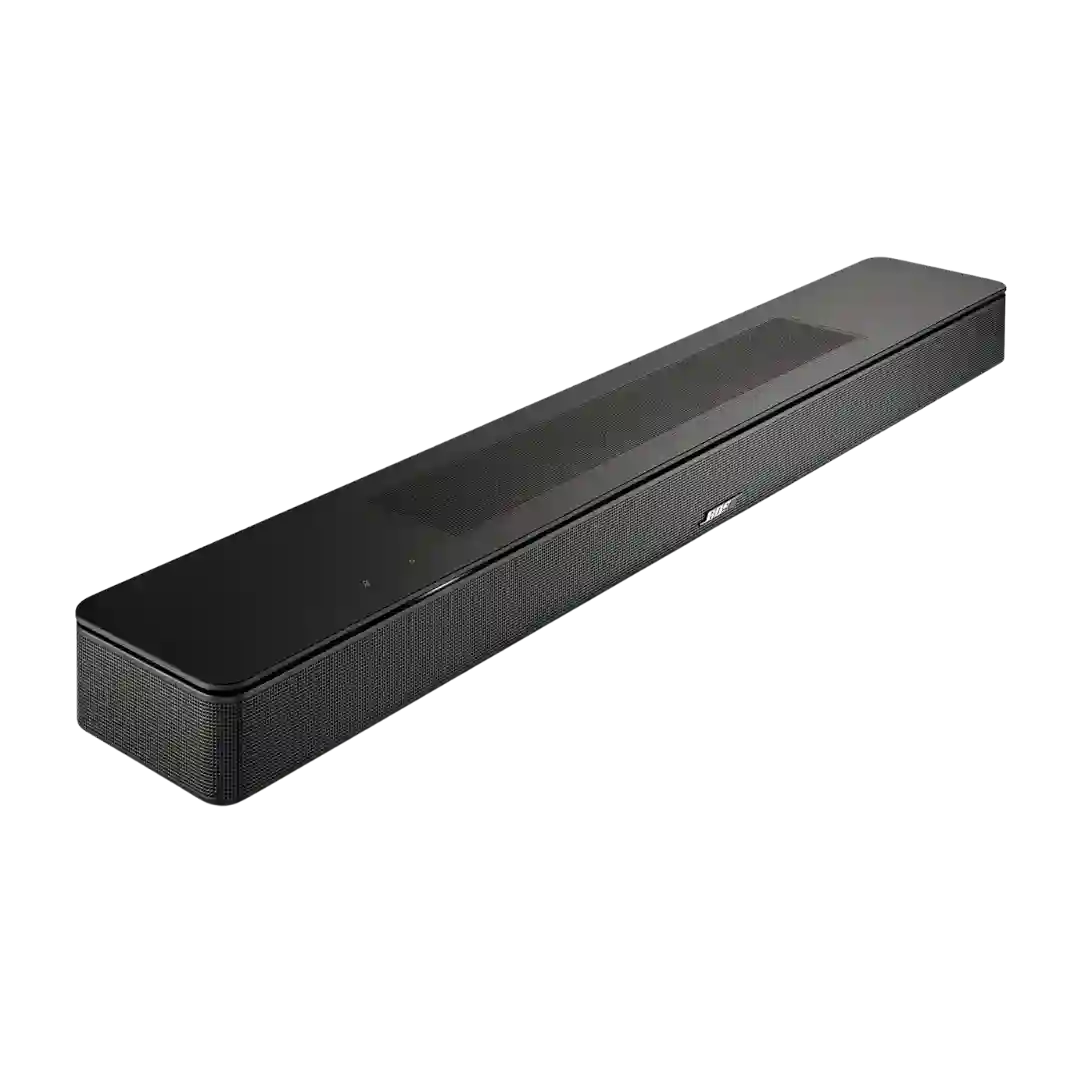
The front LED and input indicator are helpful and brightness-adjustable, with reviewers appreciating the ability to dim or disable them. It is a small but polished usability touch.
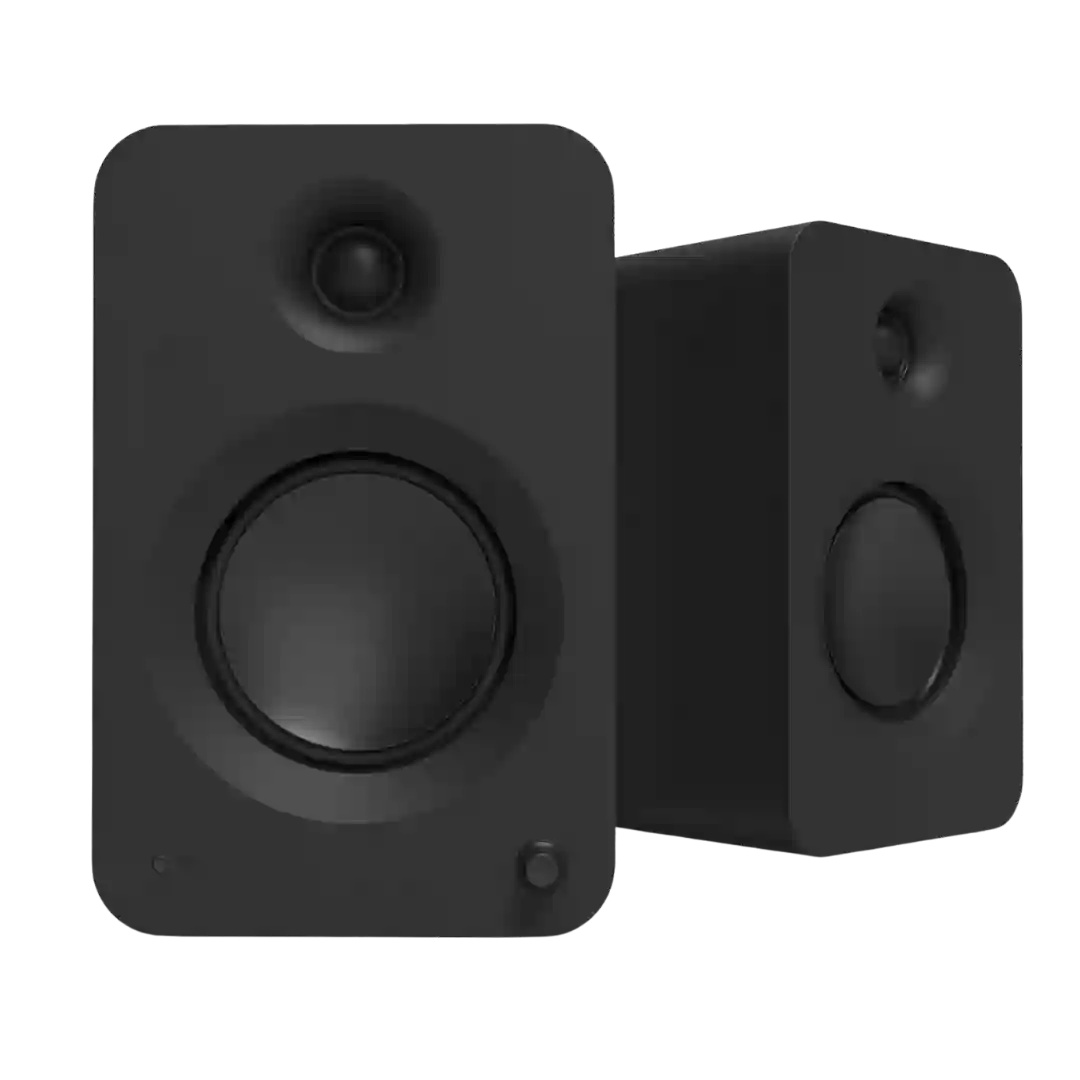
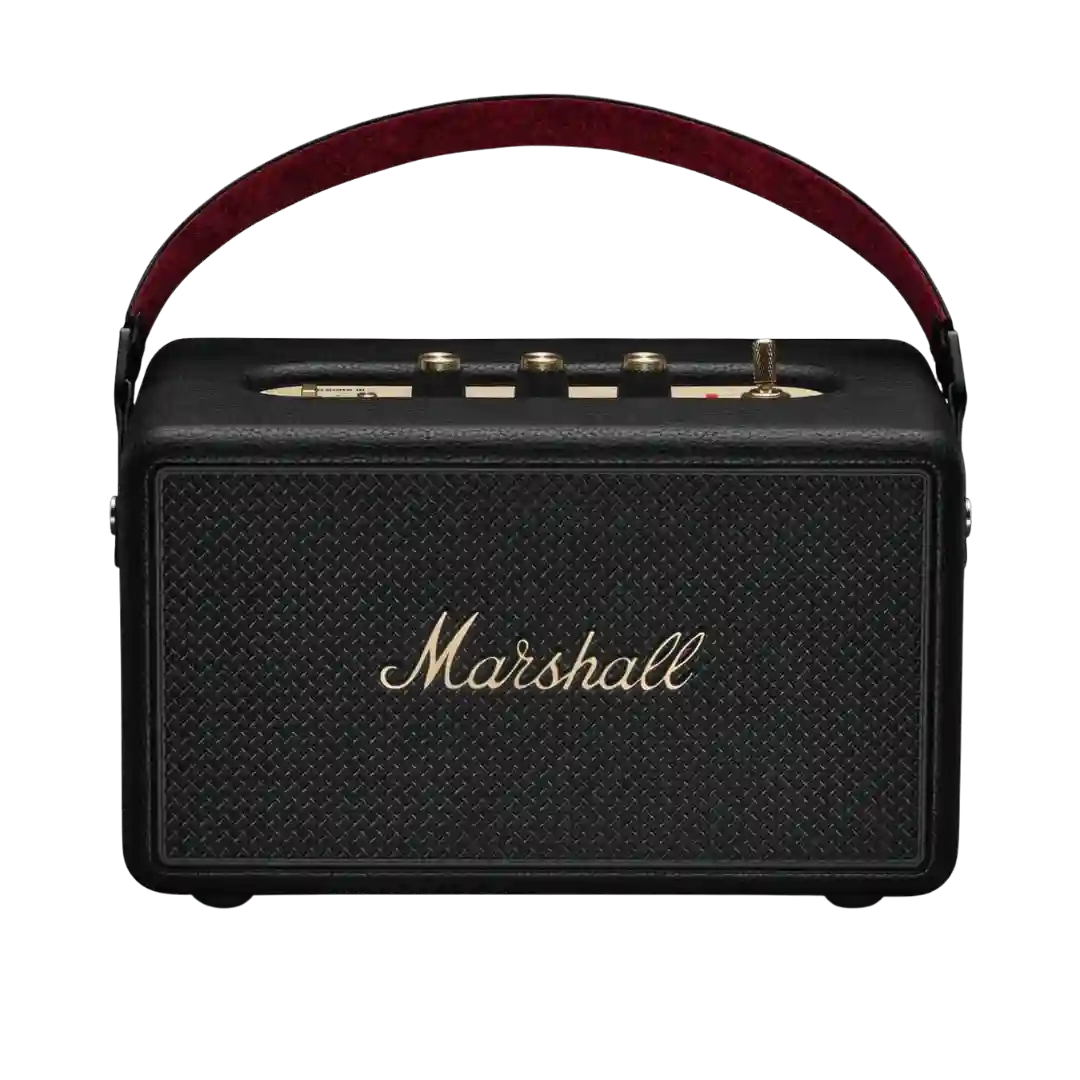
Status feedback is frequently described as strong, including battery indication and LED/indicator behavior around physical knobs that makes quick adjustments easy without looking at a phone.
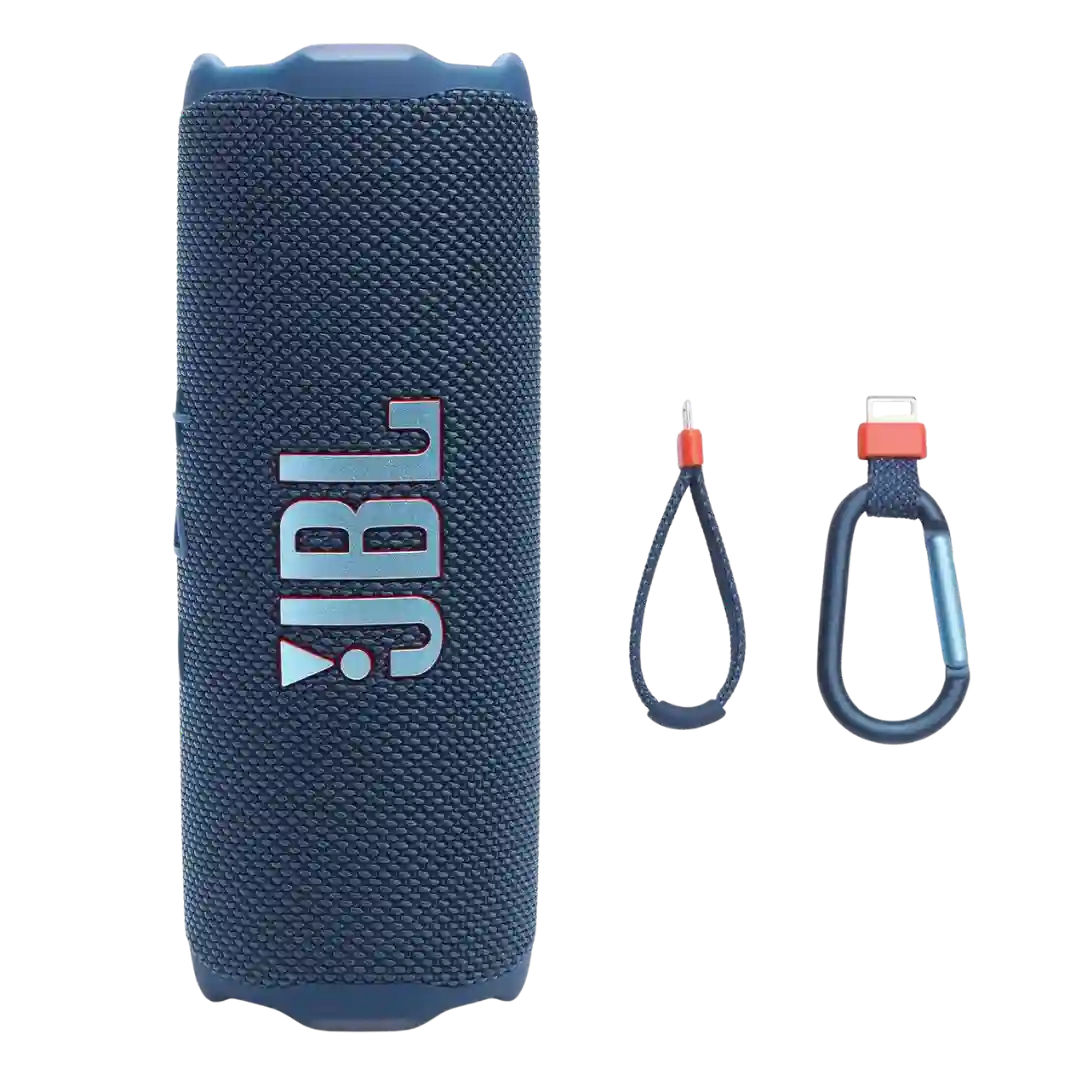
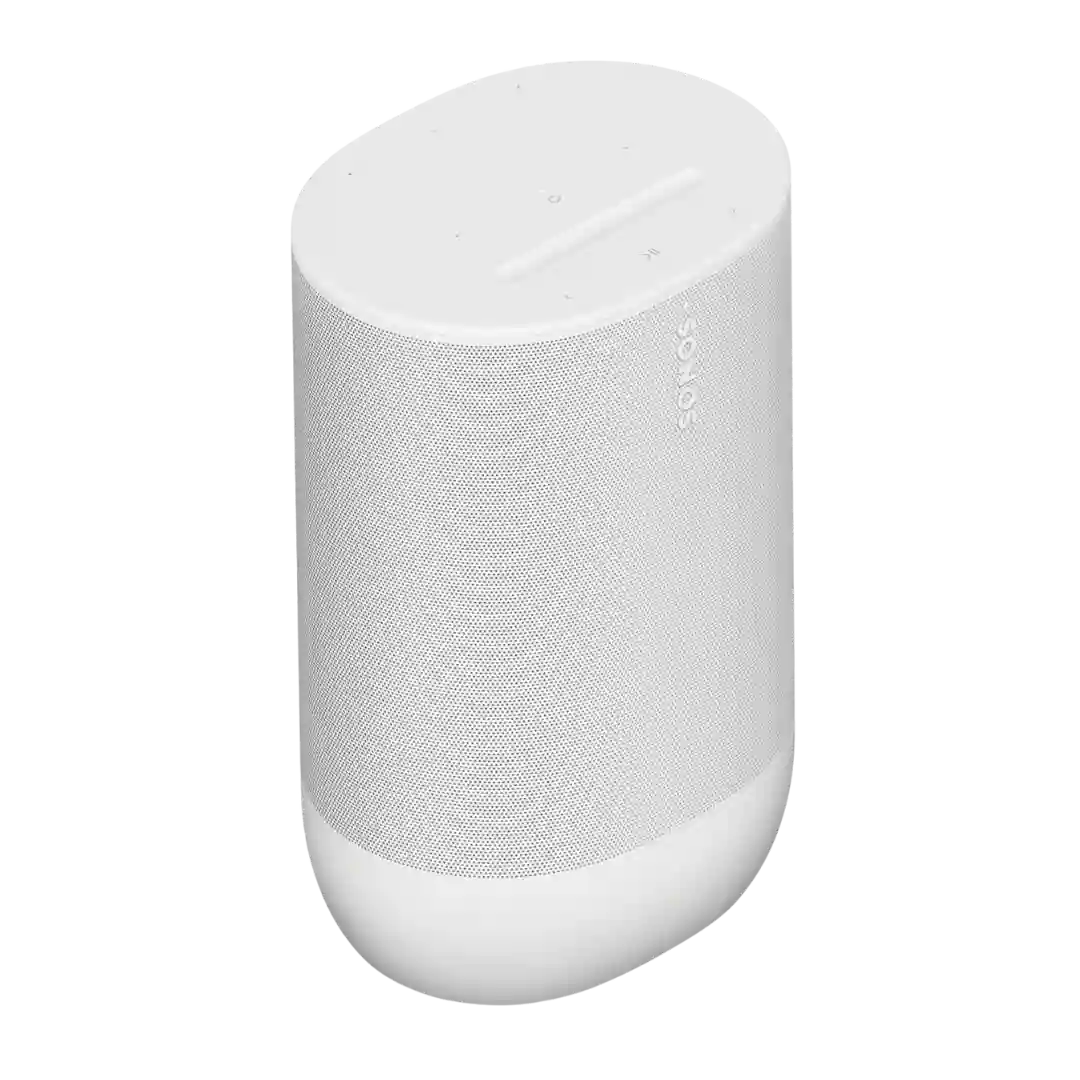
Status feedback is generally good, including battery indicators on the speaker and in-app percentage readouts; some reviewers also mention warnings/indicators around charging when wet.
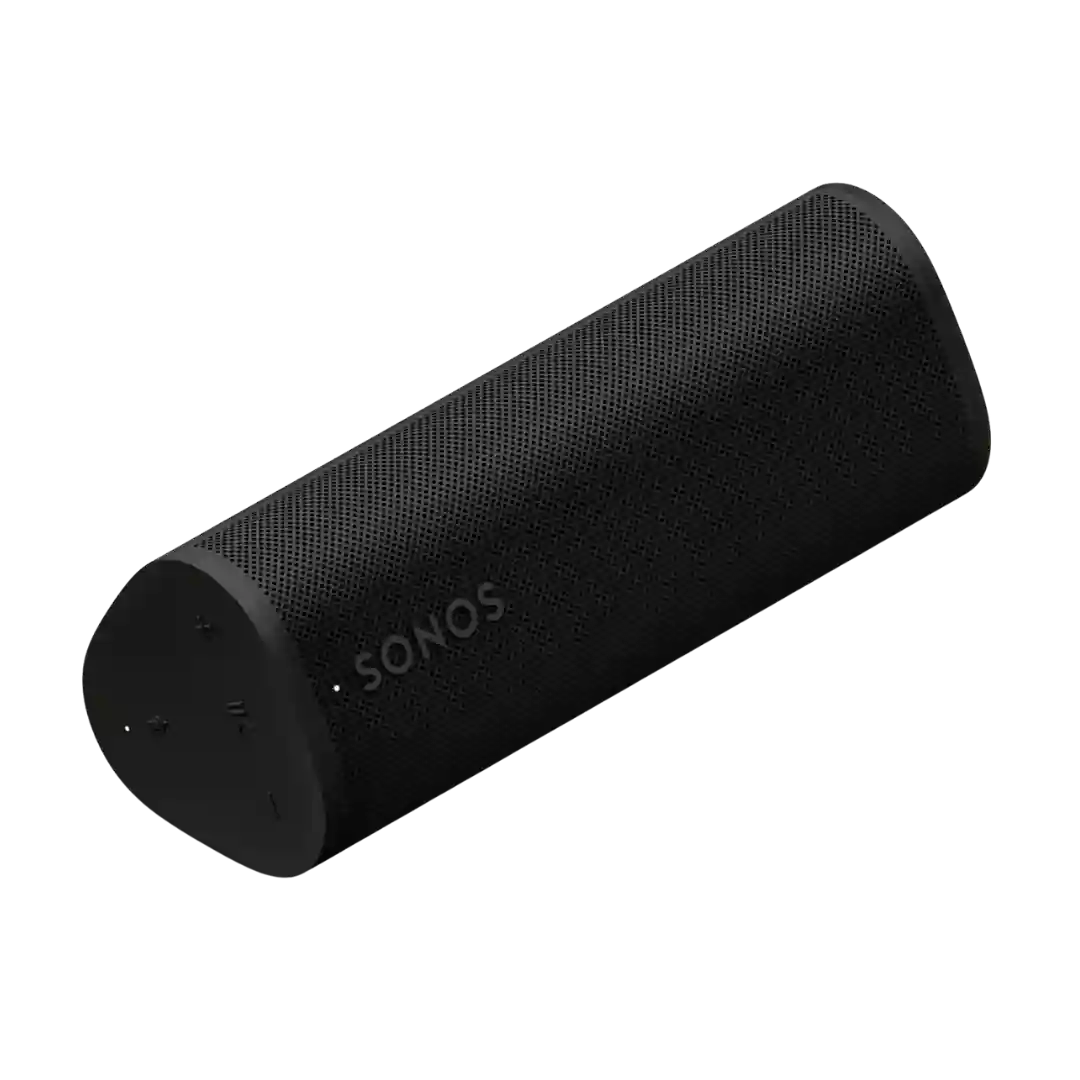
Battery and pairing indicators are helpful. Several reviewers liked the rear LED system for giving quick visual charge and status feedback without needing an app.
Lighting is used for functional feedback as well as aesthetics, including indicating Bluetooth status/connection modes in addition to decorative patterns.
Status lighting is described as useful for basic power, Bluetooth, and moisture/battery indications. It is functional rather than feature-rich, but generally clear.
Status indication is generally handled via indicator lights for pairing and battery-related feedback, with at least one review calling out helpful battery-level visibility.
At least one review notes helpful status indication behavior (for example, LED feedback for firmware updates), though some would prefer more at-a-glance battery signaling.
Status feedback includes battery indicators and port-related warnings; one review notes the speaker can blink a warning when the USB-C port is still wet, and others mention a battery gauge light that is helpful but not very precise.
The front LEDs clearly show source, volume, and mute status and can be useful in everyday use. They are not perfect, though, because brightness and the auto-mute behavior can be mildly annoying.
The front dot-matrix display helps with status and input feedback, but multiple reviewers find it small or hard to read, making app control preferable.
The front LED display is useful for showing source and volume, but brightness and standby behavior can be distracting in dark rooms, with limited dimming control noted.
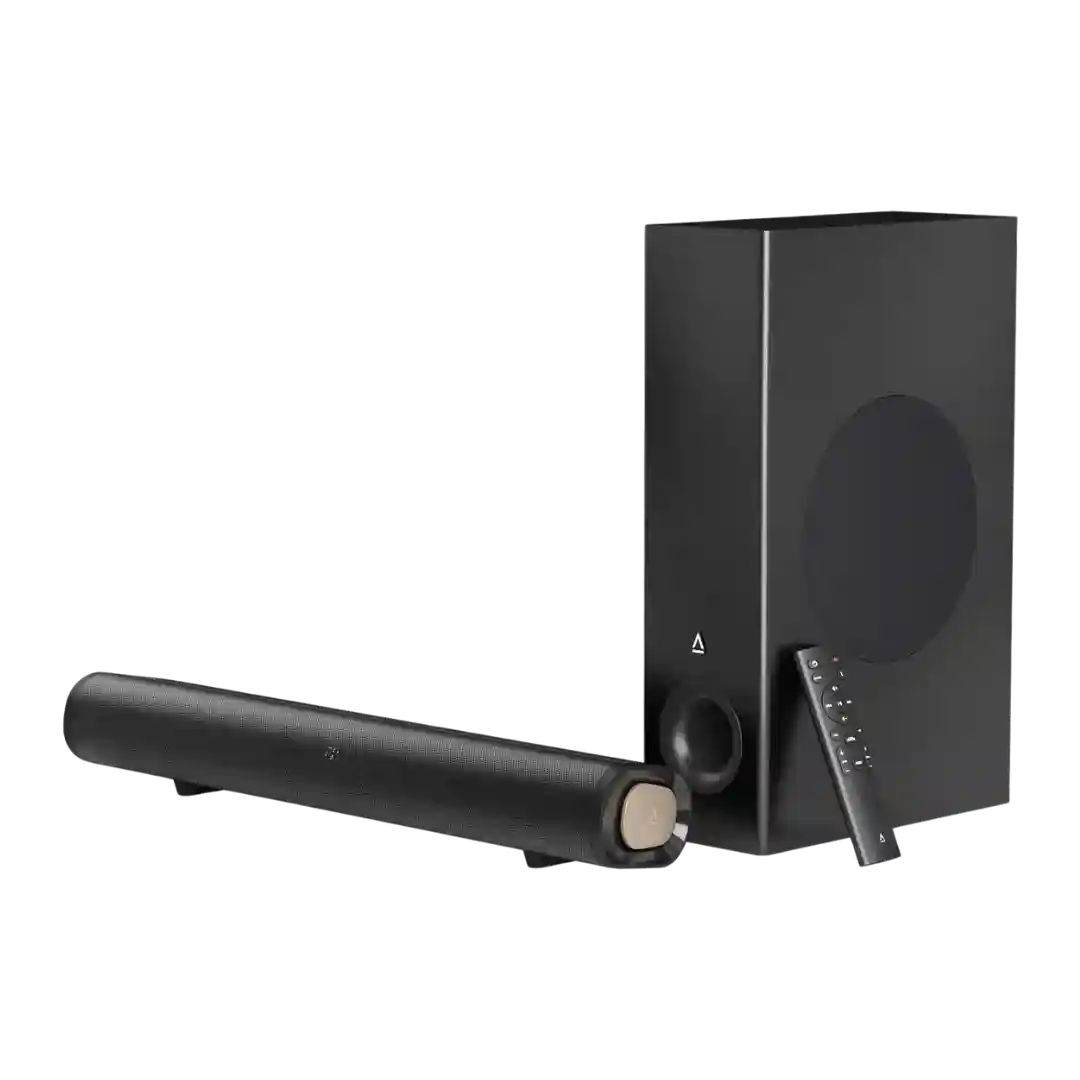
Status indicators are a recurring weakness: the LED-only feedback is described as hard to decipher, with the companion app helping confirm which mode and features are active.
Status indicators are viewed as underdeveloped: at least one review notes no clear volume indicator and limited battery indication behavior on the device, even though some buttons may be illuminated for easier use in the dark.