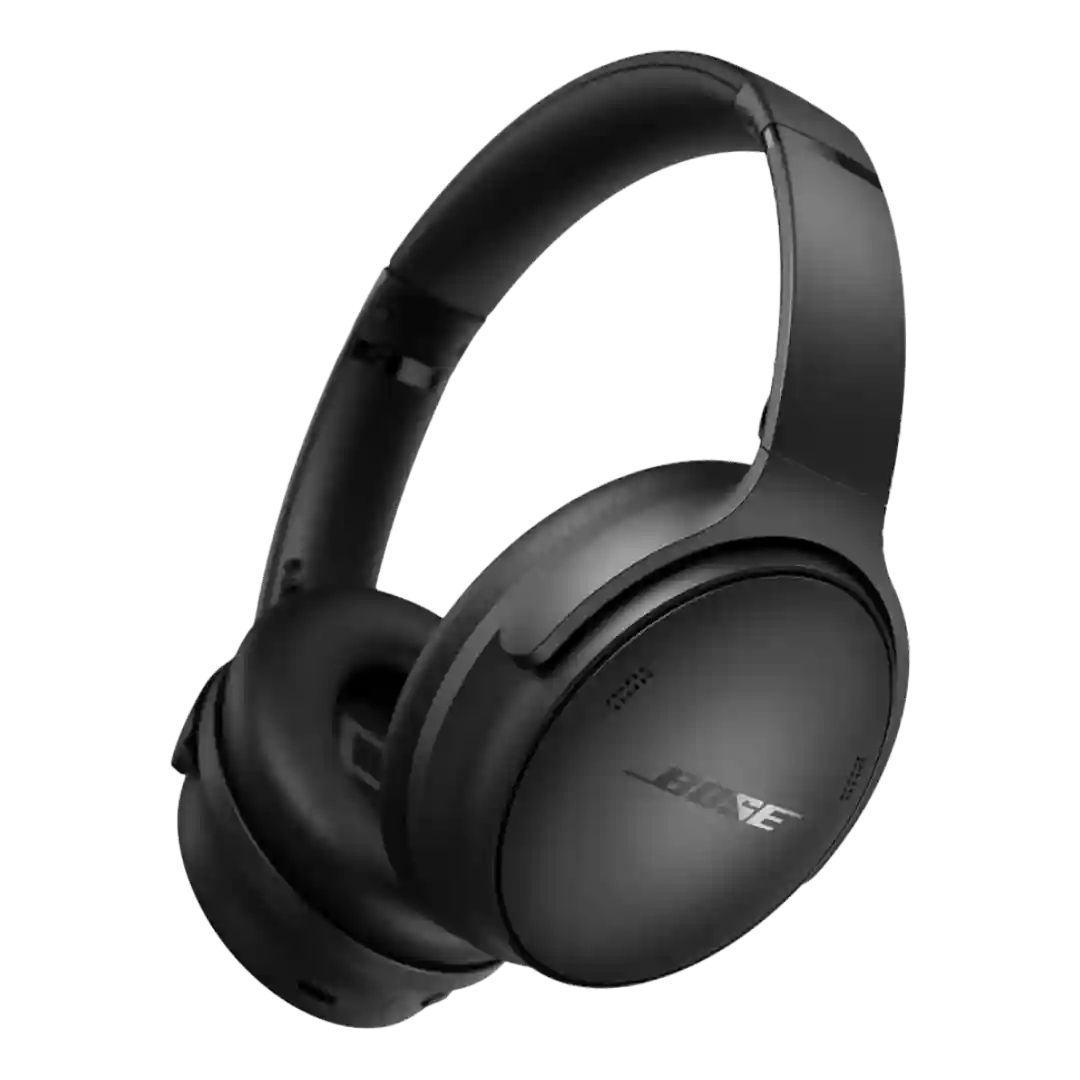
Touch controls are generally described as responsive and customizable, with quick mode switching. Some users simply dislike touch input or note occasional mis-triggers in wet conditions, but responsiveness itself is usually strong.
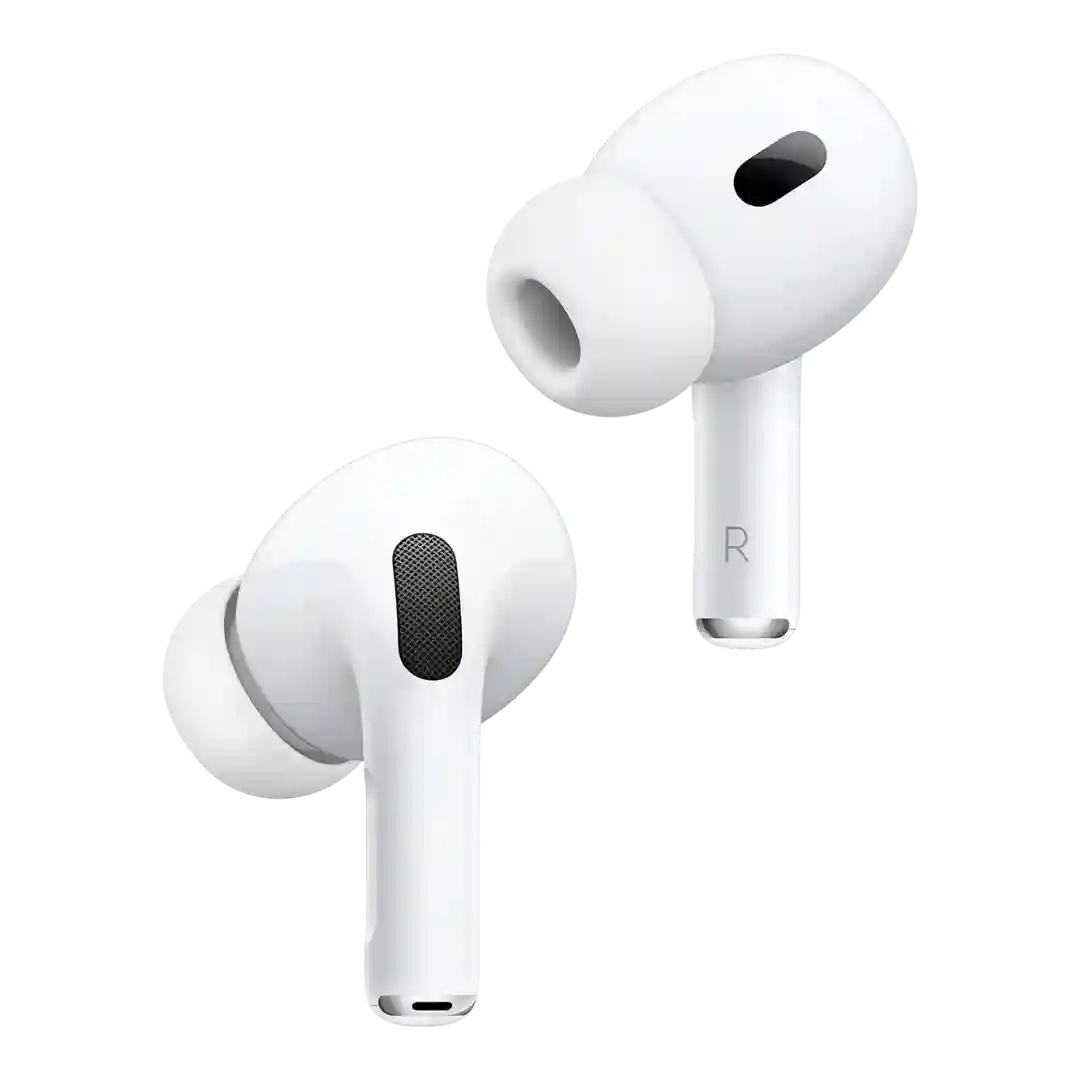
Touch and stem-based controls are a strength. Reviewers repeatedly call them easy to locate, responsive, and customizable, with the flatter stem helping usability.
Touch controls are usually described as responsive and highly customizable, with reliable tap registration. The main criticism is usability: some gestures require many taps or can be triggered accidentally during adjustment.
Stem gestures and volume swipes are considered a major usability improvement and usually register reliably. Some users still report the occasional missed swipe or a learning curve for consistent volume adjustments.
The pinch-based controls are usually described as responsive and more reliable than typical tap controls, although some advanced gestures take practice.
Pinch and swipe controls are usually considered responsive and easier to use than last generation, though a few people still found the gesture scheme awkward at first.
Control surfaces are generally responsive; some coverage mentions touch-style control areas, but overall interaction is described as clicky and deliberate rather than finicky.
Touch and swipe controls are generally responsive and feature-rich (including volume gestures). Some users report occasional mis-taps or finicky behavior when moving or when the touch area is hard to locate.
Touch gestures are generally responsive and convenient, but several reviews mention occasional misreads, accidental triggers when adjusting the headphones, or inconsistent recognition.
Touch responsiveness is generally strong and often praised for quick gesture recognition, but sensitivity can lead to accidental triggers during fit adjustments or certain activities.
Touch controls are often described as intuitive and capable, but several reviews mention sensitivity, accidental triggers, or occasional glitches requiring app toggles.
Controls are a frequent talking point: many find pinch and swipe gestures responsive and precise, while others dislike the stem shape and the learning curve for consistent pinches or swipes.
Touch controls are customizable and usually responsive, but several reviewers mention occasional missed taps, lag, or finicky behavior that takes practice.
Pinch-and-swipe control responsiveness is often described as good once learned, but at least one reviewer reports finicky tap behavior (especially double/triple actions) and occasional jostling due to the light fit.
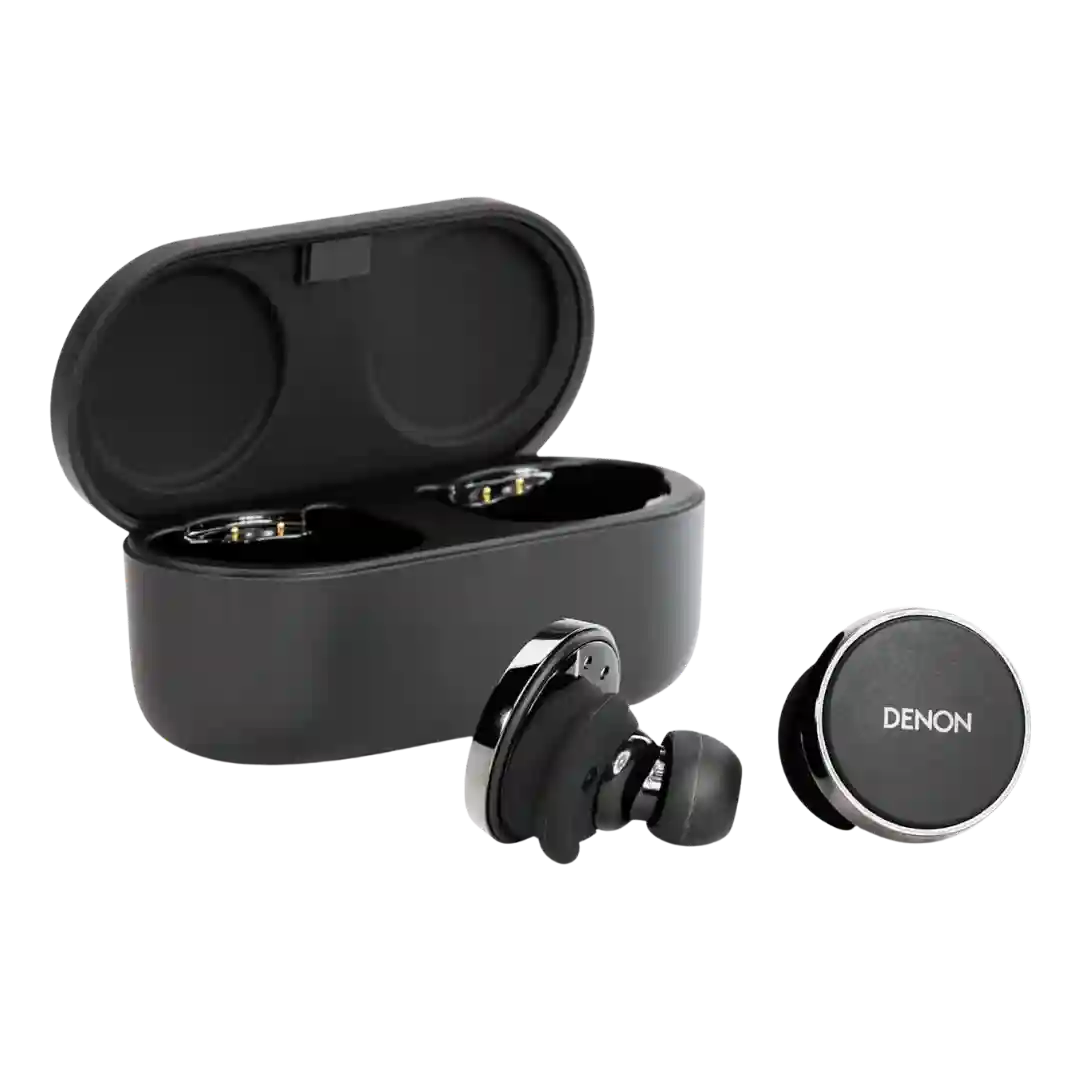
Most coverage describes manual button operation rather than touch gestures, with limited mention of touch-style interactions. Responsiveness is rarely criticized directly, but ergonomics of pressing are a common issue.
Touch controls are broadly functional and responsive, but multiple reviews criticize the control scheme tradeoffs and limited customization. A few users mention occasional mis-taps or delays, and some prefer using the case screen or app instead.
Touch controls are feature-rich, but experiences vary widely: some find them refined and responsive, while others report misreads or frustration with pinch-based ANC gestures.
Touch responsiveness varies by reviewer: some find taps reliable and easy to trigger without pressure, while others report missed taps or occasional misreads.
Control responsiveness is mostly good, but some reviewers call gestures stubborn or less responsive than expected. Overall reliability improves with familiarity, but it is not universally perfect.
The touch volume control is divisive: some find it responsive and sleek, while others call it imprecise or too easy to trigger large volume changes, especially without tactile feedback.
Touch controls offer a large target and good customization, but sensitivity can be hit-or-miss for some users and swipe gestures are sometimes expected but not always present.
Touch controls are functional but divisive: some praise quick, reliable taps, while others report overly sensitive surfaces that trigger accidental commands, especially during fit adjustments or in rain.