If you want better setup ease
Choose LG C6. It scores 4.3 vs 1.0 for setup ease, with a 4.1 overall score.
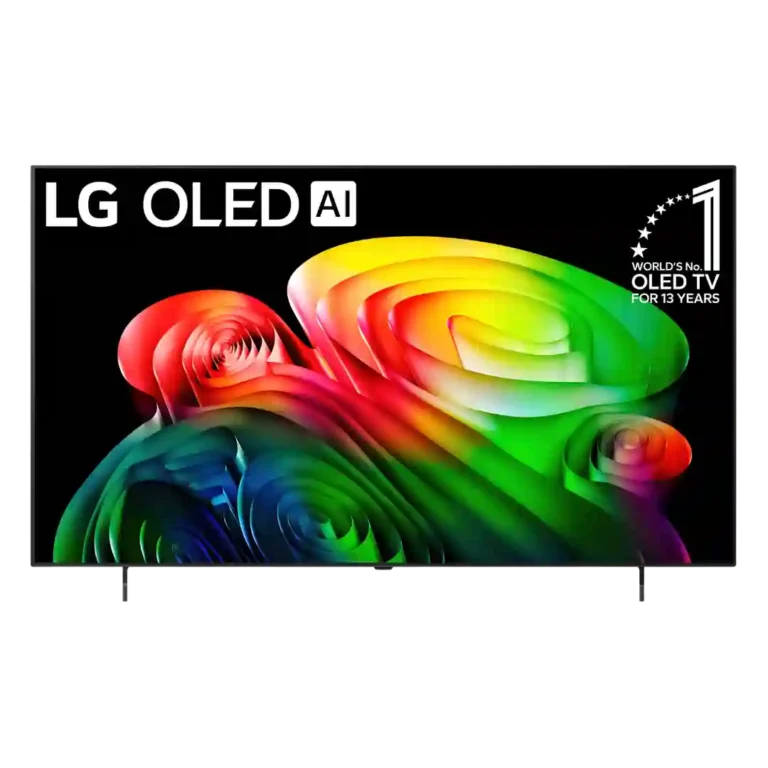
Choose the LG B6 for excellent OLED gaming, deep blacks, and a polished smart platform. Skip it at full launch pricing if the cheaper B5 remains available, or if you need strong bright-room reflection control and built-in cinematic sound.
Best for console and PC gamers who want 4K 120Hz, VRR, low input lag, and OLED contrast without paying flagship prices. It also suits movie viewers in dimmer rooms who value deep blacks and vivid color.
Skip it for a strongly lit room with difficult reflections, or when built-in cinematic sound is a priority. Launch-price buyers should also compare remaining B5 stock and the local C6 price gap.
The LG B6 is a highly capable entry-level OLED whose strongest case is gaming: four HDMI 2.1 ports, 4K 120Hz, full VRR support, and exceptionally low input lag make it unusually complete at this tier. Its OLED blacks, contrast, color volume, and improved peak brightness also produce an impressive picture, especially in darker rooms. The compromises are meaningful rather than fatal. Reflection handling varies by environment, one unit showed a green tint, and the built-in speakers lack bass and width. Value is also price-sensitive: discounted B6E offers are excellent, but the older B5 can be smarter while stock lasts, and the C6 is the stronger upgrade where the price gap is small. Once discounted, the B6 becomes an easy recommendation for gamers and movie fans who plan to add a soundbar.
Compared with other TVs, this product is above average in reliability, response time, motion clarity, near average in variable refresh rate, design and appearance, below average in setup ease, stand width, glare resistance.
| Attribute | This product | Category average | Difference |
|---|---|---|---|
| setup ease | 1.0 | 4.3 | -3.3 |
| stand width | 2.3 | 4.8 | -2.5 |
| glare resistance | 1.8 | 3.8 | -2.0 |
| stand stability | 3.1 | 5.0 | -1.9 |
| soundstage | 2.0 | 3.9 | -1.9 |
| reliability | 5.0 | 3.2 | +1.8 |
| response time | 5.0 | 3.4 | +1.6 |
| bass performance | 2.0 | 3.6 | -1.6 |
Choose LG C6. It scores 4.3 vs 1.0 for setup ease, with a 4.1 overall score.
Choose LG G6. It scores 4.8 vs 1.8 for glare resistance, with a 4.4 overall score.
Choose TCL QM8L. It scores 5.0 vs 2.3 for stand width, with a 4.4 overall score.
Products reviewers directly compared with this model, grouped into quick takeaways.
Yes. All four HDMI 2.1 ports support 4K at 120Hz, VRR, ALLM, FreeSync, and G-SYNC, while measured input lag is about 8.9ms in boost mode.
Brightness is improved over the B5, and Standard or Vivid mode can work during the day. Strong lights may still create distracting reflections, and the C6 is substantially brighter.
A soundbar is recommended for movies. Dialogue is generally clear, but bass is thin, the soundstage is narrow, and Dolby Atmos effects have limited impact through the built-in speakers.
That depends on current pricing. Reviewers prefer the much cheaper B5 while stock remains, but a discounted B6 or B6E becomes a strong value once the price gap narrows.
webOS 26 is fast, intuitive, reliable, and well stocked with streaming apps. Its main drawbacks are prominent advertising and a setup process that can be frustrating.
These are a few of the reviews included in our analysis.

Each year we see TV manufacturers release new models with new features, improved displays and an overall better package. After checking out...
The best World Cup TV deal so far?
A great OLED TV, but not the upgrade I was looking for
LG’s B6 OLED is an impressive mid-budget TV that stacks up well against its more powerful counterpart, the C6. And while the C6 is certainly...
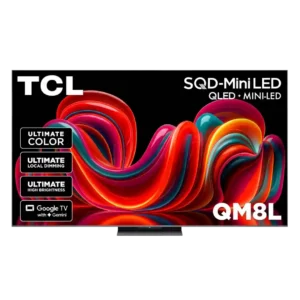
Choose the QM8L for a big, brilliantly bright TV with vivid HDR, deep mini-LED blacks, low input lag, and four HDMI 2.1 ports. Skip it if you need OLED-clean motion,...
Pros: overall image accuracy, resolution
Cons: motion clarity, response time
Choose the G6 for class-leading bright-room OLED picture, rich color, deep blacks and elite gaming. Skip it if you want strong built-in audio, polished launch firmware, no account sign-in, or...
Pros: panel type, display technology
Cons: account requirements, DTS support
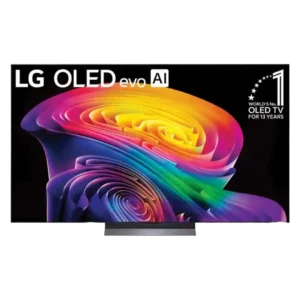
Choose the C6 for outstanding OLED picture quality, four-port gaming support, and fast webOS. Skip it at full launch price if a discounted C5 is available, or if bright-room reflections...
Pros: resolution, contrast ratio
Cons: HDR10+ support, account requirements
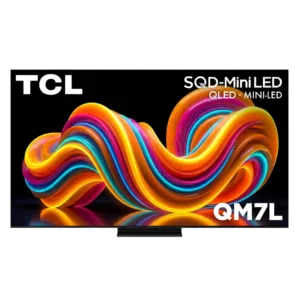
Choose the QM7L for bright-room HDR, vivid color, low input lag, and big-screen value. Skip it if you are sensitive to motion smearing, need wide seating angles, or expect OLED-like...
Pros: resolution, HDR format support
Cons: software updates, account requirements