Best for App controls and settings
Eufy E340 Floodlight Camera
4.7 feature score
Highest scored product for this feature based on supporting review evidence.
Highest scored product for this feature based on supporting review evidence.
Balances feature score, supporting reviews, and overall product strength.
Has the broadest review evidence for this feature.
Strongest overall product among items with scored evidence for this feature.
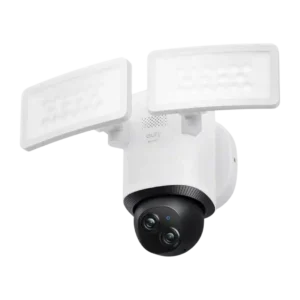
Reviewers consistently liked the Eufy app’s depth and usability, calling it robust, practical, intuitive, and full of useful controls.
Pros: Cloud storage plan value, Dual-band (2.4/5GHz) performance
Cons: HomeKit integration, ONVIF/RTSP support
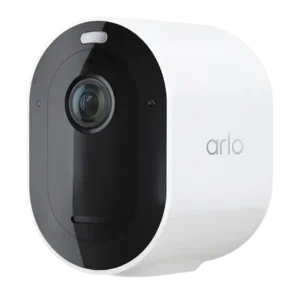
App controls are widely praised for modes, routines, dashboards, settings, and granular customization, even if the depth can take time to master.
Pros: Notification speed, Event recording reliability
Cons: Mesh network compatibility, Customer support responsiveness
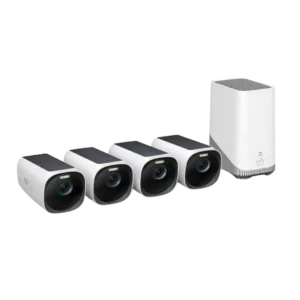
App controls and settings are generally praised for depth and ease of use, with some layout and multicam wishes elsewhere in the evidence.
Pros: Cloud storage plan value, Weather resistance rating (IP code)
Cons: Recording start-time lag, Pre-event recording length
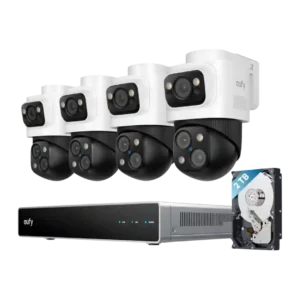
Controls were generally praised across the app and NVR interface for responsiveness, clear structure, live view speed, and simple setup.
Pros: Detection range, Recording start-time lag
Cons: ONVIF/RTSP support, HomeKit integration
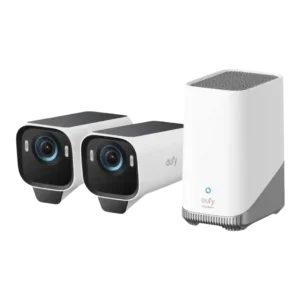
The app and controls were broadly praised for being feature-packed, customizable, intuitive, and responsive.
Pros: Low-light performance, Color accuracy
Cons: Speaker volume, Frame rate
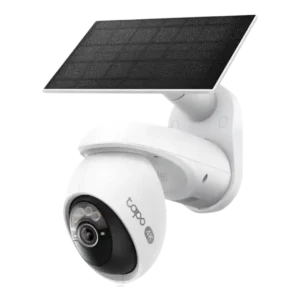
The Tapo app and controls were consistently liked for ease, depth, and practical camera settings.
Pros: On-device processing (AI), Installation and Mounting
Cons: ONVIF/RTSP support, HomeKit integration
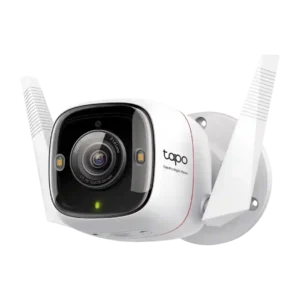
App controls and settings were mostly praised for customization and easy navigation, but defaults and some setup/playback friction kept it from being flawless.
Pros: Detection range, On-device features
Cons: HomeKit integration, PoE
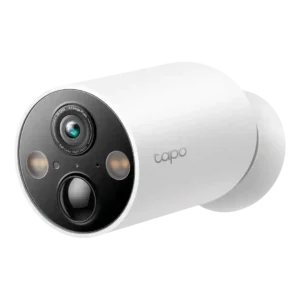
The Tapo app’s controls were broadly praised for deep settings and customization, despite setup issues covered under app reliability.
Pros: Power options (solar panel), On-device features
Cons: PTZ (pan/tilt/zoom) control responsiveness, Continuous recording capability
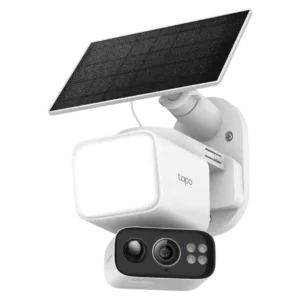
The Tapo app offered many useful settings and controls, but setup menus and some bugs kept the app experience from being universally smooth.
Pros: Speaker volume, Lens distortion correction
Cons: Field of view, Detection range
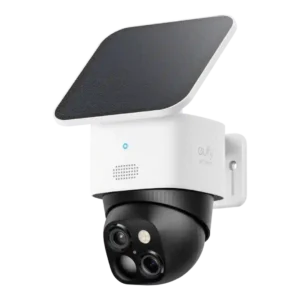
The app is feature-rich and often intuitive, but some settings are quirky, buried, or imperfect.
Pros: Cloud storage plan value, Power options (solar panel)
Cons: HomeKit integration, IFTTT/automation compatibility
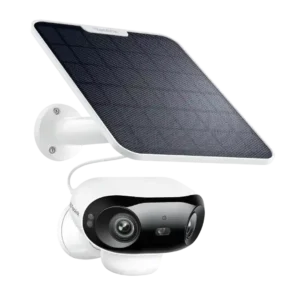
App controls were generally strong, with clean settings, deep customization, event filters, and flexible setup, though one review found the app needs refinement.
Pros: Connectivity options, Detection range
Cons: HomeKit integration, Continuous recording capability
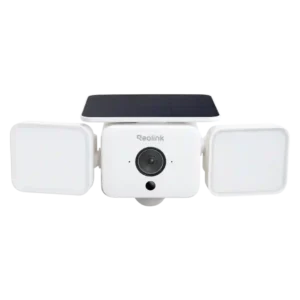
The Reolink app offers deep control over detection, lighting, recording, privacy, alerts, and playback; most find it clear, though setup and advanced menus can feel clunky or overwhelming.
Pros: Field of view, Customizable motion zones
Cons: Continuous recording capability, ONVIF/RTSP support
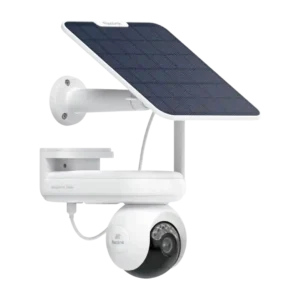
The app exposes many useful controls and settings, but reviewers split between easy-to-use praise and complaints about clutter or rough edges.
Pros: Recording start-time lag, Smart home accessory compatibility
Cons: Optical zoom performance, HomeKit integration
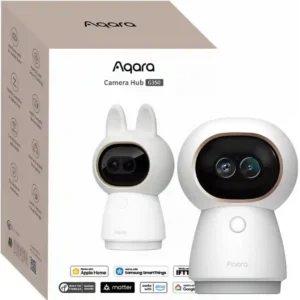
The Aqara app offers deep PTZ, playback, filtering, preset, privacy, and automation controls. Reviewers like the power and layout, though the huge number of options can feel complex.
Pros: Frame rate, Continuous recording capability
Cons: Weather resistance rating (IP code), Included accessories
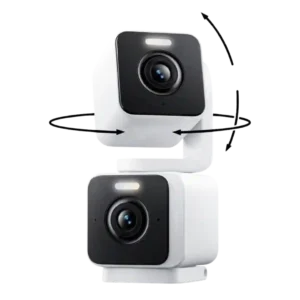
The app controls were often praised as easy and flexible, but one reviewer criticized the lack of motion-tracking settings.
Pros: Installation and Mounting, Articulation range
Cons: ONVIF/RTSP support, Connectivity options
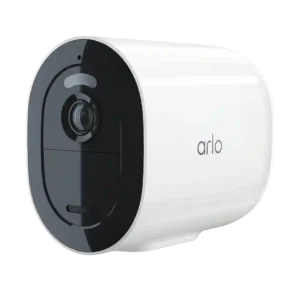
App controls were polarizing: some reviewers praised excellent modes and easy controls, while others found settings confusing or the setup slow.
Pros: Notification speed, Smart home accessory compatibility
Cons: Replacement part availability, HomeKit integration
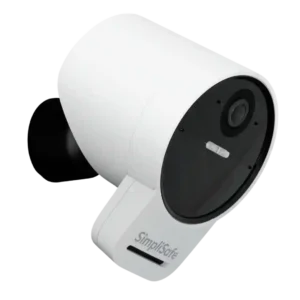
Reviewers praised the app’s guided setup and controls, but one found Active Guard settings restrictive because only activity zones stayed under real user control.
Pros: Weather resistance rating (IP code), System scalability
Cons: Pre-event recording length, HomeKit integration
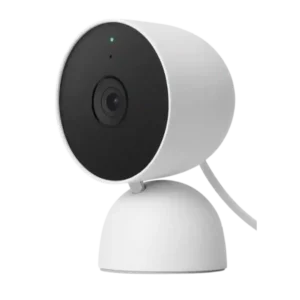
App opinions were mixed: Google Home could be easy and powerful, but some reviewers found it clumsy, glitchy, or awkward.
Pros: Low-light performance, Notification speed
Cons: Recording start-time lag, PTZ (pan/tilt/zoom) control responsiveness
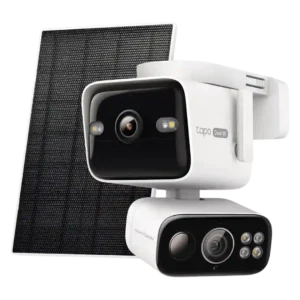
Reviewers liked the app’s easy layout, but one hands-on reviewer flagged missing guard-home/default position controls.
Pros: Low-light performance, Floodlight brightness
Cons: HomeKit integration, Echo/noise cancellation
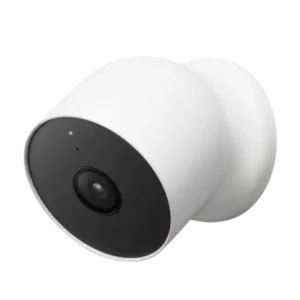
The app experience is praised as simple and well integrated in some reviews, but criticized as weaker than the old Nest app and occasionally buggy.
Pros: False alert filter effectiveness, Operating temperature range
Cons: IFTTT/automation compatibility, HomeKit integration
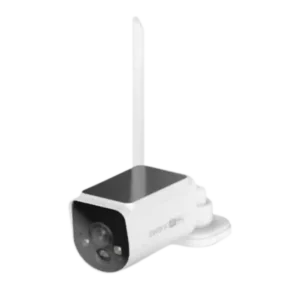
App controls were highly mixed: several reviewers called the app intuitive, while others criticized incomplete, scattered, or less intuitive settings.
Pros: Digital zoom clarity, Floodlight brightness
Cons: Frame rate, Smart-home integration (Alexa
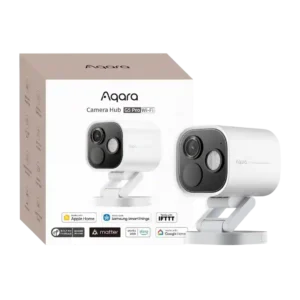
Reviewers found the app powerful but uneven: several praised extensive controls and fine-tuning, while others called the interface busy, complicated, or not their preferred design.
Pros: Durability, Low-light performance
Cons: Power options (solar panel), PTZ (pan/tilt/zoom) control responsiveness