Best for cable management
Alogic Edge 40-inch 5K ultrawide
4.9 feature score
Highest scored product for this feature based on supporting review evidence.
Highest scored product for this feature based on supporting review evidence.
Balances feature score, supporting reviews, and overall product strength.
Has the broadest review evidence for this feature.
Strongest overall product among items with scored evidence for this feature.
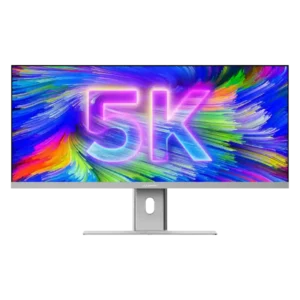
One USB-C cable can carry video, data, Ethernet access, and up to 90W charging, dramatically reducing desk clutter. Replacing a multi-monitor setup also removes extra power and display cables.
Pros: productivity versatility, aspect ratio
Cons: HDR performance, HDMI 2.1 support

The adjustable cable loop is simple but unusually effective, and daisy chaining can further reduce desk clutter. Multi-monitor users especially benefit from the cleaner wiring.
Pros: VESA mount compatibility, productivity versatility
Cons: HDR performance, local dimming performance
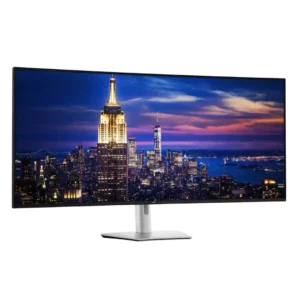
One-cable operation and stand routing can make a complex workstation much cleaner than a multi-monitor setup. The huge number of possible connections can still create visible clutter, and the stand...
Pros: input lag, backlight bleed control
Cons: overdrive tuning, ghosting control
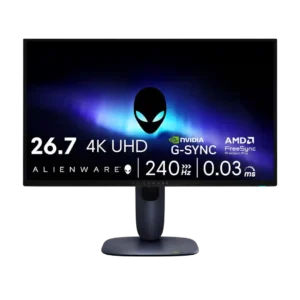
Cable management was consistently viewed positively, from the stand channel to the integrated power supply and tidier setup.
Pros: response time, contrast
Cons: built-in speakers, software support
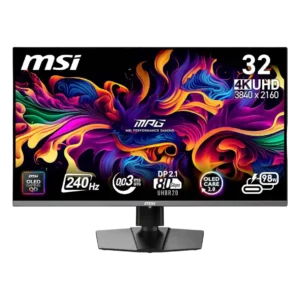
The stand cutout and downward-facing ports can keep cables reasonably organized. Thick high-bandwidth cables are still awkward to bend, and some reviewers wanted cleaner routing through the base.
Pros: response time, motion clarity
Cons: warranty and support service, sleep and wake behavior
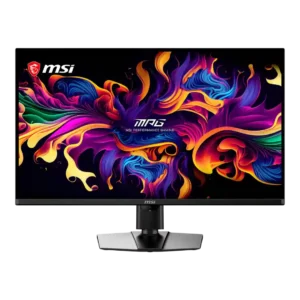
USB-C can reduce clutter in a desktop-and-laptop setup, but the physical cable-routing grommet does not prevent sag. The hanging power cable is particularly difficult to hide.
Pros: panel type, response time
Cons: built-in speakers, curved screen immersion
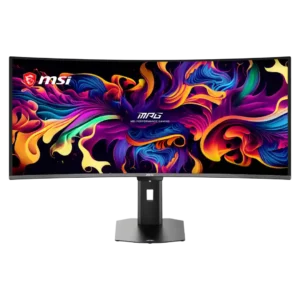
The compact stand improves desk space, but cable routing is inconsistent. Its small opening and lack of clips or a routing shelf can leave a fully connected setup looking cluttered.
Pros: screen size, panel type
Cons: Resolution, cable management
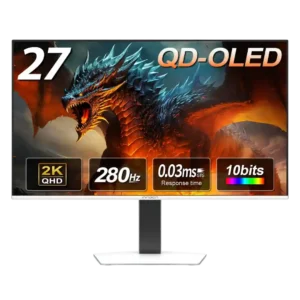
Cable management is weak because the stand lacks a built-in clip or routing hole, and the external power brick adds extra clutter.
Pros: screen size, panel type
Cons: KVM switch performance, USB hub functionality