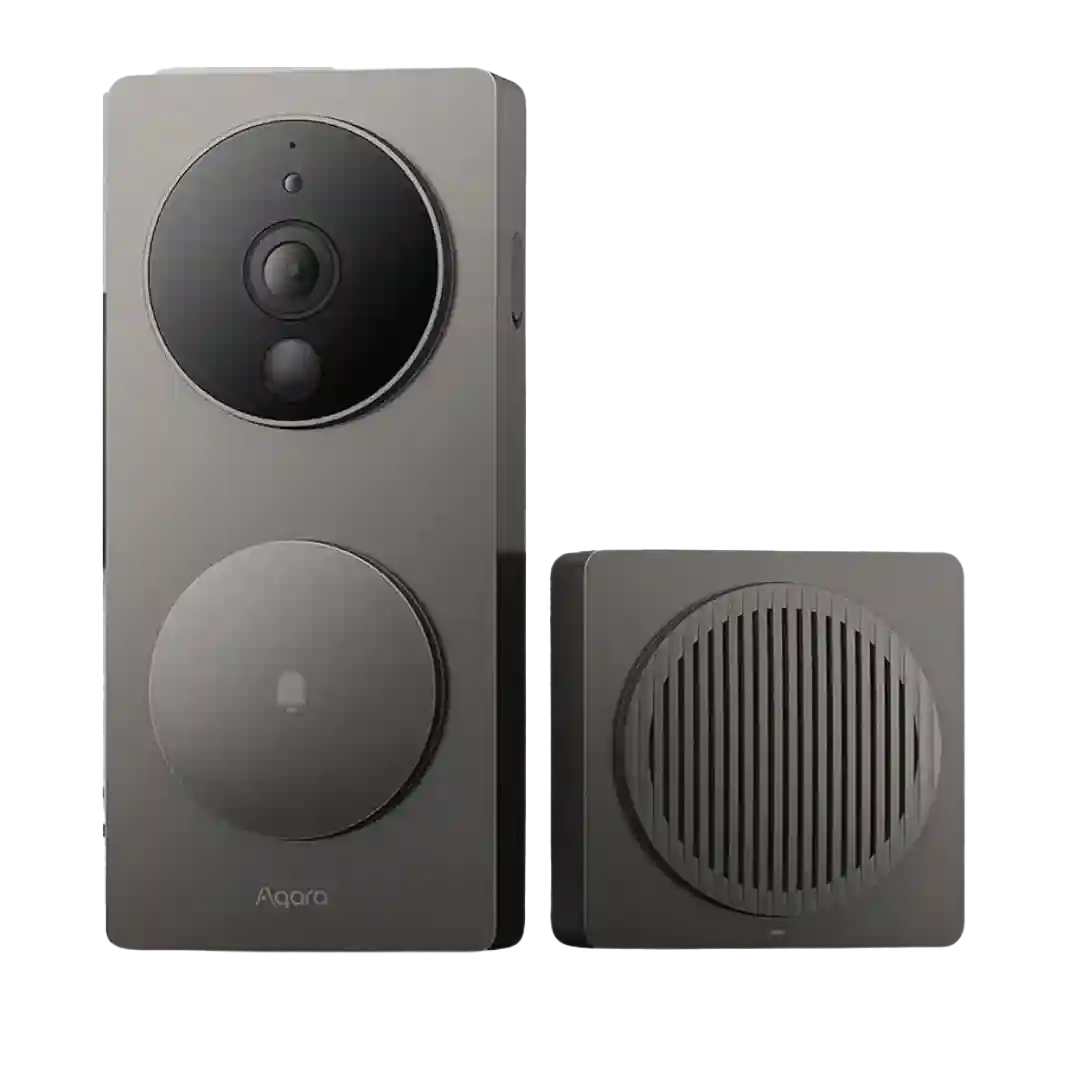
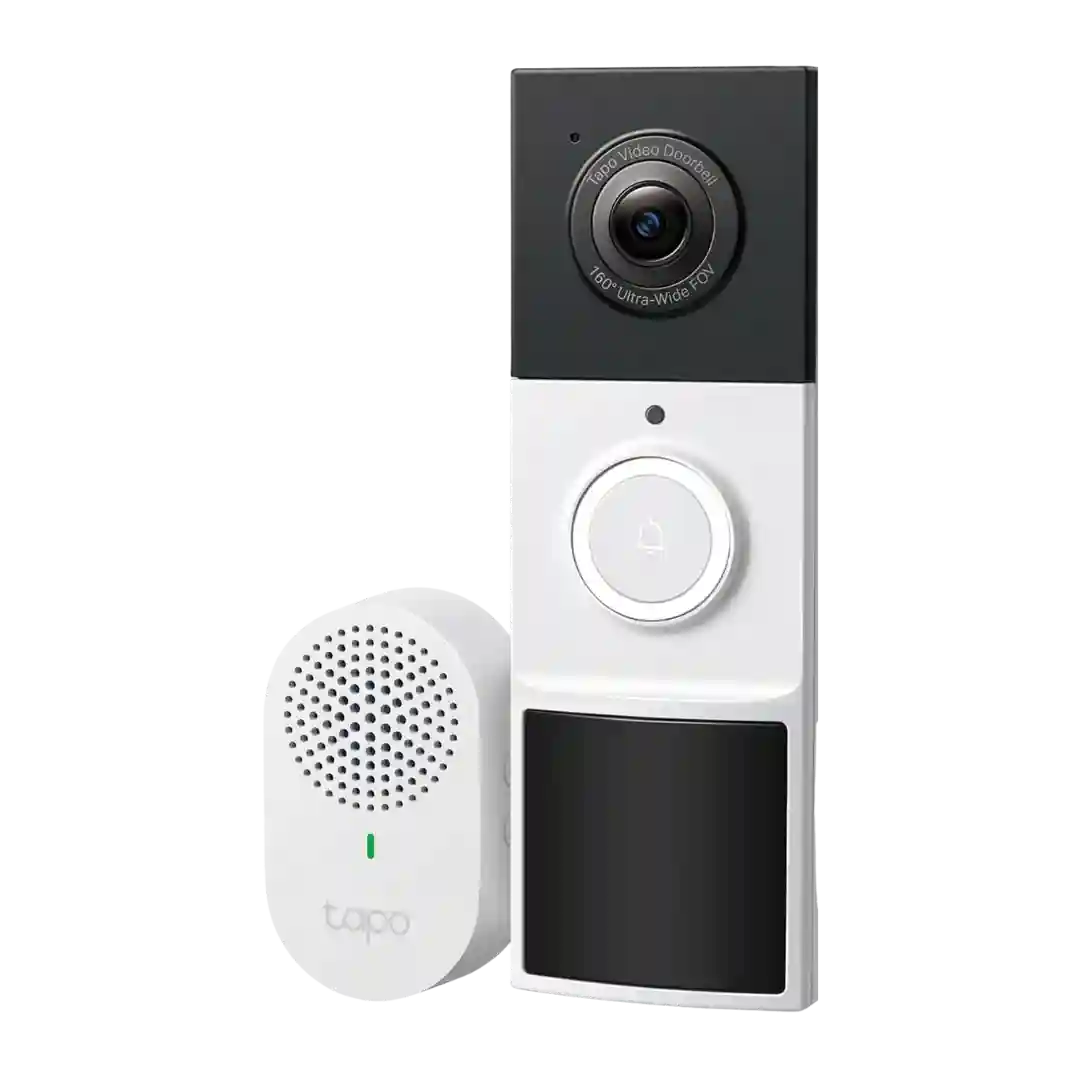
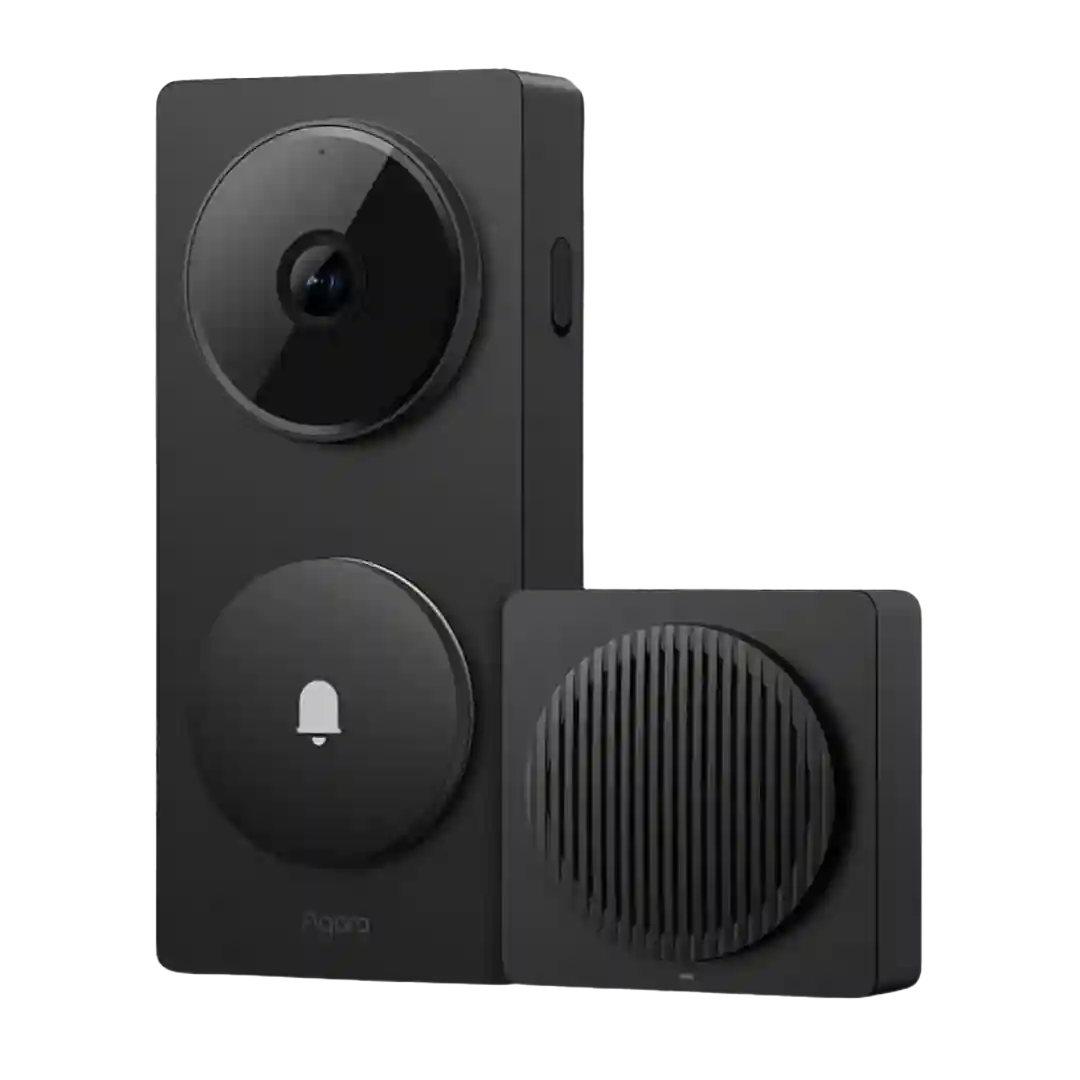
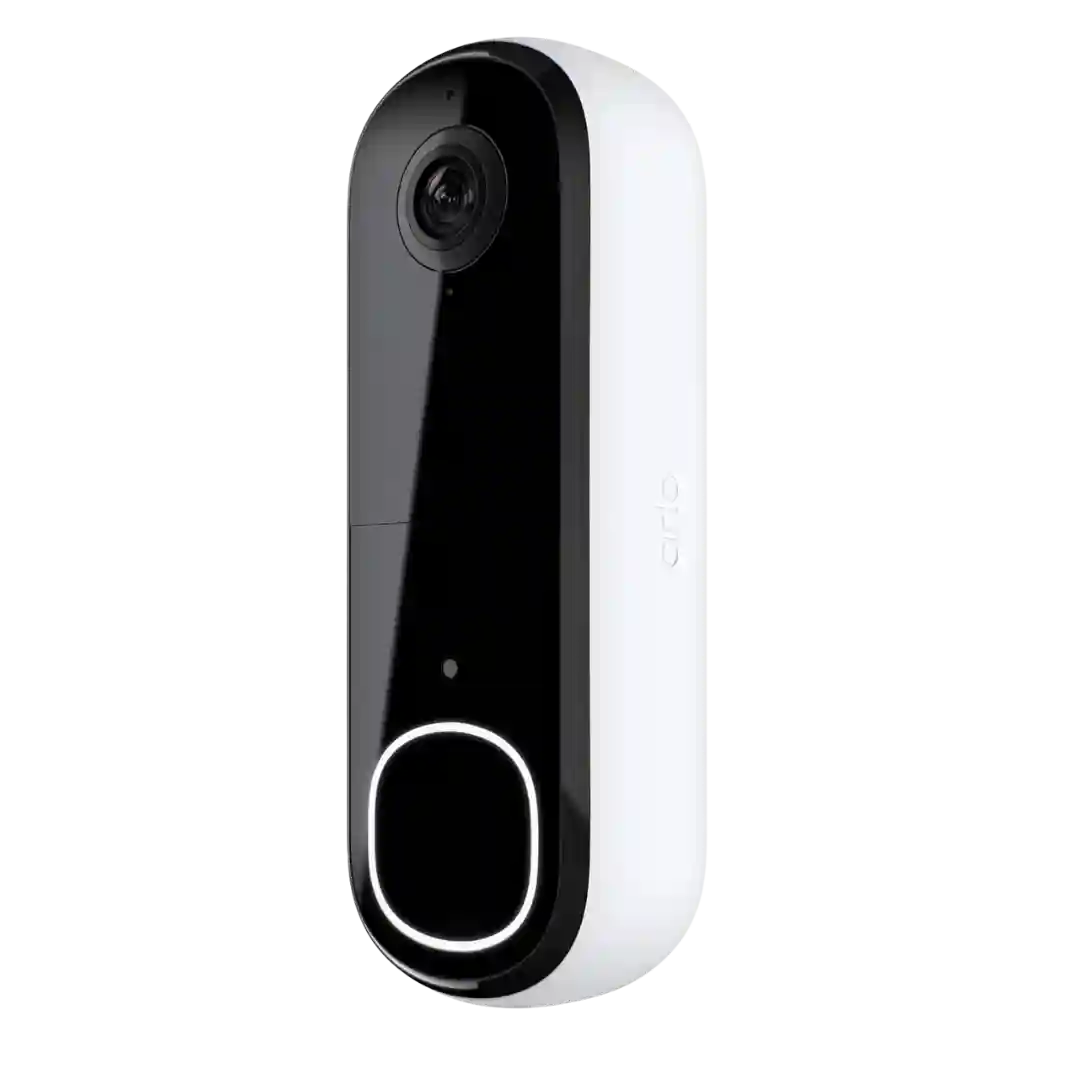
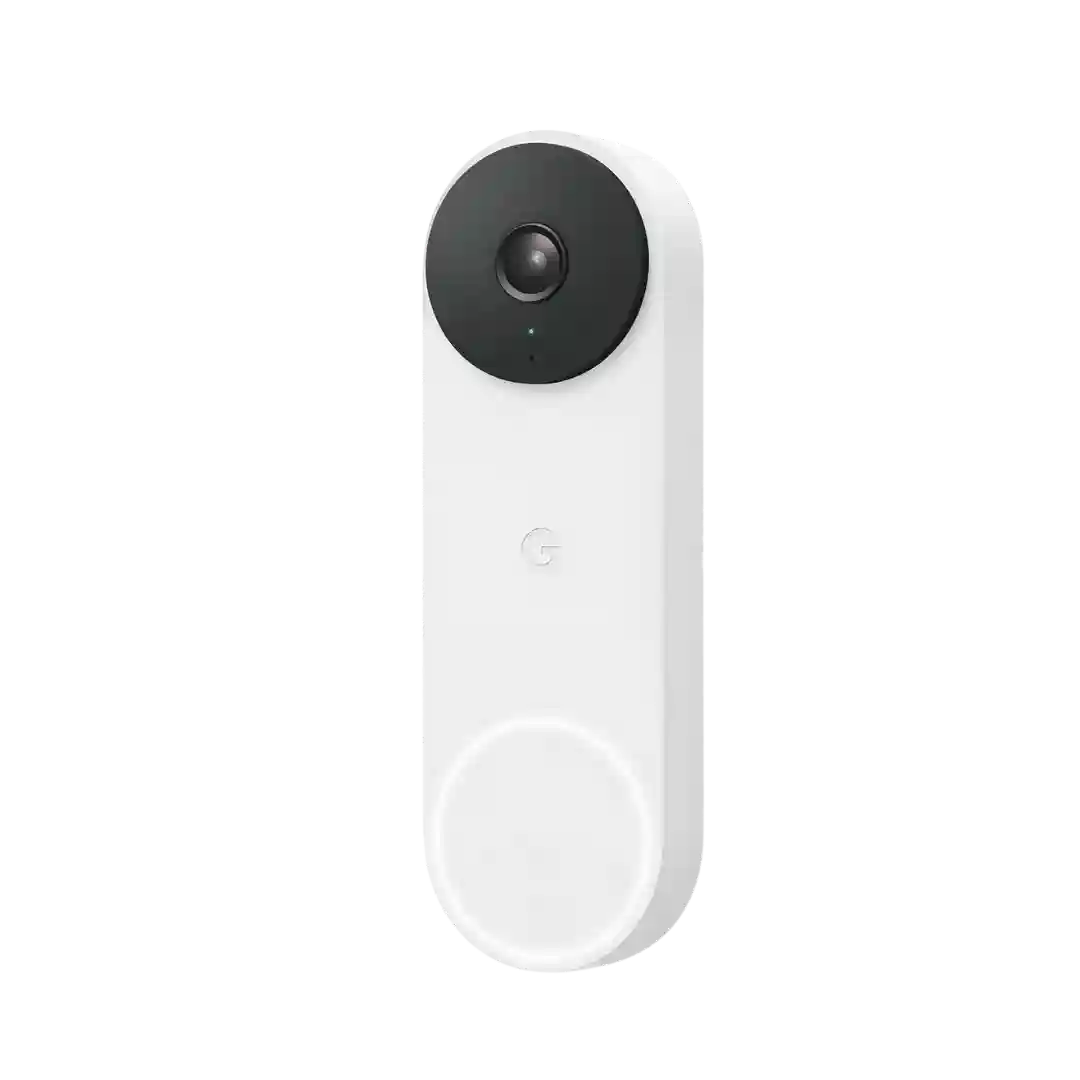
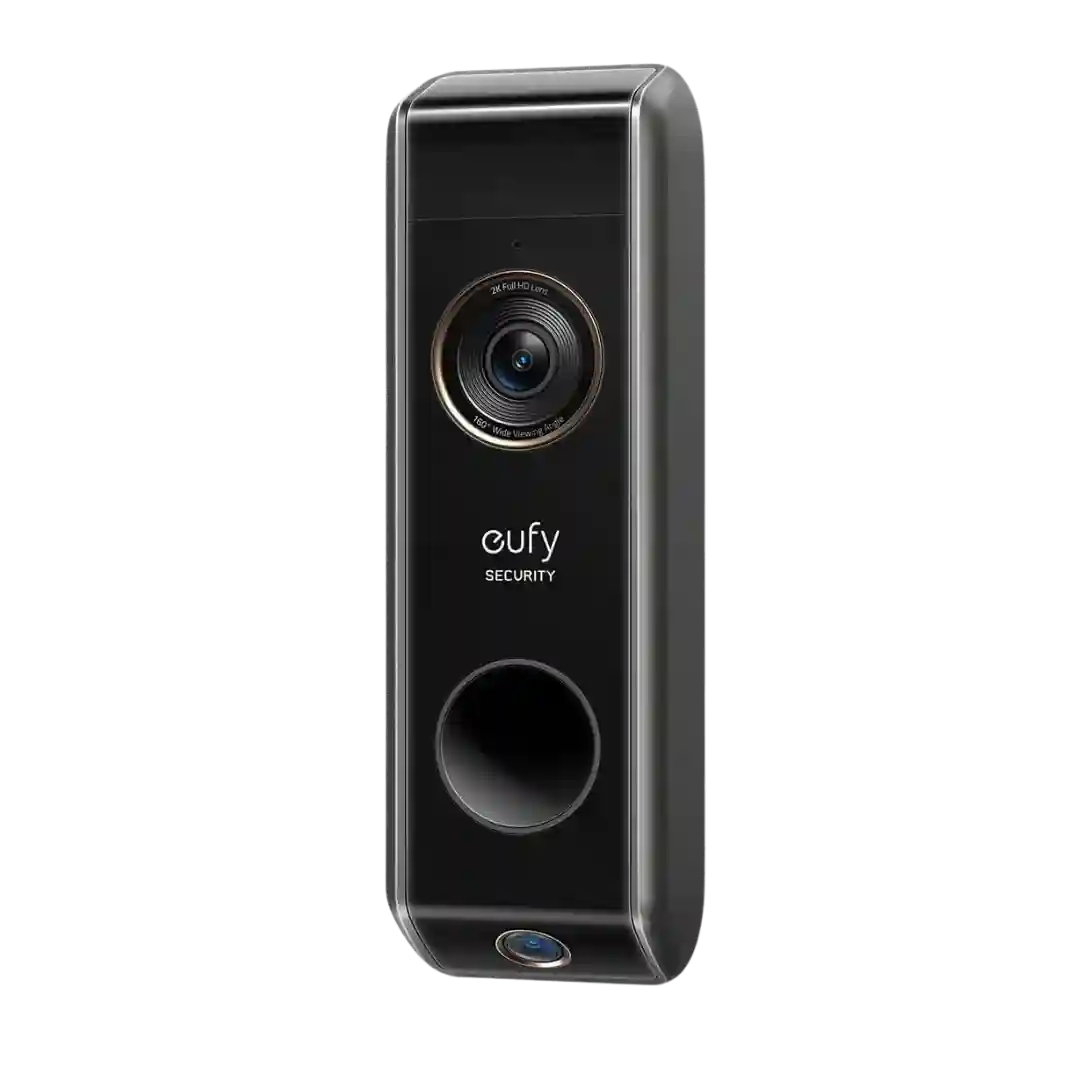
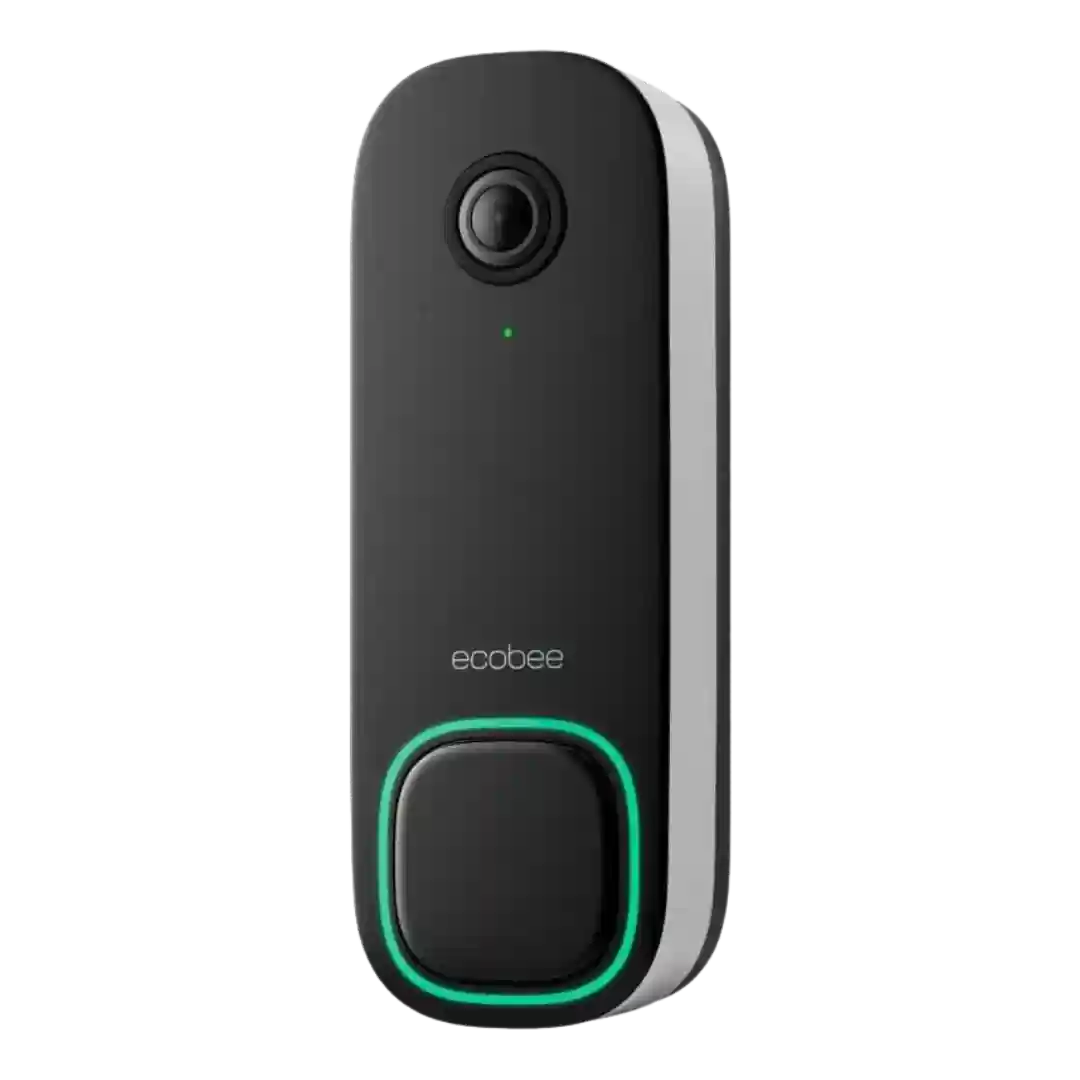
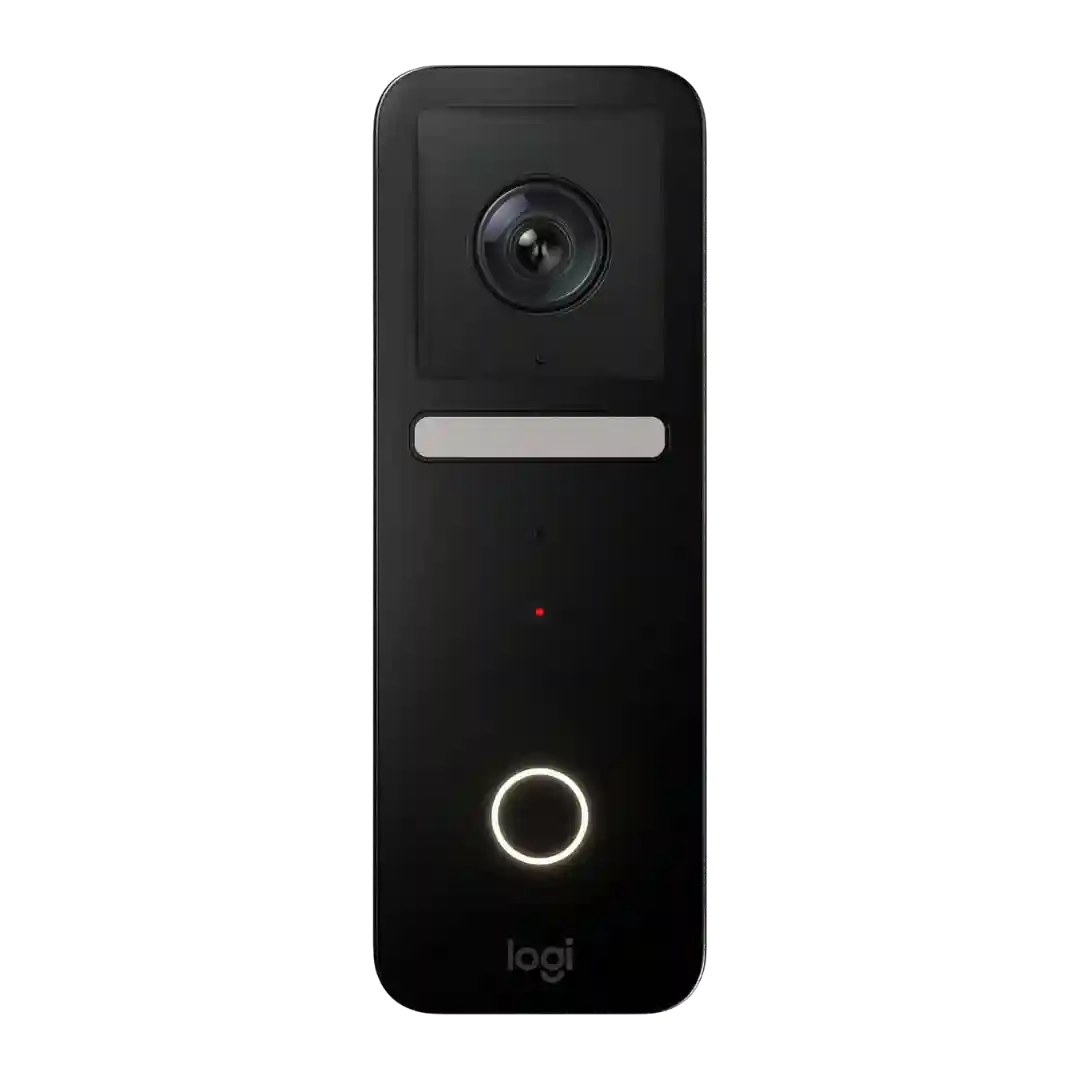
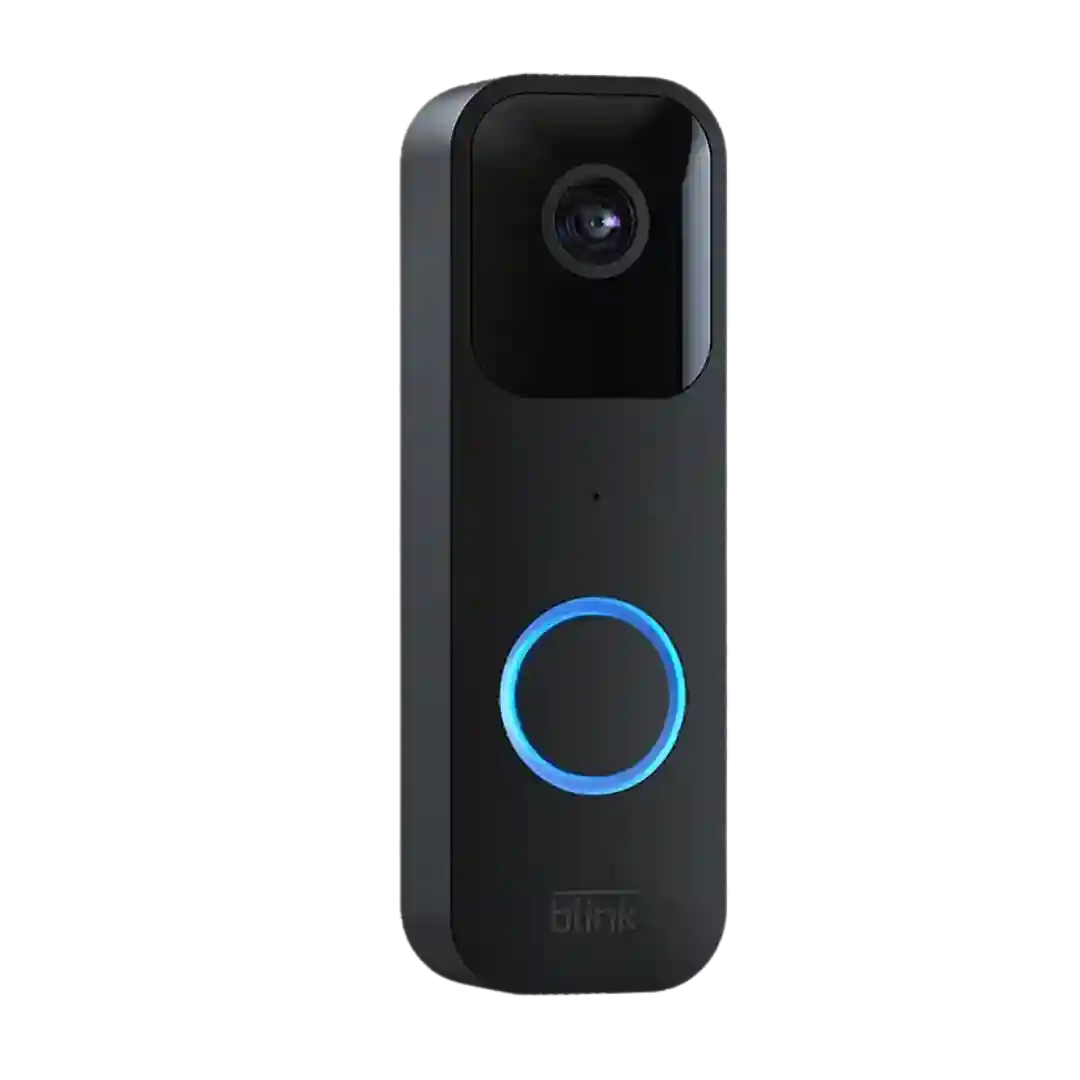
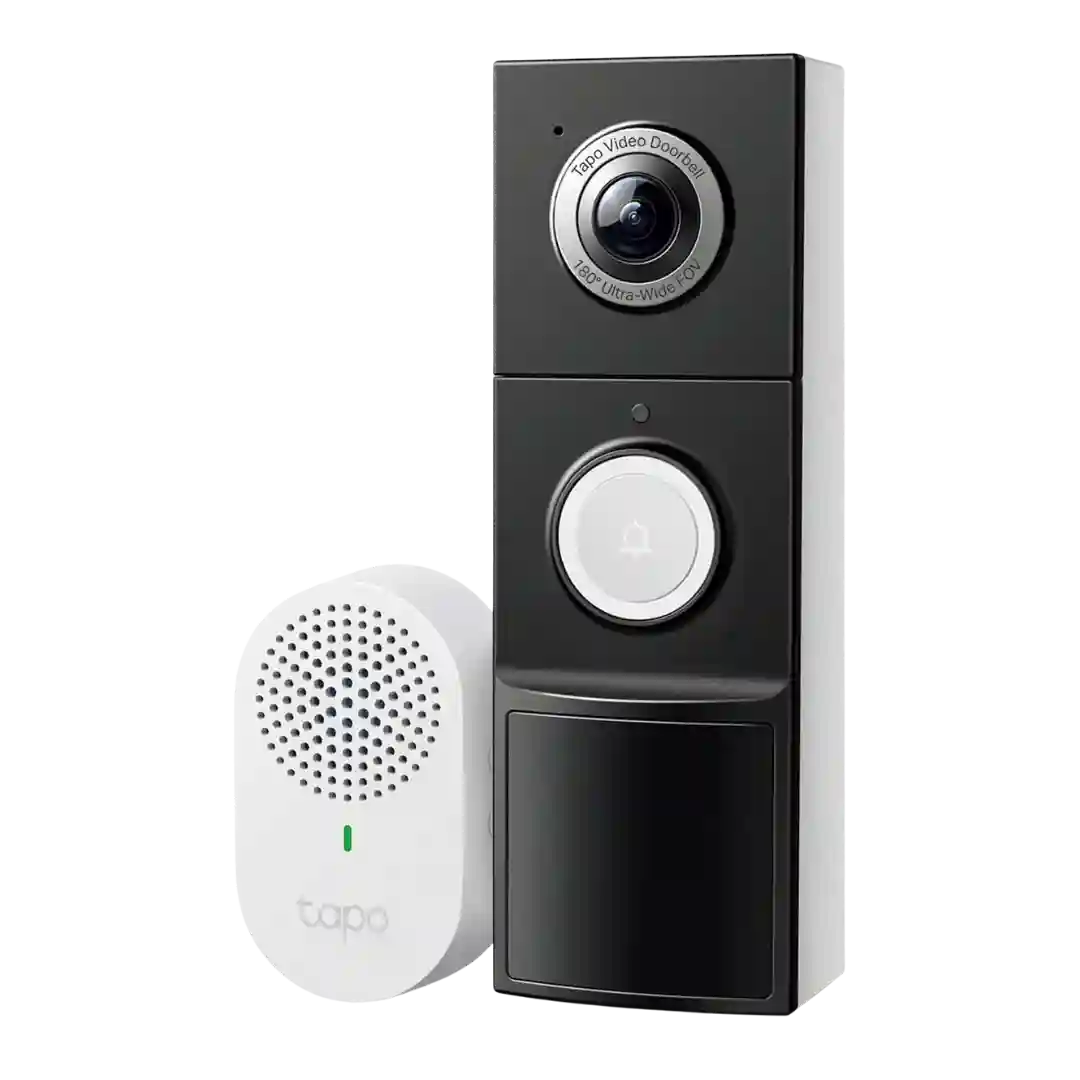
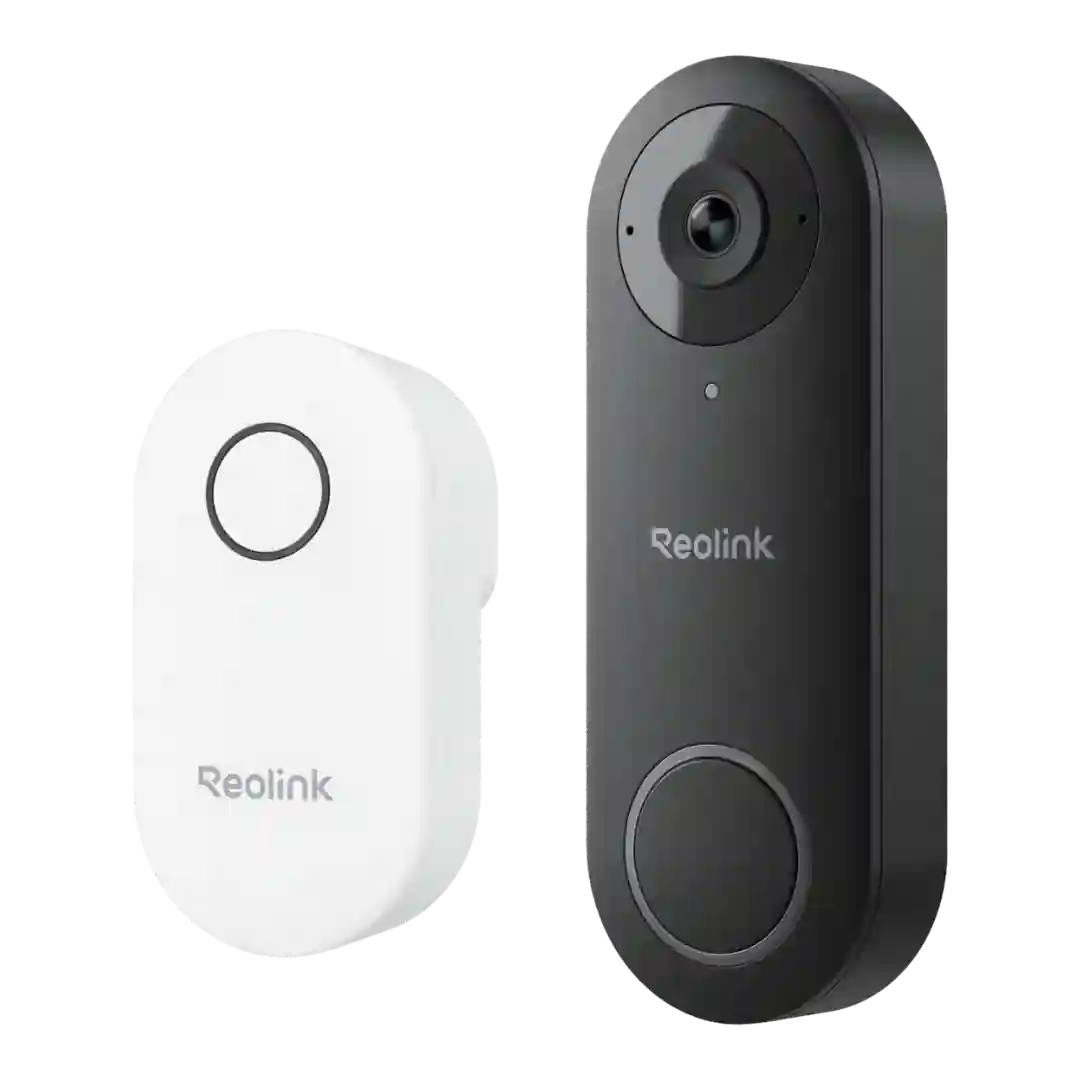
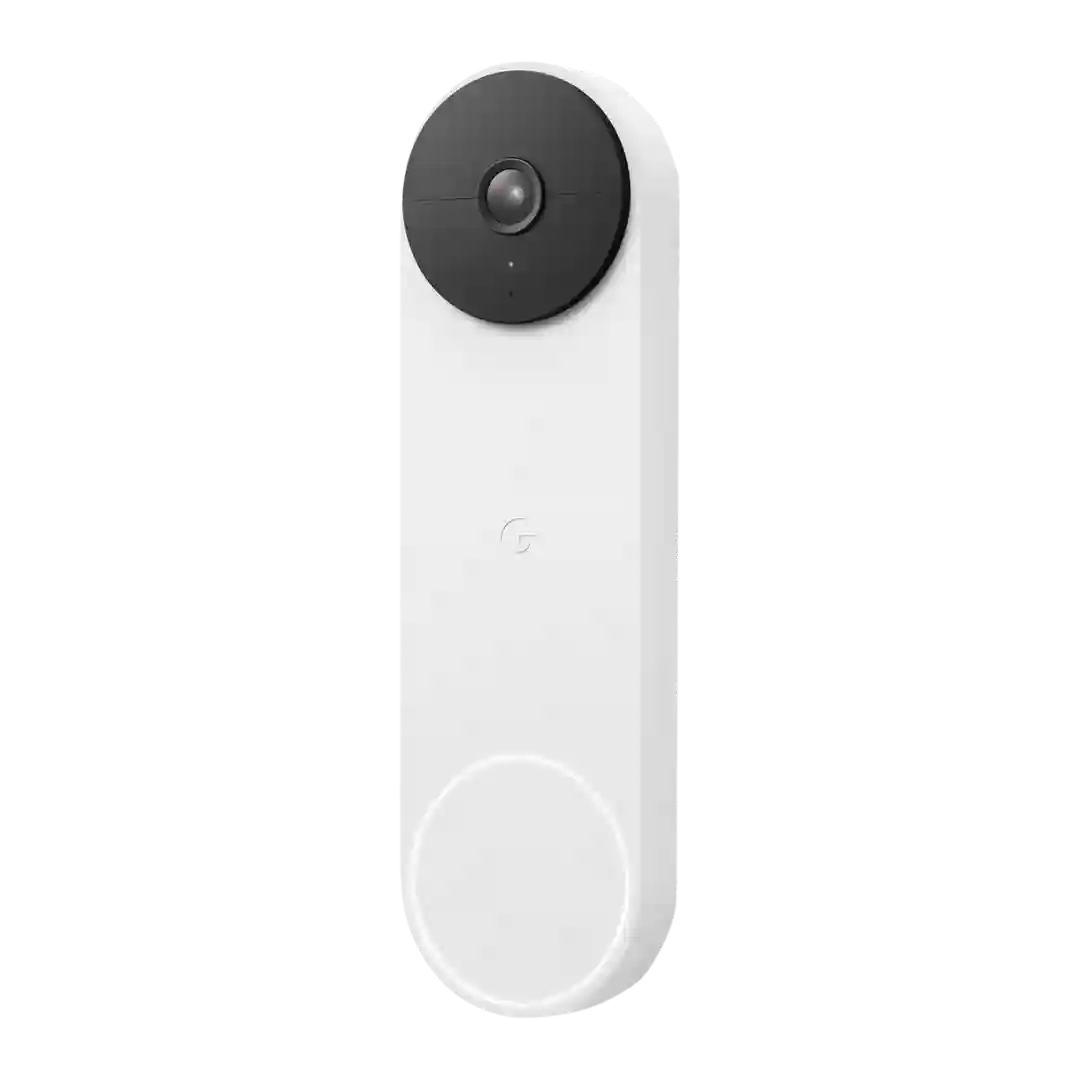
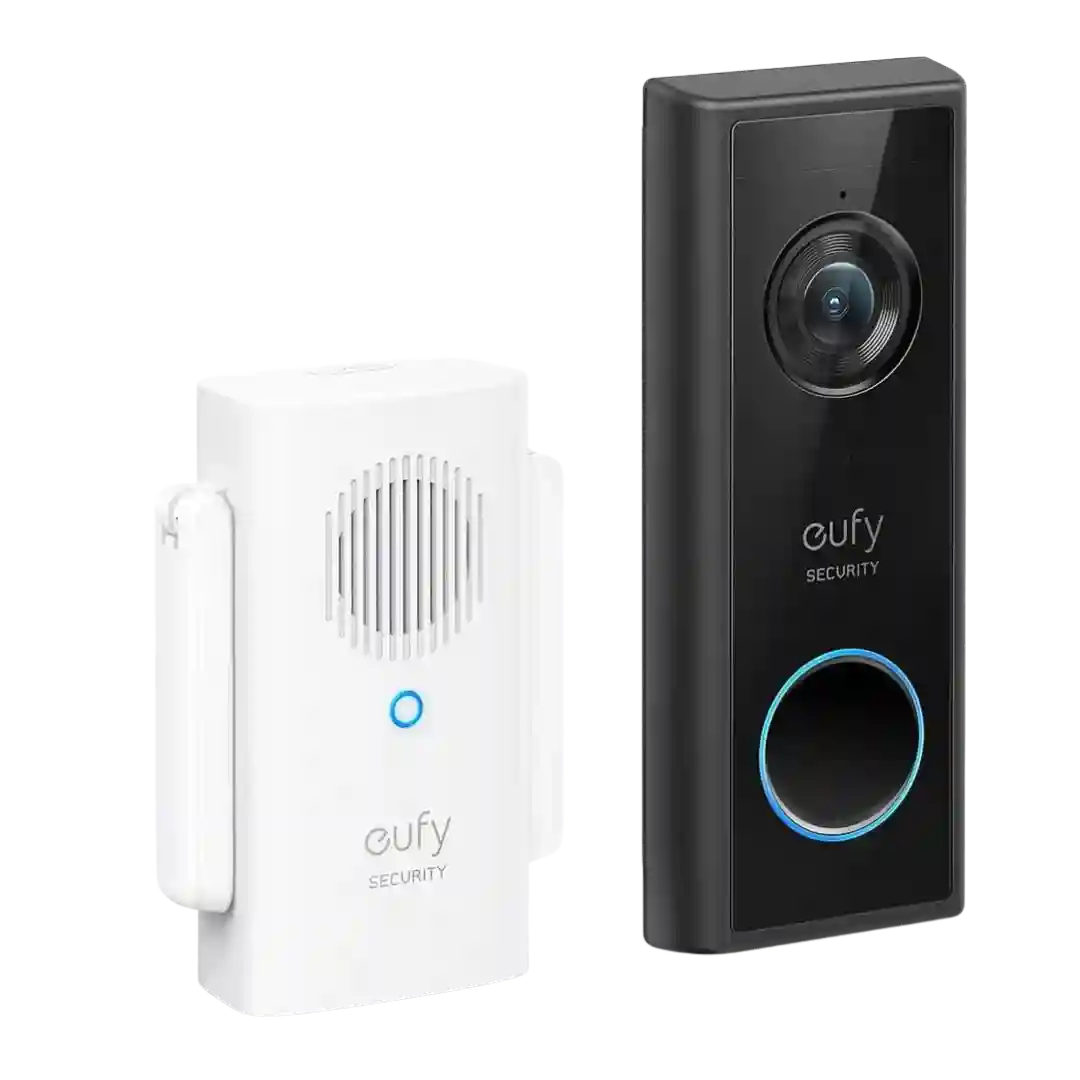
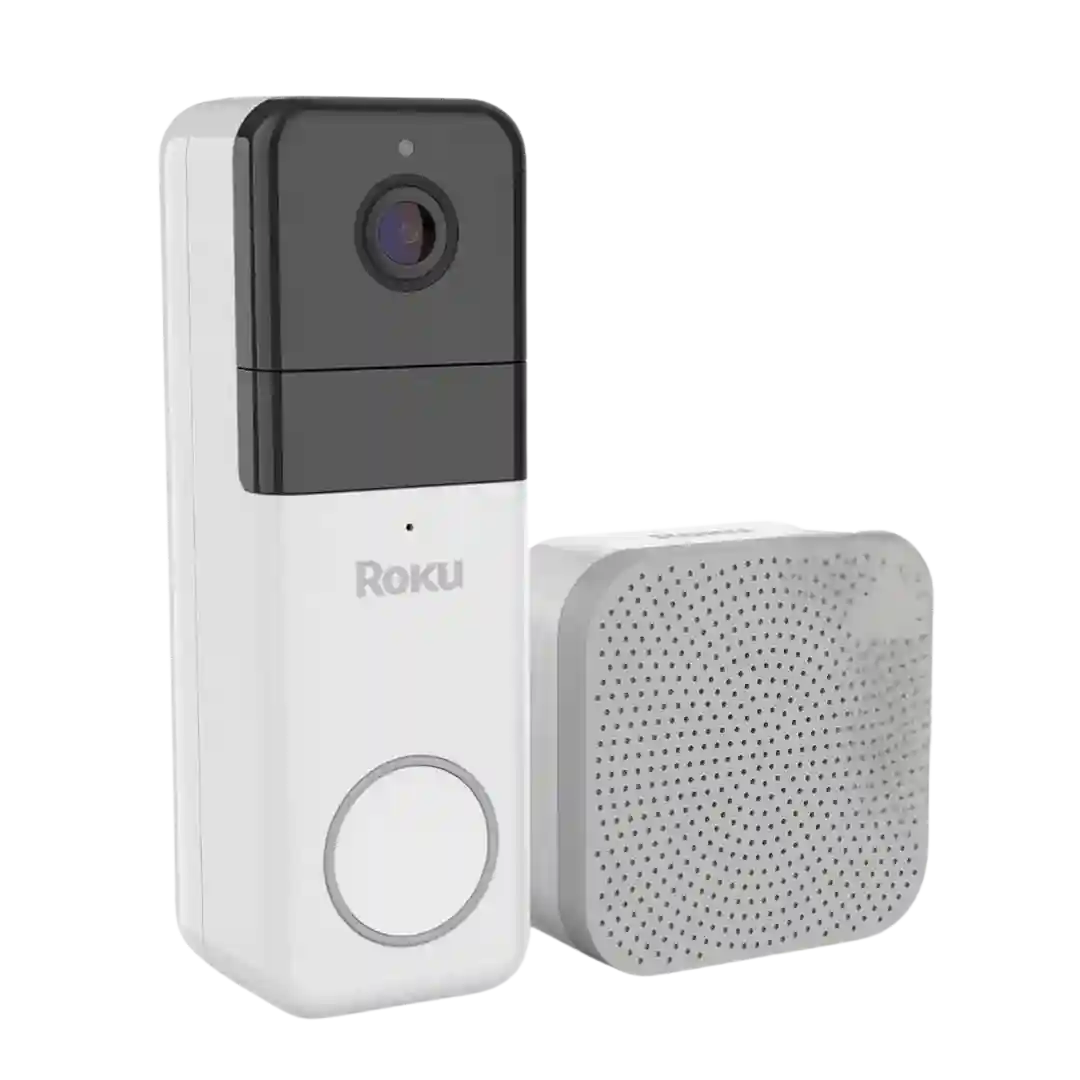
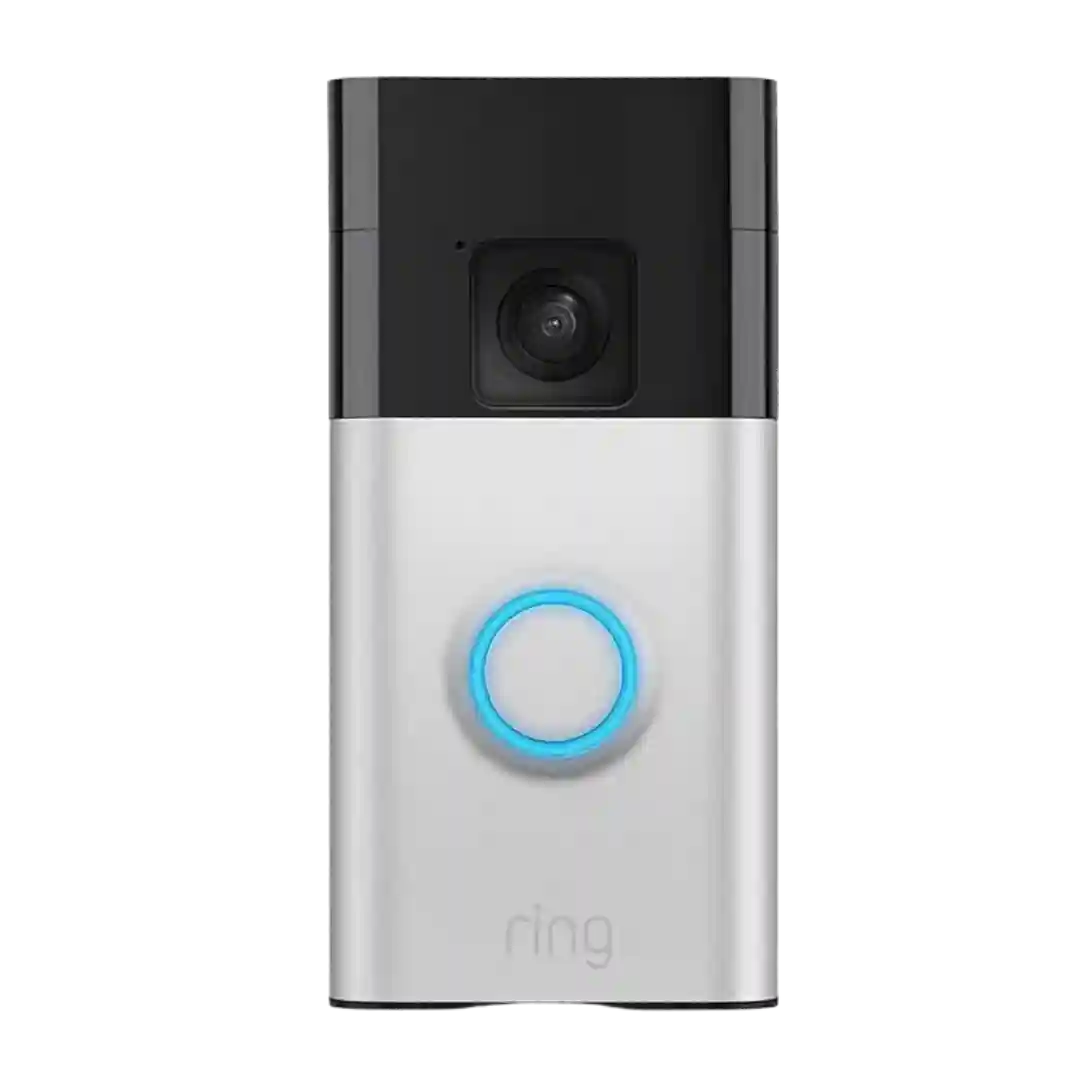
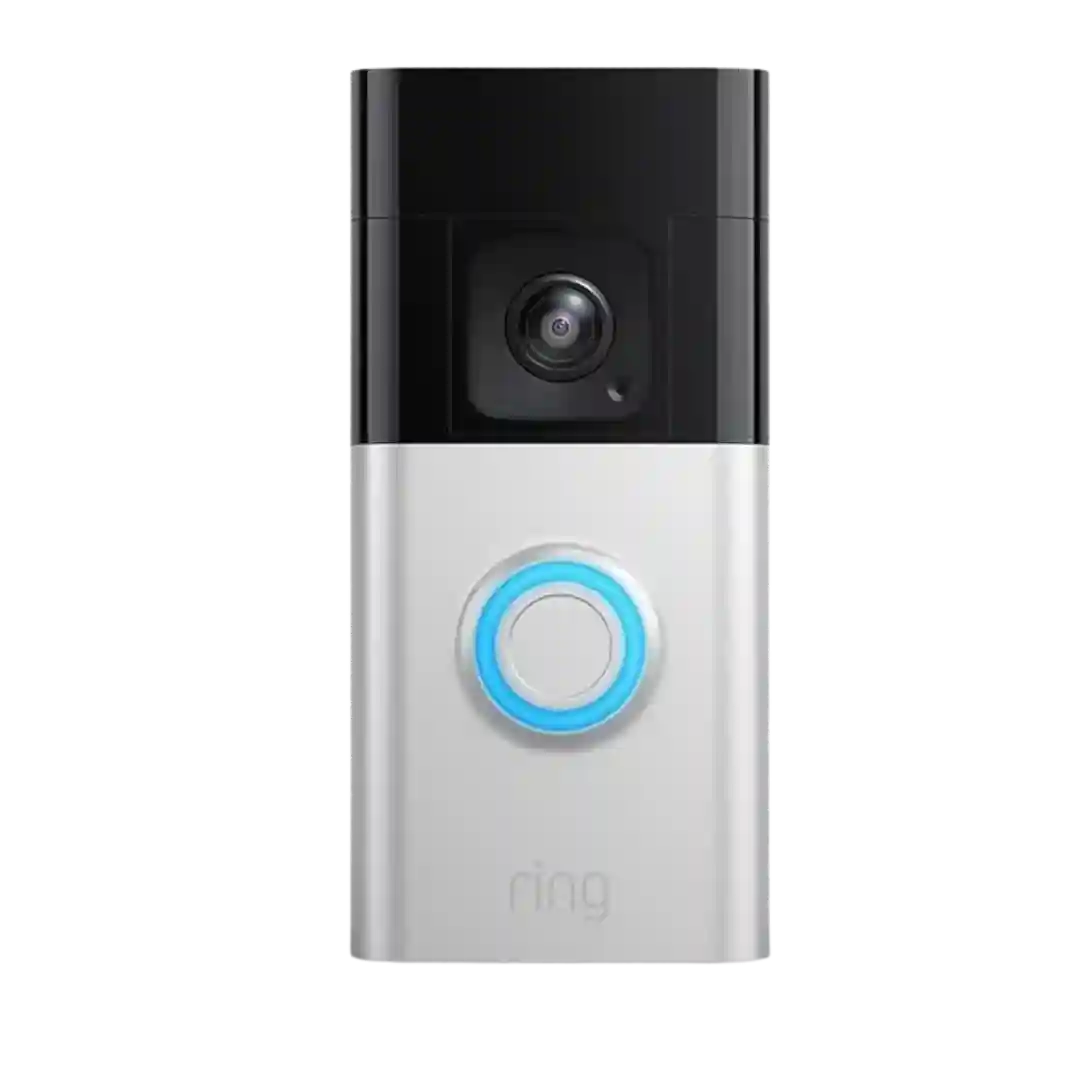
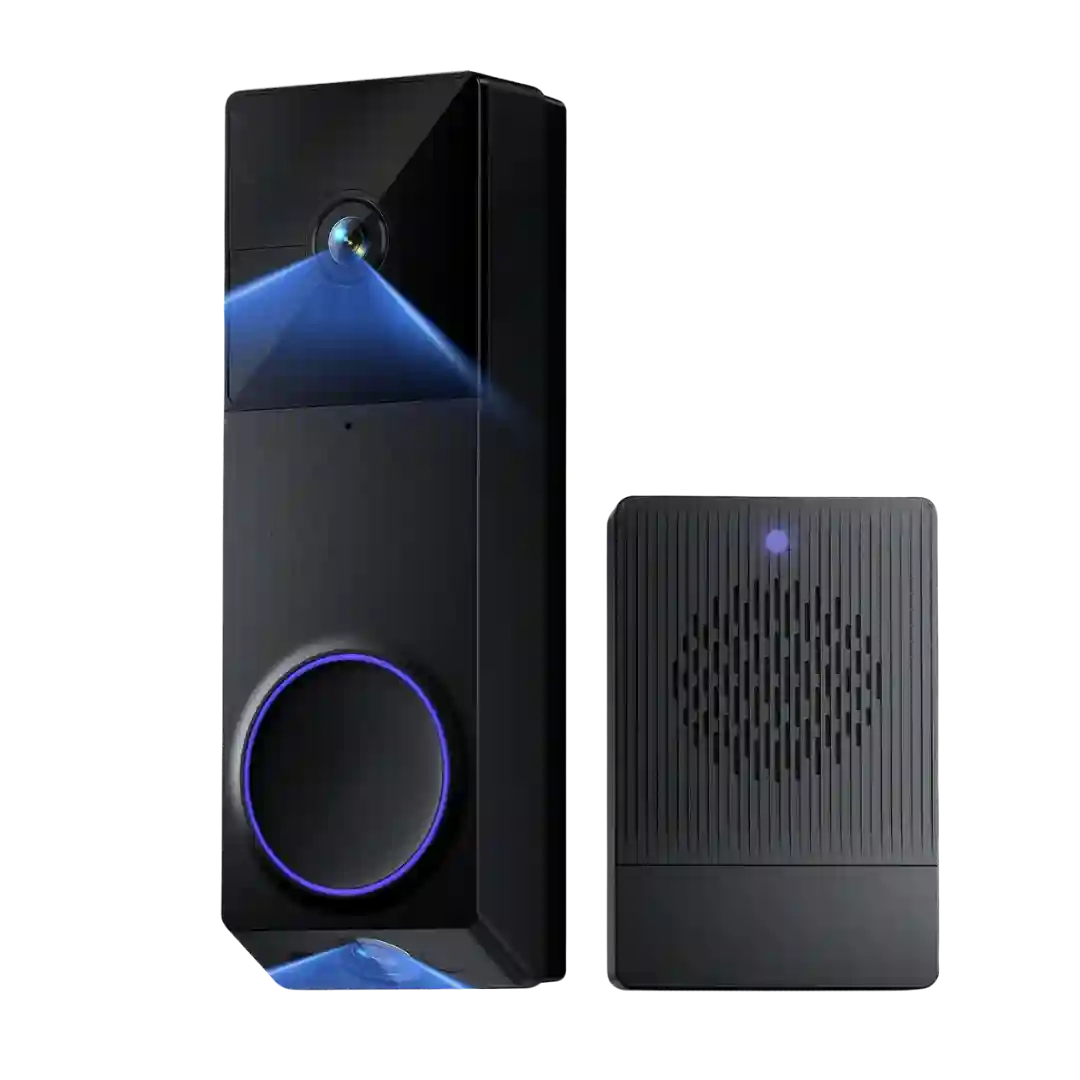
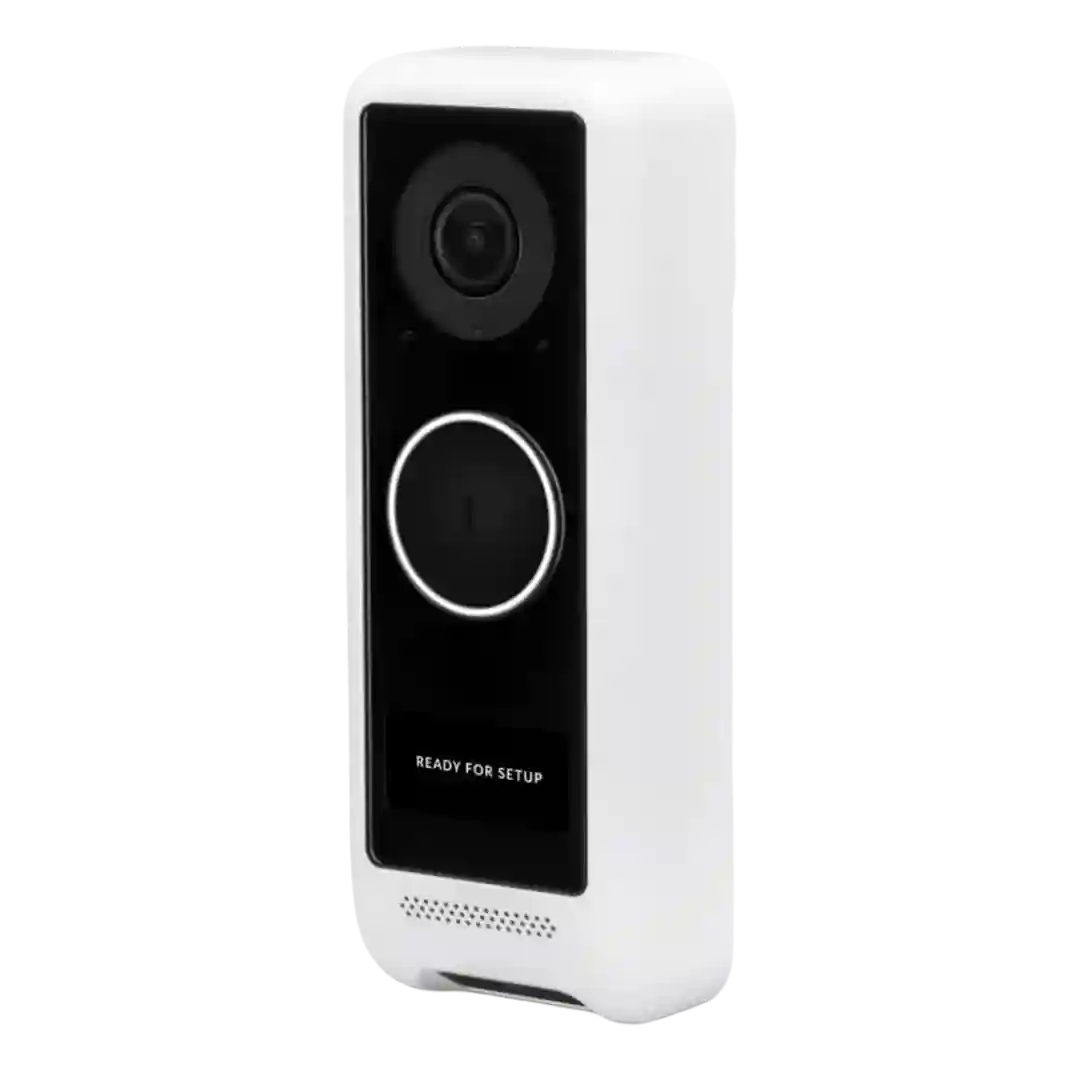
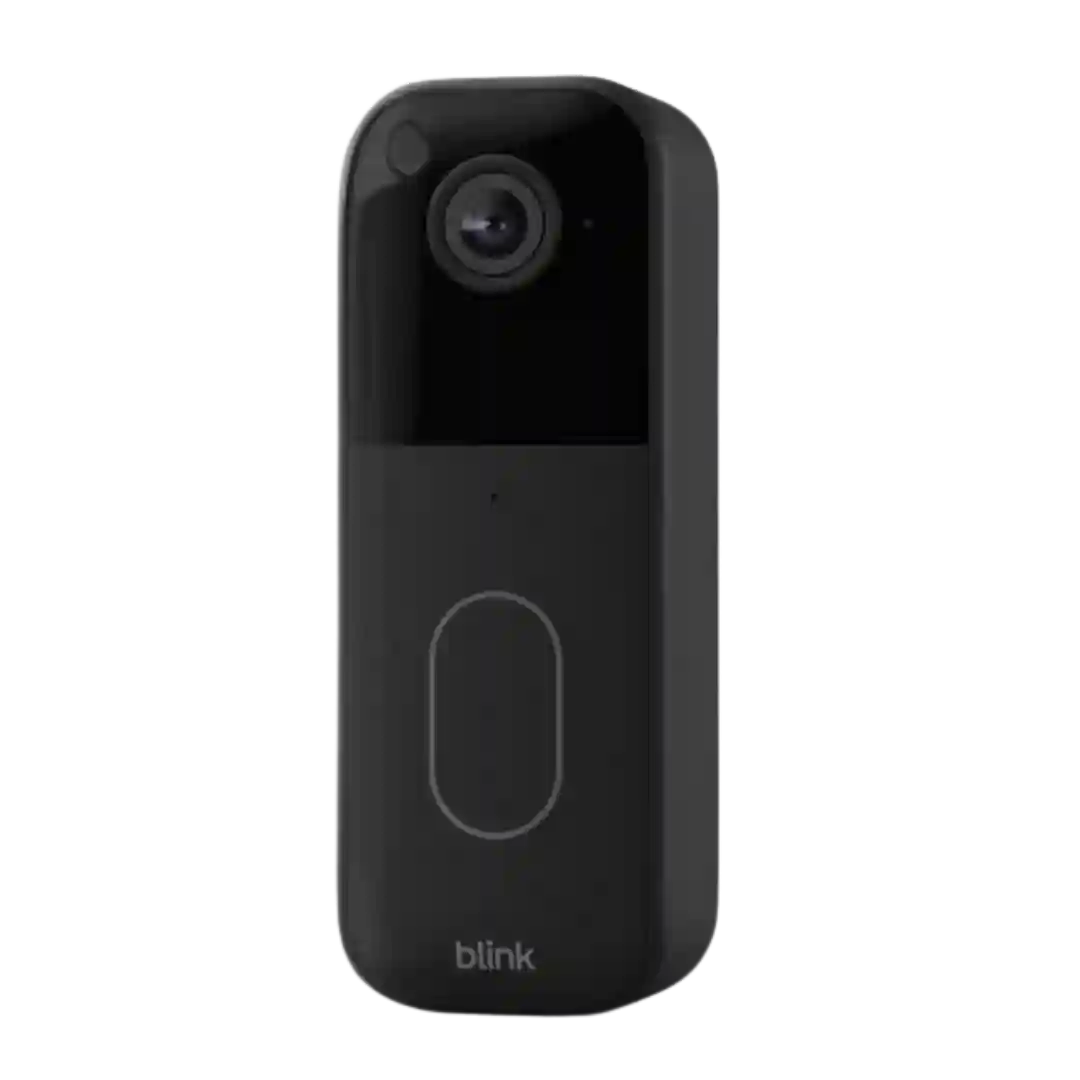
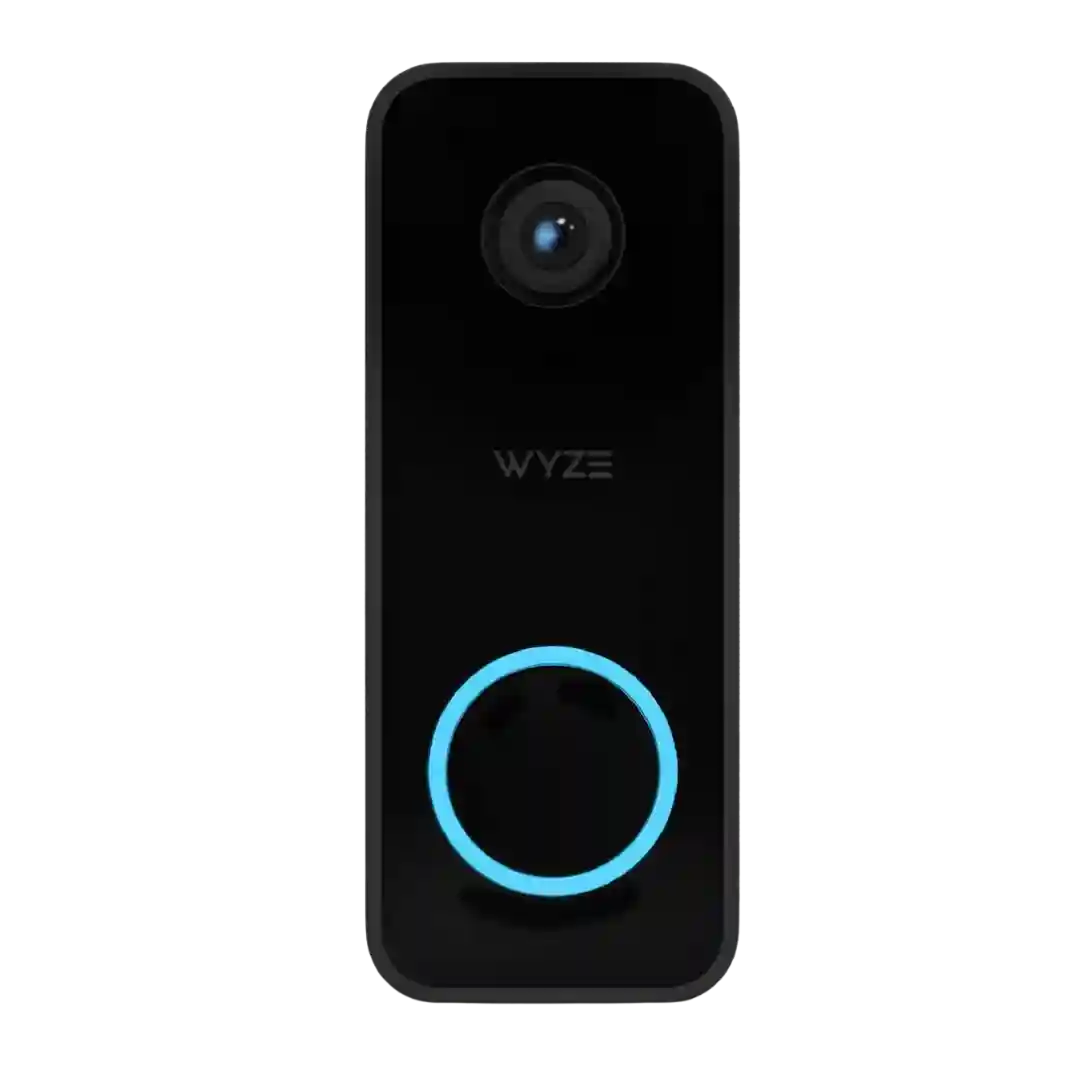
Physical and app-based controls are well covered, including the LED ring, reset or sync buttons, chime tone and volume controls, spotlight settings, and recording controls. Reviewers generally found the interface and indicators easy to understand.
Reviewers like the large, easy-to-find doorbell button and the illuminated rings/icons that confirm a press or motion event. Indicator behavior and customization are generally positive, though some buyers primarily rely on app alerts rather than on-device cues.
Hardware controls are straightforward with a large illuminated button and status indicators, plus app controls for mute, snapshots, and manual recording.
Controls and indicators like the status light and illuminated button ring are referenced as helpful for showing activity and recording state, with some reviews noting brightness/indicator settings in-app.
Controls and indicators get attention for the obvious doorbell button and LED ring/indicator behavior. The interface is generally described as straightforward for visitors and owners.
Status and indicator lights (button ring and recording light) are generally clear and helpful, though some users dislike always-on lighting behavior at night.
The physical button is described as responsive with a clear click and an LED ring, and the doorbell emits an audible chime for visitors. Indicator feedback in the app can be basic, for example limited battery percentage detail.
The LED ring and spotlight double as indicators and lighting controls, and the chime has physical buttons, though some reviewers find the doorbell button less visually obvious.
Physical status indicators are well-explained, including the LED ring behavior for motion, doorbell presses, and setup states, with options to toggle them in-app.
Controls are generally straightforward, with a tactile doorbell button, clear status/recording indicators, and adjustable indicator brightness settings mentioned in setup guides.
Users can toggle status LEDs, adjust volumes, and change alert behaviors, and reviewers call out these small controls as helpful for reducing nuisance or making the doorbell more discreet.
Controls and indicators show up across app/TV: battery percentage, quality/bitrate indicators, a chime status light, and TV remote options for muting and managing camera settings/lists.
Reviewers generally like the tactile doorbell button and the visible LED ring feedback, and the overall device controls are described as straightforward for everyday use.
Controls and indicators like the status light/ring, display messaging, and status sounds are widely referenced. Some recommend disabling conspicuous lights to reduce theft temptation, and several note the display is cool but small in real use.
Reviews describe clear status lights and an LED ring for pairing, recording/live view, and button presses, with some control over indicators in the app. Indicator behavior can help confirm when the camera is active.
Status LED behavior is explained clearly in reviews and can be toggled; visible indicator ring helps visitors find the button but some users prefer disabling it.