Best for Controls and UI
Eufy S2 Omni
5.0 feature score
Highest scored product for this feature based on supporting review evidence.
Highest scored product for this feature based on supporting review evidence.
Balances feature score, supporting reviews, and overall product strength.
Has the broadest review evidence for this feature.
Strongest overall product among items with scored evidence for this feature.
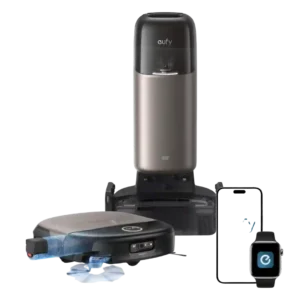
The dock display and app controls are clear, responsive and easy to understand. Angled controls and visible status information reduce the need to bend down or guess what the robot...
Pros: Pet-Ready Features, Filtration / Dust Containment
Cons: Ongoing ownership costs (bags, filters
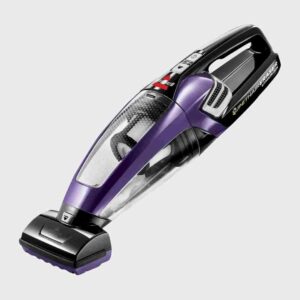
Controls were praised for simplicity, especially the single power button that does not need to be held down.
Pros: Controls and UI, Stair Cleaning
Cons: Airflow blowback, Hard Floor — Large Debris Intake
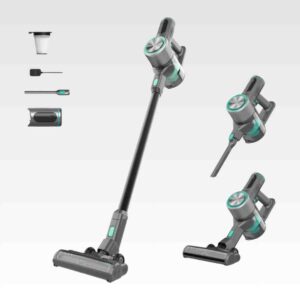
Controls were a strength because reviewers liked the continuous-on button and simple interface cues.
Pros: Noise level, Storage footprint and upright-stand stability
Cons: Odor control, Suitability for heavy-duty use
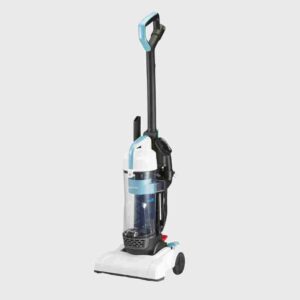
The foot controls were strongly liked in the hands-on review.
Pros: Controls and UI, Onboard tool storage
Cons: Filtration / Dust Containment, Floorhead Seal on Hard Floors
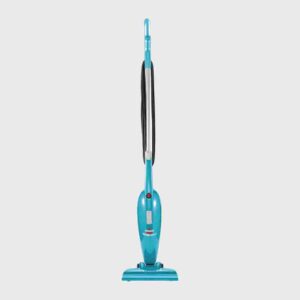
Controls are very simple; one reviewer highlighted the basic on/off switch as easy to operate.
Pros: Controls and UI, Support and Reliability
Cons: Filtration / Dust Containment, Low-profile design
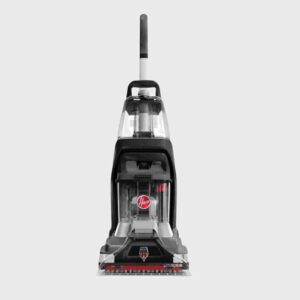
The visible controls and mode selection were described as straightforward by a first-time user.
Pros: Pet-Ready Features, Tool-change simplicity
Cons: Overall durability/longevity, Build quality and durability
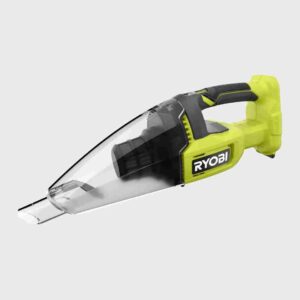
The control layout was praised as simple, with an easy on/off switch.
Pros: Bin and Bag, Controls and UI
Cons: Noise level, Ongoing ownership costs (bags
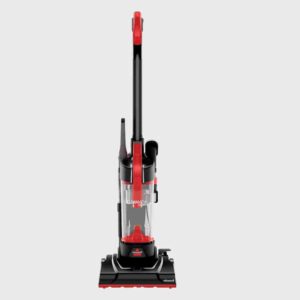
Controls are a strength, with multiple reviewers praising the foot controls or simple power access.
Pros: Storage footprint and upright-stand stability, Weight
Cons: Noise level, Crevice / Groove Pickup (Hard Floors)
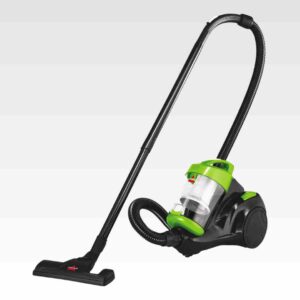
Controls were praised for large, simple buttons and foot-friendly operation, especially for users who do not want to bend down.
Pros: Kid-friendliness, Controls and UI
Cons: Onboard tool storage, Filtration / Dust Containment
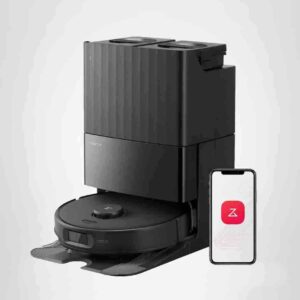
Controls and UI drew strong praise for being clean, intuitive, customizable, and granular in both app and dock settings.
Pros: Clogging and debris prevention, Floorhead design
Cons: Adaptive chassis lift, Solution / Liquid system
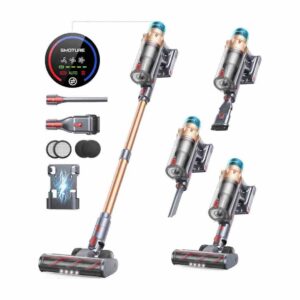
Controls were praised as easy to see, simple, and touch-display based, making the interface straightforward to use.
Pros: Noise level, Storage footprint and upright-stand stability
Cons: Edge and Baseboard Cleaning (Hard Floors), Suitability for heavy-duty use
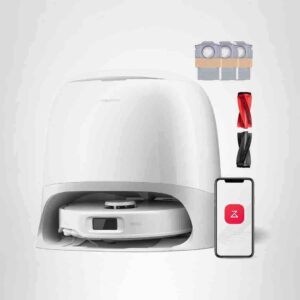
Controls and app UI earned strong praise for ease of use and clear options.
Pros: Mopping performance, Controls and UI
Cons: Area Rug Handling, Accessories and Tools
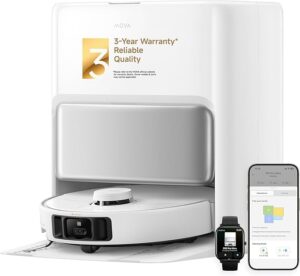
The app interface was praised as intuitive, giving users clear control over settings and cleaning behavior.
Pros: Hair Pickup — Hard Floors, Corner Cleaning (Robot)
Cons: Carpet — High-Pile Pickup, Support and Reliability
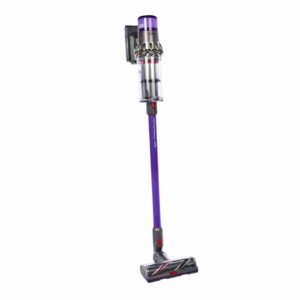
Controls and display feedback is strongly positive, especially for the LCD/runtime countdown, mode information, and useful smart notifications.
Pros: Stair Cleaning, Assembly and Setup
Cons: Hair-removal channel issues, Suitability for heavy-duty use
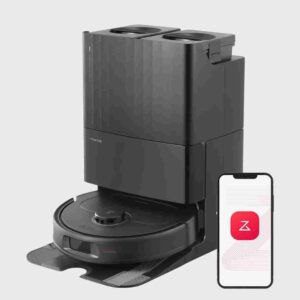
The app and controls were repeatedly praised as clear, customizable, and easy to use.
Pros: Overall durability/longevity, Controls and UI
Cons: Sanitizing performance, Heating element
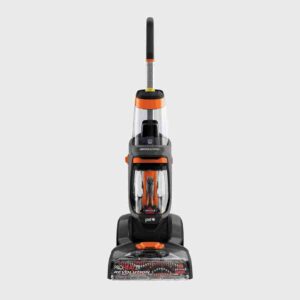
Controls were considered clear and accessible, with labeled buttons, comfortable triggers, and easier top buttons on the updated model.
Pros: Support and Reliability, Stair Cleaning
Cons: Clogging and debris prevention, Kid-friendliness
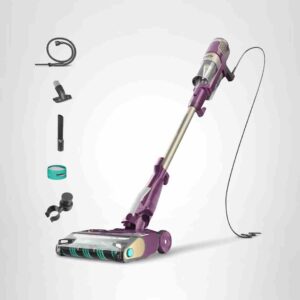
Controls are easy to use, and reviewers like the default detect mode plus simple mode switching.
Pros: Tool-change simplicity, Assembly and Setup
Cons: Crevice / Groove Pickup (Hard Floors), Accessories and Tools
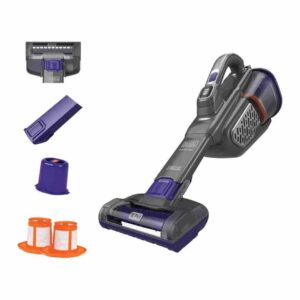
Controls were considered simple, with one-button operation and basic functions that were not overly complex.
Pros: Cordless convenience, Surface safety with attachments
Cons: Airflow blowback, Overall durability/longevity
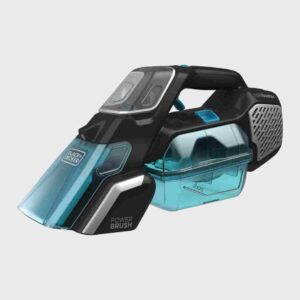
Controls and indicators were praised, especially the charge/battery indicator that shows remaining battery.
Pros: Pet-Ready Features, Assembly and Setup
Cons: Accessories and Tools, Comparative performance
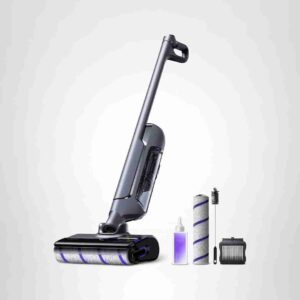
The controls and display were praised for being informative, animated, and clear, with useful real-time feedback.
Pros: Pet-Ready Features, Noise level
Cons: Reverse cleaning performance, Suitability for heavy-duty use
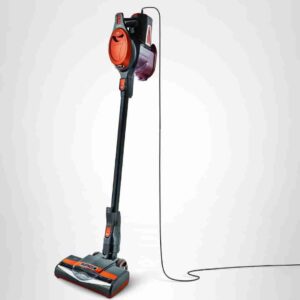
Controls were praised for quick floor-mode switching and easy fingertip operation.
Pros: Battery and Charging, Runtime
Cons: Onboard tool storage, Stuck resistance
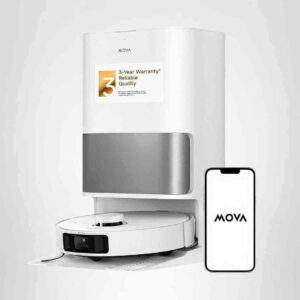
Controls and UI were strongly praised for deep settings, responsive app design, and room-by-room customization, with one lag caveat.
Pros: Assembly and Setup, Price and Value
Cons: Dried-On Stain Removal, Overall durability/longevity
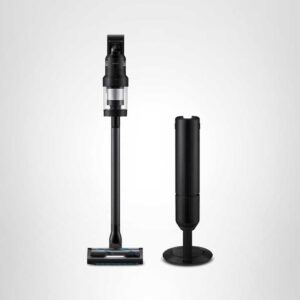
Controls and displays were repeatedly described as easy, helpful and comprehensive.
Pros: Bin and Bag, Stair Cleaning
Cons: Area Rug Handling, Hair Pickup — Hard Floors
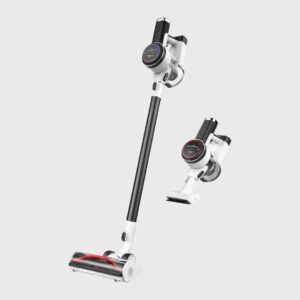
Controls and displays were widely liked for the LED screen, trigger lock, slider, alerts, and dirt-sensing feedback, though percentage-only battery display was less preferred.
Pros: Support and Reliability, Stair Cleaning
Cons: Airflow blowback, Bin and Bag
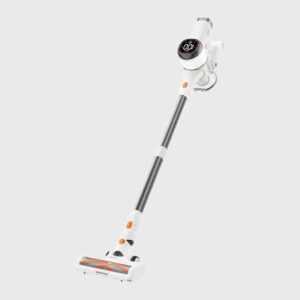
Controls and display drew praise for the useful battery percentage, nice screen, and trigger that stays on without being held.
Pros: Price and Value, Hair‑Wrap / Tangle Resistance
Cons: Floorhead Seal on Hard Floors, Crevice / Groove Pickup (Hard Floors)
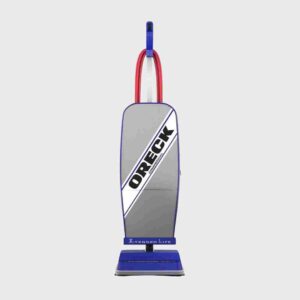
Controls are consistently praised as simple, with reviewers describing basic on/off switch operation.
Pros: Controls and UI, Ease of use
Cons: Stair Cleaning, Upholstery / Above-Floor Pickup
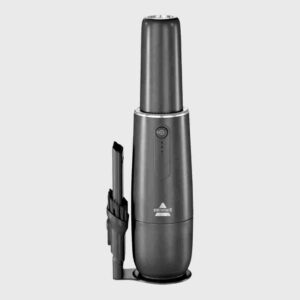
Controls were praised for being simple, with one reviewer emphasizing the straightforward one-button operation.
Pros: Kid-friendliness, Surface safety with attachments
Cons: Bin and Bag, Suitability for heavy-duty use

The large on/off toggle received positive feedback for being easy to flick while holding the top handle.
Pros: Overall durability/longevity, Storage footprint and upright-stand stability
Cons: Battery and Charging, Suitability for heavy-duty use
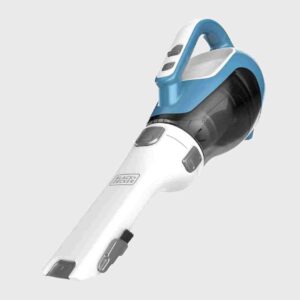
Controls are consistently described as simple, especially the stay-on switch and easy on/off operation.
Pros: Bin and Bag, Assembly and Setup
Cons: Ongoing ownership costs (bags, filters
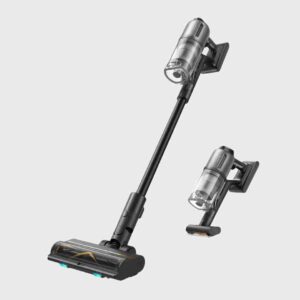
Controls and display feedback was strongly positive, with reviewers finding the controls easy and the screen useful for battery, mode, dirt, and maintenance information.
Pros: Debris illumination, Tool-change simplicity
Cons: Stuck resistance, Bin and Bag
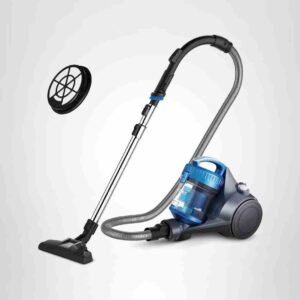
Controls are a strength, with foot switches, cleaning mode changes, and suction adjustment described as easy and convenient.
Pros: Overall durability/longevity, Storage footprint and upright-stand stability
Cons: Clogging and debris prevention, Suitability for heavy-duty use
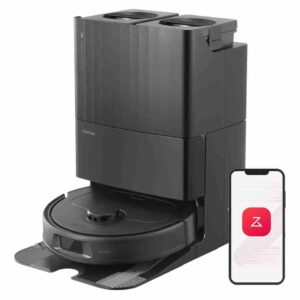
The app and controls were praised as premium, stable, detailed and easy to work with compared with competitors.
Pros: Versatility, Floor shine after cleaning
Cons: Odor control, Stuck resistance
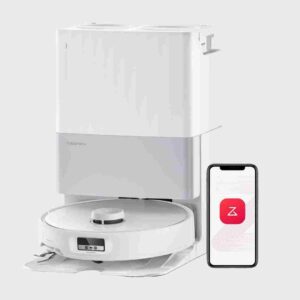
Controls earn praise for granular water and cleaning settings, especially the wide water-level range.
Pros: Assembly and Setup, Clogging and debris prevention
Cons: Solution / Liquid system, Suitability for heavy-duty use
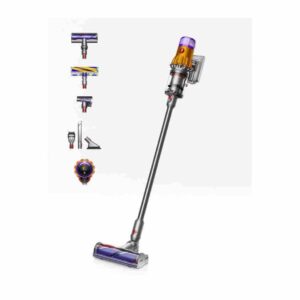
Controls were usually praised for the single power button and useful display, with one reviewer preferring a trigger and a few noting some particle data was less useful.
Pros: Filtration / Dust Containment, Build quality and durability
Cons: Clogging and debris prevention, Bin and Bag
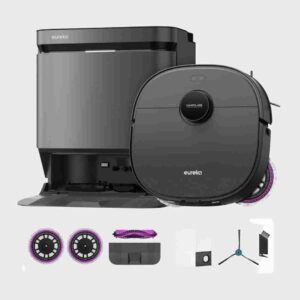
The app and controls were consistently praised for clear menus, useful cleaning modes, fast setup, and strong customization.
Pros: Floorhead design, Hair‑Wrap / Tangle Resistance
Cons: Low-profile design, Cord management

Controls are repeatedly praised as simple, especially the no-trigger operation and easy mode selection.
Pros: Innovation compared to competitors, Under-Furniture Pickup
Cons: Suitability for heavy-duty use, Dock noise
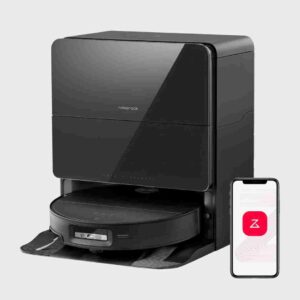
Controls and UI were broadly praised, especially the app, remote control, voice controls, and spot-clean commands, with only minor usability caveats.
Pros: Noise level, Tool-change simplicity
Cons: Ongoing ownership costs (bags, filters
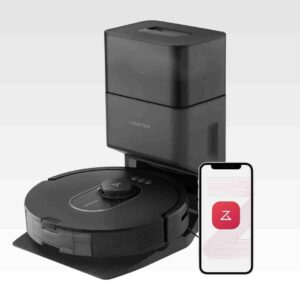
Controls and UI are strongly reviewed, with intuitive menus and simple app navigation, though one comparison found Shark slightly more intuitive for map editing.
Pros: Comparative performance, Battery and Charging
Cons: Mopping performance, Headlight and LED lights
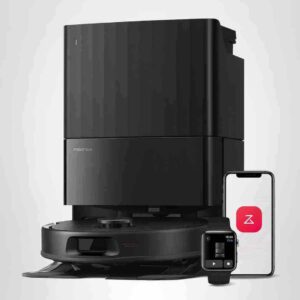
Controls and app UI are consistently praised for customization, room/zones controls, and an easy interface.
Pros: Assembly and Setup, Self-cleaning cycle
Cons: Odor control, Fresh Liquid Pickup Speed
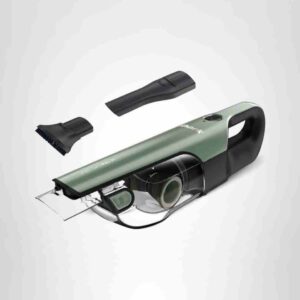
Controls were consistently simple, with easy buttons, intuitive operation, and an easy-to-hold handle.
Pros: Clogging and debris prevention, Cyclone performance
Cons: Onboard tool storage, Floorhead Seal on Hard Floors
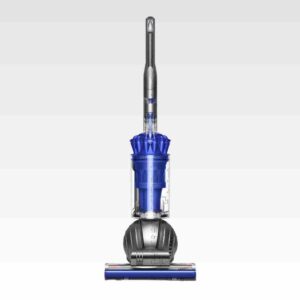
Controls were viewed favorably when mentioned, especially suction settings and brush controls that let users adjust spinning or suction behavior.
Pros: Suction and Airflow, Cyclone performance
Cons: Convertible handheld design, Headlight and LED lights
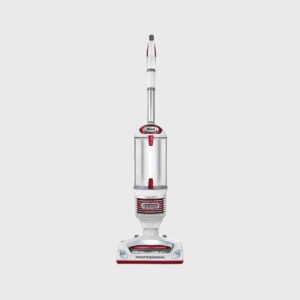
Controls were usually praised as intuitive, clearly marked, or conveniently placed.
Pros: Assembly and Setup, Floorhead Seal on Hard Floors
Cons: Clogging and debris prevention, Carpet — High-Pile Pickup
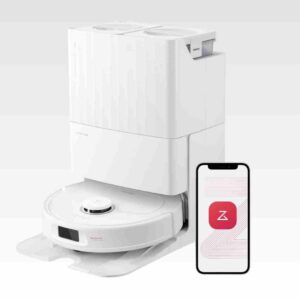
Controls and UI were praised for a simple app experience, easy controls, and drag-and-drop map editing.
Pros: Build quality and durability, Dirty water sensor
Cons: Edge‑Following Accuracy (Robot), Emptying and Mess Control
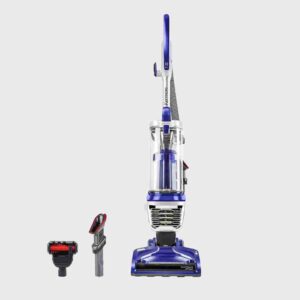
Controls were praised for making surface changes easier and for better button placement than the comparison Shark.
Pros: Assembly and Setup, Carpet — Medium-Pile Pickup
Cons: Overall durability/longevity, Ongoing ownership costs (bags

Controls were considered clear and modern, with handle buttons and a colorful display supporting manual modes and Detect mode.
Pros: Floorhead design, Innovation compared to competitors
Cons: Suitability for small spaces, Hose length
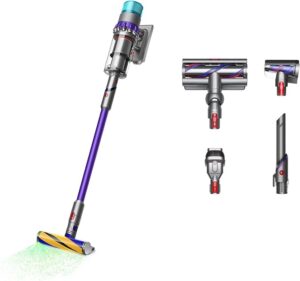
Controls and UI were praised for the on/off button, LCD runtime and particle information, and practical status feedback.
Pros: Assembly and Setup, Headlight and LED lights
Cons: Reverse cleaning performance, Hair-removal channel issues
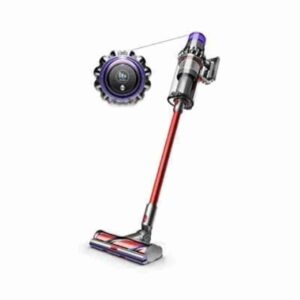
The LCD and controls are frequently praised for runtime countdowns, mode changes, and maintenance prompts, though the trigger is a recurring ergonomic complaint.
Pros: Suction and Airflow, Pet-Ready Features
Cons: Support and Reliability, Stuck resistance
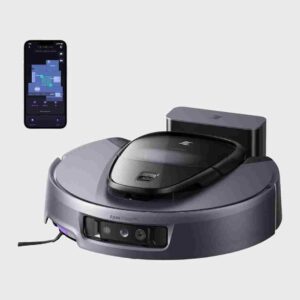
Controls and app UI were viewed as straightforward and customizable, with app-based control singled out as easy and full-featured.
Pros: Ongoing ownership costs (bags, filters
Cons: Floor Drying Time, Odor control
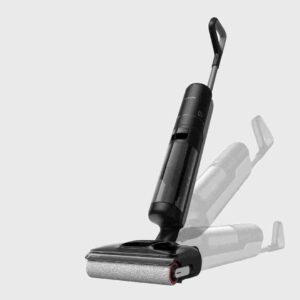
Controls and display were generally praised, including useful turbo control, an informative LED display, and uncomplicated operation.
Pros: Accessories and Tools, Streaking / Residue
Cons: Convertible handheld design, Clogging and debris prevention
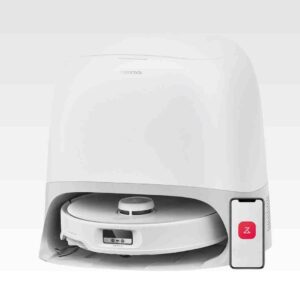
The Roborock app and controls were repeatedly praised as easy, intuitive, and full of useful customization options.
Pros: Overall cleaning convenience, Runtime
Cons: Solution / Liquid system, Crevice / Groove Pickup (Hard Floors)