Best for Customizable motion zones
Reolink Solar Floodlight, B430
5.0 feature score
Highest scored product for this feature based on supporting review evidence.
Highest scored product for this feature based on supporting review evidence.
Balances feature score, supporting reviews, and overall product strength.
Has the broadest review evidence for this feature.
Strongest overall product among items with scored evidence for this feature.
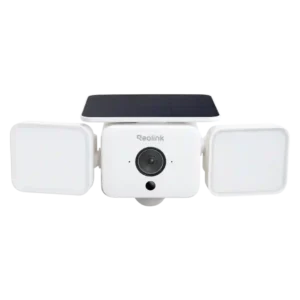
The app makes it easy to exclude roads, branches, neighboring property, or other busy areas from triggering recordings.
Pros: Field of view, Customizable motion zones
Cons: Continuous recording capability, ONVIF/RTSP support
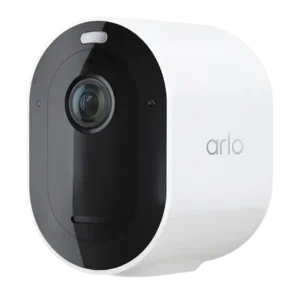
Activity zones are praised as useful for reducing unnecessary alerts, especially when users want notifications only from specific parts of the frame.
Pros: Notification speed, Event recording reliability
Cons: Mesh network compatibility, Customer support responsiveness
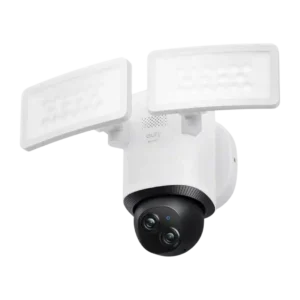
Motion zones were seen as easy and effective, helping reduce irrelevant triggers through app-based zone and sensitivity controls.
Pros: Cloud storage plan value, Dual-band (2.4/5GHz) performance
Cons: HomeKit integration, ONVIF/RTSP support
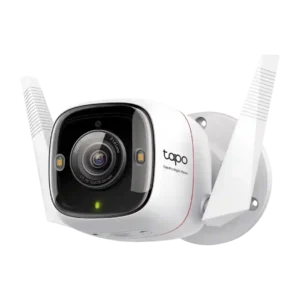
Motion-zone and detection customization were praised for letting users tune what areas and events matter, including free access to customizable detection.
Pros: Detection range, On-device features
Cons: HomeKit integration, PoE
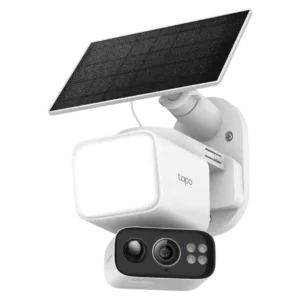
Motion-zone controls were praised for letting users tailor detection by subject type and area rather than using one broad zone.
Pros: Speaker volume, Lens distortion correction
Cons: Field of view, Detection range
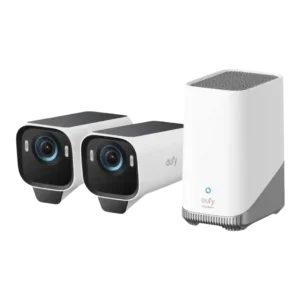
Reviewers liked the ability to customize motion zones because it helps reduce unwanted triggers and tailor coverage areas.
Pros: Low-light performance, Color accuracy
Cons: Speaker volume, Frame rate
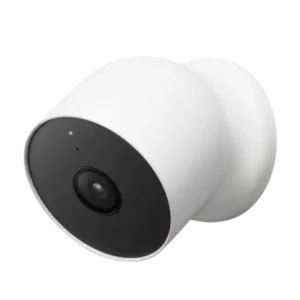
Activity zones and notification customization are viewed positively, especially because reviewers could focus alerts on specific areas or event types.
Pros: False alert filter effectiveness, Operating temperature range
Cons: IFTTT/automation compatibility, HomeKit integration
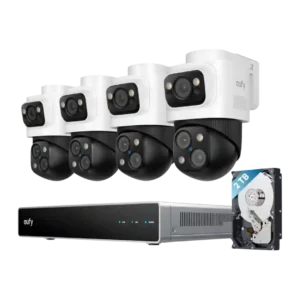
Custom activity and response controls were praised for letting users tailor zones, alerts, and camera behavior by area.
Pros: Detection range, Recording start-time lag
Cons: ONVIF/RTSP support, HomeKit integration
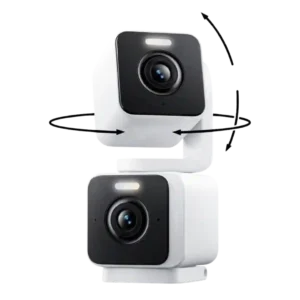
Activity zones were useful because they helped block unwanted trigger areas like moving bushes or branches.
Pros: Installation and Mounting, Articulation range
Cons: ONVIF/RTSP support, Connectivity options
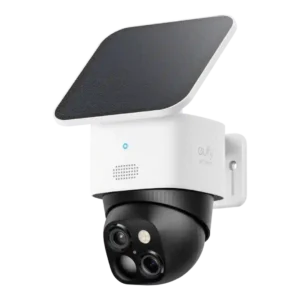
Motion zones are viewed as useful because they let users fine-tune alerts and reduce false positives.
Pros: Cloud storage plan value, Power options (solar panel)
Cons: HomeKit integration, IFTTT/automation compatibility
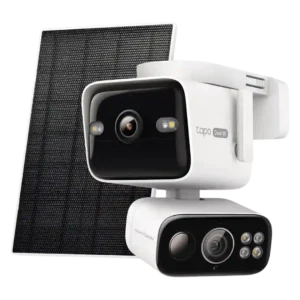
Activity zones were described as useful for reducing alerts from streets or neighboring activity.
Pros: Low-light performance, Floodlight brightness
Cons: HomeKit integration, Echo/noise cancellation
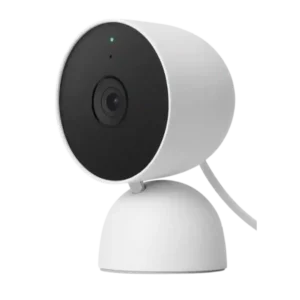
Motion zones were useful and flexible, with free access praised, though setup ranged from opaque to easy across reviews.
Pros: Low-light performance, Notification speed
Cons: Recording start-time lag, PTZ (pan/tilt/zoom) control responsiveness
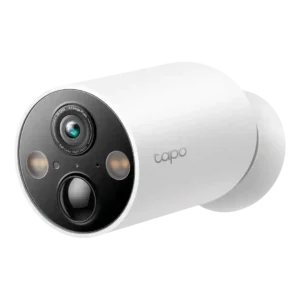
Motion-zone customization was broadly useful and granular, although one reviewer found the boundary setup process frustrating.
Pros: Power options (solar panel), On-device features
Cons: PTZ (pan/tilt/zoom) control responsiveness, Continuous recording capability
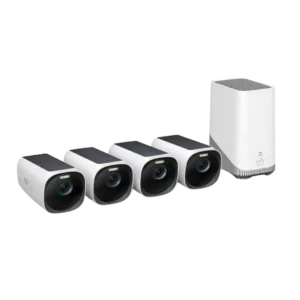
Activity and motion zones are viewed positively because they help reduce unwanted alerts and target the areas reviewers actually wanted monitored.
Pros: Cloud storage plan value, Weather resistance rating (IP code)
Cons: Recording start-time lag, Pre-event recording length
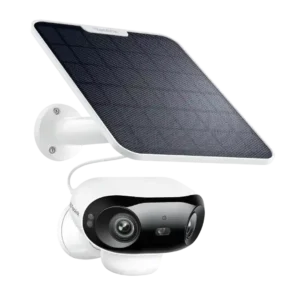
Reviewers liked the ability to tune sensitivity, zones, non-detection areas, object sizes, and schedules to reduce unwanted motion captures.
Pros: Connectivity options, Detection range
Cons: HomeKit integration, Continuous recording capability
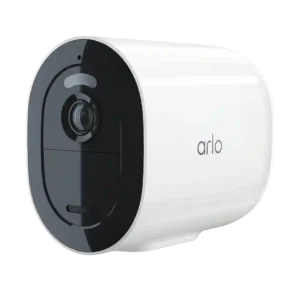
Reviewers valued activity zones because they help focus detection and reduce unwanted movement alerts, though subscriptions may be required.
Pros: Notification speed, Smart home accessory compatibility
Cons: Replacement part availability, HomeKit integration
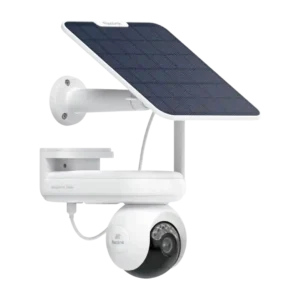
The PCMag review positively noted the ability to create detection zones and schedules from the app settings.
Pros: Recording start-time lag, Smart home accessory compatibility
Cons: Optical zoom performance, HomeKit integration
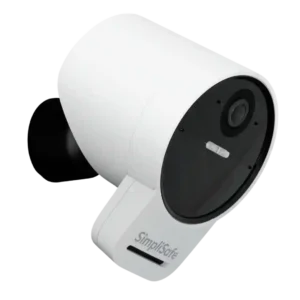
Reviewers liked motion-zone controls for focusing monitoring and ignoring less important areas.
Pros: Weather resistance rating (IP code), System scalability
Cons: Pre-event recording length, HomeKit integration
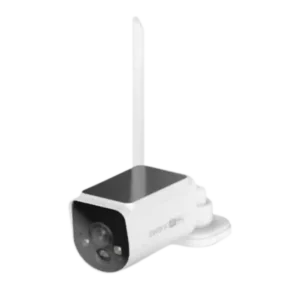
Motion zones were useful for reducing unwanted alerts, though one reviewer found the zone-editing interface janky.
Pros: Digital zoom clarity, Floodlight brightness
Cons: Frame rate, Smart-home integration (Alexa
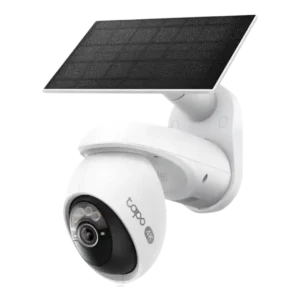
Motion zones were useful and flexible in several reviews, but reviewers also noted that zones can shift with pan/tilt movement and cause false alarms.
Pros: On-device processing (AI), Installation and Mounting
Cons: ONVIF/RTSP support, HomeKit integration
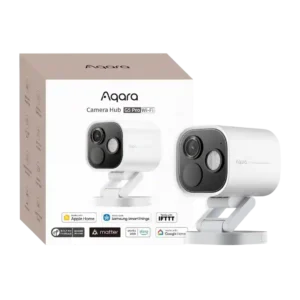
Motion-zone controls were useful but imperfect, with one reviewer wanting global zones and another noting automation scenes could use detections effectively.
Pros: Durability, Low-light performance
Cons: Power options (solar panel), PTZ (pan/tilt/zoom) control responsiveness