Best for dock compatibility
Razer Basilisk V3 Pro 35K
4.7 feature score
Highest scored product for this feature based on supporting review evidence.
Highest scored product for this feature based on supporting review evidence.
Balances feature score, supporting reviews, and overall product strength.
Has the broadest review evidence for this feature.
Strongest overall product among items with scored evidence for this feature.
Showing Razer only. Switch back to all brands anytime.
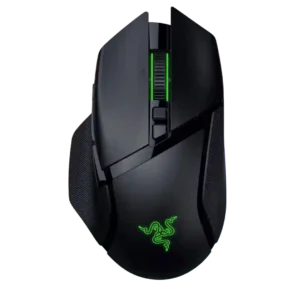
Dock compatibility is well supported, with repeated mentions of Mouse Dock Pro and related charging or high-polling features.
Pros: programmable buttons, Bluetooth support
Cons: handedness options, firmware reliability

Dock compatibility is well supported through references to Mouse Dock Pro, HyperFlux, wireless charging pucks, and charging docks.
Pros: surface compatibility, switch durability
Cons: click noise, AI Prompt Master
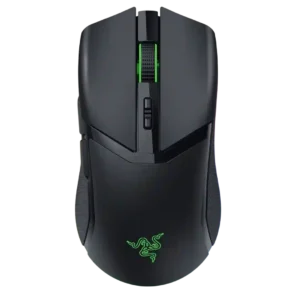
Dock compatibility is present but accessory-dependent, with reviewers noting Mouse Dock Pro support and separate-purchase limitations.
Pros: surface compatibility, sensor performance
Cons: tilt gesture controls, MOBA gaming suitability
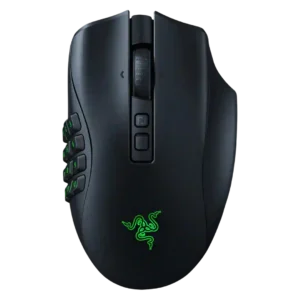
Dock compatibility is well documented, but the dock or charging puck is usually optional and costs extra.
Pros: click latency, switch durability
Cons: handedness options, weight
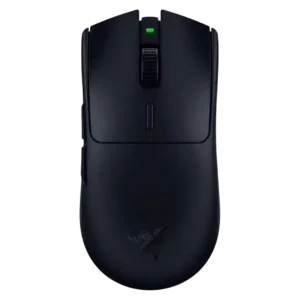
Dock compatibility is poor because the mouse is AA-powered and reviewers note it lacks Mouse Dock Pro or rechargeable dock convenience.
Pros: DPI range, acceleration control
Cons: RGB features, Bluetooth support
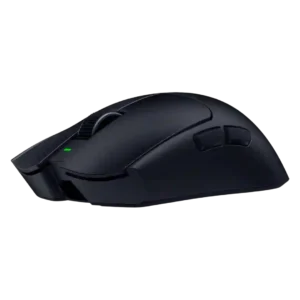
Dock compatibility was a clear downside where mentioned because the mouse does not support dock-style charging.
Pros: balance and weight distribution, build quality
Cons: dock compatibility, Bluetooth support
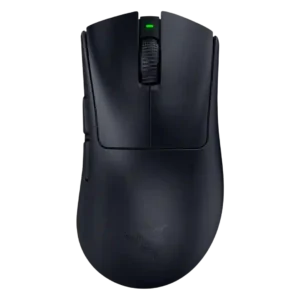
Dock compatibility is weak because reviewers explicitly say the mouse is not battery-dock compatible and does not support charging or docking.
Pros: Accuracy and tracking precision, sensor performance
Cons: RGB features, dock compatibility