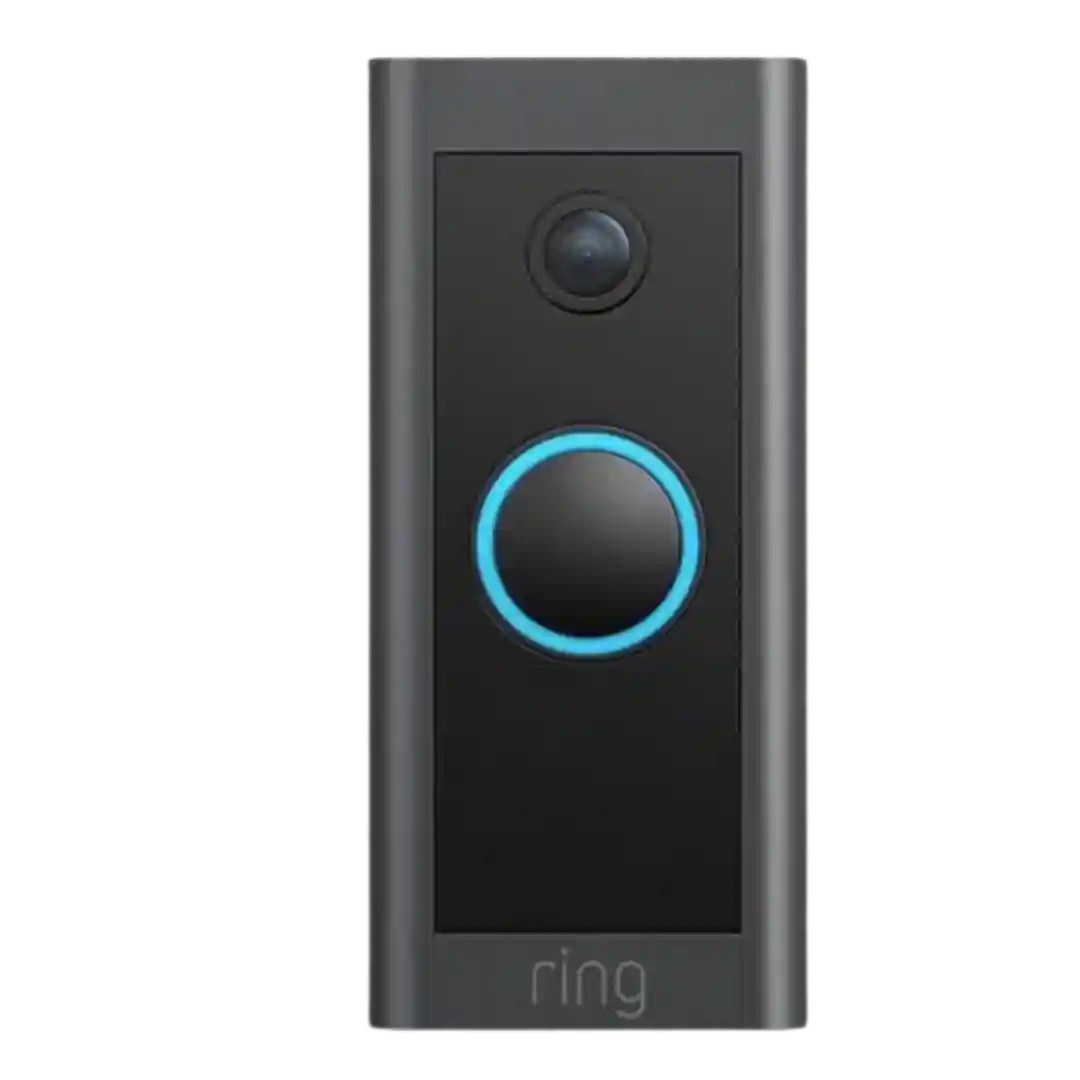
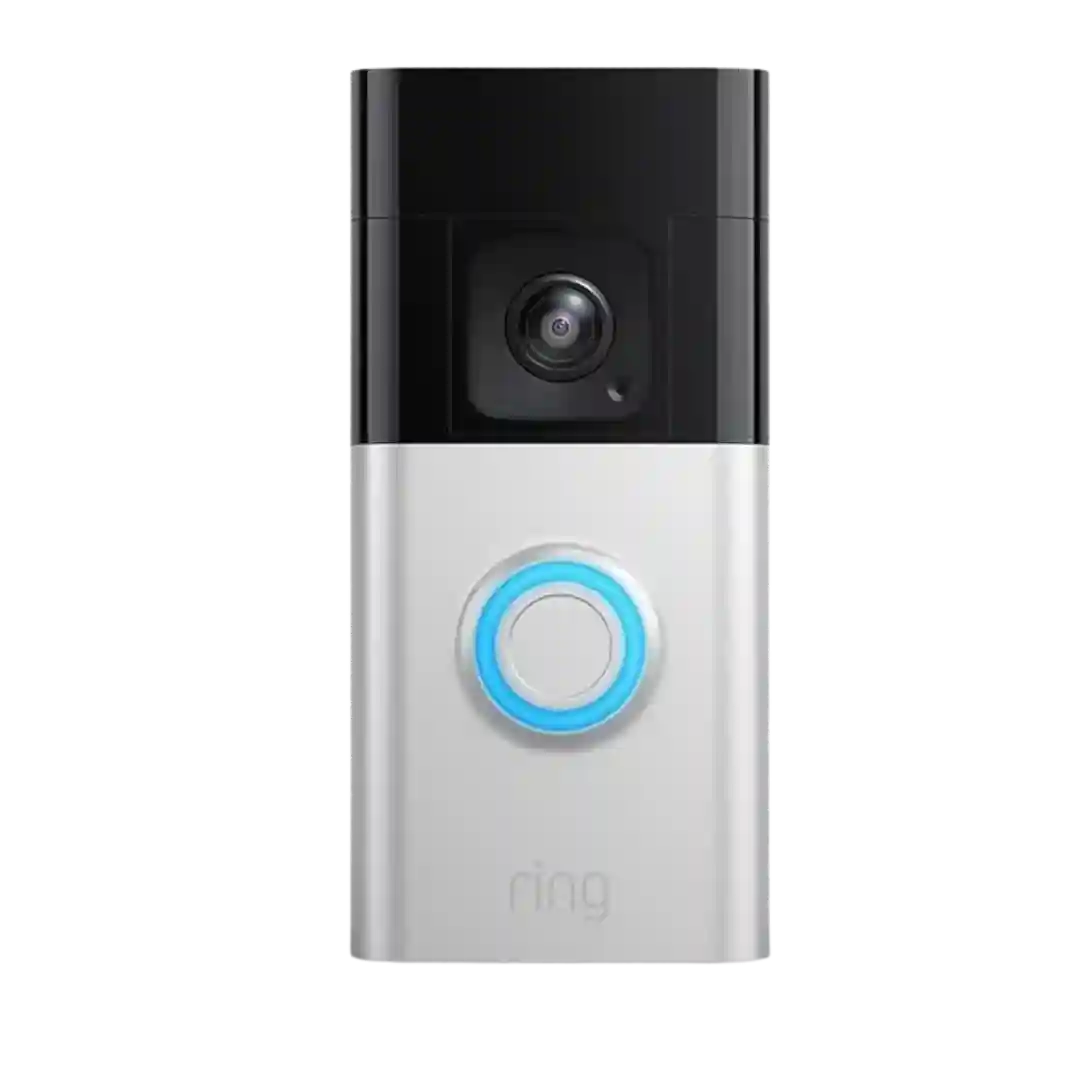
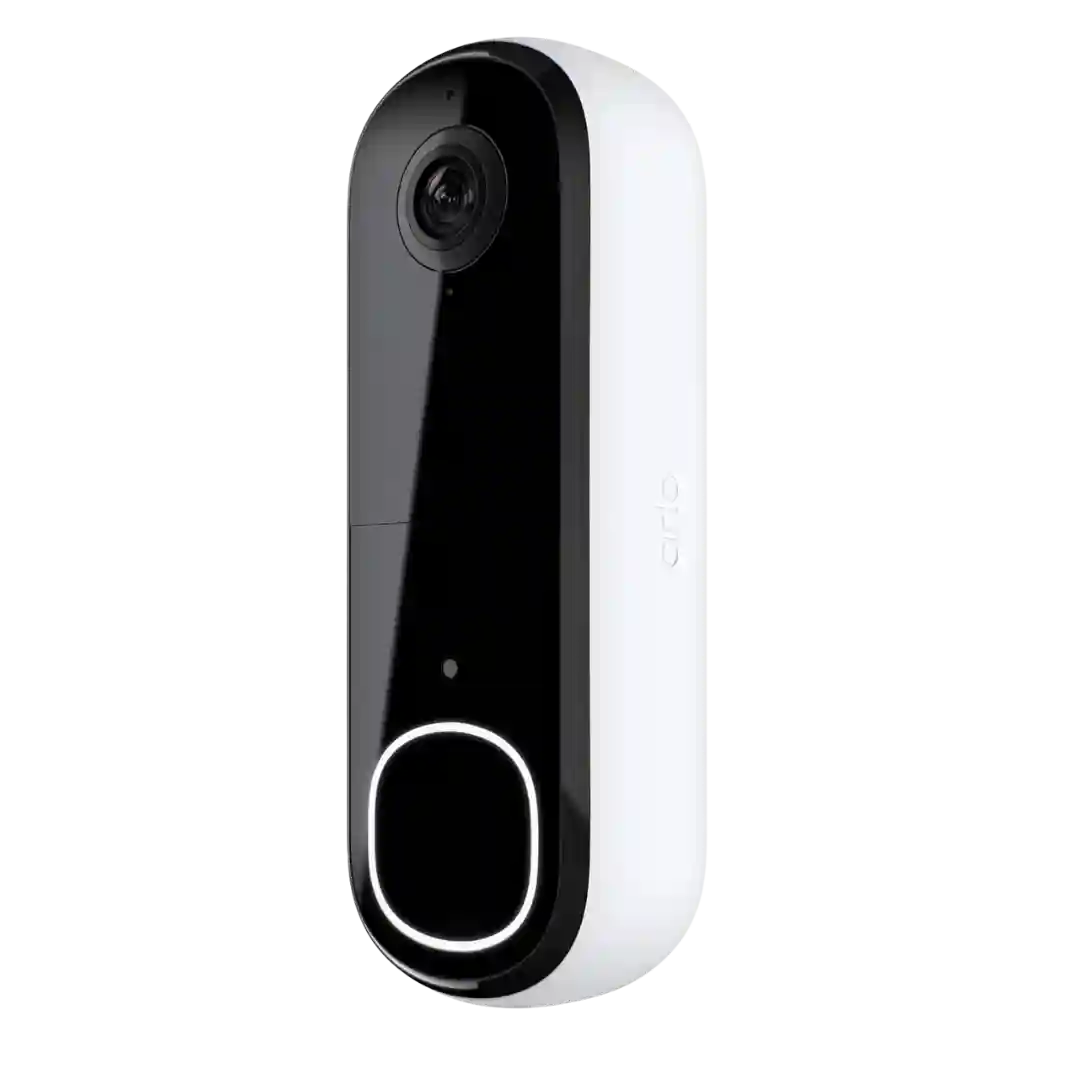
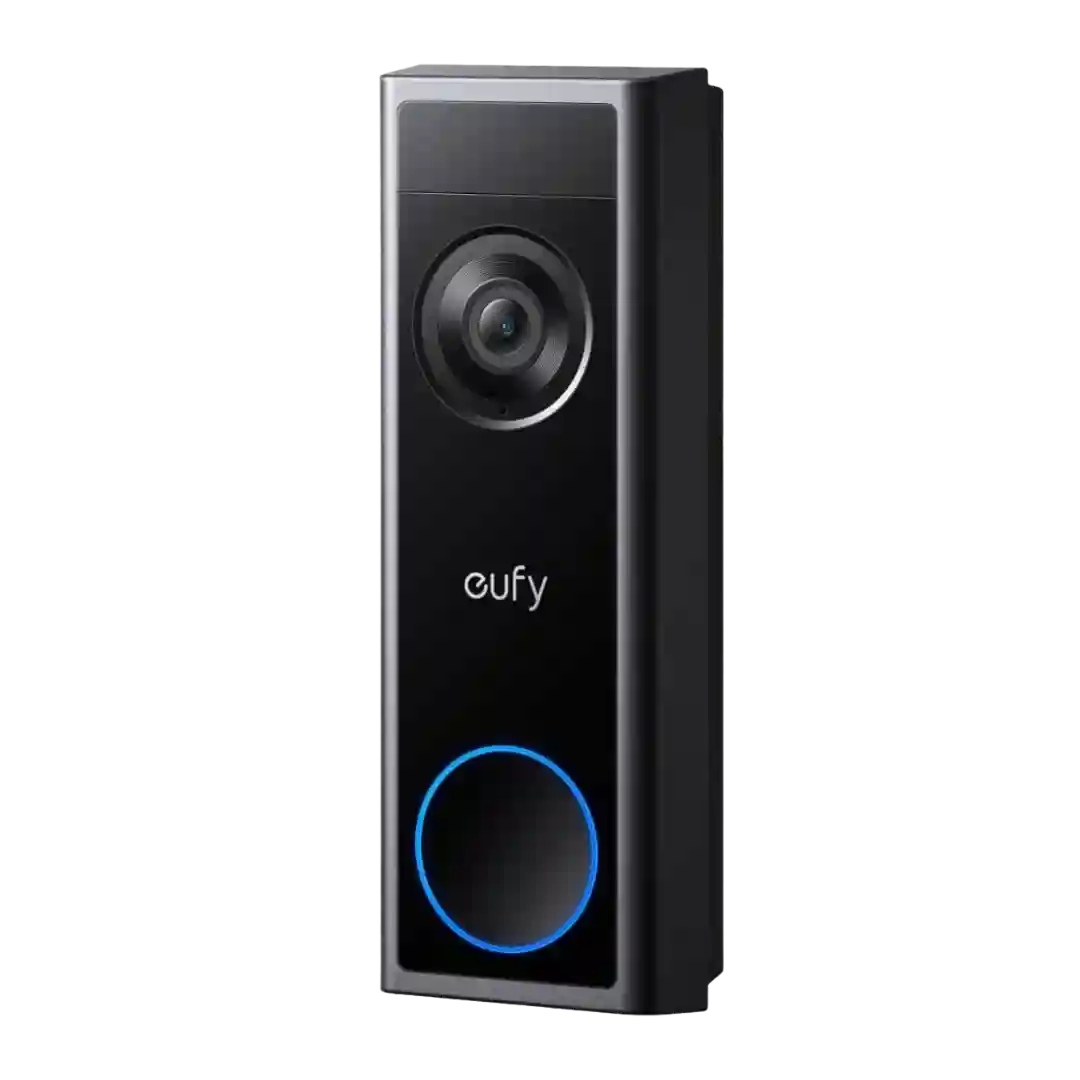
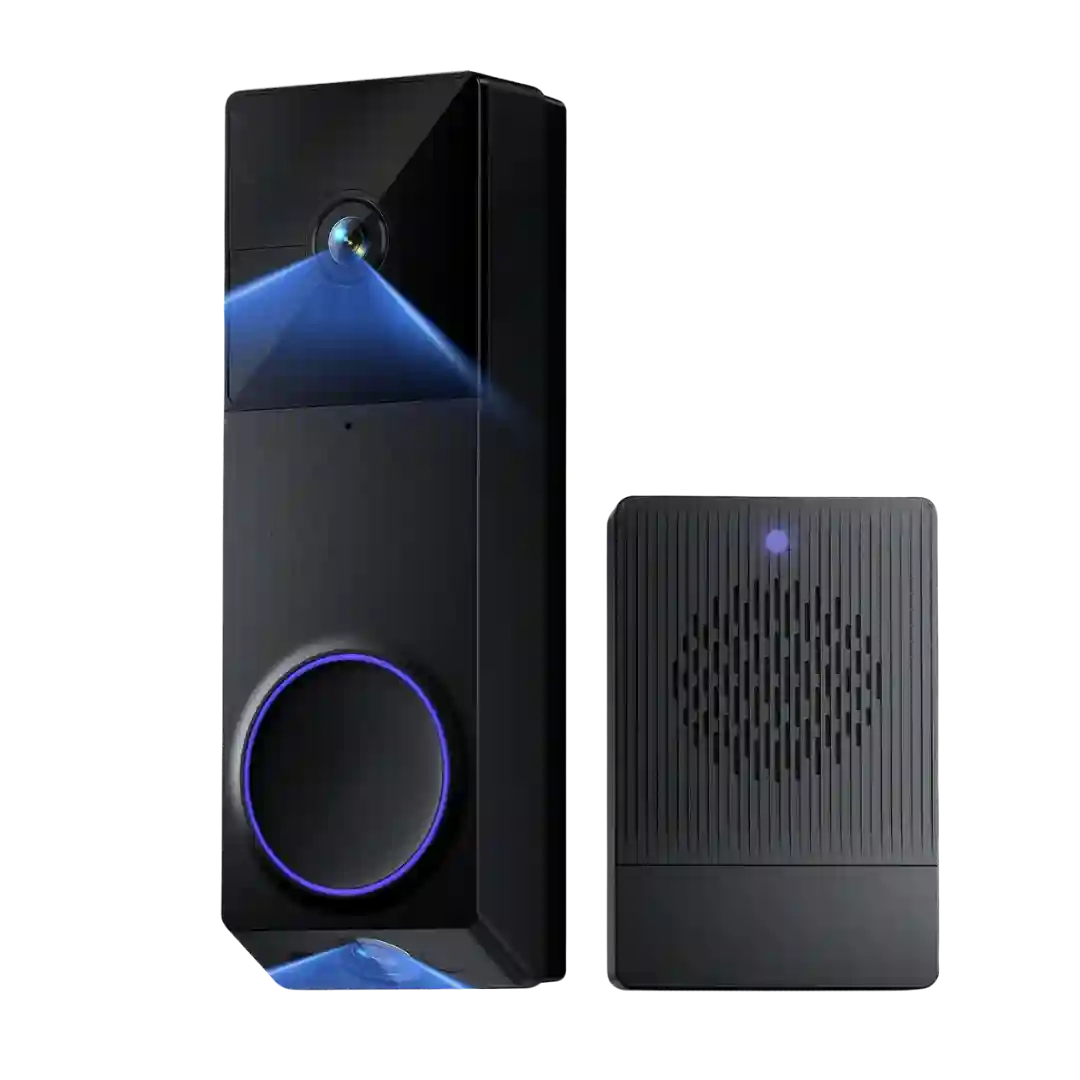
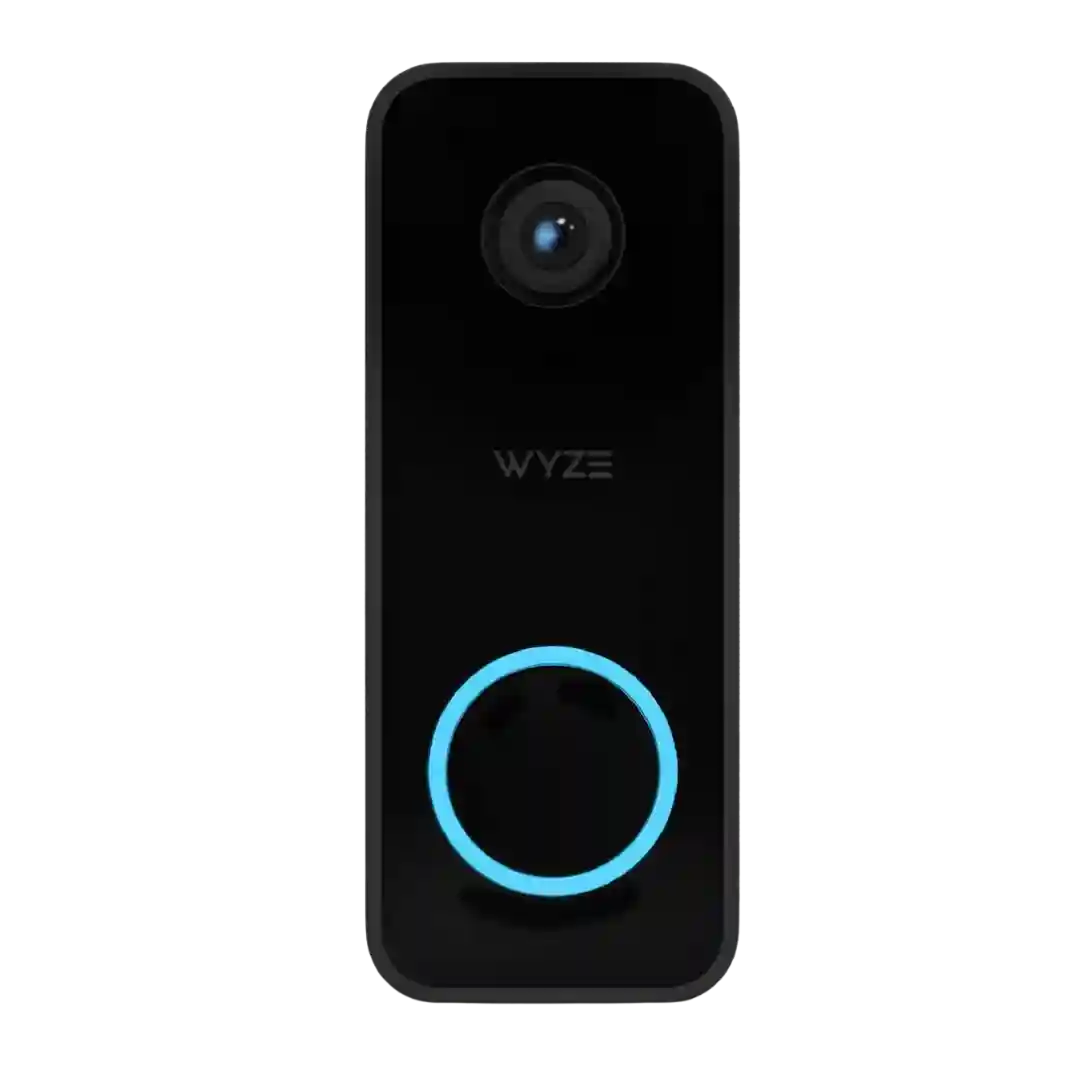
Notifications are frequently described as speedy, and some sources highlight an optional phone-call alert that is harder to miss than standard push notifications.
Notifications are typically praised for arriving quickly and for supporting richer previews (text plus thumbnail/snapshot). Delays can occur depending on Wi-Fi/mobile connectivity, but most reviews still view the alerting experience as one of the E340s strengths versus subscription-gated competitors.
Notifications are frequently described as fast, with rich previews/snapshots viewed as highly actionable. A couple reviews mention rare notification misses, but overall speed and timeliness are a consistent win.
Notifications are generally fast, often arriving within seconds. Rich notifications and device announcements help, and reviewers highlight schedules or snooze tools for reducing alert fatigue.
Alerts are commonly described as quick and dependable, and previews can be very useful, but some users report occasional delays or failed clip loads in the app.
Notifications are frequently described as fast, with options like richer alert styles (text plus snapshot) and flexible behavior depending on user preference. Several reviews show doorbell-press alerts arriving quickly and opening events/live view smoothly.
Notifications are commonly reported as fast, typically reaching the phone within about 1 to 2 seconds for rings or motion. Some users note that launching Protect from a cold start can take a few seconds, and richer notification content varies by model and settings.
Doorbell-press notifications are often described as near-instant. Motion notifications range from fast to noticeably delayed, with multiple reviewers attributing the difference to whether thumbnails/rich effects are enabled.
Alerts are often fast, but multiple reviewers mention a cooldown period that can delay repeated push notifications for back-to-back events, and limited options for custom notification sounds.
Notifications are generally fast and dependable for motion and rings. Several reviews mention richer notification options exist but are gated by subscription and may be affected by weak Wi-Fi or connectivity.
Push alerts are often described as quick, with options for visitor/person alerts and scheduling; rich notification thumbnails are cloud-based, and one review notes a doorbell-press workflow that opens a recording instead of live view.
Notification experience is mixed but generally positive. Doorbell-press alerts tend to be fast, while motion-trigger alerts can be slower; some reviewers like having thumbnail/preview-style alerts to identify visitors without opening the app.
Notifications are typically fast and relevant when motion filtering is tuned, and snapshot-style alerts are common. Some owners report occasional missed or late alerts and weak low-battery warning behavior depending on settings and platform.
Notifications are often fast and useful, especially in the Apple ecosystem with rich previews, but there are multiple reports of delays, missing events, or Home app tiles showing no response despite the live view working.
Standard alerts are considered quick and useful, while richer notification features are more limited. Several reviews note that snapshot-rich alerts usually depend on the optional cloud plan.
Notifications are often described as smart and not overly noisy, helped by radar verification. A few reviews report notification hiccups such as false package labels or false person alerts in specific lighting conditions.
Alerts are typically fast on Wi-Fi and can appear across iPhone, Apple Watch, HomePods, and Apple TV, but some reviewers saw sporadic notifications or less-informative previews (e.g., small subjects or watch limitations).
Doorbell-press alerts are often quick, but motion-trigger notifications can range from fast to noticeably slow depending on settings, Wi-Fi conditions, and whether the unit is wired or battery powered.
Notifications are typically fast, but the experience can feel basic: no rich previews in some setups, and the live view can load slowly enough that the visitor is gone by the time you open it.
Alerts are broadly dependable, but experiences vary from near-instant to several seconds, and many reviewers note the lack of rich previews in notifications. Opening live view from a notification can involve a short wait.
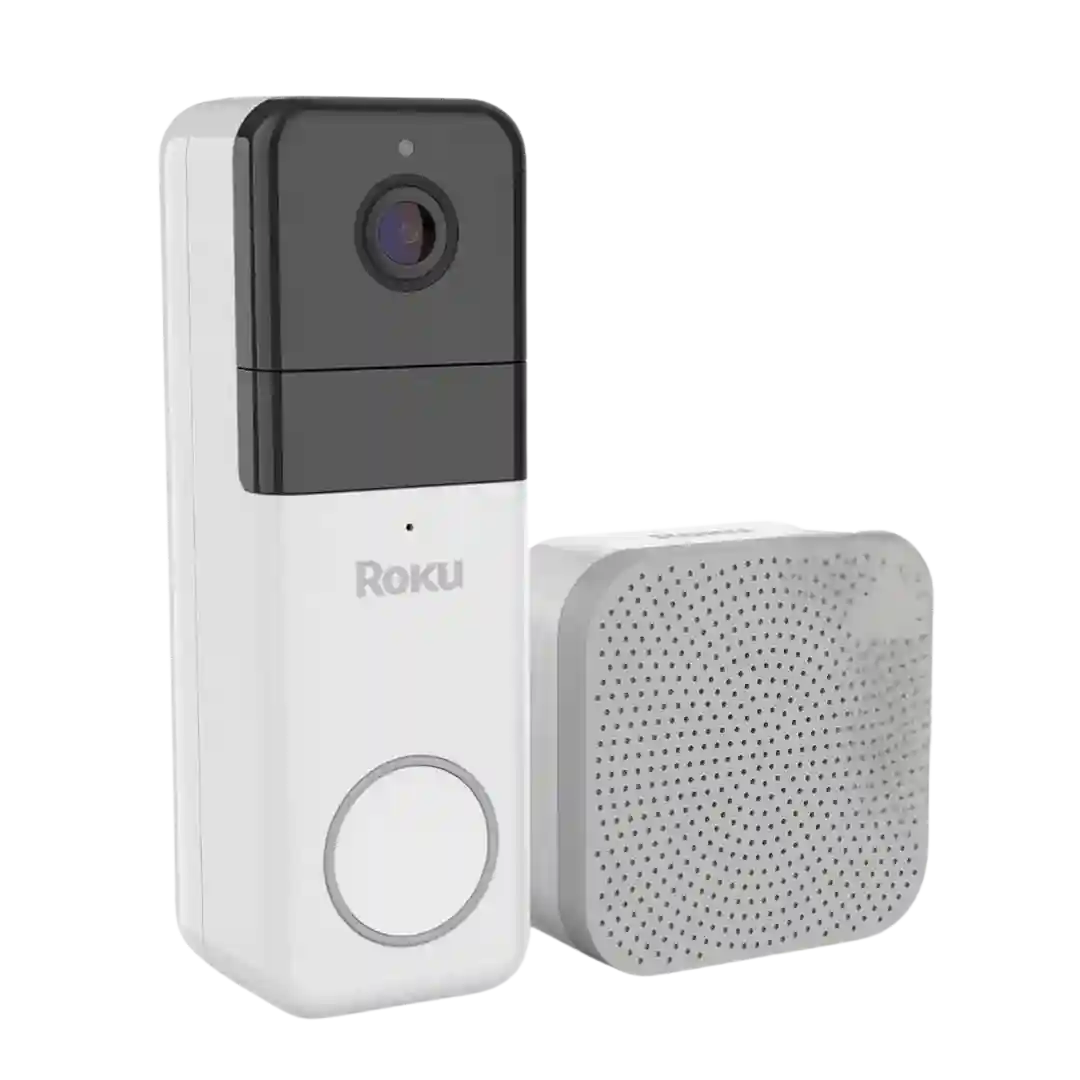
Notifications are available on phone and Roku TV, including a TV pop-up with a quick image. Multiple reviews mention delays/cooldowns without a subscription and better immediacy when subscribed.
Notification timeliness is the most common complaint: several sources cite noticeable delays for alerts and/or rings, while others find it acceptable once tuned.
Doorbell-press notifications are generally fast, but multiple reviews complain about cooldown behavior on the free plan and occasional missed alerts that required a reboot.