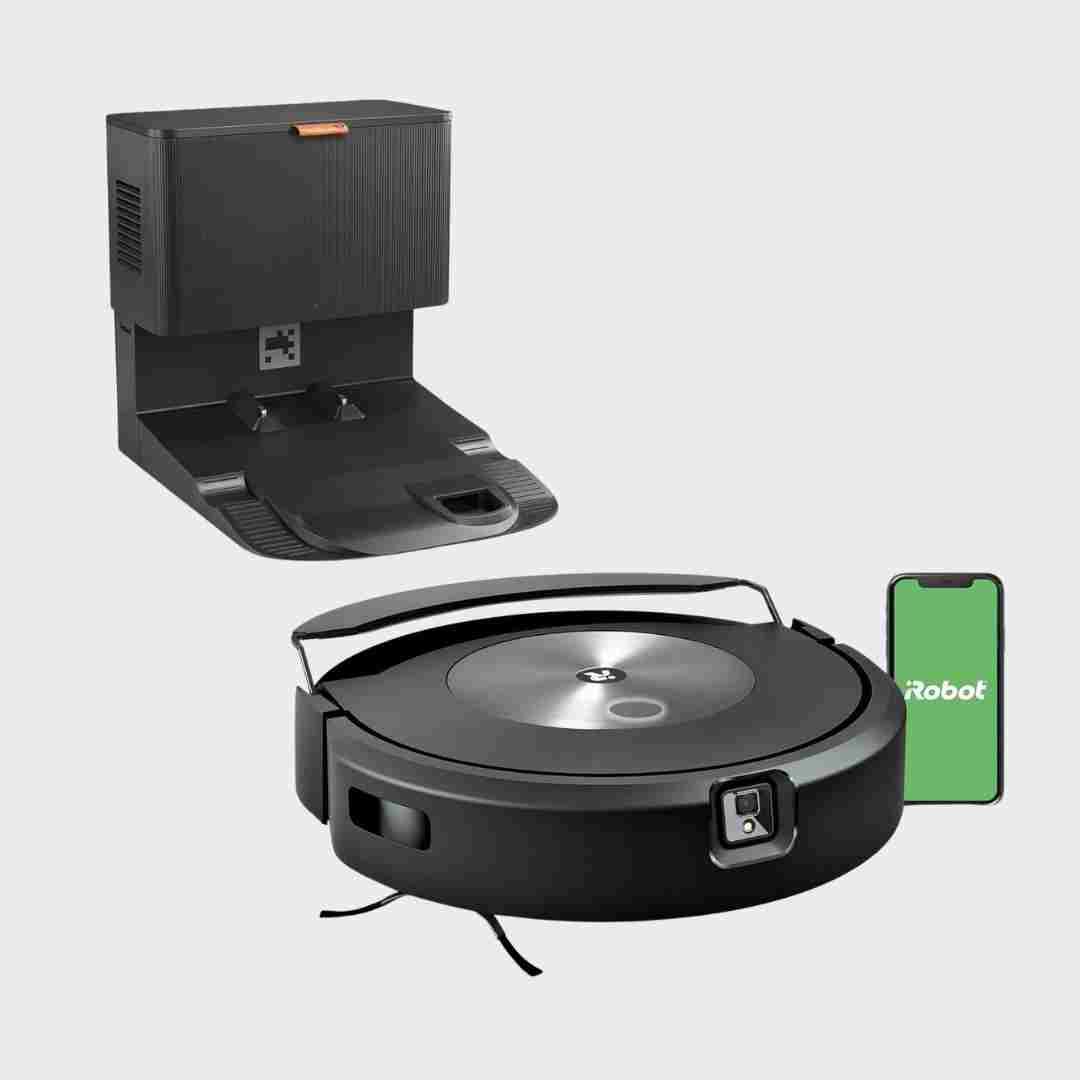
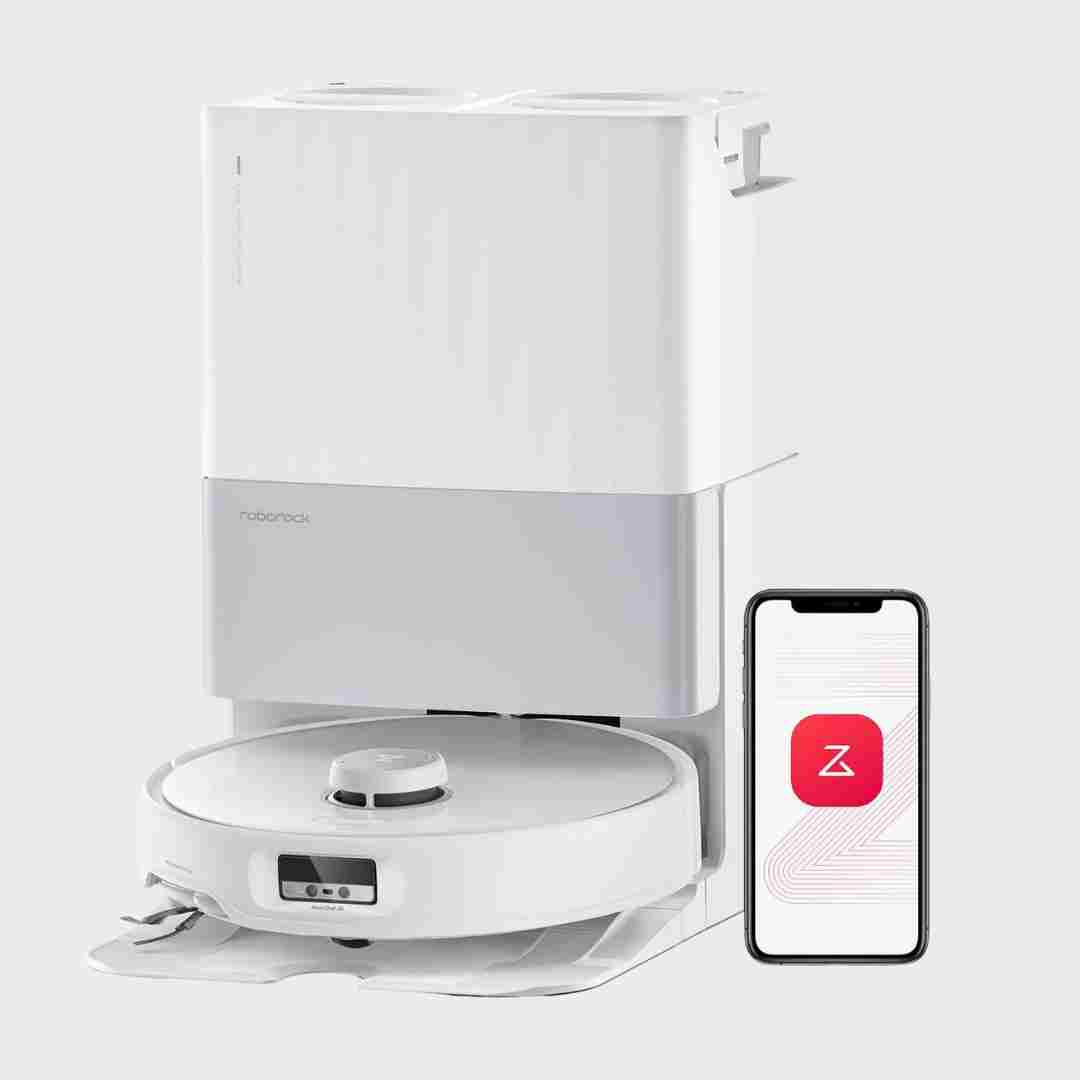
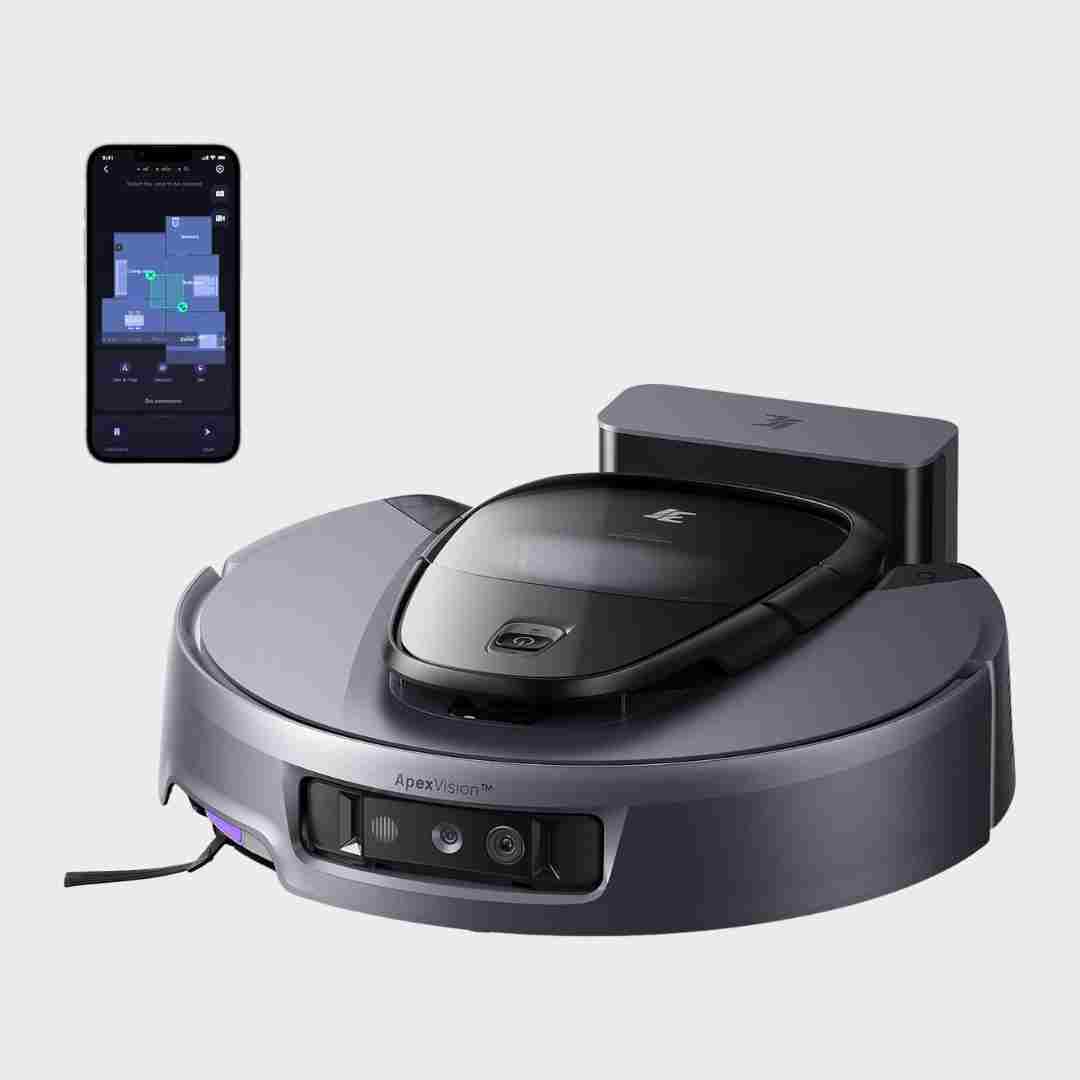
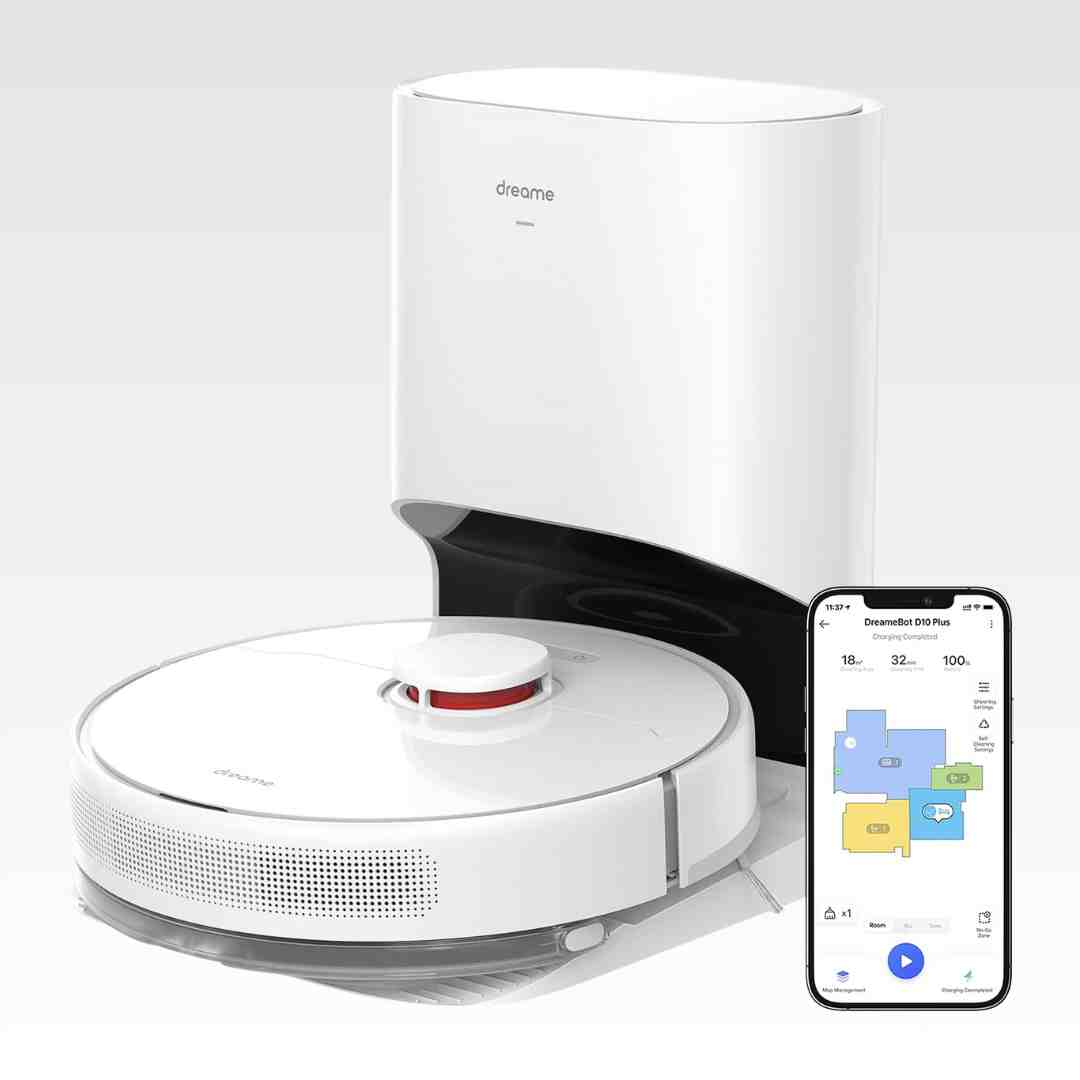
Privacy protections are reassuring where mentioned. Camera features are opt-in, locks are available, and one review highlighted TÜV-backed security credentials.
Multiple reviews explicitly note there is no front-facing camera, and one comparison also states no microphone, which can be appealing for privacy-sensitive buyers. The tradeoff is less sophisticated object recognition than camera-based systems.
Privacy notes are mixed: one reviewer states it uses no camera or microphone, while others describe a front camera used for reactive obstacle avoidance. If privacy is a concern, verify your unit’s sensor setup and app settings.
A core differentiator highlighted in multiple reviews is the absence of a front camera, which reduces privacy concerns for many buyers. The main tradeoff is giving up camera-based remote viewing and certain advanced object-identification behaviors found on pricier camera-equipped models.
Privacy opinions are helped by the lack of a live-view surveillance camera feature. Some see that as a downside for remote viewing, while others prefer it for privacy.
The absence of a front-facing camera means no live video monitoring, which many see as a privacy benefit. The tradeoff is weaker camera-assisted obstacle recognition and fewer monitoring features compared with models that include an RGB camera.
Camera-based features (obstacle recognition, remote viewing/voice) bring privacy considerations. Reviews note the camera can be disabled/off by default, and a camera-free variant exists for buyers who prioritize privacy.
Privacy perceptions are positive because multiple reviewers emphasize the absence of a camera/live video monitoring, reducing concerns for camera-averse households.
Privacy controls are a recurring theme: on-device processing is emphasized by some, while others note optional obstacle photos/remote viewing require explicit enablement, passwords, and audible announcements during viewing.
Privacy controls are discussed mostly in the context of the onboard camera and smart features. One review highlights an approach focused on onboard analysis with limited user access to camera data, while others do not raise privacy as a primary concern.
Privacy is called out as a strength by at least one reviewer, citing iRobot’s comparatively robust data and privacy posture. There is little additional privacy detail in other reviews.
Privacy is implicitly improved versus camera-based models because several reviews note the lack of advanced camera object recognition or video features, though it still relies on sensors and app connectivity.
One review highlights that it lacks voice interaction and does not offer remote camera/video monitoring found on some competitors, which can feel less intrusive. Explicit privacy settings aren’t deeply discussed, but the absence of always-listening/remote-view features is noted positively by at least one reviewer.
Privacy discussion centers on camera-based obstacle avoidance and the ability (noted by some reviewers) to disable picture-taking/recording options while keeping avoidance active. Even with controls, camera-equipped robots can remain a consideration for privacy-sensitive users.
Privacy-related notes center on the camera and remote-view features, including an audible announcement when the camera is active. Reviewers generally present this as a thoughtful safeguard rather than a full privacy control suite.
Privacy tradeoffs are discussed favorably by some: reduced/changed camera approach and lack of remote home monitoring is seen as a privacy plus, while others consider the removed monitoring feature a downgrade.
Privacy controls are a recurring theme due to the onboard camera; remote viewing features are typically optional and may require extra user steps to enable, but opinions vary on comfort level.
Privacy controls get positive notes for passcode-gated live camera viewing and opt-in data sharing options; several reviews still caution that camera-equipped robovacs require comfort with connected-device tradeoffs.
Privacy controls are a recurring discussion point because the robot uses a camera for navigation and obstacle recognition. Reviews note opt-in options and iRobot’s stated controls/encryption, but some users may still prefer a non-camera approach depending on comfort.
Privacy-related notes are mixed: the robot uses camera-based avoidance, but at least one review highlights limited or no live-view access, which some may see as a privacy-positive constraint.
Remote video/patrol features are praised for utility, and some reviews mention privacy/security certification. Others still flag general concerns about any internet-connected camera, so comfort level and opting out of camera features matter.
Camera-based home monitoring is a noted feature, and at least one review highlights explicit privacy prompts/policies and access controls. Privacy-conscious users may prefer disabling camera features or limiting remote access.
Camera and remote viewing/video calling add capability but introduce a privacy tradeoff; capture features are described as optional/off by default in at least one source.
Privacy controls are discussed in relation to camera-based features: some reviews mention needing to accept privacy terms for image-based functions and that image upload can be restricted, but mapping data is still stored. PIN-style access for camera functions is also referenced.
Because the robot includes a camera and offers live viewing/patrol modes in some reviews, privacy considerations come up implicitly. Reviewers treat it as useful for monitoring, but it may be a skip for camera-averse households.
Privacy controls are centered on the onboard camera: some reviews highlight passcode or PIN protection and visible or audible indicators, but comfort varies by user.
Privacy is frequently mentioned due to onboard cameras and remote viewing; some reviews highlight stickers, opt-in steps, and general concerns about camera-enabled robots.
Privacy is a mixed topic: reviewers mention on-device processing claims and certifications, and note you can disable obstacle photos, but some still dislike the presence of a camera and point out missing account protections like 2FA.
Camera-based remote viewing is available but usually requires an intentional setup step, and reviewers note there is no true offline mode, so privacy-minded users may want to disable camera features.
Privacy-related mentions are limited, but at least one reviewer flags that location-based automation can request precise address/location data; Wi-Fi dependence also affects privacy expectations.
Privacy discussions focus on the camera: some comparisons note remote viewing can require a physical confirmation on the robot, which is viewed positively. On the other hand, at least one reviewer is disappointed by limited offline/local-only operation options.
Camera-based features enable live views and home monitoring with two-way audio on some configurations; privacy-conscious users may prefer disabling camera/remote viewing and limiting cloud features.
Privacy concerns are discussed in relation to camera-equipped robots and home mapping; reviewers note some systems allow disabling camera features, but concerns can still be a deciding factor for some buyers.
Camera viewing is presented as optional, and image capture is typically tied to enabling that feature in the app. Privacy-conscious users may still want to review policies and disable camera/patrol features.
Privacy is periodically raised due to the front camera and cloud-based maps/images; reviewers note opt-in image review and app controls, but privacy-sensitive buyers may still be cautious.
Camera-based features enable better object recognition and remote viewing in some configurations, but privacy-sensitive buyers may prefer variants without camera capability.
Camera-based features (like video monitoring or object photos) are mentioned, but image clarity is sometimes described as limited, which can reduce usefulness and may raise privacy considerations for some buyers.
Control typically runs through the Mi Home or Dreame app, and one reviewer notes account and profile creation can feel intrusive. A related D10s Plus review describes an onboard camera for remote monitoring, which may raise additional privacy considerations.
The camera enables remote viewing/video calls; at least one reviewer flags camera-equipped robots as a privacy dealbreaker and suggests choosing camera-free if concerned.
A small but serious set of reports raise app security and account-access concerns, including suspicious login prompts and perceived credential-harvesting behavior, reducing trust for privacy-sensitive buyers.