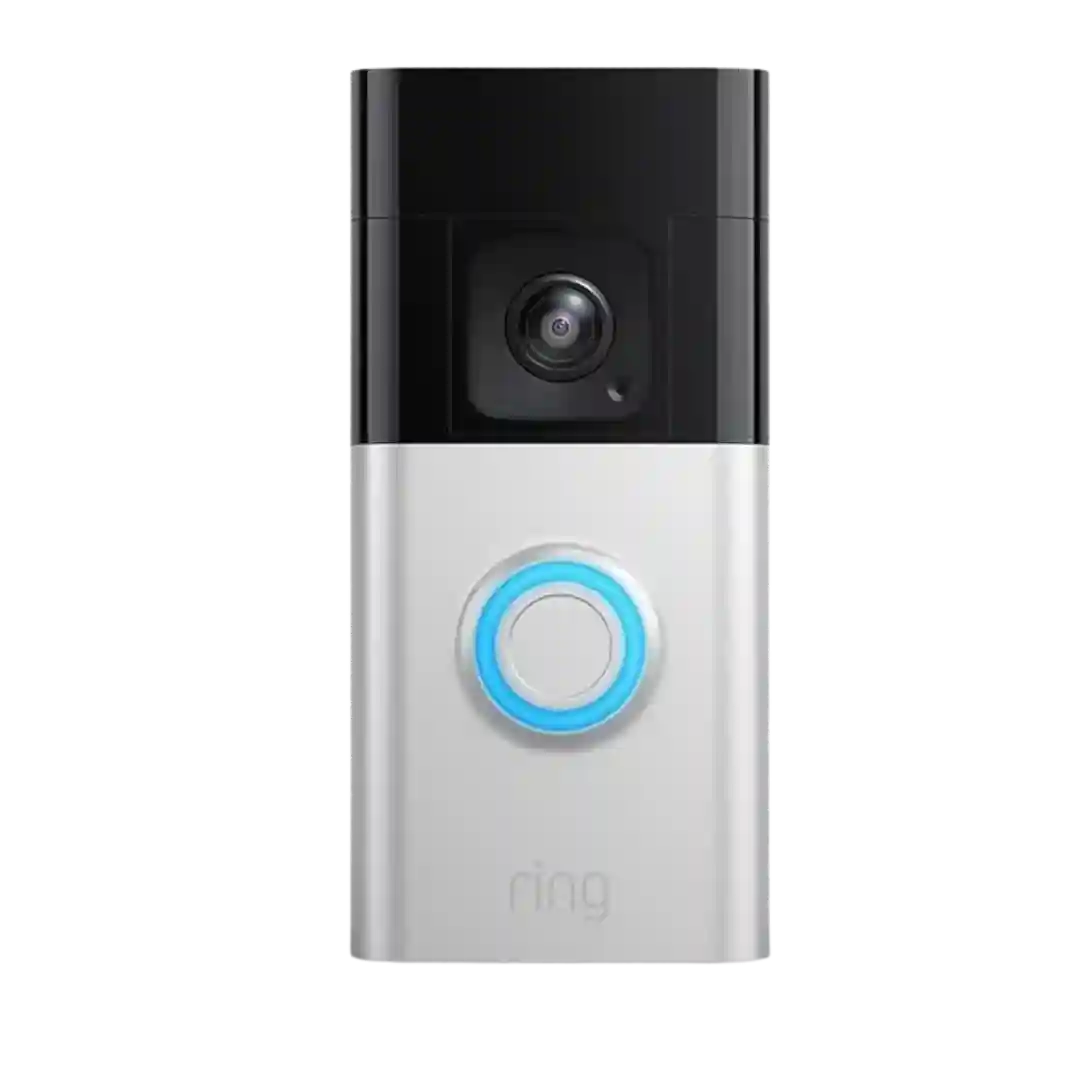
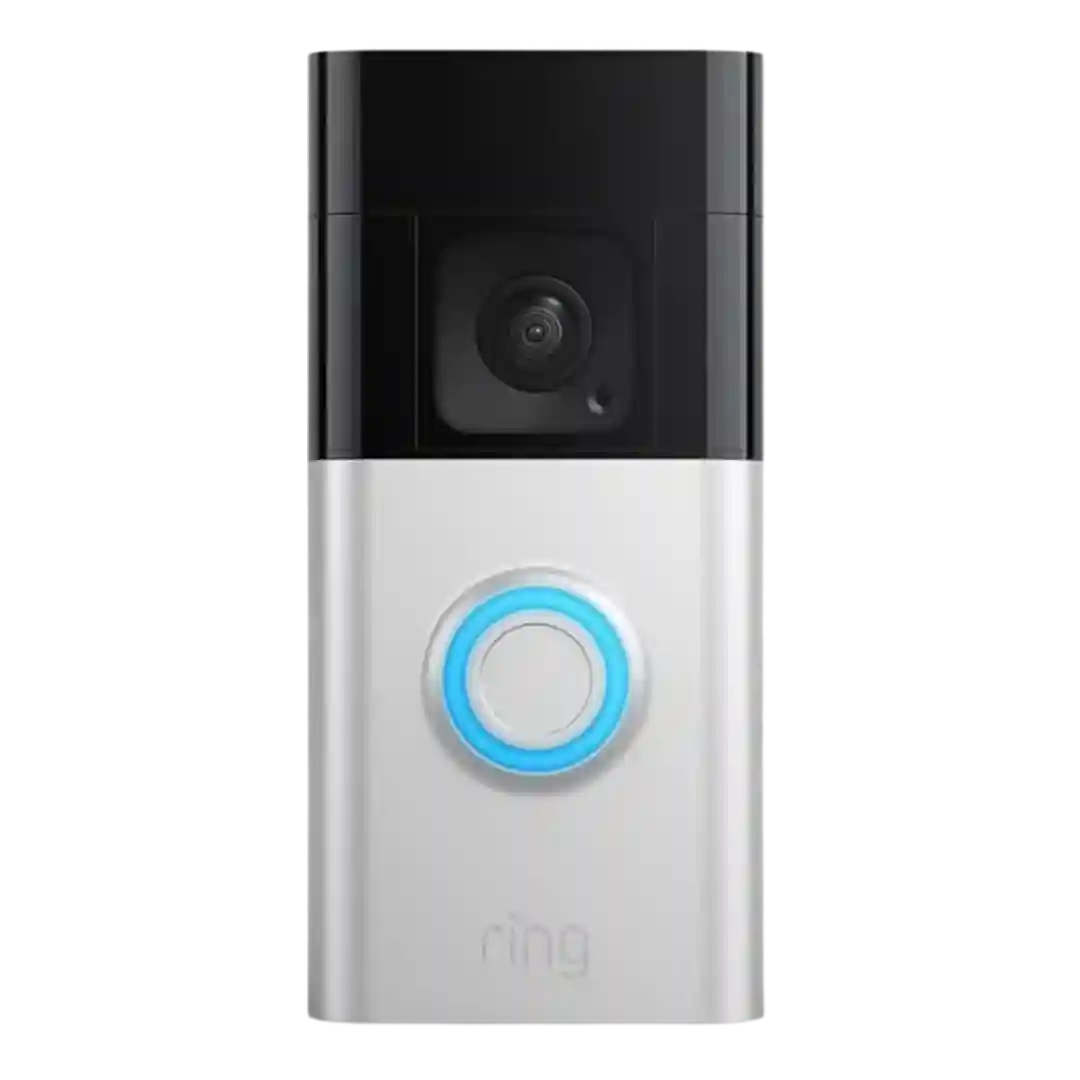
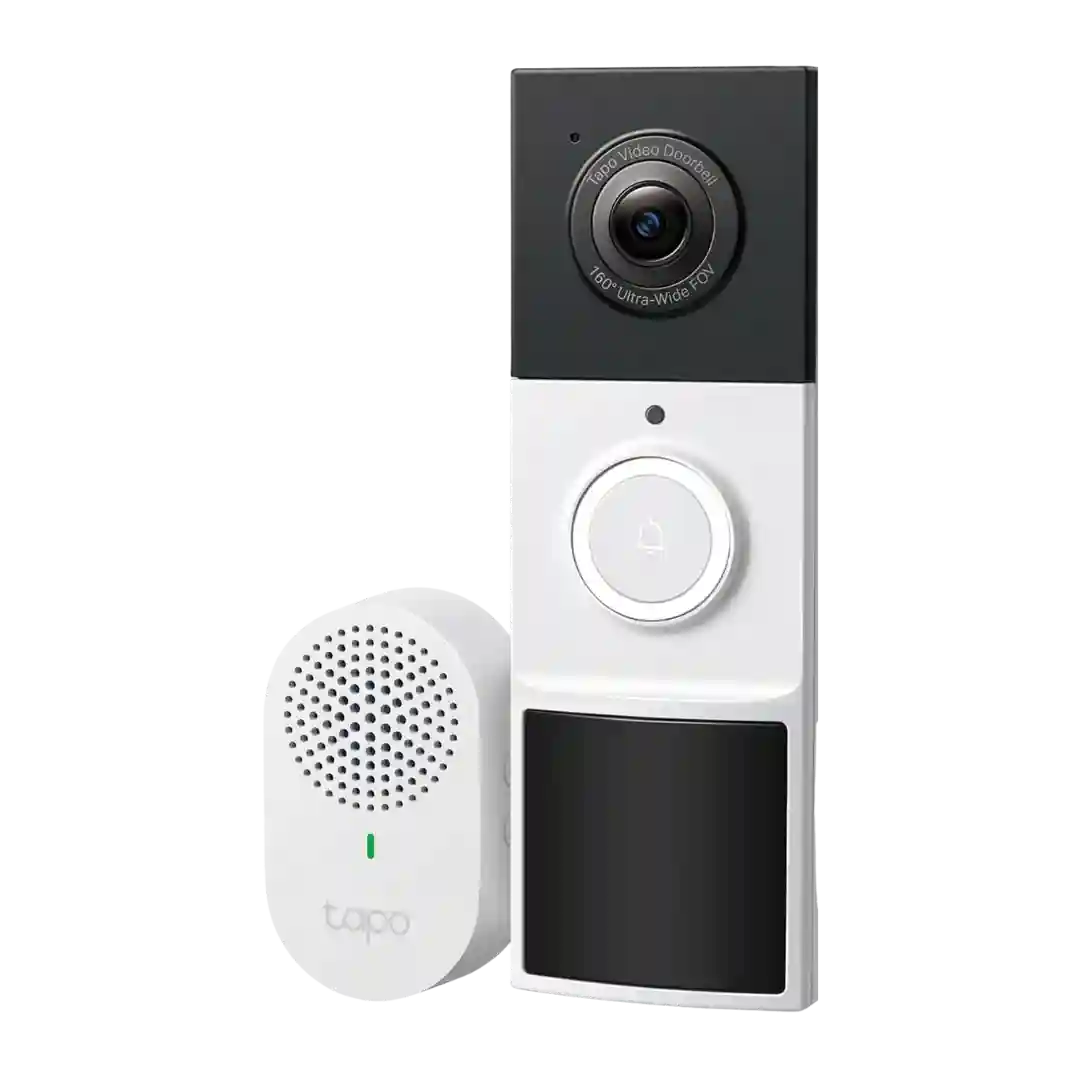
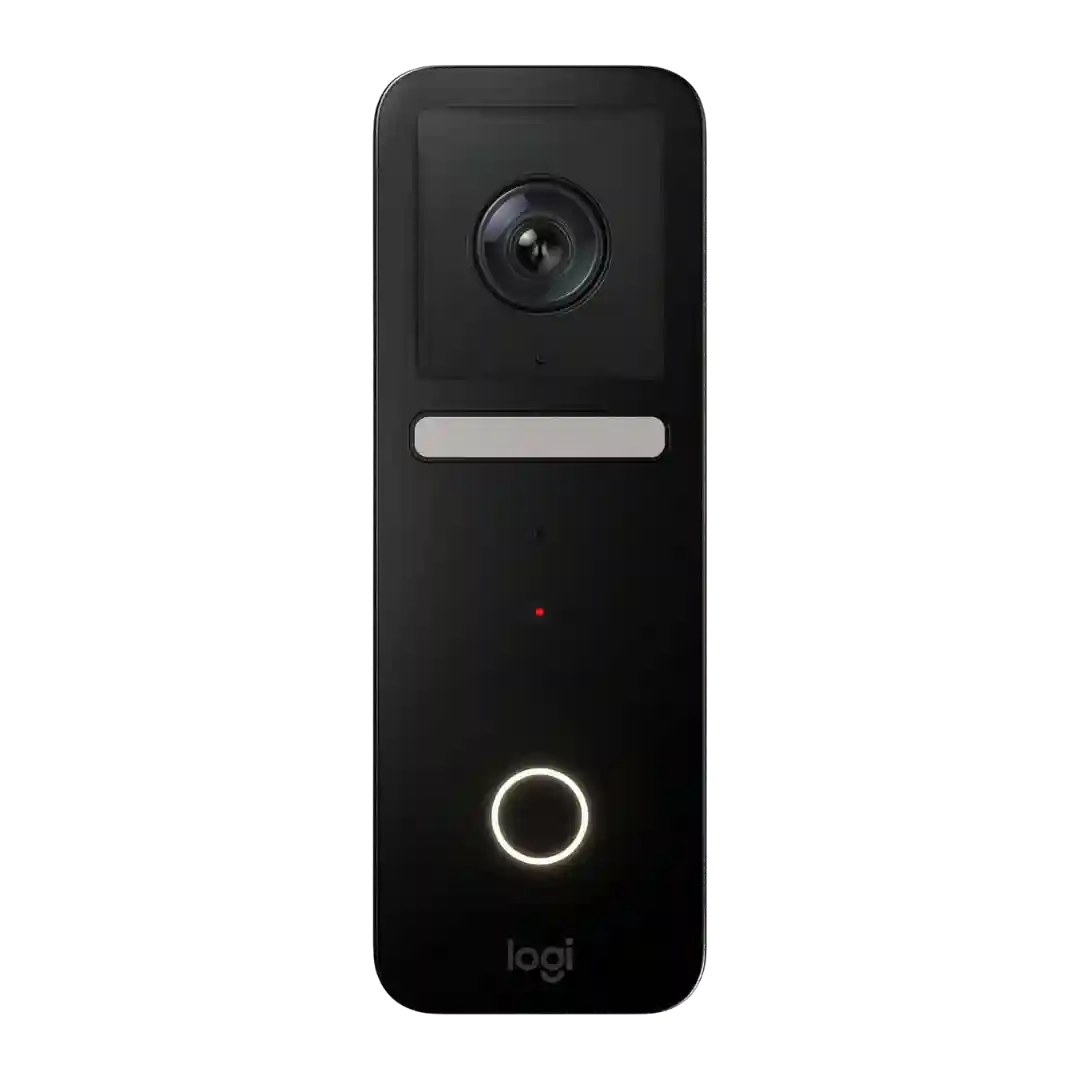
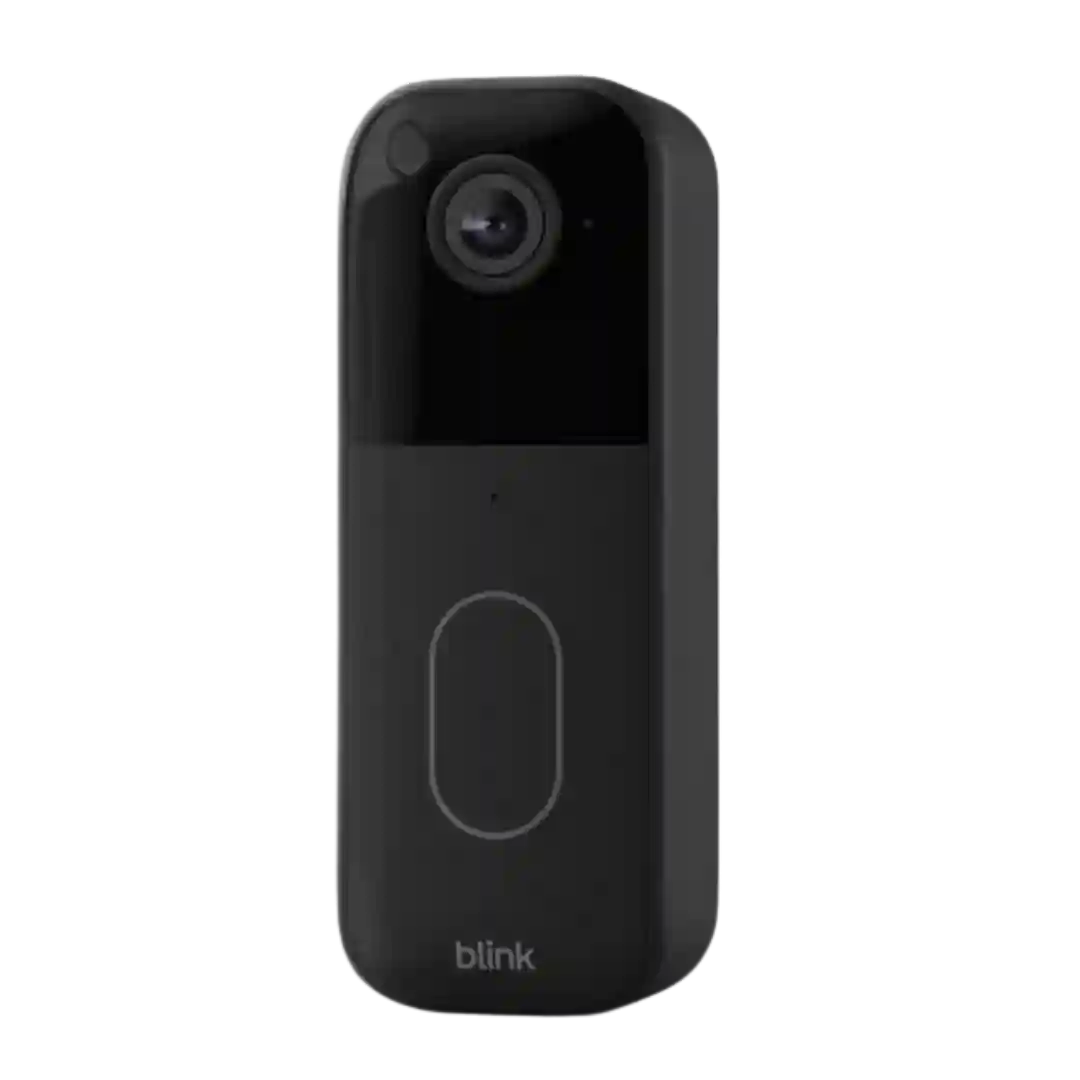
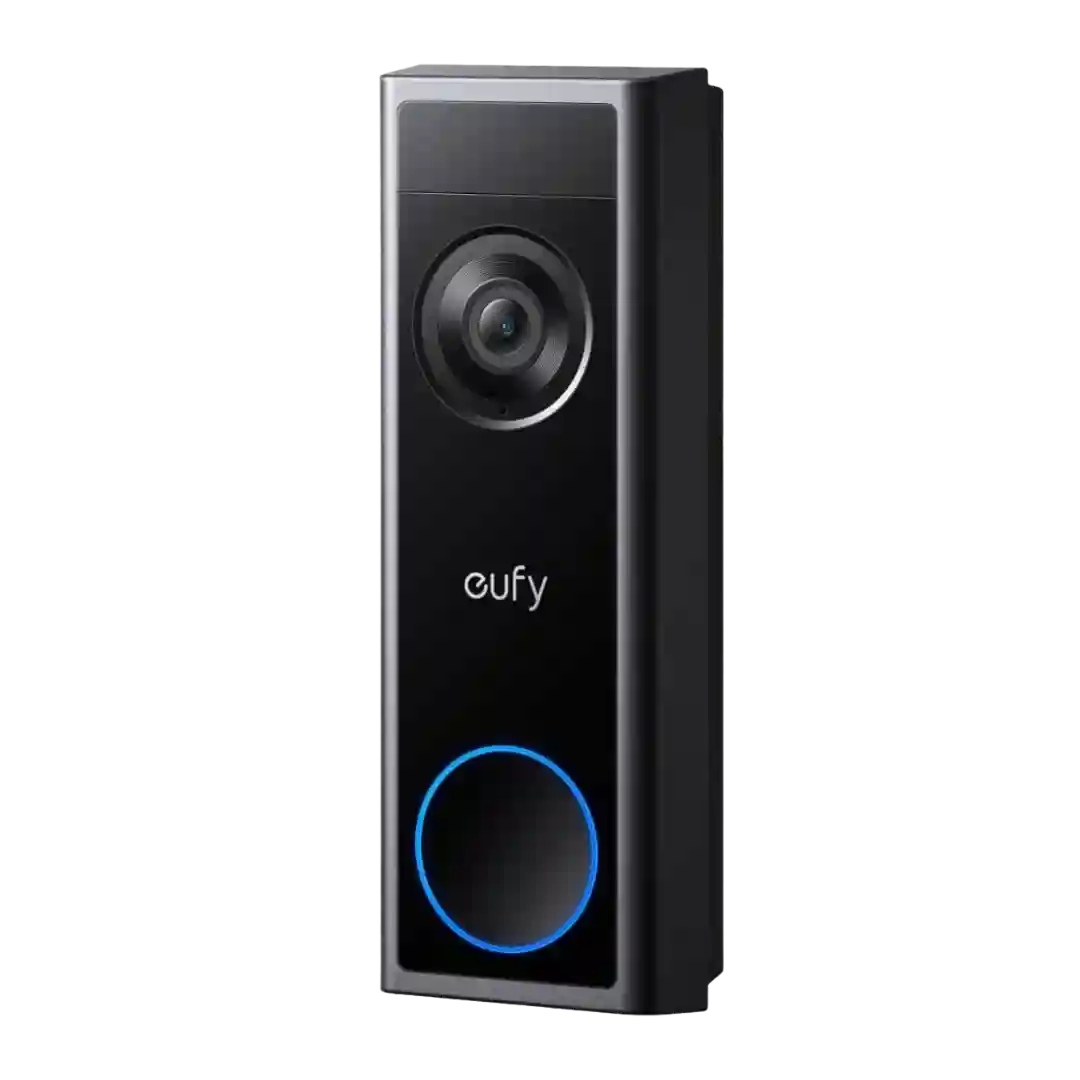
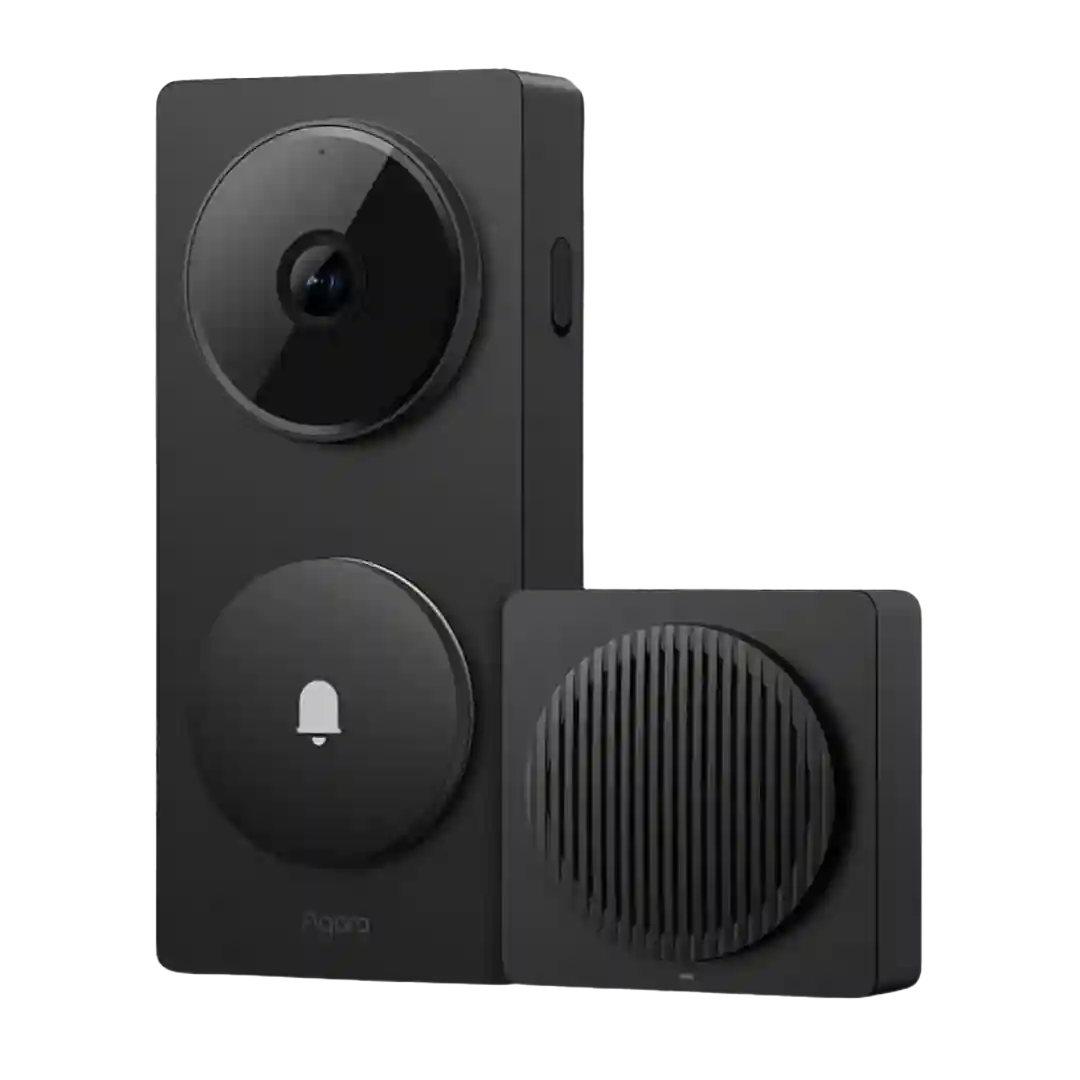
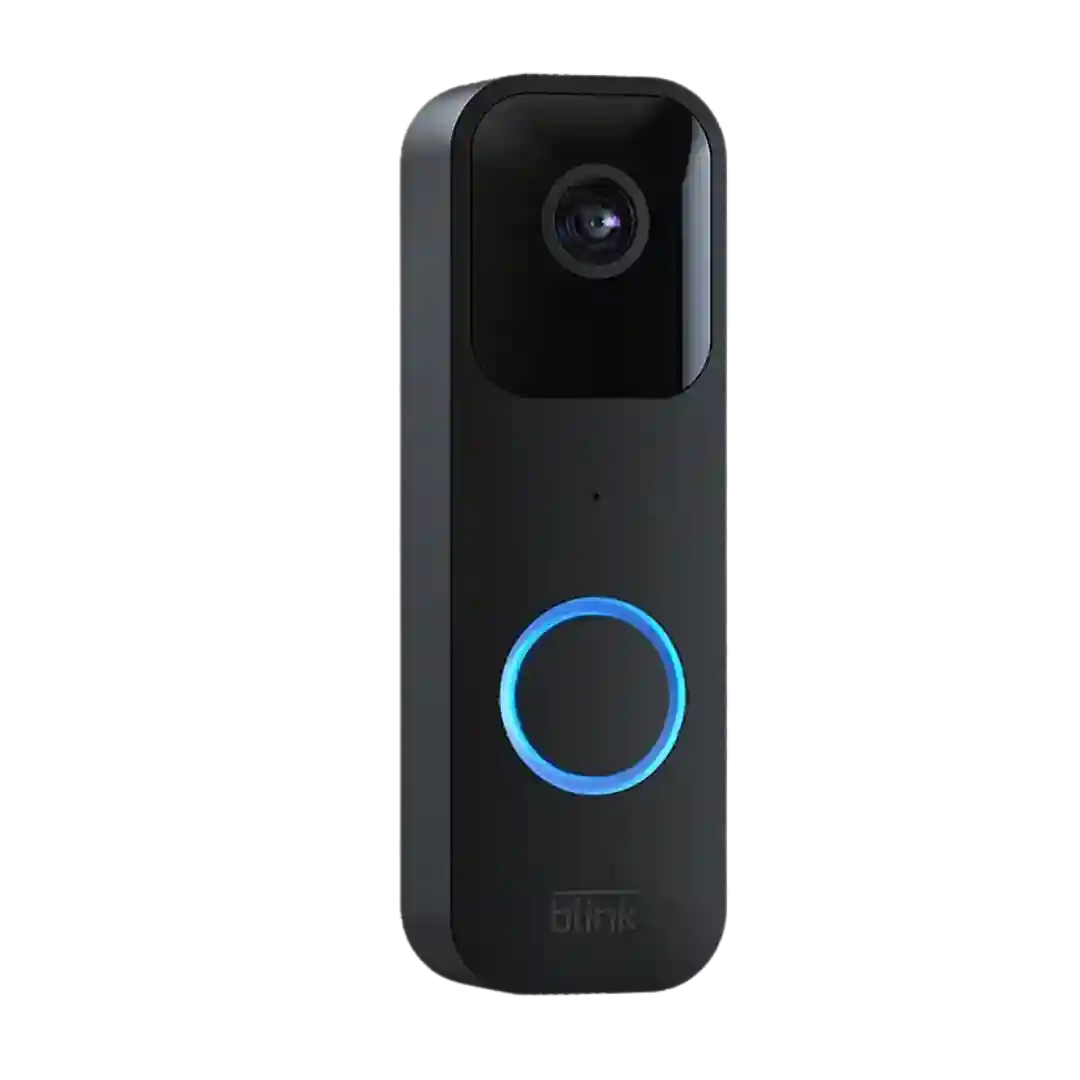
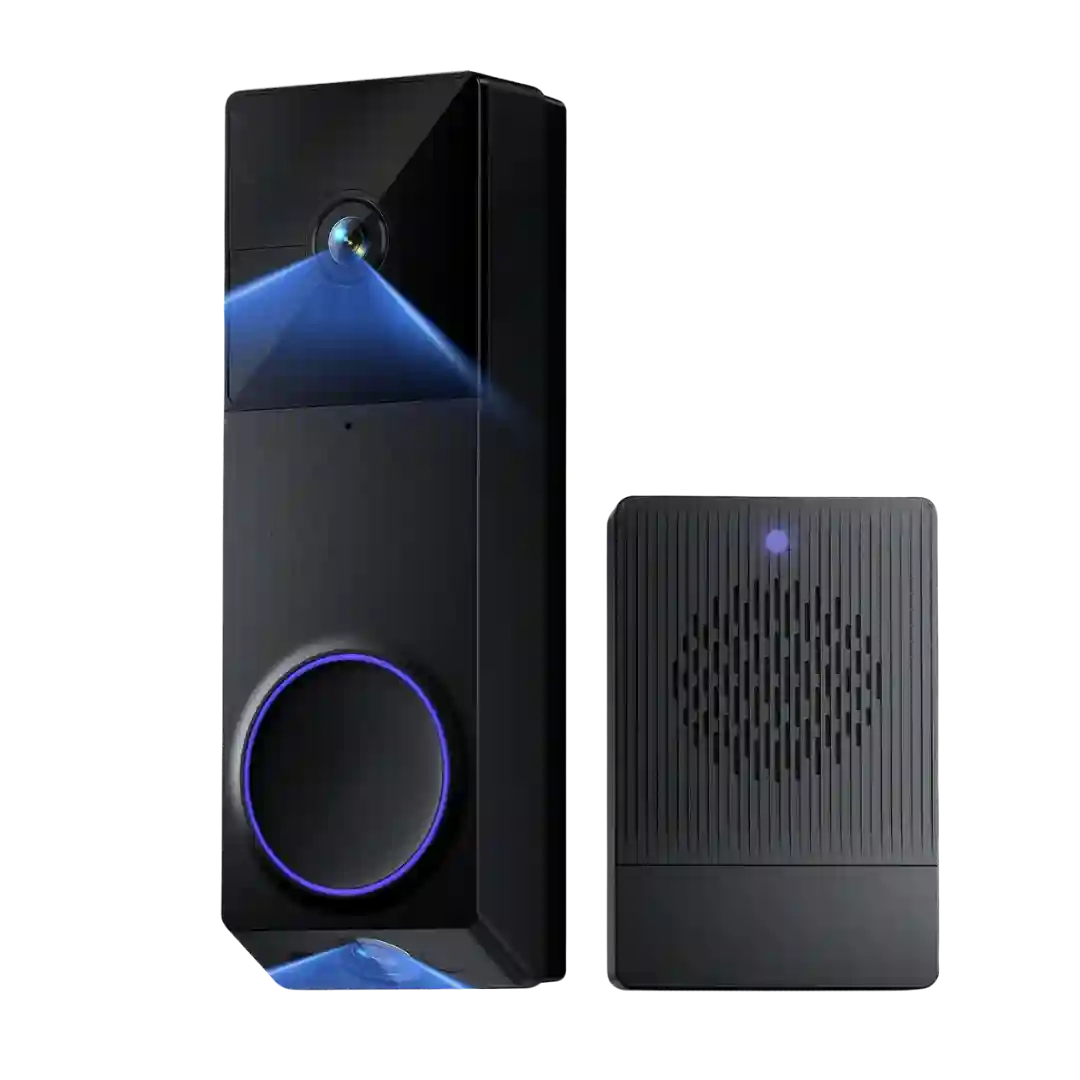
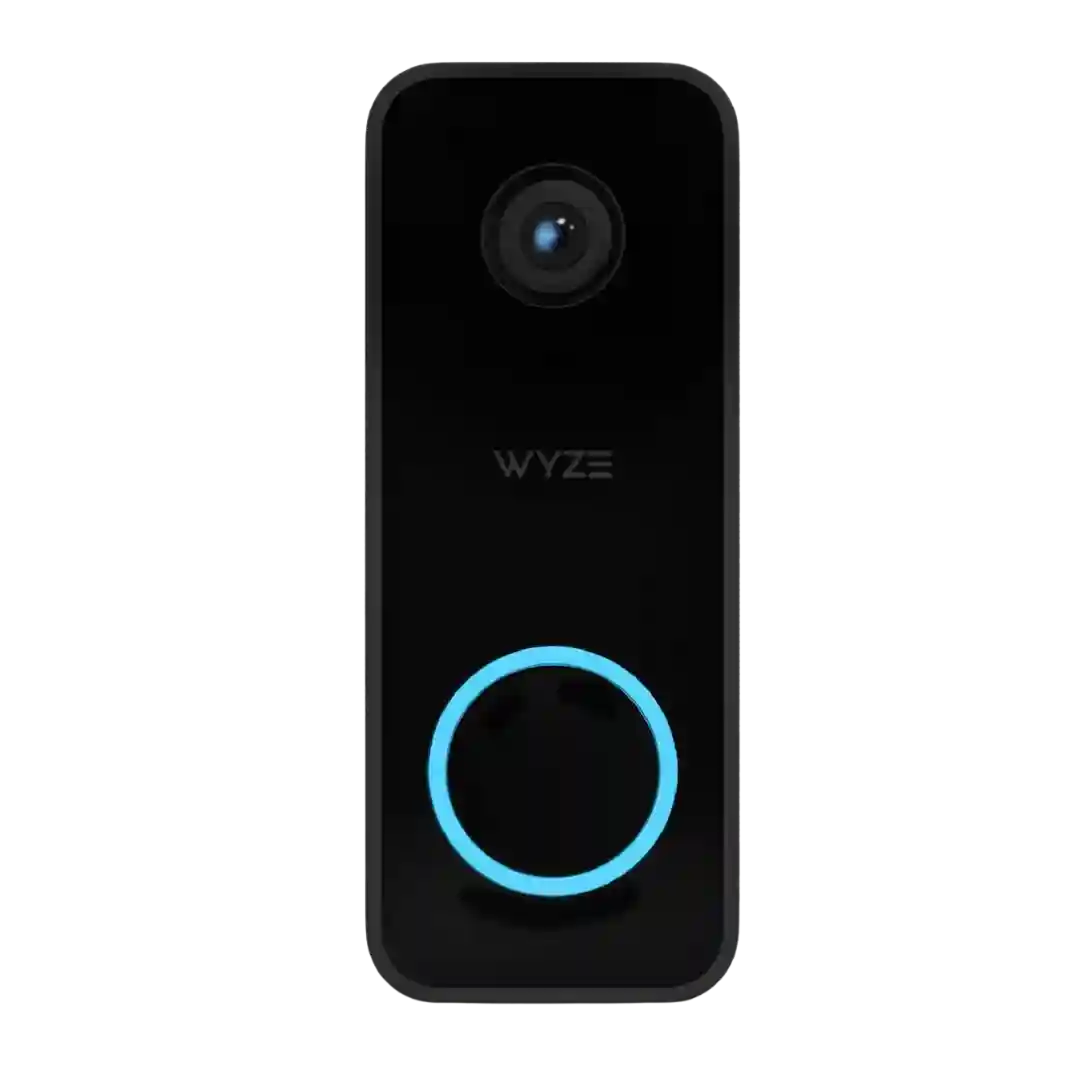
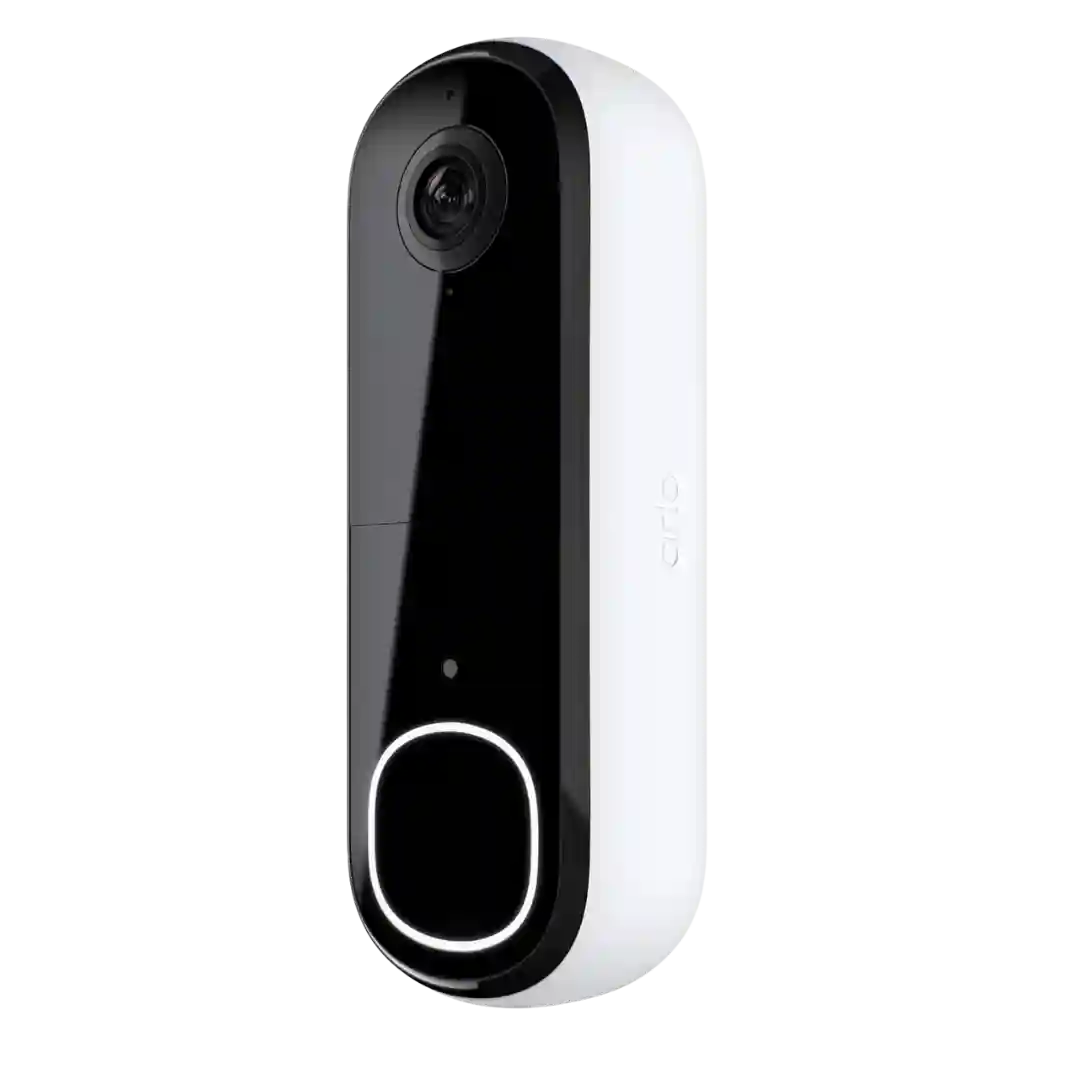
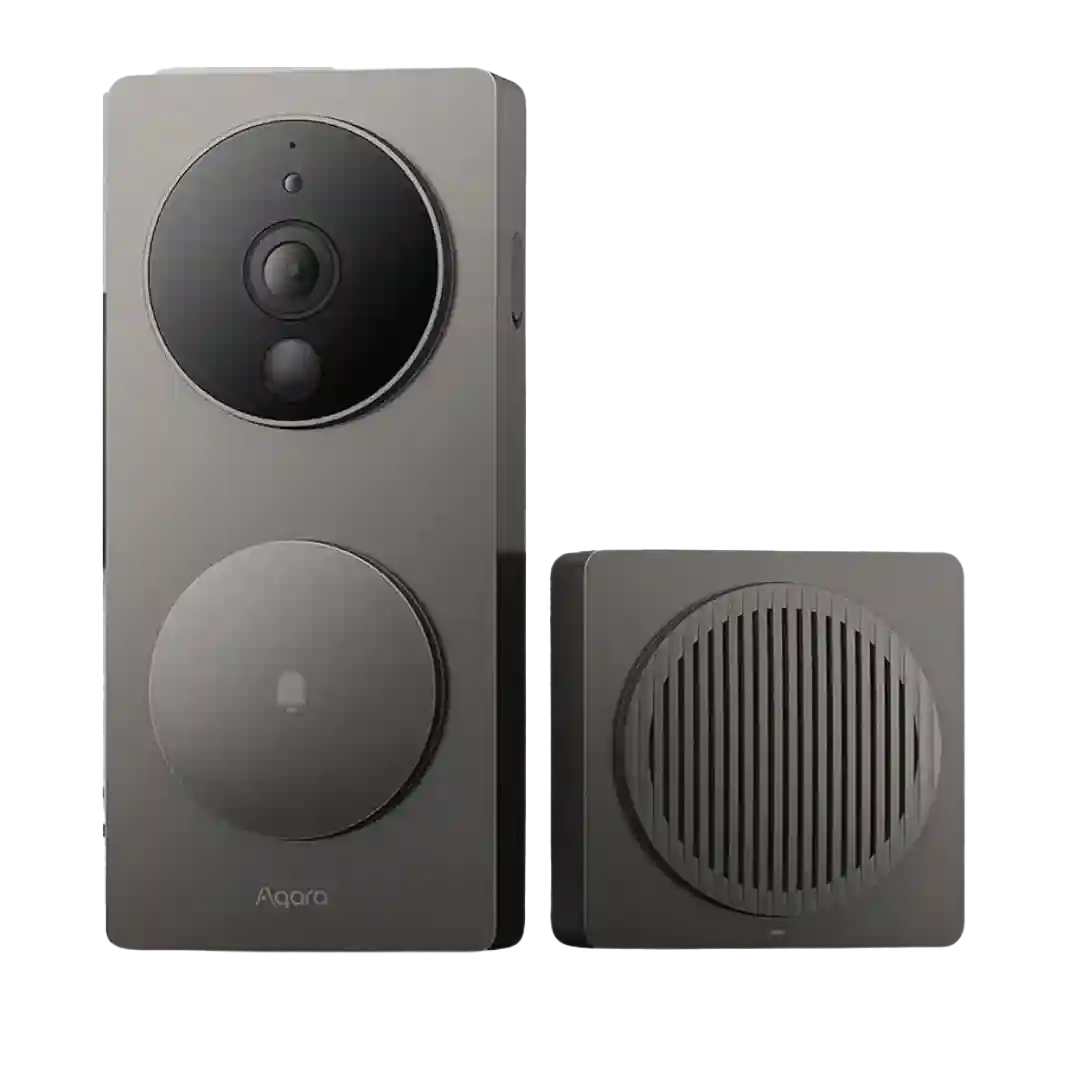
Activity zones are considered effective and granular, letting you target porch areas, ignore the street, and tune what gets recorded versus what triggers an alert.
Activity zones and per-type zones are repeatedly called out as a standout feature for reducing nuisance alerts and targeting specific areas like the doorstep.
Zones are frequently highlighted as a practical strength, including motion zones, smart-detection zones, and privacy zones. These are used to reduce nuisance alerts and to block sensitive areas from recording.
Zone controls are repeatedly highlighted as a key strength, including motion zones, package zones, and privacy masking that help tailor detection and reduce false alerts.
Activity zones are consistently described as effective at restricting alerts to intended areas. Several reviews call this a major reason the doorbell feels less spammy than competitors.
Activity zones are repeatedly recommended to reduce unwanted triggers. Reviewers describe using zones to exclude streets or fixed objects that can cause repeated alerts, especially at night.
Activity zones are frequently referenced as an important tool to prevent alerts from sidewalks, streets, or porch objects. Overall sentiment is that zones are easy to configure and effective when tuned well.
Activity zones are consistently praised for precision and impact. When set correctly, zones help focus on the porch and reduce triggers from streets, trees, or neighbors.
Activity zones are commonly used to reduce unwanted alerts, and reviewers generally find them effective when combined with sensitivity and person/package filters. A few note limits on how many zones you can set or that careful tuning is required for busy streets.
Custom motion zones and a dedicated package zone are a common strength, helping exclude streets/neighbors while focusing on the porch and delivery area. Privacy zones are also widely used to mask parts of the view.
Activity zones are a well-liked strength, with multiple reviewers noting that custom zones can be set for different detection types. That helps the D210 adapt better to porches, driveways, and busier street-facing placements.
Activity zones are a big plus, letting users draw multiple custom areas (sometimes with inversion) to reduce street/flag/tree false alerts and focus on the porch.
Activity and privacy zones are commonly highlighted and straightforward to configure, making it easier to ignore streets, trees, or neighbors. This is central to reducing false alerts and battery drain.
Activity zones are repeatedly highlighted as a practical way to reduce unwanted alerts, especially for doors facing streets or driveways. Users can limit detection to the areas that matter most (porch, walkway, doorstep).
Activity zones and event filtering are widely used, with reviewers highlighting that zones help reduce false alerts and improve battery life. Some note that zone behavior can differ by platform, with Apple Home relying on pixel-based motion logic versus Aqara presence sensing.
Activity and privacy zones are widely supported and are frequently used to block streets, cars, or neighbor areas. More granular zone grids help tailor detection to a specific porch layout.
The grid-based zone system is frequently called precise and useful for reducing false alerts, even if a couple reviewers prefer more freeform zone drawing.
Activity zones can reduce false alerts and focus on the doorstep, but they are often paywalled and some reviews describe the controls as not as deep as they want.
Activity zones are frequently used (especially in Apple Home) to reduce false alerts from streets or sidewalks. Availability and granularity can differ depending on whether you are using Aqara-native settings or HSV.