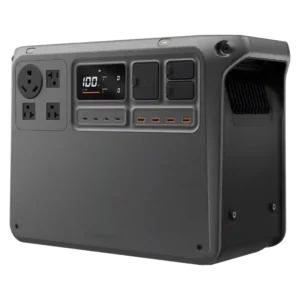
Four quick-charge USB-A ports add useful legacy-device capacity alongside the stronger USB-C selection.
Pros: rated output, peak output
Cons: startup reliability, full-load noise
Four quick-charge USB-A ports add useful legacy-device capacity alongside the stronger USB-C selection.
Pros: rated output, peak output
Cons: startup reliability, full-load noise
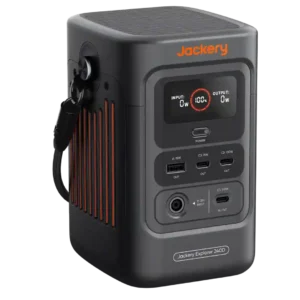
One legacy USB-A port is considered sufficient beside the three more useful USB-C ports. The balance favors modern devices without completely abandoning older cables.
Pros: power output, rated output
Cons: AC outlet count, repairability
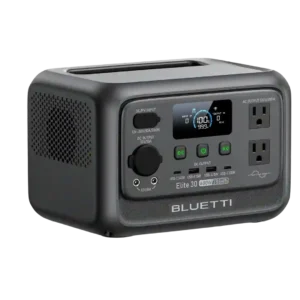
The two USB-A ports work for basic accessories, but their 15W output and lack of modern fast-charging standards feel dated.
Pros: rated output, output stability
Cons: over-voltage protection, cold-weather performance
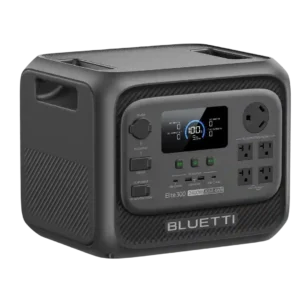
The USB-A ports work for legacy devices, but one tester would trade one of them for an additional USB-C connection.
Pros: surge capacity, voltage regulation
Cons: water resistance, ventilation requirements