#1
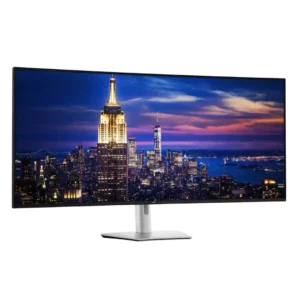
Because it uses IPS Black rather than OLED, static professional interfaces do not carry the same burn-in risk. That makes it especially attractive for dashboards, spreadsheets, and other all-day fixed...
Pros: input lag, backlight bleed control
Cons: overdrive tuning, ghosting control
#2
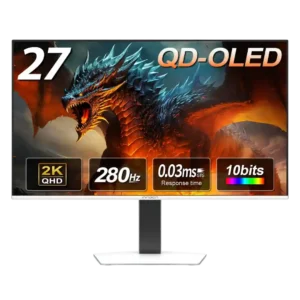
OLED-care controls are unusually comprehensive, including pixel shift, static-icon and taskbar detection, screen saving, and panel cleaning. Some protections cannot be fully disabled, but the breadth of safeguards is widely...
Pros: screen size, panel type
Cons: KVM switch performance, USB hub functionality
#3
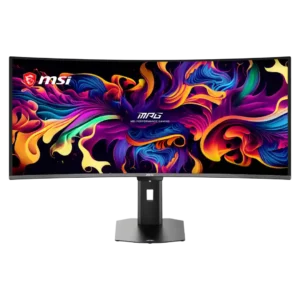
OLED Care 3.0 provides extensive pixel shifting, static-element dimming, panel refresh, and presence-sensing protection. Most features stay unobtrusive, though scheduled refreshes and sensor behavior can occasionally interrupt use.
Pros: screen size, panel type
Cons: Resolution, cable management
#4
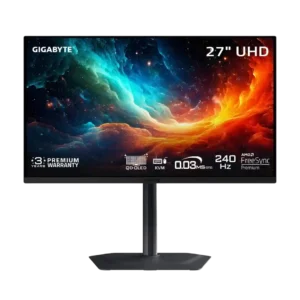
OLED Care tools, automatic maintenance, and burn-in warranty coverage provide solid safeguards. Static desktop use can still cause permanent wear over time.
Pros: input lag, viewing angles
Cons: color accuracy, software support