Best for setup ease
MSI MPG 322URX QD-OLED
5.0 feature score
Highest scored product for this feature based on supporting review evidence.
Highest scored product for this feature based on supporting review evidence.
Balances feature score, supporting reviews, and overall product strength.
Has the broadest review evidence for this feature.
Strongest overall product among items with scored evidence for this feature.
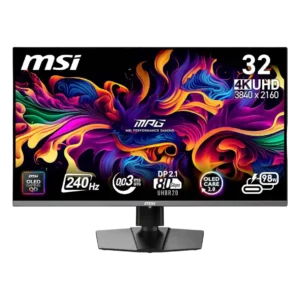
Assembly, Windows configuration, and arm mounting were generally straightforward. Tool-free stand installation and clear basic setup earned repeated praise.
Pros: response time, motion clarity
Cons: warranty and support service, sleep and wake behavior
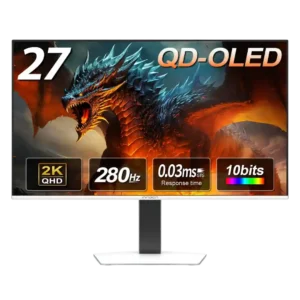
Assembly is quick and tool-free, with the stand snapping into place and ports positioned for easy access.
Pros: screen size, panel type
Cons: KVM switch performance, USB hub functionality
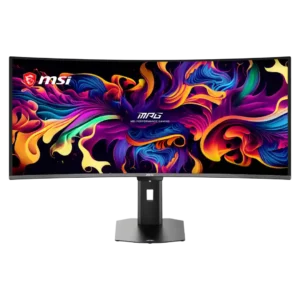
Tool-free stand attachment and accessible connections make assembly and initial setup quick, often taking only a few minutes.
Pros: screen size, panel type
Cons: Resolution, cable management
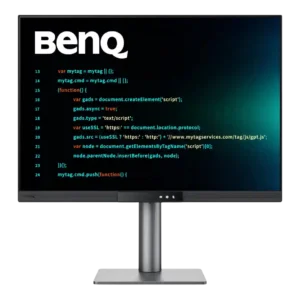
Physical assembly is exceptionally quick, and USB-C can reduce a laptop setup to one cable for video, data, and charging. Monitor-arm installation is also straightforward.
Pros: VESA mount compatibility, productivity versatility
Cons: HDR performance, local dimming performance
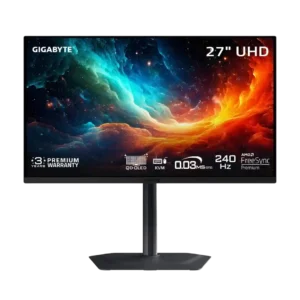
Assembly is straightforward, with the stand clipping into the display and fastening to the base with a single thumbscrew.
Pros: input lag, viewing angles
Cons: color accuracy, software support
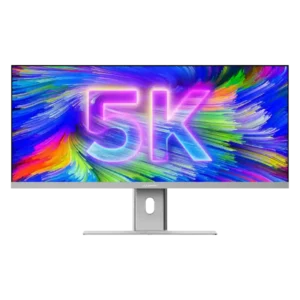
Physical assembly is generally simple despite the monitor’s size, and several reviewers found it surprisingly easy. Color-critical users should budget extra time for calibration after setup.
Pros: productivity versatility, aspect ratio
Cons: HDR performance, HDMI 2.1 support
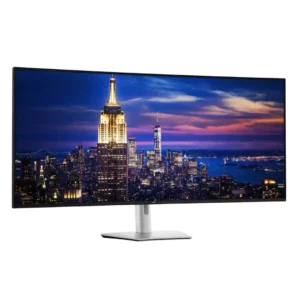
Connections and software setup are usually quick, but physically unboxing and positioning the 52-inch panel is inconsistent: some managed alone, while others struggled or strongly recommend two people. Arm mounting...
Pros: input lag, backlight bleed control
Cons: overdrive tuning, ghosting control