If you want better 4K at 120 Hz support
Choose LG C6. It scores 5.0 vs 1.0 for 4K at 120 Hz support, with a 4.1 overall score.
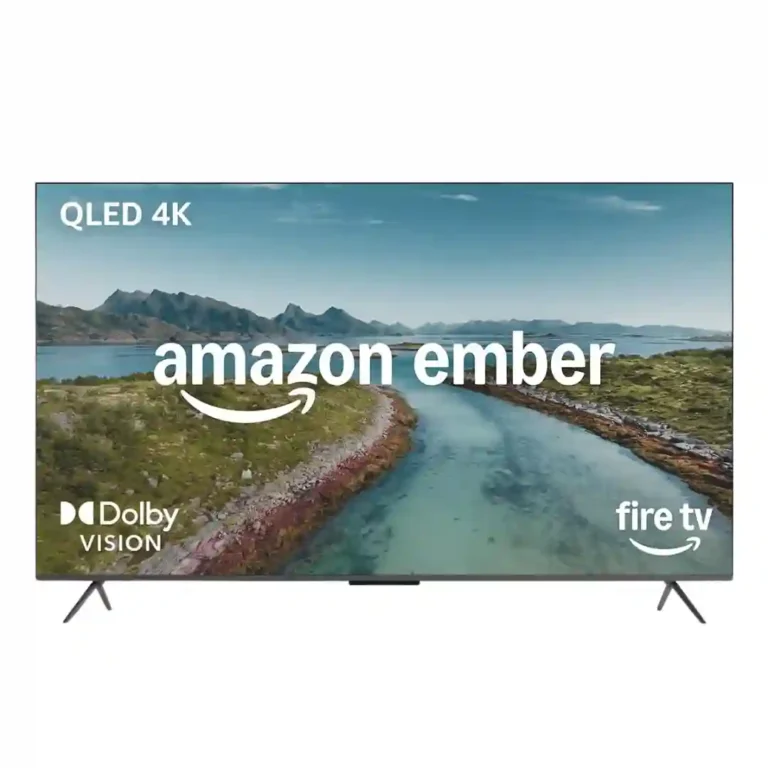
Choose it on sale if you want vivid everyday 4K picture, easy Fire TV streaming, and excellent hands-free Alexa. Skip it at full price if you prioritize 120Hz gaming, cleaner software, stronger HDR, or proven long-term reliability.
Best for Alexa-heavy households that want simple built-in streaming, strong voice control, and a colorful everyday picture, especially when the TV is deeply discounted.
Not ideal for serious 120Hz gamers, home-cinema buyers chasing top HDR and black levels, or anyone unwilling to tolerate Fire TV ads and possible software instability.
The Amazon Ember QLED is strongest as an Alexa-first living-room TV rather than a performance-first display. Reviewers and many owners praise its colorful everyday picture, straightforward setup, broad streaming access, and especially hands-free Alexa and smart-home control. Local dimming can improve contrast substantially, and sale pricing can make the package appealing. The tradeoffs are substantial: the 60Hz panel rules out serious 120Hz gaming, full-price value trails Mini-LED rivals, Fire TV advertising is intrusive, and customer reports of lag, crashes, black screens, and rebooting are too frequent to ignore. Built-in sound is adequate with clear dialogue, but bass and Dolby Atmos support are weak points.
Compared with other TVs, this product is above average in privacy controls, HDR10+ support, Wi-Fi performance, near average in smart home integration, build quality, below average in AirPlay support, 4K at 120 Hz support, gradient handling.
| Attribute | This product | Category average | Difference |
|---|---|---|---|
| AirPlay support | 1.0 | 5.0 | -4.0 |
| 4K at 120 Hz support | 1.0 | 4.9 | -3.9 |
| gradient handling | 1.0 | 5.0 | -4.0 |
| high-refresh-rate gaming | 1.2 | 4.9 | -3.7 |
| 4K at 144 Hz support | 1.0 | 4.8 | -3.8 |
| accessibility features | 1.0 | 4.7 | -3.7 |
| stand stability | 1.0 | 4.6 | -3.6 |
| banding control | 1.0 | 4.6 | -3.6 |
Choose LG C6. It scores 5.0 vs 1.0 for 4K at 120 Hz support, with a 4.1 overall score.
Choose LG G6. It scores 5.0 vs 1.0 for accessibility features, with a 4.4 overall score.
Choose TCL QM7L. It scores 5.0 vs 1.2 for high-refresh-rate gaming, with a 3.9 overall score.
Choose TCL QM8L. It scores 5.0 vs 1.0 for stutter handling, with a 4.4 overall score.
Products reviewers directly compared with this model, grouped into quick takeaways.
It is fine for casual 4K60 console play and can feel responsive, but the 60Hz panel means no 4K/120 or 144Hz gaming. Serious gamers are better served by higher-refresh rivals.
Most owners like the crisp, colorful everyday picture, and local dimming can improve contrast substantially. Critical lab reviews still find brightness, accuracy, motion, and black control behind good Mini-LED competitors.
Yes. Hands-free Alexa/Alexa+ is one of the clearest positives for launching content, searching, asking questions, and controlling smart-home devices, although command accuracy is inconsistent for some owners.
Customer reports repeatedly mention lag, crashes, freezing, black screens, app failures, and rebooting. Other owners report fast, stable operation, so reliability is notably mixed.
Dialogue is usually clear and volume is adequate, but bass is limited and demanding scenes can sound muddy or distorted. Several reviewers recommend adding a soundbar.
Value is much stronger on sale than at full retail. Multiple experts say discounted pricing can make it compelling, while full-price competition often offers Mini-LED panels or better gaming features.
These are a few of the reviews included in our analysis.


We review Amazon Ember 50" QLED Series with Fire TV: 4K, pros, limits and current price context before buying, with alternatives and ideal...
The Amazon Ember QLED is fine for the price, with good colors and picture quality, but it’s not as bright or affordable as alternatives from...
Amazon's refreshed QLED model makes a good showing for itself – but wait for the discounts
I put two of Amazon's Fire TVs, now known as Ember TVs, head-to-head to find out which is better value for money
Die aktuelle Generation des Amazon Fire TV Omni im Test: Was leistet der QLED-Fernseher – und kann ein Smart-TV ohne Mini-LED 2026 noch...
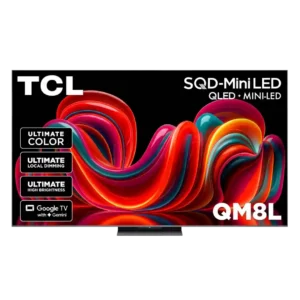
Choose the QM8L for a big, brilliantly bright TV with vivid HDR, deep mini-LED blacks, low input lag, and four HDMI 2.1 ports. Skip it if you need OLED-clean motion,...
Pros: overall image accuracy, resolution
Cons: motion clarity, response time
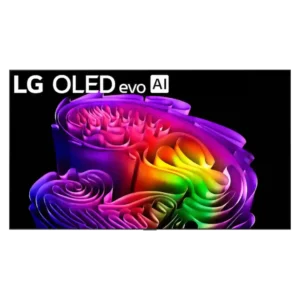
Choose the G6 for class-leading bright-room OLED picture, rich color, deep blacks and elite gaming. Skip it if you want strong built-in audio, polished launch firmware, no account sign-in, or...
Pros: panel type, display technology
Cons: account requirements, DTS support
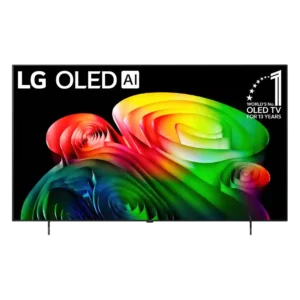
Best for excellent OLED gaming, deep blacks, and a polished smart platform. Skip it at full launch pricing if the cheaper B5 remains available, or if you need strong bright-room...
Pros: display technology, response time
Cons: setup ease, account requirements
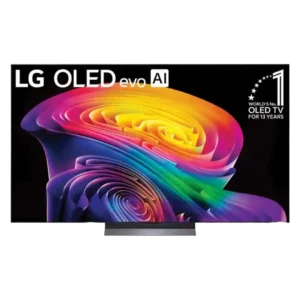
Choose the C6 for outstanding OLED picture quality, four-port gaming support, and fast webOS. Skip it at full launch price if a discounted C5 is available, or if bright-room reflections...
Pros: resolution, contrast ratio
Cons: HDR10+ support, account requirements