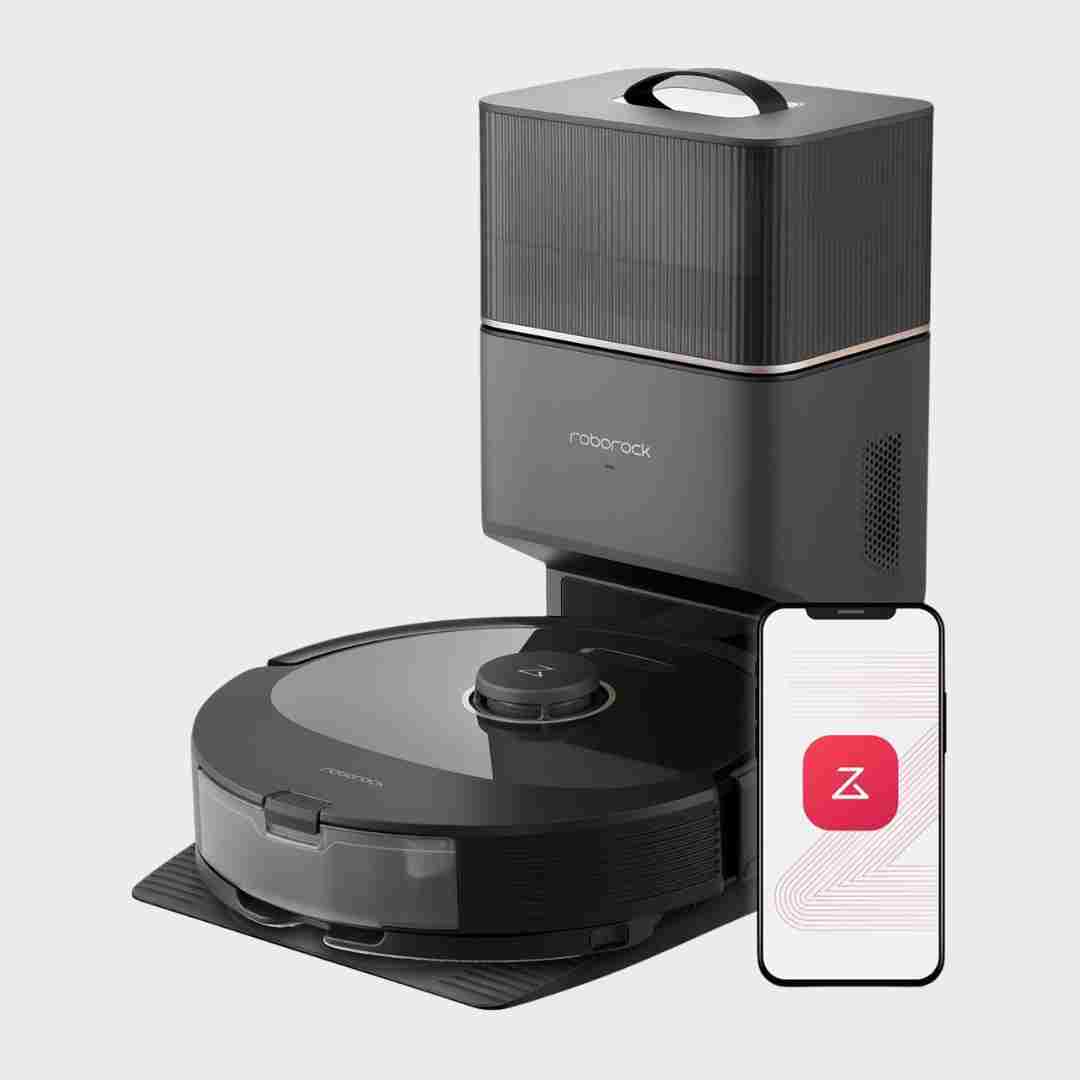
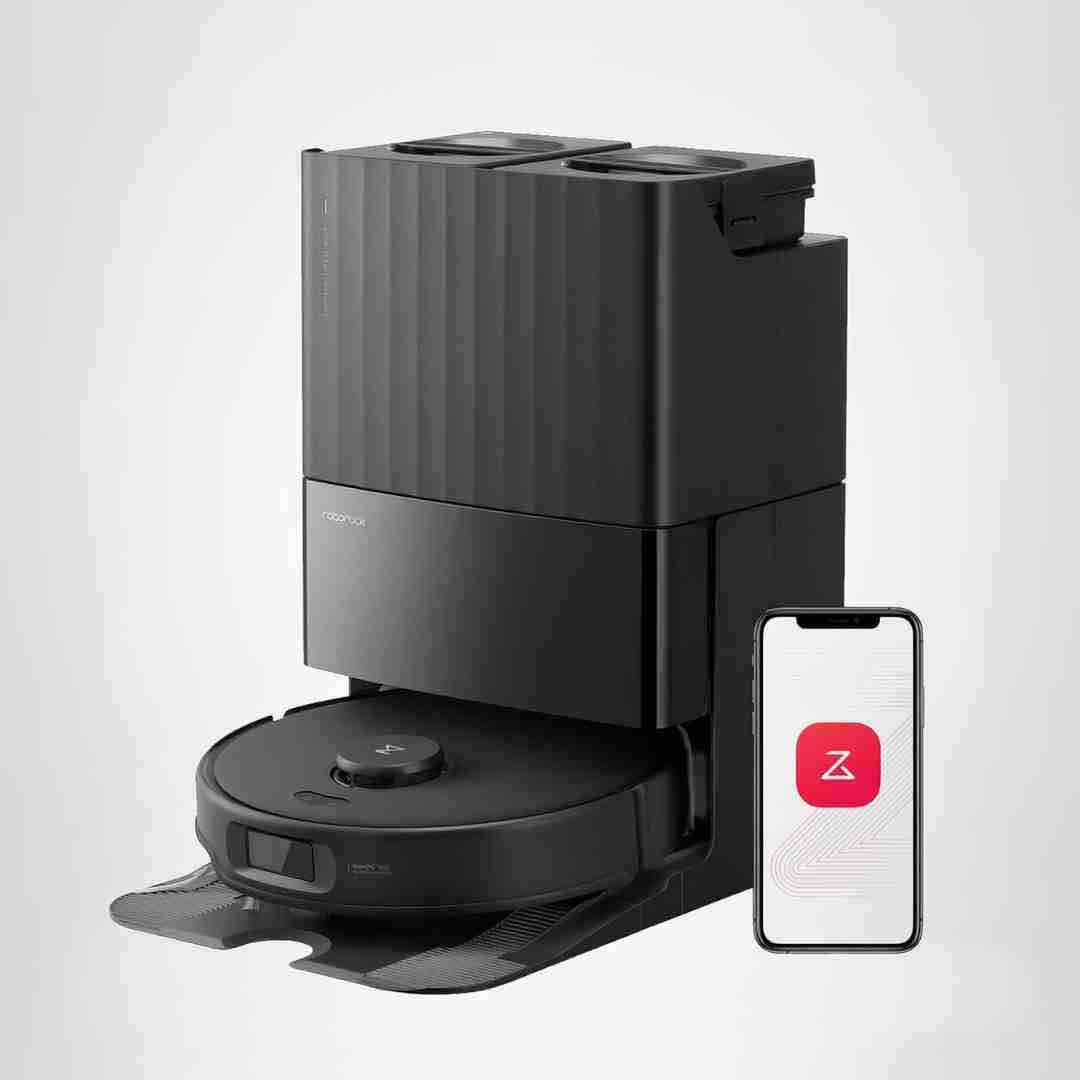
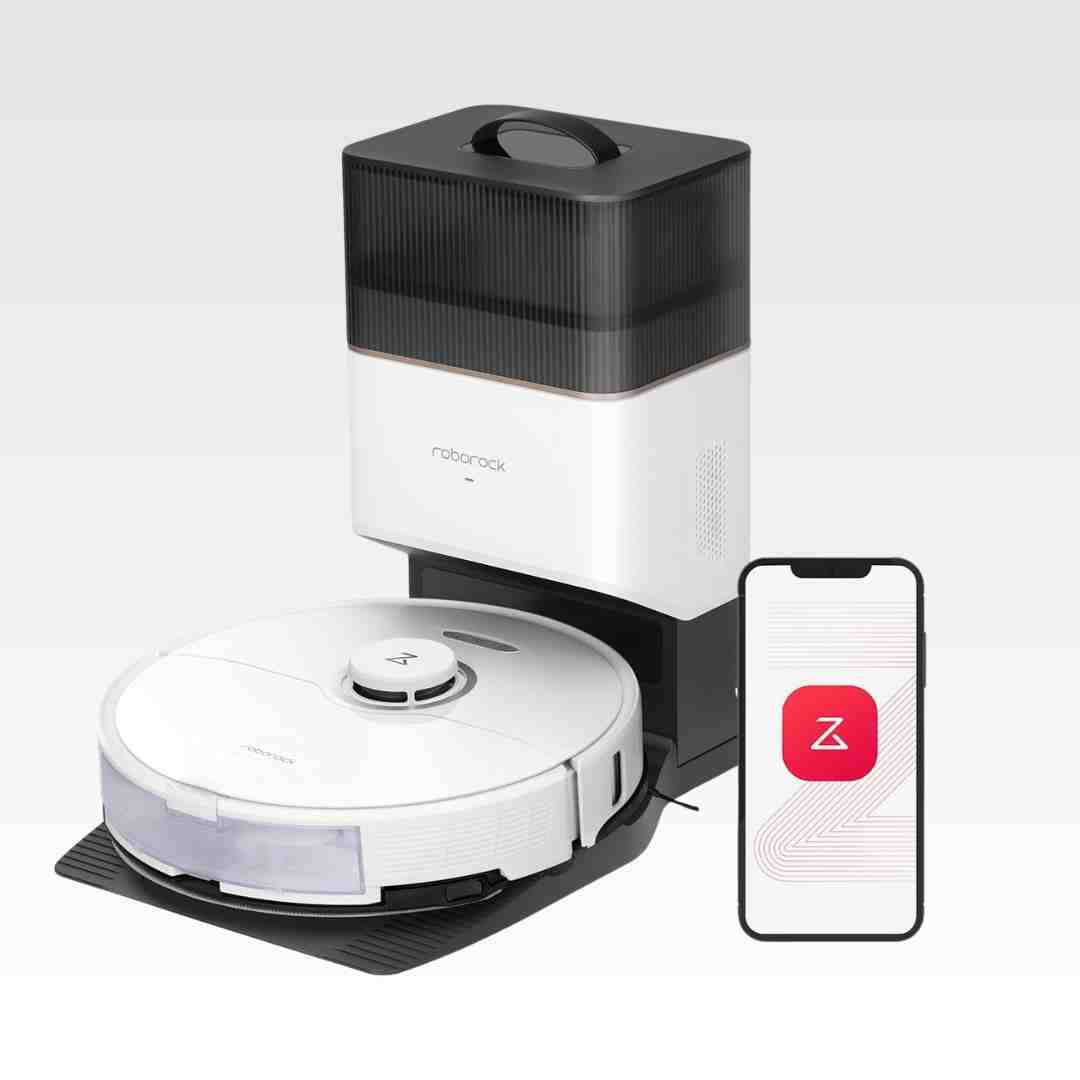
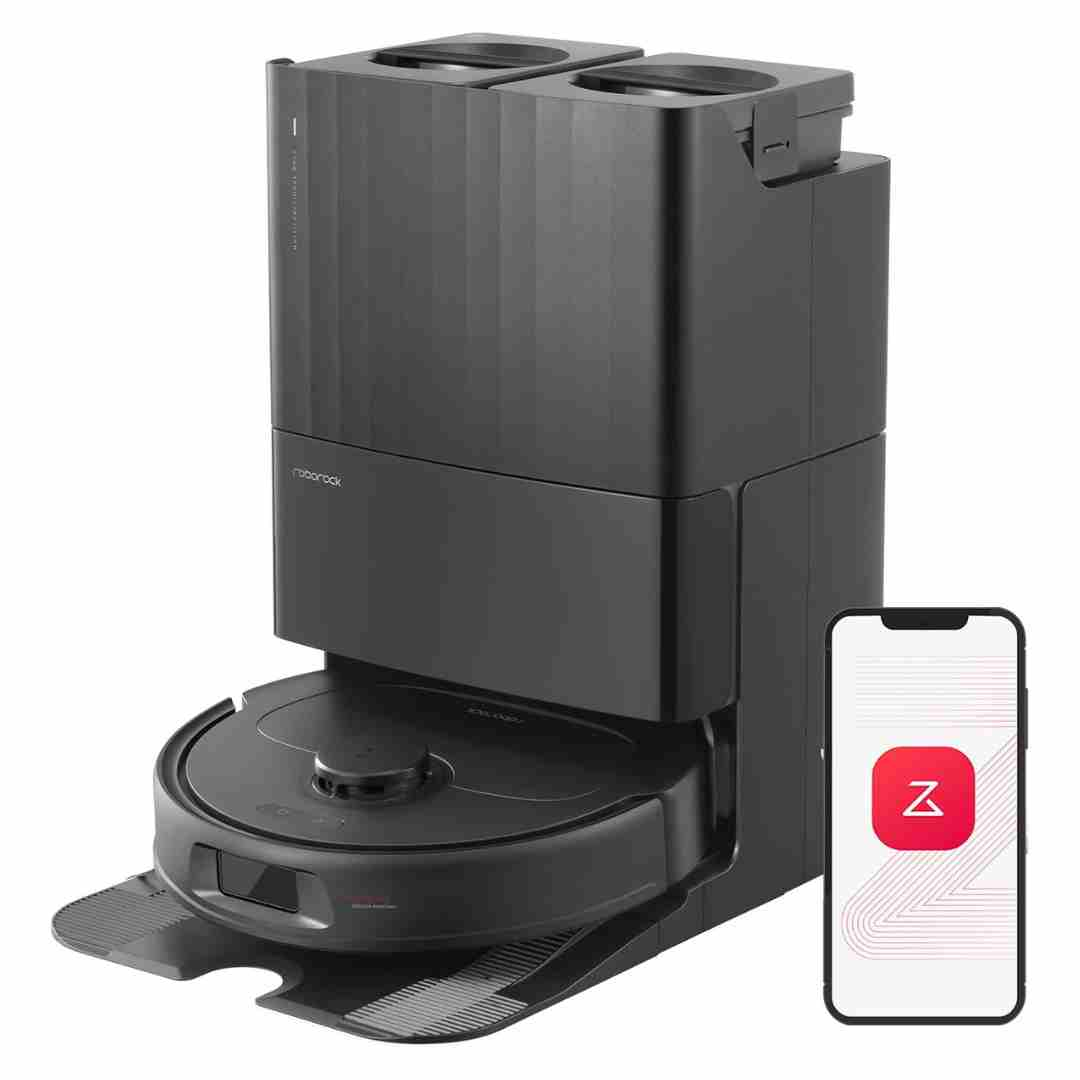
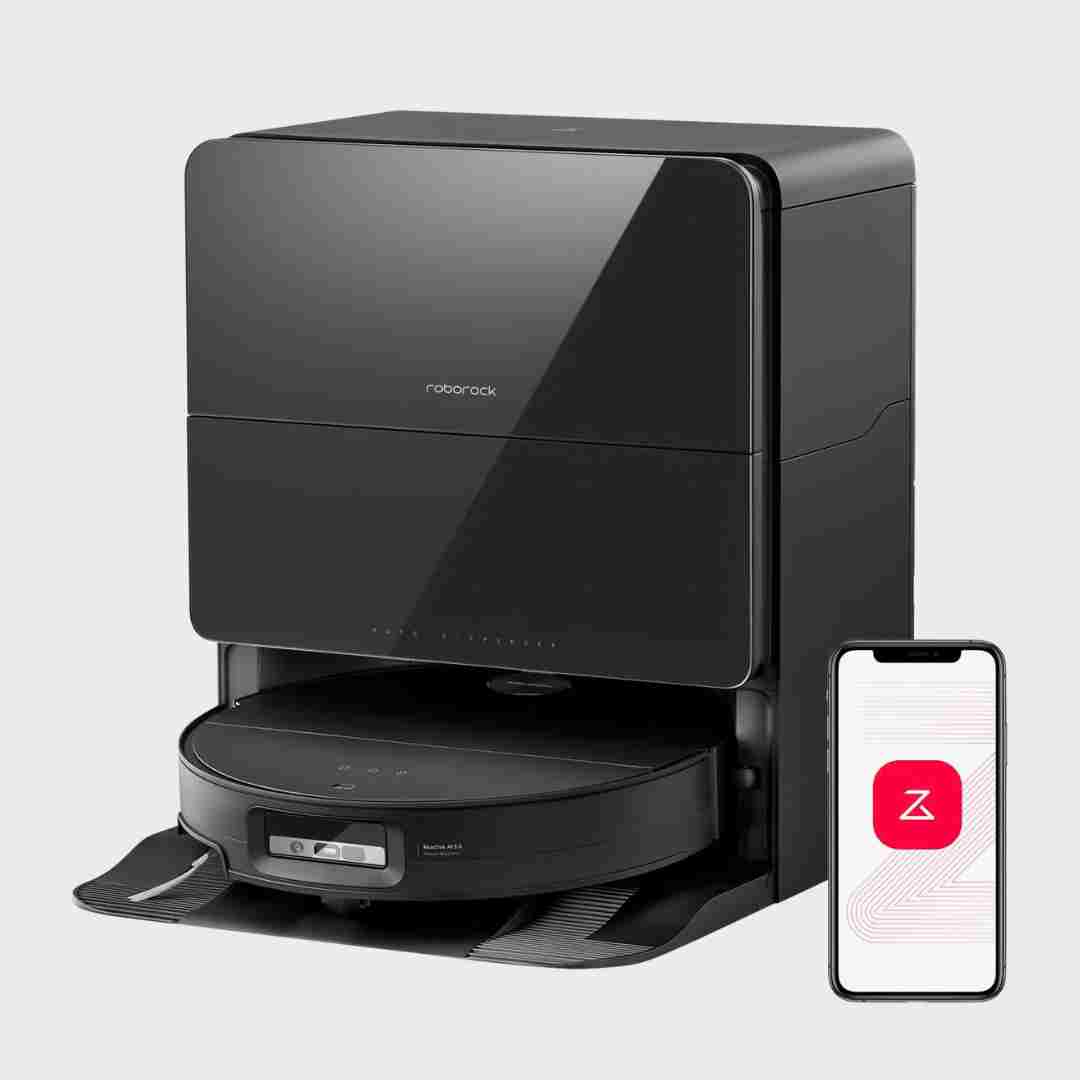
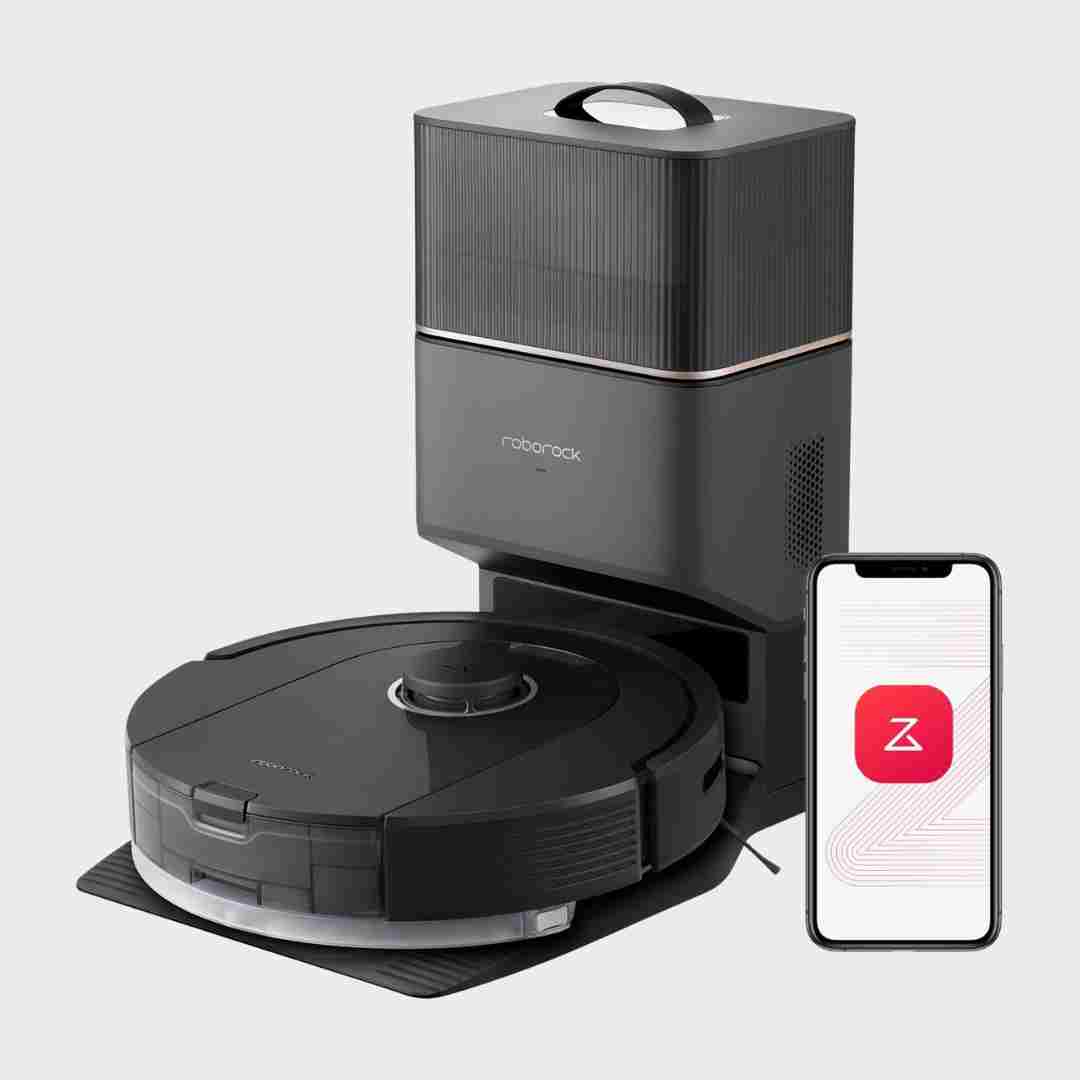
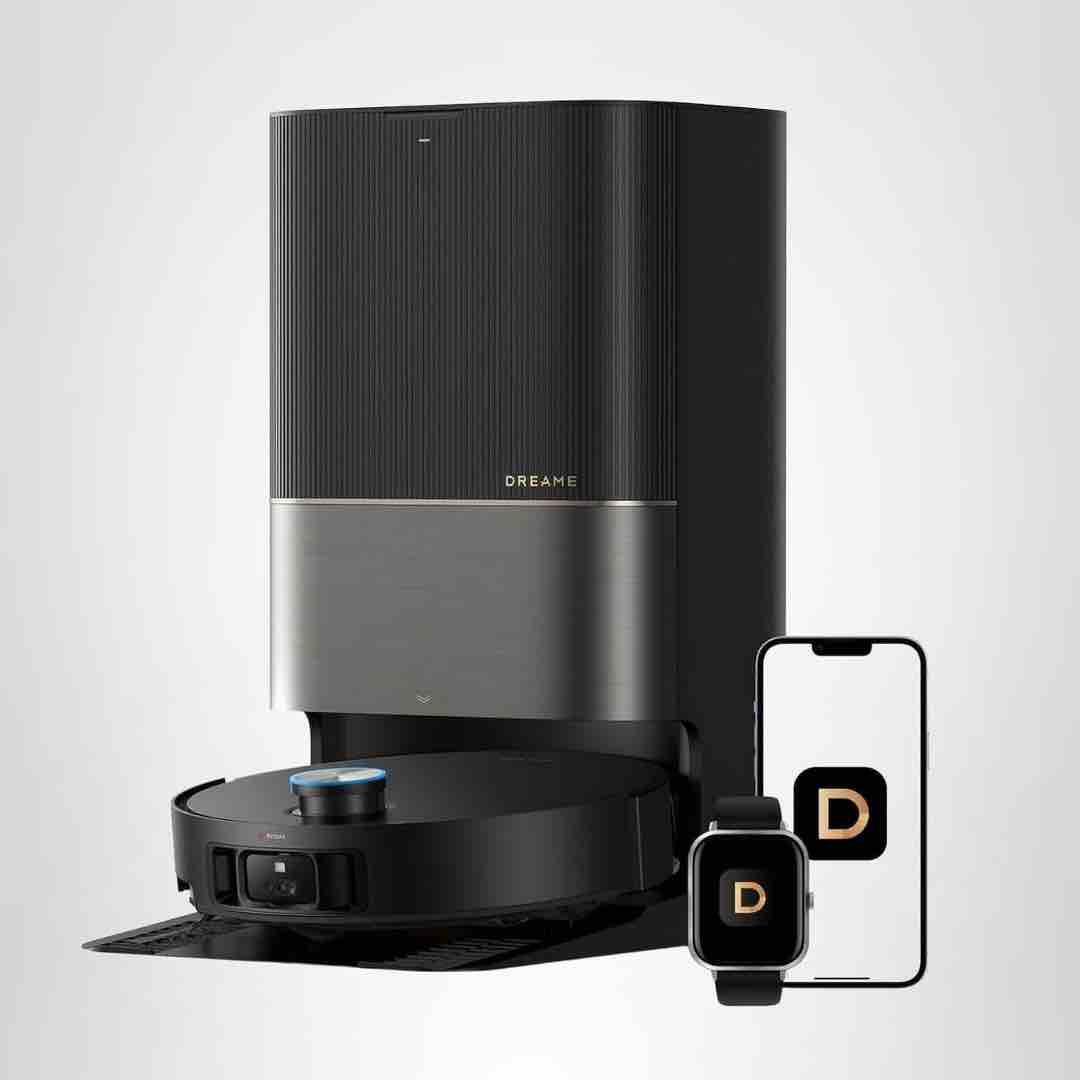
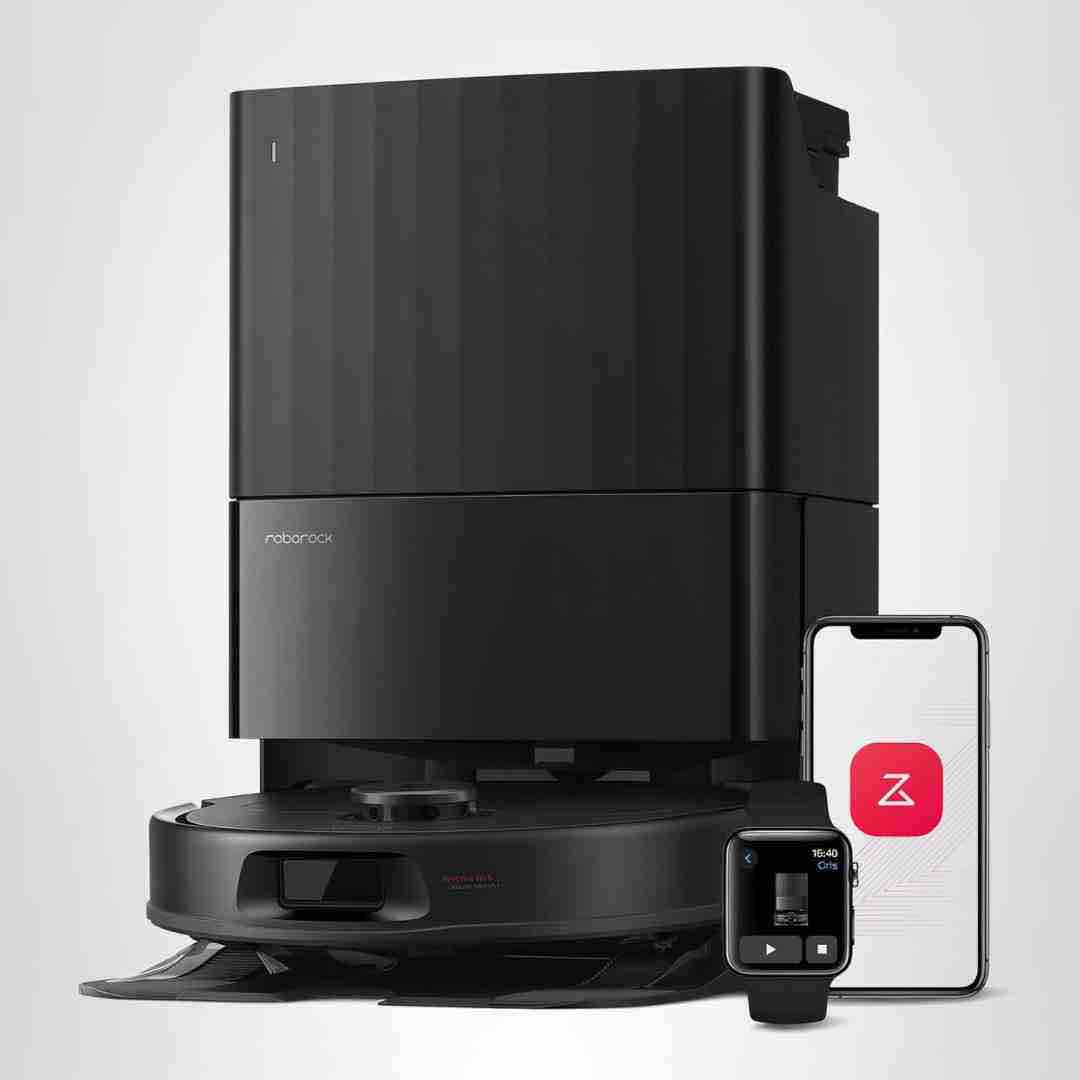
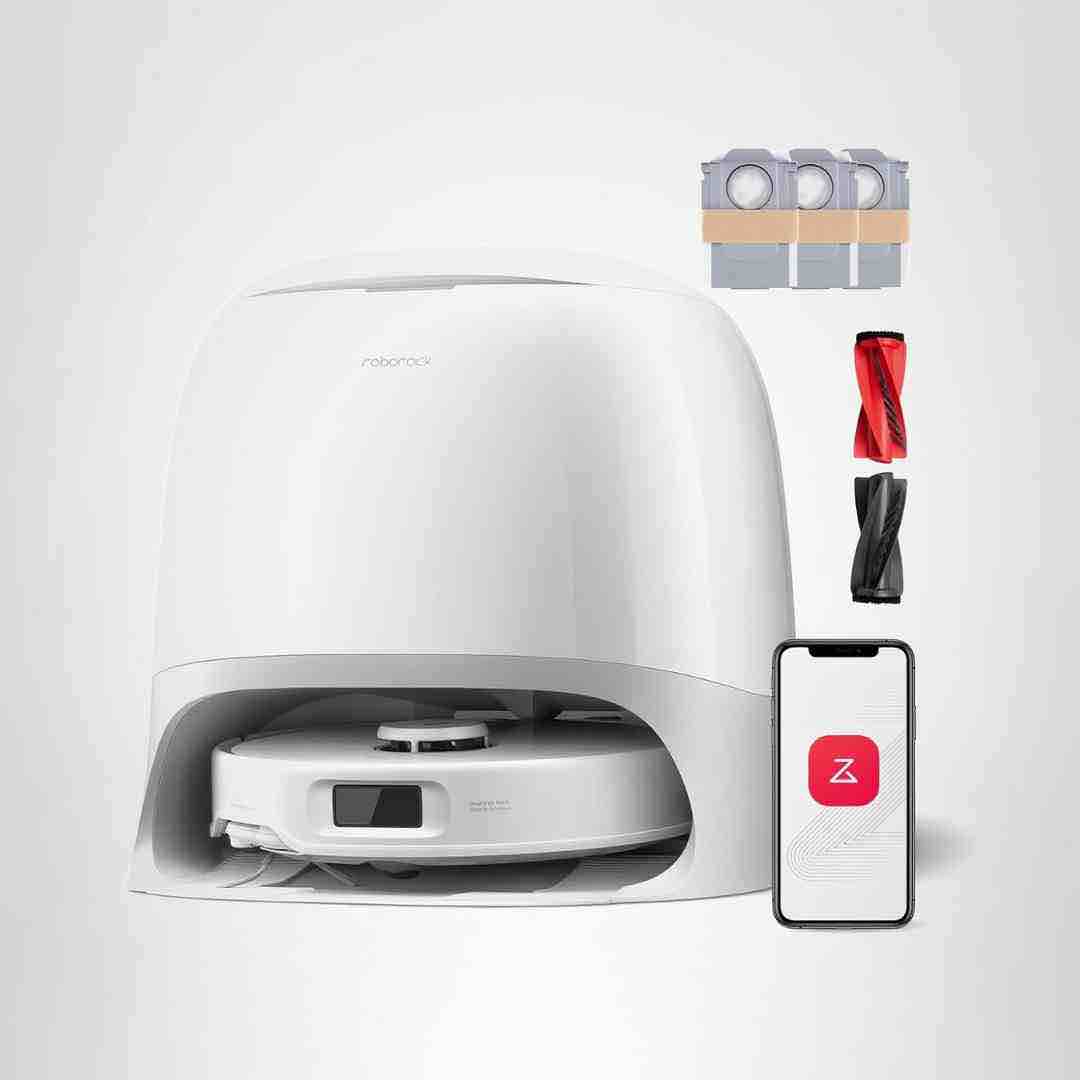
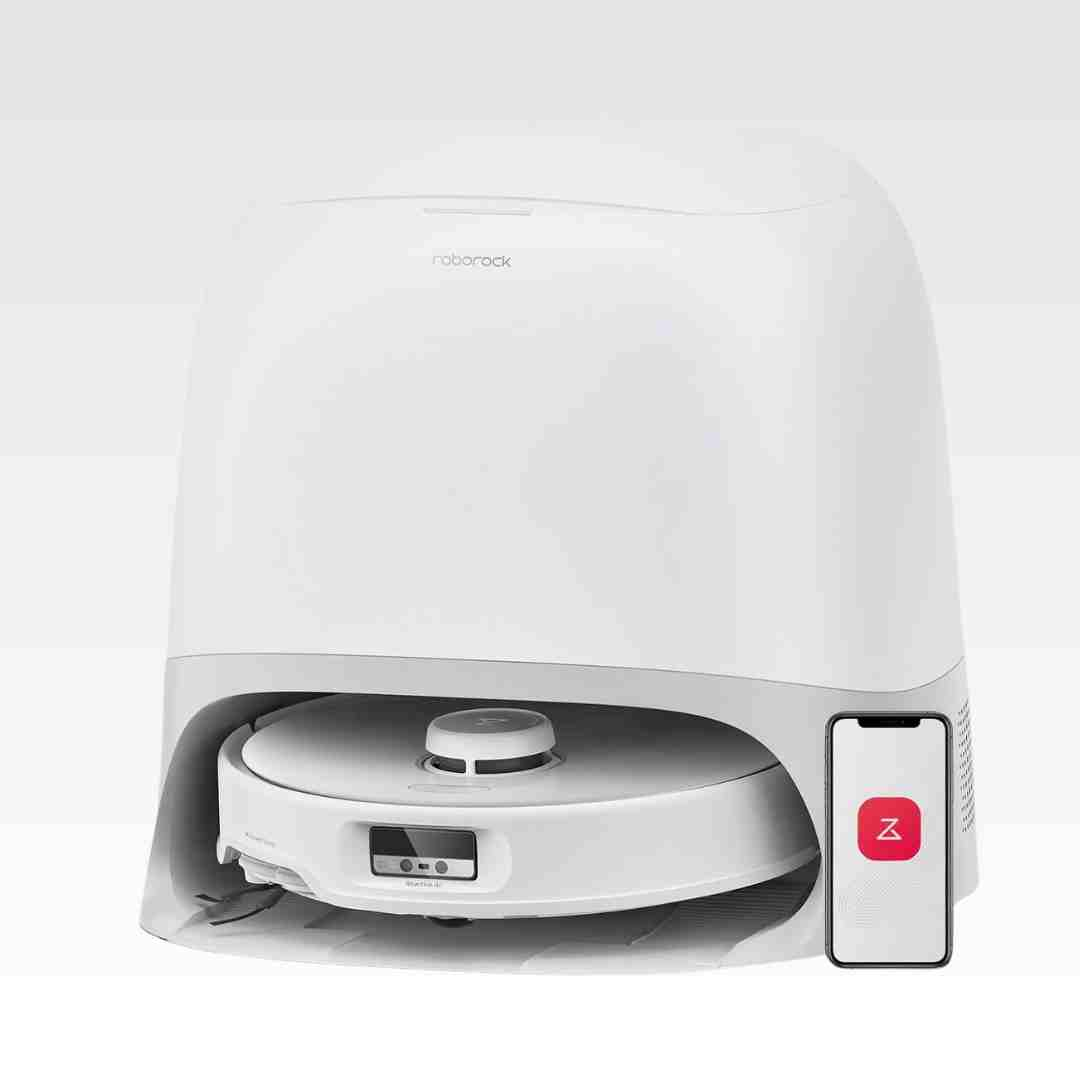
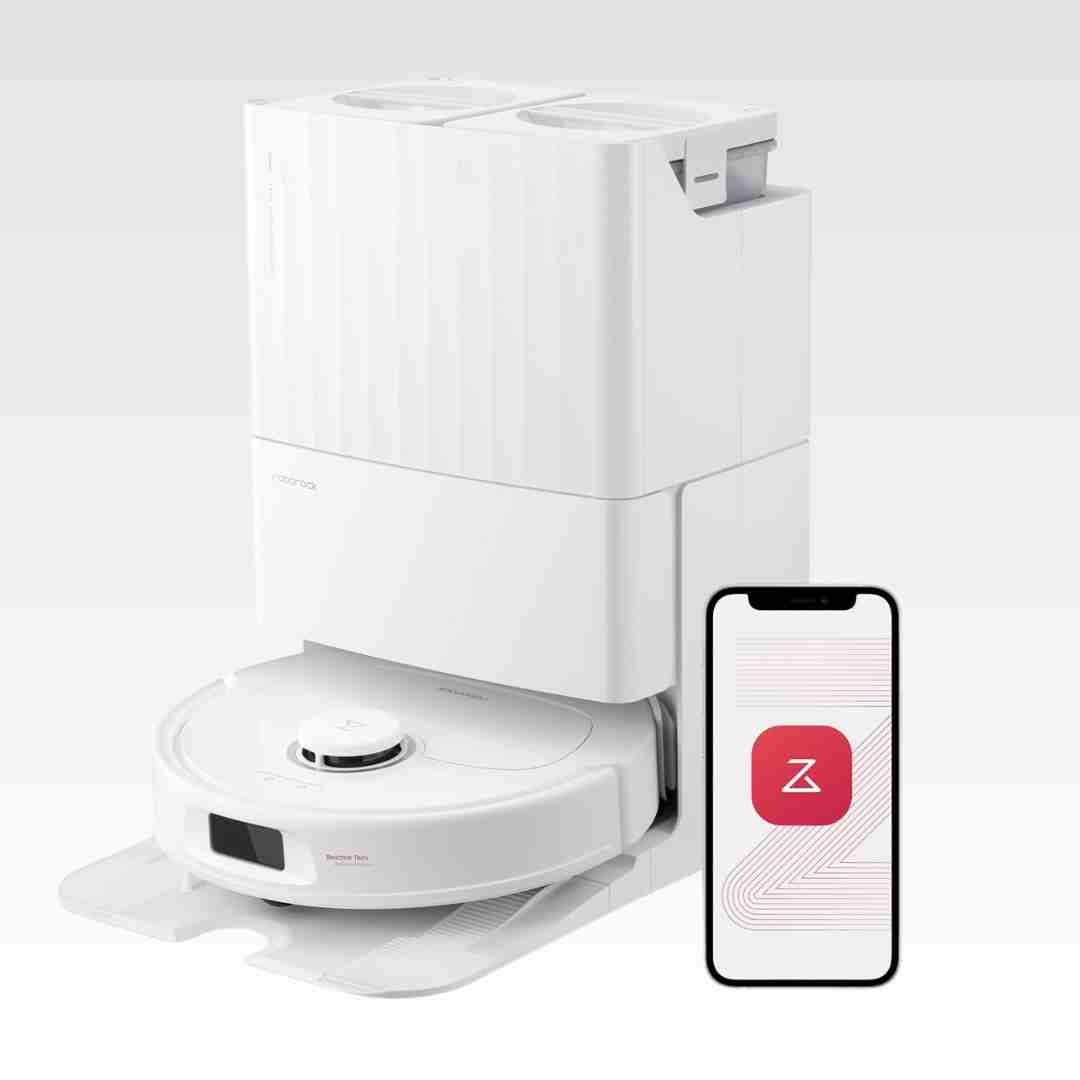
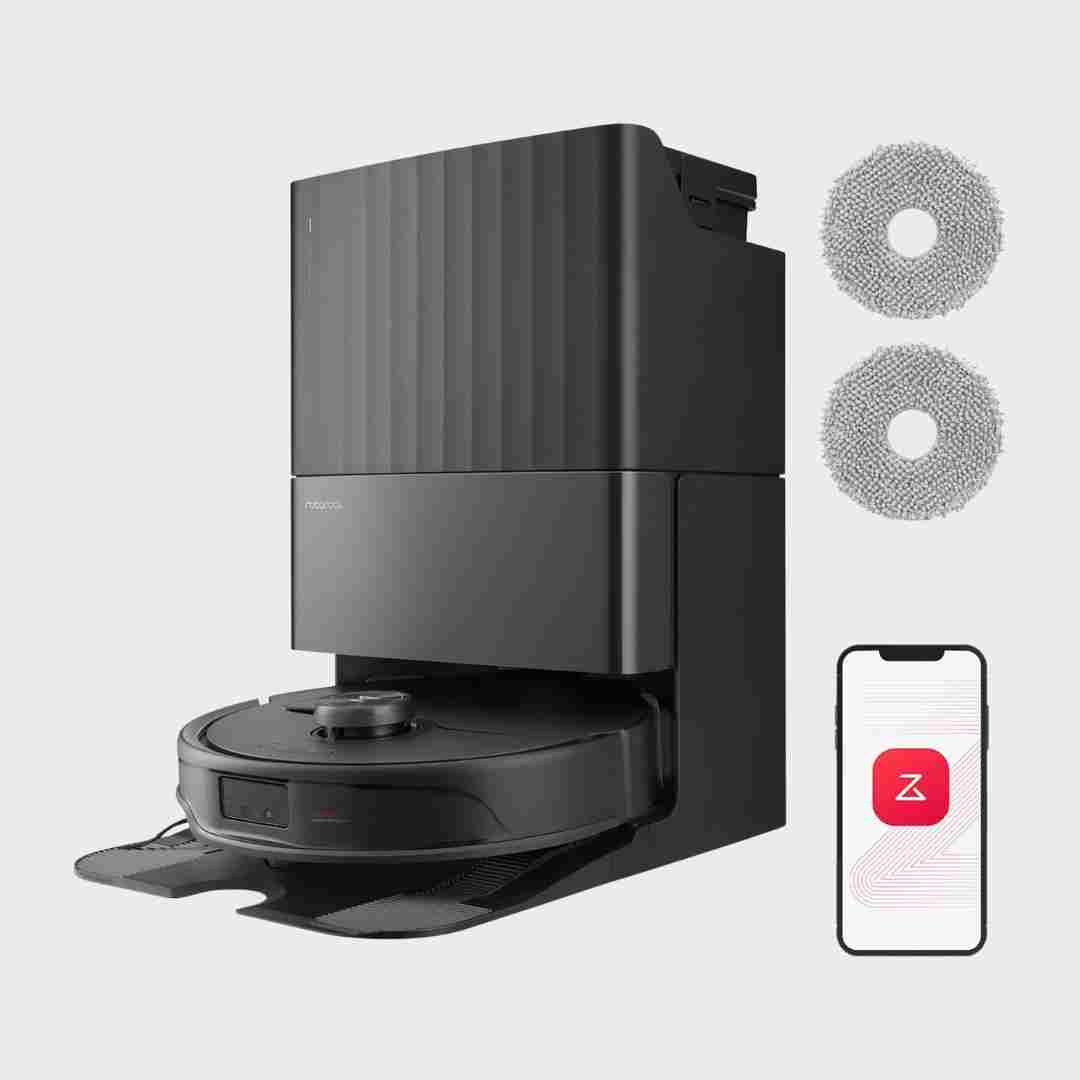
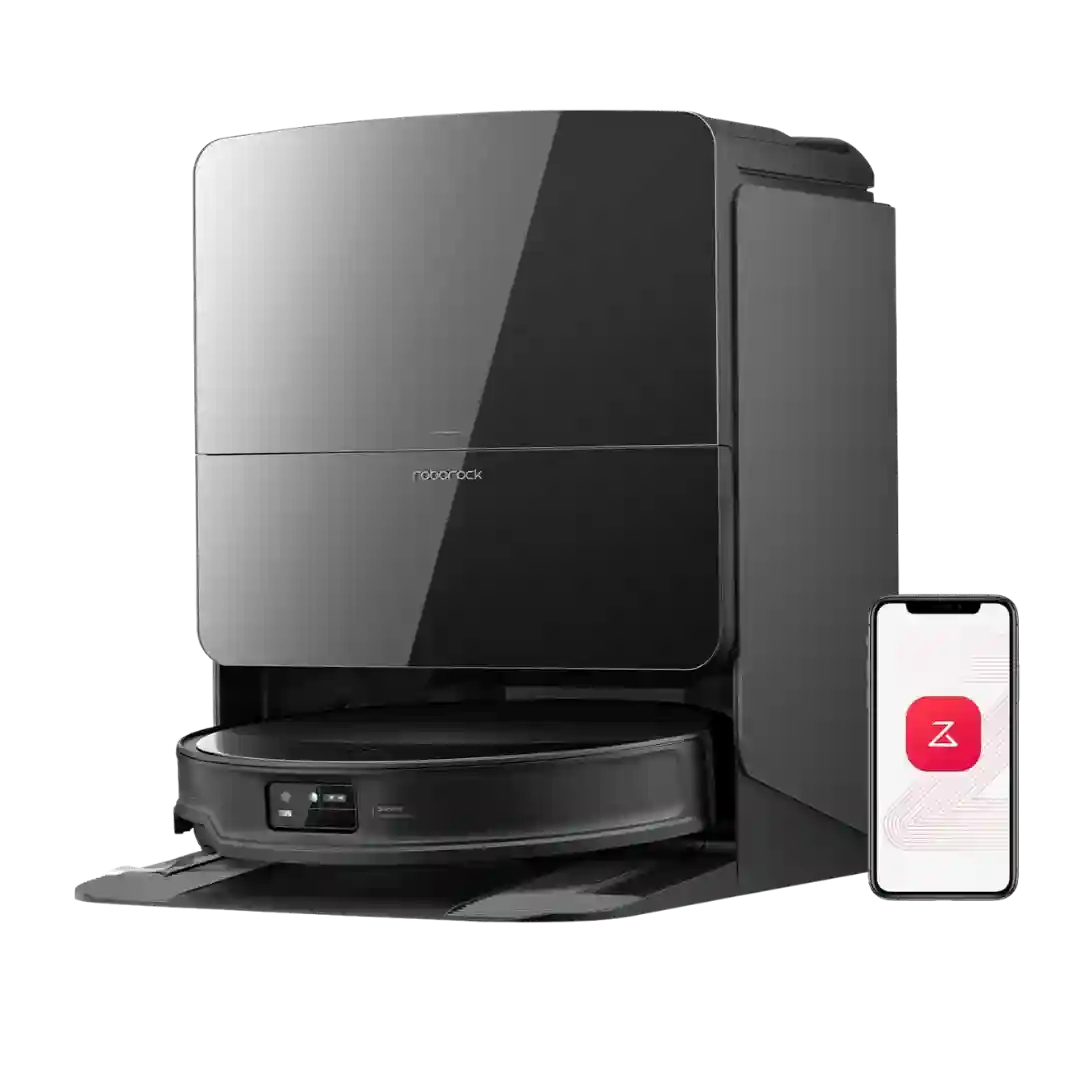
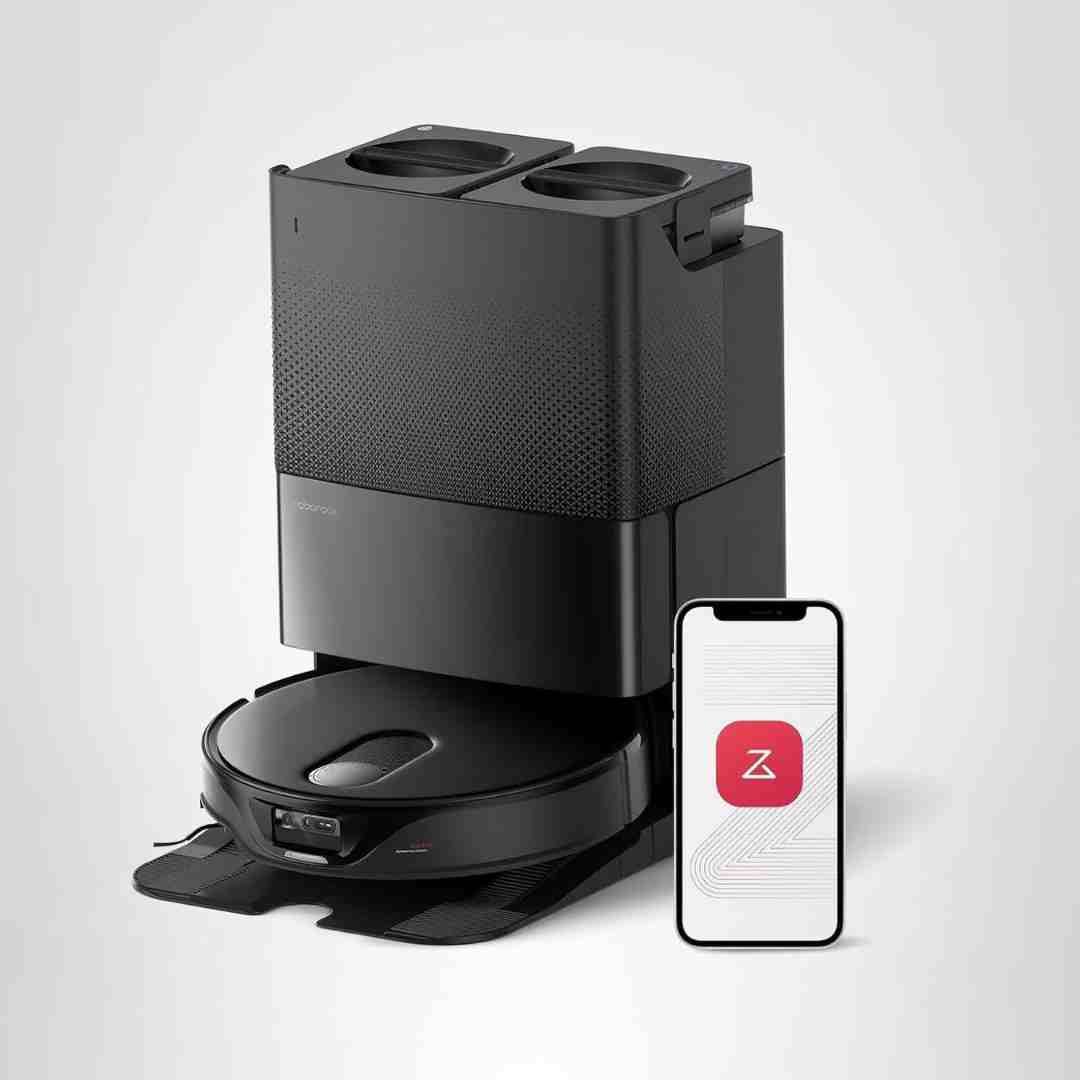
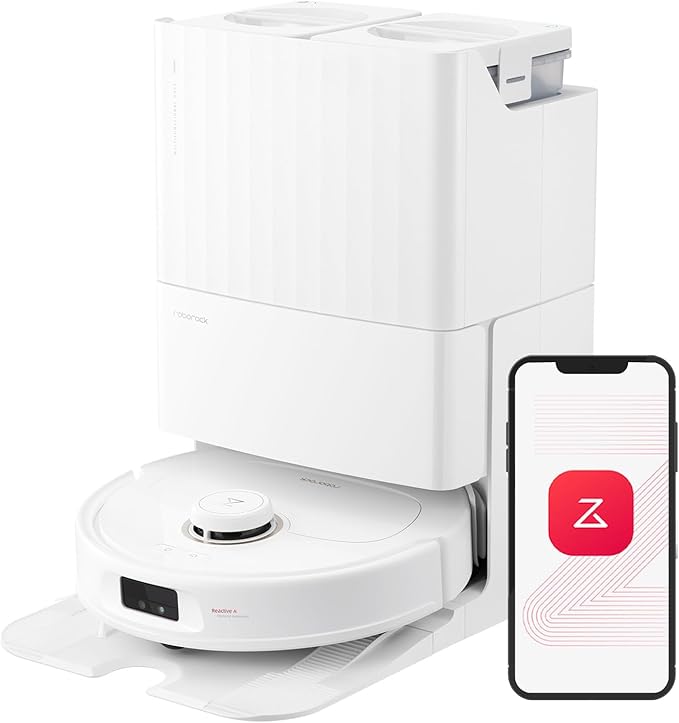
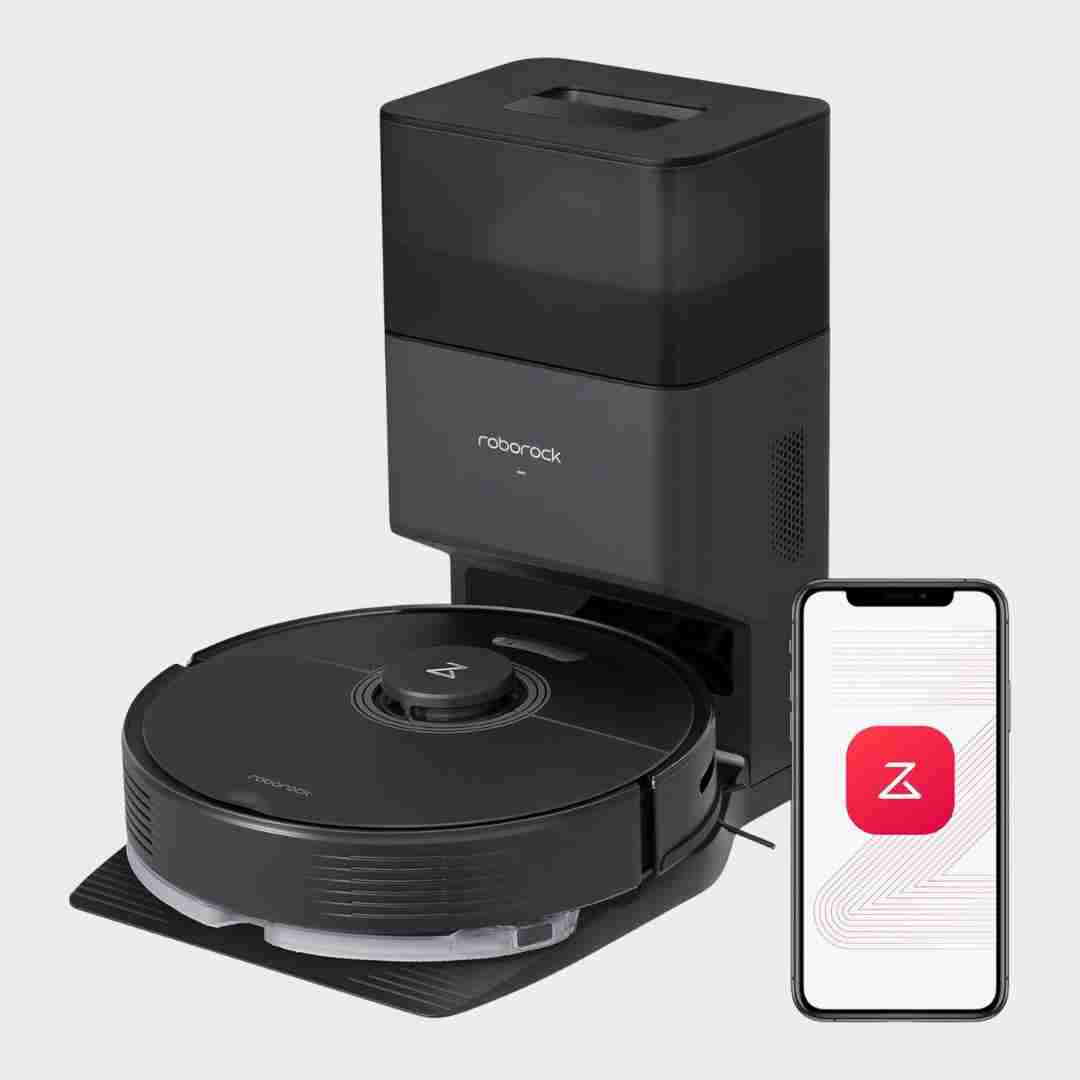
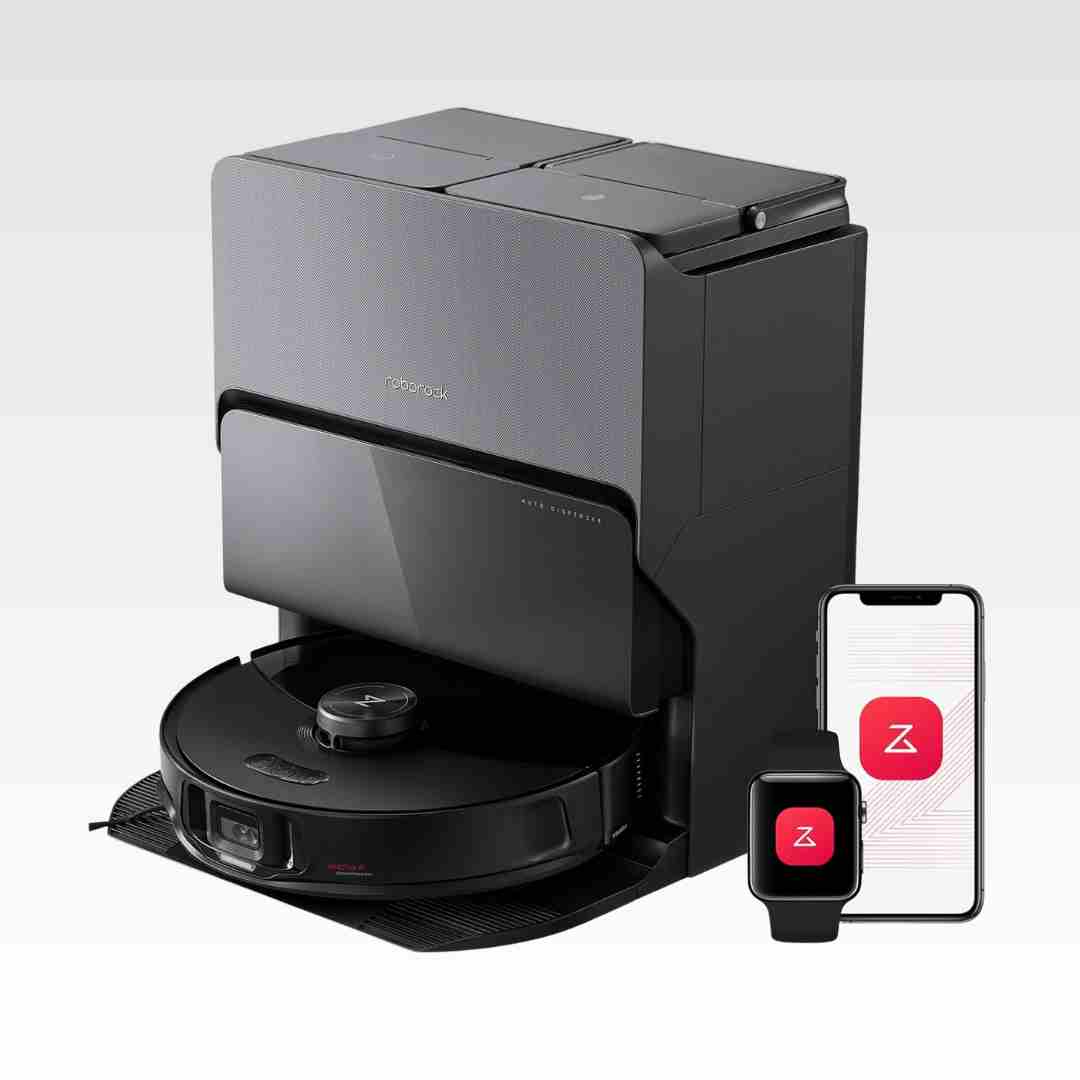
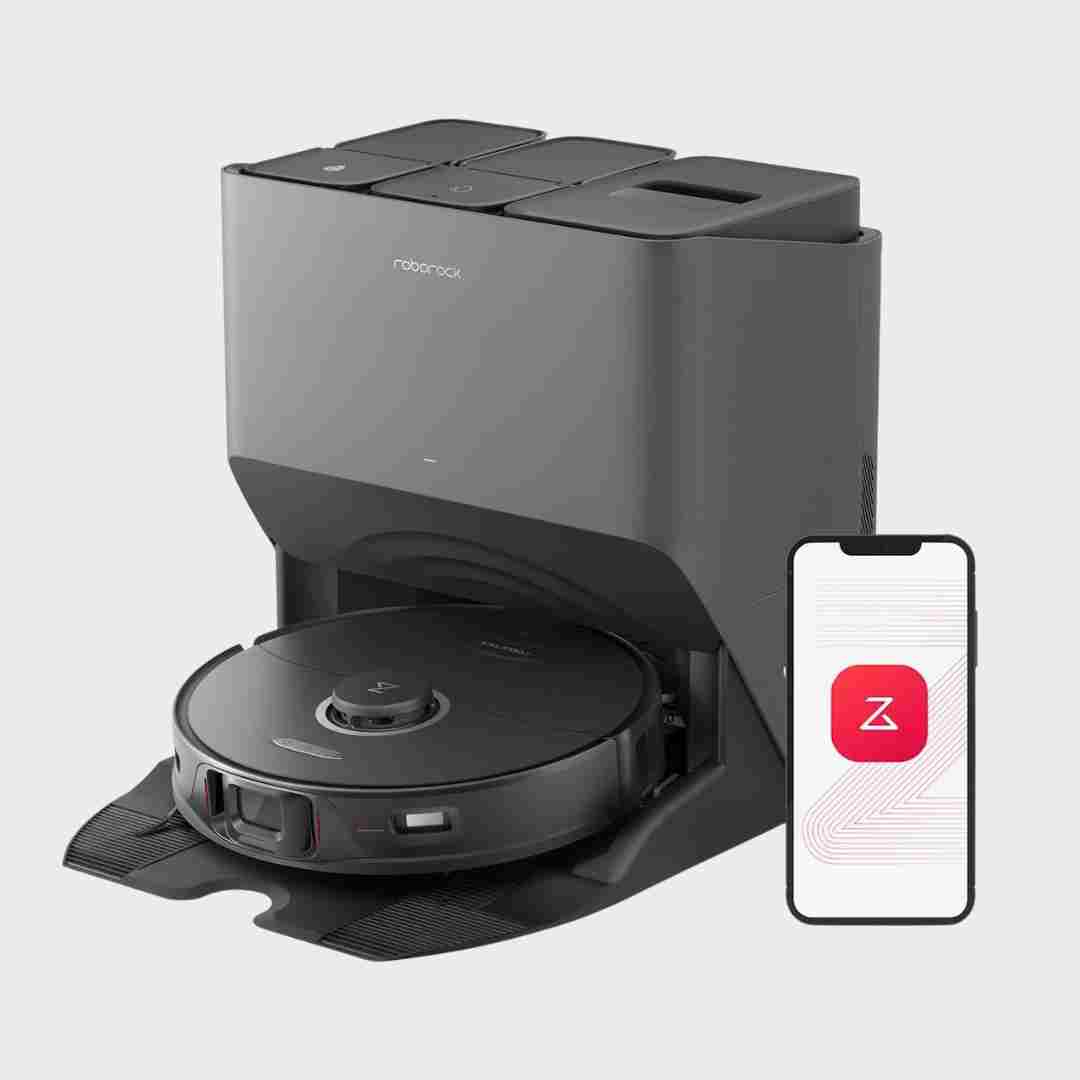
The Roborock app is a major strength: scheduling, room-specific settings, suction and water levels, and no-go zones are frequently highlighted. Automation features are a big part of why owners find it easy to live with.
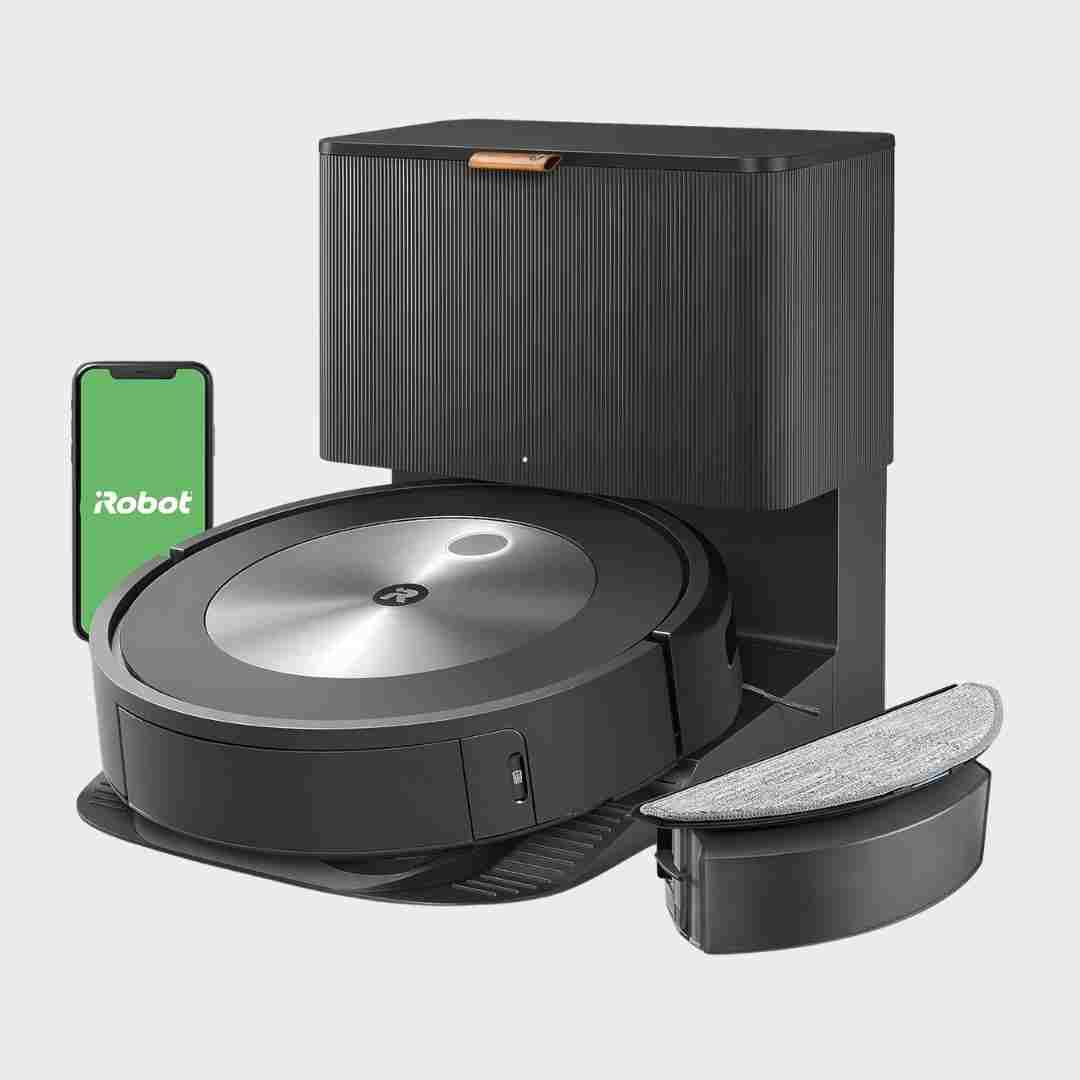
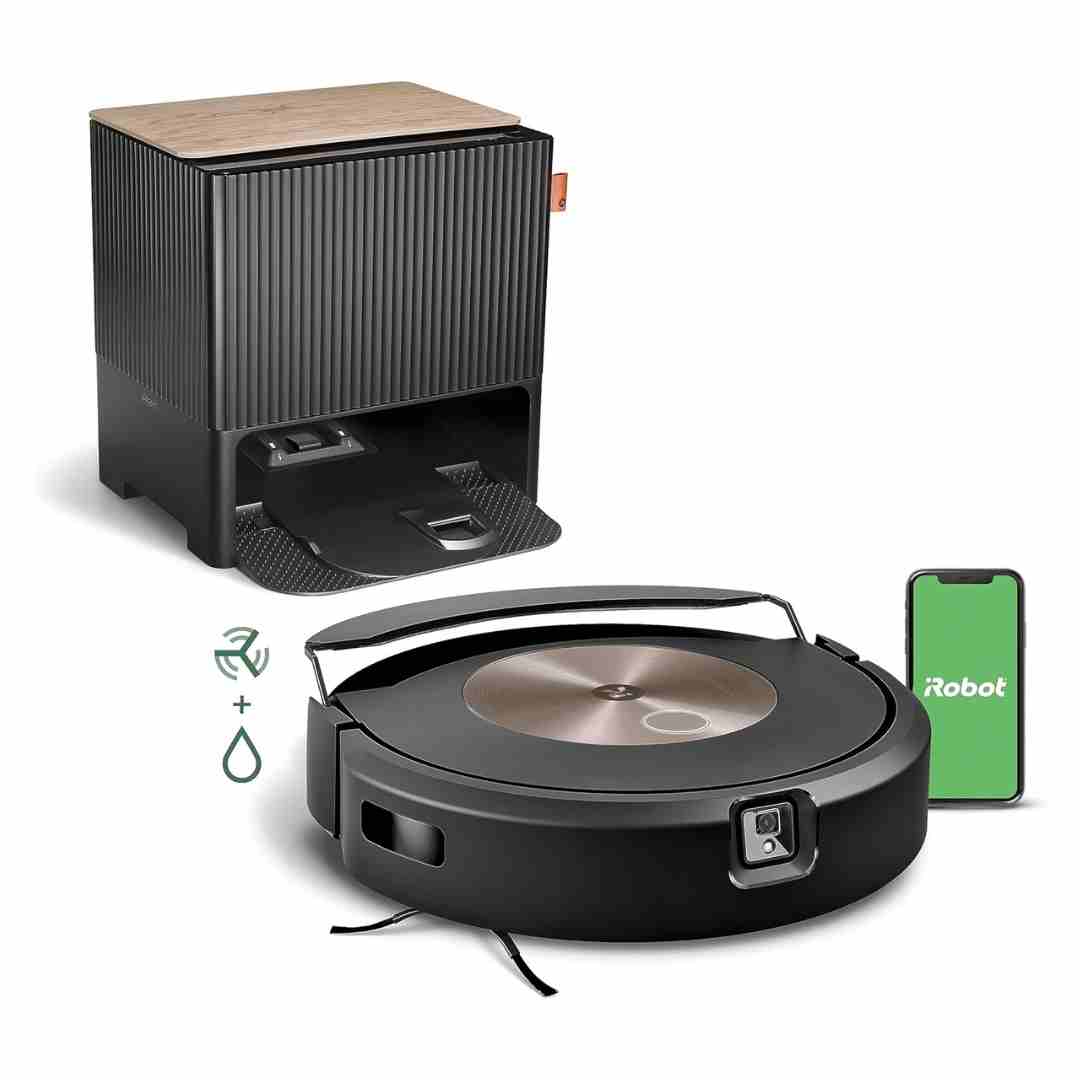
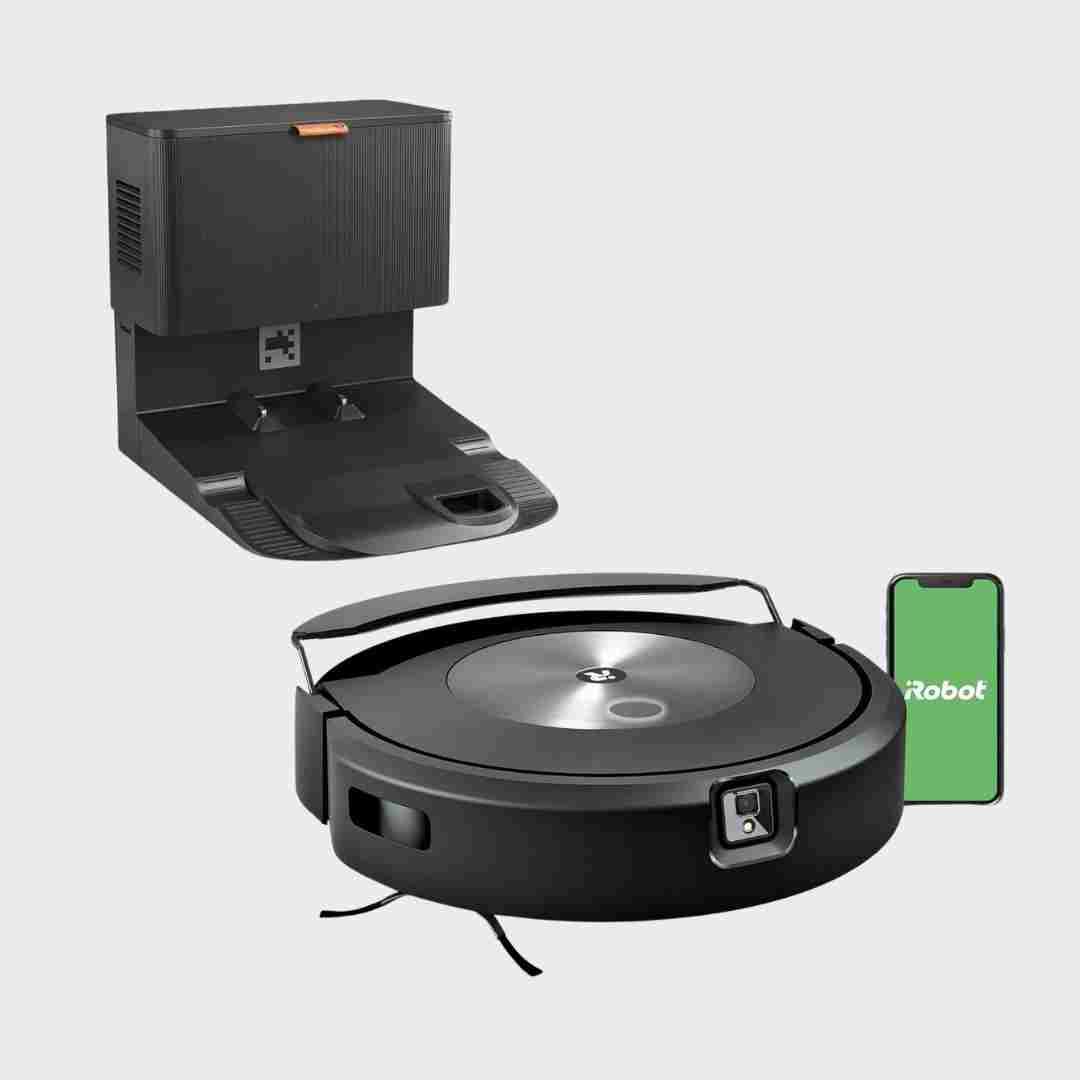
Reviews consistently describe an excellent iRobot app experience: room-by-room jobs, schedules, favorites, keep-out zones and no-mop zones, cleaning history and smart integrations (voice assistants). Some reviewers also note the mop bin may need to be added/registered in-app as a separate accessory via QR code, and mapping/room divider edits can take some effort.
Automation and smart features are a highlight: schedules, no-go/no-mop zones, multi-floor maps, granular suction and water control, assistant integrations, and dock control. Obstacle detection relies on structured-light style sensing rather than a camera on this model.
The app and automation features are repeatedly cited as a core strength: scheduling, room/zone routines, no-go zones, and customization are robust. Voice-assistant integration and detailed controls improve hands-off ownership, though some wish for more granular dock behavior options.
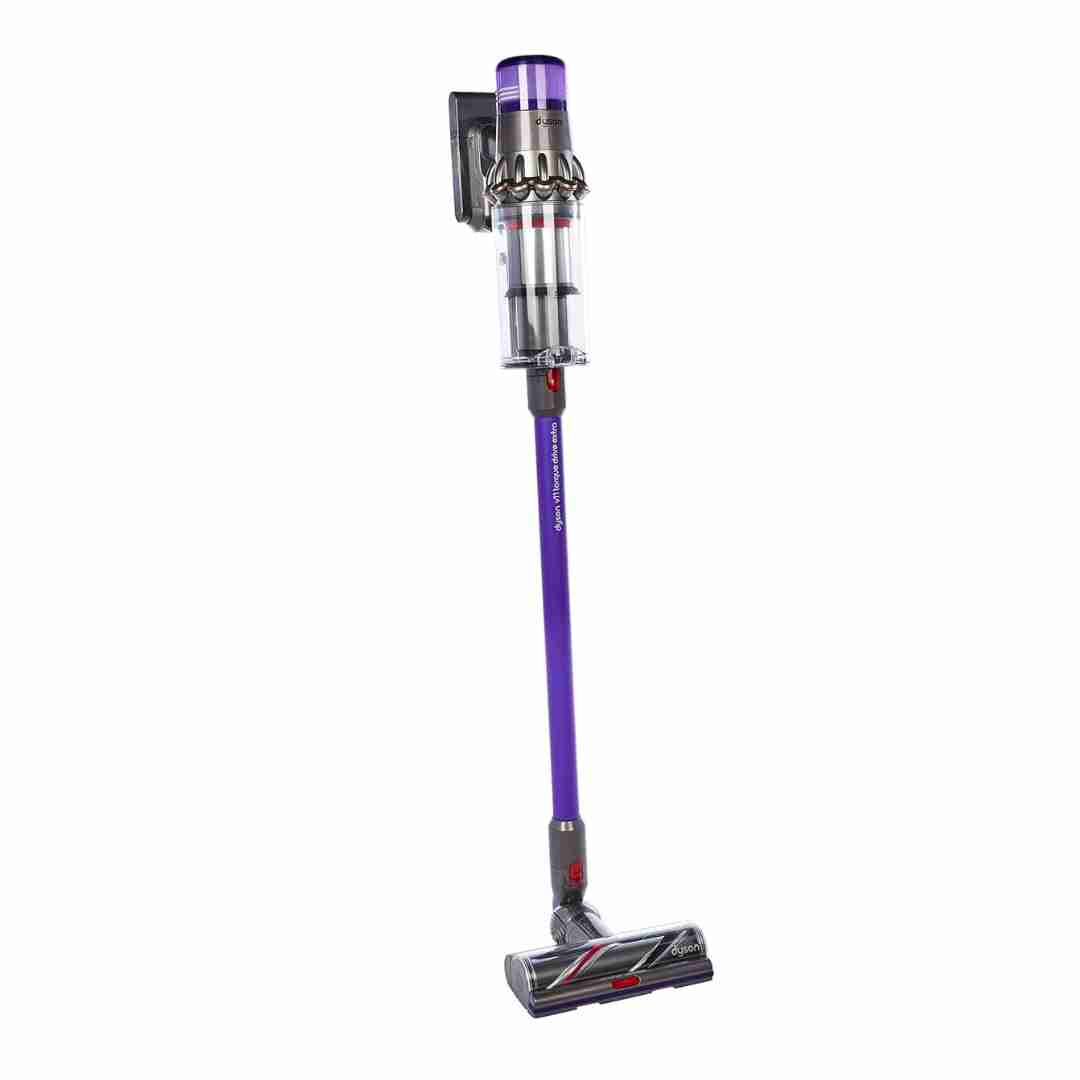
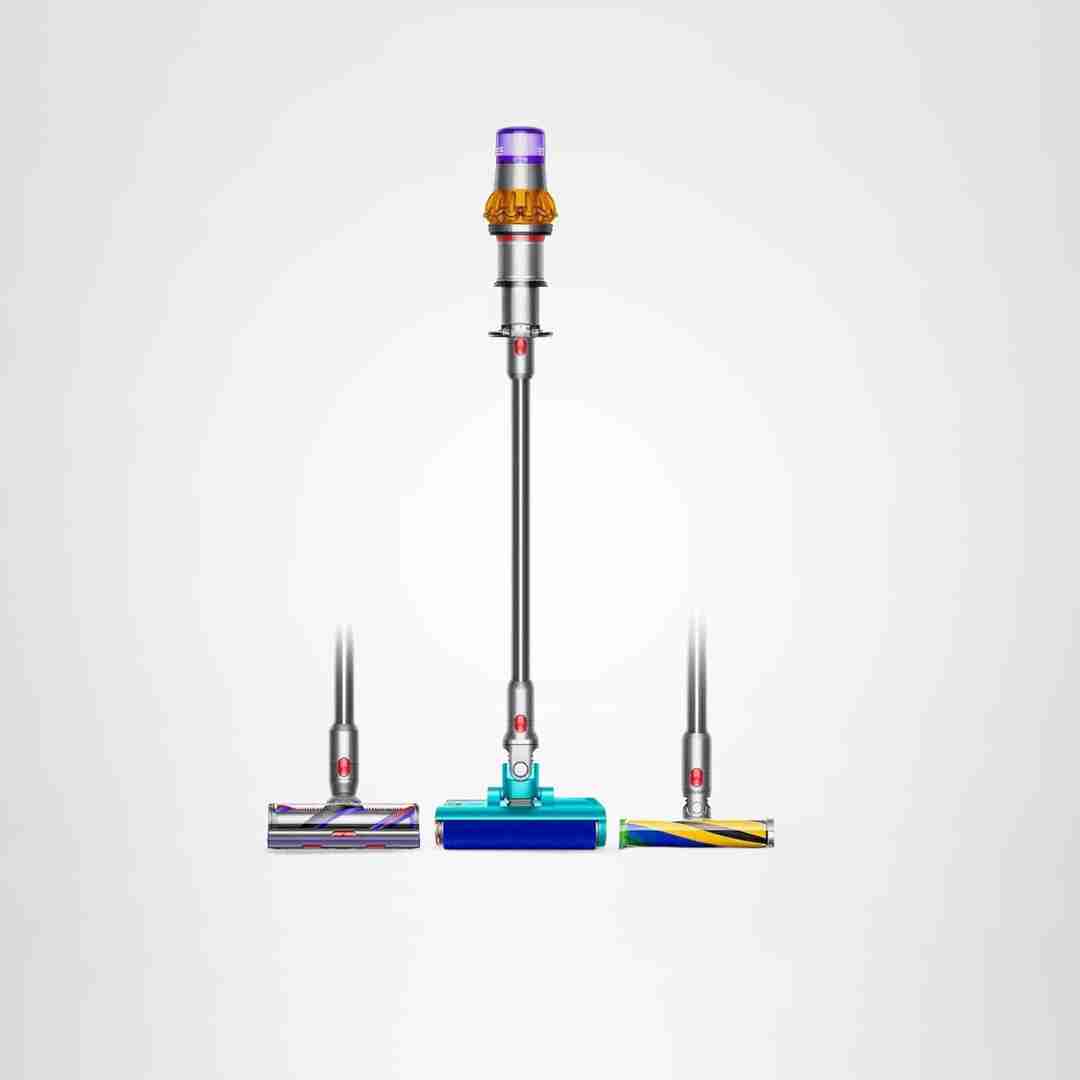
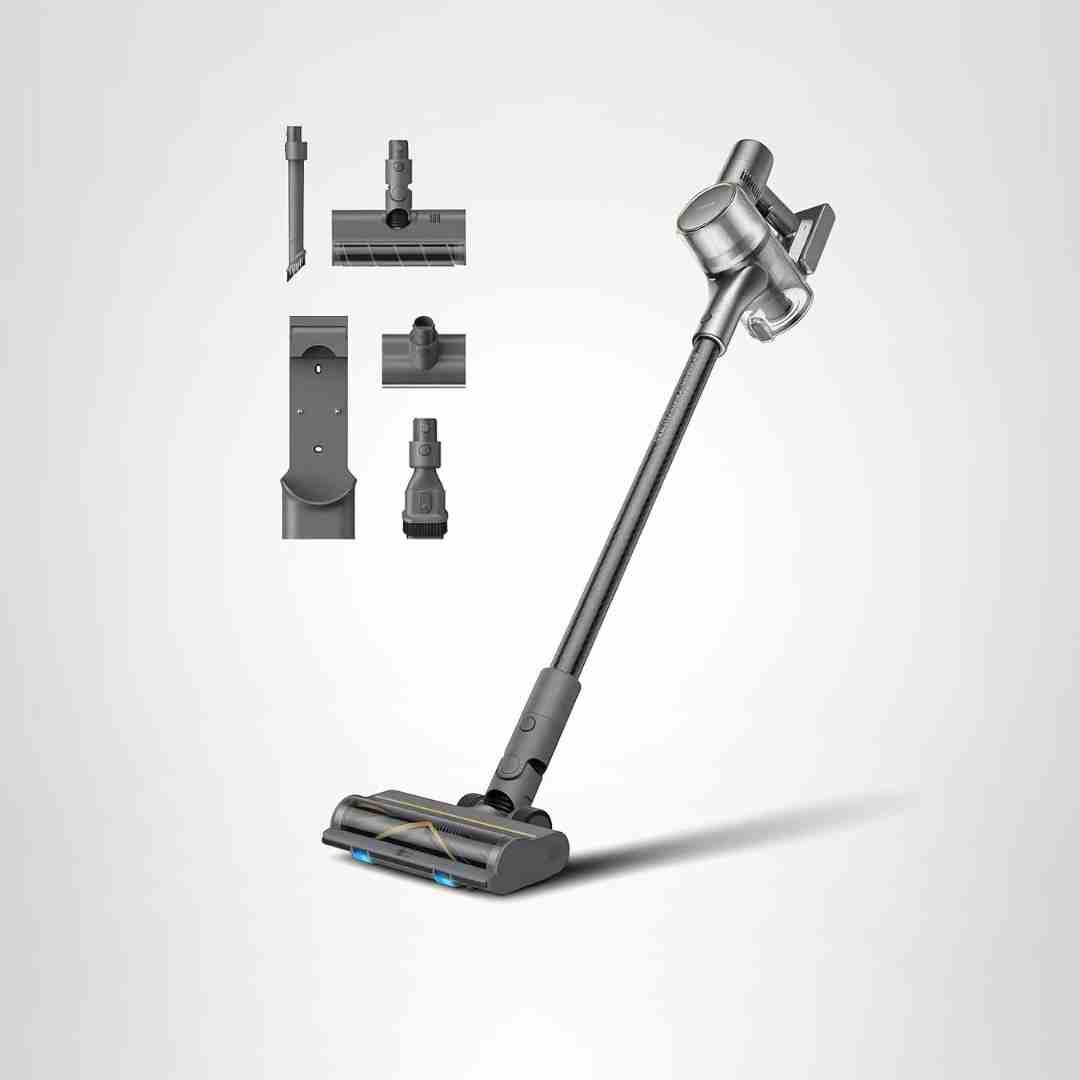
Smart automation is a defining feature: the Dynamic Load Sensor detects floor resistance and automatically adjusts suction, while the screen updates estimated runtime in real time.
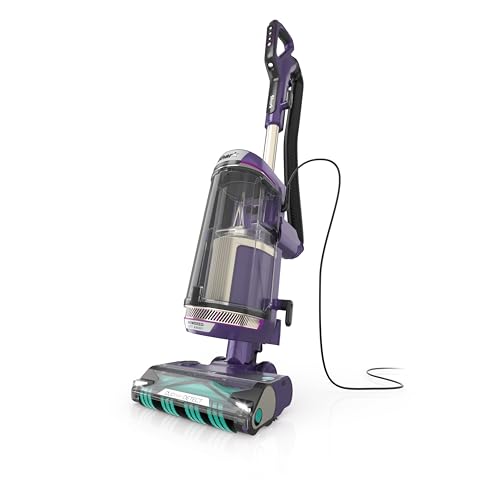
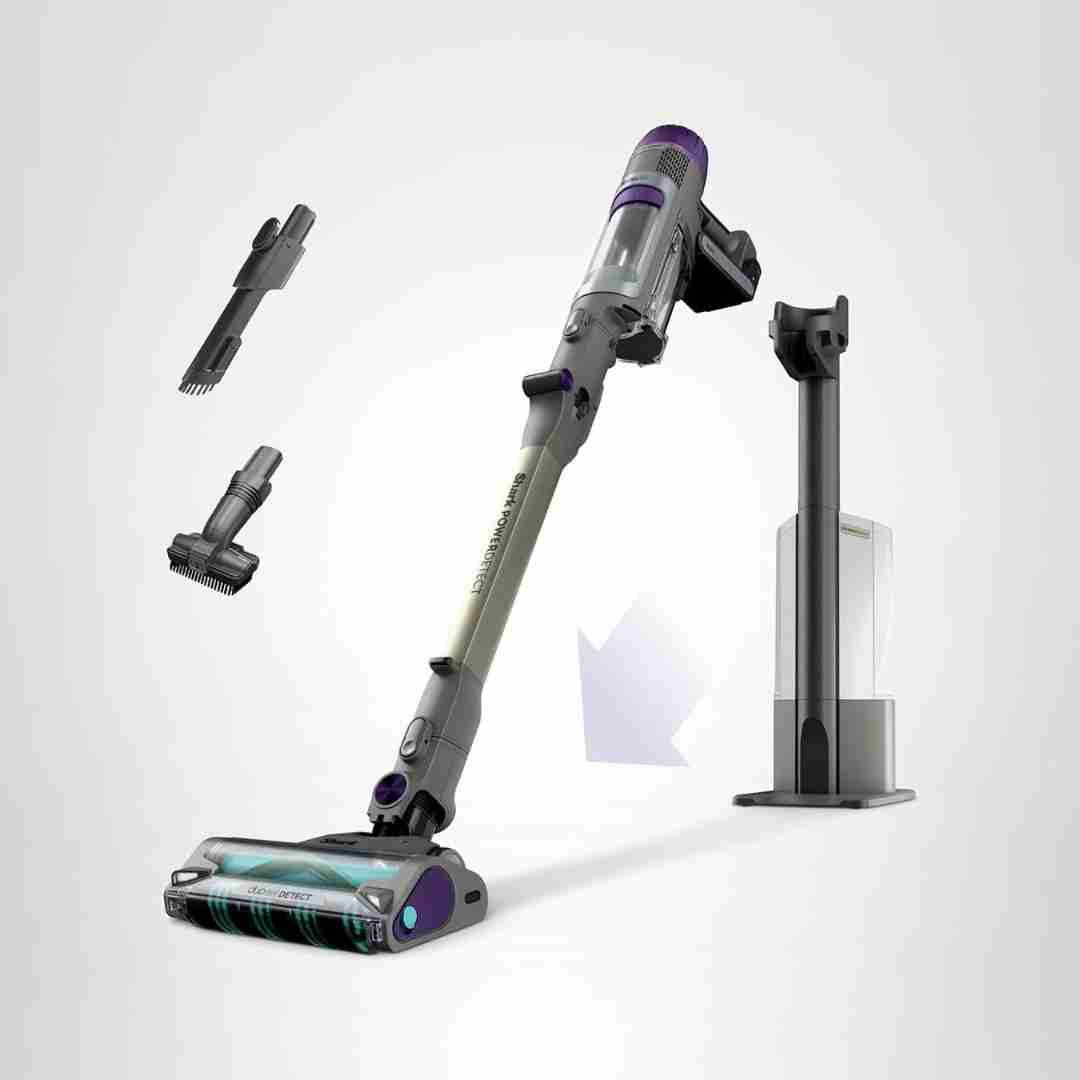
The Detect system (floor type, dirt level, edge proximity, and direction sensing) is widely described as genuinely useful, automatically changing suction and brushroll behavior. There’s no app focus here—automation is built into the vacuum’s onboard sensors.
The Roborock app earns strong marks for stability, responsiveness, and deep customization (maps, no-go zones, routines), although setup can be tripped up by Wi‑Fi requirements for some users.
Smart features are a centerpiece, including advanced scheduling, room-by-room automation, object recognition, and configurable mop/vac sequences. Several reviews also mention helpful app intelligence like stuck-spot logging and smart-plan cleaning adjustments.
The app is consistently praised for strong automation and controls: mapping, room/zone cleaning, schedules, no-go zones, do-not-disturb, and firmware support. Some mopping-related controls are limited depending on the reviewer experience.
Smart features are a major highlight: advanced scheduling and per-room routines, object recognition, and voice assistant/support integrations are frequently mentioned. Some reviews also discuss camera-based remote viewing and automation add-ons, though polish and reliability can vary by platform.
The Roborock/Qrevo app experience is repeatedly described as excellent and full-featured, with routines, schedules, room/zone cleaning, no-go zones, and deep control over suction, water, and dock behavior. A few notes include needing 2.4 GHz Wi-Fi during setup and (in one review) manually setting floor types for best results.
The Roborock app is repeatedly called excellent, with deep customization, schedules, routines, water-flow control, and feature toggles like remopping logic and Do Not Disturb behavior. Voice-assistant integration is supported, but the S5X lacks the built-in assistant found on some higher-end models.
The app is consistently described as feature-rich, with strong automation options (room-by-room settings, scheduling, empty frequency, remop triggers, etc.). Overall sentiment is that the software is powerful without being overly hard to use.
The app experience is repeatedly called out as a key strength: advanced map editing, room/zone targeting, schedules, no-go/no-mop zones, cleaning customization (passes, suction, water flow), and features like pin-and-go are all highlighted.
The app offers deep automation (zones, barriers, routines, multi-floor maps) and is often called fast/responsive; AI 'smart plans' help some users but can feel opaque to others.
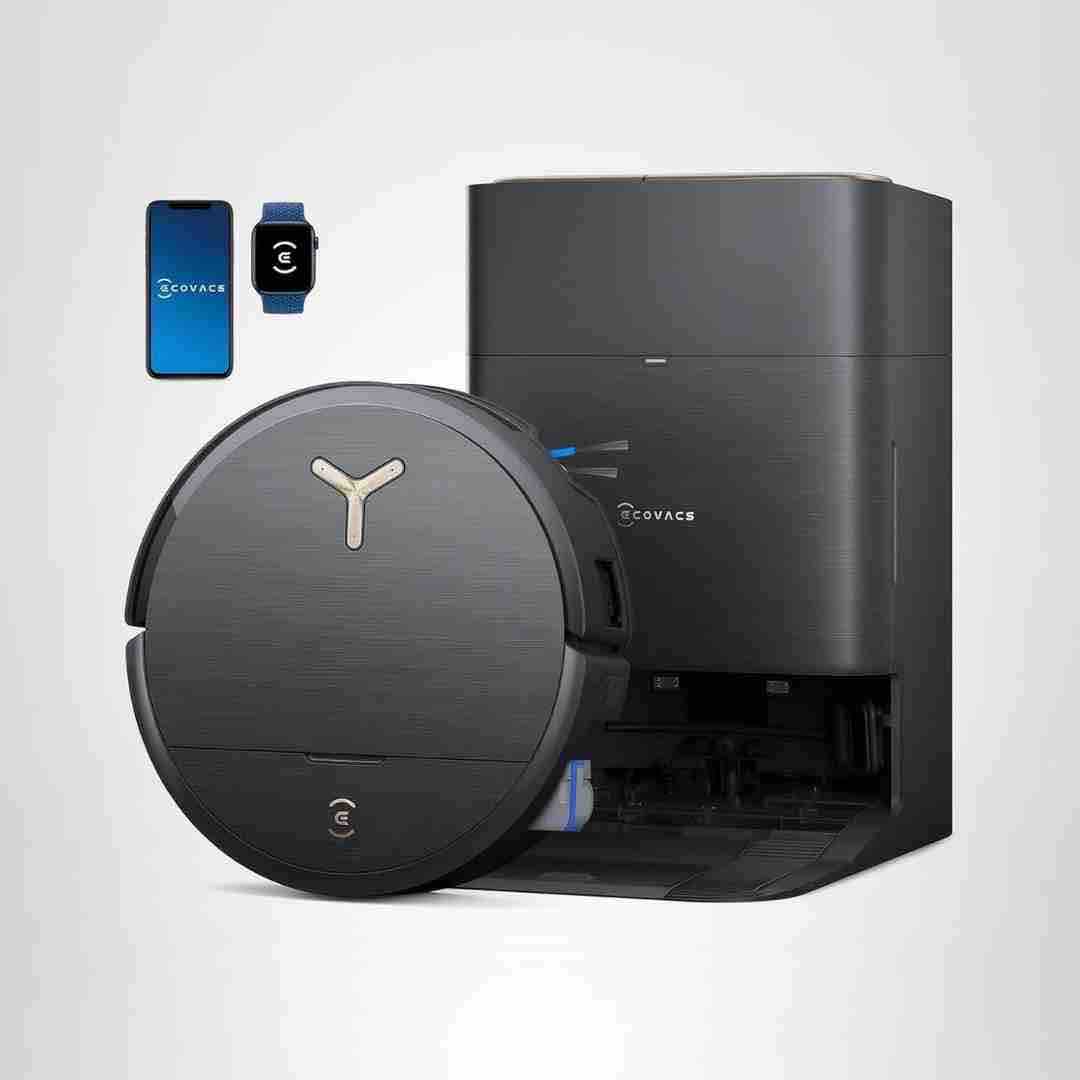
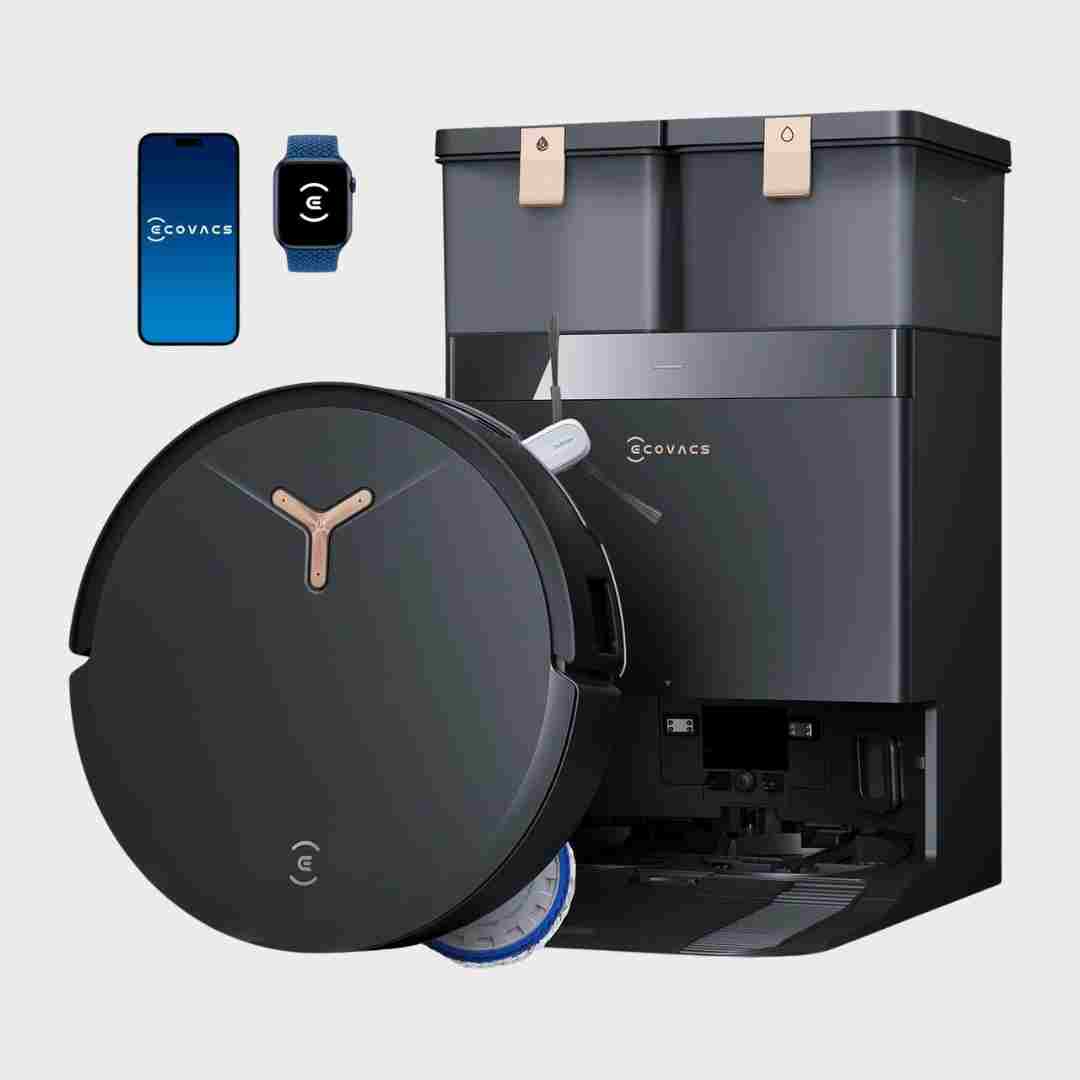
The Ecovacs app is widely praised for organization and depth (routines, maps, barriers, dock controls), and multiple sources mention Matter and voice features (including Yiko). A few note that some settings are buried or that the robot can be overly chatty.
Smart features are central: iLoop dirt sensing and auto suction adjustment are praised for balancing performance and battery, and app support is mentioned positively, though one review notes boosting is not always perfectly triggered.
The app is consistently described as feature-rich: multi-level/multi-map support, room-by-room controls, automation modes, voice features, and pet options. Some sources note optional camera/live view capabilities and a minor learning curve due to the breadth of settings.
Smart behavior is repeatedly tied to built-in sensors: Auto mode can detect dirt levels and sometimes floor changes to adjust suction in real time, improving cleaning confidence and helping runtime by using high power only when needed (without relying on an app ecosystem).
Smart features are a major theme: AIVI-style object detection, advanced mapping automation, and app-driven routines show up in multiple reviews. Some also mention home-monitoring camera functionality and smart-home integrations.
The Roborock app is widely praised for deep customization, schedules, and map edits; a few mention missing/quirky workflows (e.g., open-plan room splitting).
Smart behavior is primarily on-device sensing rather than app control, with repeated mentions of floor, dirt, edge, direction, and light-related detection. Most reviewers say the automation is helpful, though a few call the differences subtle in everyday use.
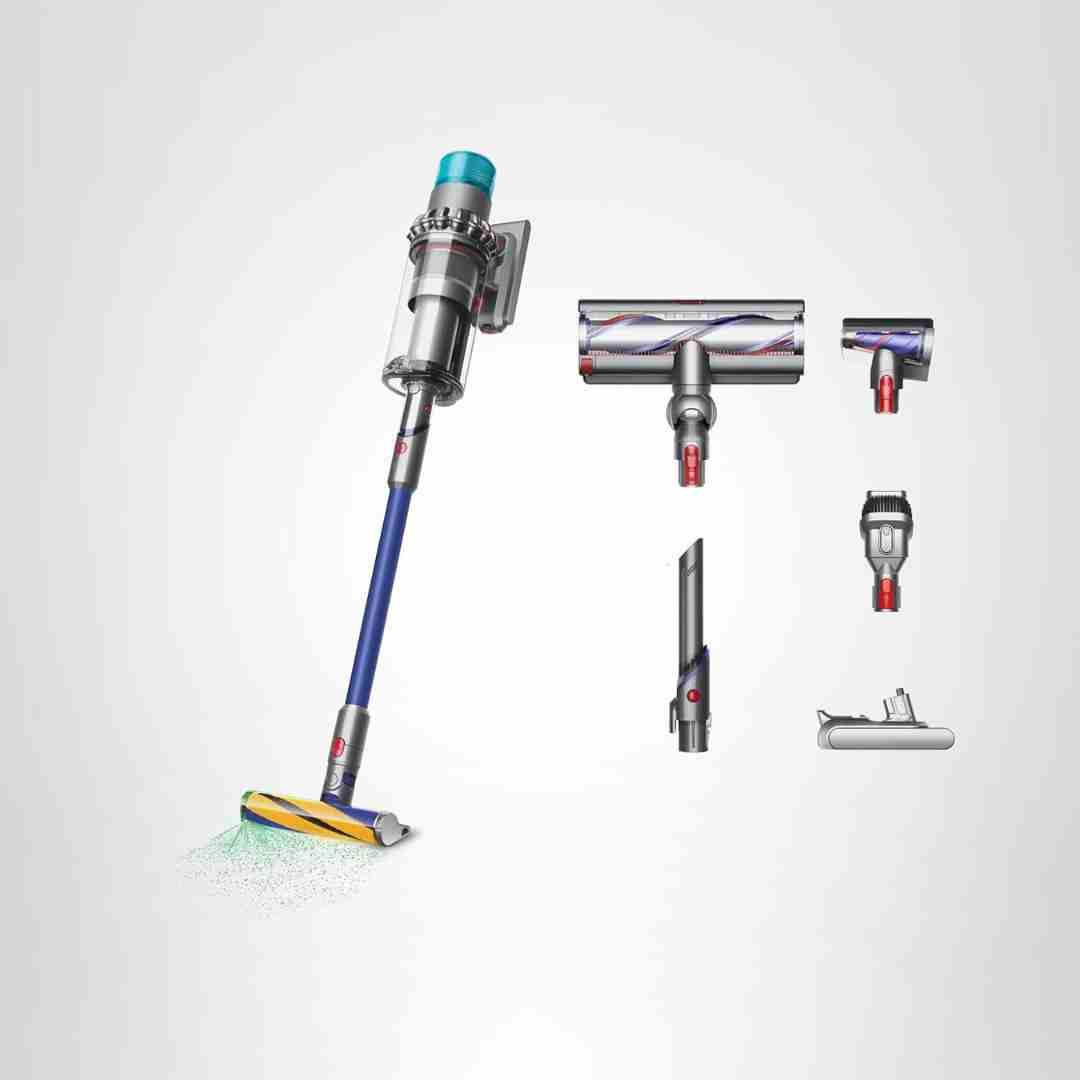
The particle sensor and Auto mode are widely praised for adjusting power and visualizing what is being picked up; a few users also relied on the Dyson app/manual for fuller guidance.
Smart automation features are widely noted: sensors detect dust levels or floor type and automatically adjust suction, and the display provides real-time dirt feedback. No app-based control is discussed, but the on-device automation is a consistent positive.
The app and automation features are repeatedly praised: room and zone cleaning, scheduling, no-go/no-mop zones, multi-floor and 3D mapping, and voice-assistant options are commonly cited.
Automation features are deep: strong scheduling, per-room customization, routines, smart remopping options, and solid voice-assistant integrations-though most advanced controls live in the Roborock app rather than third-party platforms.
App and automation are feature-rich: schedules, zones, room-specific routines, dirt-prioritization, and voice assistant support are widely praised. Common nitpicks include occasional connectivity hiccups, confusing menu choices, and missing real-time map progress in some experiences.
The app supports mapping, room/zone cleaning, schedules, no-go/no-mop zones, multi-floor maps, and smart behaviors like stain/spot cleaning. Reviewers praise the feature depth and automation, though it can feel like “a lot” at first.
Auto-detect features (dirt/floor/edge/light detection) are a core differentiator and generally work as advertised, reducing manual mode switching; some reviewers note minor delays or occasional inaccuracies.
AI-driven features like DirtScan-style dirt detection, automation, and voice assistants are repeatedly praised, though smart-home integrations can be limited for room-specific commands on some platforms.
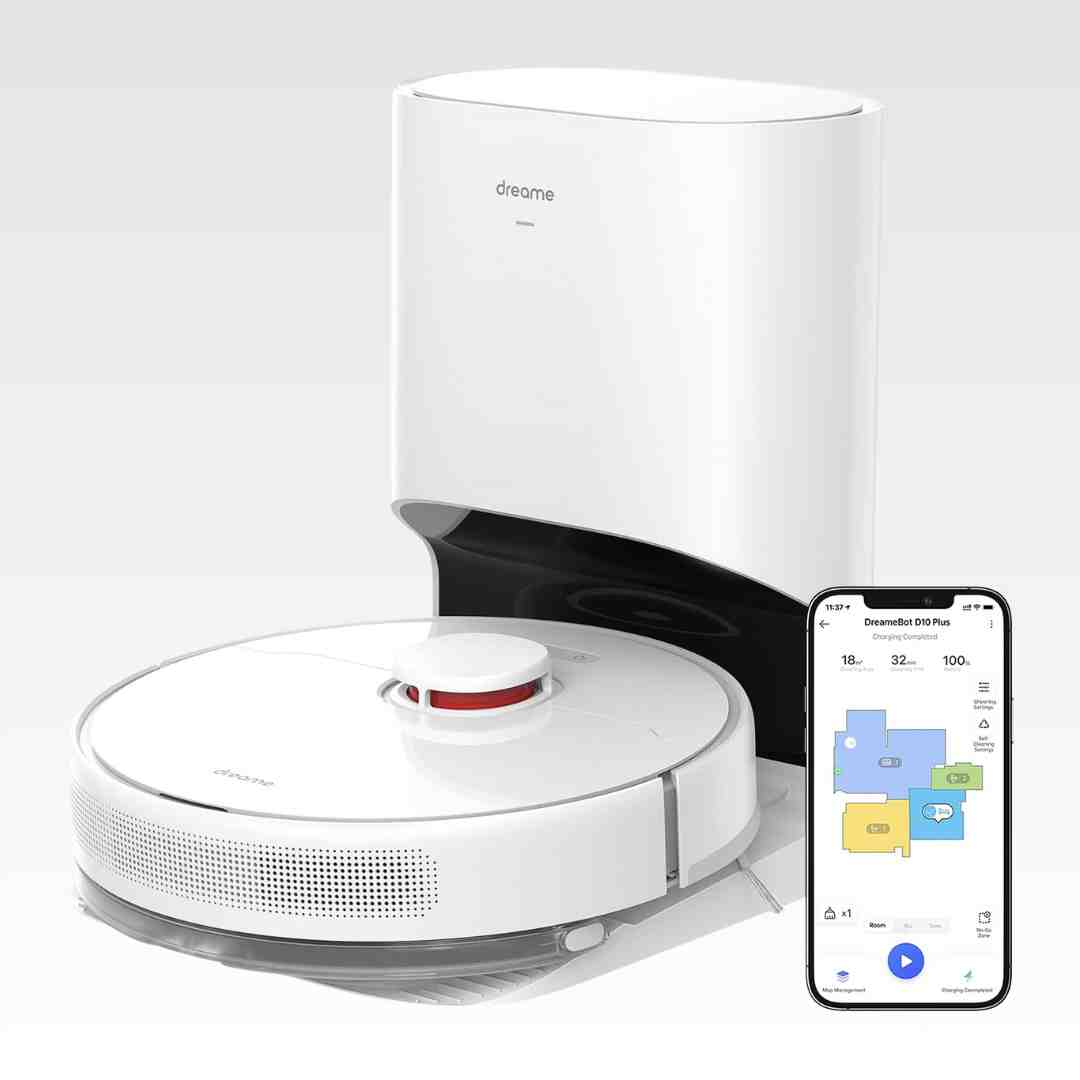
The Mi Home or Dreame app suite provides robust mapping edits, no-go and no-mop zones, schedules, and per-room power and water settings. Usability is generally strong, but some reviewers note menus can feel busy and Wi‑Fi is 2.4GHz only.
Auto/Medium mode and sensor-driven suction adjustments are frequently mentioned as helpful, reducing the need to manually switch settings. The automation is generally appreciated even when the particle-count visuals are seen as less useful day to day.
PowerDetect/Detect mode is praised for automatically adjusting behavior when moving between hard floors and carpet, usually switching quickly. A few users say it can misread uneven surfaces or flip modes during repositioning, so the manual floor modes are useful.
App/smart features appear in some coverage (especially H14 variants), enabling custom presets and remote wash/dry actions. The standard H14 is often framed as usable without the app, but customization can improve flexibility where available.
The software experience is a major strength. Mapping, room control, no-go zones, routines, remote viewing, and deep customization are widely praised, though some reviewers found SmartPlan or buried settings less reliable than manual tuning.
The app and automation feature set is described as robust: detailed maps, zones/no-go areas, vacuum-then-mop routines, obstacle settings, and smart-home/voice options in some reviews.
Smart dirt sensing and automatic adjustment are repeatedly mentioned, including blue-light style DirtSense indicators and posture detection features. A missing app connection is noted by at least one reviewer, but many still feel the on-device automation and modes cover most needs.
The app offers deep automation, room rules, zones, and object-handling logic; most praise its flexibility, but a few mention mapping or feature limitations that may improve with updates.
Automation is a major theme: reviewers cite advanced obstacle avoidance, dirt detection with extra passes, customizable schedules, no-go zones, and pet-focused modes. The tradeoff for all that power is a larger settings surface area, and some reviewers find the app experience less polished.
The app is consistently described as feature-rich for the price, with schedules, room/area cleaning, and no-go zones or virtual walls; however, smart-home voice integrations are inconsistently supported across sources and Wi-Fi is required.
Automatic suction adjustment and dirt sensing are highlighted as genuinely useful, frequently increasing power on heavier debris; one long-pile rug test suggests auto can sometimes over-suction and cause stoppages.
Smart/app capabilities are robust: scheduling, room/zone cleaning, adjustable suction and water flow, multi-floor mapping, and voice assistant support are mentioned, and one review cites Matter integration. The main drawback is software polish—map accuracy and editing tools can lag leading competitors for some users.
Automation and smart features are a major strength, including multi-level mapping, no-go zones, stain recognition, customizable routines, and voice control options. A recurring critique is that some features add complexity and occasional app quirks can appear, especially around rugs.
Automation is a highlight: scheduling, room/zone cleans, no-go/no-mop areas, suction and water adjustments, and maintenance reminders are widely praised.
Smart features are a major strength: routines, per-room customization, schedules, multi-map support, 3D mapping options, and voice assistant compatibility are frequently mentioned. A minority report friction with assistant setup or firmware quirks.
Automation is feature-rich (schedules, room rules, carpet detection, voice assistant, sensor-driven behaviors), but opinions split on app polish and how smart the voice assistant feels beyond basic commands.
App and automation features are widely described as feature-rich, including schedules, room/zone cleaning, adjustable suction/water, do-not-disturb for emptying, and experimental modes. Smart home support (including Matter in some reviews) is considered a plus, though usability quirks and occasional confusion are noted.
Strong smart feature set: scheduling, room/zone routines, recommendations, and learning-based adjustments are frequently praised; some reviewers still want finer manual controls (for example, suction) or better job-queue flexibility, and a few note occasional app quirks/crashes.