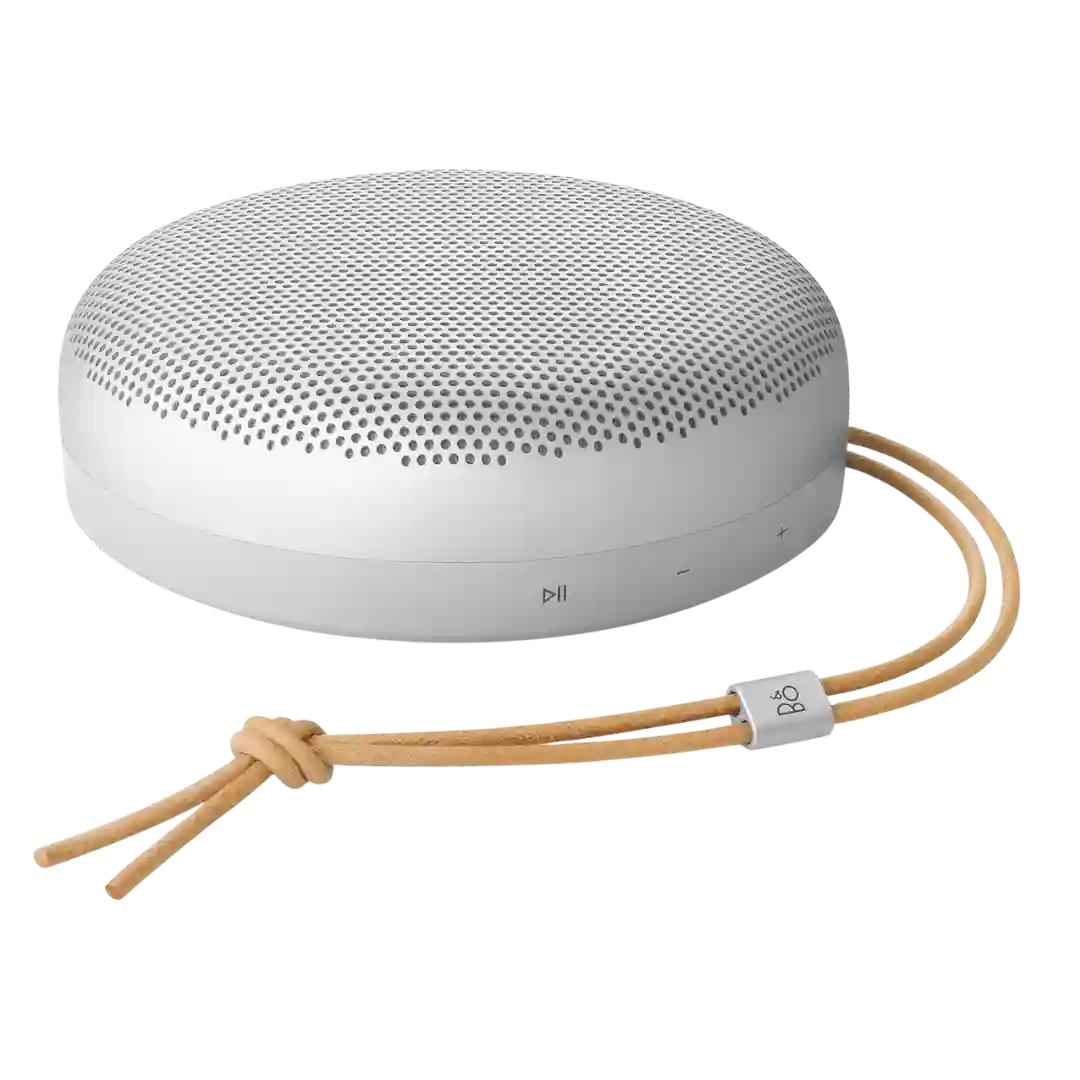
The Bang & Olufsen app is widely praised as polished, stable and genuinely useful, with EQ, stereo setup, battery readouts and extra content. One review noted a radio feature hiccup.
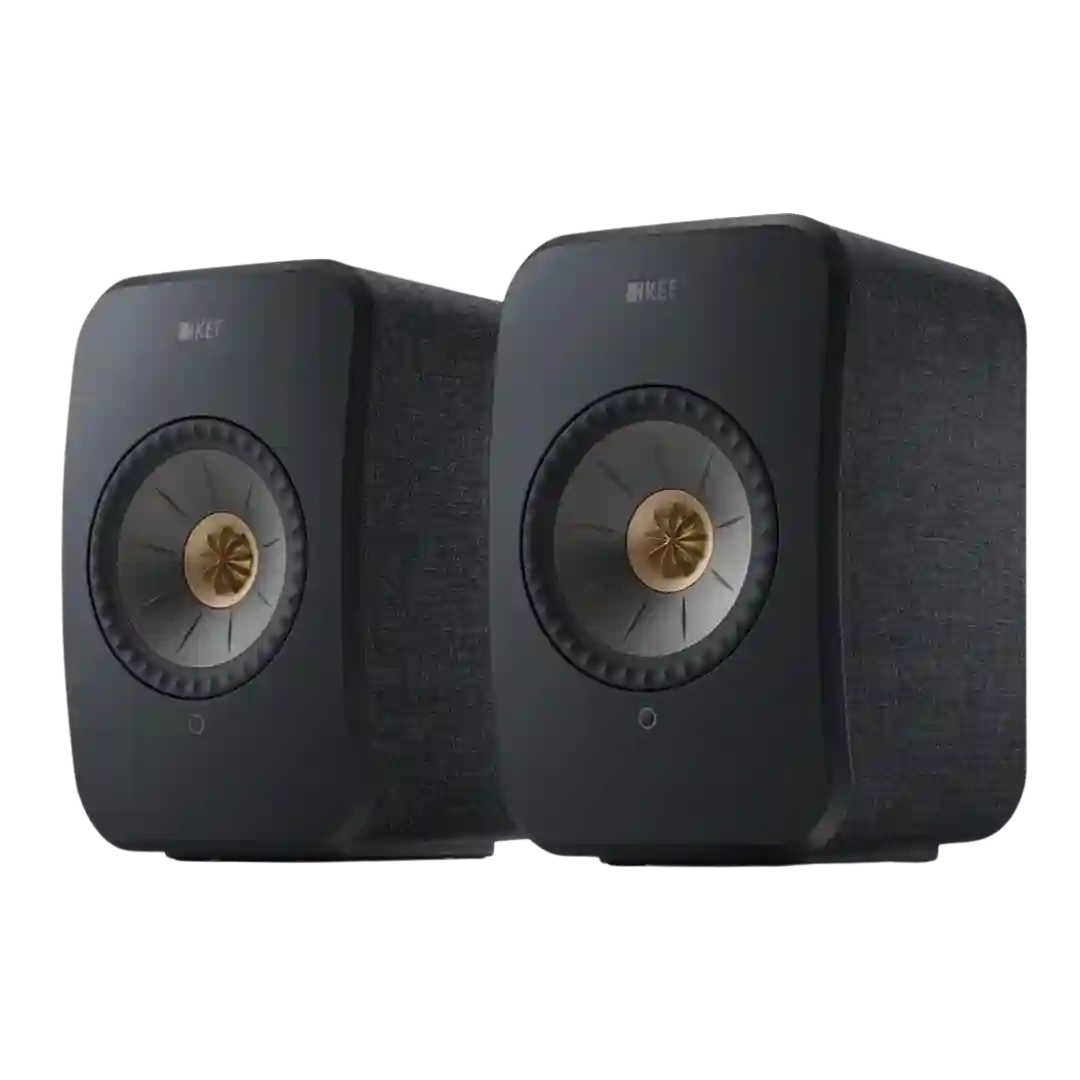
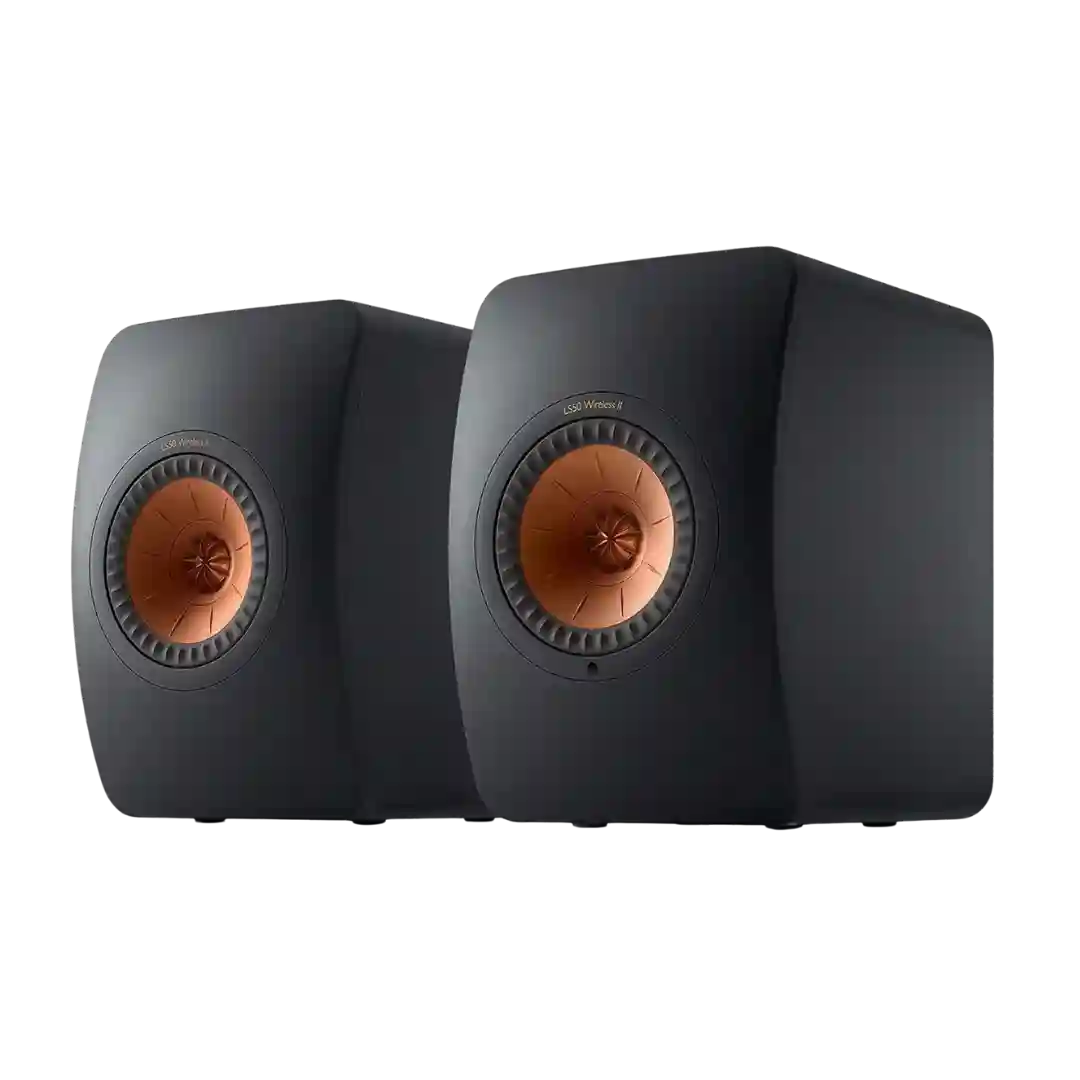
KEF Connect is generally praised for clean setup, responsive control, and useful tuning options. The app is a major usability strength, even if a few reviewers still leaned on it more than they wanted.
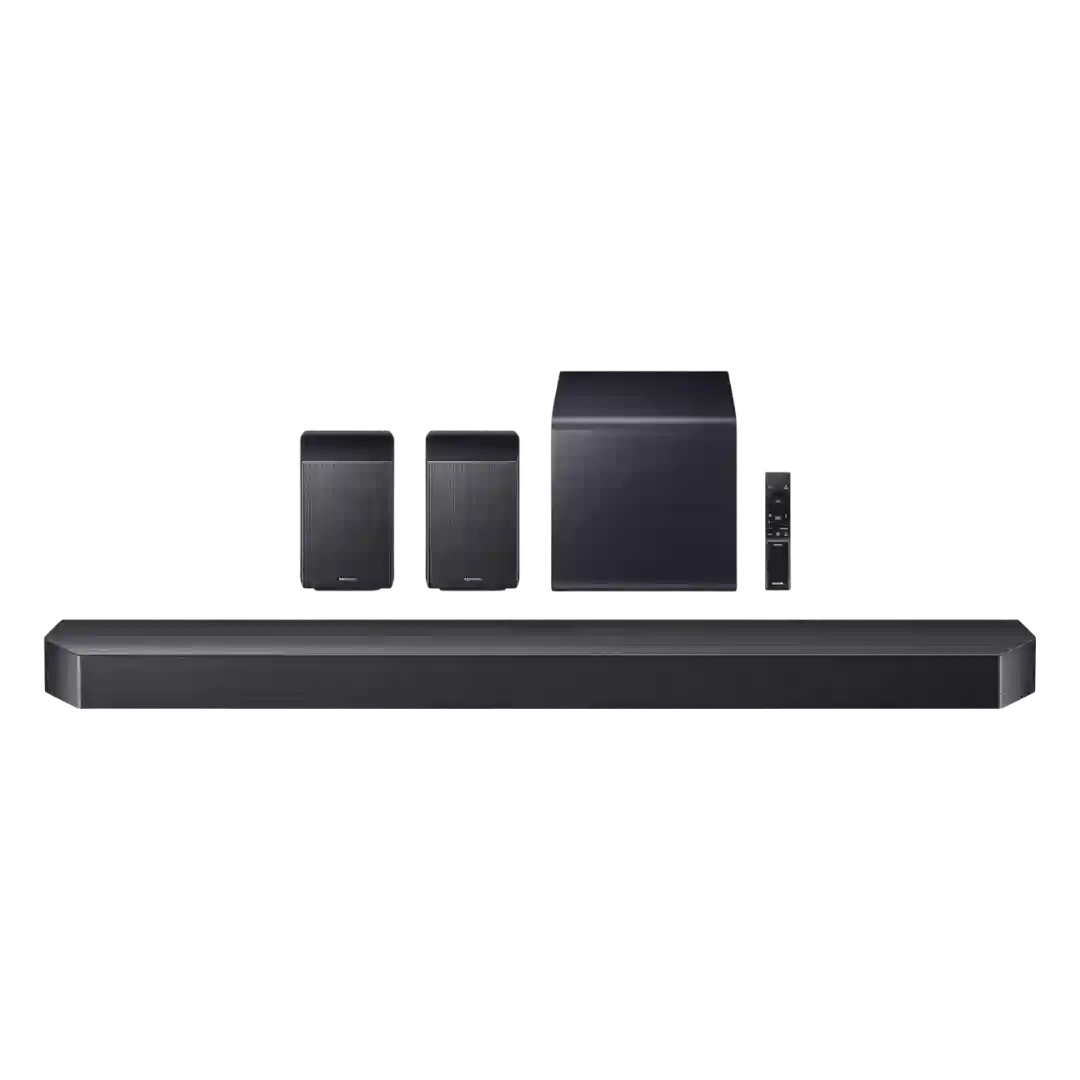
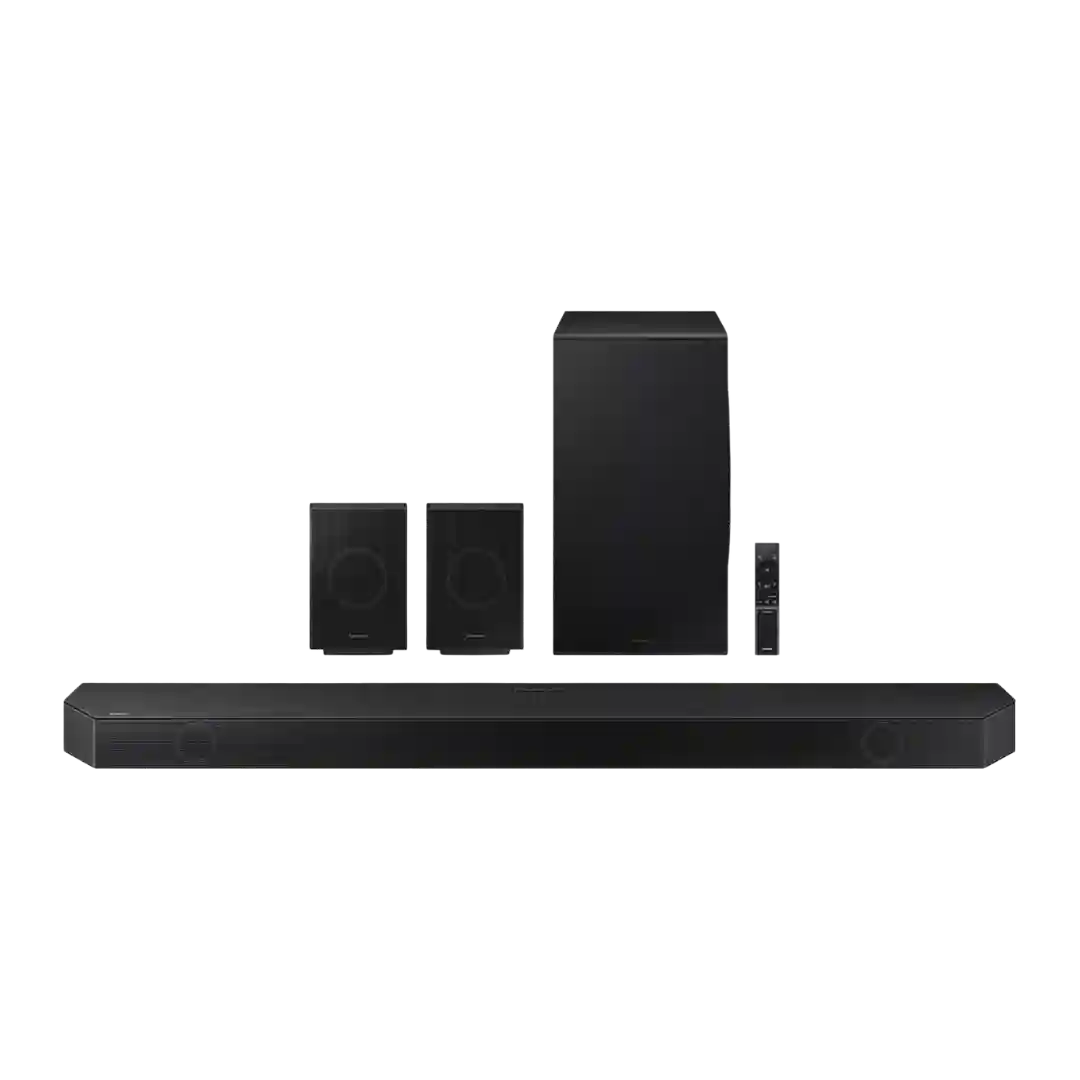
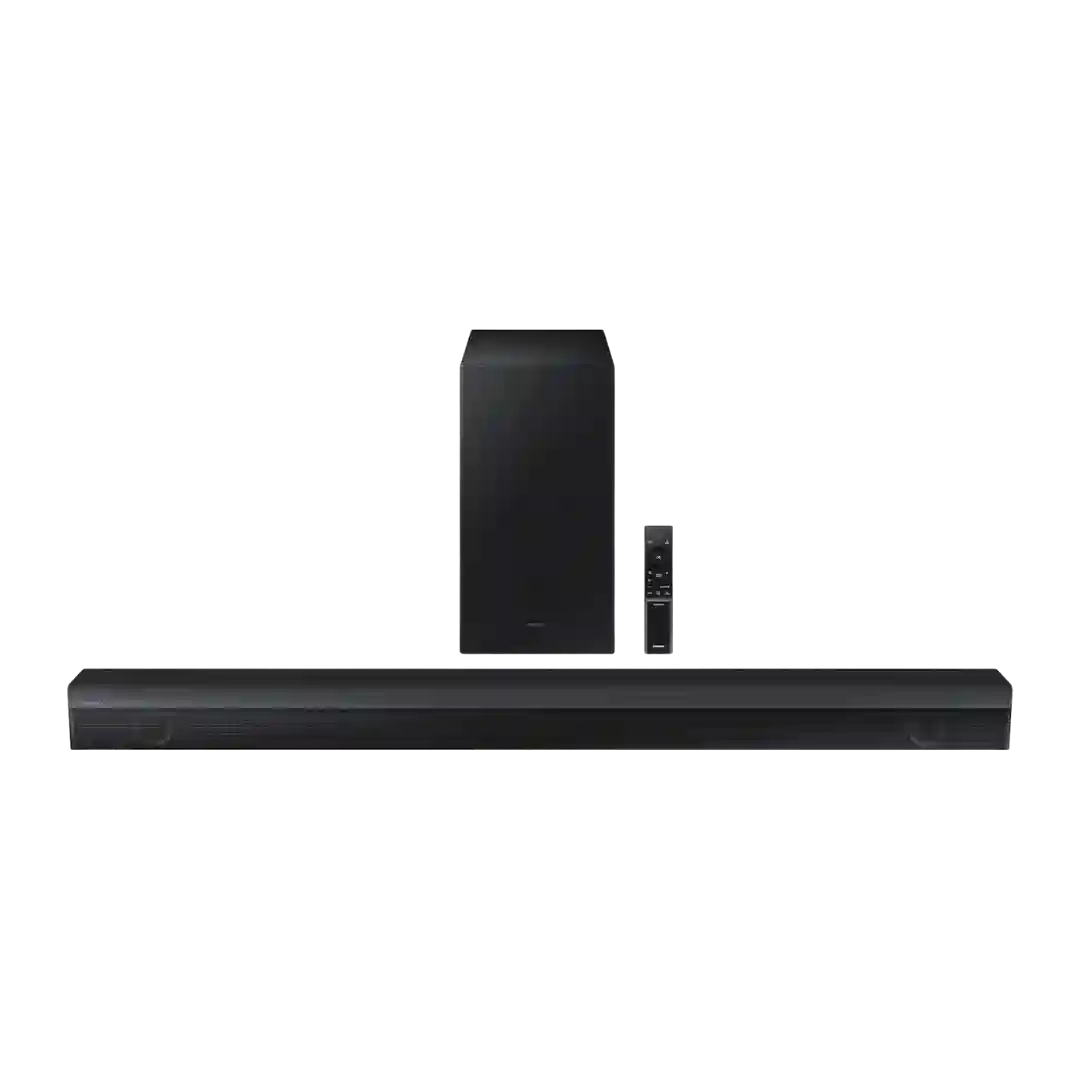
SmartThings is widely used for setup and tuning; app control is generally stable and useful for calibration, channel levels, and modes, though some note the remote/display is slower for deeper adjustments.
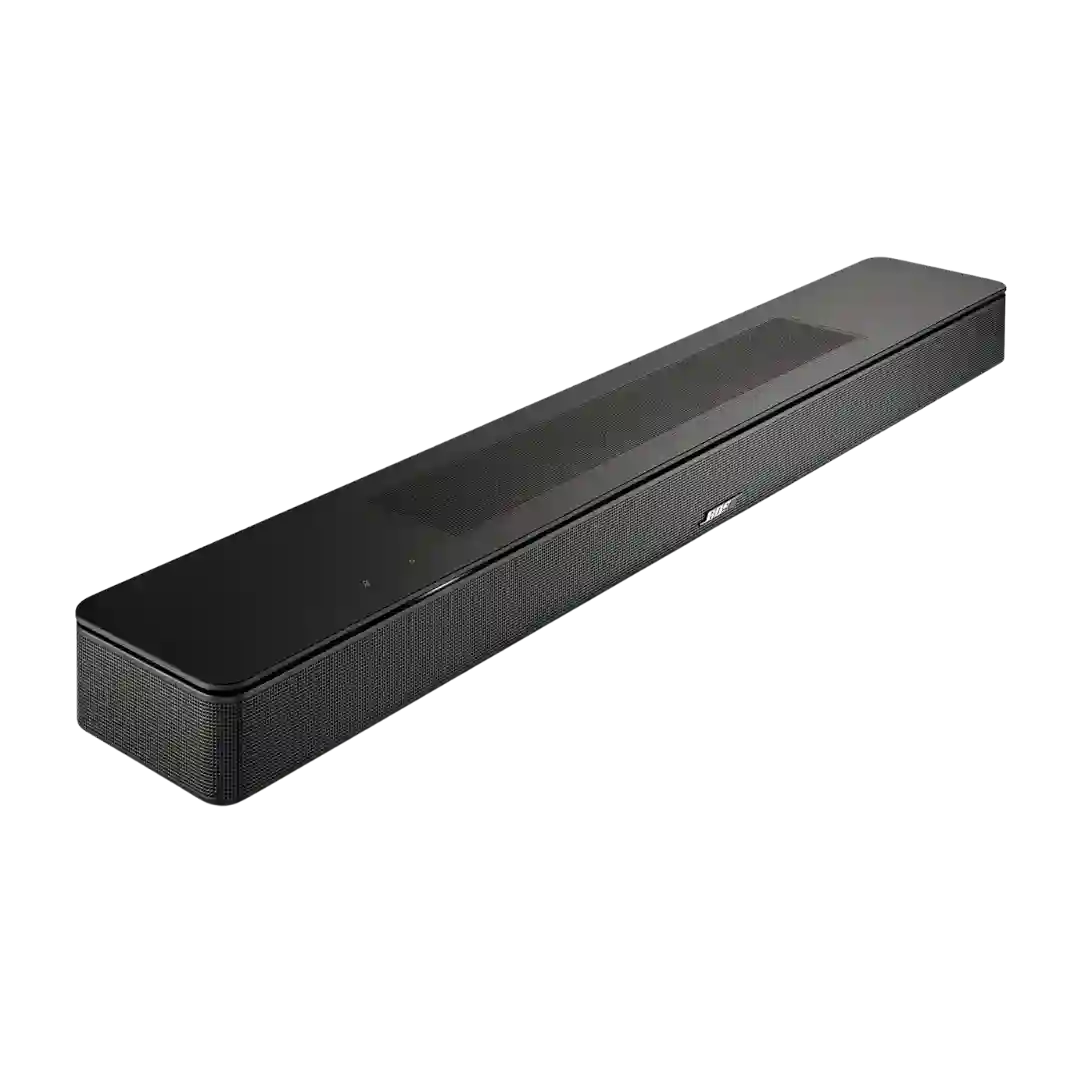
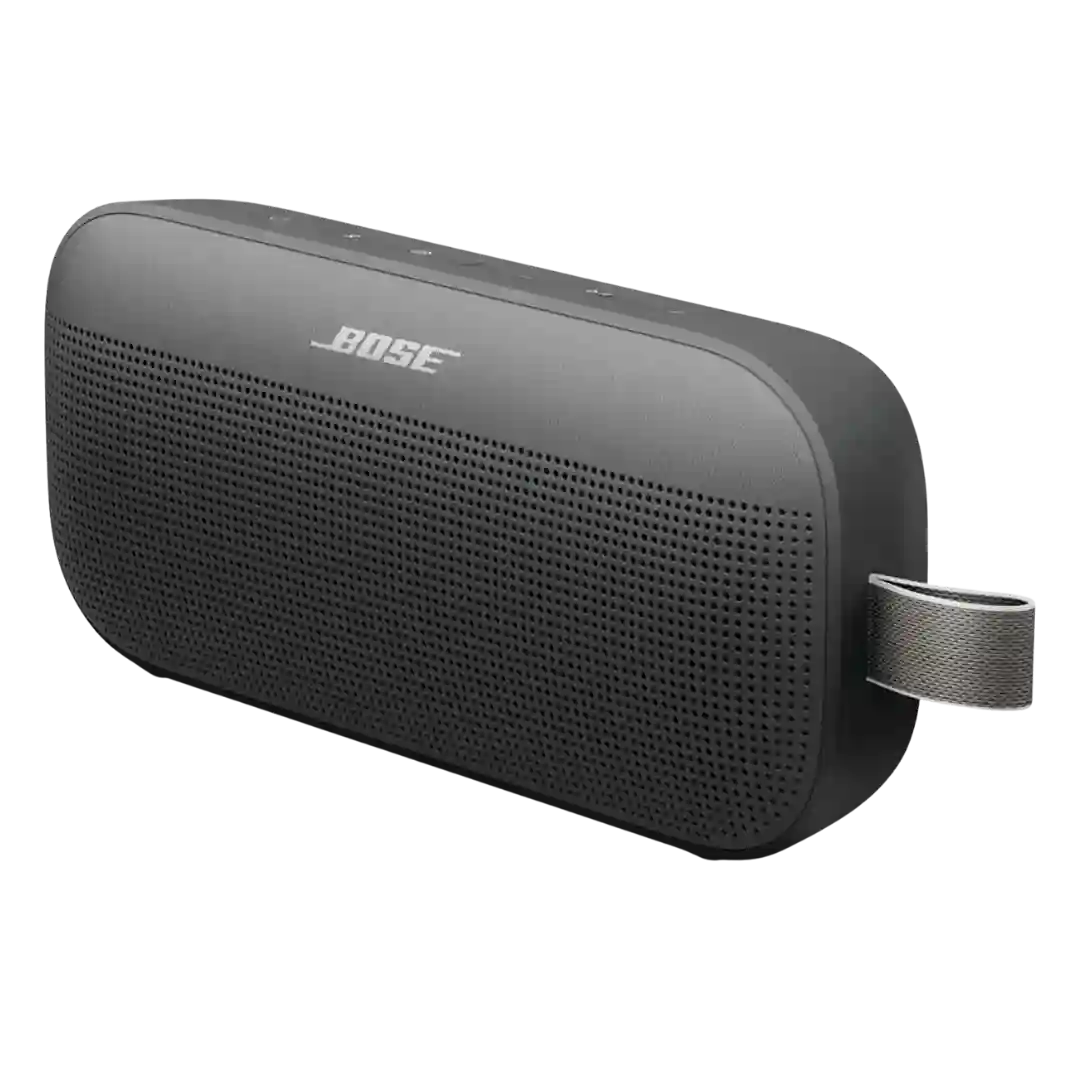
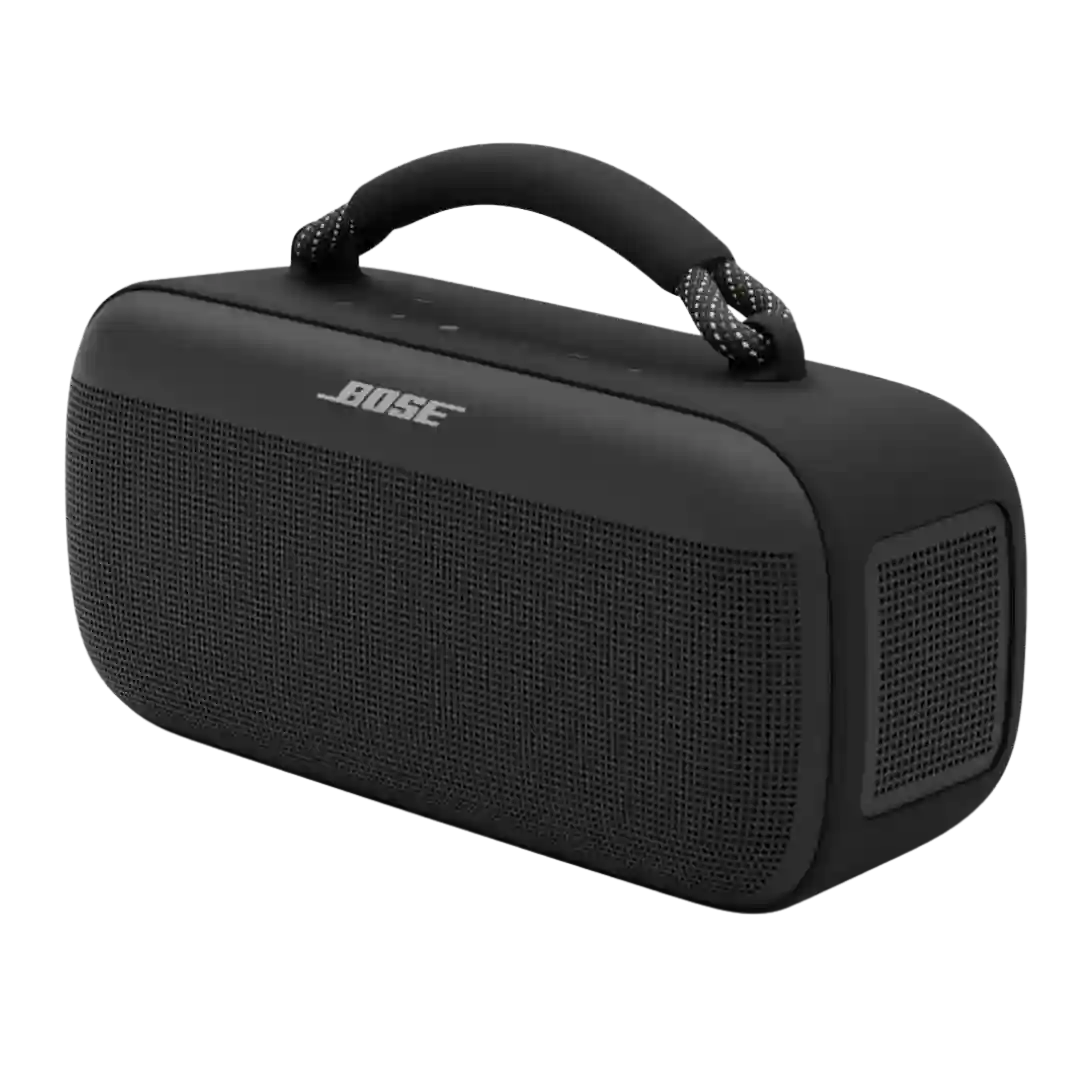
The Bose app is generally viewed as easy to use and essential for unlocking the bar’s best features, though a few reviewers noted minor UX quirks or a one-time pairing/update hiccup.
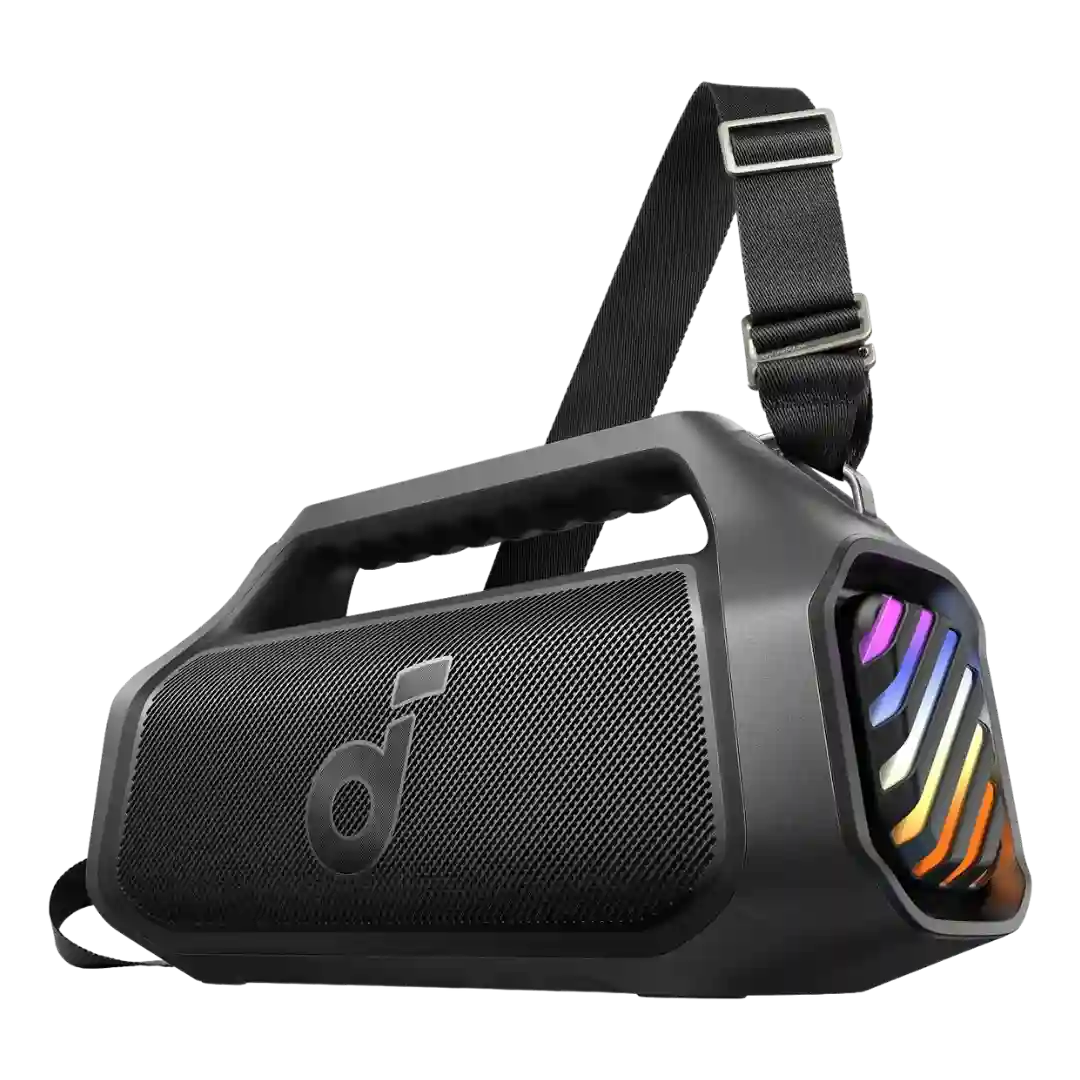
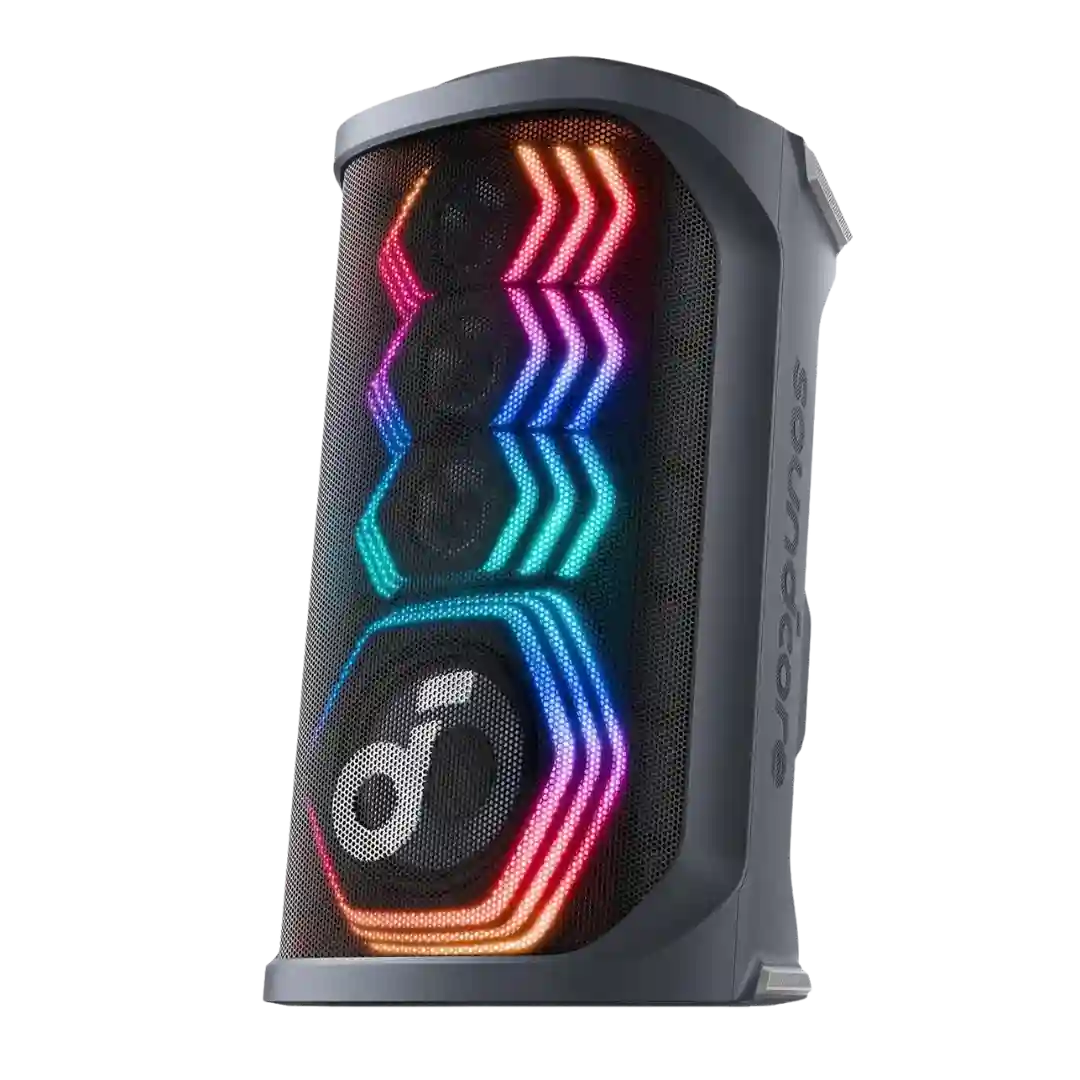
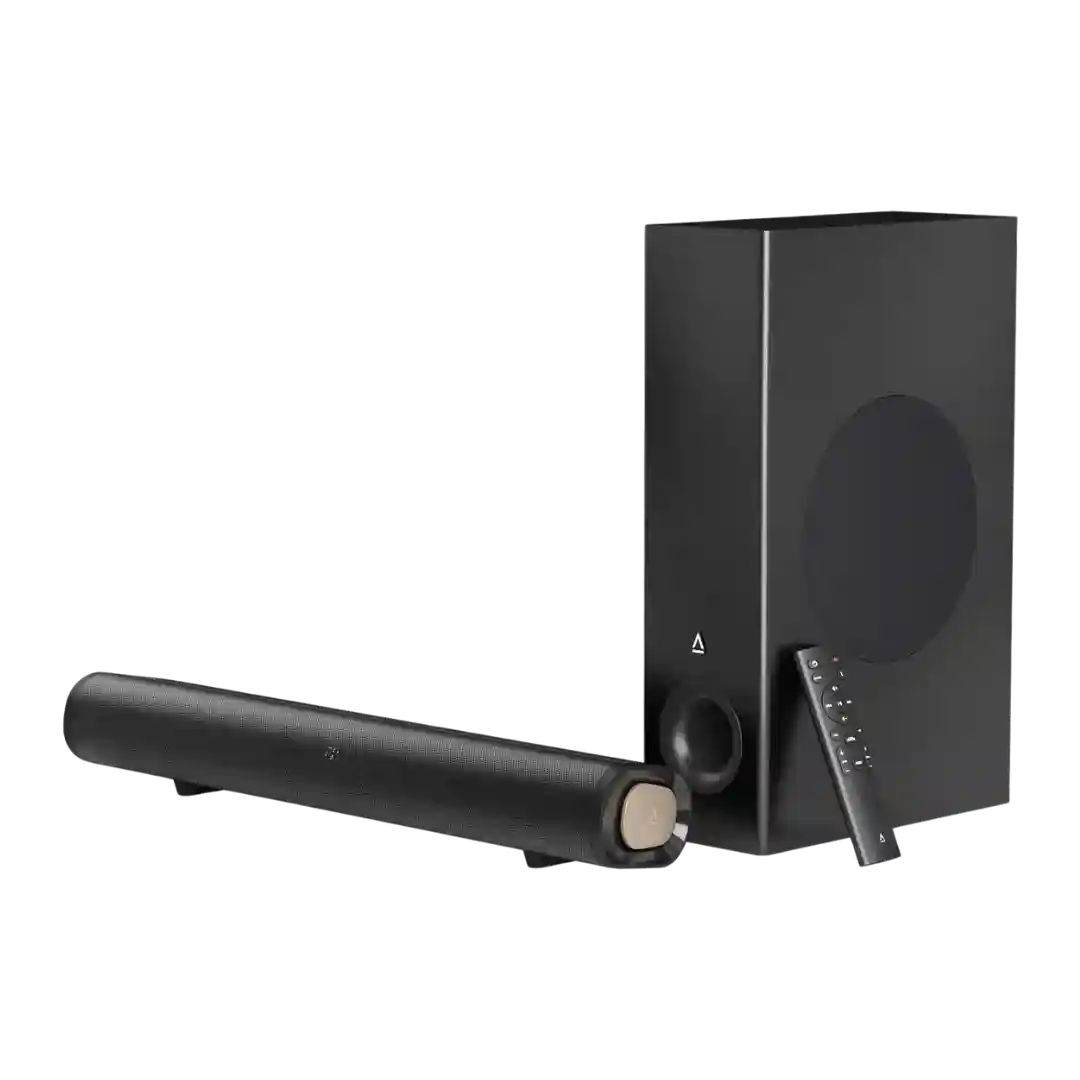
The Soundcore app is repeatedly called stable and genuinely useful, with fast connection, firmware updates, lighting control, and rich audio/karaoke settings that are easy to navigate.
The SmartThings app is commonly described as the easiest way to manage modes, EQ, and channel trims; some reviews still call out UI/streaming quirks or missing conveniences like fully automatic calibration behavior.
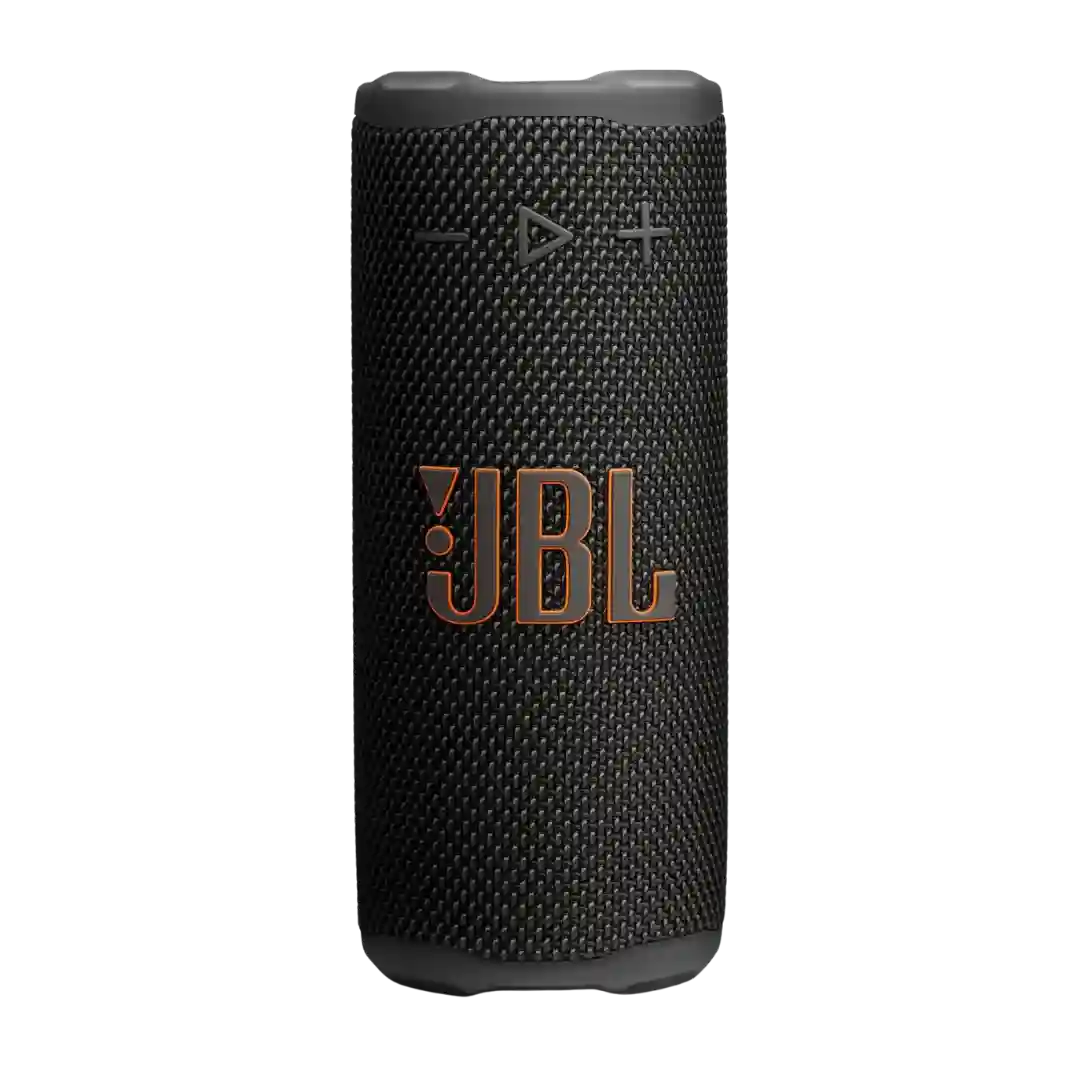
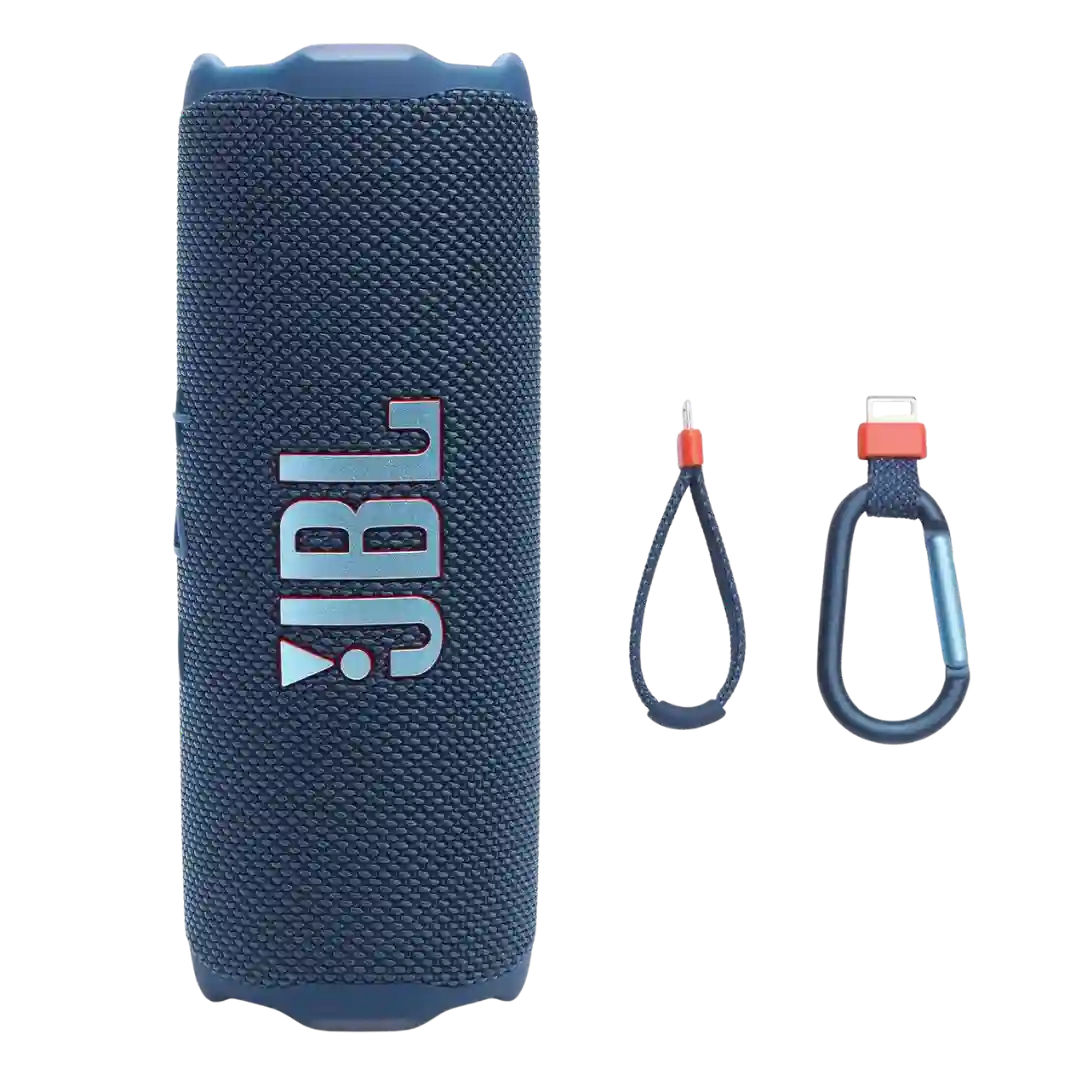
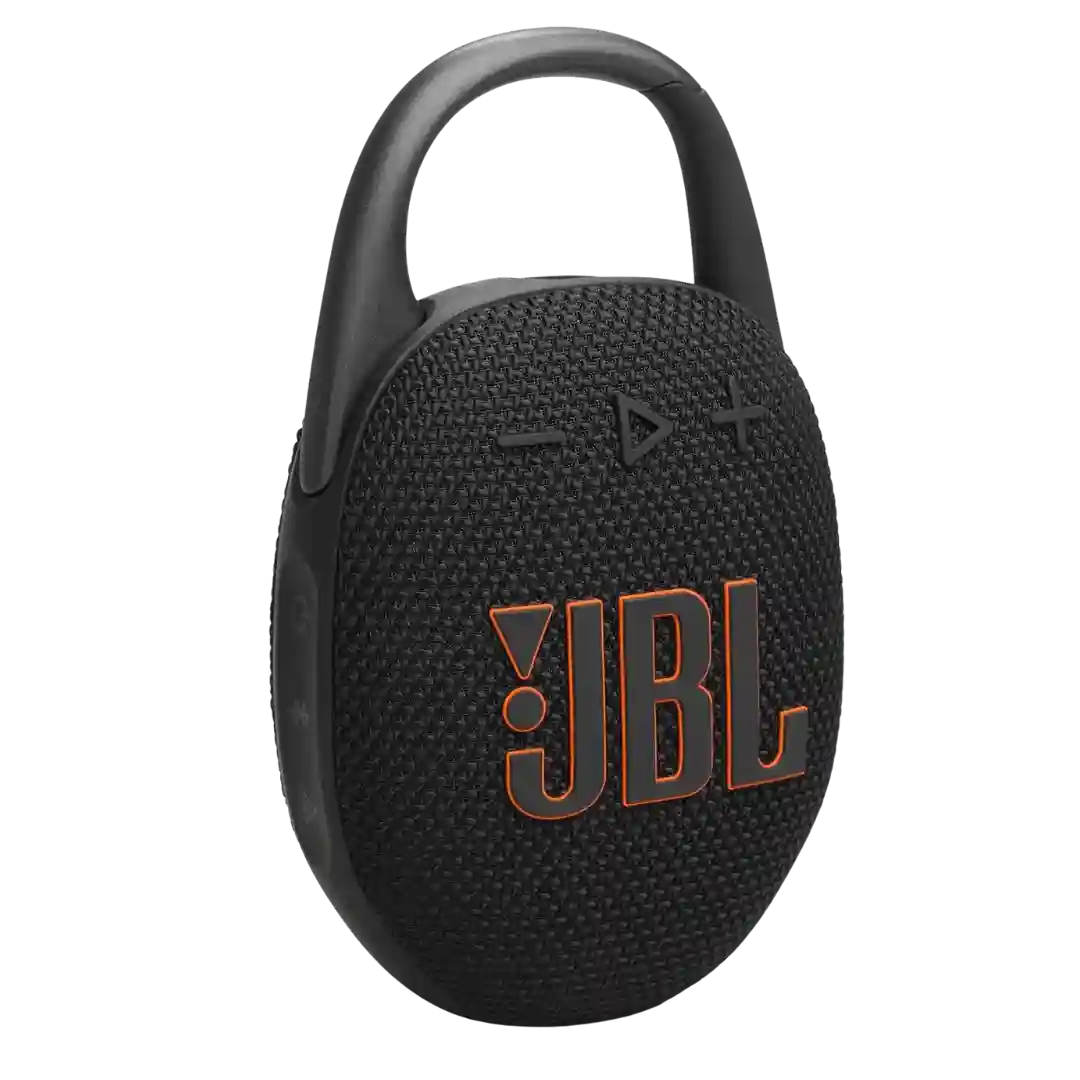
The JBL Portable app is generally described as clean, stable, and easy to navigate, especially for EQ and speaker grouping. Some reviewers still want more features such as better power management, and one notes JBL has multiple apps depending on product type.
The JBL Portable app is generally described as easy to use and helpful for EQ, lighting, and firmware updates; one review notes the app may need updating to recognize the speaker.
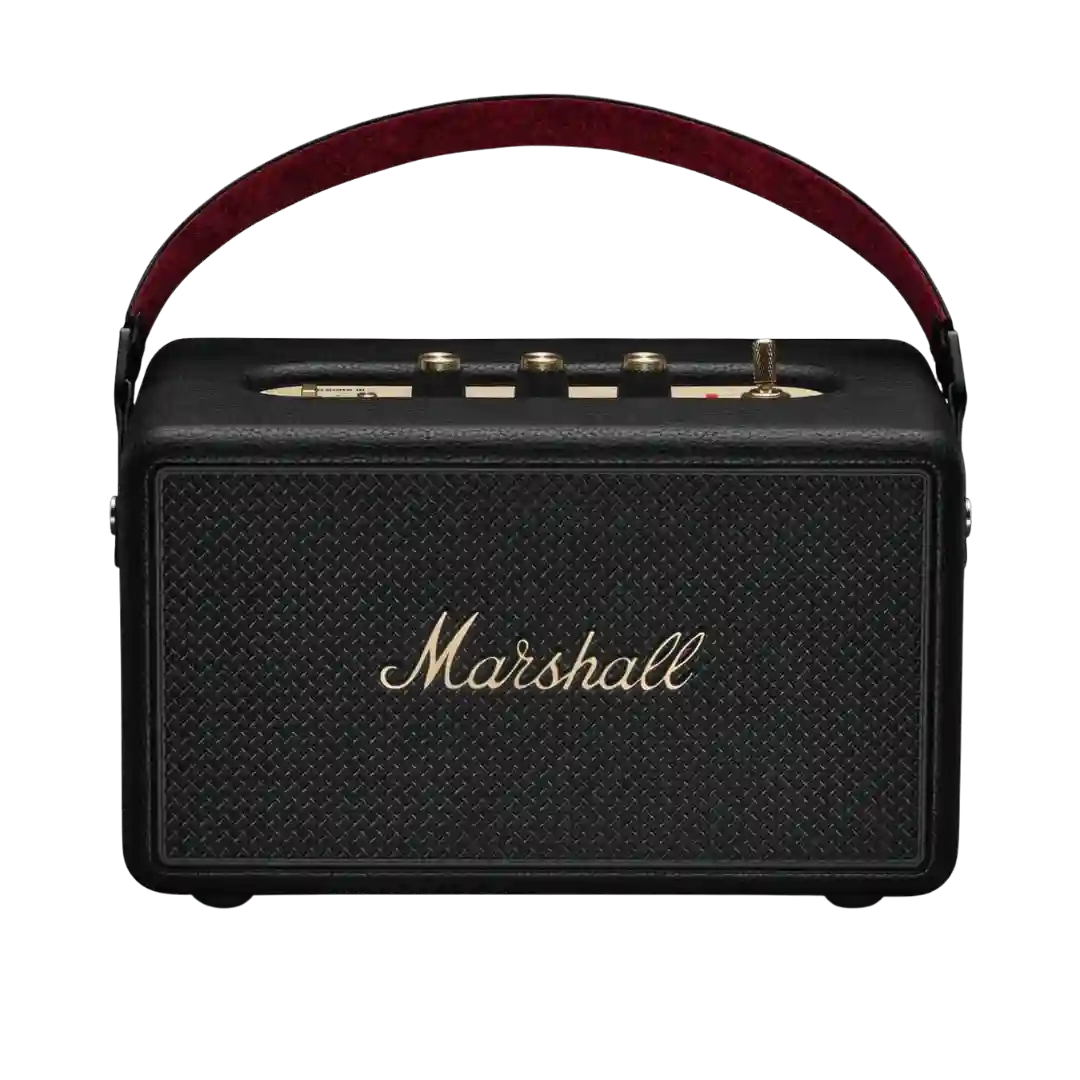
The Marshall app is generally viewed as useful for EQ, placement compensation, and battery features, but there are reports of occasional pairing/setup friction and some early-stage quirks around broadcast features.
BluOS is fast and capable, but app UX splits opinions: some find it intuitive after a learning curve, while others call the controls confusing or inadequate.
The JBL Portable app is commonly described as stable and straightforward, adding speaker grouping, firmware updates, and EQ; a few call it bare-bones but functional.
The Bose app is generally described as stable and easy to navigate, but feature-light compared with some rivals. It reliably handles basic controls, updates, and EQ without major complaints.
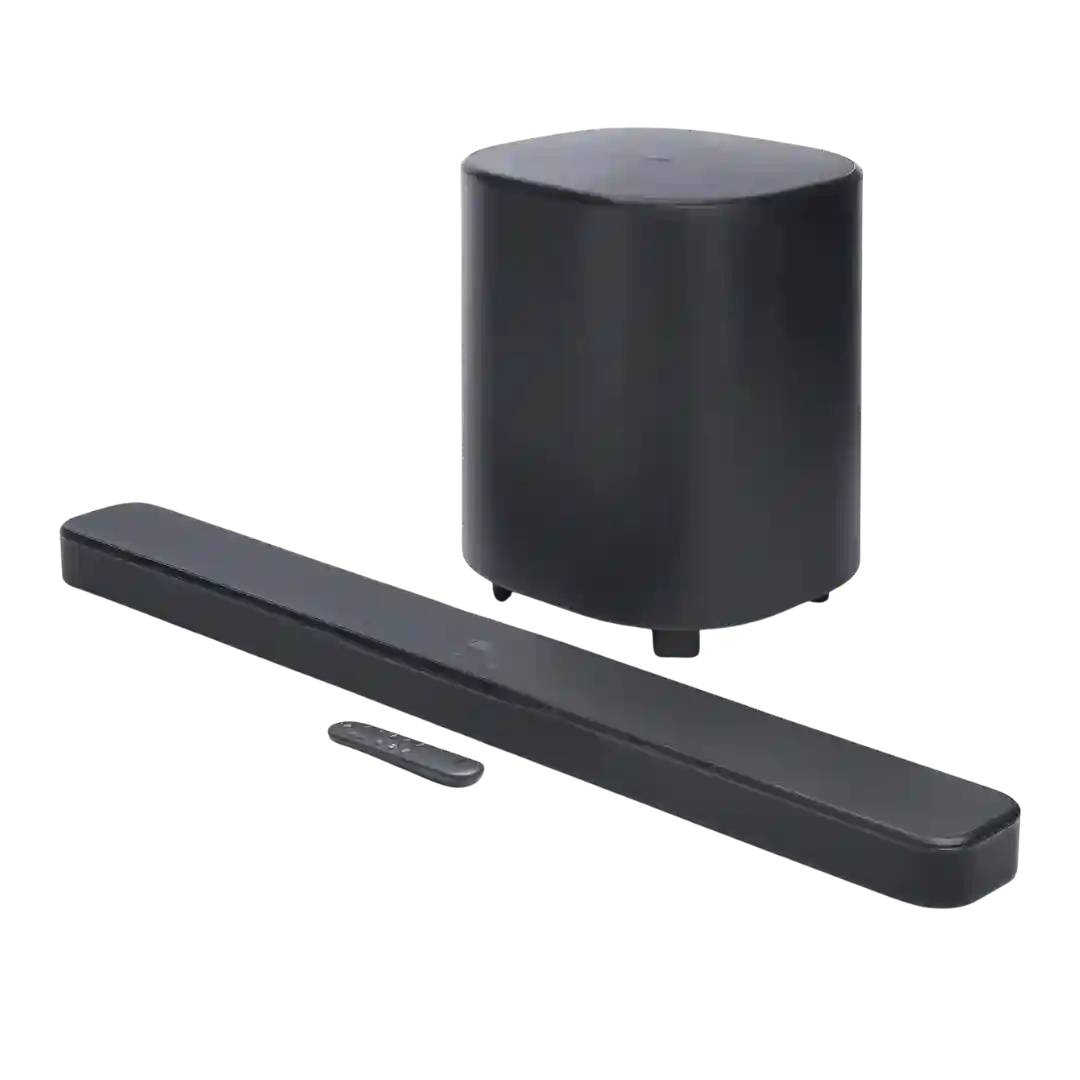
App experiences are mostly positive (fast detection, firmware updates, easy control). A dissenting video review (covering the older Bar 500) reports EQ settings not persisting after power-off and limited preset saving.
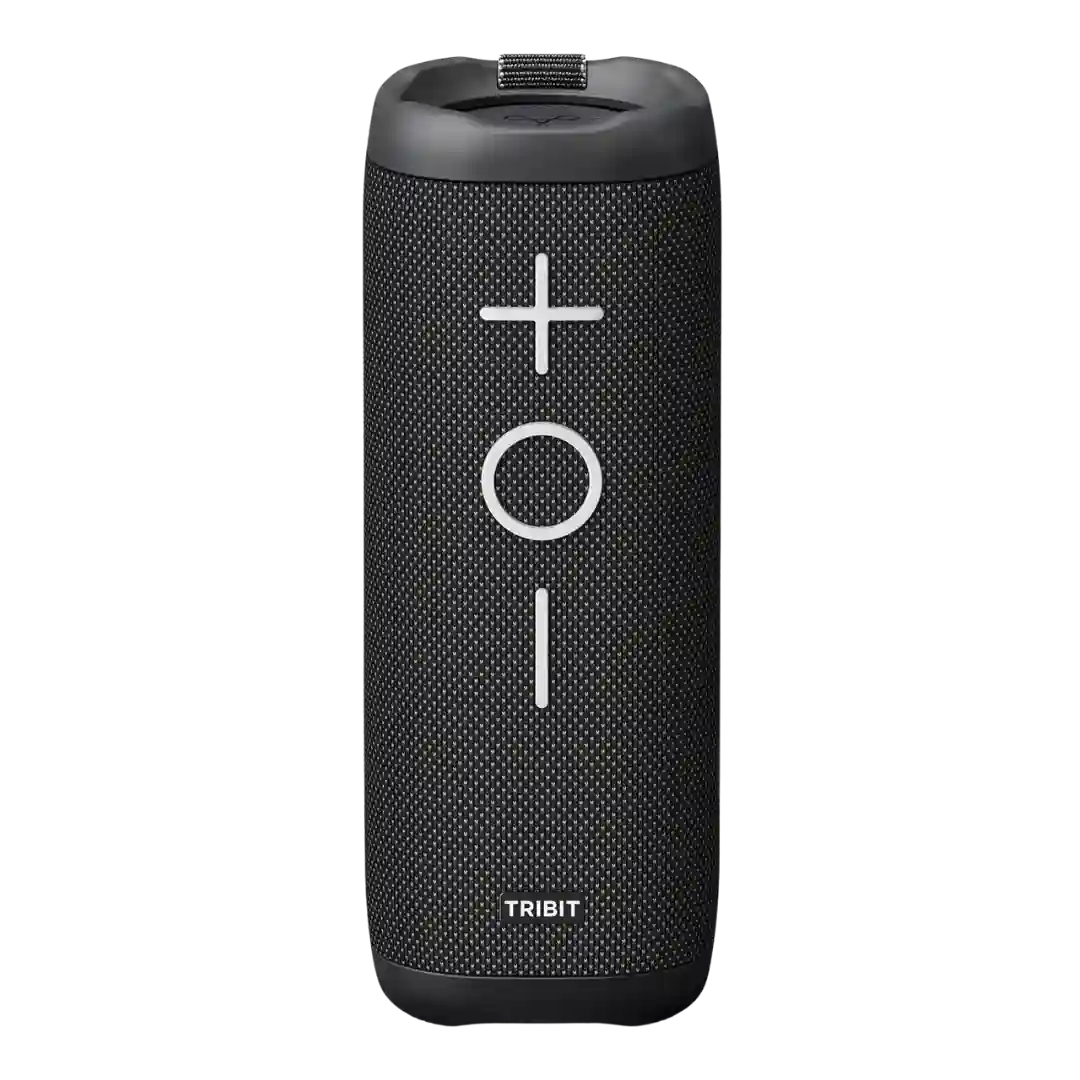
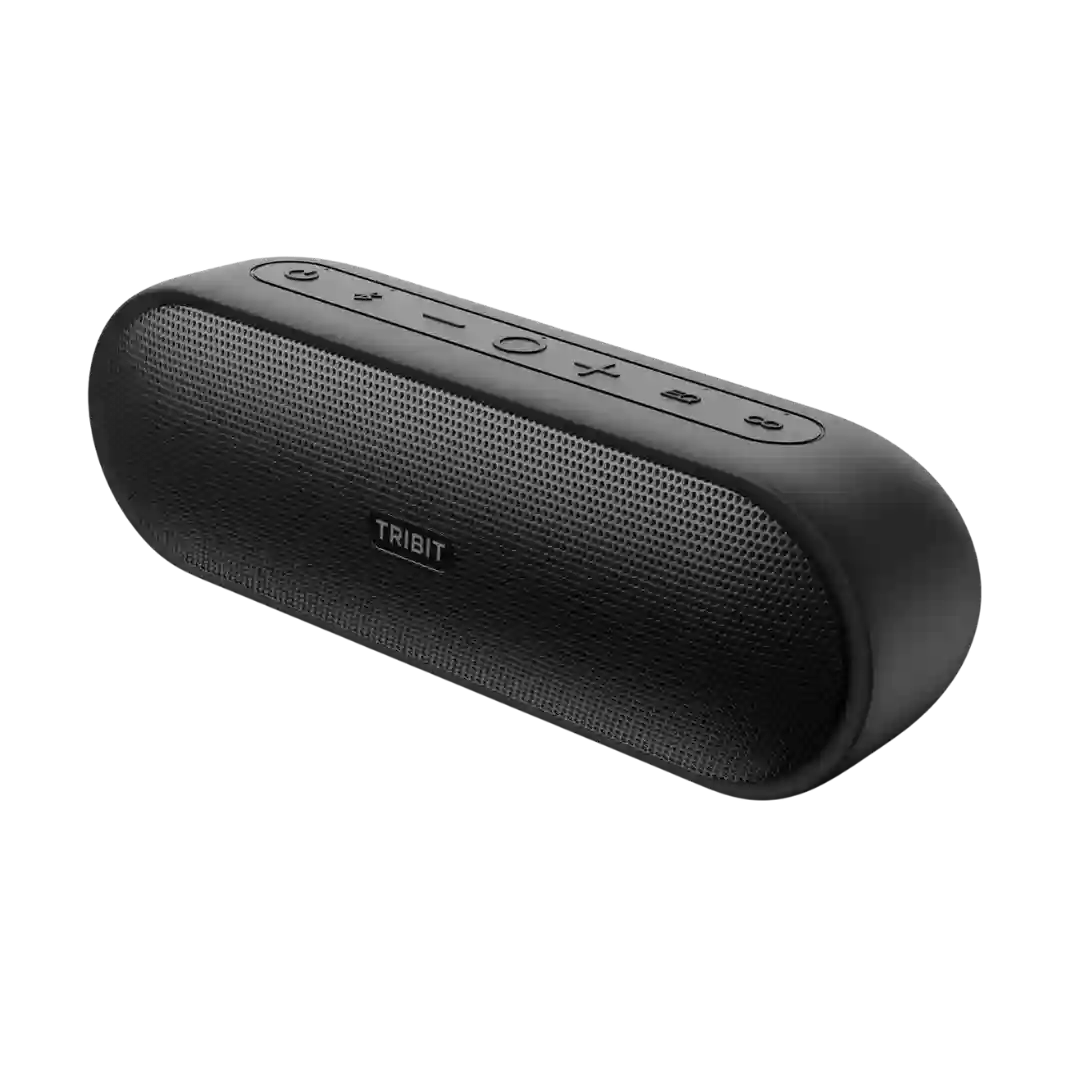
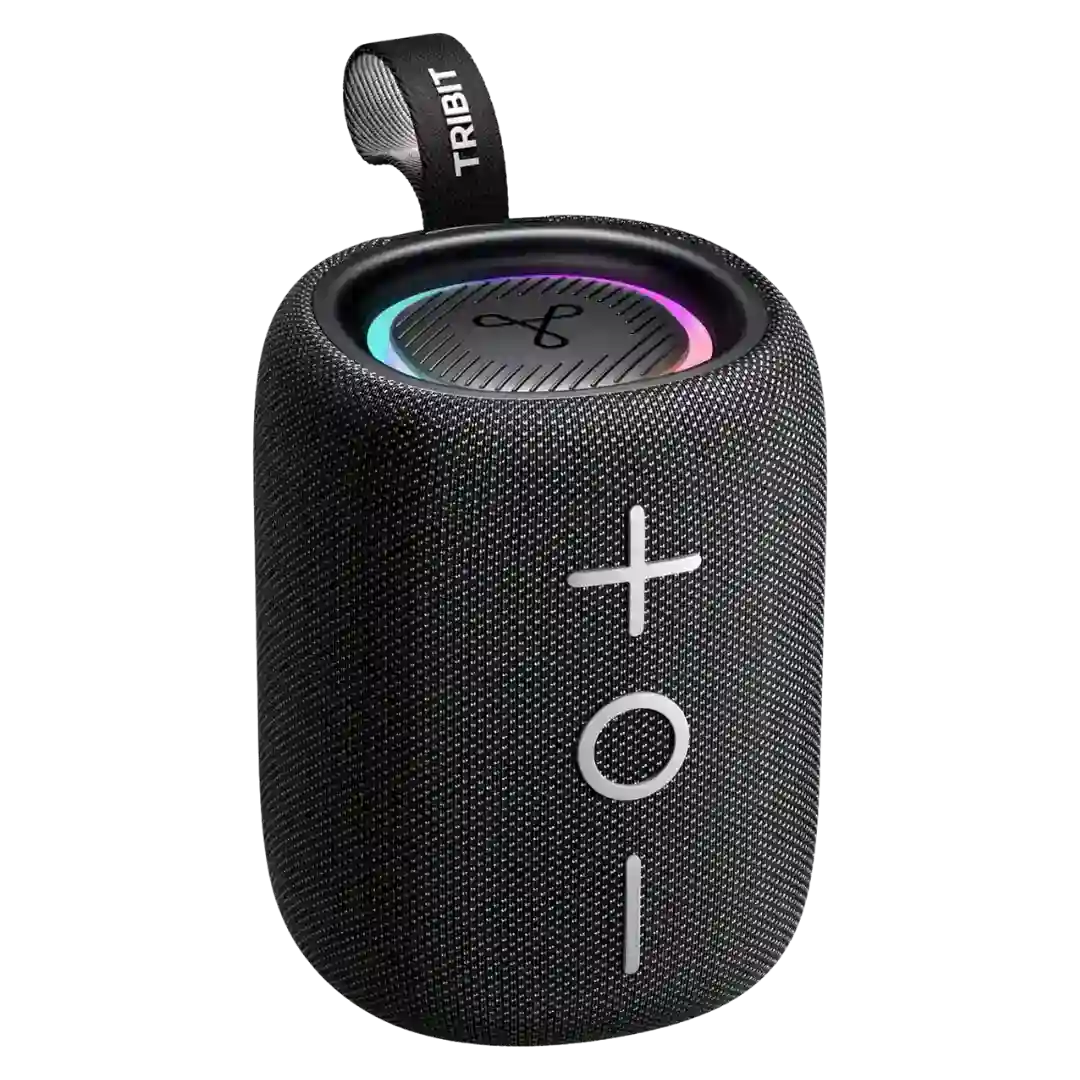
The Tribit app is generally considered useful and easy enough for EQ changes, battery checks, and firmware updates. The downside is that it can feel basic or a little quirky, with a few reviewers noting bugs, missing options, or odd EQ behavior.
App reliability is generally reported as solid for EQ and firmware updates, but a few reviewers mention sluggish performance or account/login friction.
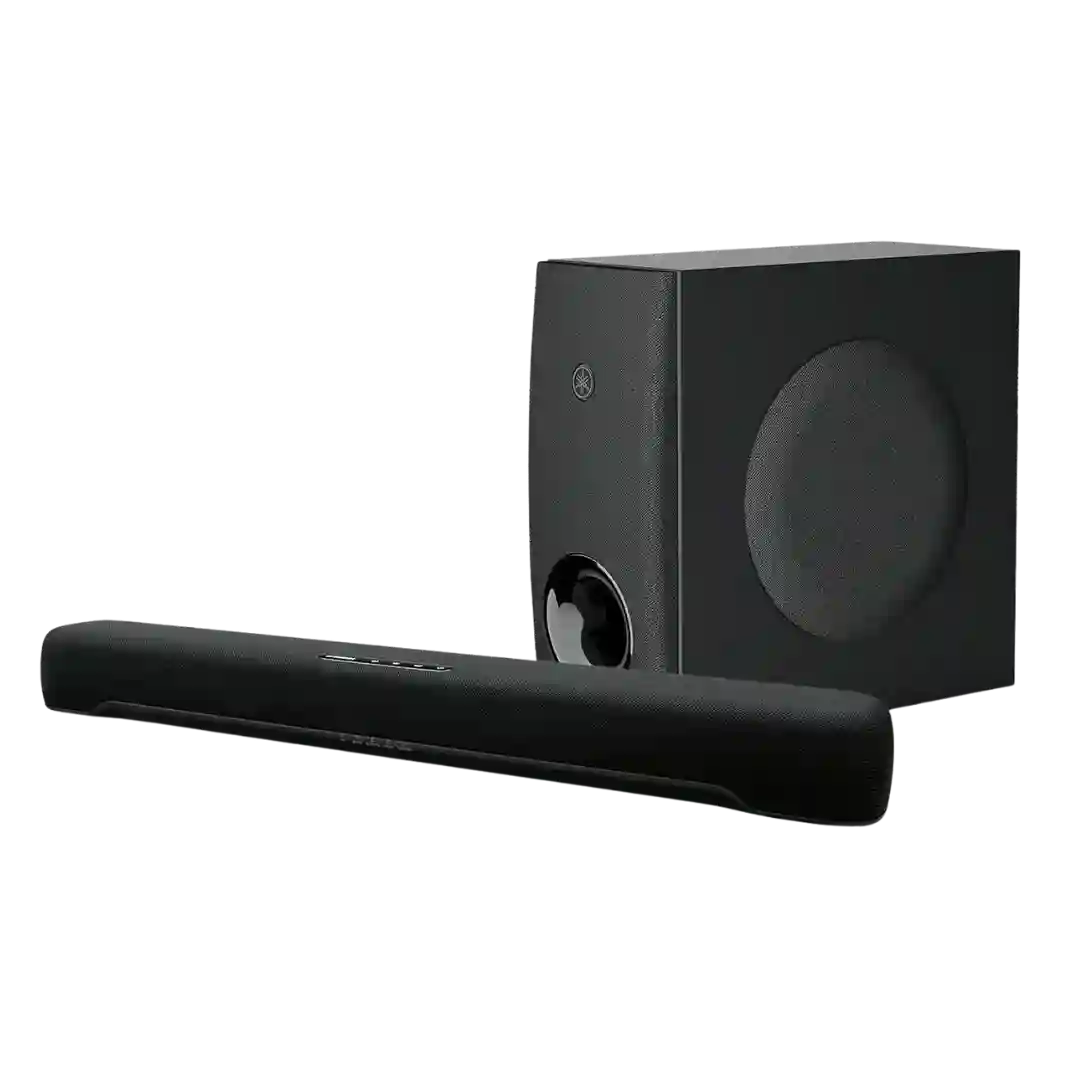
The Sound Bar Remote app is generally described as stable and functional, and especially helpful for visibility into settings that are hard to confirm via LEDs alone.
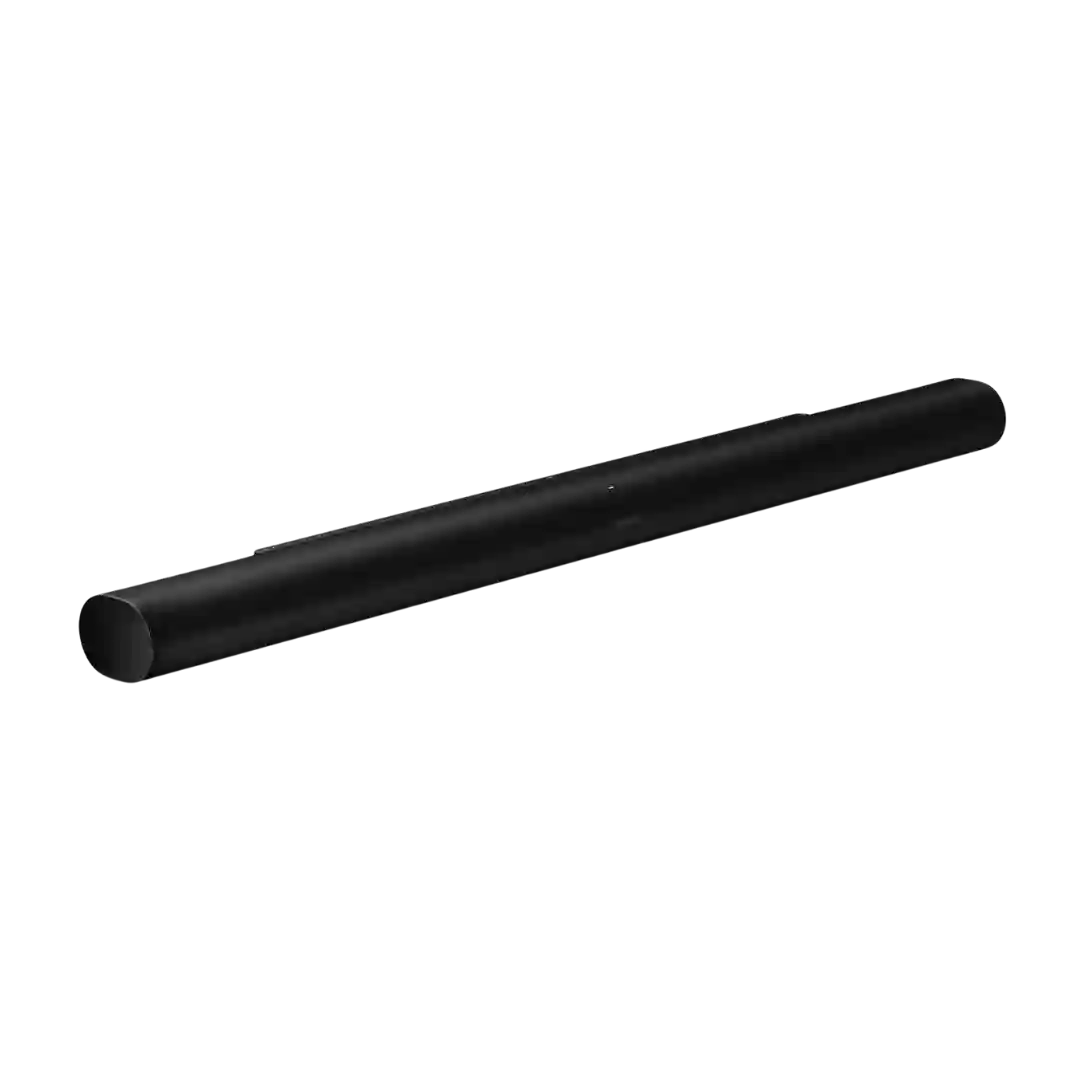
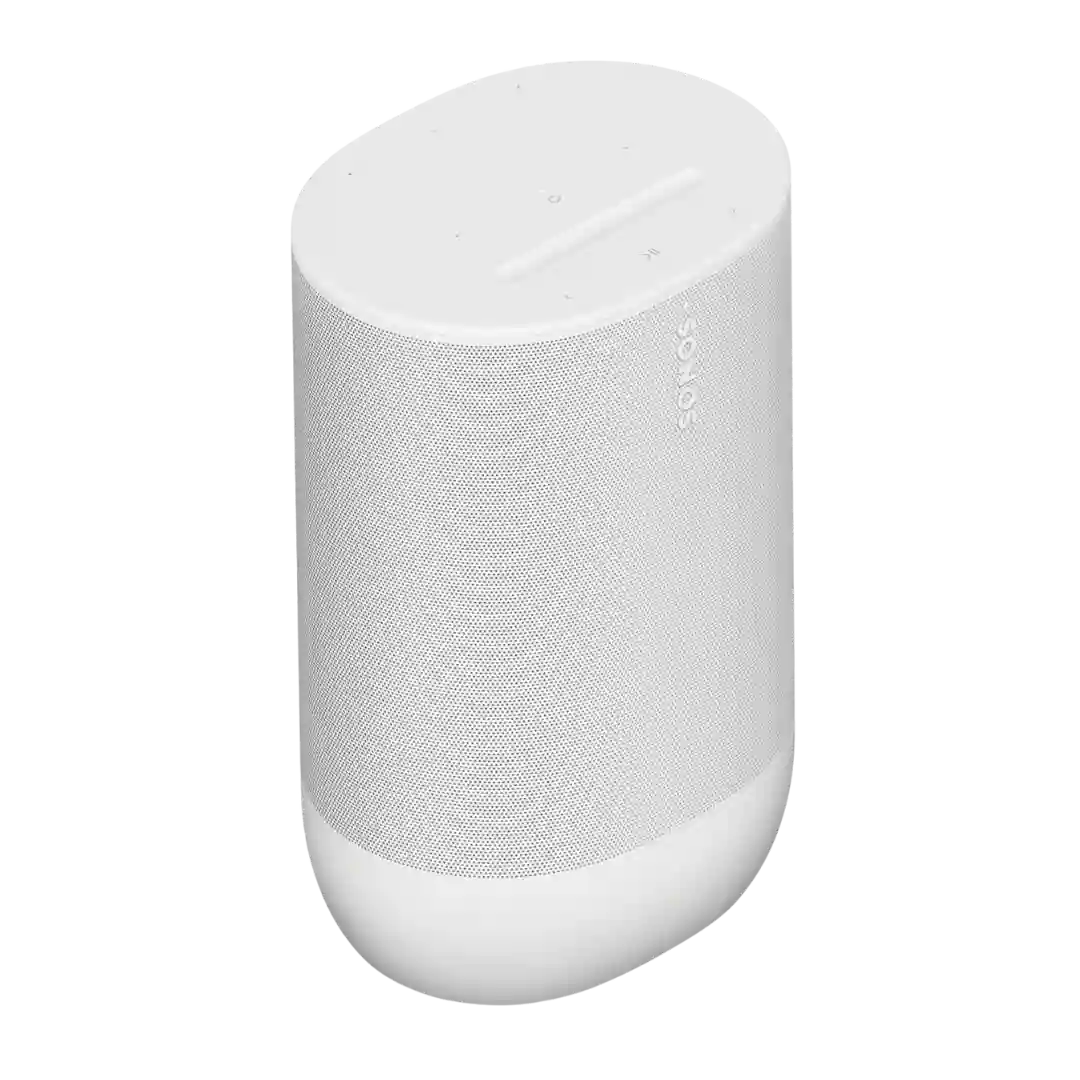
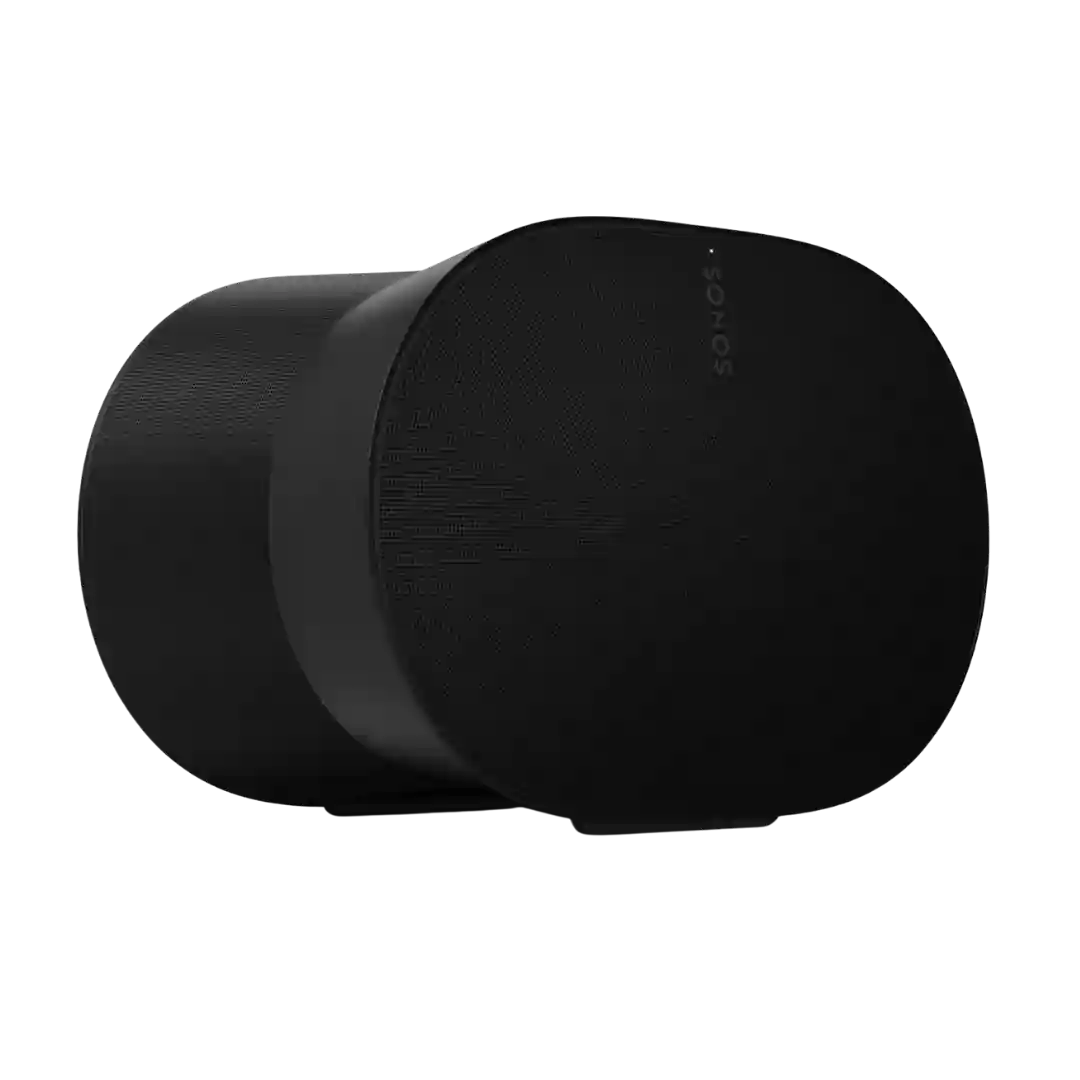
The Sonos app is the hub for setup, tuning, and daily control. Most reviews find it powerful, but a few note a learning curve, past redesign turbulence, and occasional reconnect or router-related hiccups.
KEF Connect is widely described as a big step up from earlier KEF apps, with clean navigation and useful settings, but a minority of reviewers and forum-based reports describe connection loss, setup friction, or firmware-related instability.
The JBL Portable app is generally straightforward and stable, but it is feature-light and required for key functions like Playtime Boost, stereo pairing, and deeper EQ control.
The Tribit app is usually described as simple and functional for EQ, lighting control, and firmware, but not polished. A recurring complaint is that firmware updates or app behavior can be finicky for some users.
The Sonos app is praised for ecosystem control and service integration, yet several reviewers experienced bugs, confusing setup flows, or unhelpful error messages.
The Sonos app remains powerful for setup, grouping, and multiroom control, but the review set is mixed on day-to-day polish. Atmos discovery and search are recurring pain points, and some reviewers called the app slow or clumsy.
The app is generally reliable for detection, lighting control, and updates on supported platforms, but feature depth and platform support are uneven, especially outside Windows.
App experiences are mixed: many find it comprehensive for grouping, EQ, and setup, while others report Wi-Fi setup friction and occasional UI glitches that require restarts.
ThinQ app experience is a major split point. Several reviewers criticize account/permission demands, pairing friction, and unreliable or confusing extra features, while at least one describes the newer ThinQ approach as improved versus older LG apps.
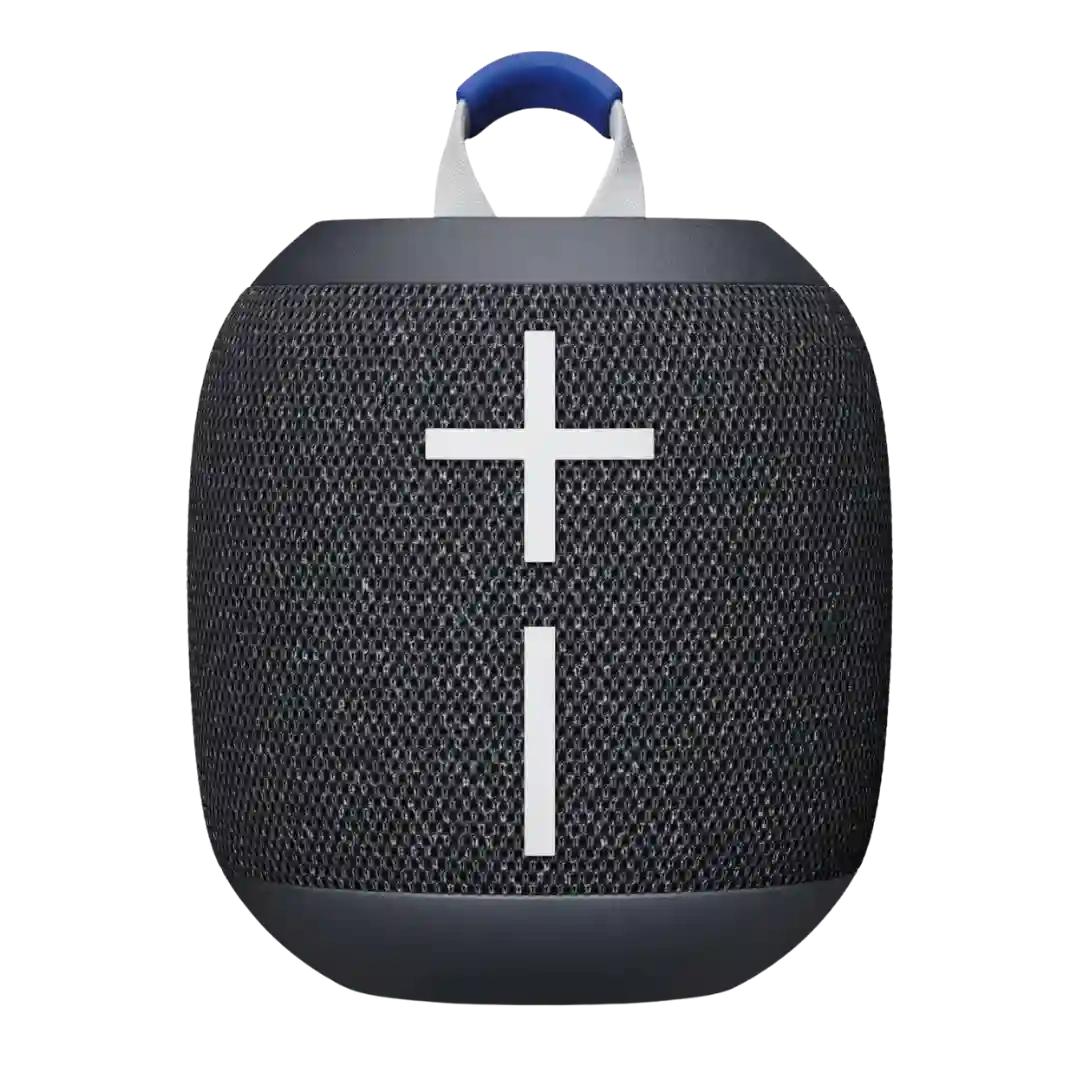
Most reviews report there is no companion app support for Wonderboom 4, limiting control to on-device buttons and preset modes. One YouTube review claims UE Boom app support and more features, making app expectations inconsistent across sources.
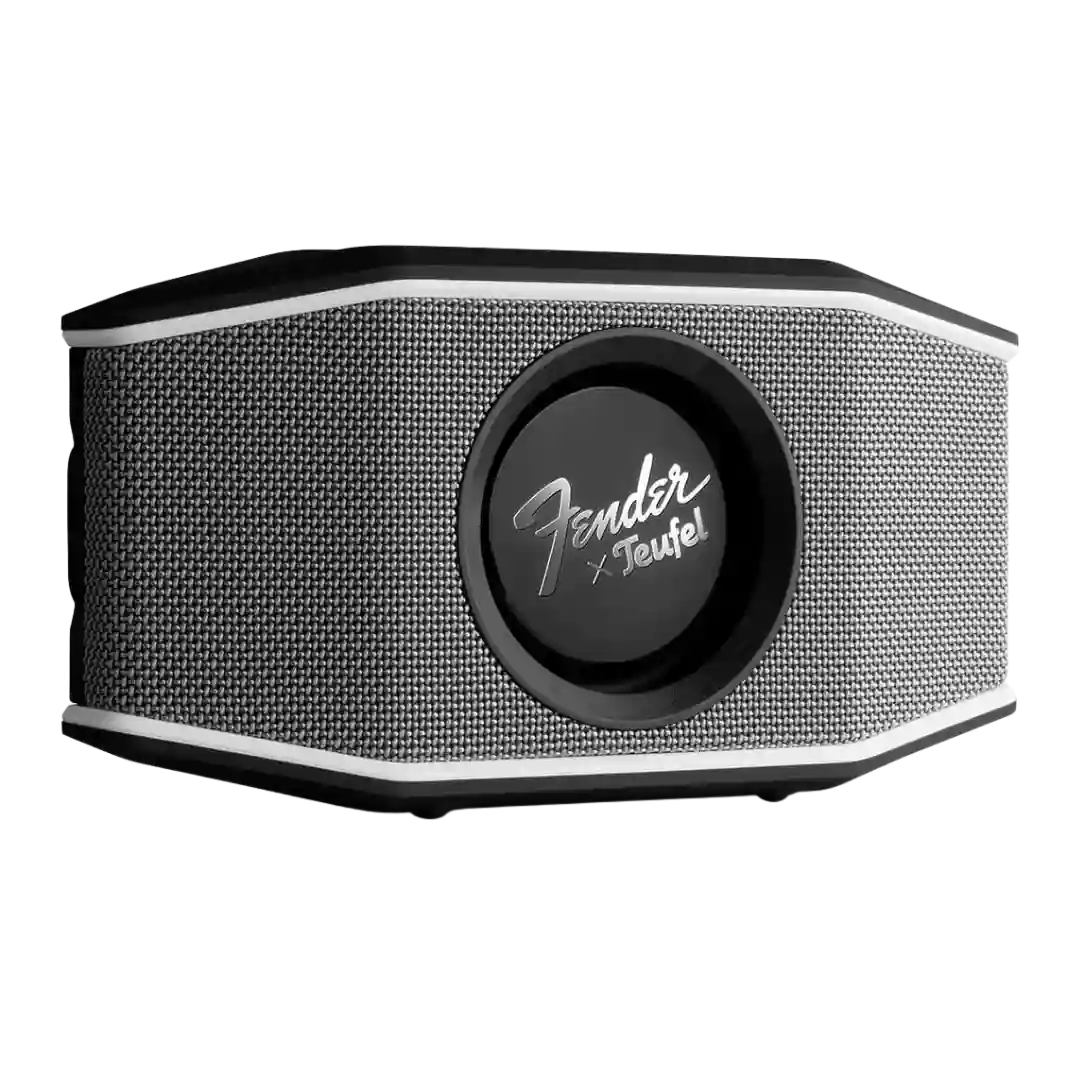
App support is a weak point. Most reviews say there is no real companion app for this portable model, and one outlet could not get the advertised app connection to work.