Best for console gaming compatibility
Alienware 27 4K Gaming Monitor AW2725Q
4.9 feature score
Highest scored product for this feature based on supporting review evidence.
Highest scored product for this feature based on supporting review evidence.
Balances feature score, supporting reviews, and overall product strength.
Has the broadest review evidence for this feature.
Strongest overall product among items with scored evidence for this feature.
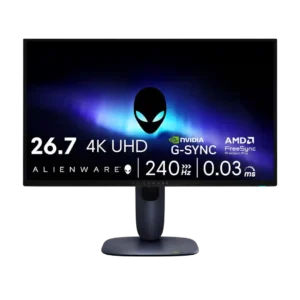
Console compatibility was praised thanks to HDMI support and strong PS5/Xbox signal handling, despite the panel exceeding console frame-rate needs.
Pros: response time, contrast
Cons: built-in speakers, software support
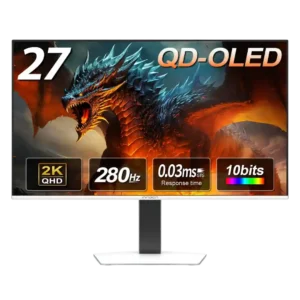
Console support is strong, with 1440p, 120Hz, VRR, and low-latency options. Some Xbox and 4K-upscaling settings may need extra toggling before they work correctly.
Pros: screen size, panel type
Cons: KVM switch performance, USB hub functionality
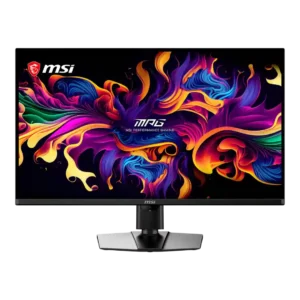
Modern consoles receive strong 4K/120Hz, VRR, HDMI 2.1, and CEC support. Black-frame insertion cannot be used from a 120Hz console signal, and Dolby Vision is absent.
Pros: panel type, response time
Cons: built-in speakers, curved screen immersion
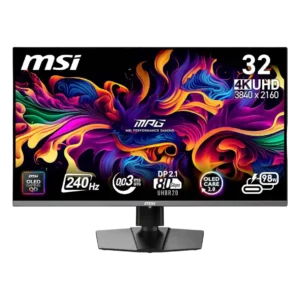
Dual HDMI 2.1 inputs and low latency work well with current Xbox and PlayStation consoles. Console-only players may not benefit enough from the expensive DisplayPort-focused upgrades.
Pros: response time, motion clarity
Cons: warranty and support service, sleep and wake behavior
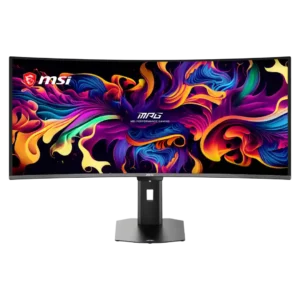
Console Mode accepts 4K HDR signals and adds HDMI 2.1, VRR, ALLM, and CEC support. The ultrawide panel may still display consoles in a 16:9 area.
Pros: screen size, panel type
Cons: Resolution, cable management
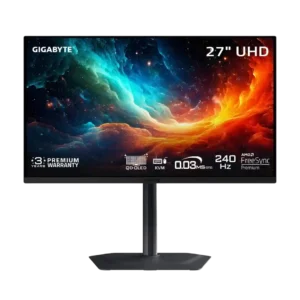
Dual HDMI 2.1 inputs and 120Hz VRR support make the monitor well suited to modern consoles. VRR anti-flicker support may depend on firmware.
Pros: input lag, viewing angles
Cons: color accuracy, software support
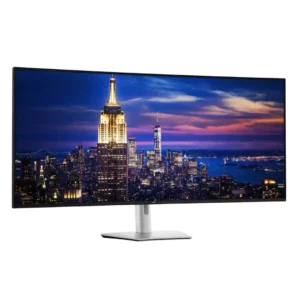
Console support is compromised by unusual aspect ratios and inconsistent resolution or refresh options. Some consoles may stretch the image or fail to recognize available 4K modes correctly.
Pros: input lag, backlight bleed control
Cons: overdrive tuning, ghosting control