Best for DisplayPort connectivity
MSI MPG 322UR QD-OLED X24
5.0 feature score
Highest scored product for this feature based on supporting review evidence.
Highest scored product for this feature based on supporting review evidence.
Balances feature score, supporting reviews, and overall product strength.
Has the broadest review evidence for this feature.
Strongest overall product among items with scored evidence for this feature.
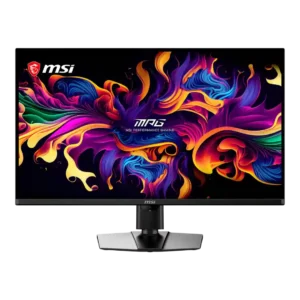
Full-bandwidth DisplayPort 2.1a supports uncompressed 4K at 240Hz and is the preferred PC connection. Reviewers praised MSI for avoiding bandwidth compromises.
Pros: panel type, response time
Cons: built-in speakers, curved screen immersion
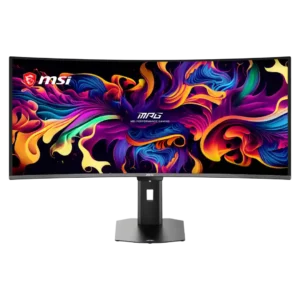
DisplayPort provides enough bandwidth for the native 3440×1440 resolution at 360Hz, and included high-bandwidth cabling simplifies setup.
Pros: screen size, panel type
Cons: Resolution, cable management
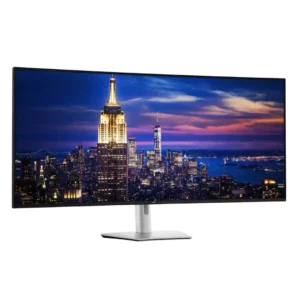
Dual DisplayPort 1.4 inputs are especially useful for desktops, Linux systems, and full-resolution 6K operation. DisplayPort proved reliable across a wide range of graphics hardware.
Pros: input lag, backlight bleed control
Cons: overdrive tuning, ghosting control
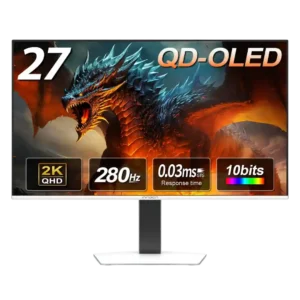
Two DisplayPort inputs are unusually generous for the price and are useful for multi-PC or desktop-heavy setups.
Pros: screen size, panel type
Cons: KVM switch performance, USB hub functionality
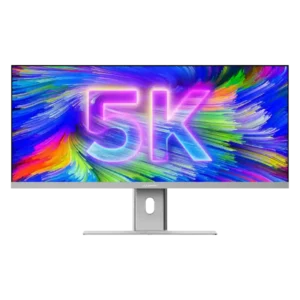
DisplayPort 1.4 gives PC users a direct, adapter-free connection and preserves the intended visual experience. It is a strong alternative when USB-C is unavailable.
Pros: productivity versatility, aspect ratio
Cons: HDR performance, HDMI 2.1 support
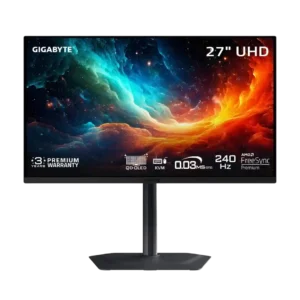
DisplayPort 1.4 with DSC handles the monitor’s 4K 240Hz output without a meaningful real-world penalty. The lack of DisplayPort 2.1 is mostly academic.
Pros: input lag, viewing angles
Cons: color accuracy, software support
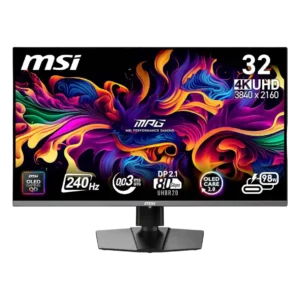
DisplayPort 2.1 UHBR20 enables uncompressed 4K at 240Hz and adds future-facing bandwidth. Reviewers disagree on its present value, and several owners reported serious early DisplayPort failures.
Pros: response time, motion clarity
Cons: warranty and support service, sleep and wake behavior
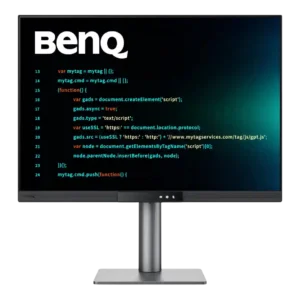
DisplayPort connectivity supports the full panel and daisy chaining, but bandwidth becomes tight when driving multiple high-resolution screens at 120Hz. Careful cable and compression support may be needed.
Pros: VESA mount compatibility, productivity versatility
Cons: HDR performance, local dimming performance
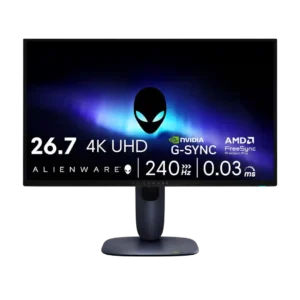
DisplayPort connectivity was a weakness because reviewers repeatedly criticized the lack of DisplayPort 2.1.
Pros: response time, contrast
Cons: built-in speakers, software support