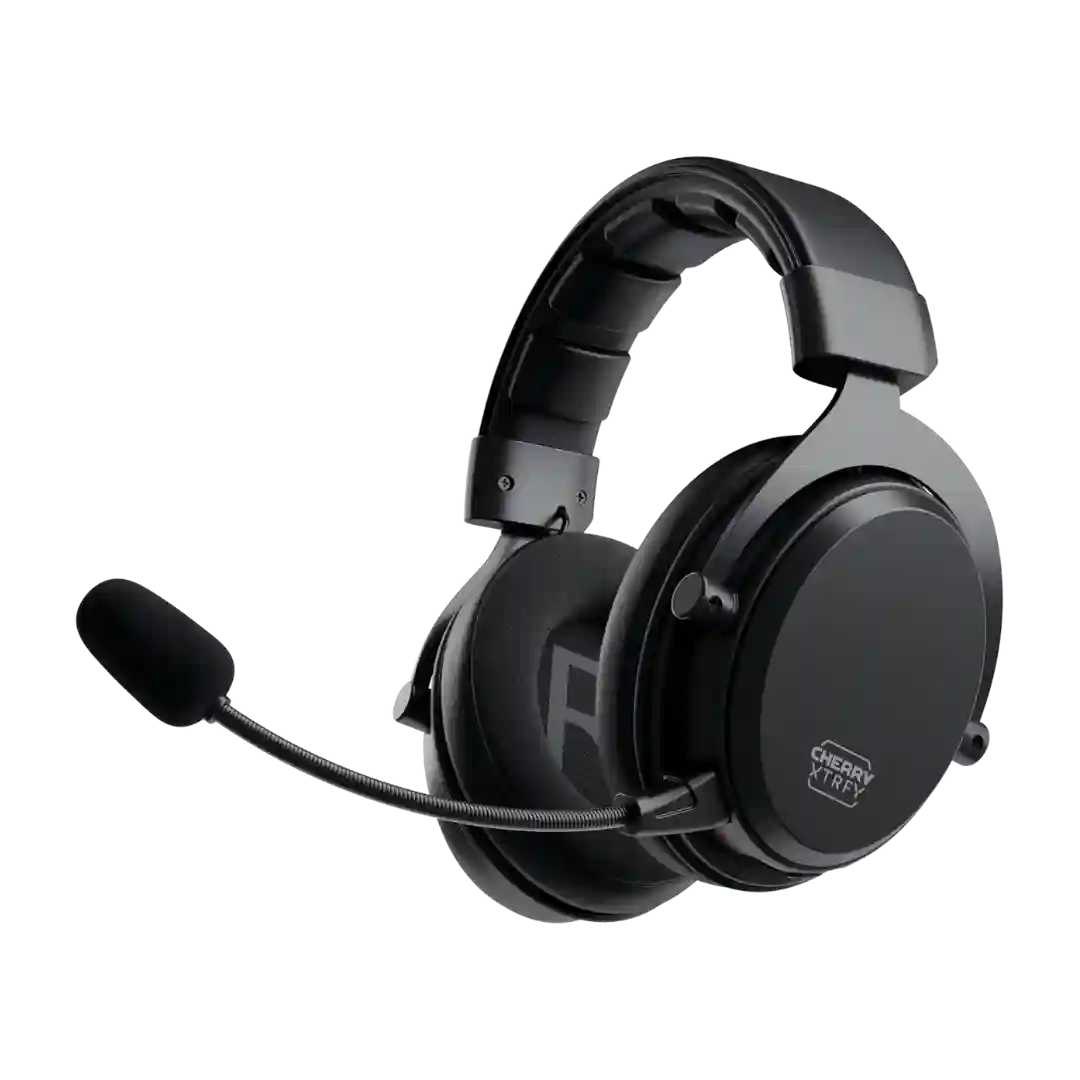
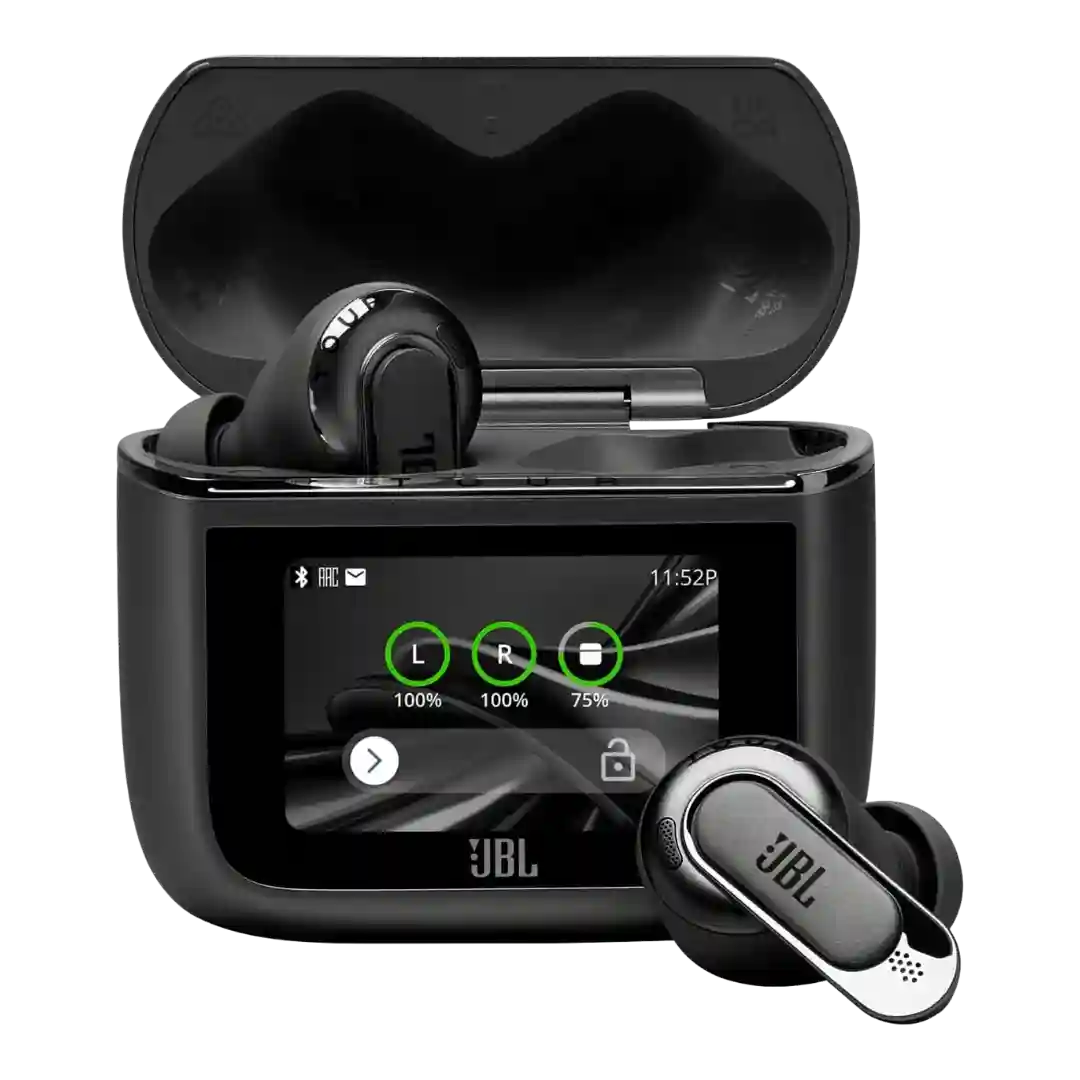
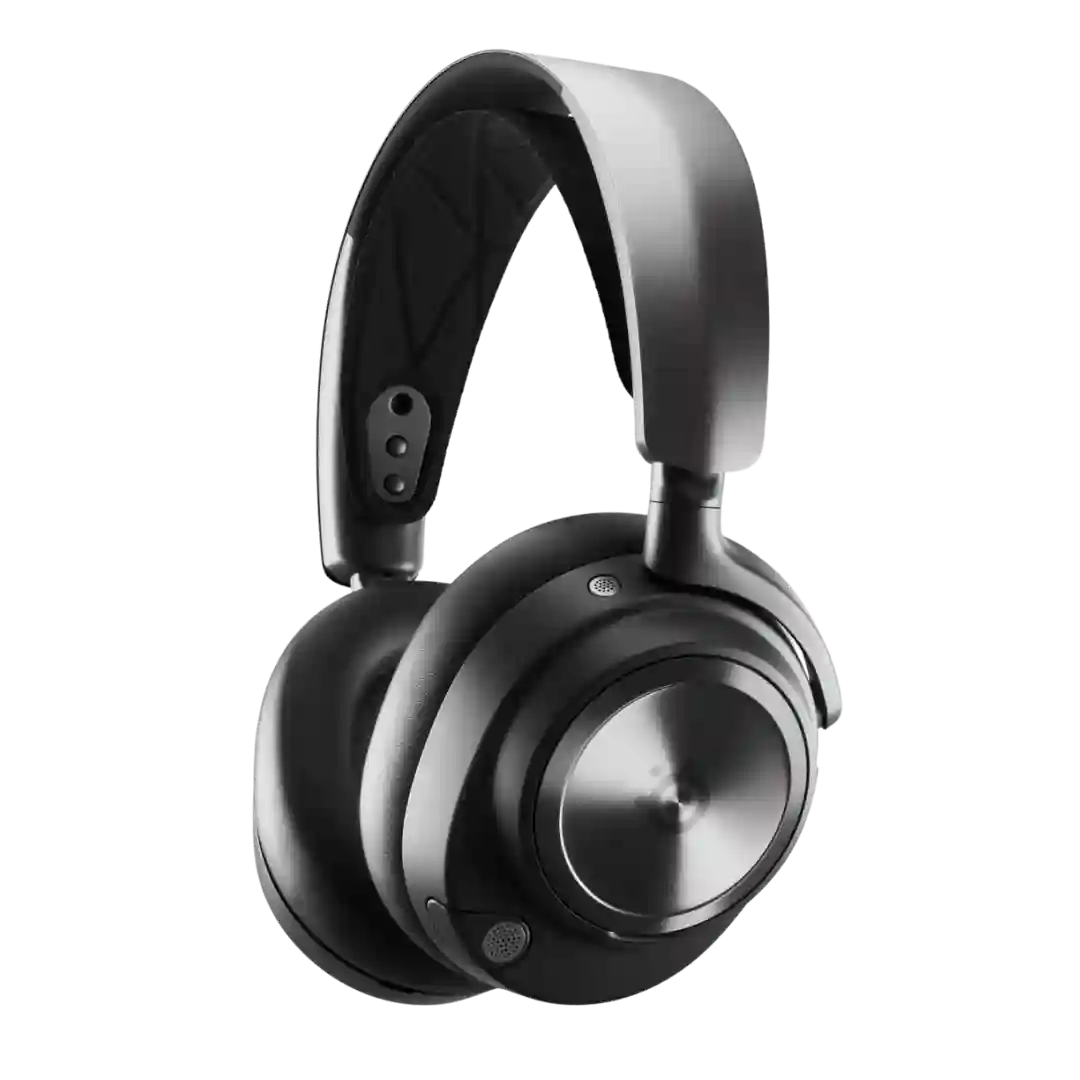
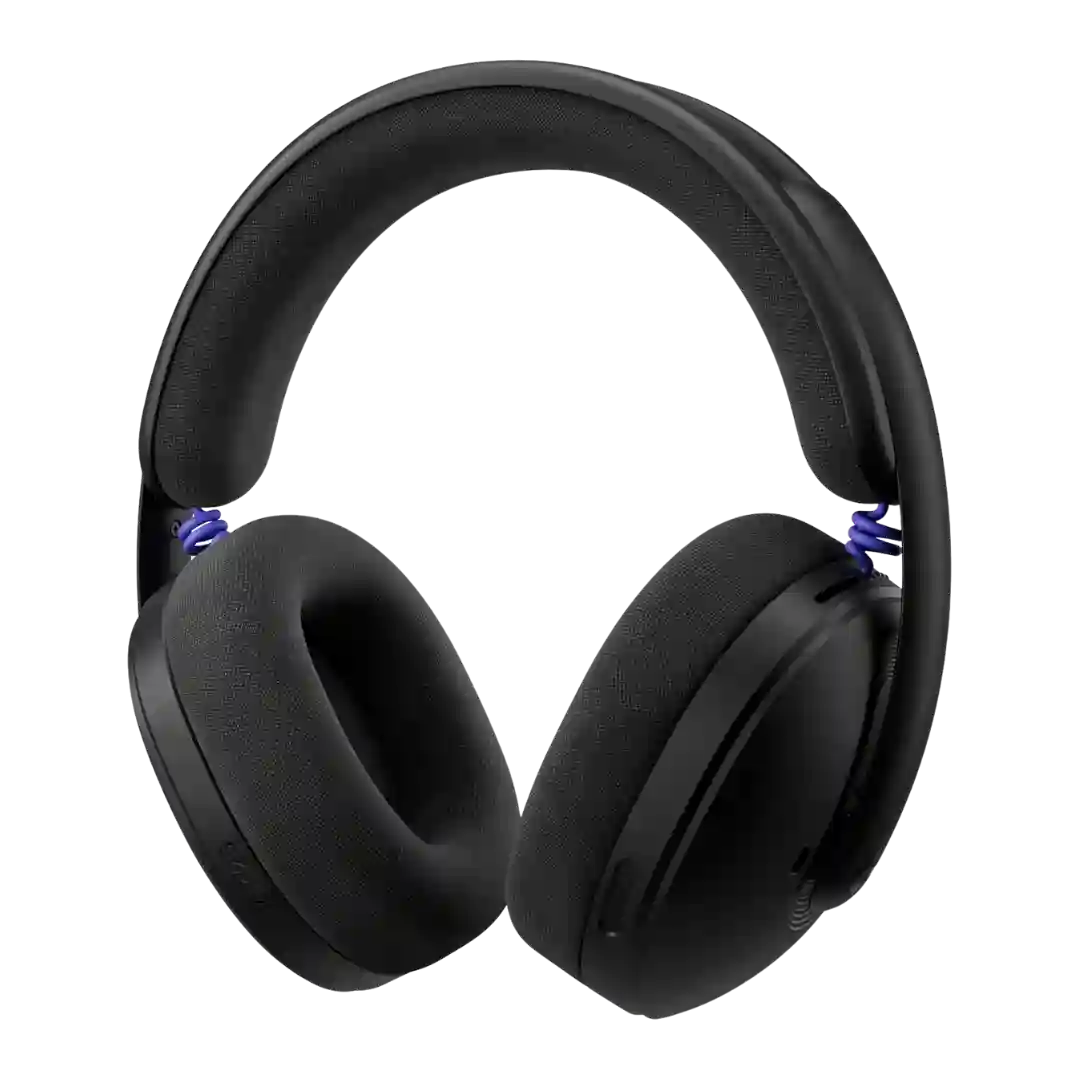
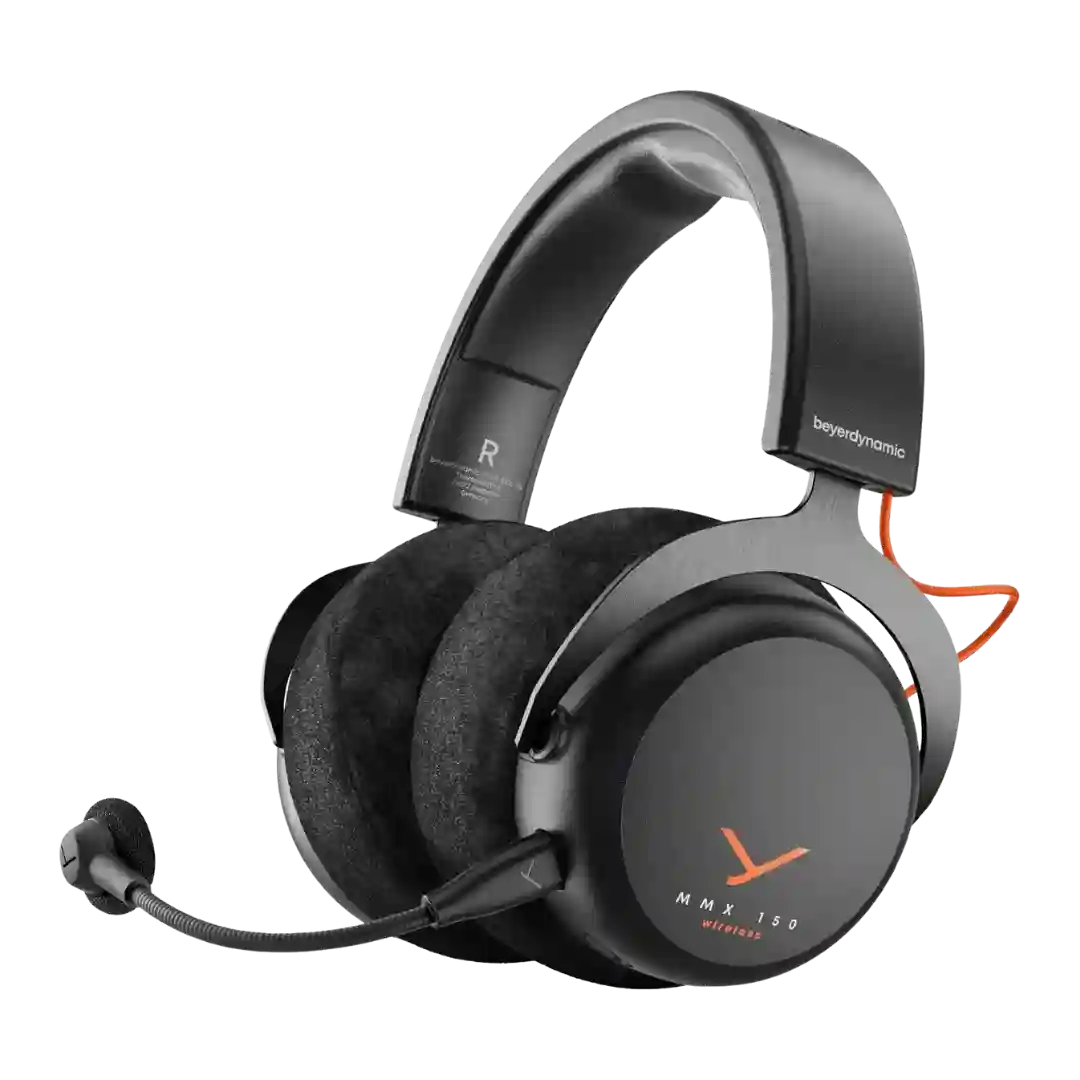
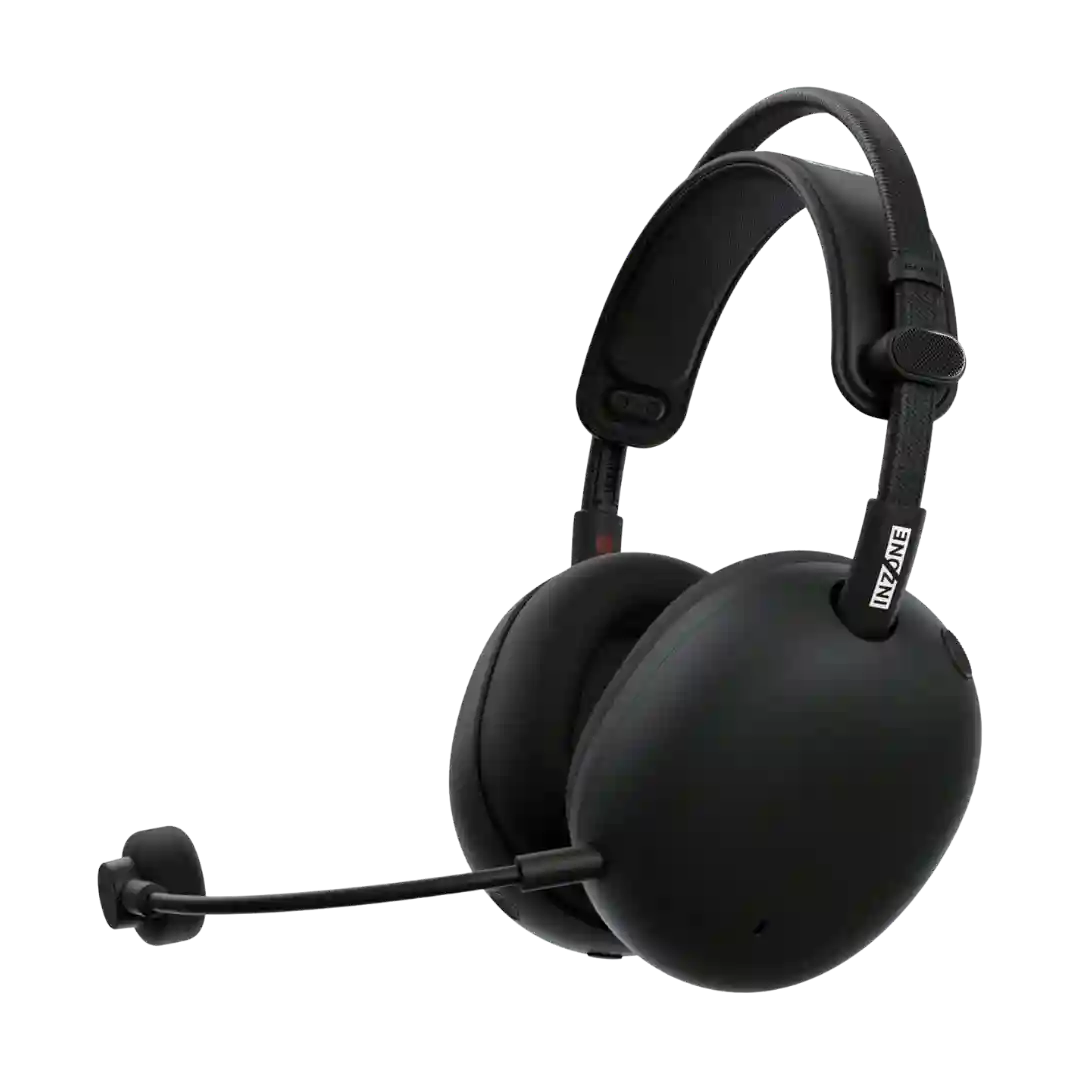
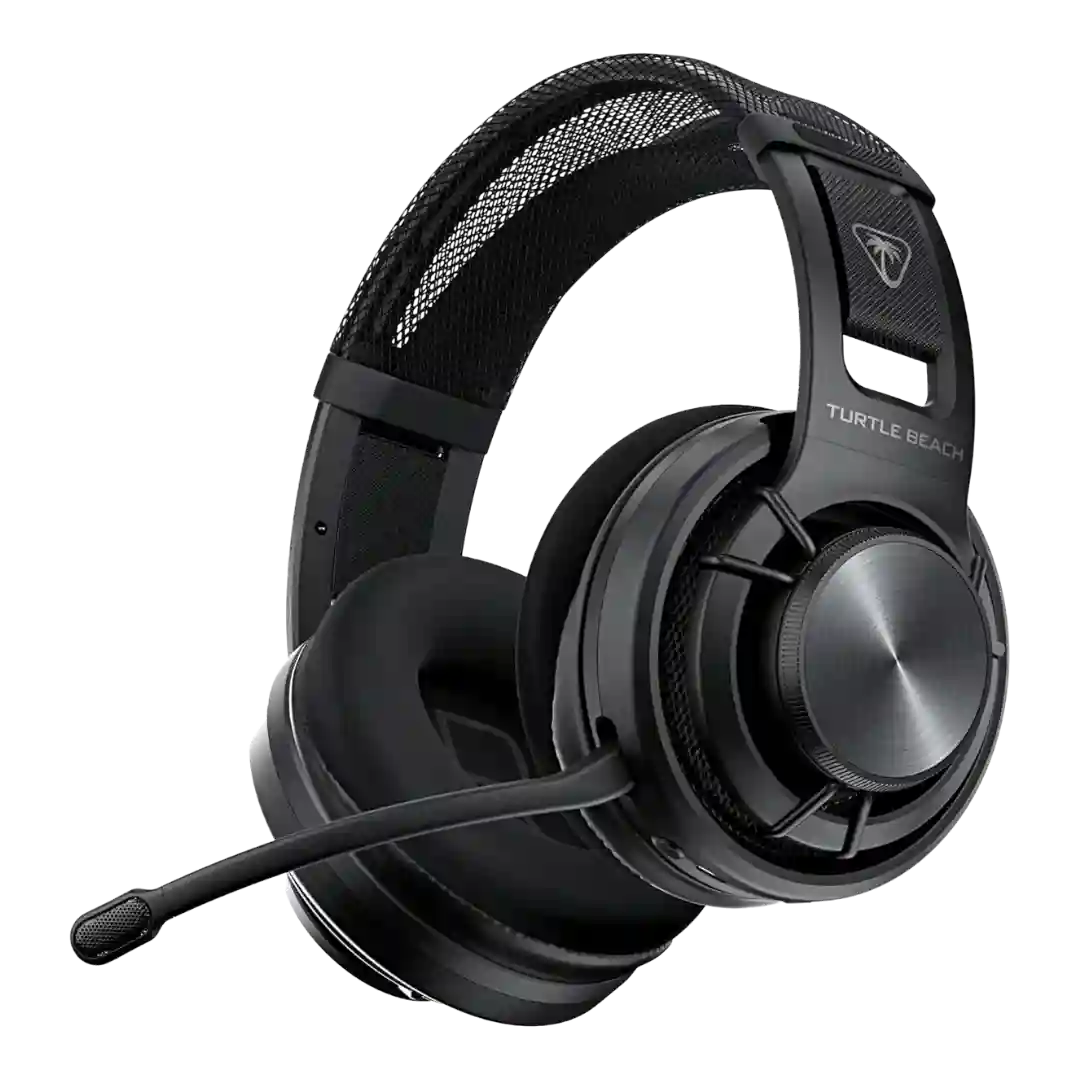
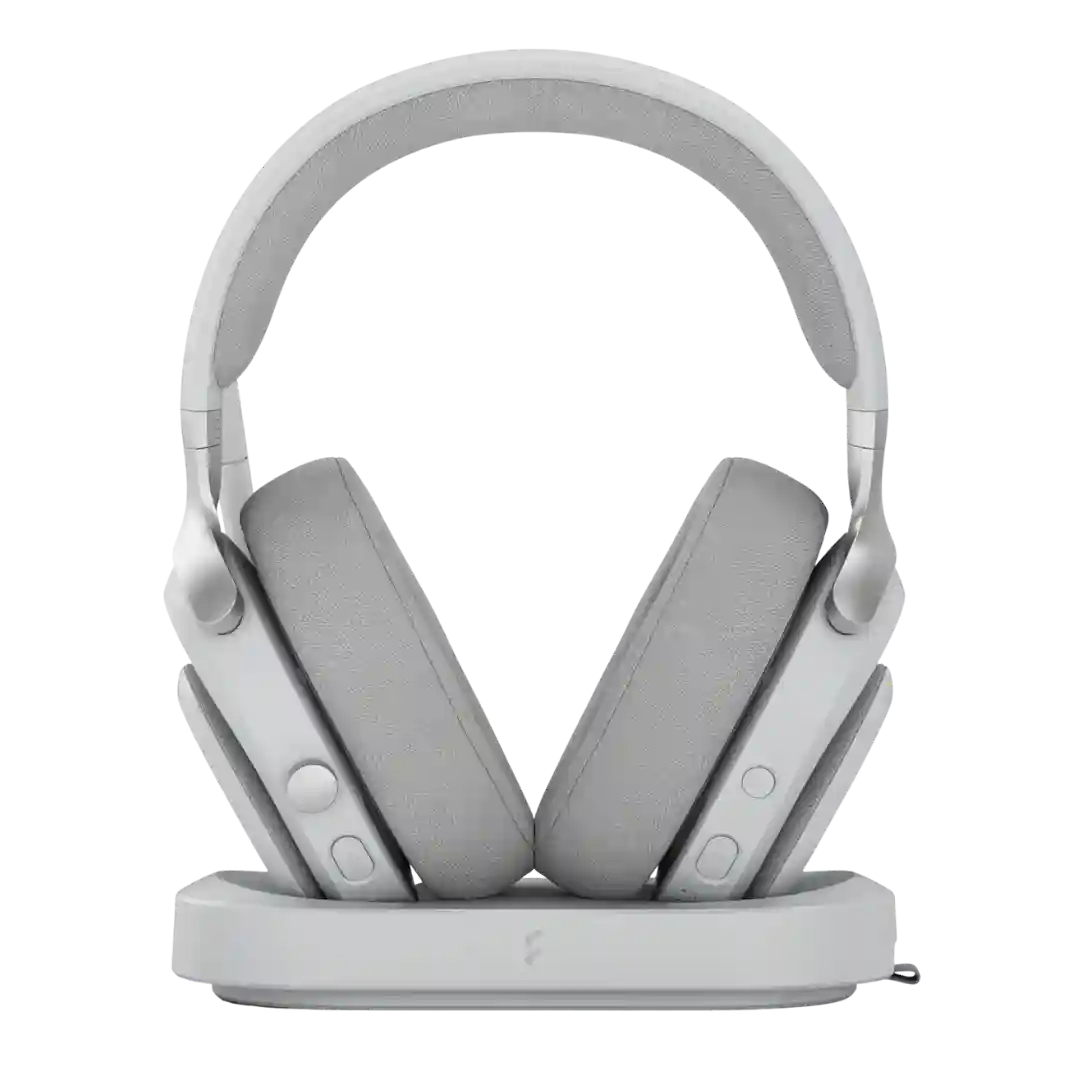
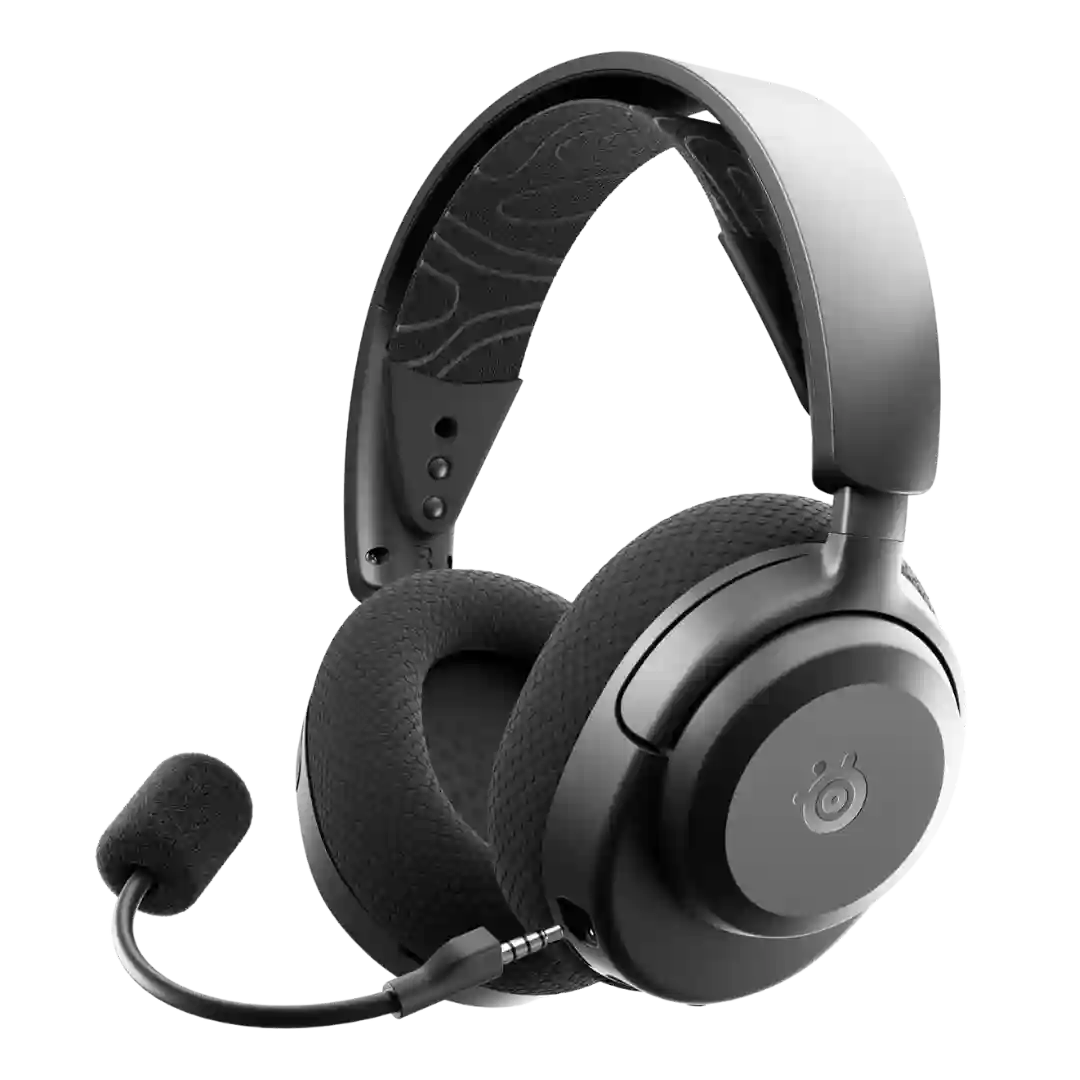
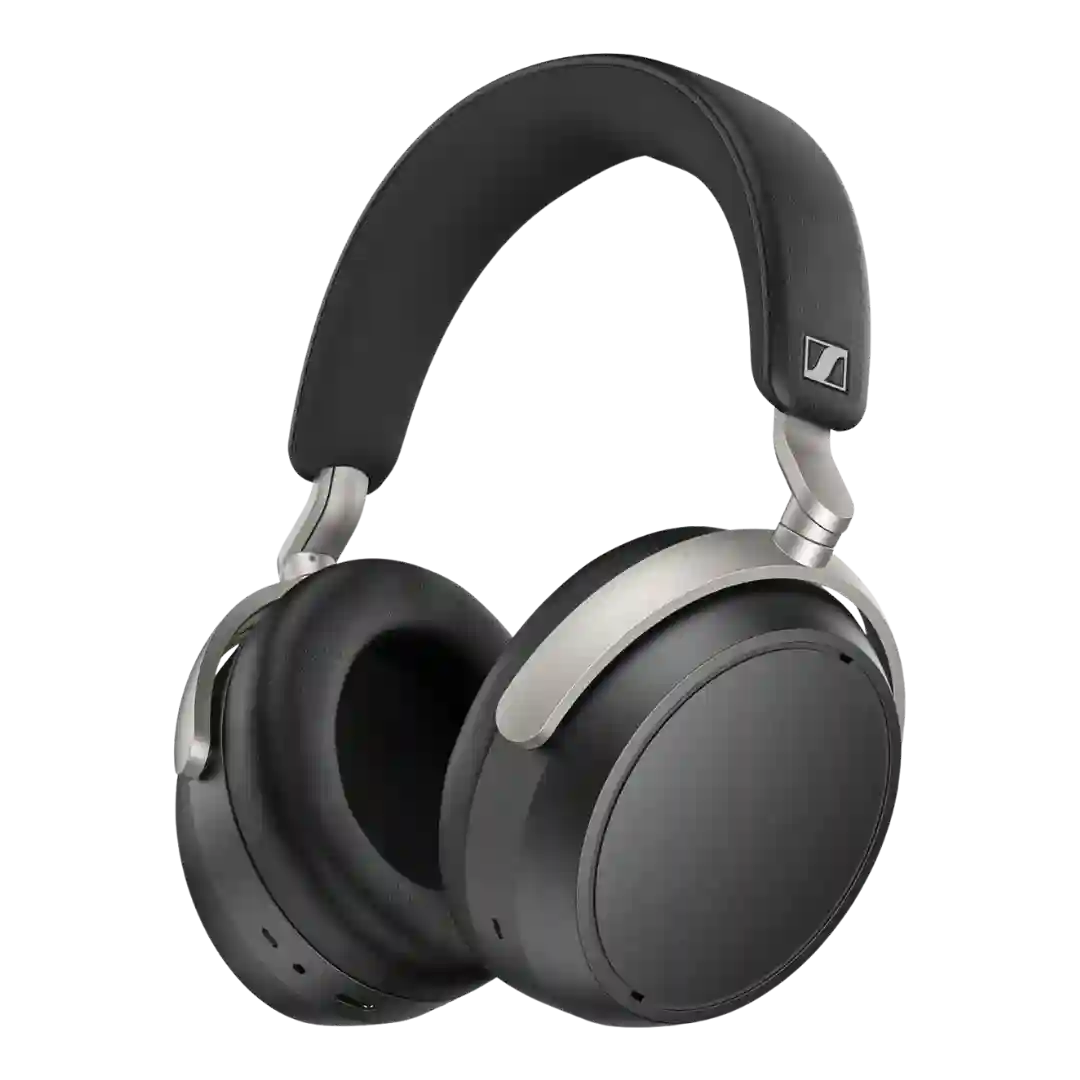
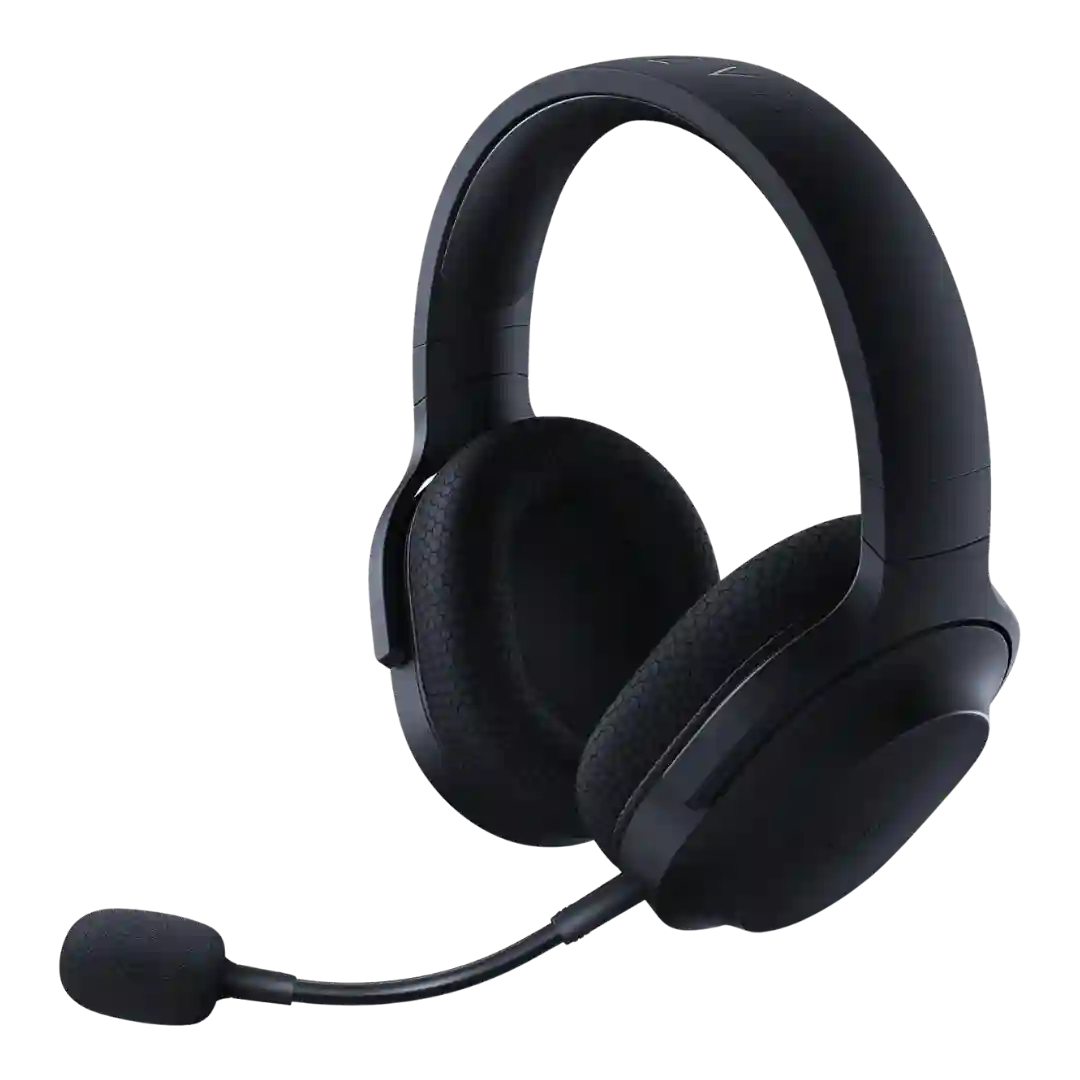
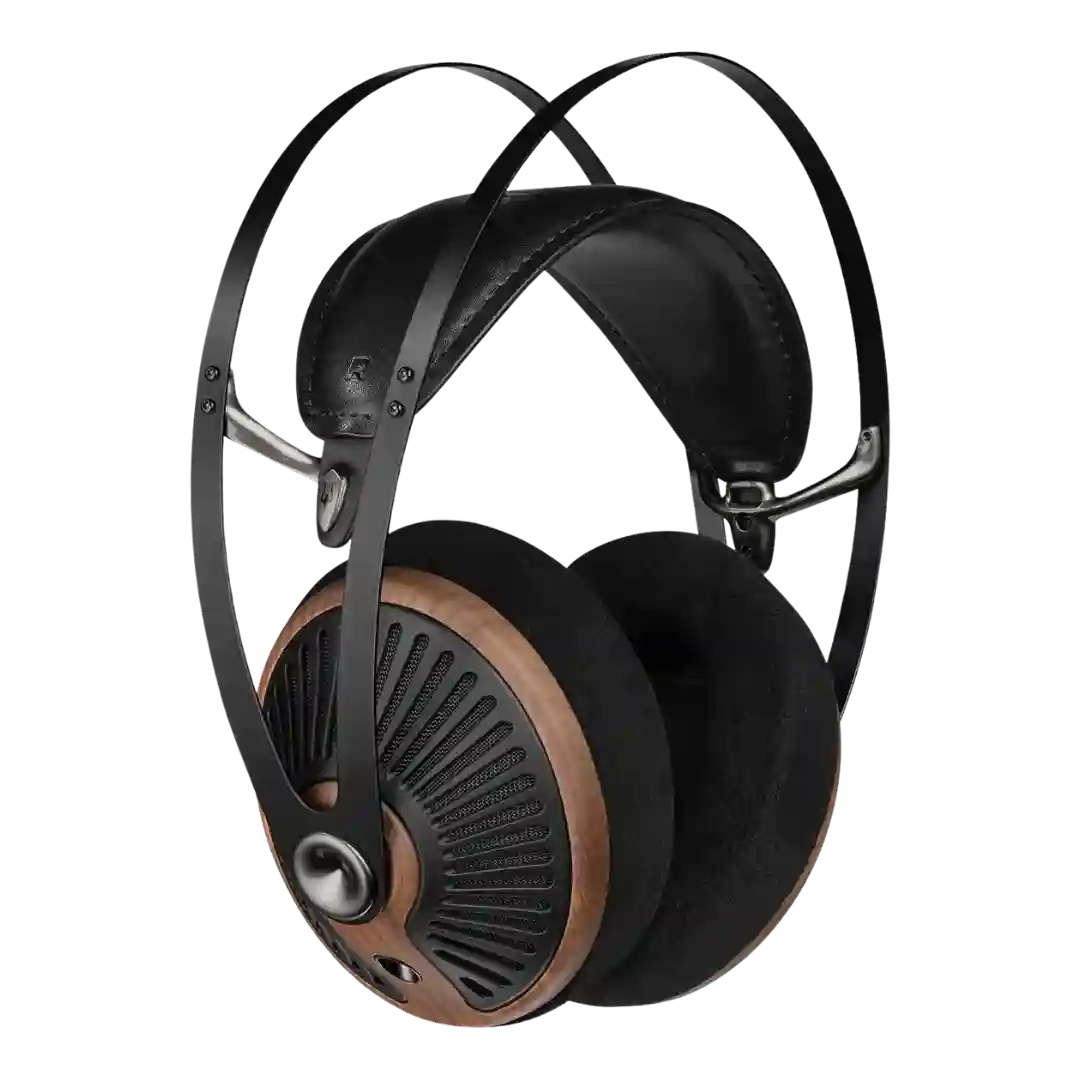
Using the case as a transmitter (USB-C or 3.5mm/aux via included cables) is repeatedly praised for flights, treadmills, TVs, and older sources. Reviewers treat it as more than a gimmick because it adds flexibility and can improve latency behavior.
The base station/DAC is a signature feature that centralizes settings, battery charging, and input switching with an OLED screen. A recurring complaint is that the unit is light, so pressing the knob can require a stabilizing hand.
The Lightspeed dongle is one of the headset's most dependable features. Reviews consistently describe it as stable, low-latency, and easy to use once connected.
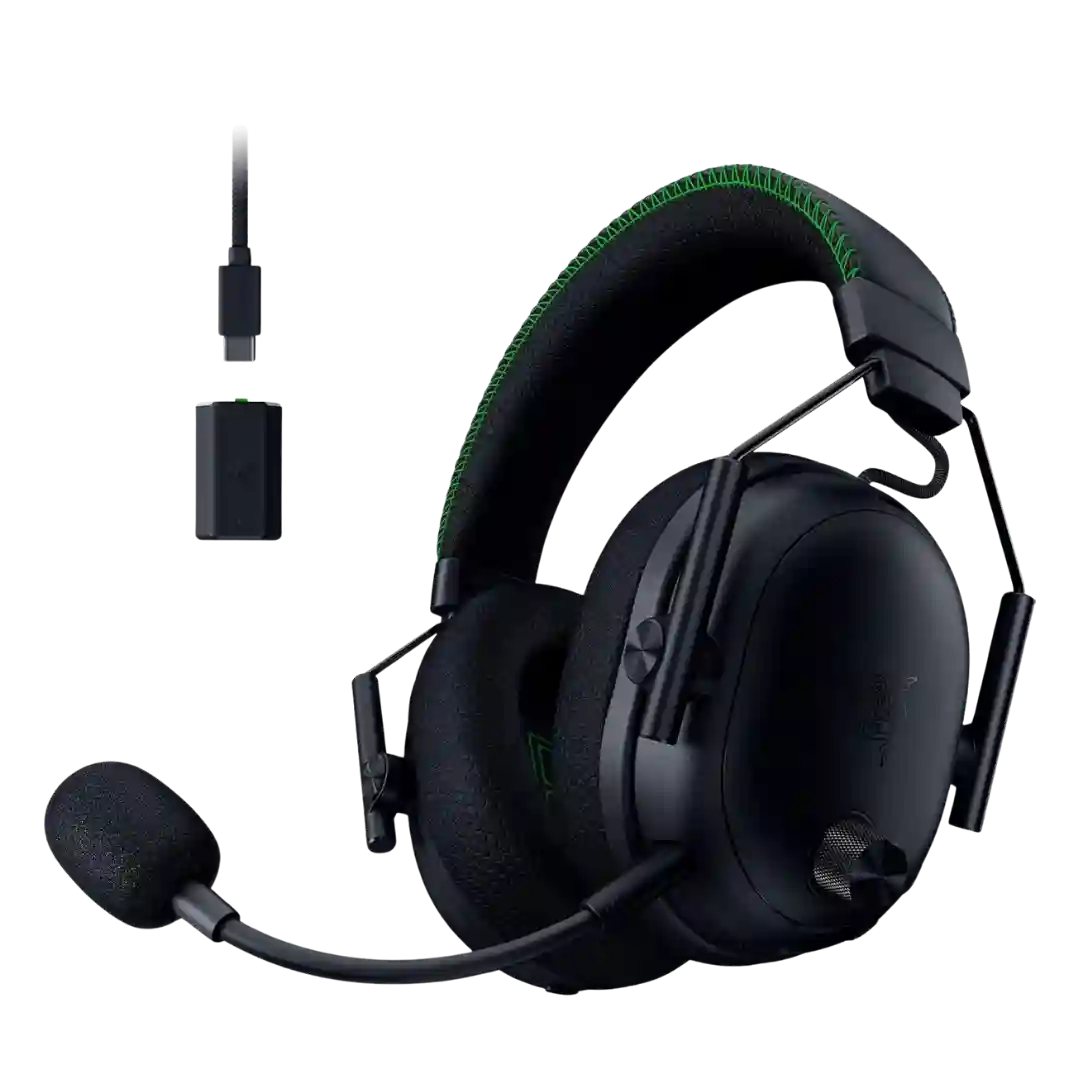
The USB-C 2.4GHz dongle is consistently valued for low-latency, stable wireless on PC and supported consoles. Its PC/Other switch is frequently mentioned as convenient for moving between devices.
The included 2.4GHz USB-A dongle is the preferred mode for low-latency gaming and tends to be stable, while also enabling the best PC-only audio options.
The 2.4GHz dongle integration is well-liked, with the dock doubling as storage and, for some, a way to position the dongle away from USB noise/interference.
The slim USB-C 2.4GHz dongle is a key strength for low-latency play and broad device support; a few notes mention port-blocking in tight spaces or wishing for better storage for the dongle.
The BTD 700 dongle is valued for enabling better codecs (especially for iOS), improving perceived resolution, and offering lower-latency modes. Setup can be finicky, the protruding plug raises durability concerns for some, and calls or app behavior may worsen in dongle mode on certain devices.
The USB-C dongle is a major part of the headset's appeal, delivering easy cross-platform use, though its size, port blocking, or occasional hiccups draw some complaints.
A recurring theme is external hardware options: one reviewer uses a USB-C Bluetooth adapter to improve codec performance, while WL500 coverage centers on a dedicated dock/transmitter system.
The included USB-C DAC dongle/adapter is viewed as a nice convenience for modern devices, generally adequate for casual listening. Enthusiast reviewers still expect better performance from dedicated DAC/amps.
The wireless dongle design is one of the most common complaints, because it often requires a cable connection and creates desk or console clutter. On the upside, reviewers note it can help positioning for stable signal, but many still want a cleaner plug-in solution.
A USB dongle is not consistently included or emphasized for the Free 20, and at least one reviewer points out that lacking a dongle can limit PC call integration and reliability compared with more office-focused models.
At least one reviewer notes there is no dedicated low-latency wireless dongle, limiting plug-and-play latency solutions for gaming compared with some rivals.