Best for HDMI 2.1 support
InnoCN GA27S1Q
5.0 feature score
Highest scored product for this feature based on supporting review evidence.
Highest scored product for this feature based on supporting review evidence.
Balances feature score, supporting reviews, and overall product strength.
Has the broadest review evidence for this feature.
Strongest overall product among items with scored evidence for this feature.
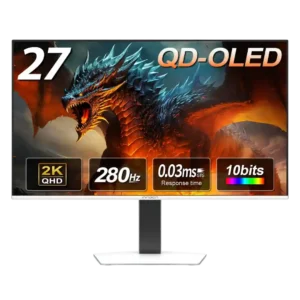
Dual HDMI 2.1 inputs make it easy to connect a gaming PC and modern console while retaining high-refresh 1440p support.
Pros: screen size, panel type
Cons: KVM switch performance, USB hub functionality
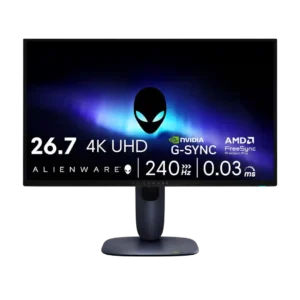
HDMI 2.1 support was praised as enough to get the best out of current consoles and support the monitor’s main gaming features.
Pros: response time, contrast
Cons: built-in speakers, software support
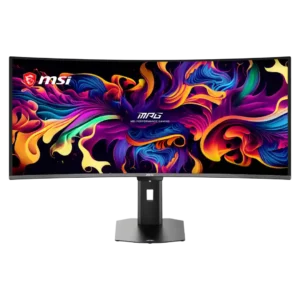
Dual HDMI 2.1 inputs handle the monitor’s full resolution and refresh capabilities while also supporting modern console features.
Pros: screen size, panel type
Cons: Resolution, cable management
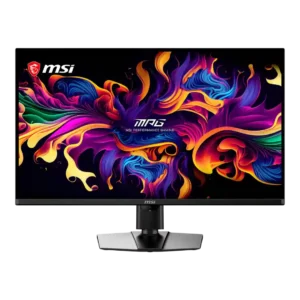
Two full-bandwidth HDMI 2.1 inputs provide proper 4K/120Hz support for current Xbox and PlayStation consoles.
Pros: panel type, response time
Cons: built-in speakers, curved screen immersion
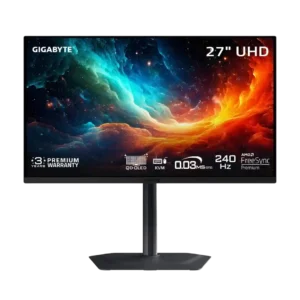
Two full-bandwidth HDMI 2.1 ports provide strong support for high-refresh 4K sources and current consoles.
Pros: input lag, viewing angles
Cons: color accuracy, software support
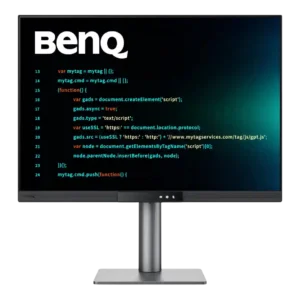
HDMI 2.1 can carry the full 3840 × 2560 resolution at 120Hz with compatible hardware. It is a welcome upgrade for users who do not rely solely on USB-C.
Pros: VESA mount compatibility, productivity versatility
Cons: HDR performance, local dimming performance
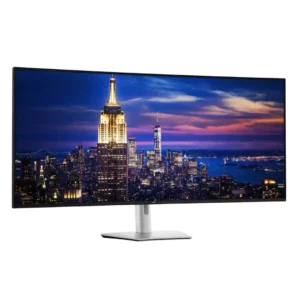
The two HDMI 2.1 inputs add modern multi-device flexibility and worked well in tested PC setups. They are less dependable for consoles because of the screen's uncommon resolutions and proportions.
Pros: input lag, backlight bleed control
Cons: overdrive tuning, ghosting control
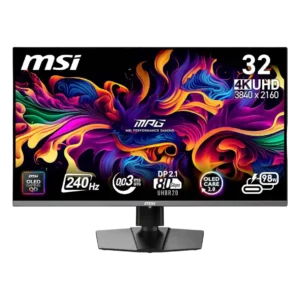
The two HDMI 2.1 ports are well suited to consoles and high-bandwidth sources. One failed unit also showed severe HDMI color corruption after its DisplayPort stopped working.
Pros: response time, motion clarity
Cons: warranty and support service, sleep and wake behavior
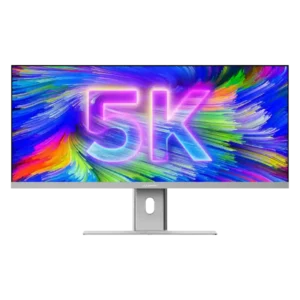
HDMI is limited by the monitor’s HDMI 2.0 implementation, including a 30Hz cap at full 5K resolution in one test. USB-C or DisplayPort is the better route for the full...
Pros: productivity versatility, aspect ratio
Cons: HDR performance, HDMI 2.1 support