Best for port selection
MSI MPG 322UR QD-OLED X24
5.0 feature score
Highest scored product for this feature based on supporting review evidence.
Highest scored product for this feature based on supporting review evidence.
Balances feature score, supporting reviews, and overall product strength.
Has the broadest review evidence for this feature.
Strongest overall product among items with scored evidence for this feature.
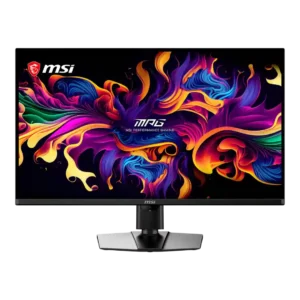
The port selection is comprehensive and premium, with DisplayPort 2.1a, two HDMI 2.1 inputs, USB-C power delivery, USB-A ports, KVM support, and a headphone jack.
Pros: panel type, response time
Cons: built-in speakers, curved screen immersion
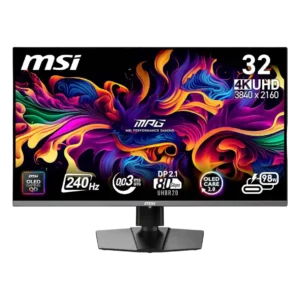
DisplayPort 2.1, two HDMI 2.1 ports, USB-C with power delivery, USB-A, and KVM support make the monitor highly flexible. The connection mix suits PCs, consoles, and laptops.
Pros: response time, motion clarity
Cons: warranty and support service, sleep and wake behavior
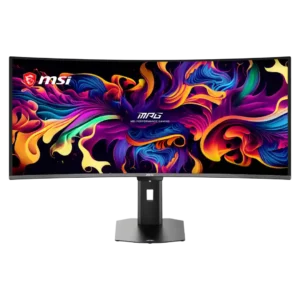
Two HDMI 2.1 ports, DisplayPort, 98W USB-C, USB-A, USB-B, audio out, and KVM support form an unusually complete connection package.
Pros: screen size, panel type
Cons: Resolution, cable management
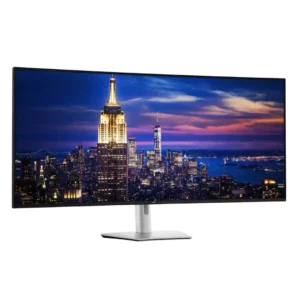
Connectivity is exceptionally comprehensive, with Thunderbolt 4, dual HDMI, dual DisplayPort, numerous USB-A and USB-C ports, Ethernet, and easy-access front connections. It functions as a true connectivity powerhouse.
Pros: input lag, backlight bleed control
Cons: overdrive tuning, ghosting control
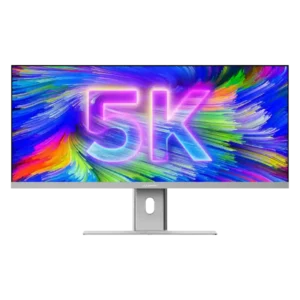
USB-C, DisplayPort, HDMI, Ethernet, audio, and downstream USB-C cover most modern workstation needs. The main omissions are USB-A, an SD card reader, and faster accessory ports.
Pros: productivity versatility, aspect ratio
Cons: HDR performance, HDMI 2.1 support
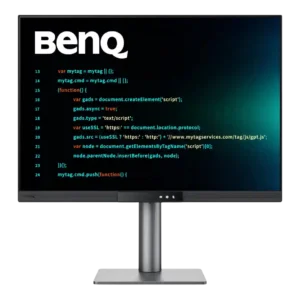
Connectivity is a major strength, combining USB-C power delivery, HDMI, DisplayPort, USB-B, and accessible downstream ports. A few reviewers disliked specific port positions, but the overall selection is highly versatile.
Pros: VESA mount compatibility, productivity versatility
Cons: HDR performance, local dimming performance
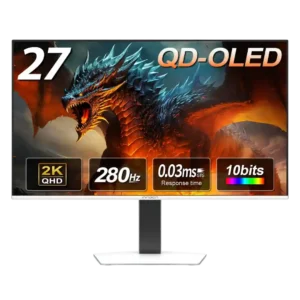
The core video selection is strong with dual HDMI and dual DisplayPort, but the lack of USB-C, USB expansion, and KVM functionality keeps it from feeling fully equipped.
Pros: screen size, panel type
Cons: KVM switch performance, USB hub functionality
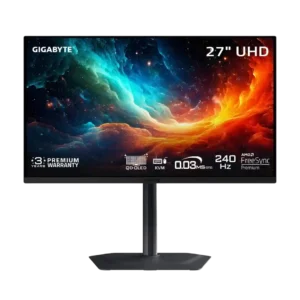
The monitor covers the major gaming and productivity connections, including dual HDMI 2.1, DisplayPort, USB-C, USB hub ports, and audio. DisplayPort 2.1 is the main omission.
Pros: input lag, viewing angles
Cons: color accuracy, software support
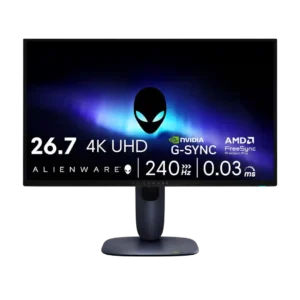
Port selection was generally adequate to good, but reviewers often framed it as trimmed versus pricier rivals.
Pros: response time, contrast
Cons: built-in speakers, software support