Best for response time
MSI MPG 322URX QD-OLED
5.0 feature score
Highest scored product for this feature based on supporting review evidence.
Highest scored product for this feature based on supporting review evidence.
Balances feature score, supporting reviews, and overall product strength.
Has the broadest review evidence for this feature.
Strongest overall product among items with scored evidence for this feature.
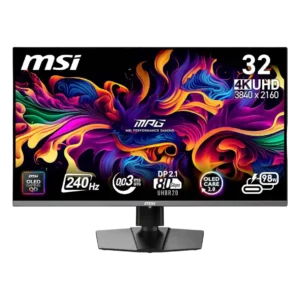
The near-instant OLED response is universally praised, keeping action sharp and controls responsive. Reviewers found it among the best available for gaming.
Pros: response time, motion clarity
Cons: warranty and support service, sleep and wake behavior
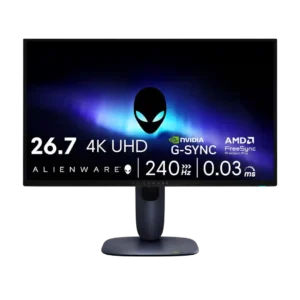
Response time was described as essentially instant, with reviewers tying it to sharp motion and excellent gaming feel.
Pros: response time, contrast
Cons: built-in speakers, software support
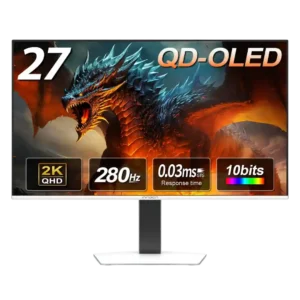
Response performance is consistently excellent, with measured results near the top of the OLED monitors one reviewer had tested.
Pros: screen size, panel type
Cons: KVM switch performance, USB hub functionality
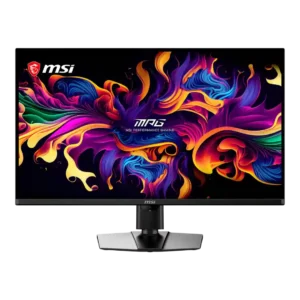
Near-instant 0.03ms-class pixel response keeps action clean and smooth without conventional trailing. Reviewers consistently rank the speed among the monitor’s strongest gaming qualities.
Pros: panel type, response time
Cons: built-in speakers, curved screen immersion
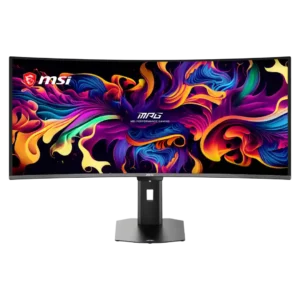
Near-instant OLED pixel response produces exceptionally clean transitions with virtually no perceptible delay, ghosting, or overshoot.
Pros: screen size, panel type
Cons: Resolution, cable management
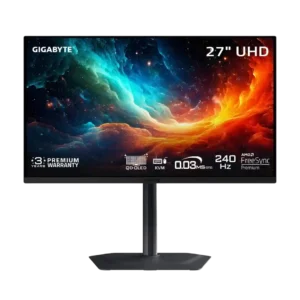
Pixel response is essentially instantaneous, with no meaningful slowdown at lower refresh rates. Fast motion stays clean and responsive.
Pros: input lag, viewing angles
Cons: color accuracy, software support
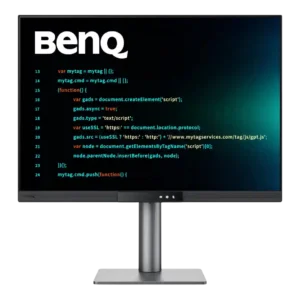
The 5ms response is acceptable for casual play but visibly slower than dedicated gaming displays. Fast motion can blur, so serious competitive players will notice the limitation.
Pros: VESA mount compatibility, productivity versatility
Cons: HDR performance, local dimming performance
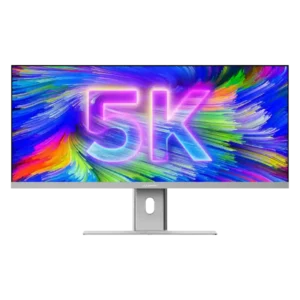
The measured 14ms gray-to-gray response is acceptable for office work and content creation but clearly too slow for demanding gaming.
Pros: productivity versatility, aspect ratio
Cons: HDR performance, HDMI 2.1 support
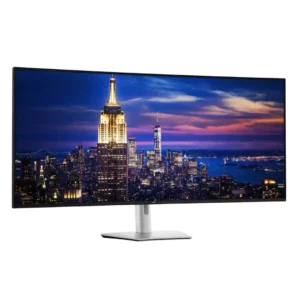
The 5–8ms response time is adequate for work and casual games but visibly slower than OLED and fast gaming panels. Switching from a 0.03ms display makes the extra blur immediately...
Pros: input lag, backlight bleed control
Cons: overdrive tuning, ghosting control