Best for screen size
MSI MPG 341CQR QD-OLED X36
5.0 feature score
Highest scored product for this feature based on supporting review evidence.
Highest scored product for this feature based on supporting review evidence.
Balances feature score, supporting reviews, and overall product strength.
Has the broadest review evidence for this feature.
Strongest overall product among items with scored evidence for this feature.
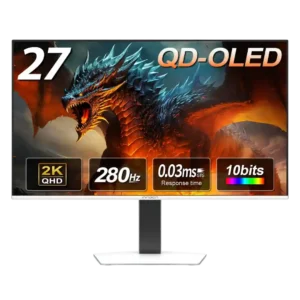
At 27 inches, the screen size pairs especially well with 1440p for a balanced desktop gaming setup.
Pros: screen size, panel type
Cons: KVM switch performance, USB hub functionality
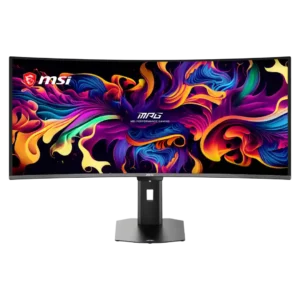
The 34-inch panel provides enough horizontal space to reveal more of supported games and replace a dual-monitor layout without becoming excessively tall.
Pros: screen size, panel type
Cons: Resolution, cable management
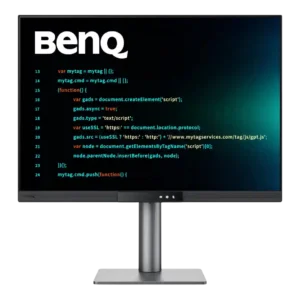
Although it occupies roughly a 28-inch footprint, the taller panel feels closer to a 32-inch widescreen in vertical space. That added height makes dense work layouts feel less cramped.
Pros: VESA mount compatibility, productivity versatility
Cons: HDR performance, local dimming performance
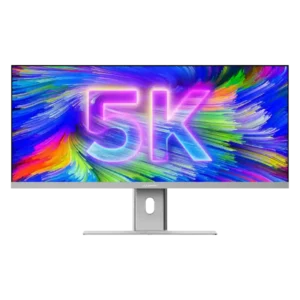
The 40-inch canvas is the product’s defining advantage, giving spreadsheets, timelines, and several windows room to breathe. Its near-meter width and awkward weight demand a large, stable desk.
Pros: productivity versatility, aspect ratio
Cons: HDR performance, HDMI 2.1 support
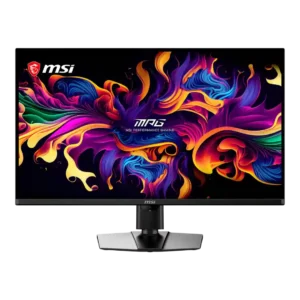
The 32-inch screen creates strong immersion and provides useful desktop space without becoming an ultrawide. Its size is excellent for cinematic games, though some esports players may prefer a smaller...
Pros: panel type, response time
Cons: built-in speakers, curved screen immersion
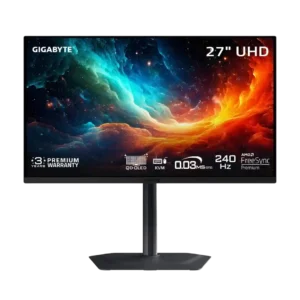
The 27-inch format is a strong match for 4K, delivering dense detail without requiring a huge desk. A selectable 24-inch mode adds flexibility for esports.
Pros: input lag, viewing angles
Cons: color accuracy, software support
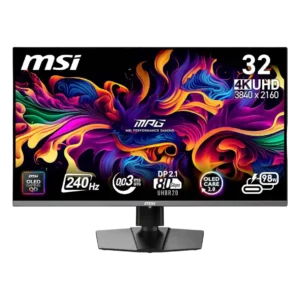
The 32-inch screen creates strong immersion and useful workspace, especially on deeper desks. It can feel cumbersome in multi-monitor setups or cause discomfort when viewed too closely.
Pros: response time, motion clarity
Cons: warranty and support service, sleep and wake behavior
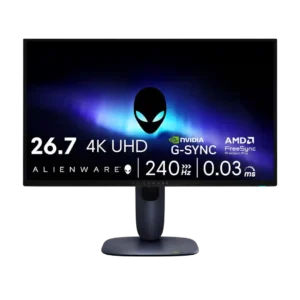
The 27-inch size was seen as compact and desk-friendly, though some reviewers preferred larger 32-inch displays for immersion.
Pros: response time, contrast
Cons: built-in speakers, software support
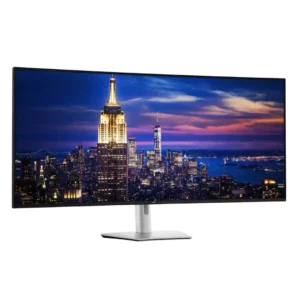
The 52-inch panel can replace several monitors and feels transformative once users adapt. Its four-foot width, weight, and viewing-distance demands make a large, deep desk essential.
Pros: input lag, backlight bleed control
Cons: overdrive tuning, ghosting control