Best for sharpness
Alienware 27 4K Gaming Monitor AW2725Q
5.0 feature score
Highest scored product for this feature based on supporting review evidence.
Highest scored product for this feature based on supporting review evidence.
Balances feature score, supporting reviews, and overall product strength.
Has the broadest review evidence for this feature.
Strongest overall product among items with scored evidence for this feature.
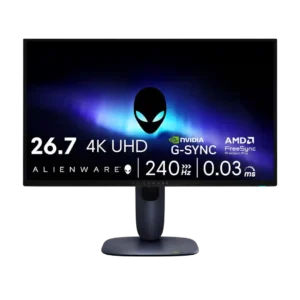
Sharpness was one of the clearest areas of agreement, with many reviewers calling the 27-inch 4K image and text exceptionally crisp.
Pros: response time, contrast
Cons: built-in speakers, software support
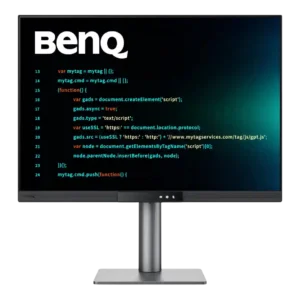
Sharpness is one of the monitor’s biggest strengths. Small fonts, code, documents, and fine image details look crisp and print-like despite the matte coating.
Pros: VESA mount compatibility, productivity versatility
Cons: HDR performance, local dimming performance
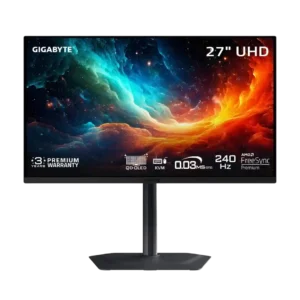
The glossy 4K panel looks exceptionally sharp, with minimal text fringing and no matte-coating grain. Fine detail and desktop text are both clear.
Pros: input lag, viewing angles
Cons: color accuracy, software support
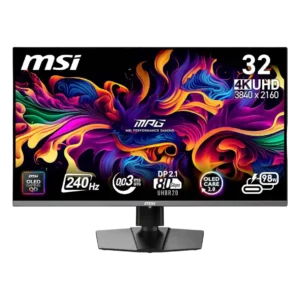
4K detail and improved QD-OLED text rendering make images and text look crisp. Some fringing remains possible, and 27-inch 4K or LCD can look slightly sharper at close viewing distances.
Pros: response time, motion clarity
Cons: warranty and support service, sleep and wake behavior
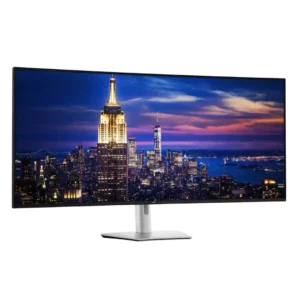
Text, UI elements, photos, and timelines look crisp at normal working distance, including at 100% scaling. Users coming from Retina-class or smaller 5K screens can still see the lower pixel...
Pros: input lag, backlight bleed control
Cons: overdrive tuning, ghosting control
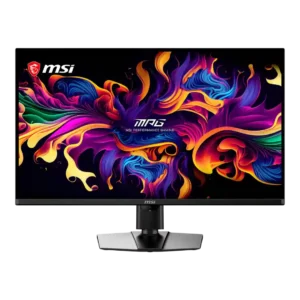
4K pixel density and the glossy coating produce crisp text and fine detail. The triangular subpixel layout can create faint fringing at very close range, but most reviewers found it...
Pros: panel type, response time
Cons: built-in speakers, curved screen immersion
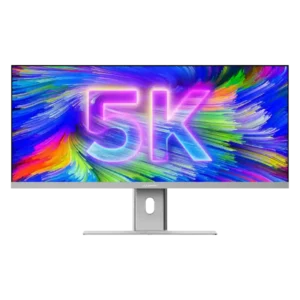
Text, UI elements, photos, and video detail look crisp for a 40-inch ultrawide. The 139ppi density is a big improvement over QHD models, but users accustomed to Retina displays can...
Pros: productivity versatility, aspect ratio
Cons: HDR performance, HDMI 2.1 support
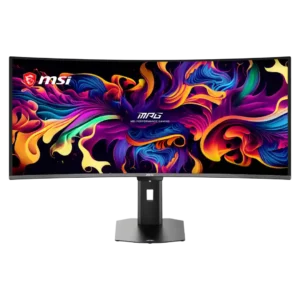
The RGB stripe subpixel layout nearly eliminates the colored text fringing of earlier QD-OLED panels. Fine detail is much cleaner, but 110-PPI density still cannot match a 4K monitor.
Pros: screen size, panel type
Cons: Resolution, cable management
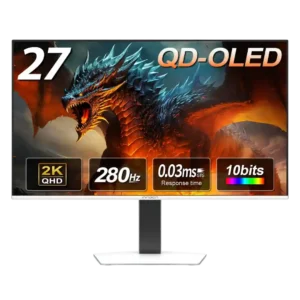
Game imagery looks crisp, but text clarity is less consistent. Some reviewers found everyday text comfortable, while another saw unusually noticeable fringing and pixelation.
Pros: screen size, panel type
Cons: KVM switch performance, USB hub functionality